With this app, you can control and customize your device's backlight settings, including keyboard illumination and notification display. Includes widget support, auto-activation options, and brightness adjustments.
AppRecs review analysis
AppRecs rating 3.8. Trustworthiness 0 out of 100. Review manipulation risk 0 out of 100. Based on a review sample analyzed.
★★★☆☆
3.8
AppRecs Rating
Ratings breakdown
5 star
58%
4 star
10%
3 star
4%
2 star
5%
1 star
23%
What to know
✓
Good user ratings
68% positive sampled reviews
✓
Authentic reviews
Natural distribution, no red flags
About Backlight Manager
USAGE
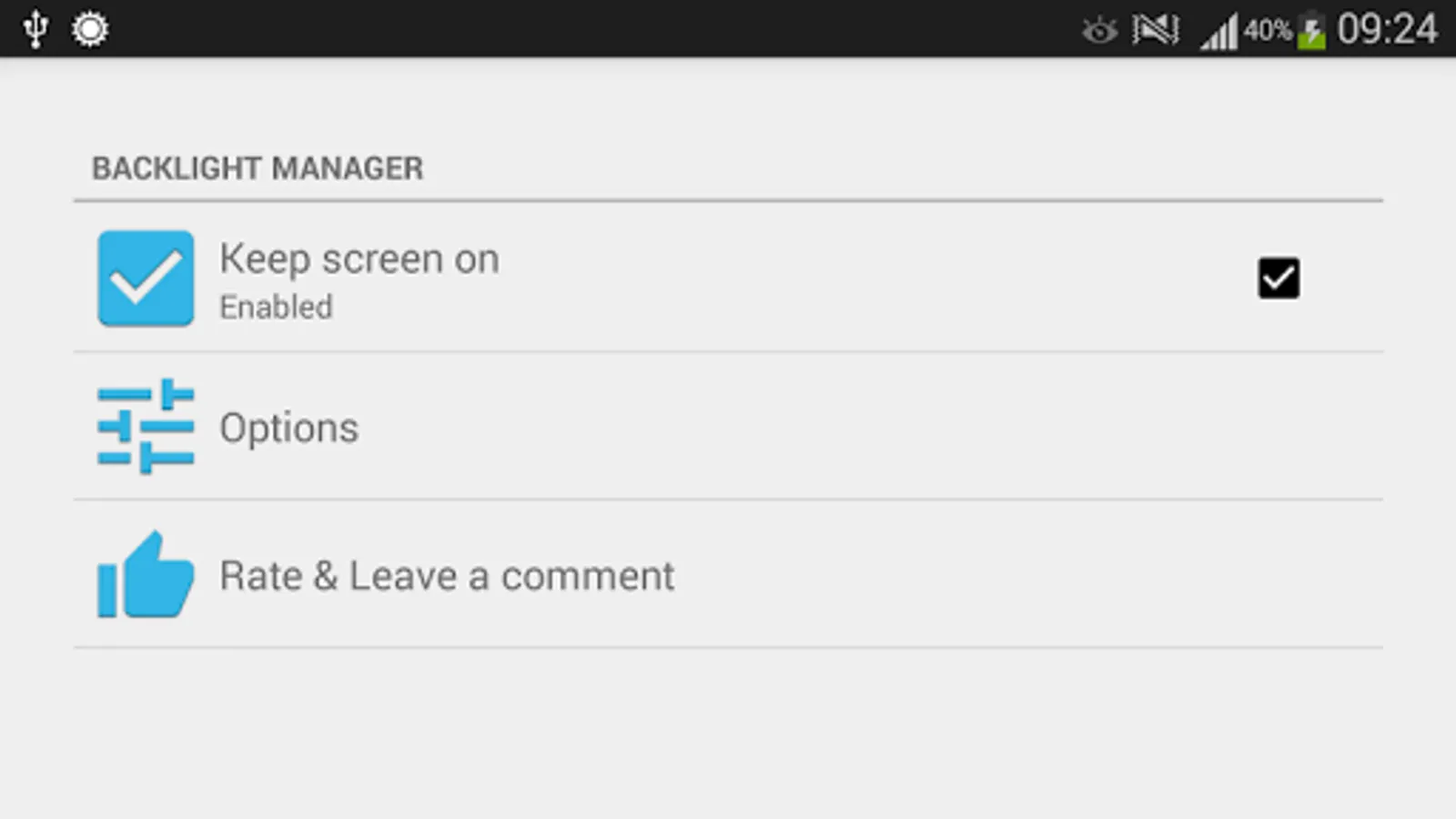
• Open app and toggle checkbox “Keep backlight on” to enable/disable application.
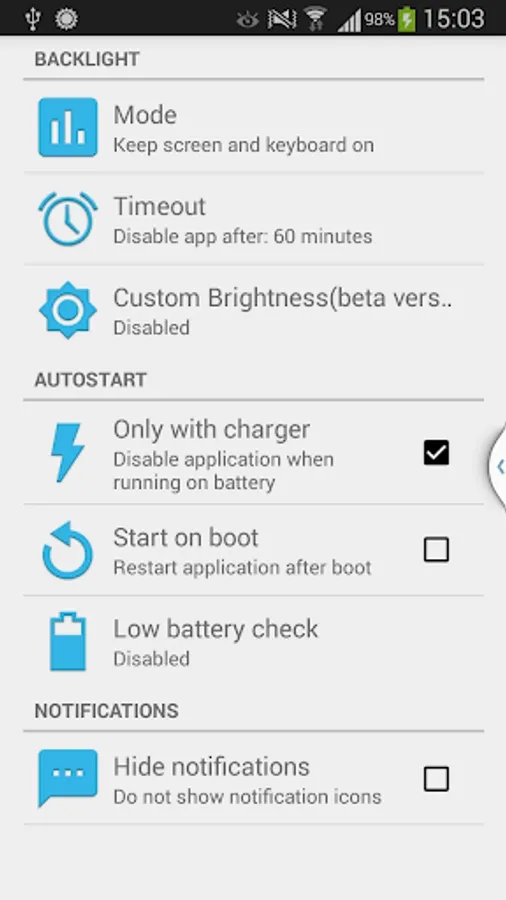
• Select appropriate backlight options.
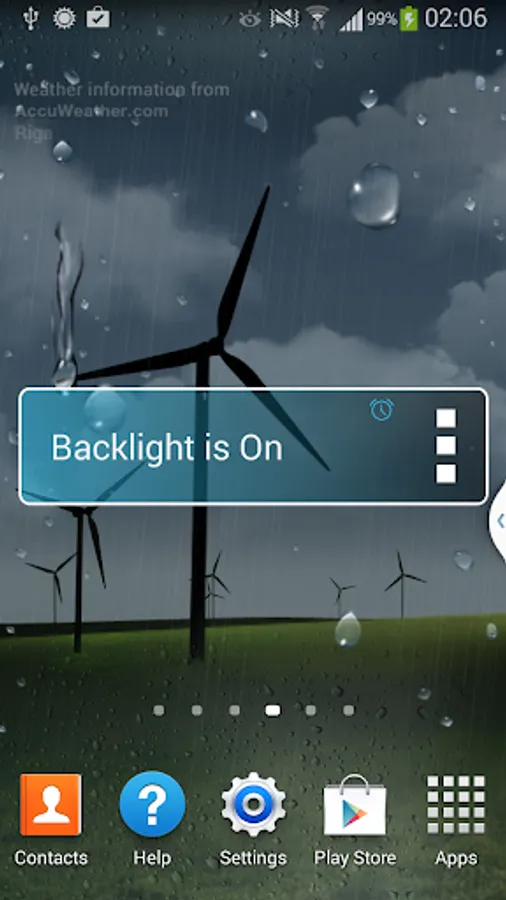
• Add management widget to desktop, if necessary.
FEATURES:
• Keep your screen backlight switched on permanently.
• Keep your keyboard backlight switched on permanently( only for some phone models!!! ).
• Enable/Disable, when DC cable is plugged/unplugged.
• Enable/Disable, when battery level too low.
• Show/Hide notifications.
• Start on boot, if necessary.
• Custom brightness.
• Widget.
ABOUT
Application is free and does not contain an ads.
• Open app and toggle checkbox “Keep backlight on” to enable/disable application.
• Select appropriate backlight options.
• Add management widget to desktop, if necessary.
FEATURES:
• Keep your screen backlight switched on permanently.
• Keep your keyboard backlight switched on permanently( only for some phone models!!! ).
• Enable/Disable, when DC cable is plugged/unplugged.
• Enable/Disable, when battery level too low.
• Show/Hide notifications.
• Start on boot, if necessary.
• Custom brightness.
• Widget.
ABOUT
Application is free and does not contain an ads.