In this measuring app, you can use device sensors to calculate inclination angles and perform incremental measurements. Includes calibration tools, multiple measurement modes, and geometric graphics.
AppRecs review analysis
AppRecs rating 4.2. Trustworthiness 74 out of 100. Review manipulation risk 22 out of 100. Based on a review sample analyzed.
★★★★☆
4.2
AppRecs Rating
Ratings breakdown
5 star
61%
4 star
17%
3 star
11%
2 star
0%
1 star
11%
What to know
✓
Low review manipulation risk
22% review manipulation risk
✓
Credible reviews
74% trustworthiness score from analyzed reviews
✓
High user satisfaction
78% of sampled ratings are 4+ stars (4.2★ average)
About Clinometer
Basic Air Data Clinometer is a simple App to measure your device’s inclination angles with respect to gravity’s direction using the onboard accelerometers.
It is a basic and lightweight App with geometric-inspired graphics that can be used as Clinometer or Bubble Level.
It is intended to measure, not store data.
The app is 100% Free and Open Source.
GETTING STARTED GUIDE:
https://www.basicairdata.eu/projects/android/android-clinometer/
IMPORTANT NOTE:
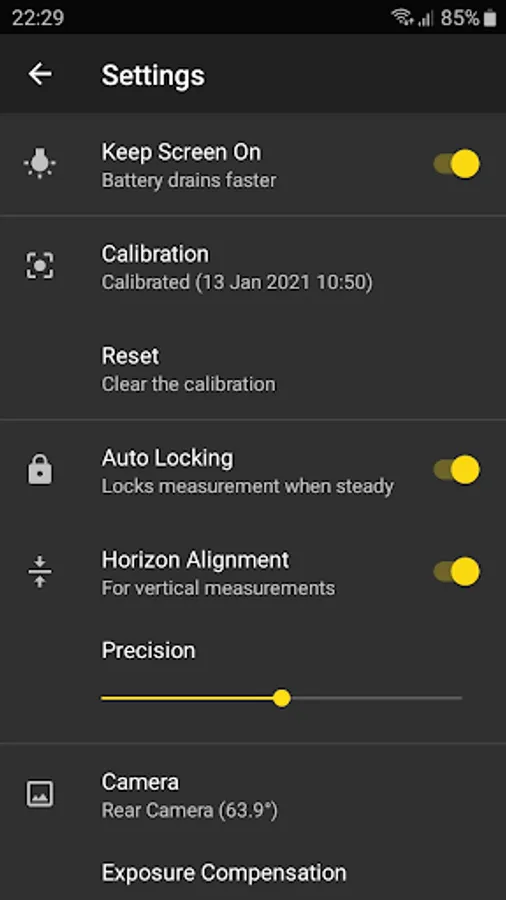
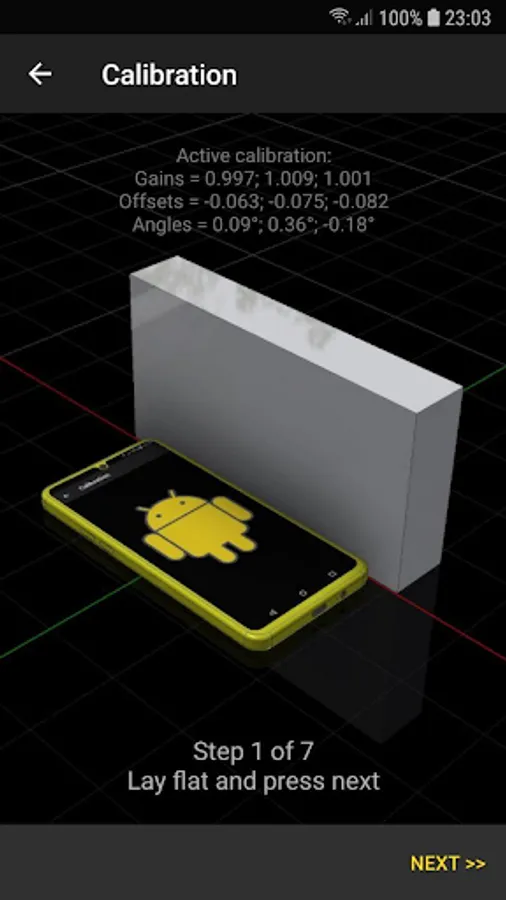
Please go to Settings and calibrate it before use.
The measurement’s precision mainly depends on the accuracy of the calibration: use a good horizontal and vertical reference.
USAGES:
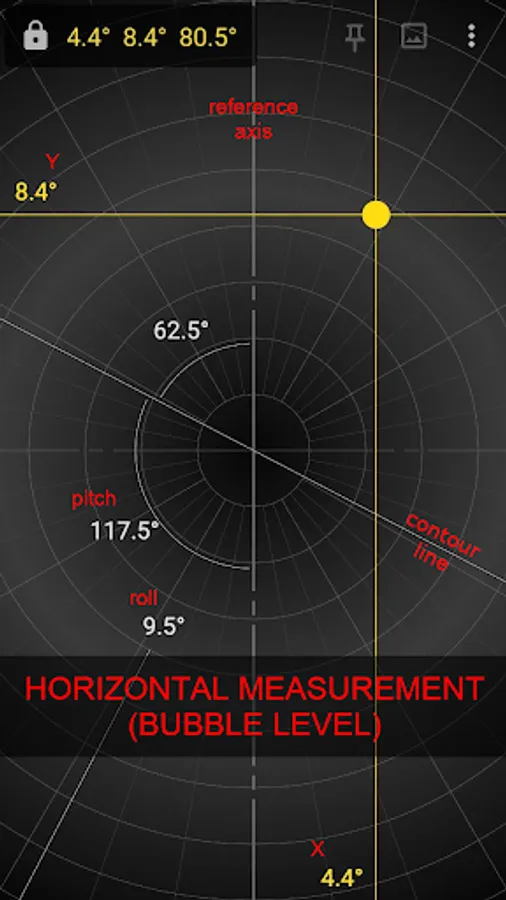
☆ Bubble Level (horizontal)
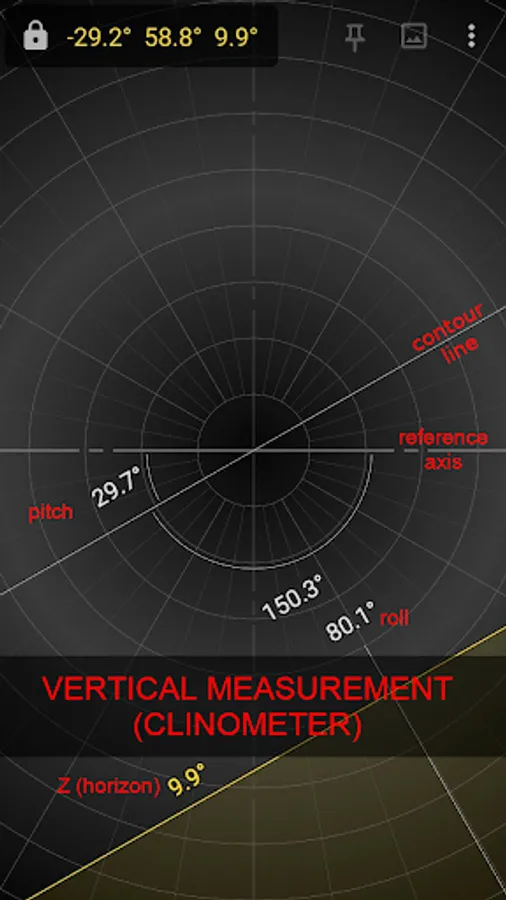
☆ Clinometer (vertical)
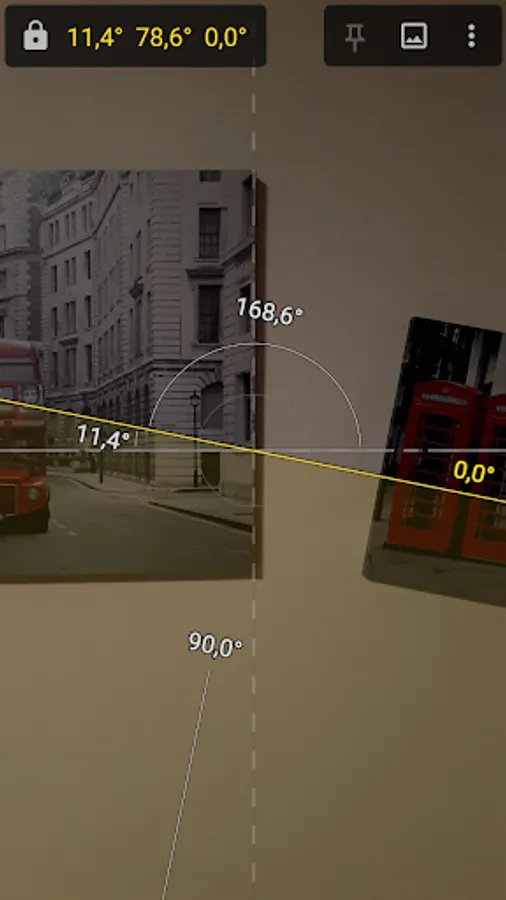
☆ Measure with the Camera (vertical only)
☆ Ability to perform incremental measurements
MEASUREMENT:
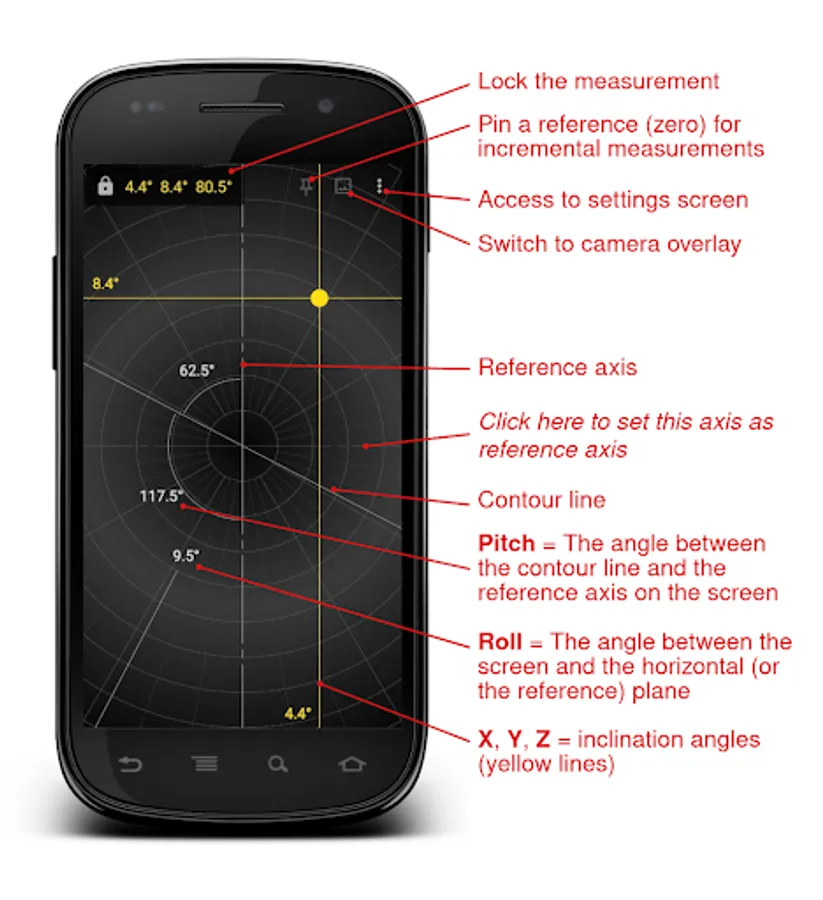
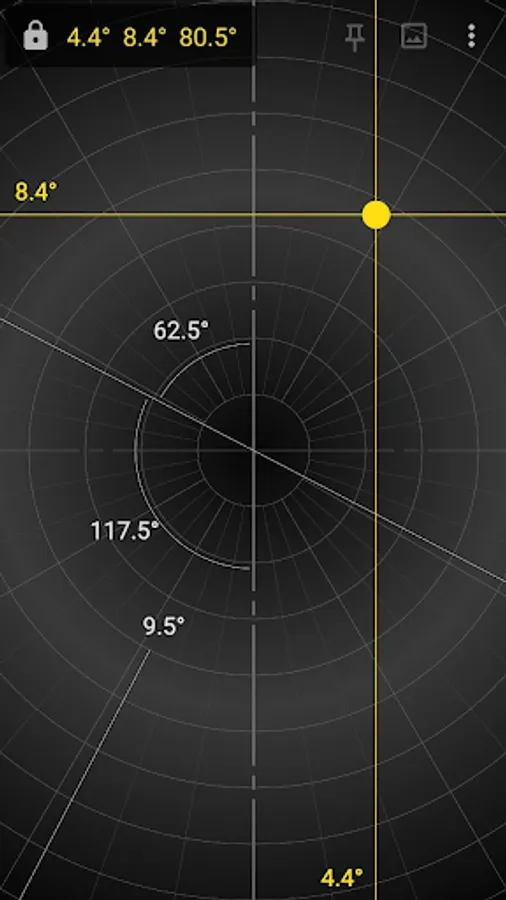
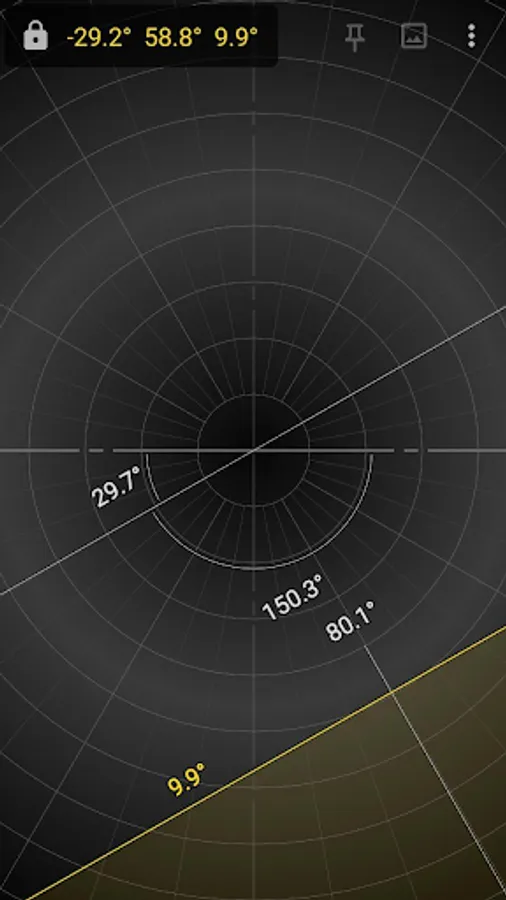
- X (Yellow) = The angle between the horizontal plane and the horizontal axis of the screen
- Y (Yellow) = The angle between the horizontal plane and the vertical axis of the screen
- Z (Yellow) = The angle between the horizontal plane and the axis that comes out perpendicular to the screen
- Pitch (White) = The angle between the contour line (inclined, white) and the reference axis (dashed white) on the screen plane
- Roll (White) = The angle between the screen and the horizontal plane (or the pinned plane when you perform an incremental measurement)
LANGUAGES:
The translation of this app is based on users contribution. Everyone can freely help in translations using Crowdin (https://crowdin.com/project/clinometer).
ADDITIONAL INFORMATION:
- Copyright (C) 2020 BasicAirData - https://www.basicairdata.eu
- For additional information please see https://www.basicairdata.eu/projects/android/android-clinometer/
- This program is free software: you can redistribute it and/or modify it under the terms of the GNU General Public License as published by the Free Software Foundation, either version 3 of the License, or (at your option) any later version. See the GNU General Public License for more details: https://www.gnu.org/licenses.
- You can view and download the source code of this app on GitHub: https://github.com/BasicAirData/Clinometer
It is a basic and lightweight App with geometric-inspired graphics that can be used as Clinometer or Bubble Level.
It is intended to measure, not store data.
The app is 100% Free and Open Source.
GETTING STARTED GUIDE:
https://www.basicairdata.eu/projects/android/android-clinometer/
IMPORTANT NOTE:
Please go to Settings and calibrate it before use.
The measurement’s precision mainly depends on the accuracy of the calibration: use a good horizontal and vertical reference.
USAGES:
☆ Bubble Level (horizontal)
☆ Clinometer (vertical)
☆ Measure with the Camera (vertical only)
☆ Ability to perform incremental measurements
MEASUREMENT:
- X (Yellow) = The angle between the horizontal plane and the horizontal axis of the screen
- Y (Yellow) = The angle between the horizontal plane and the vertical axis of the screen
- Z (Yellow) = The angle between the horizontal plane and the axis that comes out perpendicular to the screen
- Pitch (White) = The angle between the contour line (inclined, white) and the reference axis (dashed white) on the screen plane
- Roll (White) = The angle between the screen and the horizontal plane (or the pinned plane when you perform an incremental measurement)
LANGUAGES:
The translation of this app is based on users contribution. Everyone can freely help in translations using Crowdin (https://crowdin.com/project/clinometer).
ADDITIONAL INFORMATION:
- Copyright (C) 2020 BasicAirData - https://www.basicairdata.eu
- For additional information please see https://www.basicairdata.eu/projects/android/android-clinometer/
- This program is free software: you can redistribute it and/or modify it under the terms of the GNU General Public License as published by the Free Software Foundation, either version 3 of the License, or (at your option) any later version. See the GNU General Public License for more details: https://www.gnu.org/licenses.
- You can view and download the source code of this app on GitHub: https://github.com/BasicAirData/Clinometer