Lightning Storm Simulator
Qvyshift LLC
4.4 ★
1K ratings
50,000+
downloads
Free
+ in-app
In this lightning storm simulator, you can generate dynamic thunderstorms with customizable lightning and sound effects. Includes adjustable storm parameters, ambient sounds, color options, and timer settings.
AppRecs review analysis
AppRecs rating 4.5. Trustworthiness 80 out of 100. Review manipulation risk 21 out of 100. Based on a review sample analyzed.
★★★★☆
4.5
AppRecs Rating
Ratings breakdown
5 star
65%
4 star
20%
3 star
9%
2 star
2%
1 star
4%
What to know
✓
Low review manipulation risk
21% review manipulation risk
✓
Credible reviews
80% trustworthiness score from analyzed reviews
✓
High user satisfaction
86% of sampled ratings are 4+ stars (4.4★ average)
About Lightning Storm Simulator
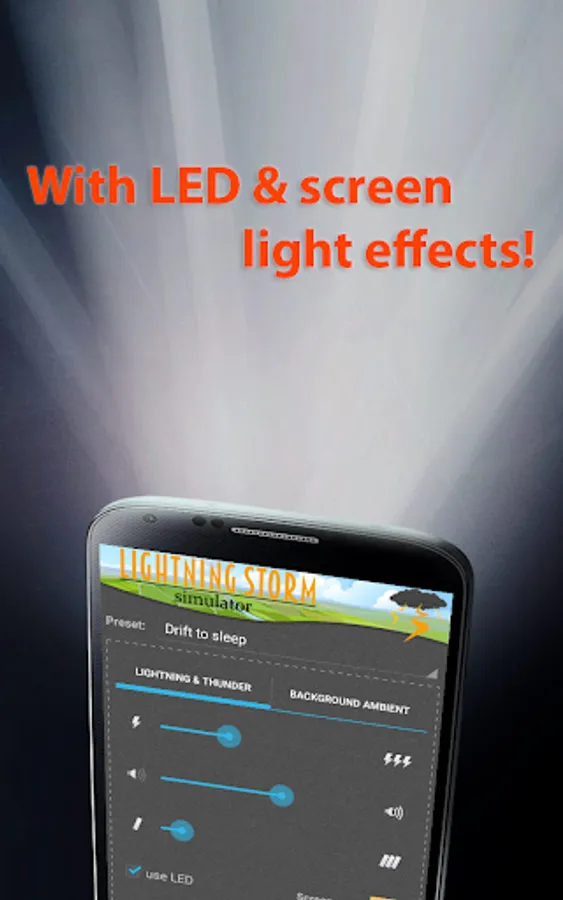
Lightning Storm Simulator generates dynamic thunderstorms with visual and sound feedback! Start the app and lightning will strike in front of your eyes, illuminating the whole room. For extra realism, use with speakers and LED flash.
Features:
• LED and screen lightning visualization
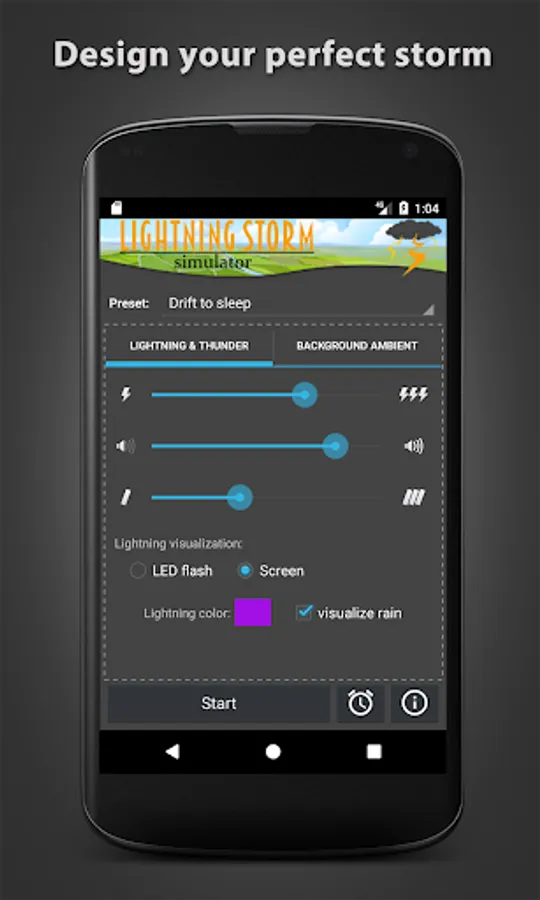
• Dynamic simulator parameters
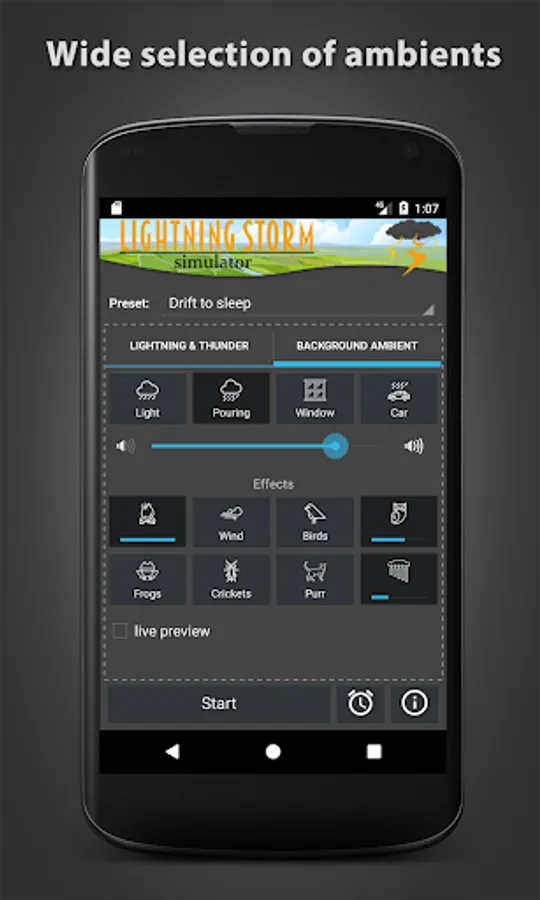
• Custom background sound ambients
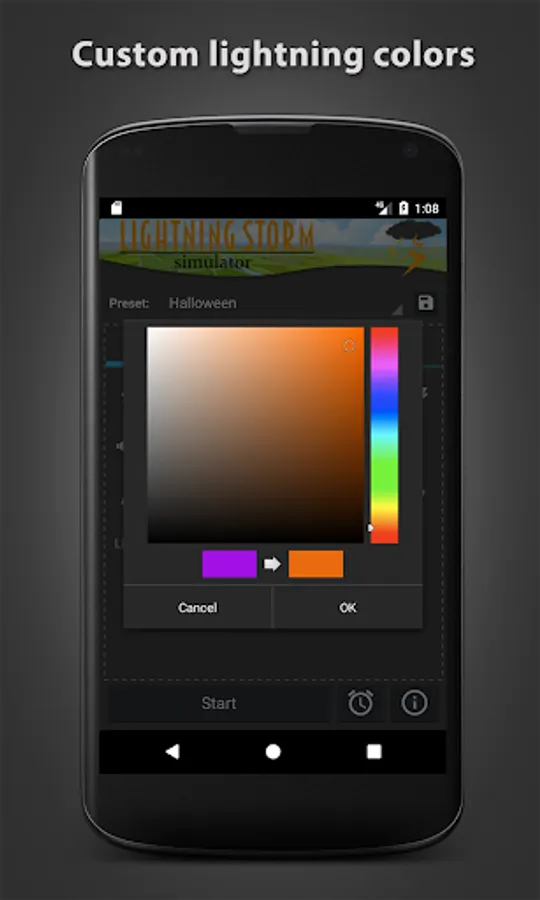
• Custom lightning color
• Raindrop visualization
• Presets
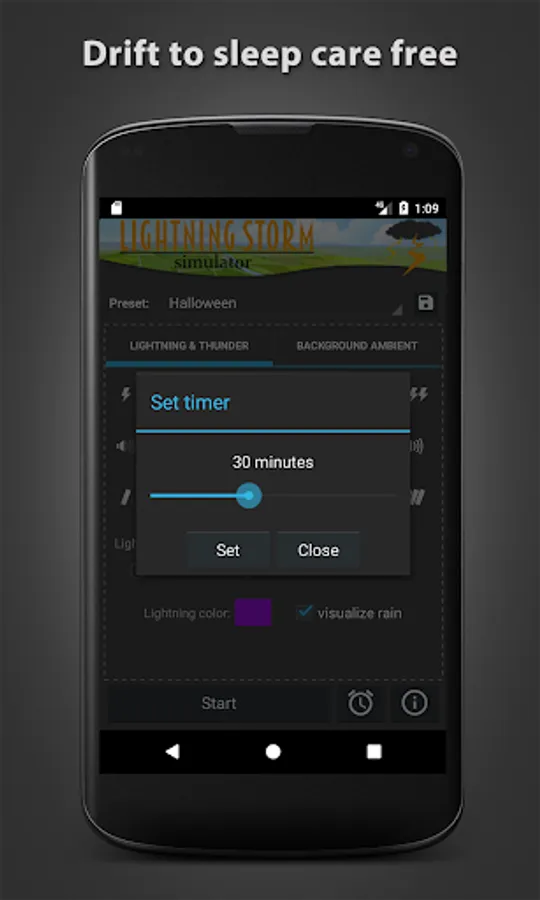
• Timer
Background ambients:
• Light rain
• Pouring rain
• Rain on window
• Rain on car
Background ambient effects:
• Campfire
• Howling wind
• Birds chirping
• Night owl
• Frogs
• Crickets in the evening
• Cat purring
• Wind chimes
✓ Works with Bluetooth external speakers and headphones
✓ Works offline - no network connection required
Storms can be generated using multiple parameters such as background ambient sound, thunder frequency, color of the lightning as well as duration of the lightning. Lightning is shown using screen colors (more realistic effect but requires darker environment) or with LED flash (amazingly powerful effect). You can set the color and duration of thunder strikes, the background sounds and set the timer. If you prefer only sounds to be heard, you can disable lightning or even the other way around. New storm background sounds as well as thunder sound effects are being constantly added.
Why use Lightning Storm Simulator?
★ Insomnia therapy (drift to sleep easily with the soothing rain sounds)
★ Stress therapy (relax and forget about your worries - thunder sounds will make you feel safe and secure)
★ Fun (playing with different settings and producing awesome lightning in your dark room)
★ Meditation (focus and mindfulness, reduce stress)
★ Pet care (desensitize/calm your dog or cat to noise and scary sounds—start quietly and gradually increase the volume in later sessions)
★ Tinnitus relief (storm sounds calm the ringing in your ears)
Features:
• LED and screen lightning visualization
• Dynamic simulator parameters
• Custom background sound ambients
• Custom lightning color
• Raindrop visualization
• Presets
• Timer
Background ambients:
• Light rain
• Pouring rain
• Rain on window
• Rain on car
Background ambient effects:
• Campfire
• Howling wind
• Birds chirping
• Night owl
• Frogs
• Crickets in the evening
• Cat purring
• Wind chimes
✓ Works with Bluetooth external speakers and headphones
✓ Works offline - no network connection required
Storms can be generated using multiple parameters such as background ambient sound, thunder frequency, color of the lightning as well as duration of the lightning. Lightning is shown using screen colors (more realistic effect but requires darker environment) or with LED flash (amazingly powerful effect). You can set the color and duration of thunder strikes, the background sounds and set the timer. If you prefer only sounds to be heard, you can disable lightning or even the other way around. New storm background sounds as well as thunder sound effects are being constantly added.
Why use Lightning Storm Simulator?
★ Insomnia therapy (drift to sleep easily with the soothing rain sounds)
★ Stress therapy (relax and forget about your worries - thunder sounds will make you feel safe and secure)
★ Fun (playing with different settings and producing awesome lightning in your dark room)
★ Meditation (focus and mindfulness, reduce stress)
★ Pet care (desensitize/calm your dog or cat to noise and scary sounds—start quietly and gradually increase the volume in later sessions)
★ Tinnitus relief (storm sounds calm the ringing in your ears)
Lightning Storm Simulator Screenshots
Tap to Rate:
Reviews for Lightning Storm Simulator
Chris Hooper
12/12/2025
No flashlight function, so that's a lie...
Christian Hanssen
9/28/2025
It did not flash.