
In this app, you can automate Wi-Fi on and off based on screen lock status to save battery. Includes options for schedule, widget control, and connection management.
AppRecs review analysis
AppRecs rating 4.5. Trustworthiness 0 out of 100. Review manipulation risk 0 out of 100. Based on a review sample analyzed.
★★★★☆
4.5
AppRecs Rating
Ratings breakdown
5 star
77%
4 star
8%
3 star
7%
2 star
0%
1 star
8%
What to know
✓
High user satisfaction
85% of sampled ratings are 4+ stars (4.5★ average)
About Wifi Auto
Battery saving. Good for the internet.
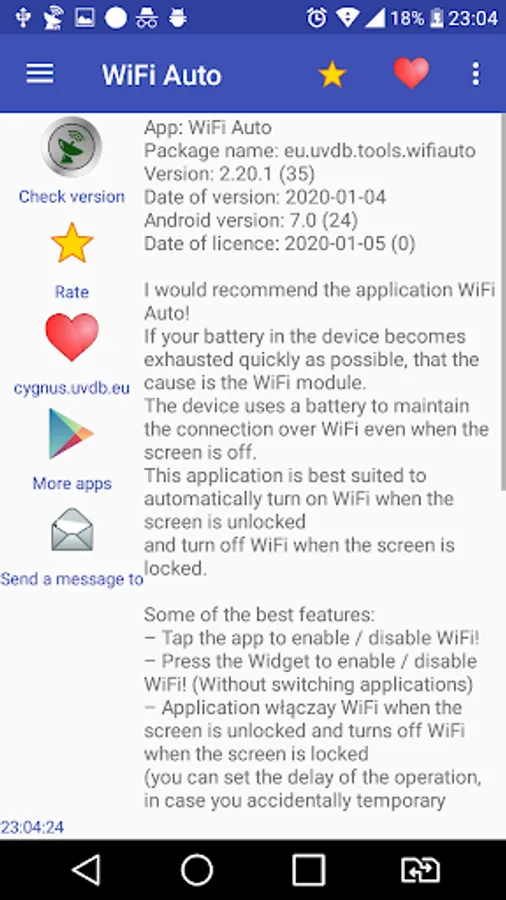
The Wifi Auto app is a very good tool for Android device to automatically turn on Wi-Fi when the screen is unlocked and automatically turn off Wi-Fi when the screen is locked.
Battery saving.
If your battery on your phone, Android device is quickly discharging, then the probable cause is the Wi-Fi module.
Your device uses batteries to keep your Wi-Fi connected, even if the screen is turned off.
By using Wifi Auto, battery savings are up to 30%.
Optimize Wi-Fi network and get strong signal. Quick connection.
Wifi Auto has a convenient icon in the notification bar.
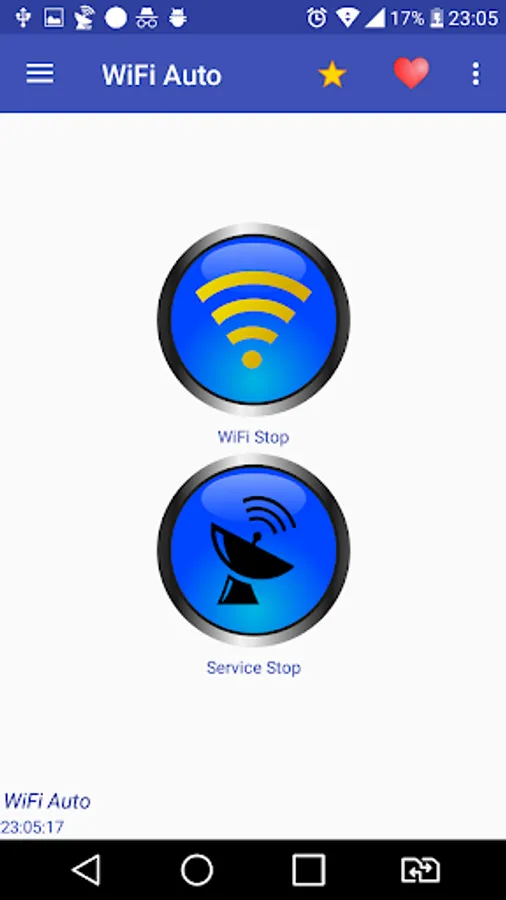
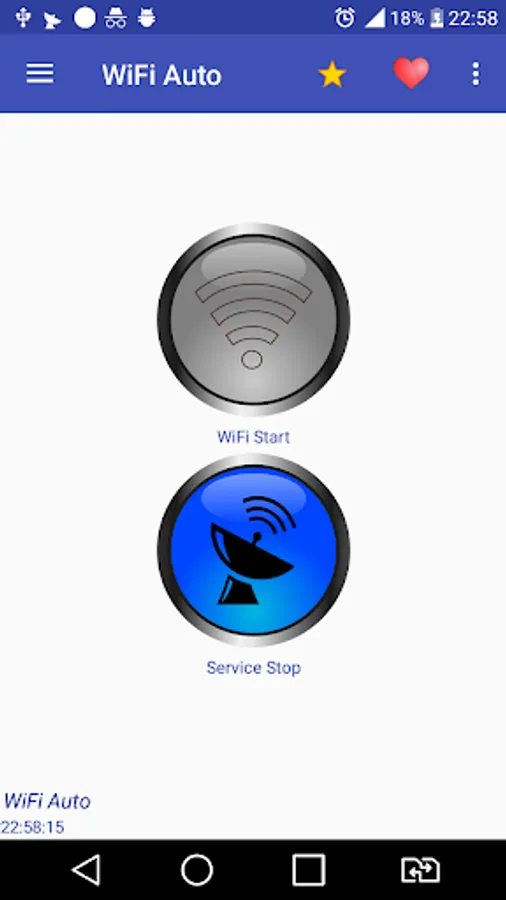
Turning wifi on and off can also be done using a widget or button in the application.
Wifi Auto application options:
- turn on Wi-Fi when the screen is unlocked (without turning on the application)
- disabling Wi-Fi when the screen is blocked (without turning on the application)
- enable / disable Wi-Fi using the button
- enable / disable Wi-Fi using the widget (without enabling the application)
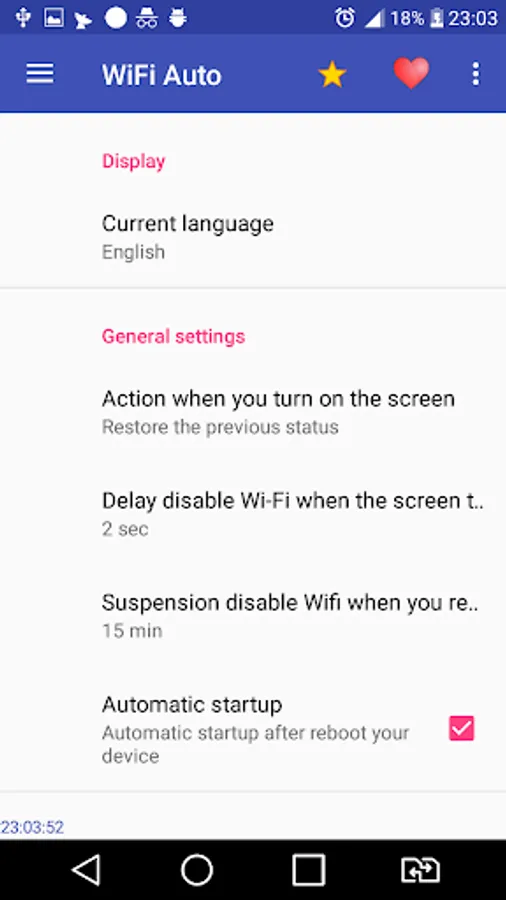
- you can configure the delay of turning off the WiFi when locking the screen in case of accidental screen switching off
- list of available wifi connections
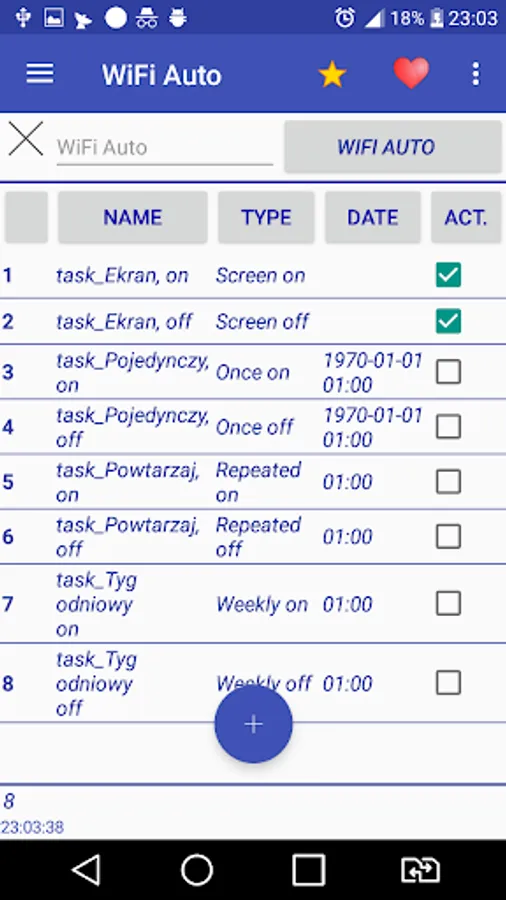
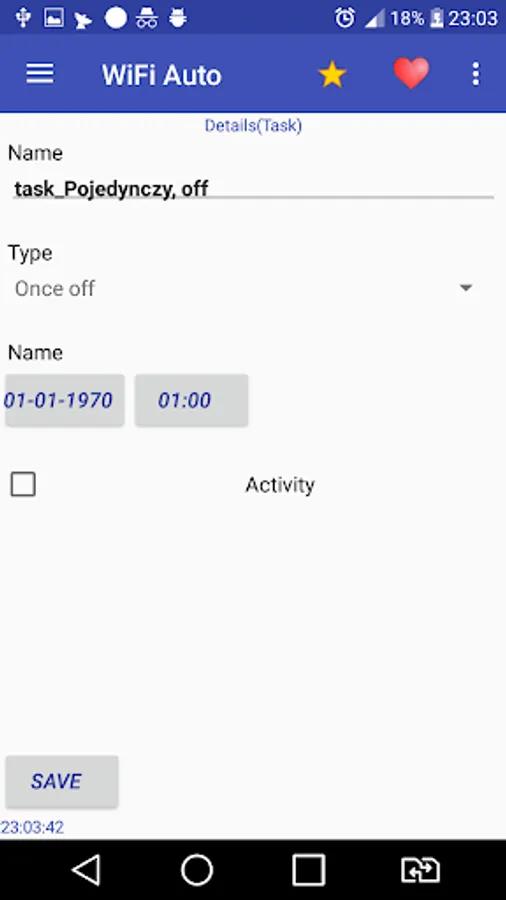
- you can declare in the task schedule the date of turning the WiFi on or off (one-off tasks are available as well as cyclical daily, weekly)
- you can set the application to automatically start when turning on your device
When you are sharing the internet by tethering, you can easily pause WifiAuto with the button. To share the Connection even when the screen is turned off.
The application does not need any permissions other than those necessary to support Wi-Fi
The application has permission to:
view Wi-Fi connections
view network connections
change network connectivity
plug in and disconnect from Wi-Fi
starting at startup
controlling vibrations
The Wifi Auto app is a very good tool for Android device to automatically turn on Wi-Fi when the screen is unlocked and automatically turn off Wi-Fi when the screen is locked.
Battery saving.
If your battery on your phone, Android device is quickly discharging, then the probable cause is the Wi-Fi module.
Your device uses batteries to keep your Wi-Fi connected, even if the screen is turned off.
By using Wifi Auto, battery savings are up to 30%.
Optimize Wi-Fi network and get strong signal. Quick connection.
Wifi Auto has a convenient icon in the notification bar.
Turning wifi on and off can also be done using a widget or button in the application.
Wifi Auto application options:
- turn on Wi-Fi when the screen is unlocked (without turning on the application)
- disabling Wi-Fi when the screen is blocked (without turning on the application)
- enable / disable Wi-Fi using the button
- enable / disable Wi-Fi using the widget (without enabling the application)
- you can configure the delay of turning off the WiFi when locking the screen in case of accidental screen switching off
- list of available wifi connections
- you can declare in the task schedule the date of turning the WiFi on or off (one-off tasks are available as well as cyclical daily, weekly)
- you can set the application to automatically start when turning on your device
When you are sharing the internet by tethering, you can easily pause WifiAuto with the button. To share the Connection even when the screen is turned off.
The application does not need any permissions other than those necessary to support Wi-Fi
The application has permission to:
view Wi-Fi connections
view network connections
change network connectivity
plug in and disconnect from Wi-Fi
starting at startup
controlling vibrations
Wifi Auto Screenshots


Tap to Rate: