GEO Pro PDF Converter & Tools
GEO SOFTECH
3.9 ★
110 ratings
1,000+
downloads
$0.49
In this PDF tools app, you can read, convert, and manipulate PDF files offline with features like merging, splitting, and adding watermarks. Includes options for encrypting, rotating, and extracting content from PDFs.
AppRecs review analysis
AppRecs rating 3.8. Trustworthiness 79 out of 100. Review manipulation risk 23 out of 100. Based on a review sample analyzed.
★★★☆☆
3.8
AppRecs Rating
Ratings breakdown
5 star
72%
4 star
0%
3 star
0%
2 star
0%
1 star
28%
What to know
✓
Low review manipulation risk
23% review manipulation risk
✓
Credible reviews
79% trustworthiness score from analyzed reviews
✓
Good user ratings
72% positive sampled reviews
About GEO Pro PDF Converter & Tools
GEO Pro PDF Tools app to read PDF & convert or manipulate PDF offline. No Ads
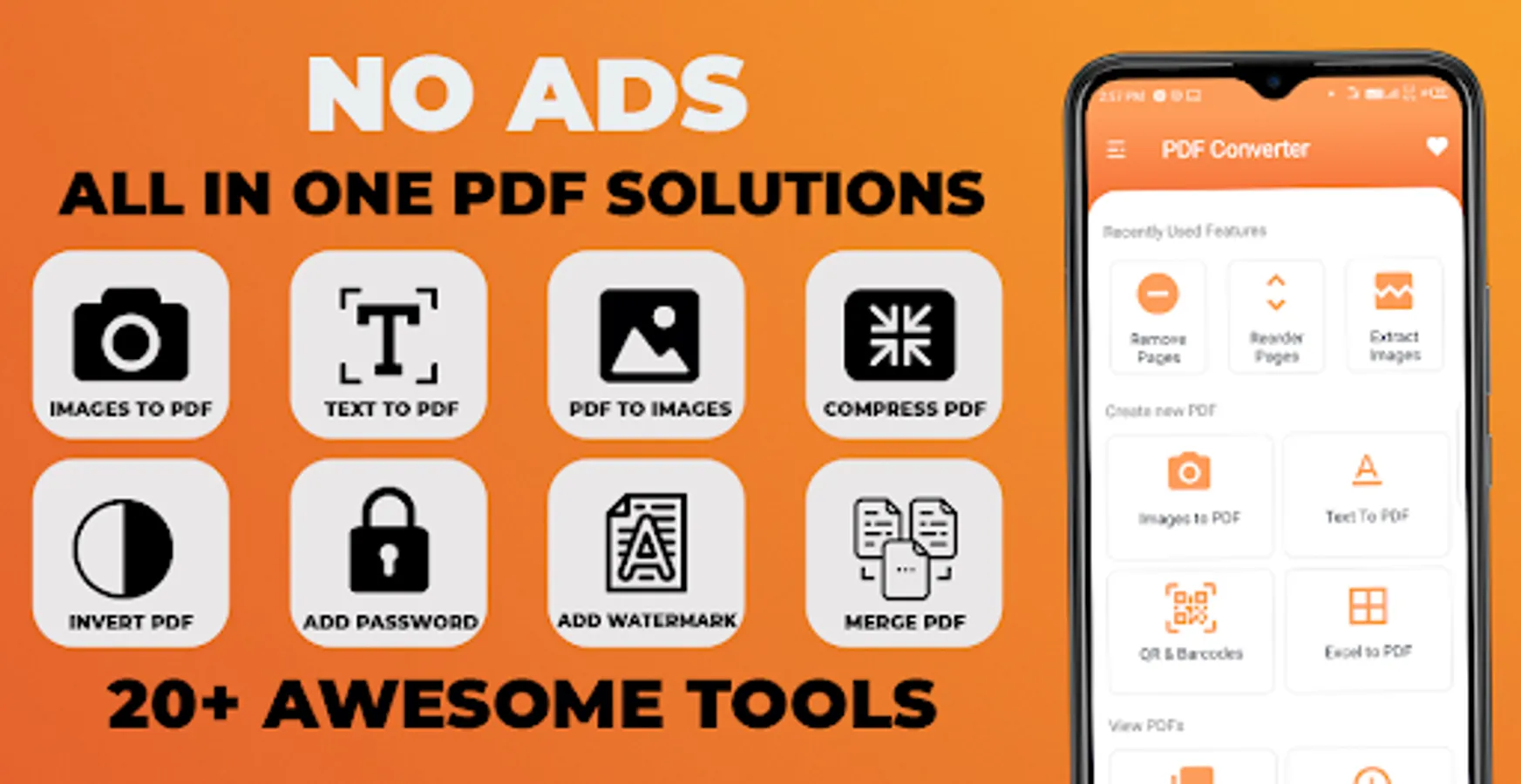
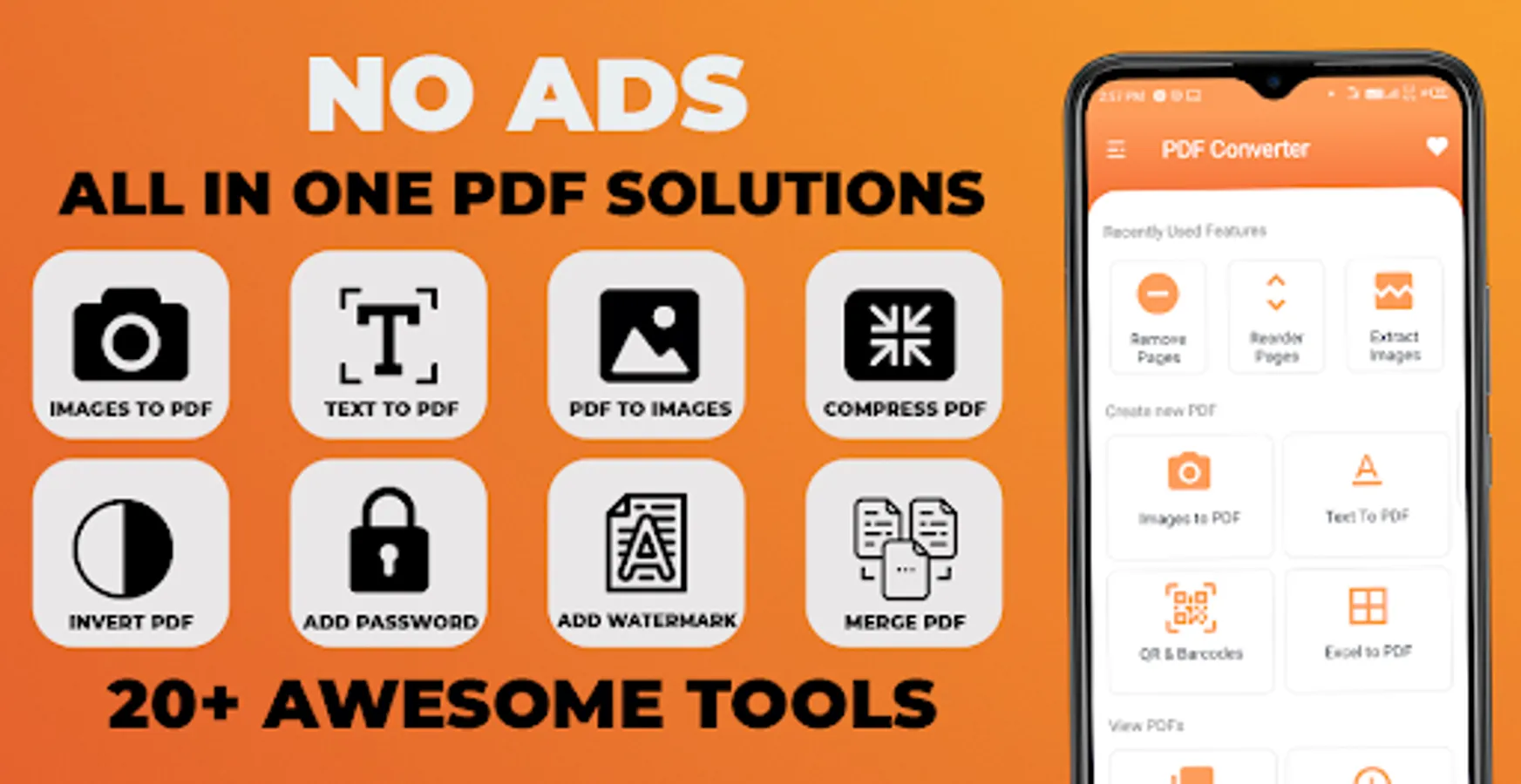
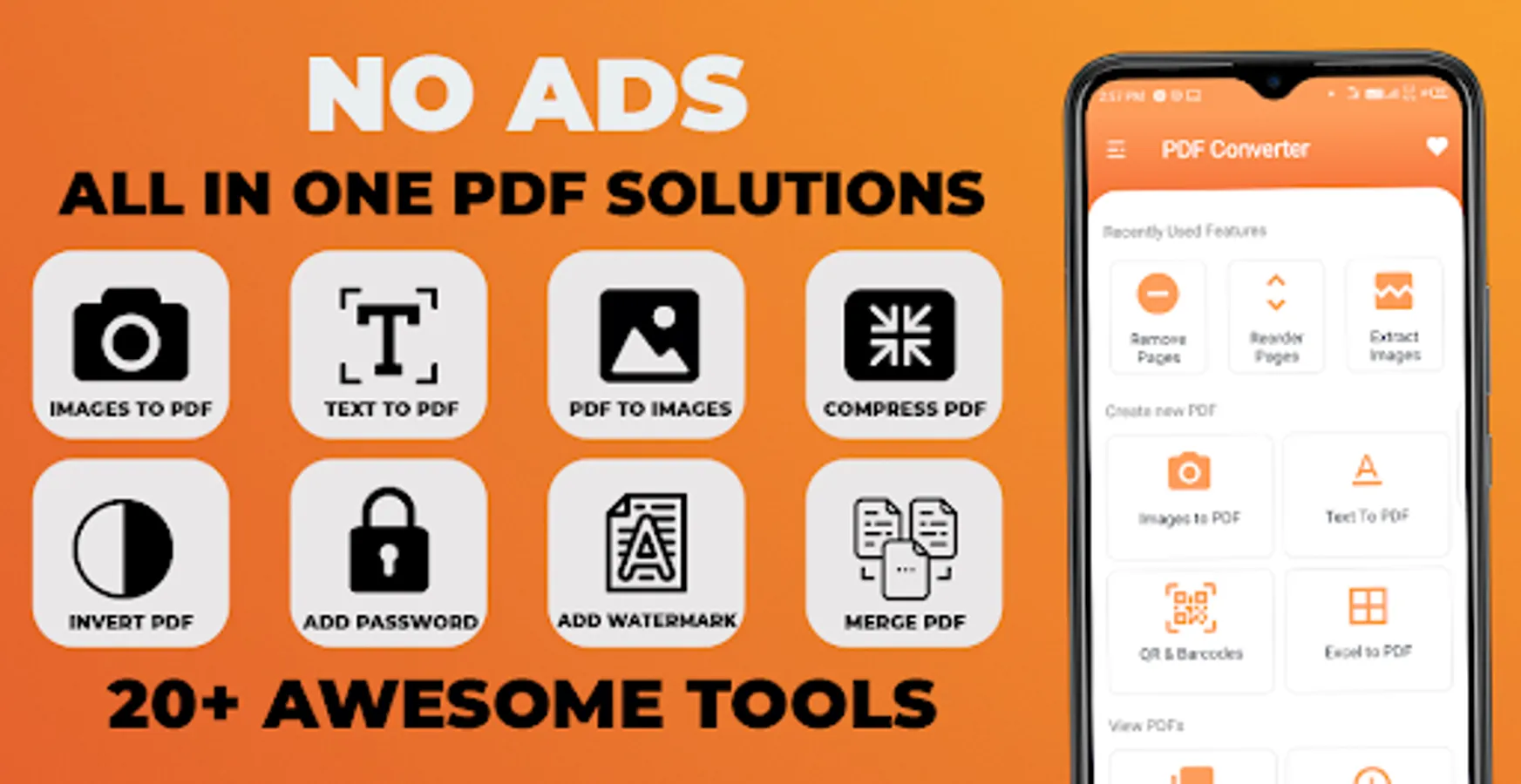
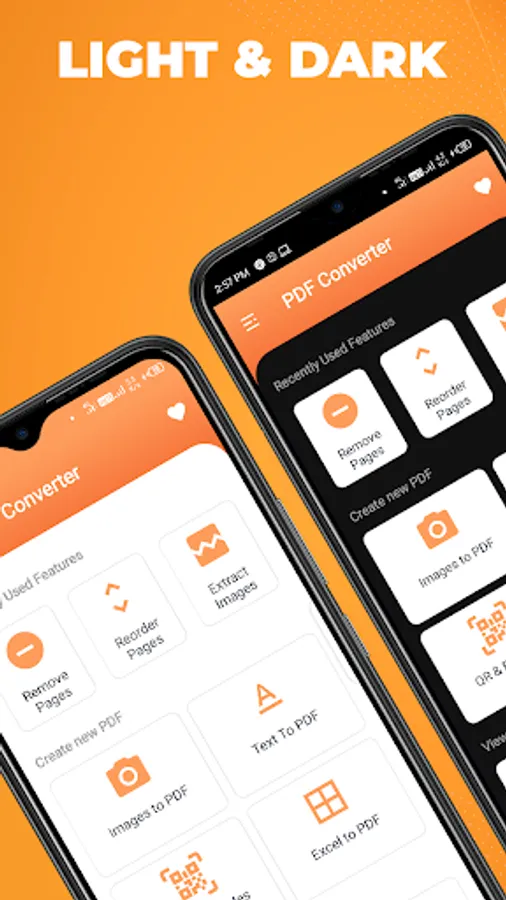
GEO PRO PDF Converter & Editor-PDF Utility No Ads app provides PDF tools like Merge PDF, Split PDF, Delete Page, Extract Page, Lock PDF, Unlock PDF, Rotate Page & Add Watermark to page Many More Features.
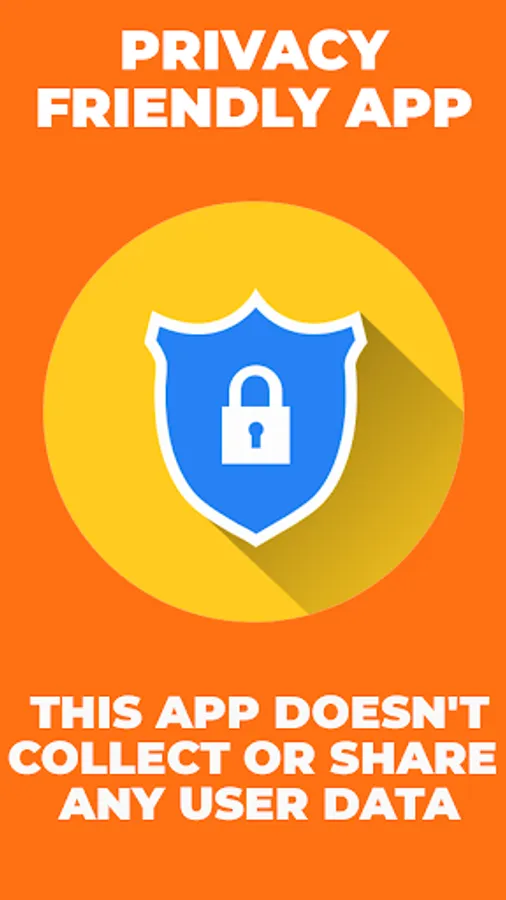
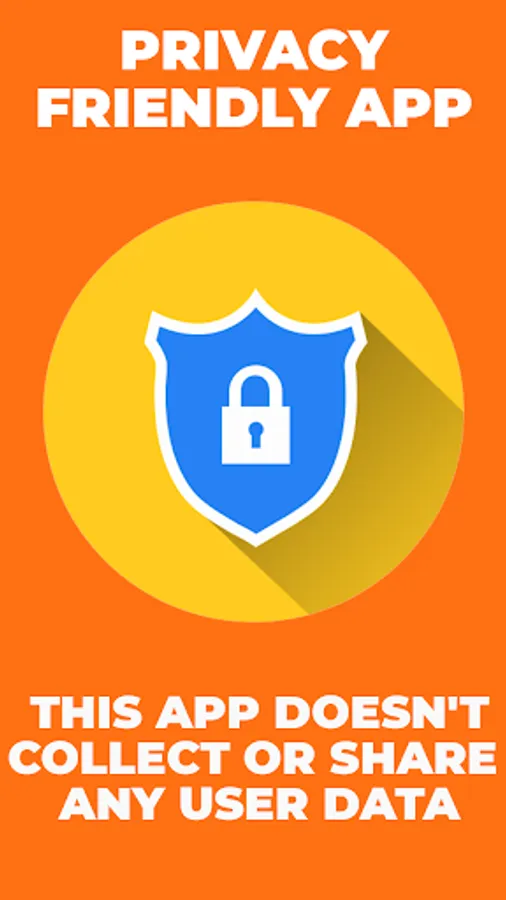
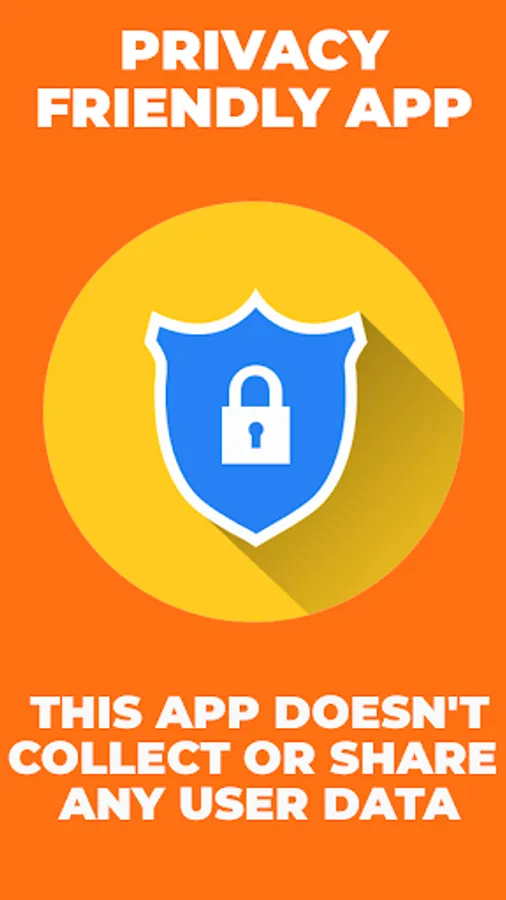
Privacy Friendly:
This app doesn't collect any user data or connect to anything on the user's device (contacts etc). It doesn't even need an internet connection. It is a wholly contained app using only the files contained within it.
Awesome App Features:
1. NO Ads
2. Easy To Use
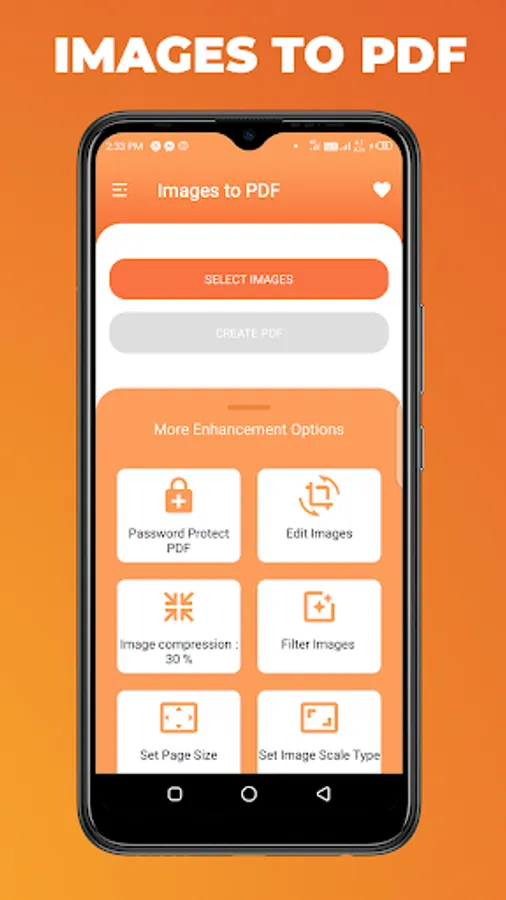
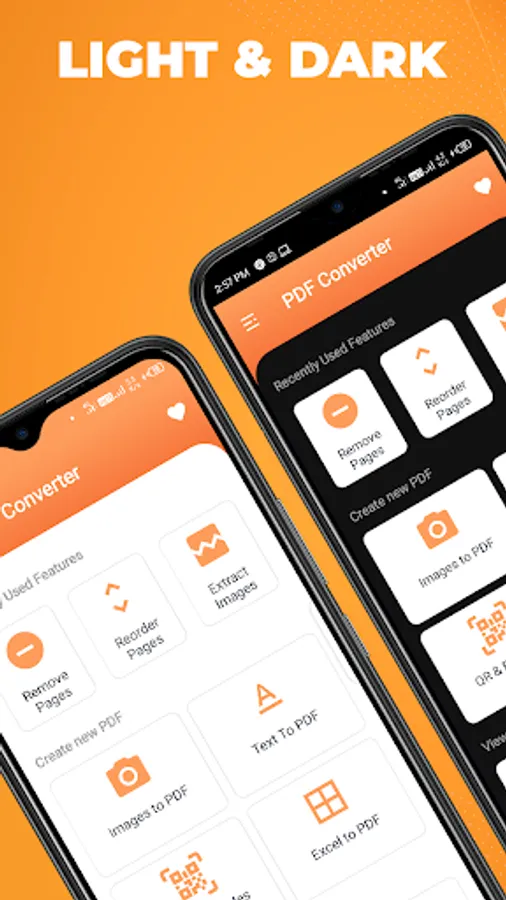
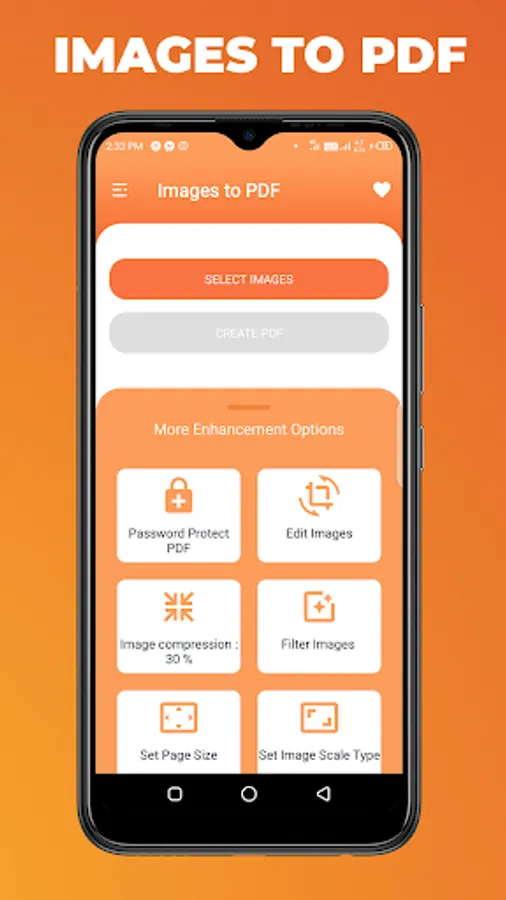
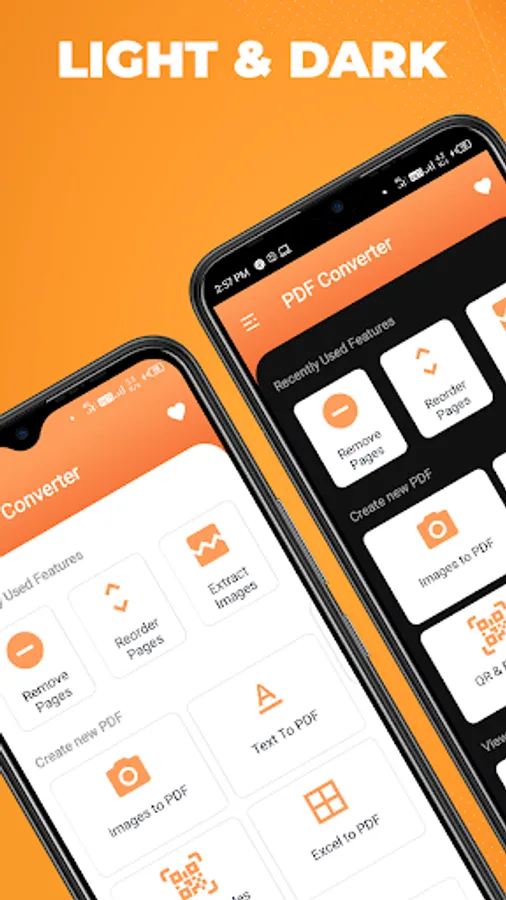
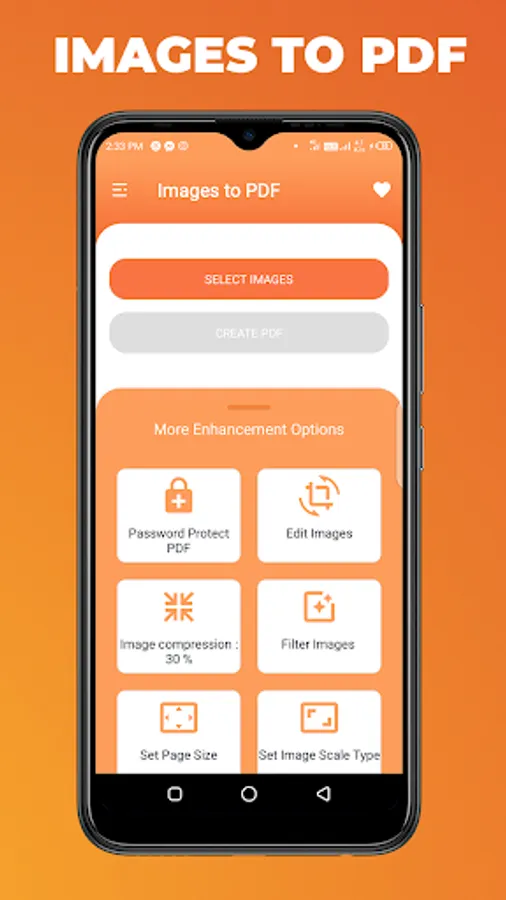
3. Images To PDF
4. Text To PDF
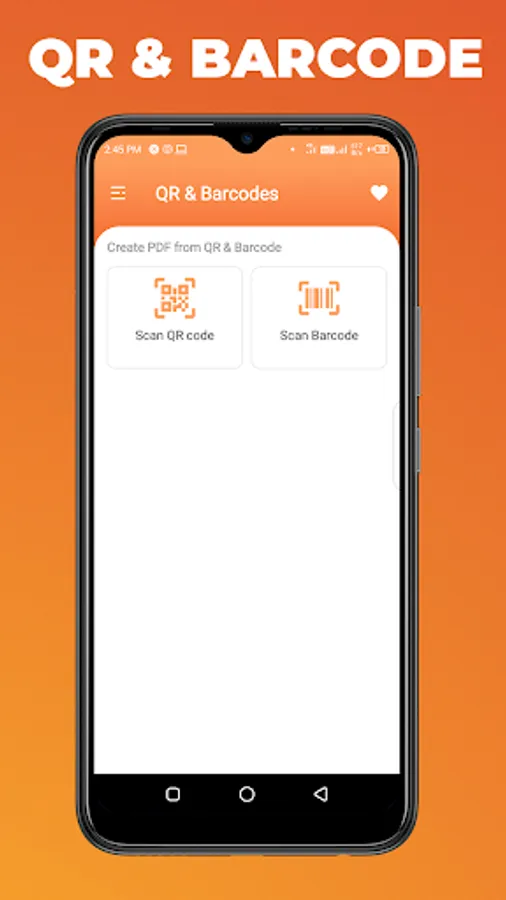
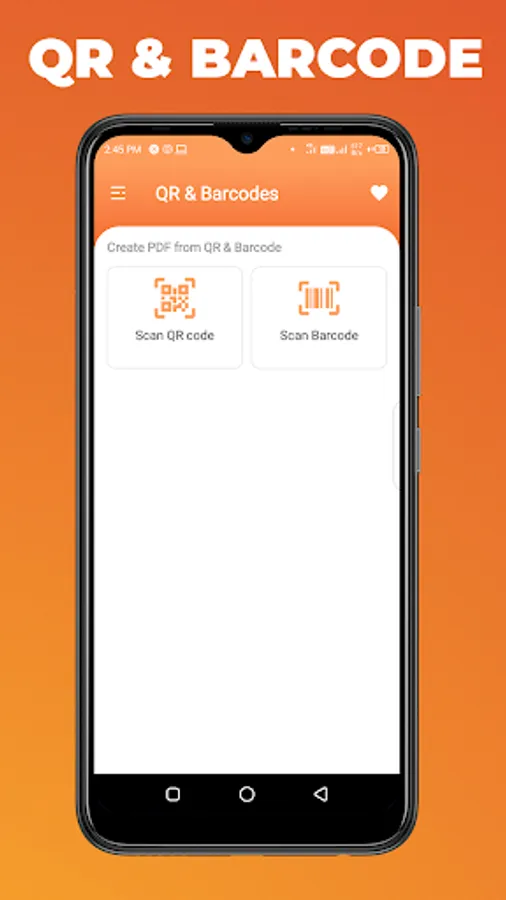
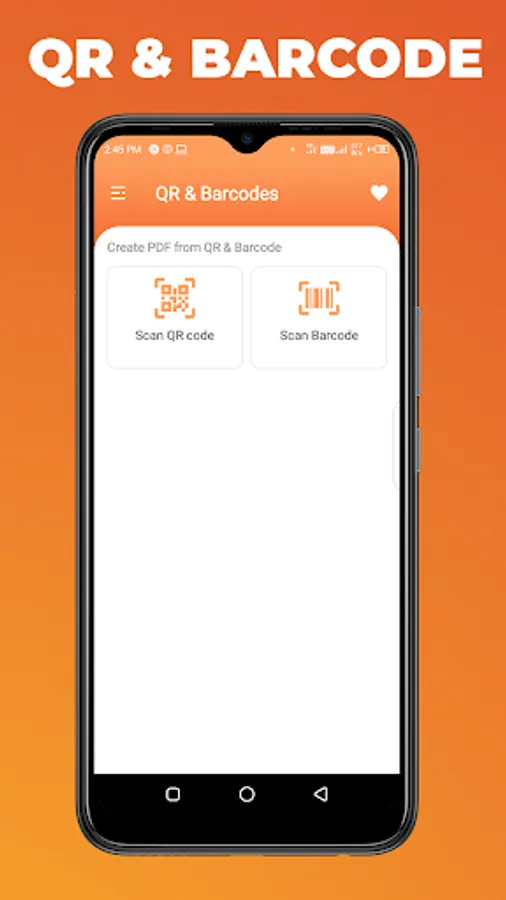
5. QR & barcode
6. Excel To PDF
7. View PDF Files
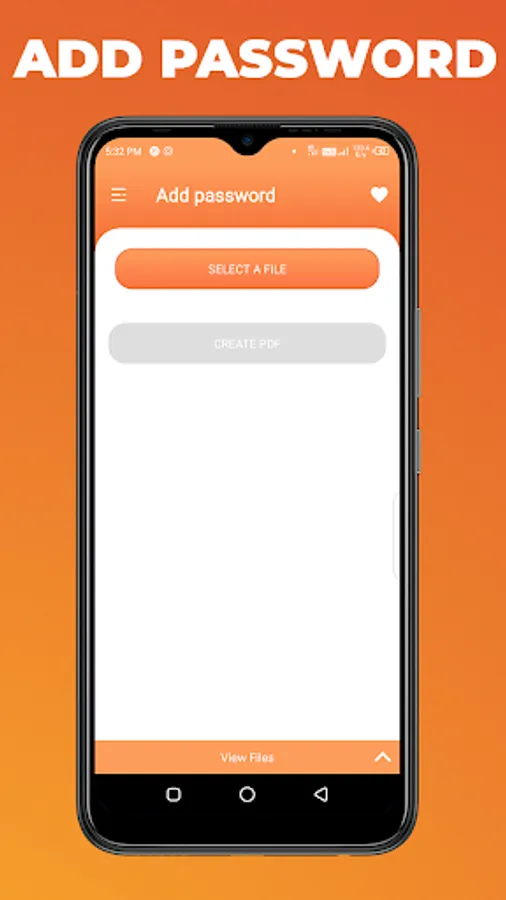
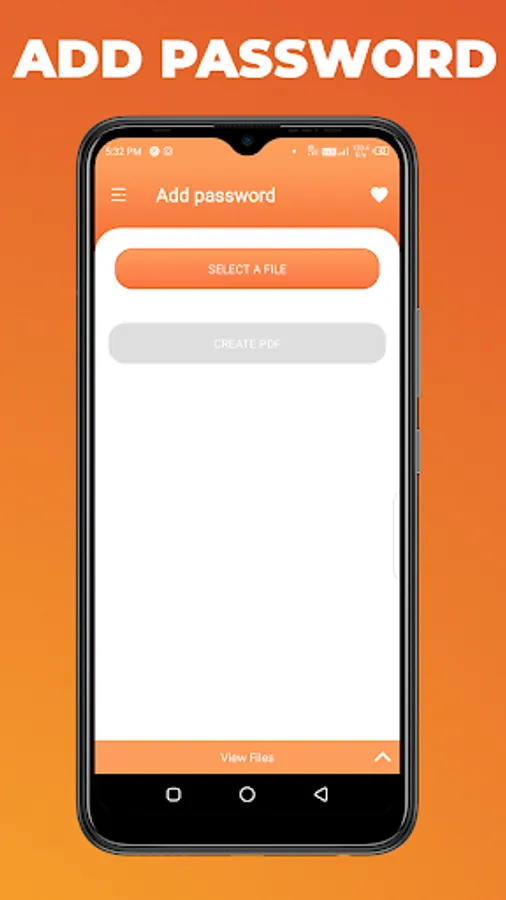
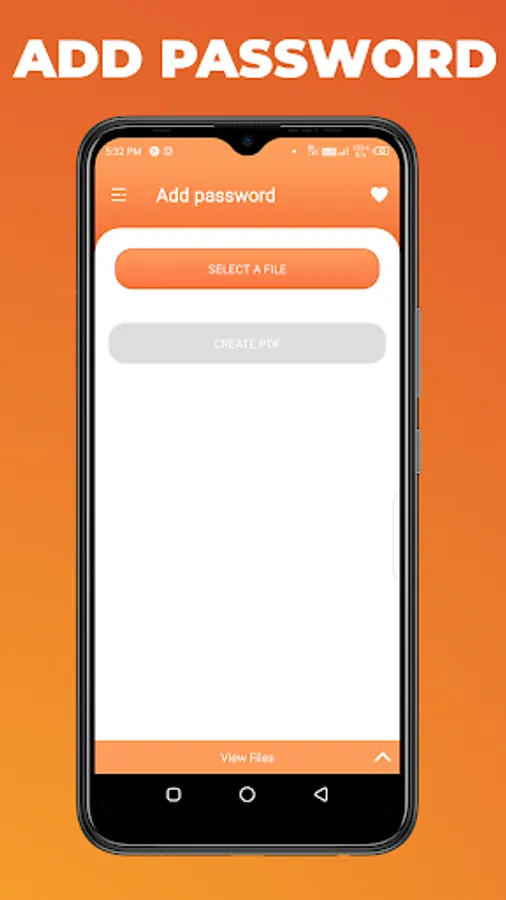
8. Add Password
9. Remove Password
10. Add Text In PDF File
11. Rotate PDF Pages
12. Add Watermark In PDF Files
13. Add Images In PDF Files
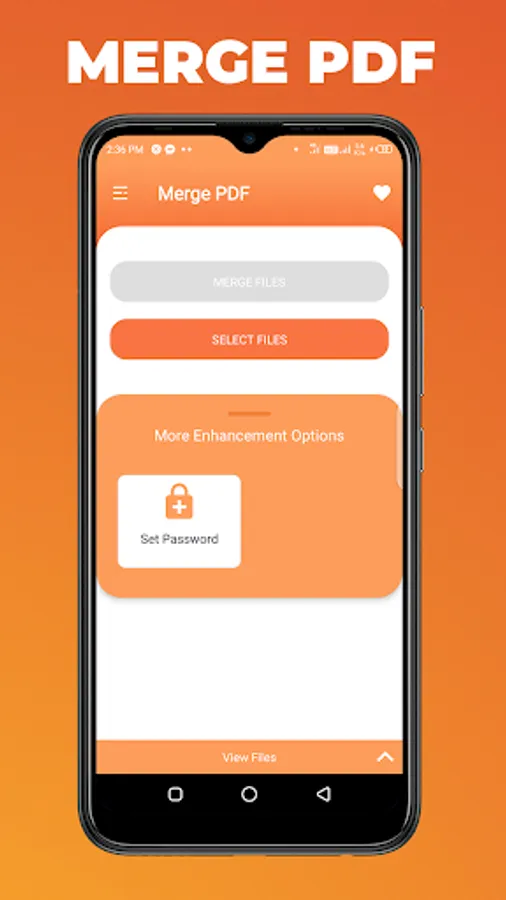
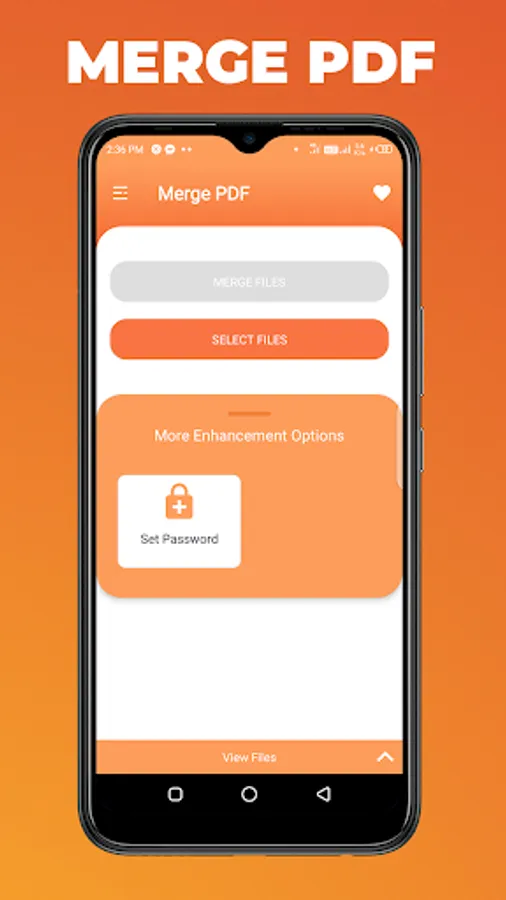
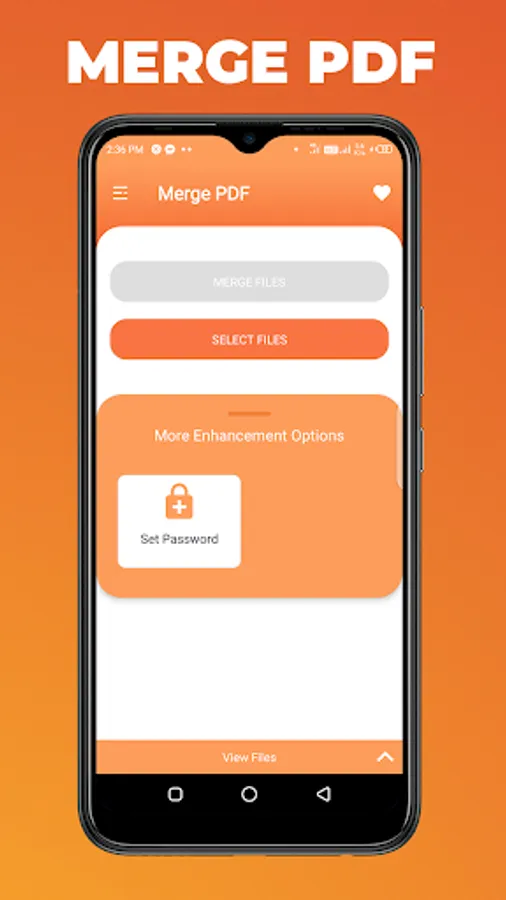
14. Merge PDF Files
15. Split PDF File
16. Invert PDF Files
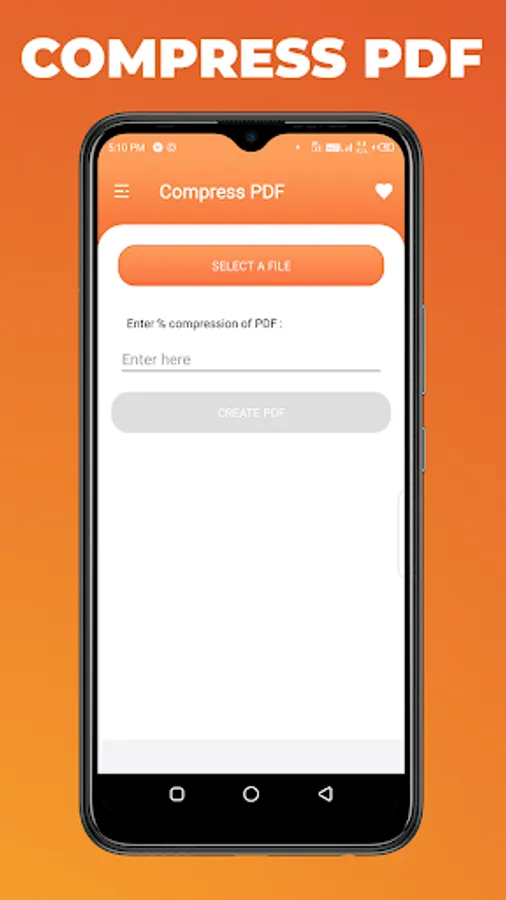
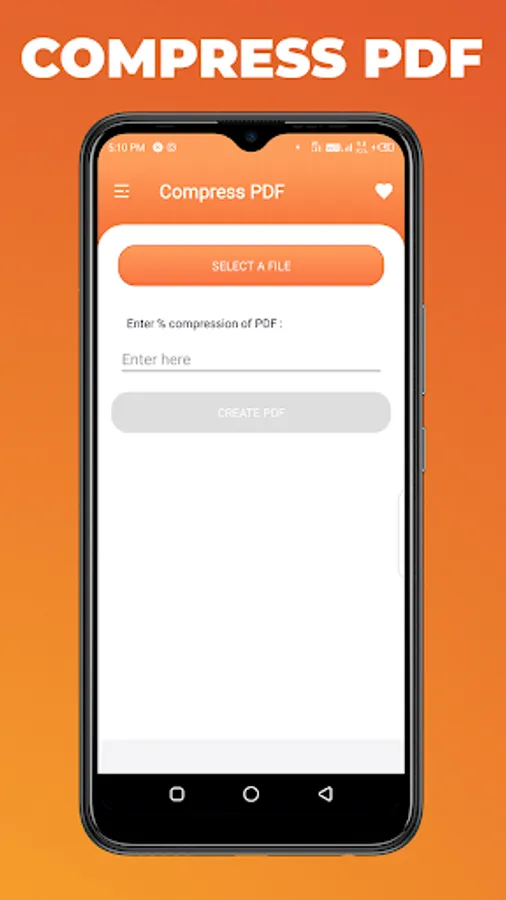
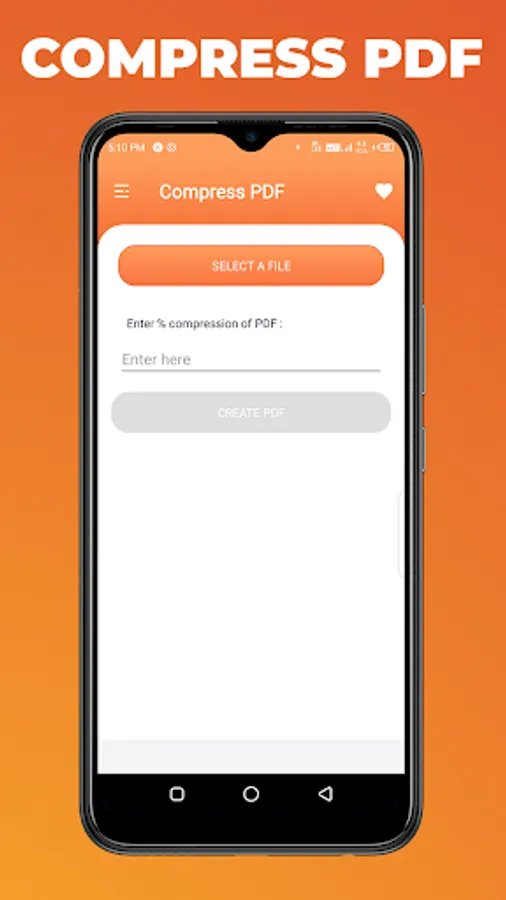
17. Compress PDF File
18. Remove Duplicate In PDF Files
19. Reorder Pages In PDF Files
20. Extract Images In PDF Files
21. Extract Text In PDF Files
22. ZIP To TEXT
23. Remove Pages In PDF Files
23.Much more app Features
If you facing any issues using this app please let me know : Email : geosoftech.com@gmail.com Telegram : https://t.me/+RVzusndxGF9kMzQ9
FAQ:
1. Is There a limit on number of images i can add at once to create a PDF?
Ans: No, there Are No Restriction.
2. What Images File Formats are supported?
Ans: The App support JPEG,JPG,TIFF,GIF,PSD,BMP,EPS,PNG,ETC.
All features are packed in just less than 25 MB (for less the download time and minimum use of phone storage memory)
GEO PRO PDF Converter & Editor-PDF Utility No Ads app provides PDF tools like Merge PDF, Split PDF, Delete Page, Extract Page, Lock PDF, Unlock PDF, Rotate Page & Add Watermark to page Many More Features.
Privacy Friendly:
This app doesn't collect any user data or connect to anything on the user's device (contacts etc). It doesn't even need an internet connection. It is a wholly contained app using only the files contained within it.
Awesome App Features:
1. NO Ads
2. Easy To Use
3. Images To PDF
4. Text To PDF
5. QR & barcode
6. Excel To PDF
7. View PDF Files
8. Add Password
9. Remove Password
10. Add Text In PDF File
11. Rotate PDF Pages
12. Add Watermark In PDF Files
13. Add Images In PDF Files
14. Merge PDF Files
15. Split PDF File
16. Invert PDF Files
17. Compress PDF File
18. Remove Duplicate In PDF Files
19. Reorder Pages In PDF Files
20. Extract Images In PDF Files
21. Extract Text In PDF Files
22. ZIP To TEXT
23. Remove Pages In PDF Files
23.Much more app Features
If you facing any issues using this app please let me know : Email : geosoftech.com@gmail.com Telegram : https://t.me/+RVzusndxGF9kMzQ9
FAQ:
1. Is There a limit on number of images i can add at once to create a PDF?
Ans: No, there Are No Restriction.
2. What Images File Formats are supported?
Ans: The App support JPEG,JPG,TIFF,GIF,PSD,BMP,EPS,PNG,ETC.
All features are packed in just less than 25 MB (for less the download time and minimum use of phone storage memory)
GEO Pro PDF Converter & Tools Screenshots
Tap to Rate:
Reviews for GEO Pro PDF Converter & Tools
Sebastian S Olson
8/29/2025
Great.😃
latheef karipur
3/5/2025
All function not working bad It seems to no one need this app