Bluetooth contact transfer app
The AppGuru
Free
(in-app purchases)
rated 3.4 stars
100,000+
downloads
About Bluetooth contact transfer app
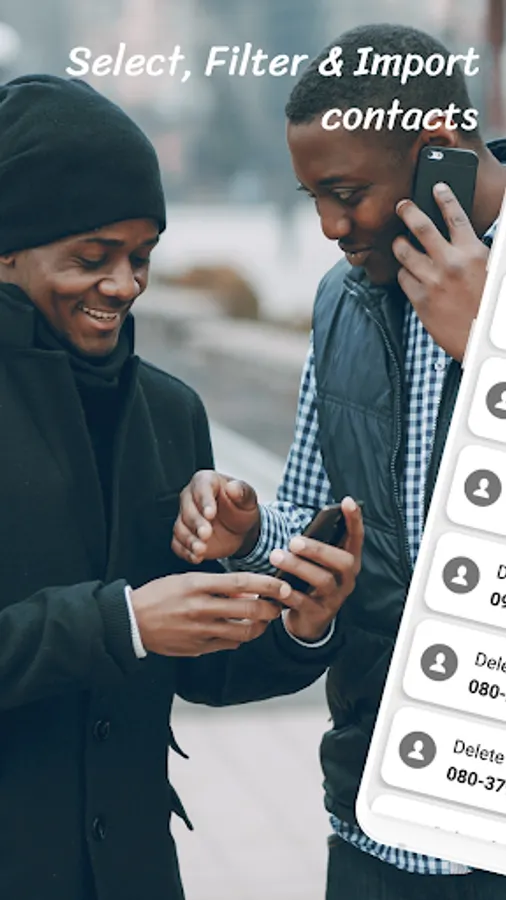
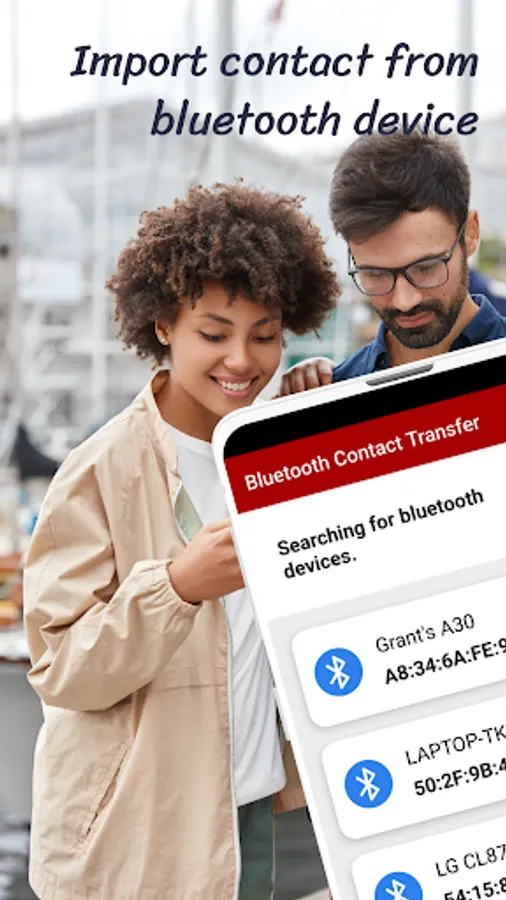
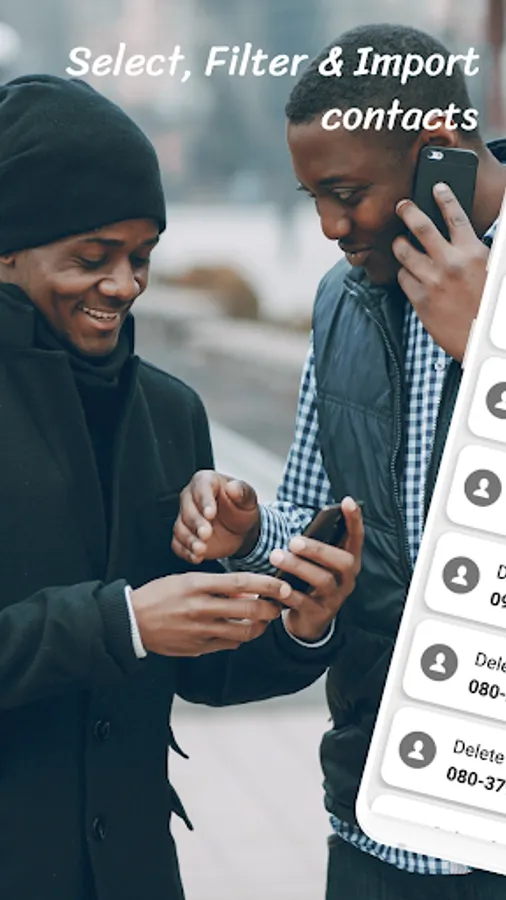
Bluetooth contact share app will help you transfer or import contacts from any Bluetooth enabled device to your Android phone.
Here's how to use contact transfer app via Bluetooth
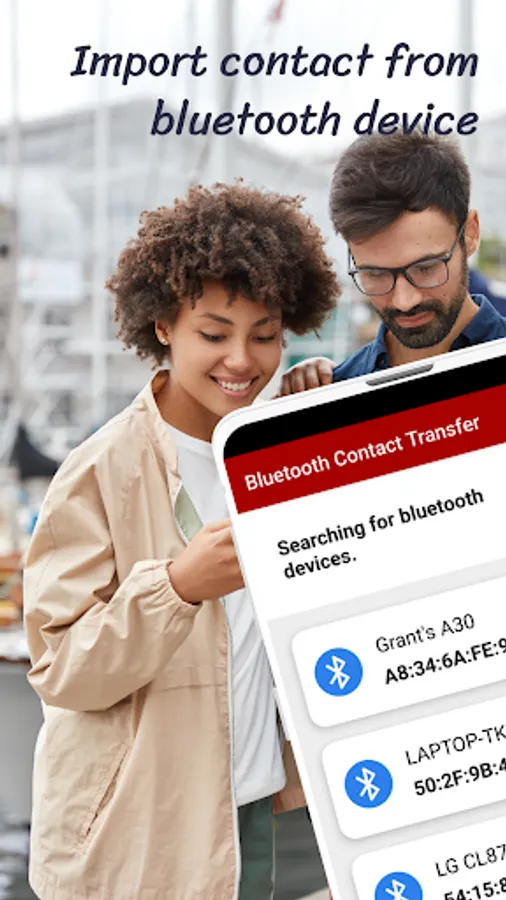
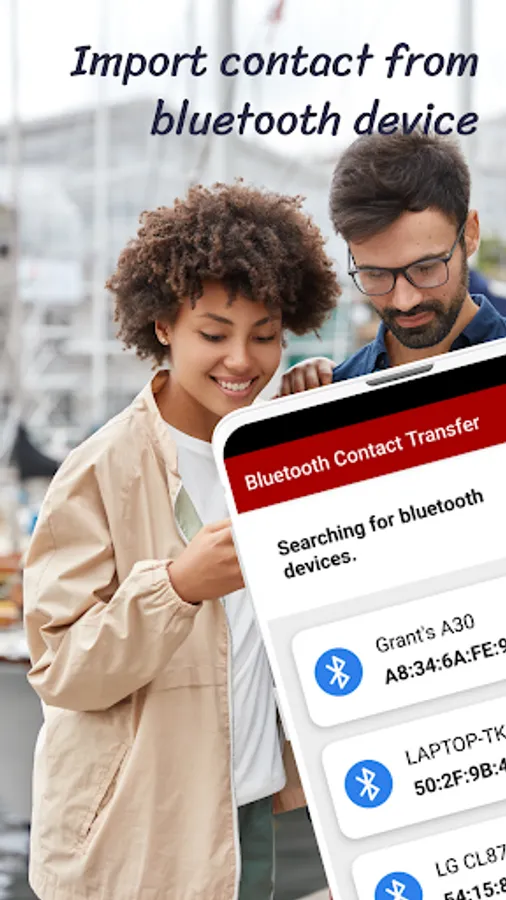
1. Click on the search Button to Discover nearby devices. (Wait for available devices to appear).
2. Click on any device you want to transfer the contacts.
3. Allow both devices to pair and grant permission to access phone contacts.
4. The contacts will be transferred immediately.
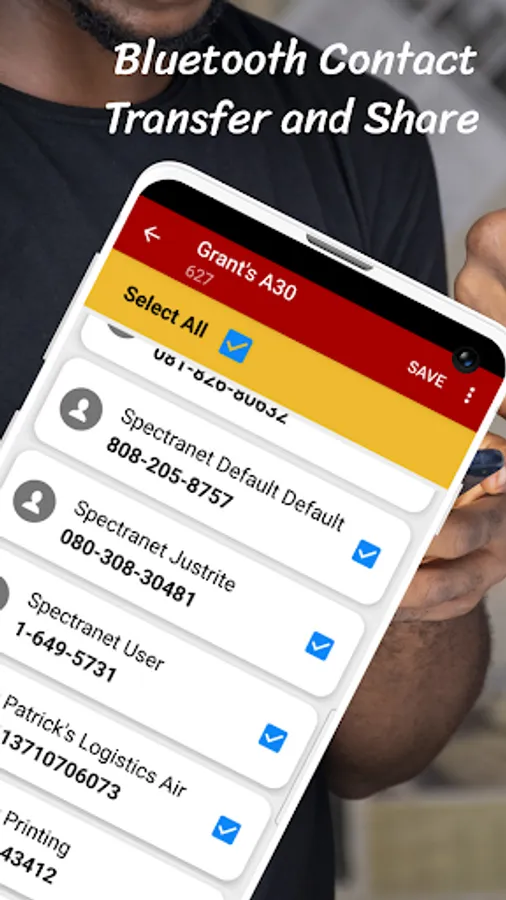
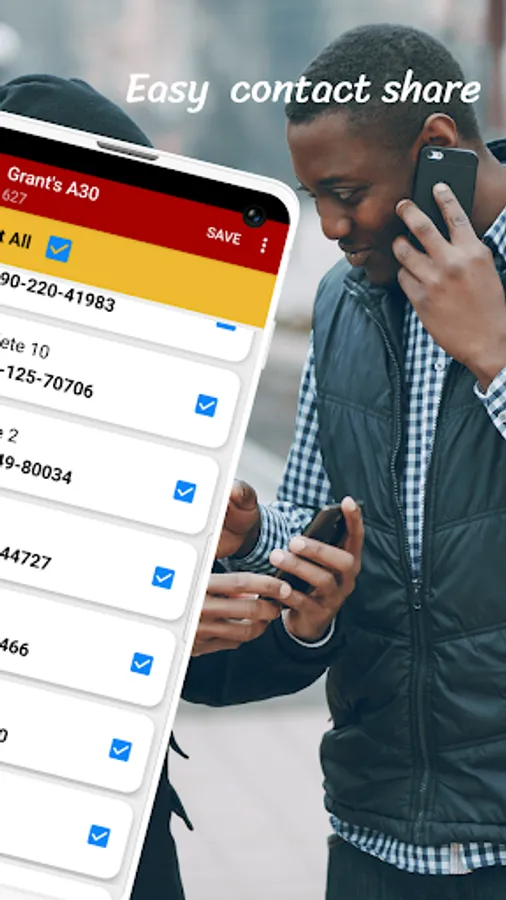
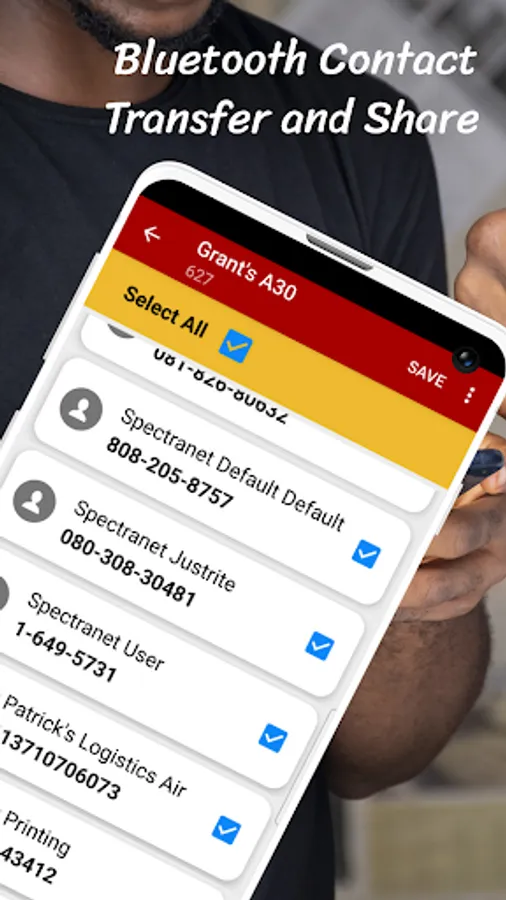
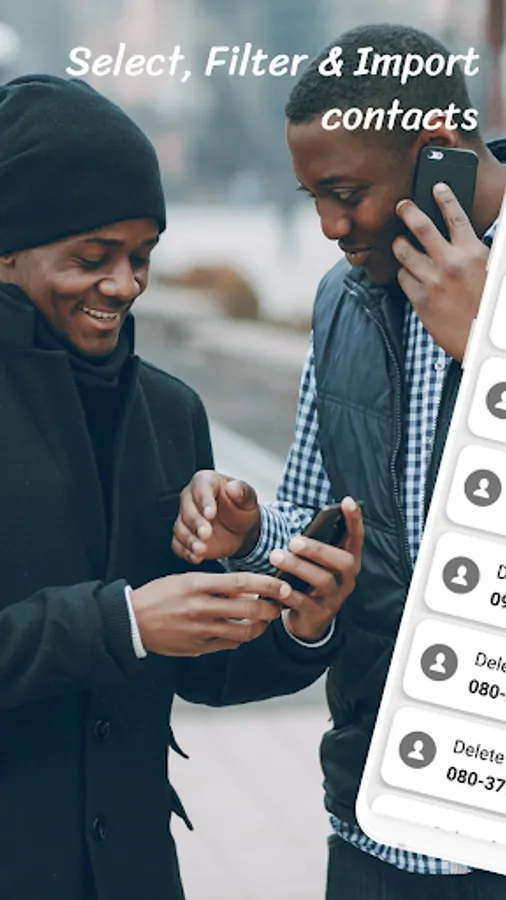
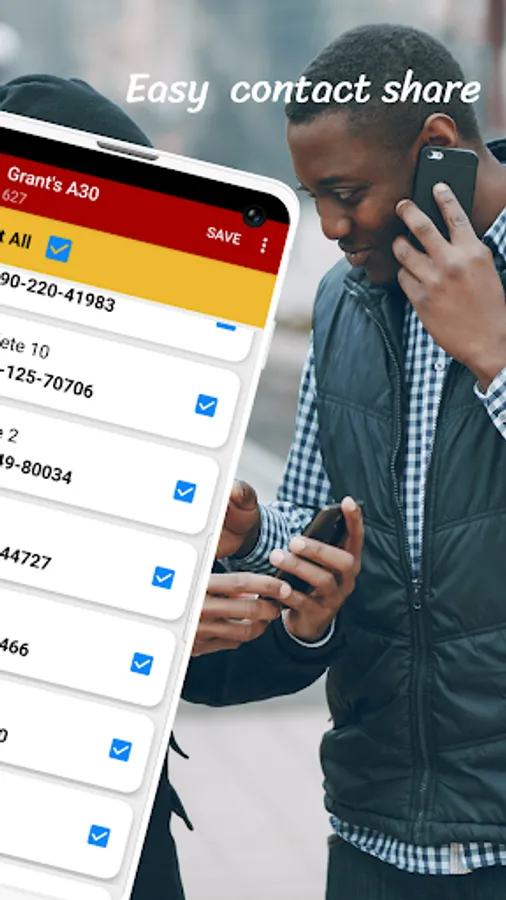
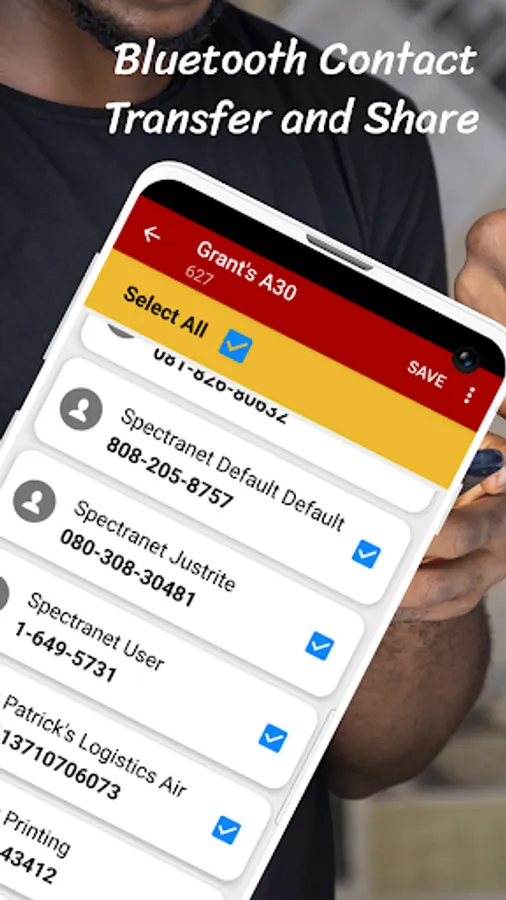
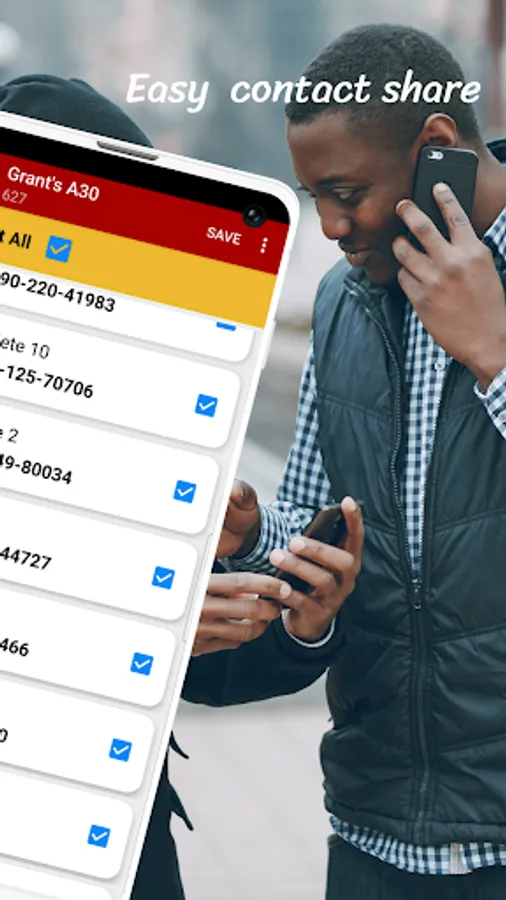
5. You can select all or individual contacts to save.
Dear User,
If you experience any troubles pairing phones from within the app. Try pairing both phones manually first before using the app.
Transfer contacts between phones will help you :
transfer contacts from android to android
transfer contacts from old phone to new phone
transfer contacts from nokia symbian to android
transfer contacts from blackberry
transfer contacts from iphone to android
transfer contacts from ios to android
transfer contacts from icloud to android
Here's how to use contact transfer app via Bluetooth
1. Click on the search Button to Discover nearby devices. (Wait for available devices to appear).
2. Click on any device you want to transfer the contacts.
3. Allow both devices to pair and grant permission to access phone contacts.
4. The contacts will be transferred immediately.
5. You can select all or individual contacts to save.
Dear User,
If you experience any troubles pairing phones from within the app. Try pairing both phones manually first before using the app.
Transfer contacts between phones will help you :
transfer contacts from android to android
transfer contacts from old phone to new phone
transfer contacts from nokia symbian to android
transfer contacts from blackberry
transfer contacts from iphone to android
transfer contacts from ios to android
transfer contacts from icloud to android