With this app, you can magnify characters such as Chinese characters that are complicated and difficult.
·how to use
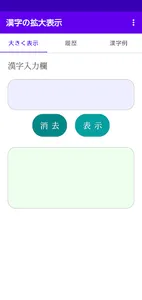
① Enter the characters you want to enlarge in the input field on the initial screen.
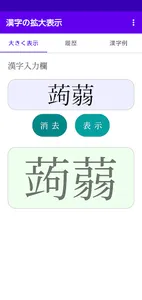
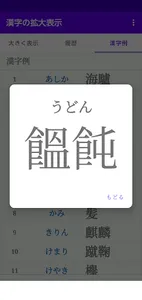
② When you press the display button, the soft keyboard is hidden and enlarged.
The tab layout makes it easy to operate by sliding.
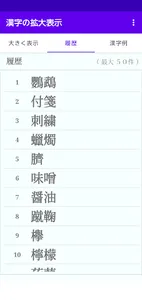
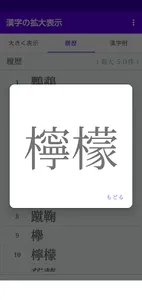
Once displayed, the Chinese characters are posted on the history tab and can be enlarged with a single tap. (Maximum 50 cases)
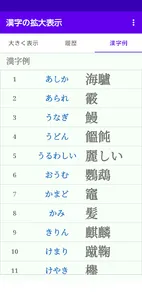
A list of obfuscated and complex Chinese character examples is displayed. You can enlarge it by tapping it.
·how to use
① Enter the characters you want to enlarge in the input field on the initial screen.
② When you press the display button, the soft keyboard is hidden and enlarged.
The tab layout makes it easy to operate by sliding.
Once displayed, the Chinese characters are posted on the history tab and can be enlarged with a single tap. (Maximum 50 cases)
A list of obfuscated and complex Chinese character examples is displayed. You can enlarge it by tapping it.
Show More