Audio Compressor
Ligrant Apps
3.5 ★
449 ratings
100,000+
downloads
Free
+ in-app
With this audio compression app, you can reduce the size of various audio files by adjusting bitrate, frequency, and channels. Includes multiple formats support, compression levels, and advanced mode options.
AppRecs review analysis
AppRecs rating 3.6. Trustworthiness 80 out of 100. Review manipulation risk 28 out of 100. Based on a review sample analyzed.
★★★☆☆
3.6
AppRecs Rating
Ratings breakdown
5 star
59%
4 star
6%
3 star
0%
2 star
0%
1 star
35%
What to know
✓
Low review manipulation risk
28% review manipulation risk
✓
Credible reviews
80% trustworthiness score from analyzed reviews
⚠
High negative review ratio
35% of sampled ratings are 1–2 stars
About Audio Compressor
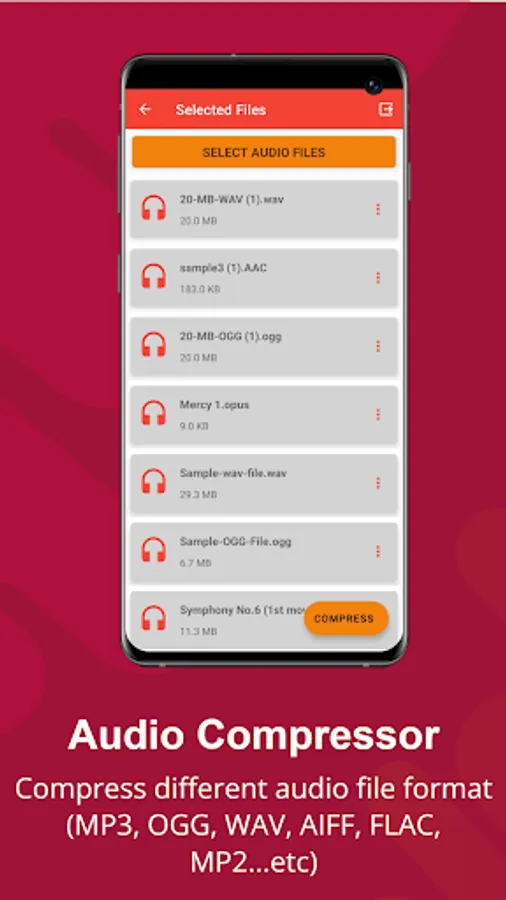
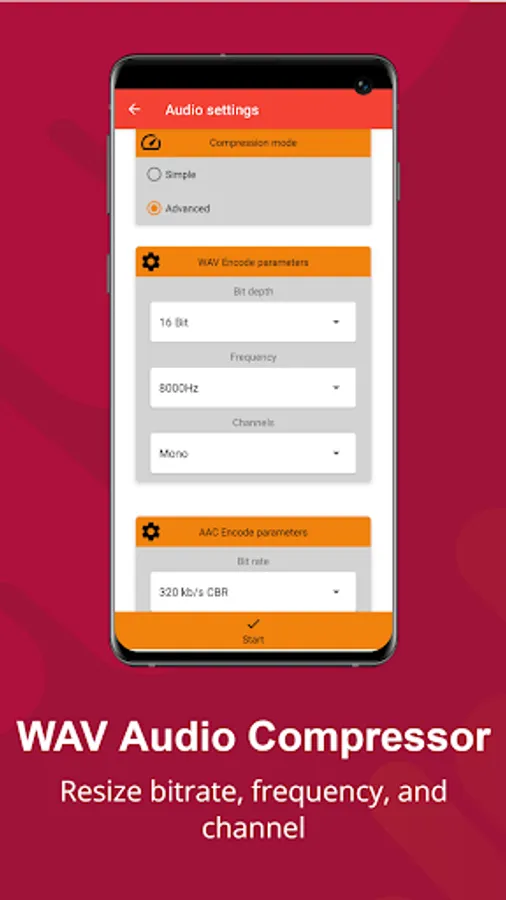
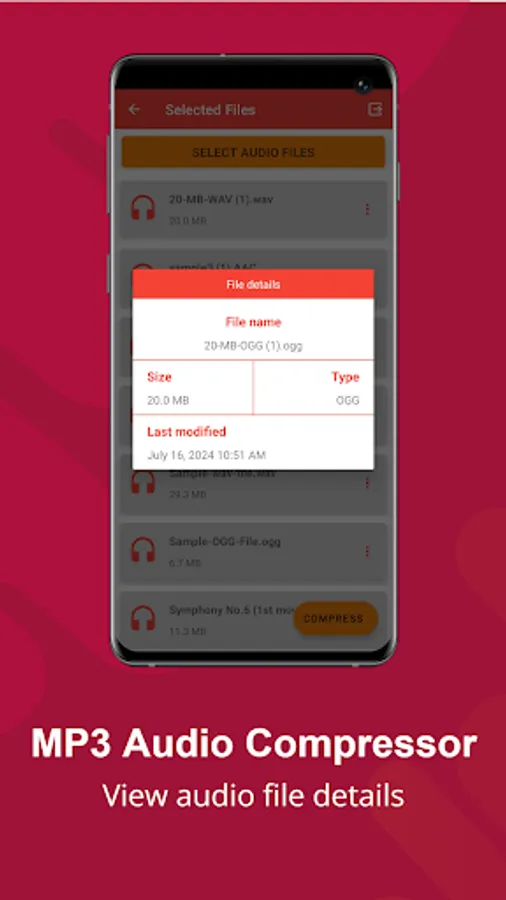
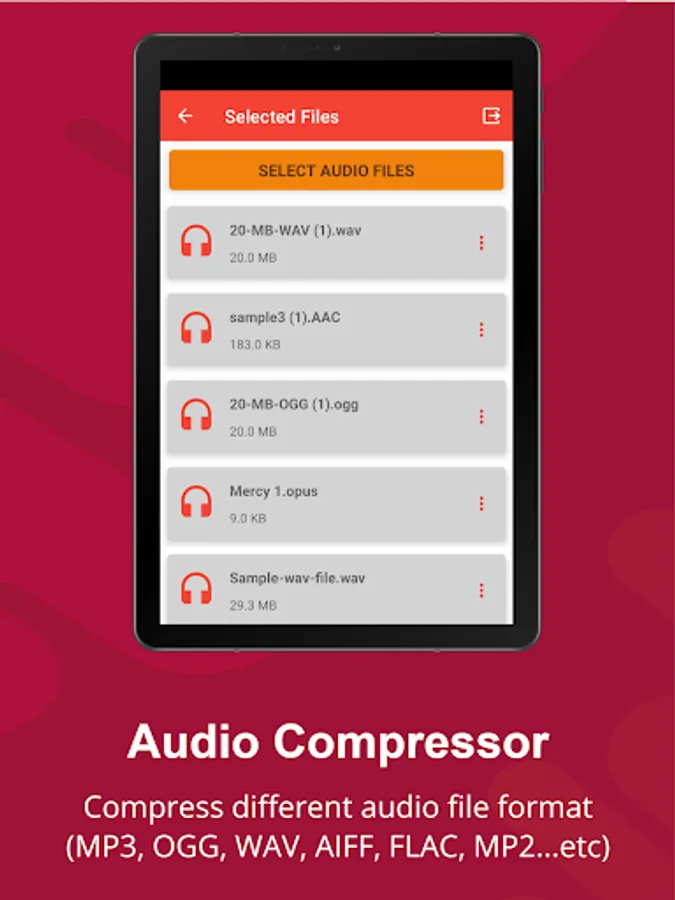
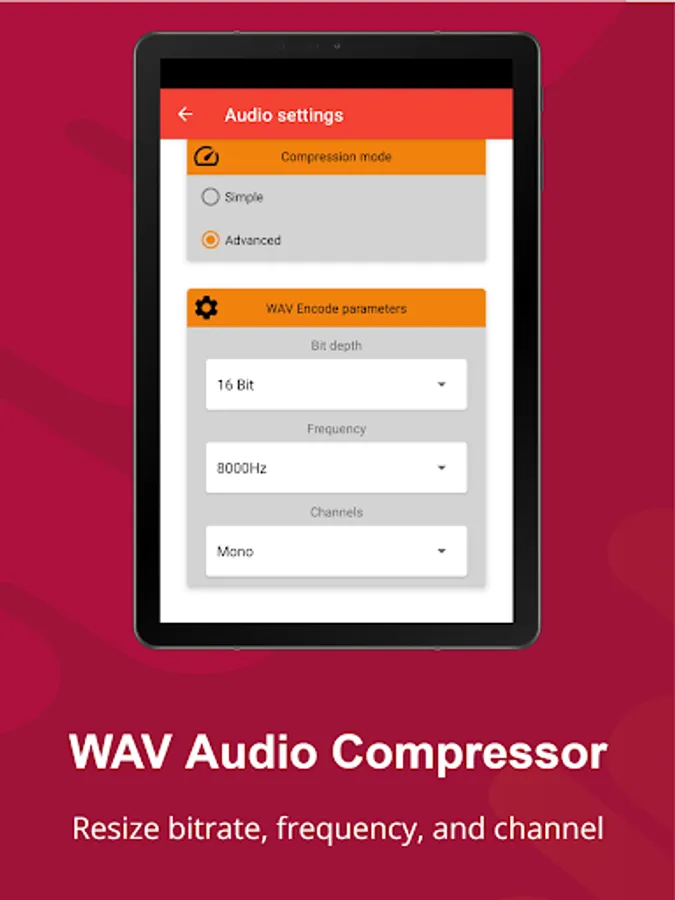
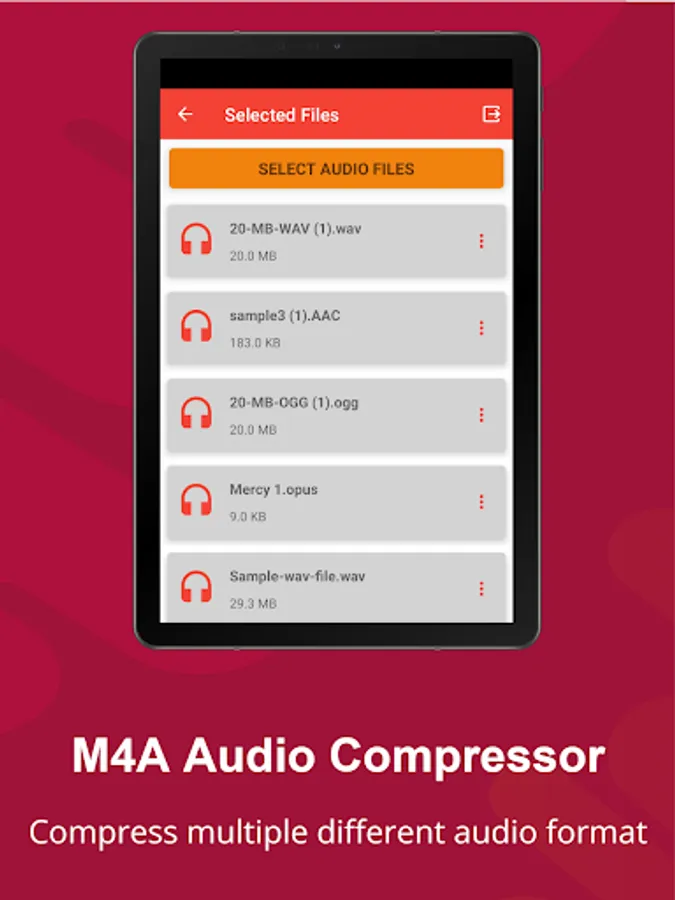
Audio compressor lets you compress MP3, WMA, AAC, M4A, FLAC, AIFF, and WAV audio files easily. You can also resize the bitrate, frequency, channels, and sample rate of an audio file with our advanced compression mode.
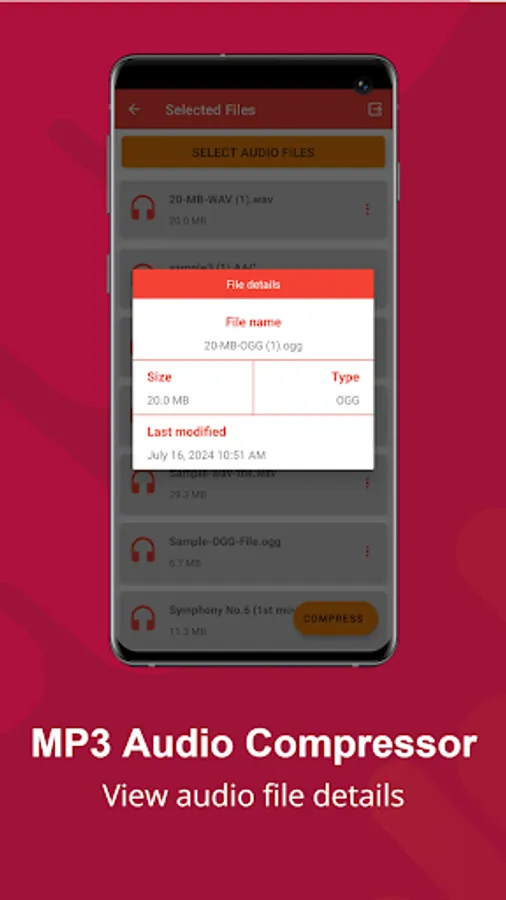
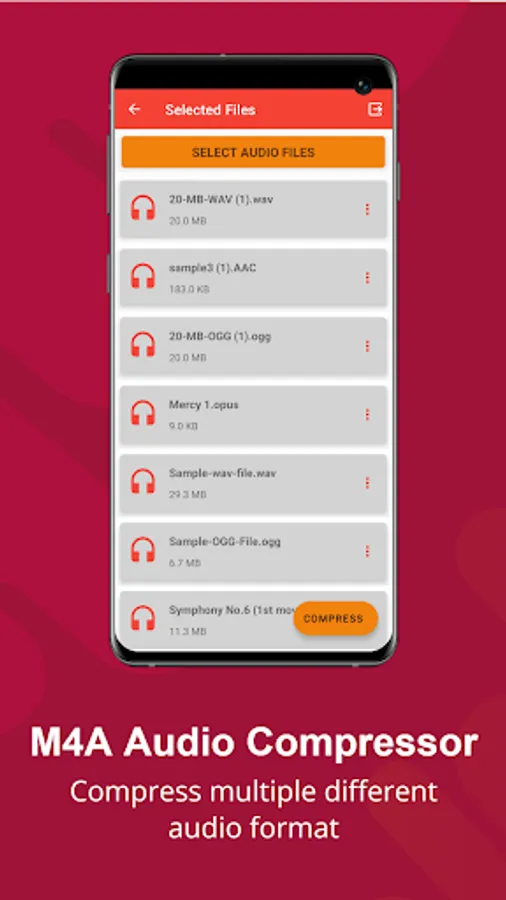
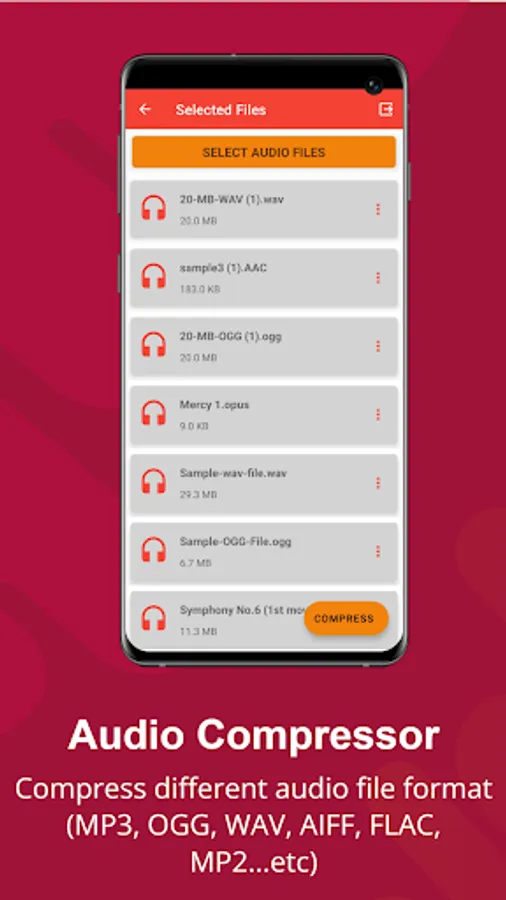
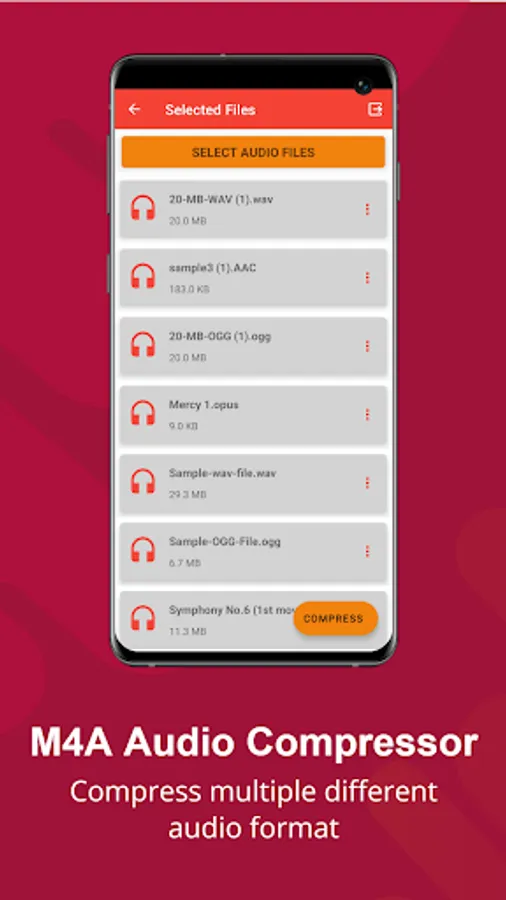
This Audio compressor can compress single and multiple audio file formats all at once, it reduces the size of audio files to free up space in your phones.
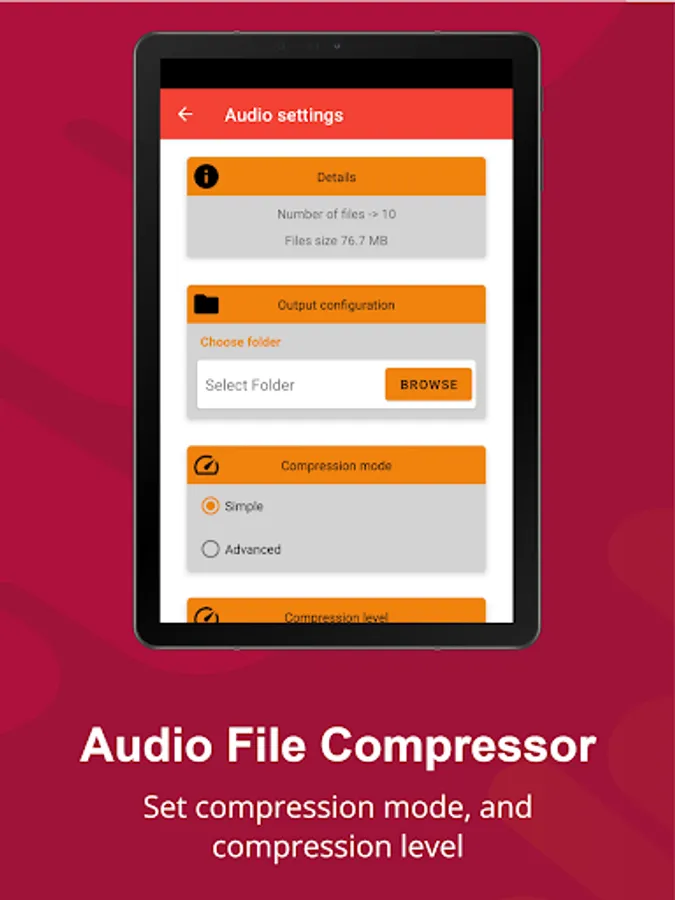
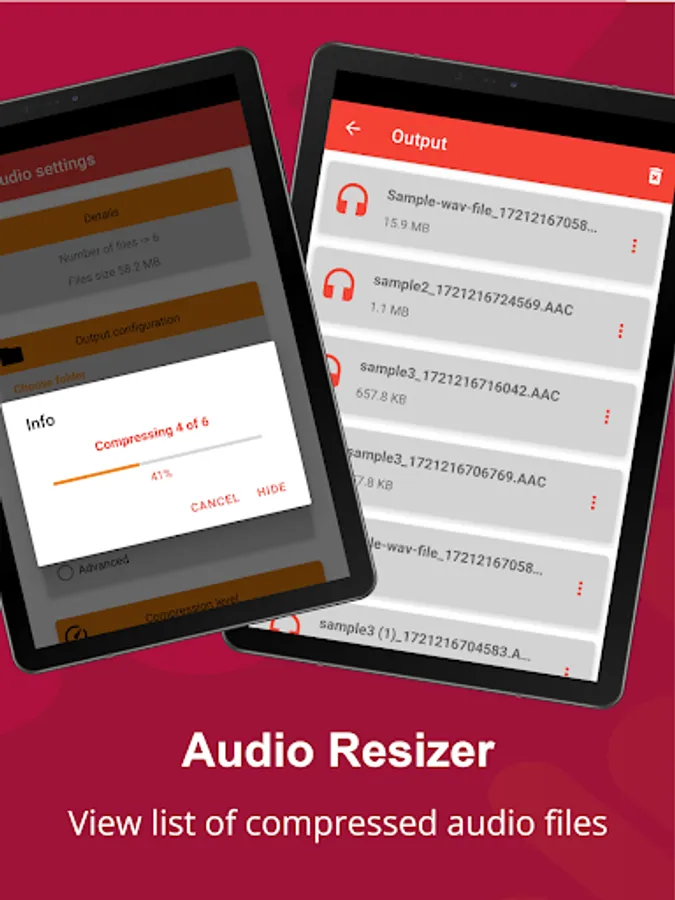
Thanks to this audio file compressor you can compress audio files without losing quality, Share audio files faster by reducing the size of the file up to 90% of its original size by simply adjusting the compression level.
Reduce audio file size in just one click with our Audio file compressor.
Supported Audio files: MP3, M4A, WAV, AAC, WMA, MP2, AIFF, FLAC, AC3, AIFF, AMR
APP FEATURES
• MP3 audio compressor
• M4A Compressor
• WAV file compressor
• AAC compressor
• WMA compressor
• MP2 compressor
• AIFF compressor
• FLAC compressor
• AC3 compressors
• AIFF Compressor
• AMR Compressor
More Features:
• Multiple audio compression
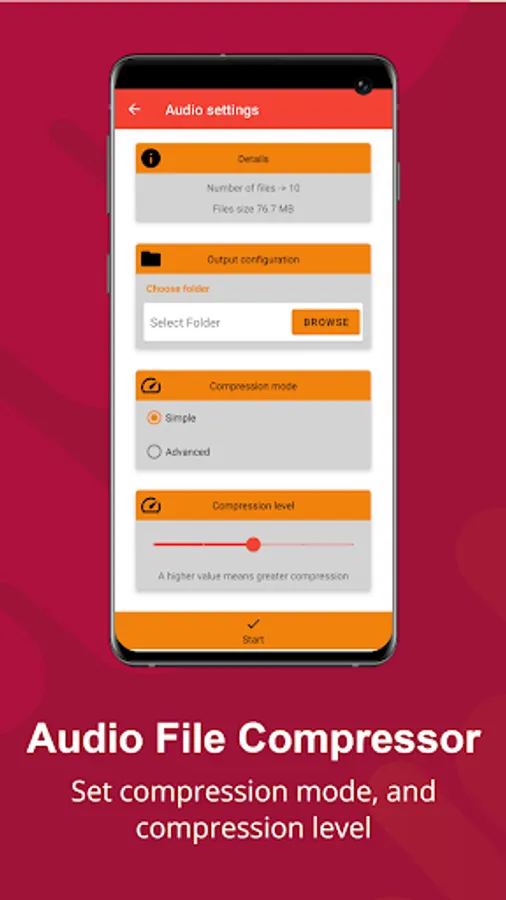
• 5 predefined Compression level
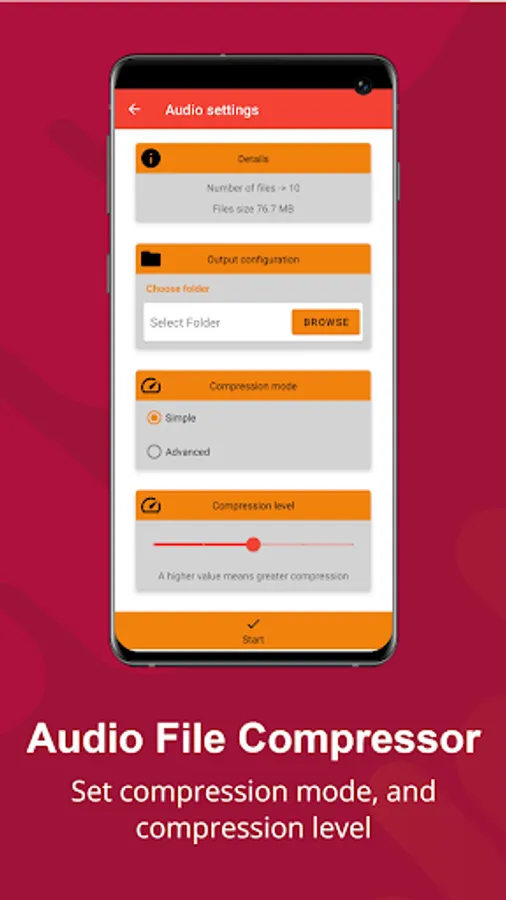
• Simple and Advanced compression mode
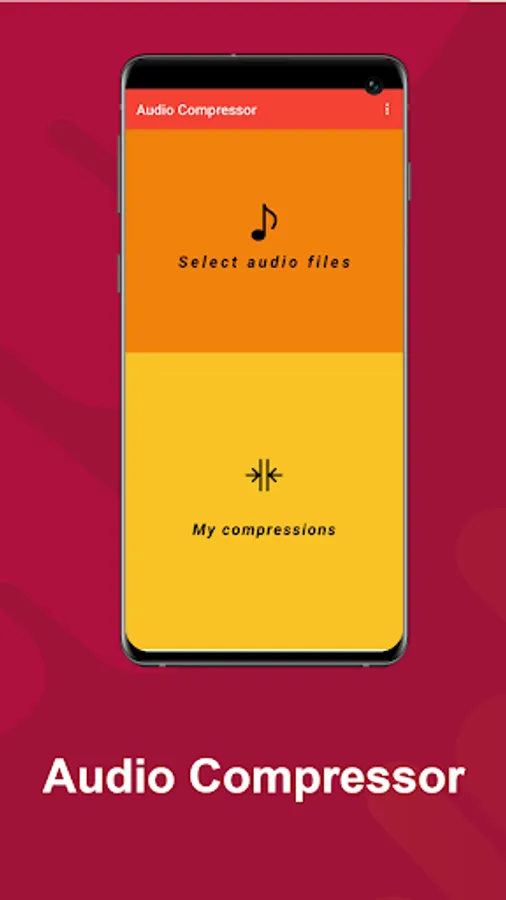
• Easy GUI navigation
• Different compression levels
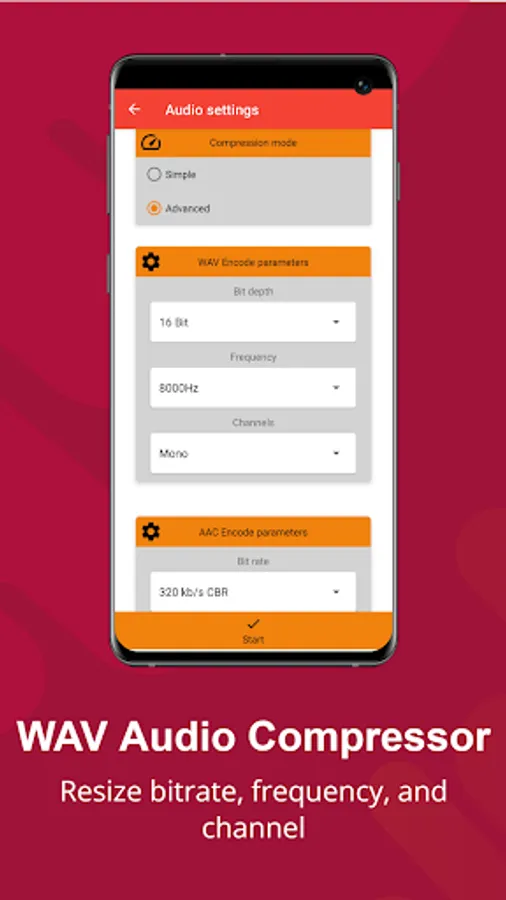
• Advanced mode compression (Adjust: frequency, bit rate, channel..)
• Compression by Bit rate
• Compression by frequency
• Support other audio files
• Supports other standard input sound formats:, etc.
How to use:
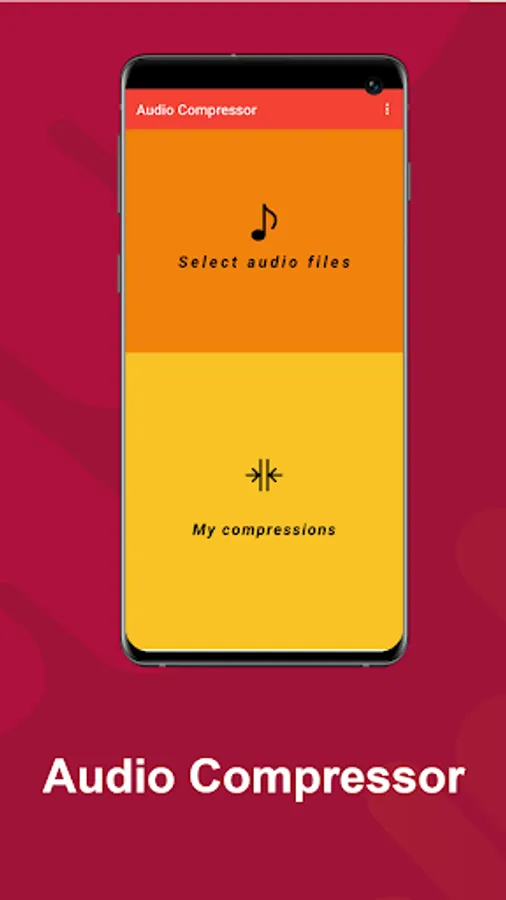
1. Tap to choose the file
2. Grant permission
3. Click next
4. Select compression level
5. Select directory
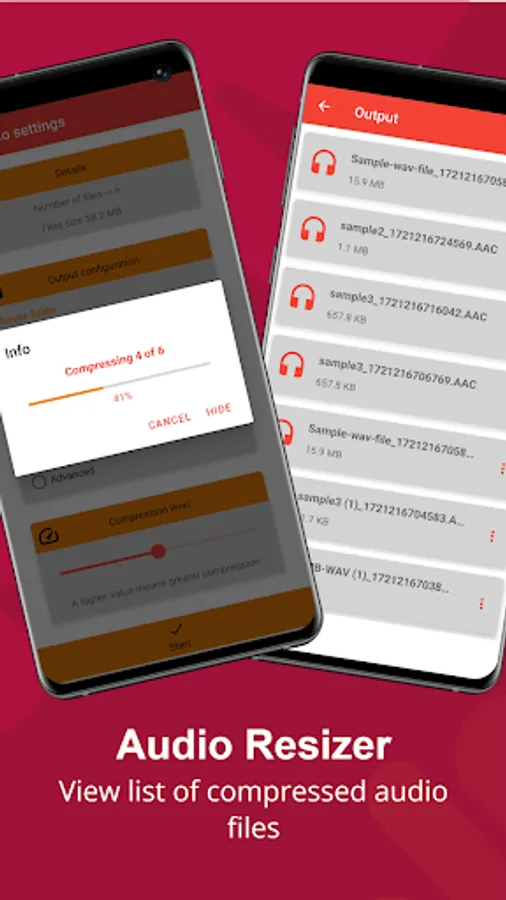
6. Start compression
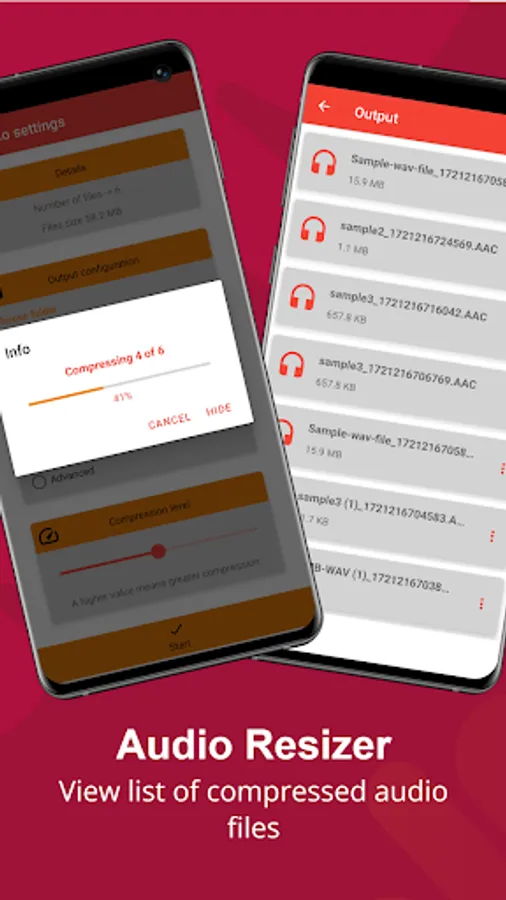
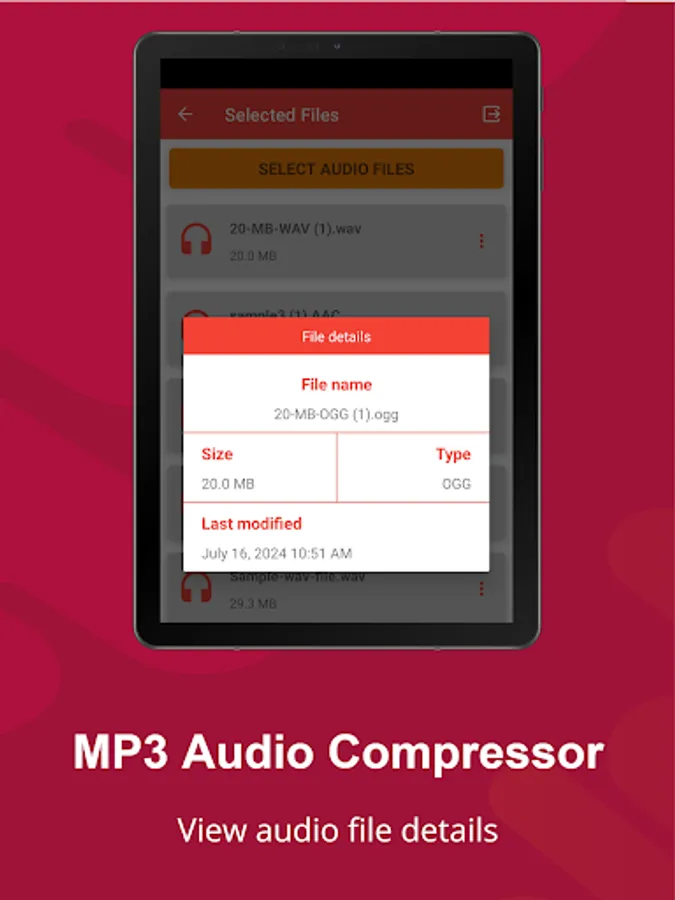
7. Check the output for the compressed file
Download now to enjoy. Thank you
This Audio compressor can compress single and multiple audio file formats all at once, it reduces the size of audio files to free up space in your phones.
Thanks to this audio file compressor you can compress audio files without losing quality, Share audio files faster by reducing the size of the file up to 90% of its original size by simply adjusting the compression level.
Reduce audio file size in just one click with our Audio file compressor.
Supported Audio files: MP3, M4A, WAV, AAC, WMA, MP2, AIFF, FLAC, AC3, AIFF, AMR
APP FEATURES
• MP3 audio compressor
• M4A Compressor
• WAV file compressor
• AAC compressor
• WMA compressor
• MP2 compressor
• AIFF compressor
• FLAC compressor
• AC3 compressors
• AIFF Compressor
• AMR Compressor
More Features:
• Multiple audio compression
• 5 predefined Compression level
• Simple and Advanced compression mode
• Easy GUI navigation
• Different compression levels
• Advanced mode compression (Adjust: frequency, bit rate, channel..)
• Compression by Bit rate
• Compression by frequency
• Support other audio files
• Supports other standard input sound formats:, etc.
How to use:
1. Tap to choose the file
2. Grant permission
3. Click next
4. Select compression level
5. Select directory
6. Start compression
7. Check the output for the compressed file
Download now to enjoy. Thank you
Audio Compressor Screenshots
Tap to Rate:
Reviews for Audio Compressor
Shushmita
12/27/2025
easy to use
Balinaine Patrick
12/17/2025
the best