
With this organizational app, users can manage calendars, diaries, memos, and schedules with multiple views and settings. Includes lunar calendar support, data backup, and security features.
AppRecs review analysis
AppRecs rating 4.5. Trustworthiness 59 out of 100. Review manipulation risk 40 out of 100. Based on a review sample analyzed.
★★★★☆
4.5
AppRecs Rating
Ratings breakdown
5 star
86%
4 star
12%
3 star
1%
2 star
0%
1 star
1%
What to know
✓
High user satisfaction
86% of sampled ratings are 5 stars
About 원데이 - 일기, 메모, 일정
♡ One Day Features
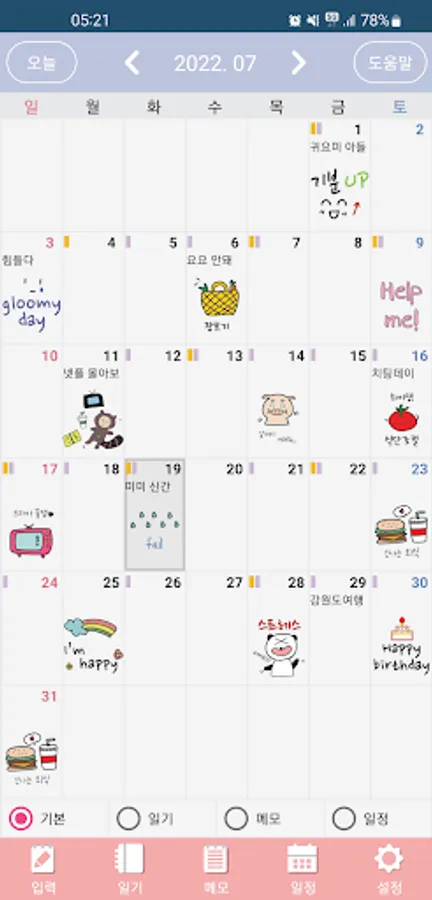
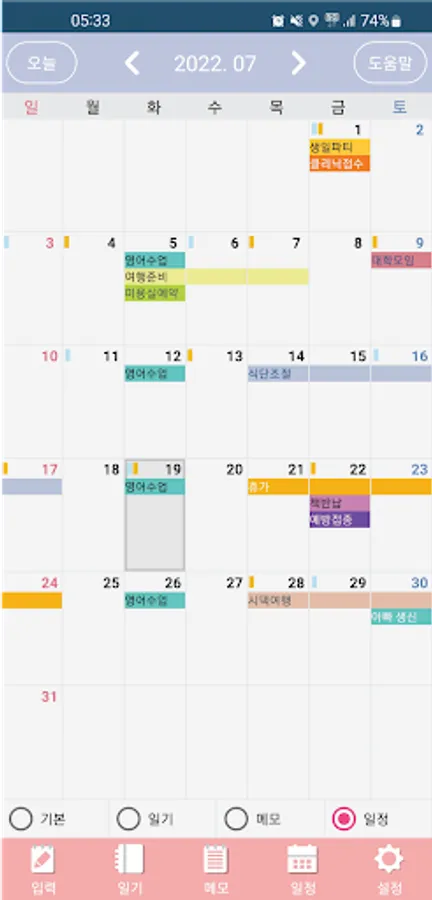
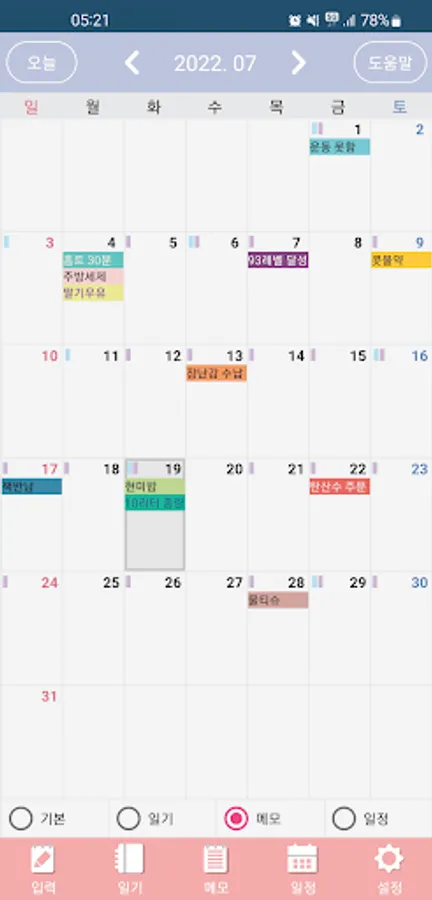
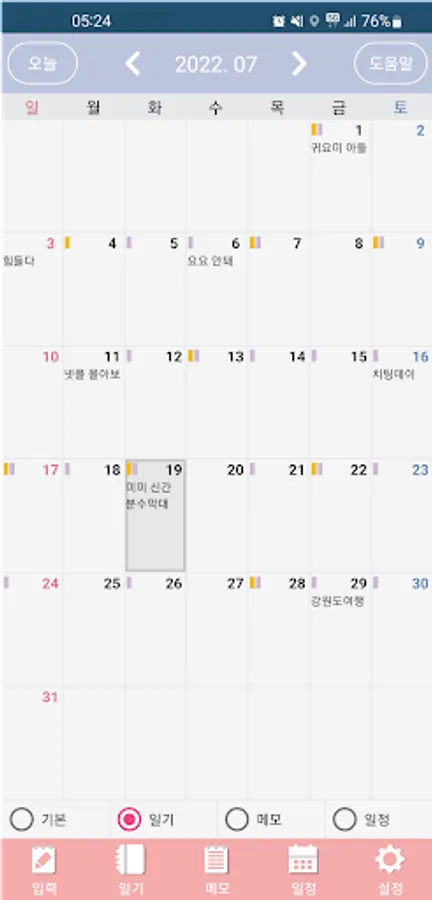
▶ Various Calendar Screens
- Easily check your calendar with the Basic, Diary, Memo, and Schedule calendar functions.
(You can change the calendar mode by pressing the Basic, Diary, Memo, or Schedule selection buttons at the bottom. ^^)
▶ Convenient Lunar Calendar
- Easily check your lunar calendar and schedule.
(You can turn the lunar calendar display on or off in One Day's detailed settings. ^^)
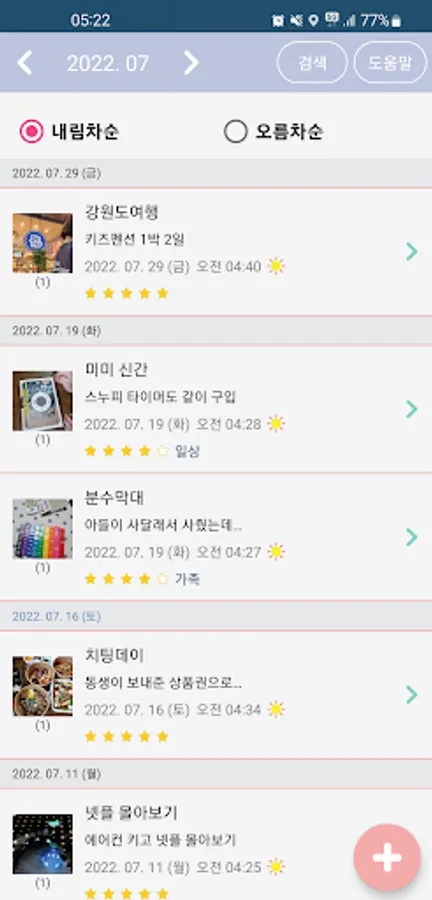
▶ Various Diary Screens
- Enjoy the fun of writing a diary with various features like star ratings, stickers, designated dates, and statistics.
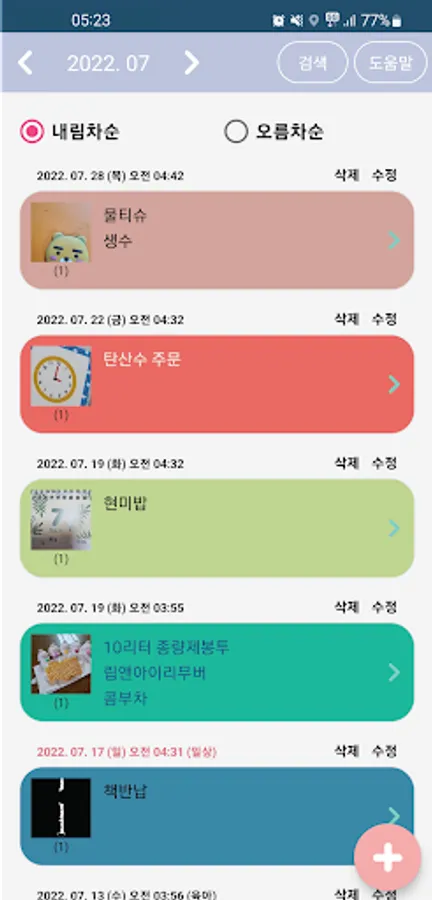
▶ Convenient Memo Screens
- Easily create memos with text color, background color, and grouping functions.
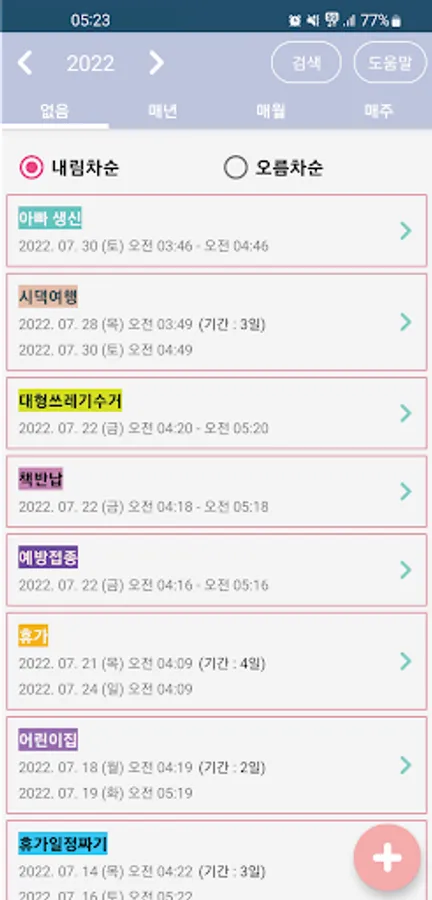
▶ Easy Schedule Management
- Easily manage important events, recurring events, lunar calendar events, and other schedules.
▶ Beautiful Calendar Widget
- Easily view your calendar from the home screen with the calendar widget.
▶ Even Easier!
- Easy-to-Use Help Center on each screen provides easy-to-follow instructions.
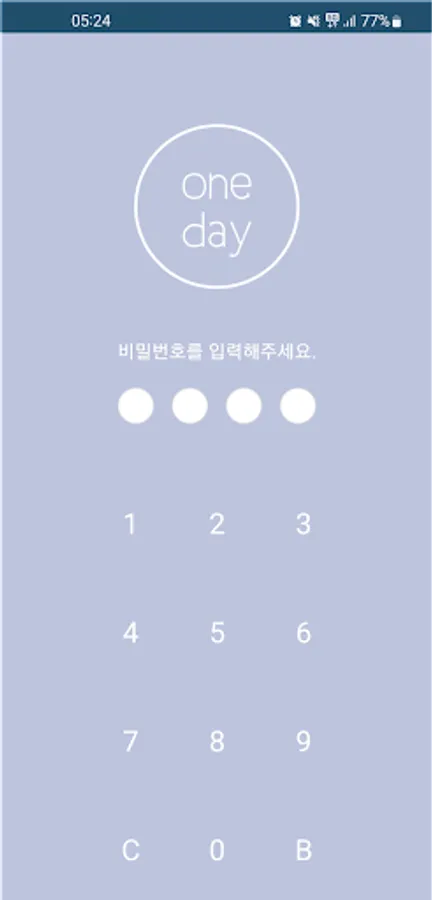
▶ Security and Data Backup and Recovery
- Password functionality is a must! - Data backup and recovery with Google Drive!
If you have any suggestions for additions, bugs, or fixes, please feel free to email us anytime. We'll be sure to take your valuable feedback into consideration!
Developer Email: devwlstn@gmail.com
Permission Description
▶ Photos, Videos, Files (Optional)
- Required for uploading photos.
▶ Notifications (Optional)
- Required for displaying notifications in the top bar.
※ Even if you don't agree to the optional permissions, you can still use the service, except for the features for which they apply.
▶ Various Calendar Screens
- Easily check your calendar with the Basic, Diary, Memo, and Schedule calendar functions.
(You can change the calendar mode by pressing the Basic, Diary, Memo, or Schedule selection buttons at the bottom. ^^)
▶ Convenient Lunar Calendar
- Easily check your lunar calendar and schedule.
(You can turn the lunar calendar display on or off in One Day's detailed settings. ^^)
▶ Various Diary Screens
- Enjoy the fun of writing a diary with various features like star ratings, stickers, designated dates, and statistics.
▶ Convenient Memo Screens
- Easily create memos with text color, background color, and grouping functions.
▶ Easy Schedule Management
- Easily manage important events, recurring events, lunar calendar events, and other schedules.
▶ Beautiful Calendar Widget
- Easily view your calendar from the home screen with the calendar widget.
▶ Even Easier!
- Easy-to-Use Help Center on each screen provides easy-to-follow instructions.
▶ Security and Data Backup and Recovery
- Password functionality is a must! - Data backup and recovery with Google Drive!
If you have any suggestions for additions, bugs, or fixes, please feel free to email us anytime. We'll be sure to take your valuable feedback into consideration!
Developer Email: devwlstn@gmail.com
Permission Description
▶ Photos, Videos, Files (Optional)
- Required for uploading photos.
▶ Notifications (Optional)
- Required for displaying notifications in the top bar.
※ Even if you don't agree to the optional permissions, you can still use the service, except for the features for which they apply.
원데이 - 일기, 메모, 일정 Screenshots
Tap to Rate:
Reviews for 원데이 - 일기, 메모, 일정
김하은
11/5/2025
스티커로 표시할 수 있는 달력을 찾고 있었어서 마음에 쏙 듭니다 ㅎㅎ 개발자님 혹시 사용자가 스티커를 추가할 수는 없을까요ㅠㅠ 다양한 운동 스티커가 있으면 좋을 것 같아요!
J Y
5/30/2025
딱 원하는 스타일의 어플을 찾아서 매일 이용하고 있어요. 감사합니다^^