
Colorful Frames Photo Maker
bigApps
3.4 ★
113 ratings
10,000+
downloads
Free
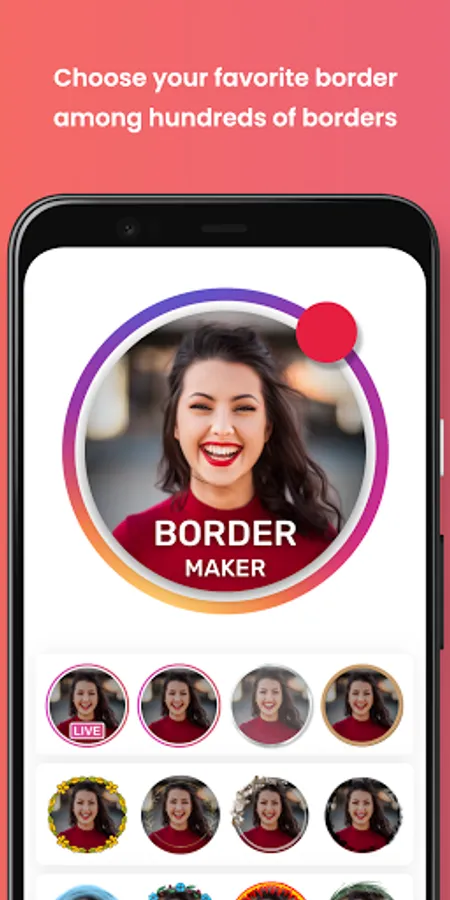
With this photo editing app, you can add colorful borders to your selfies and preview the results easily. Includes a border gallery, background color options, and instant saving capabilities.
AppRecs review analysis
AppRecs rating 3.4. Trustworthiness 0 out of 100. Review manipulation risk 0 out of 100. Based on a review sample analyzed.
★★★☆☆
3.4
AppRecs Rating
Ratings breakdown
5 star
60%
4 star
0%
3 star
0%
2 star
0%
1 star
40%
What to know
✓
Authentic reviews
No red flags detected
⚠
High negative review ratio
40% of sampled ratings are 1–2 stars
About Colorful Frames Photo Maker
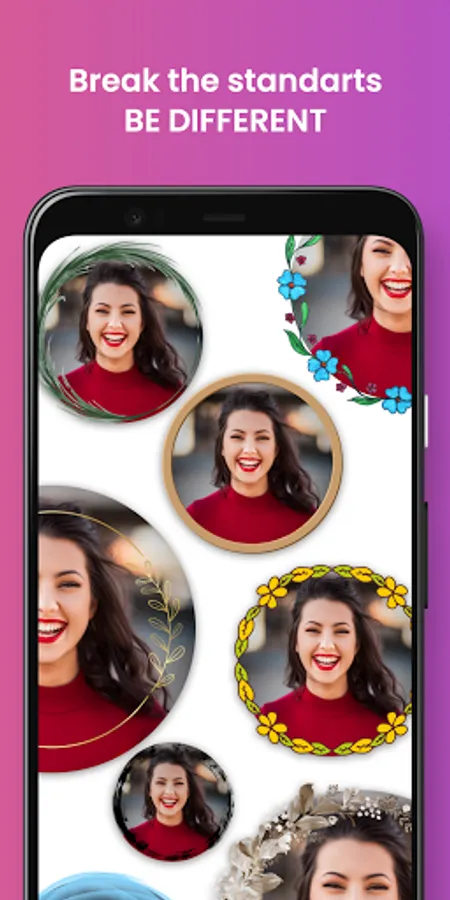
Have attractive profile photos in other people's lists. A non-standard profile photo grabs people's attention. You can create super cool profile pictures with this border maker app. You can preview your selfies easily. You can instantly save and use the framed photo you like. You can add borders to your photos that created with ai.
Tap-to-Start
Select the photo you want to turn into a cool profile photo.
Scroll Freely
Scroll until you find the border that suits you best. Click on the list item to preview it. New borders are added regularly. Don't forget to check it out from time to time.
I feel lucky
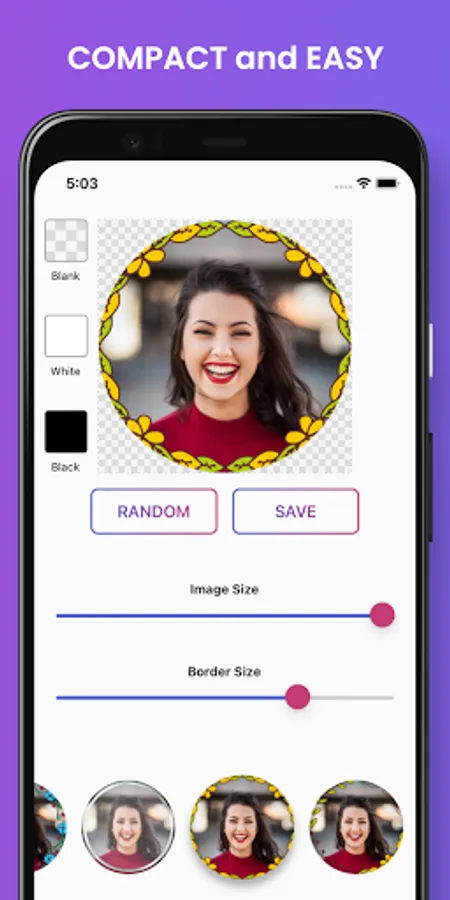
You can try your luck by pressing the Random button.
Adjust image and border
You can easily resize your picture or border by sliding the bars.
Set background color
You can set the background color for the platform you will use. Transparent, white or black.
Preview & Save
You get what you see in the preview. Click the save button and export to your gallery.
What you can do
- limitless and free get images
- colorful border wall
- create cool picture
- rich pic fram
- insta highlight covers
Tap-to-Start
Select the photo you want to turn into a cool profile photo.
Scroll Freely
Scroll until you find the border that suits you best. Click on the list item to preview it. New borders are added regularly. Don't forget to check it out from time to time.
I feel lucky
You can try your luck by pressing the Random button.
Adjust image and border
You can easily resize your picture or border by sliding the bars.
Set background color
You can set the background color for the platform you will use. Transparent, white or black.
Preview & Save
You get what you see in the preview. Click the save button and export to your gallery.
What you can do
- limitless and free get images
- colorful border wall
- create cool picture
- rich pic fram
- insta highlight covers
Colorful Frames Photo Maker Screenshots
Tap to Rate: