Draw->Dance! Drawing the face
terunuma.info
3.7 ★
store rating
100,000+
downloads
Free
Start with "Draw faces from the camera or freehand to create animated dance scenes." Includes photo capture, drawing tools, and dance playback features.
AppRecs review analysis
AppRecs rating 3.7. Trustworthiness 0 out of 100. Review manipulation risk 0 out of 100. Based on a review sample analyzed.
★★★☆☆
3.7
AppRecs Rating
Ratings breakdown
5 star
59%
4 star
9%
3 star
4%
2 star
2%
1 star
27%
What to know
✓
Good user ratings
68% positive sampled reviews
About Draw->Dance! Drawing the face
Please be drawing a lot of face!
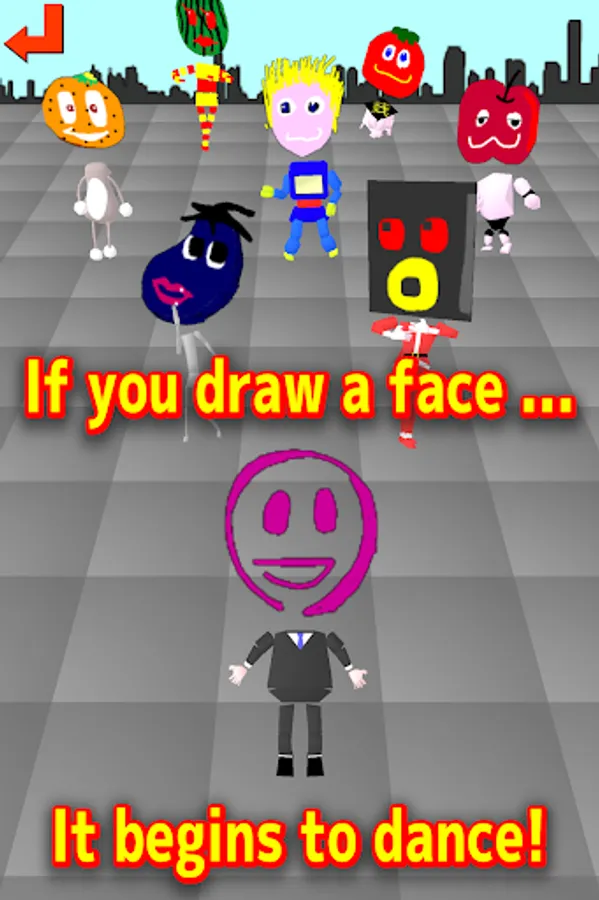
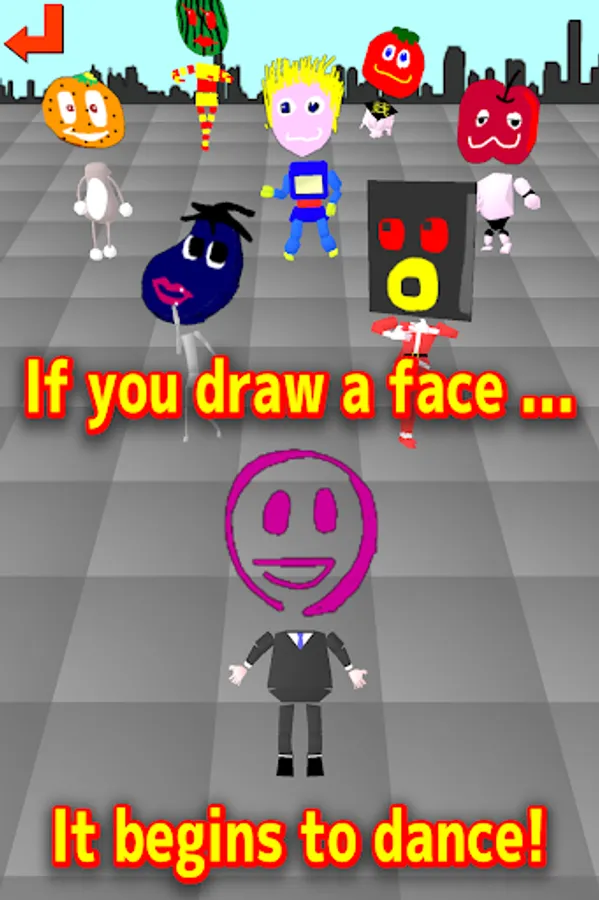
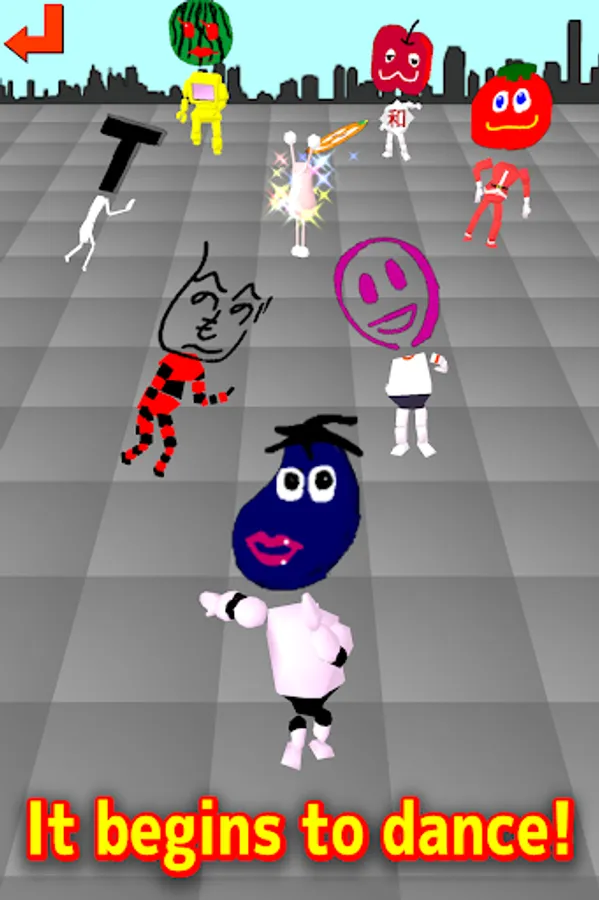
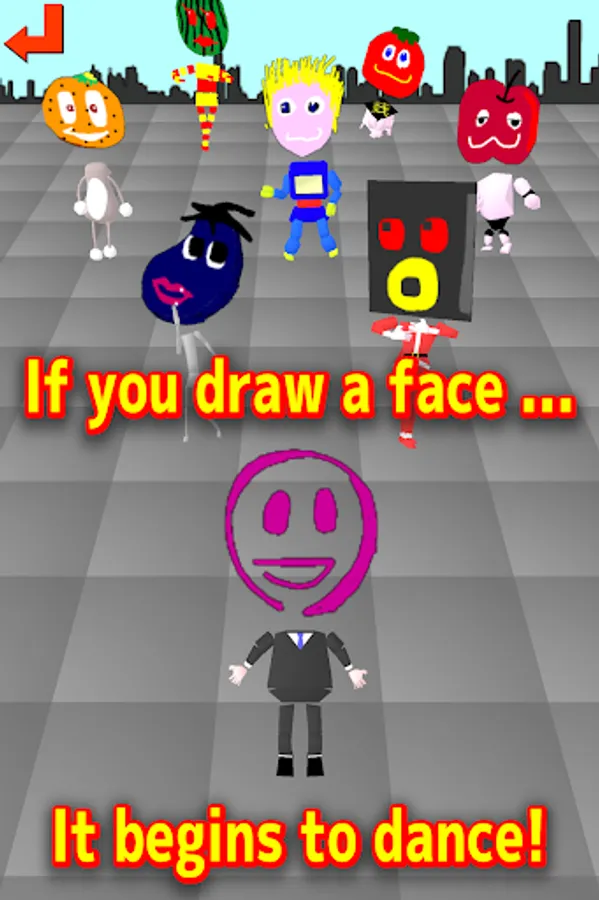
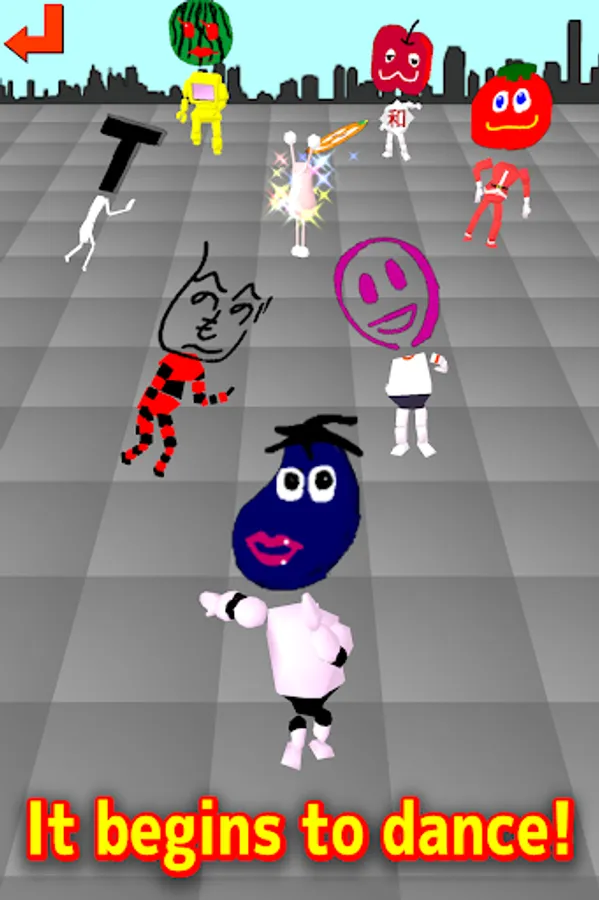
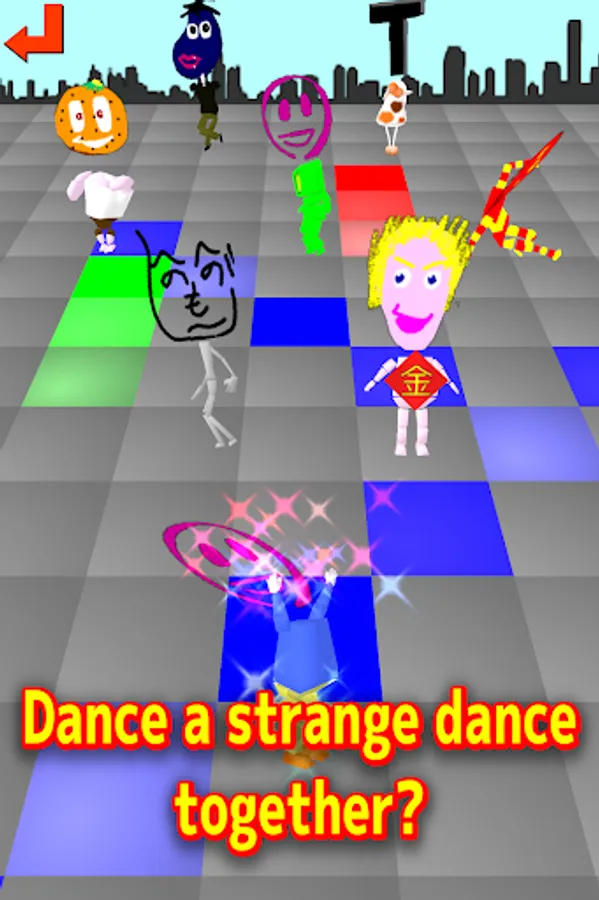
The painted face, dancing in various costumes!
By shooting the face of the family in the camera, When you have crowded draw such as beard and glasses... it is fun!
[Commentary]
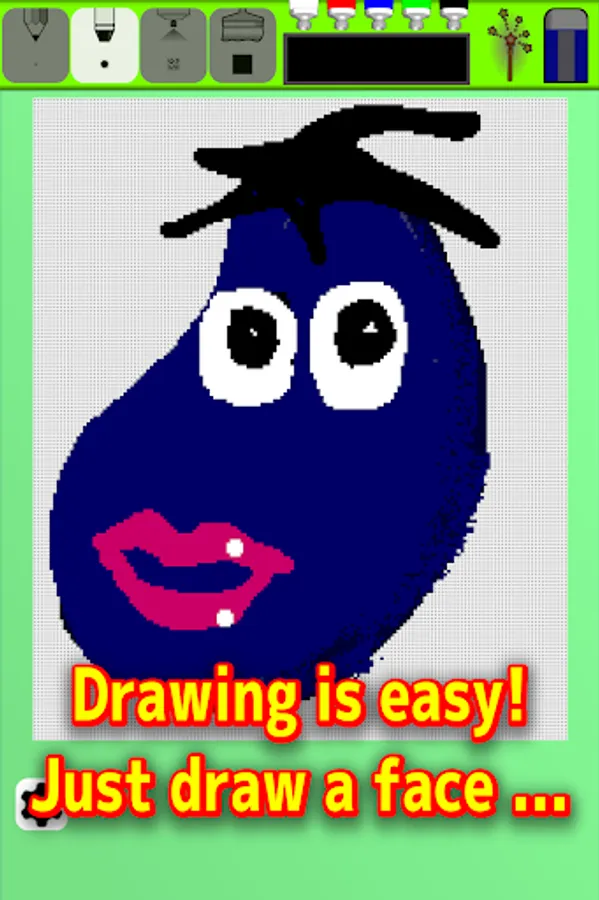
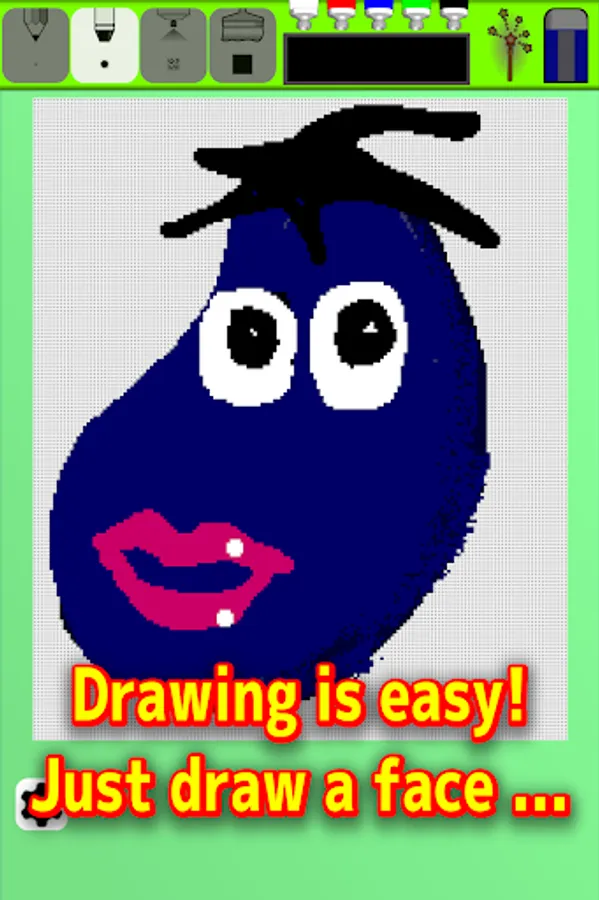
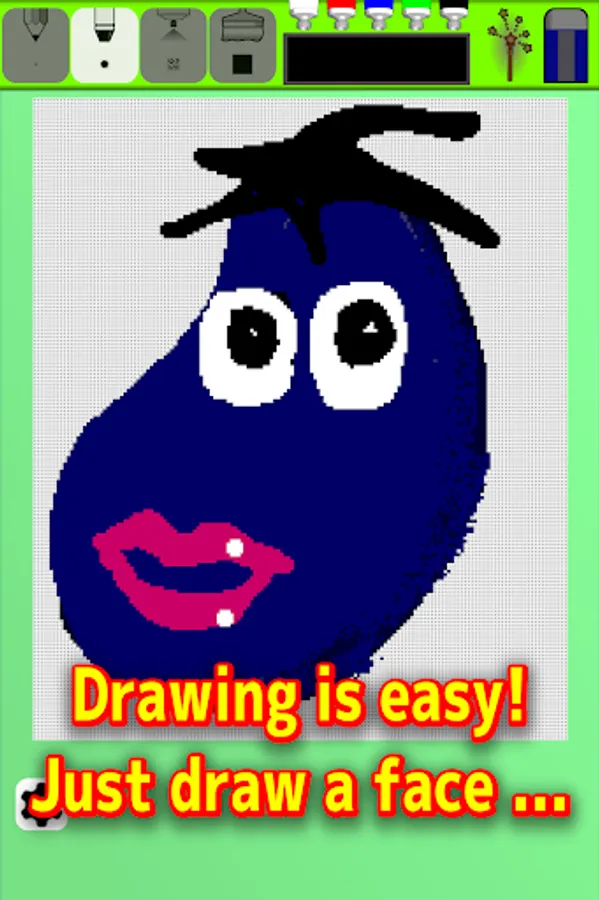
Draw a "face" in the drawing tool, and enjoy the sight of the drawn face dance.
[How to Play]
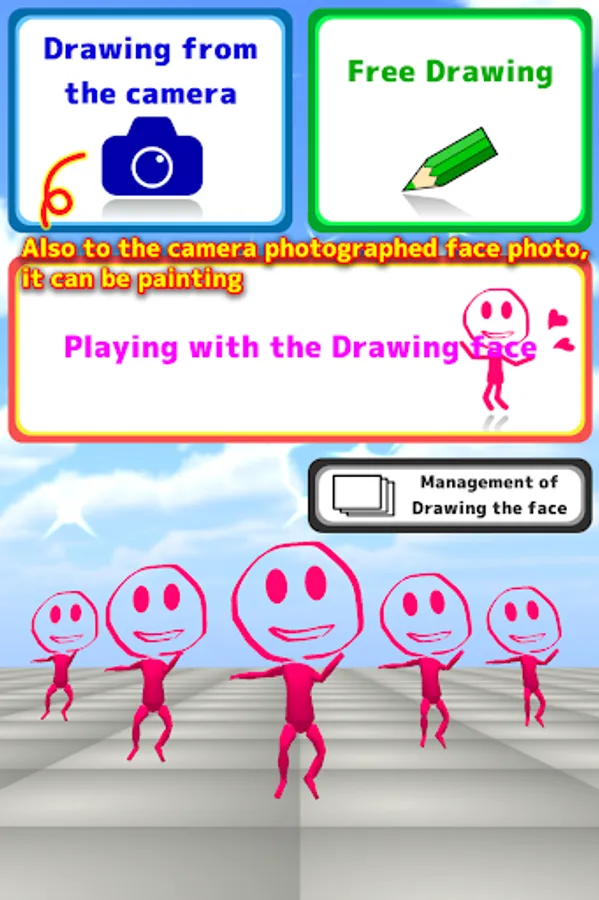
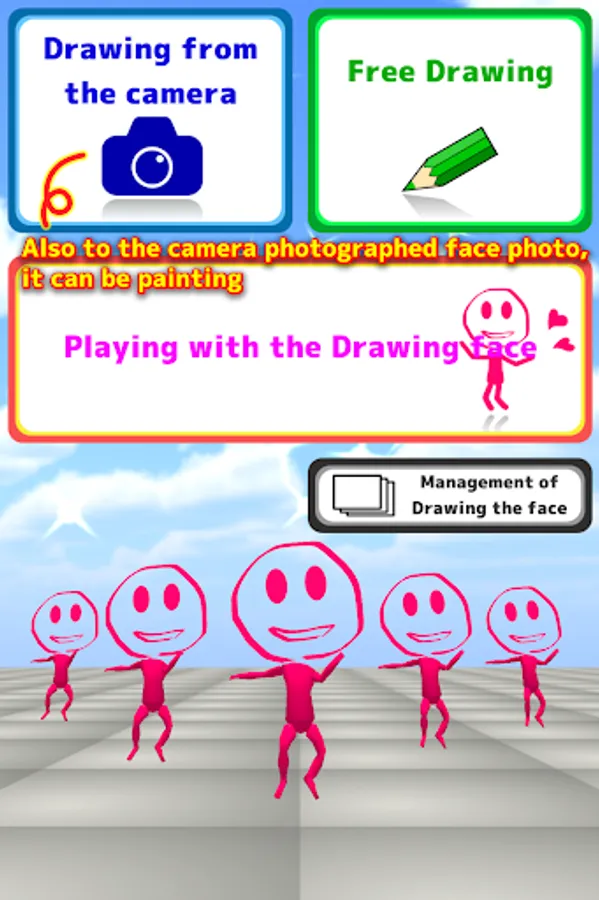
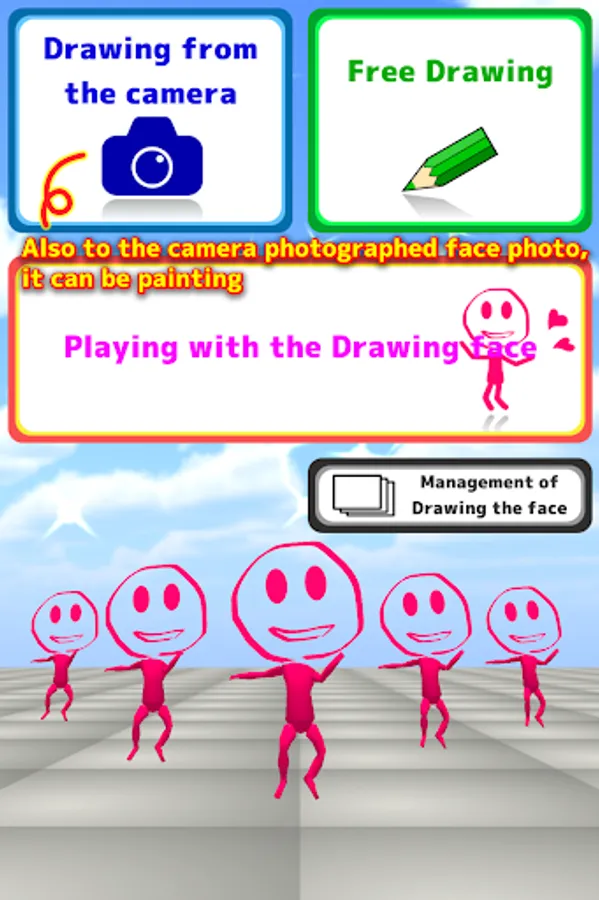
The first screen
* "Drawing from Camera" .............. To capture a picture of the face from the camera, and then drawing.
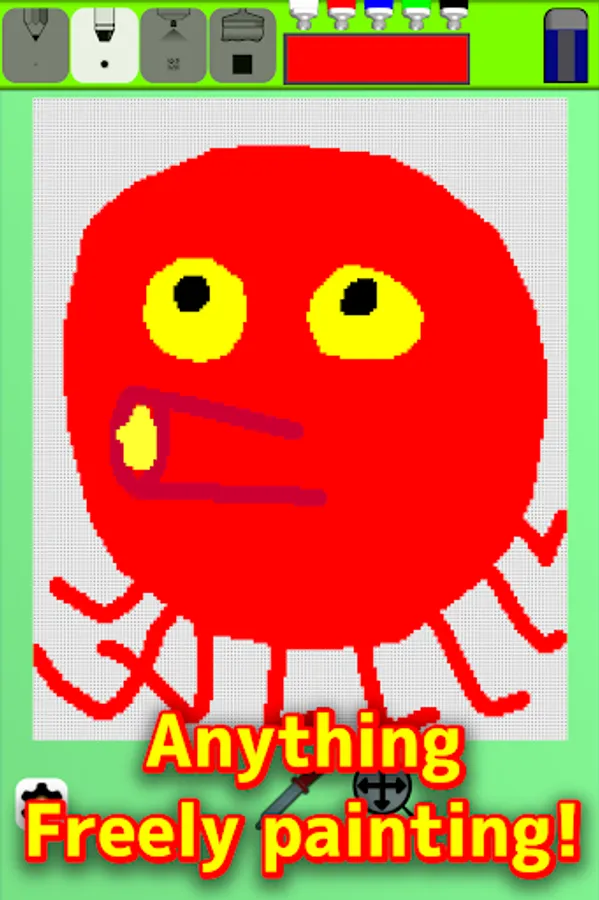
* "Free Drawing" ..................... Free painting as you like.
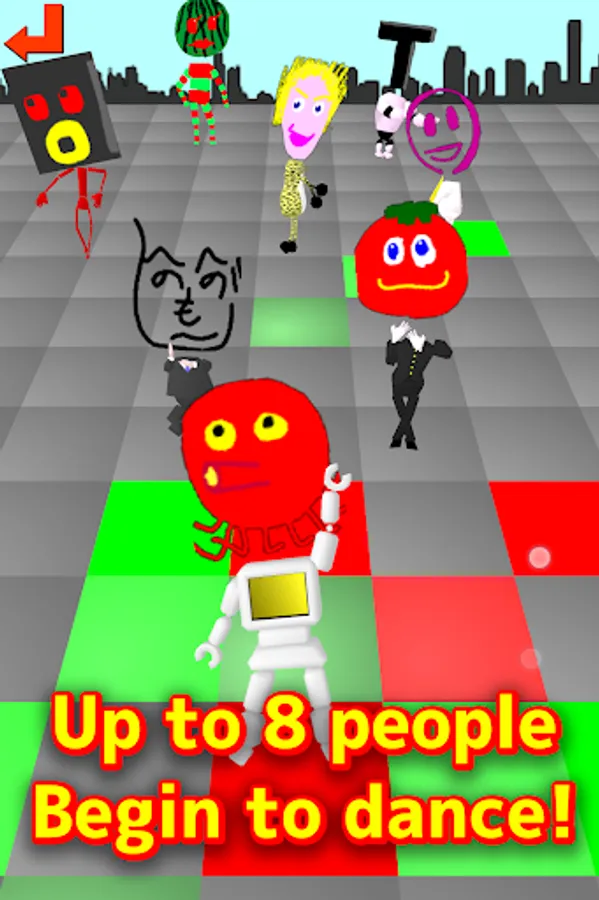
* "Playing with the Drawing face" .... The drawn "faces" will dance.
* "Management of Drawing the face" ... Delete or modify the drawing "faces".
Drawing from Camera
How to capture a photograph of the face
1. The face Align in the Screen center , and press the "Get" button.
2. The face have fit in the red frame from drag and zoom button.
3. Push "Completion" button to the drawing
Free Drawing
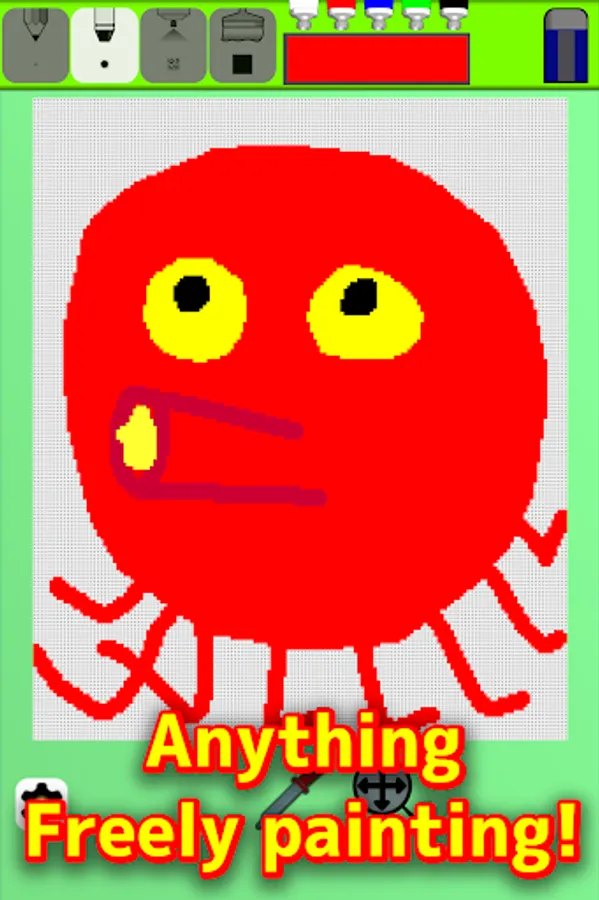
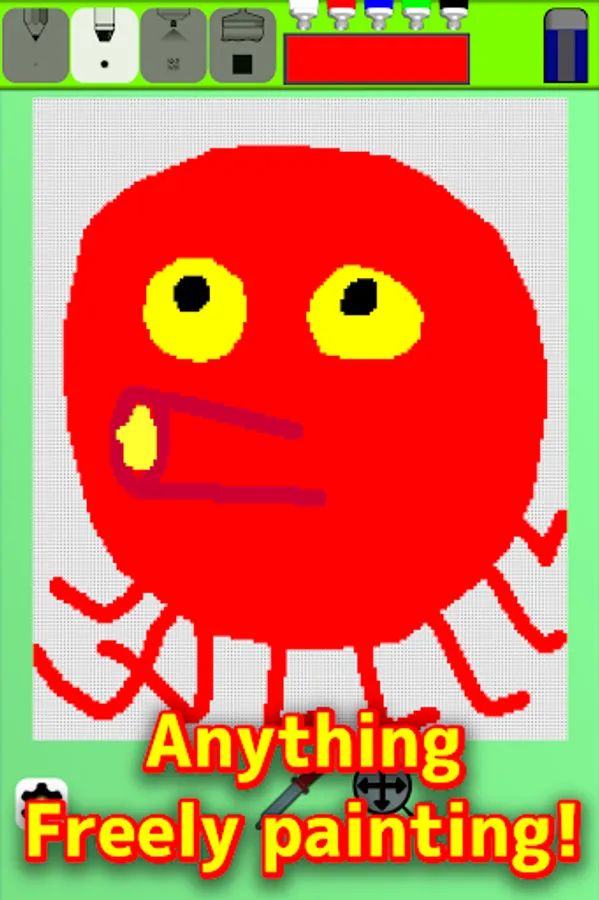
freely drawing
Part of "・" of campus is transparent part.
if Transition from "Drawing from Camera", please erase the background with an eraser
Features
* 4 types of thickness pen
* A lot of color, can make sensuously colors in paint button
* Eraser
When you completed drawing, press the "Complete the picture!" from the "Settings" button
Playing with the Drawing face
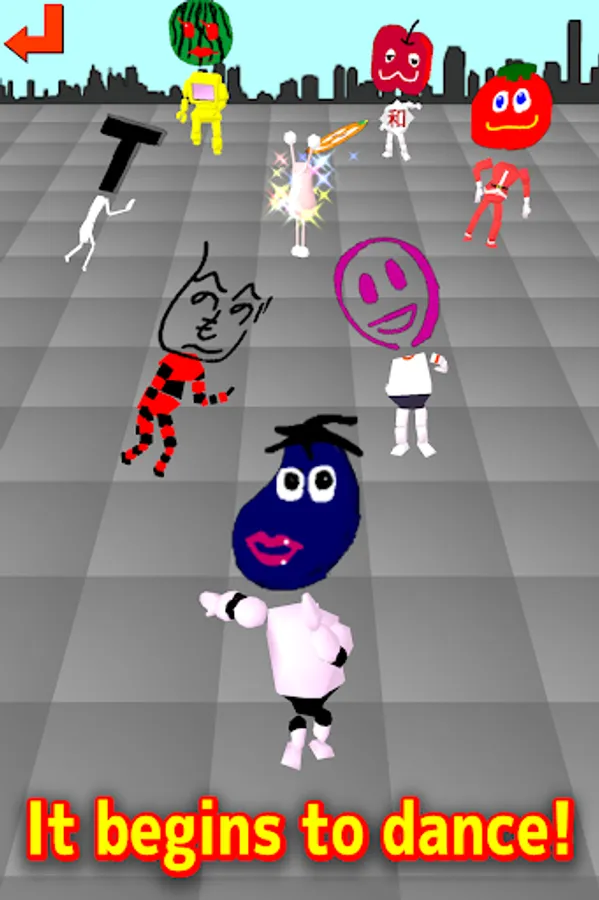
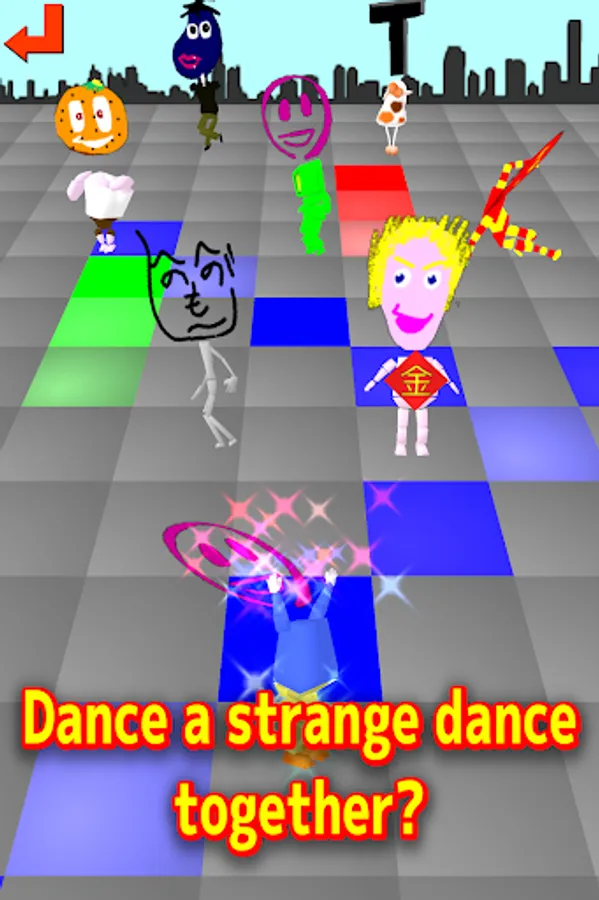
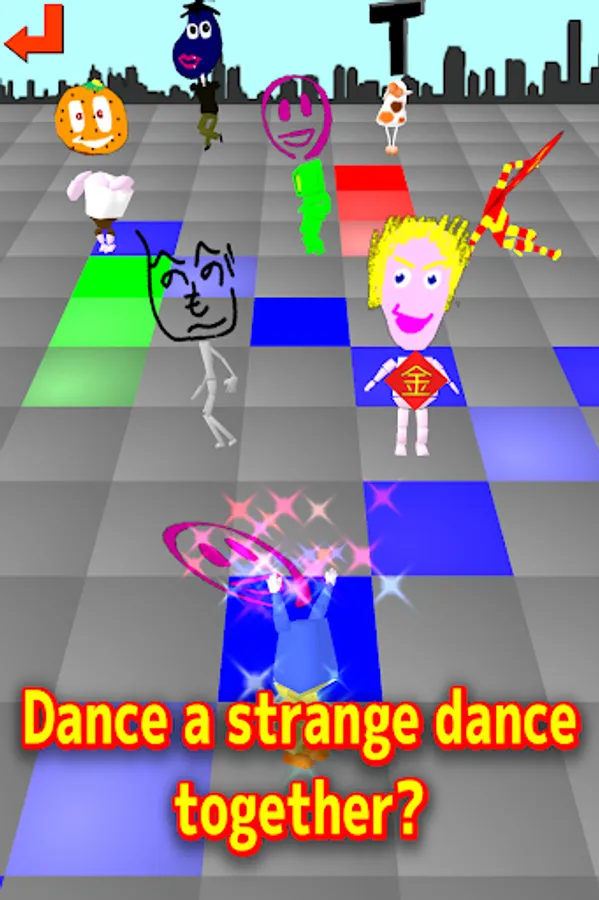
Faces will dancing.
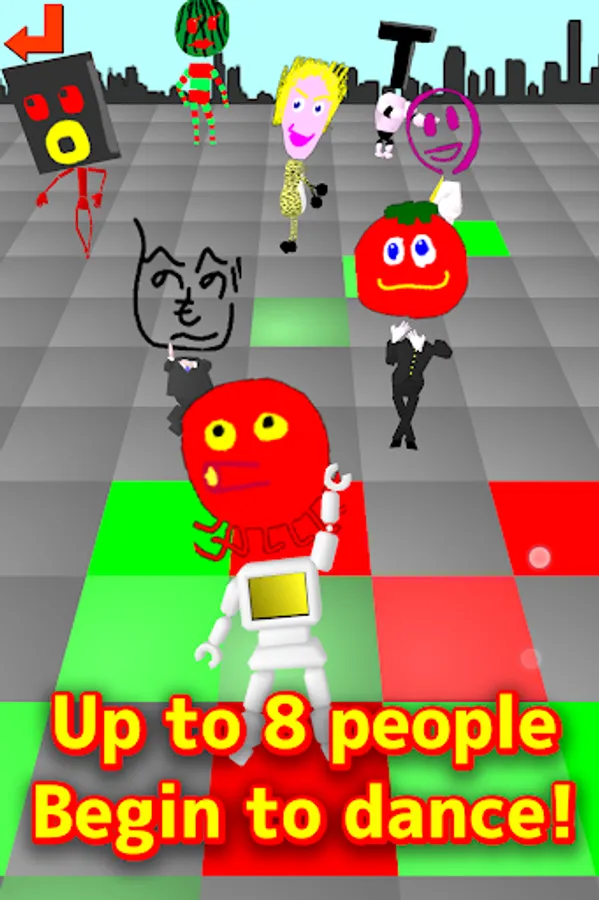
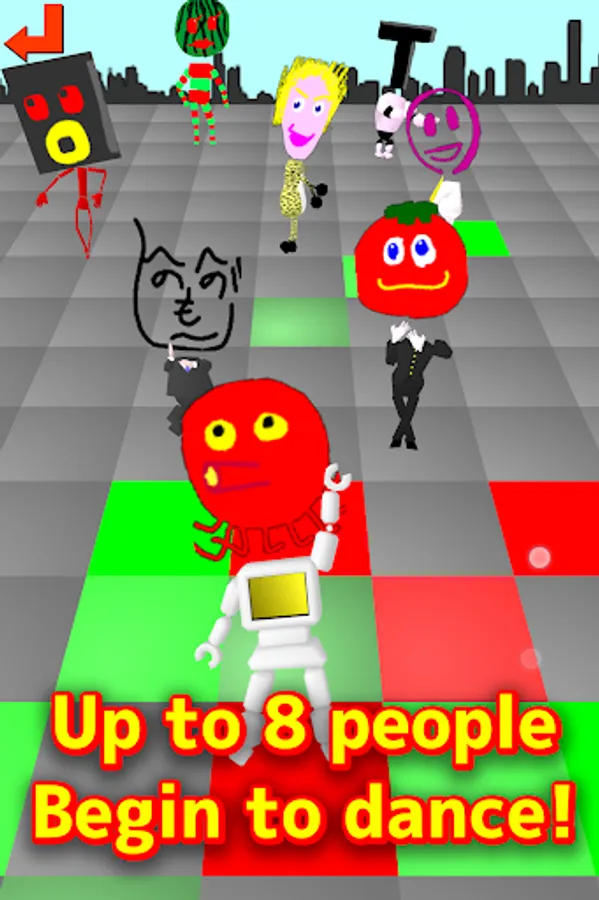
The first is only one person, but members will increase to draw a lot! (Up to 8 people maximum)
Body and costumes Random!
tap the members to Spinning!(Continued 4 times to tap...?)
Dance floor will light the floor in touch
Management of Drawing the face
Rewrite "face", delete unnecessary "face".
Press the "Delete" button(twice) to remove the face. Carefully because you can not back!
Press the "Modify" button to move to the drawing. (* Painting after it becomes copy treats, original painting will remain)
The painted face, dancing in various costumes!
By shooting the face of the family in the camera, When you have crowded draw such as beard and glasses... it is fun!
[Commentary]
Draw a "face" in the drawing tool, and enjoy the sight of the drawn face dance.
[How to Play]
The first screen
* "Drawing from Camera" .............. To capture a picture of the face from the camera, and then drawing.
* "Free Drawing" ..................... Free painting as you like.
* "Playing with the Drawing face" .... The drawn "faces" will dance.
* "Management of Drawing the face" ... Delete or modify the drawing "faces".
Drawing from Camera
How to capture a photograph of the face
1. The face Align in the Screen center , and press the "Get" button.
2. The face have fit in the red frame from drag and zoom button.
3. Push "Completion" button to the drawing
Free Drawing
freely drawing
Part of "・" of campus is transparent part.
if Transition from "Drawing from Camera", please erase the background with an eraser
Features
* 4 types of thickness pen
* A lot of color, can make sensuously colors in paint button
* Eraser
When you completed drawing, press the "Complete the picture!" from the "Settings" button
Playing with the Drawing face
Faces will dancing.
The first is only one person, but members will increase to draw a lot! (Up to 8 people maximum)
Body and costumes Random!
tap the members to Spinning!(Continued 4 times to tap...?)
Dance floor will light the floor in touch
Management of Drawing the face
Rewrite "face", delete unnecessary "face".
Press the "Delete" button(twice) to remove the face. Carefully because you can not back!
Press the "Modify" button to move to the drawing. (* Painting after it becomes copy treats, original painting will remain)