AppRecs review analysis
AppRecs rating 3.8. Trustworthiness 78 out of 100. Review manipulation risk 33 out of 100. Based on a review sample analyzed.
★★★☆☆
3.8
AppRecs Rating
Ratings breakdown
5 star
80%
4 star
6%
3 star
6%
2 star
2%
1 star
6%
What to know
✓
Credible reviews
78% trustworthiness score from analyzed reviews
✓
High user satisfaction
86% of sampled ratings are 4+ stars (4.5★ average)
⚠
Review quality concerns
66% of sampled 5-star reviews are very short
About Reel IPTV Player
Reel IPTV Player - The Smart streaming solution for all your entertainment needs!
1. Core Application Features
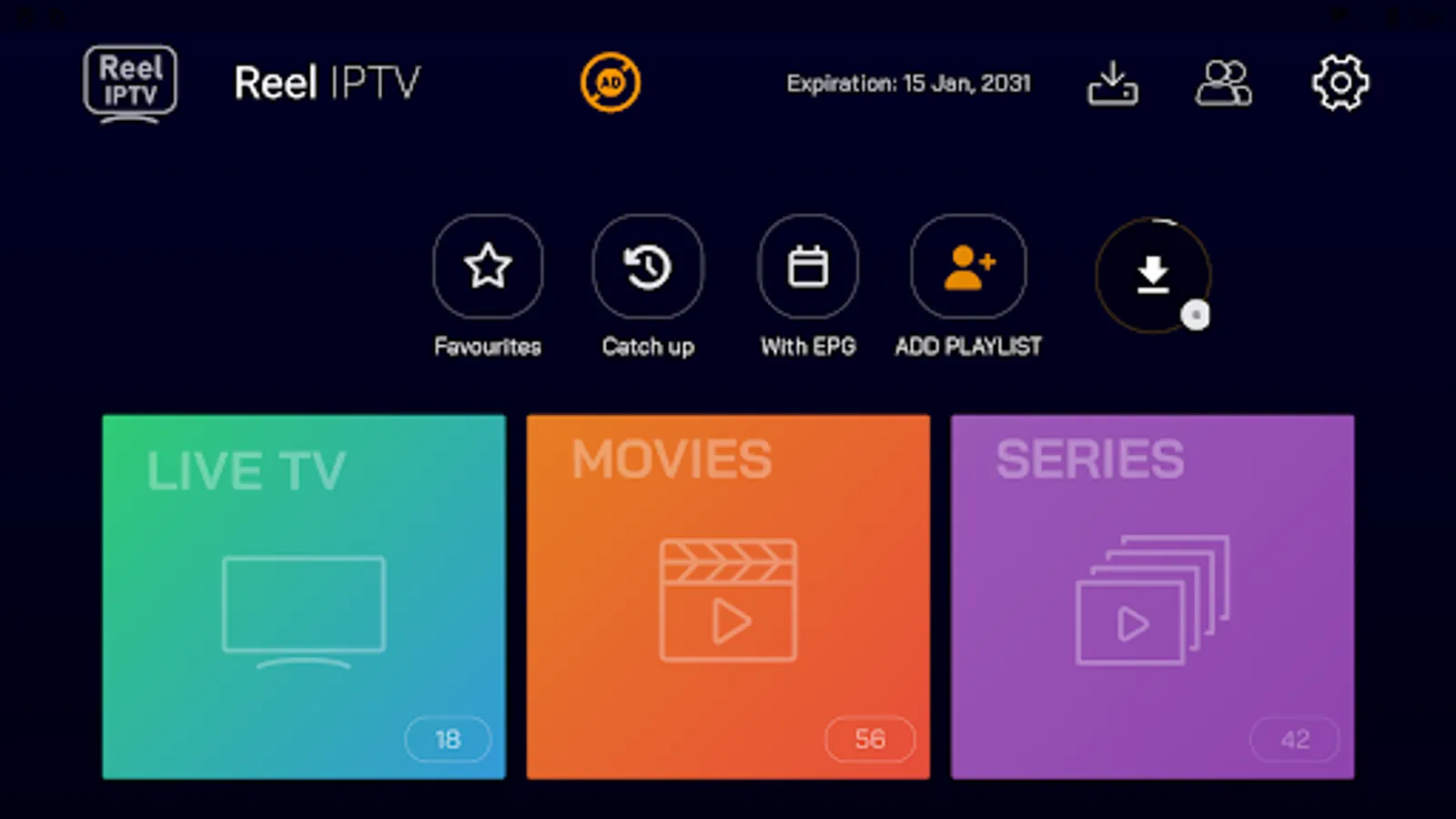
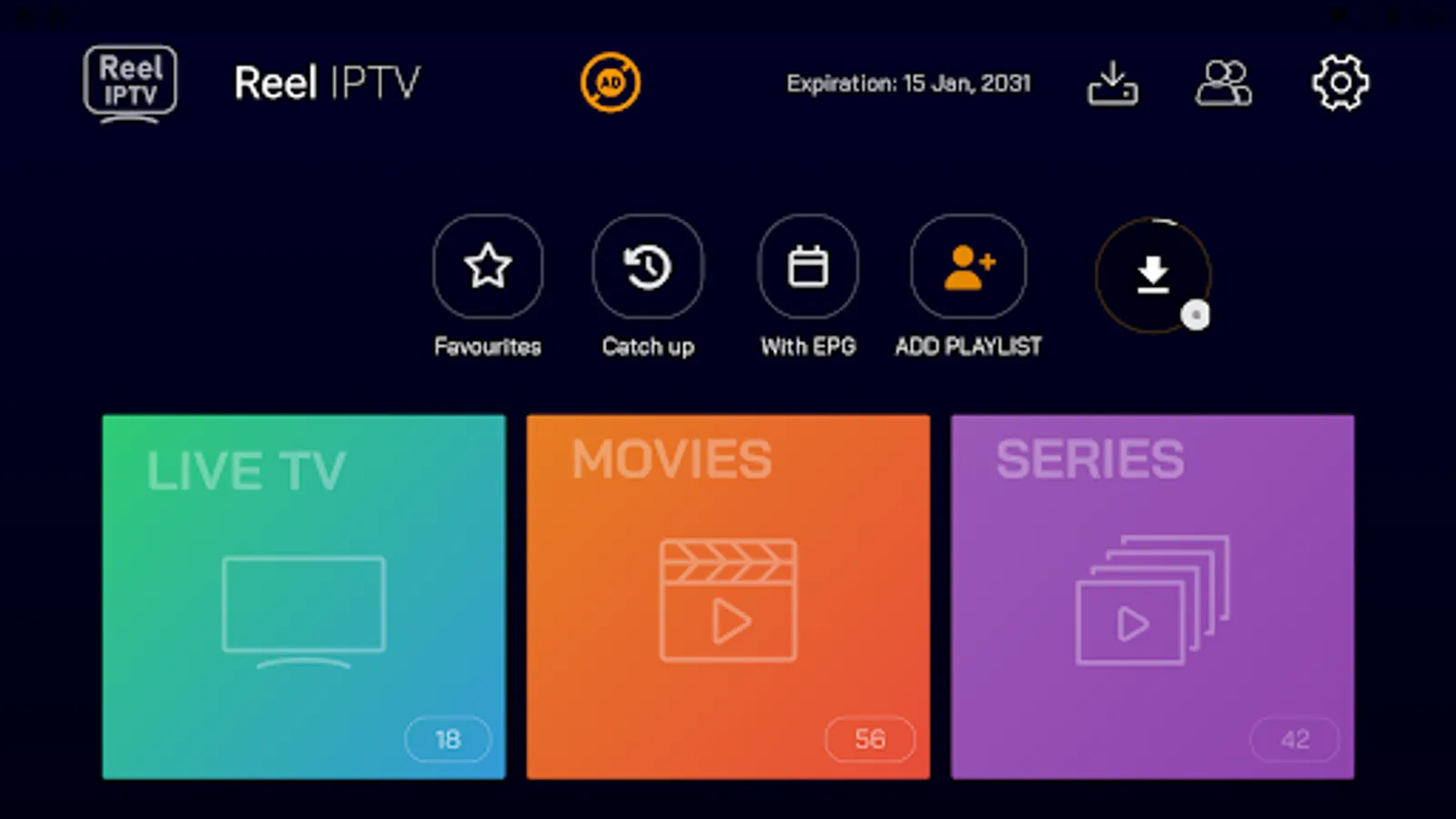
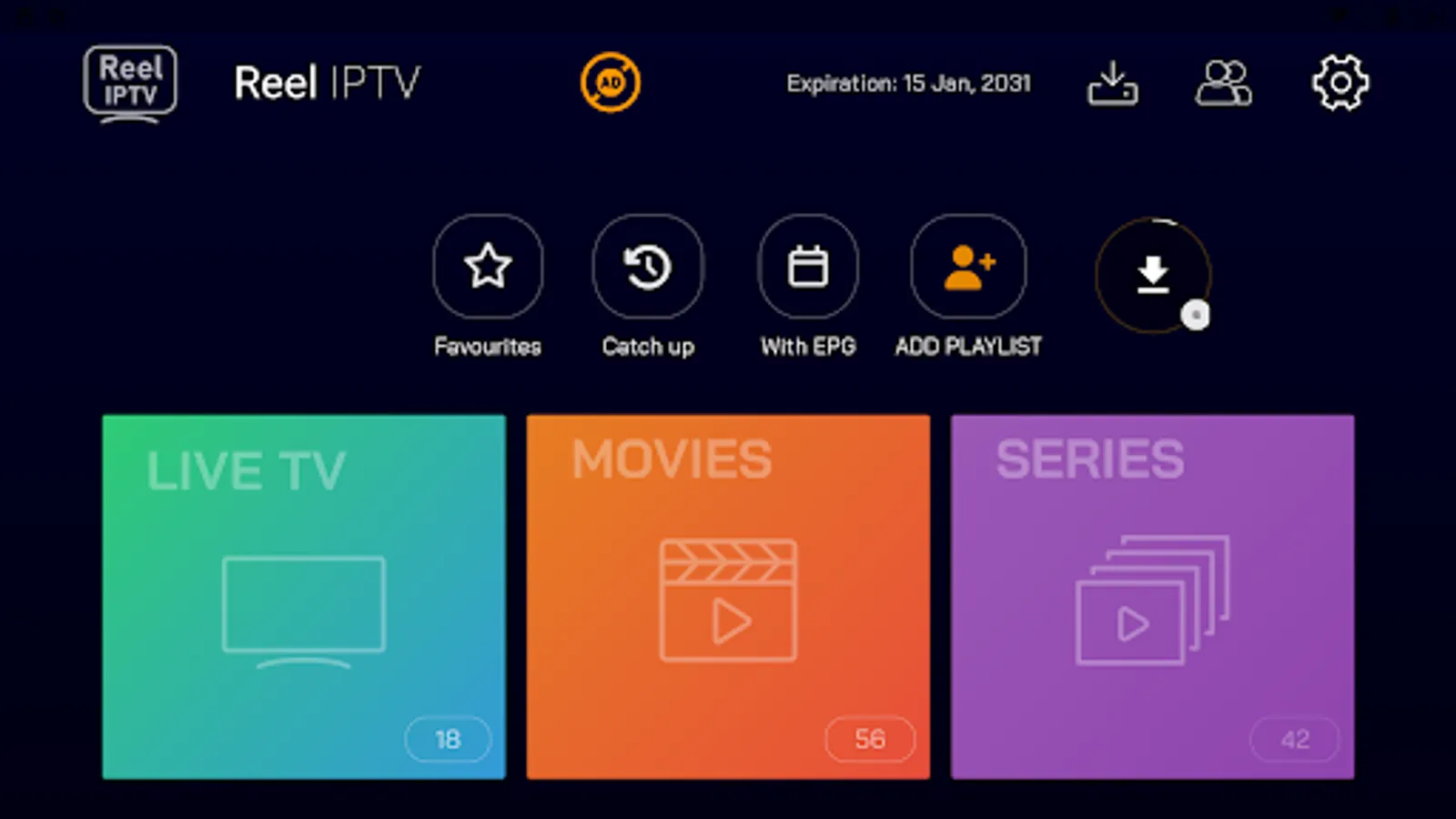
- Playlist Integration: Supports both Xtream Code and M3U playlist formats
- User Authentication: Username/password-based authentication system
- Multiple Playlist Support: Ability to add and manage multiple IPTV playlists
- User Profile Management: View and manage user account details
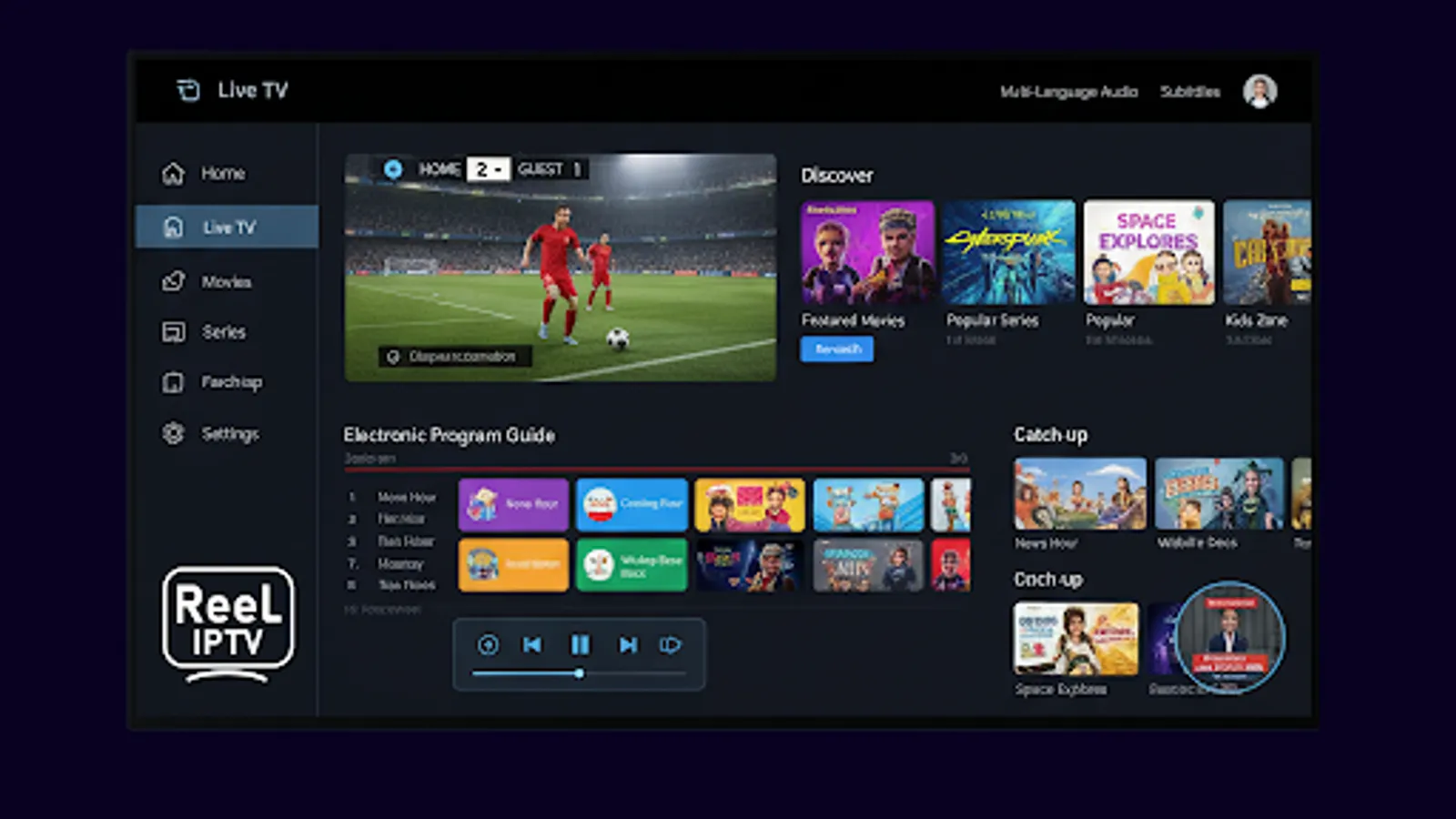
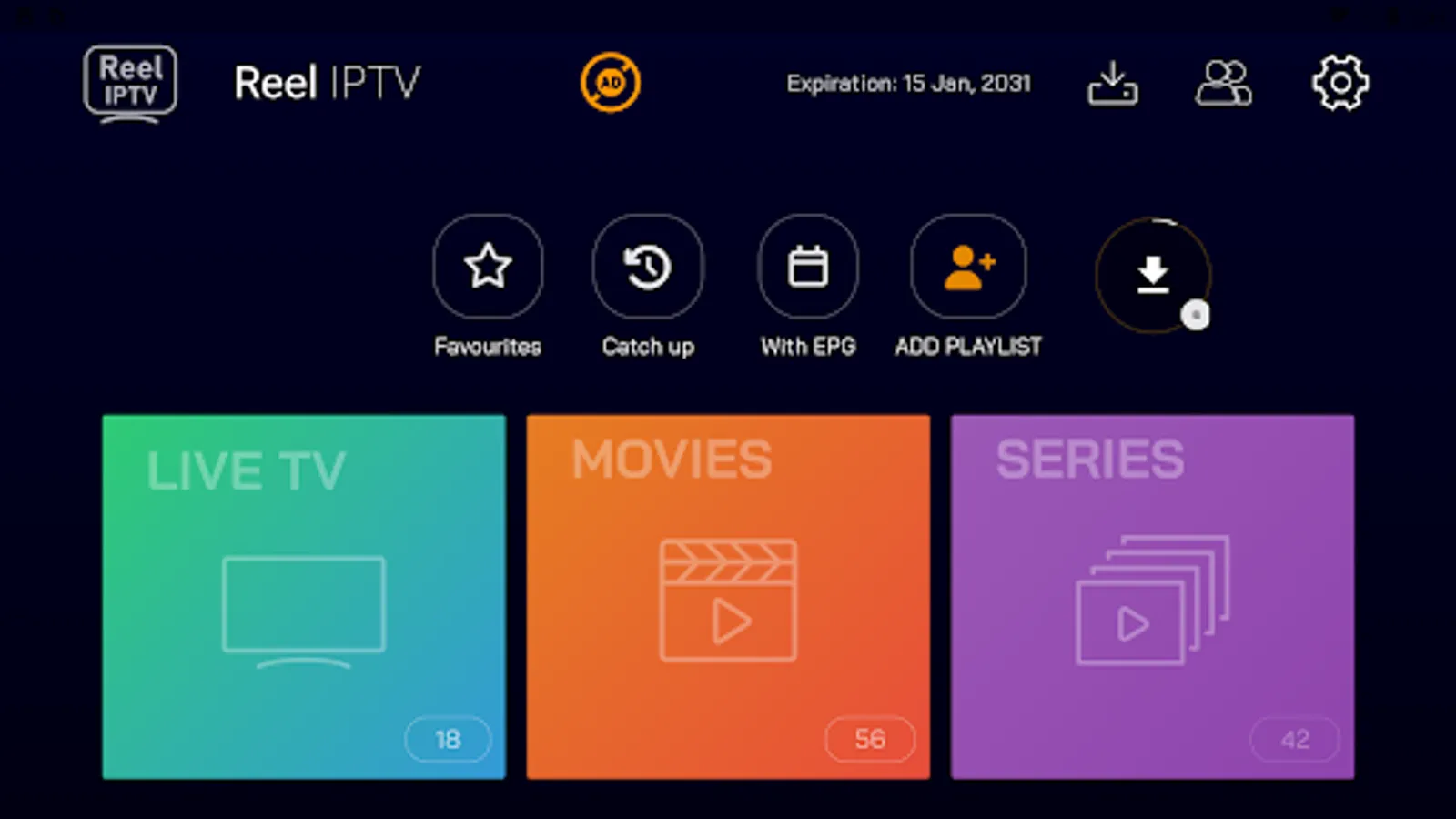
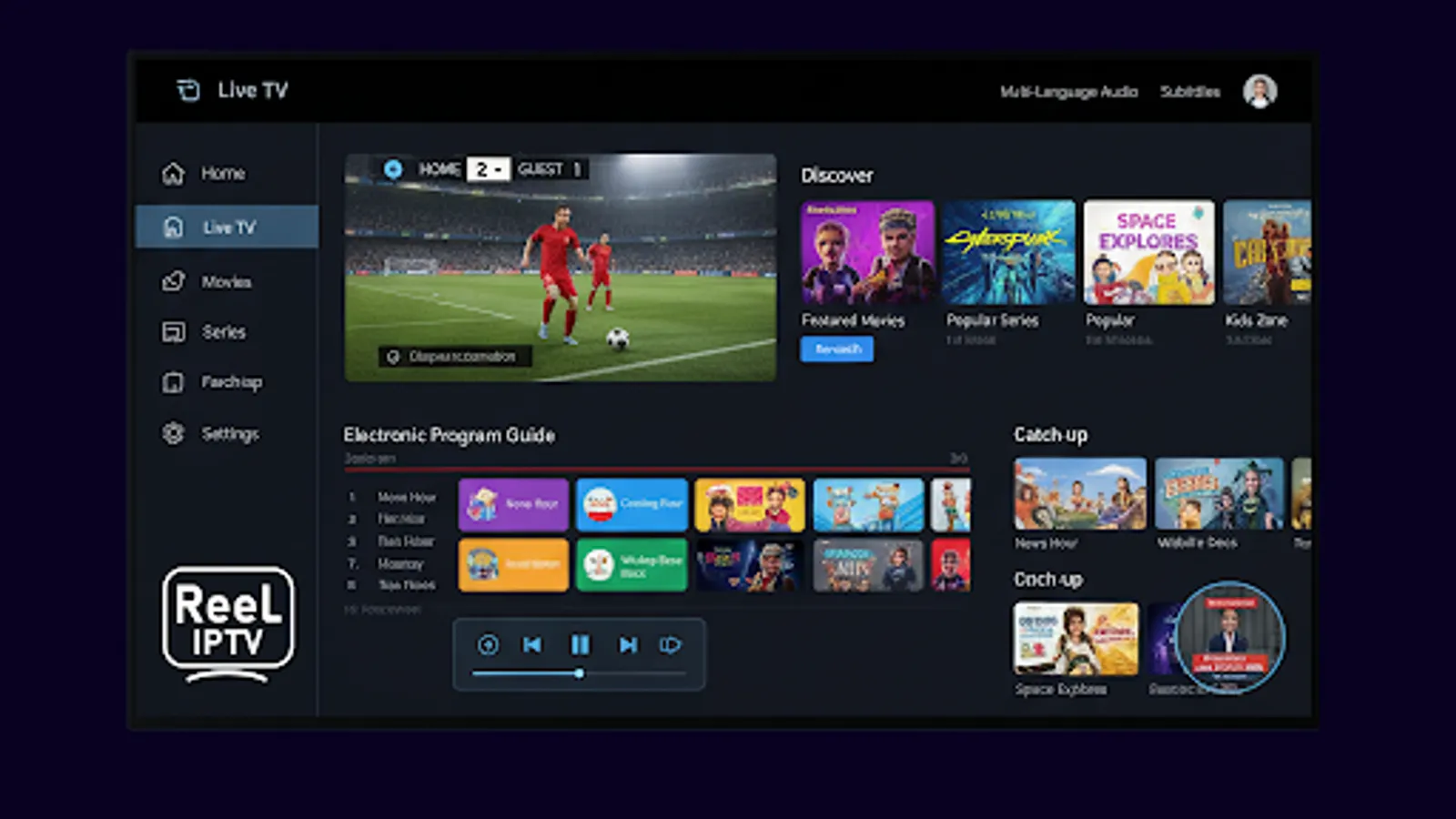
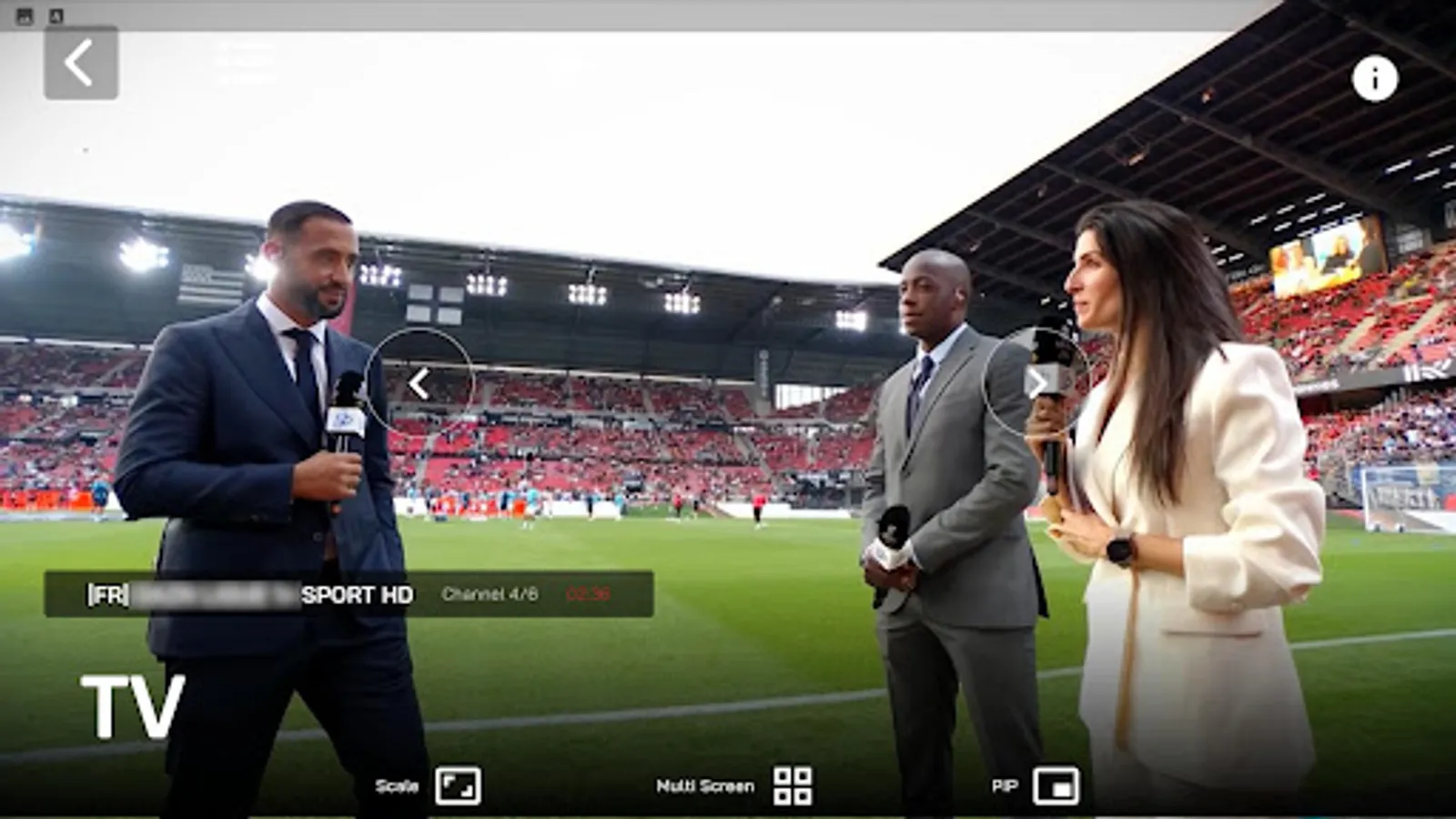
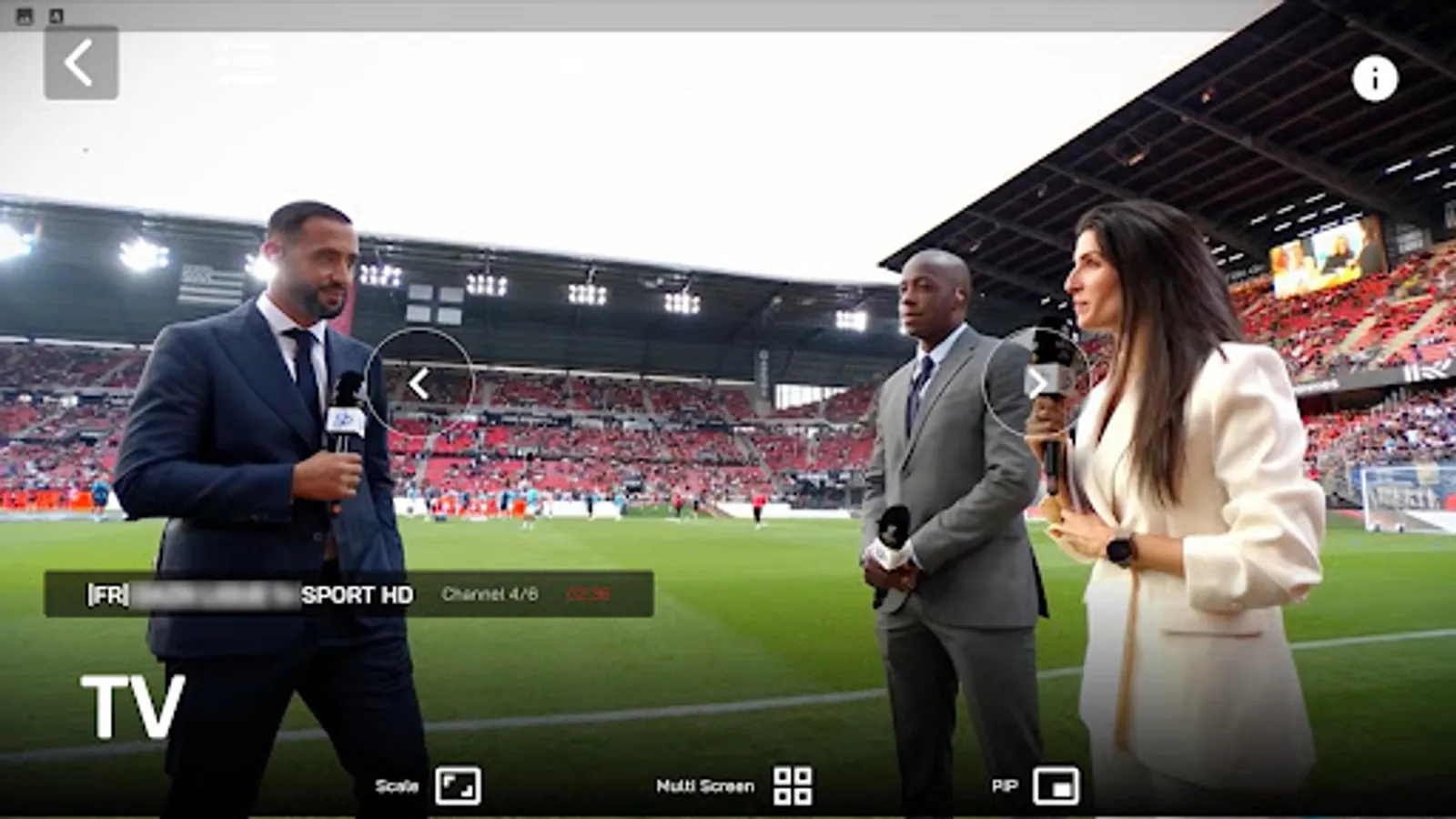
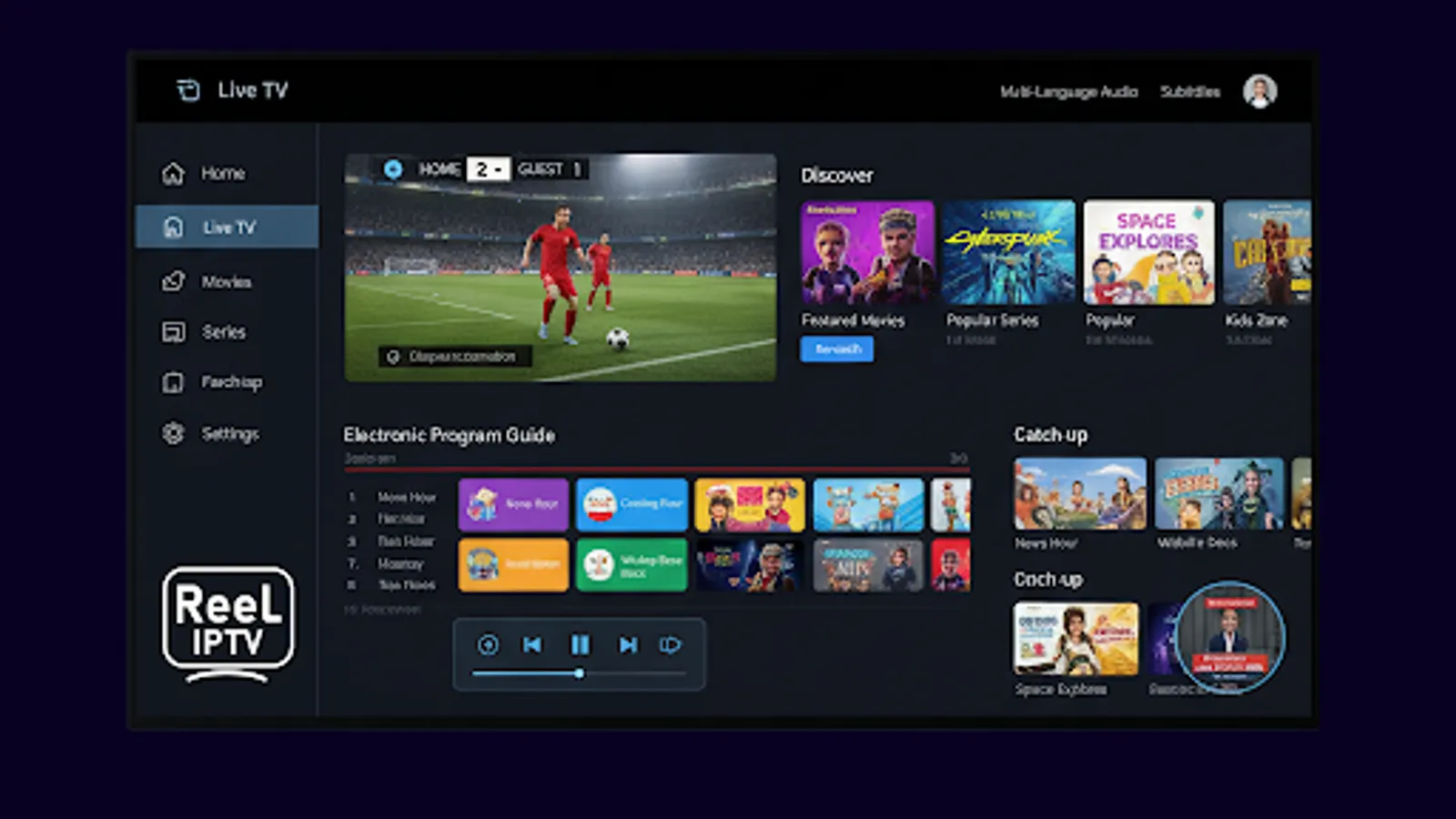
- Live TV: Real-time television channel streaming
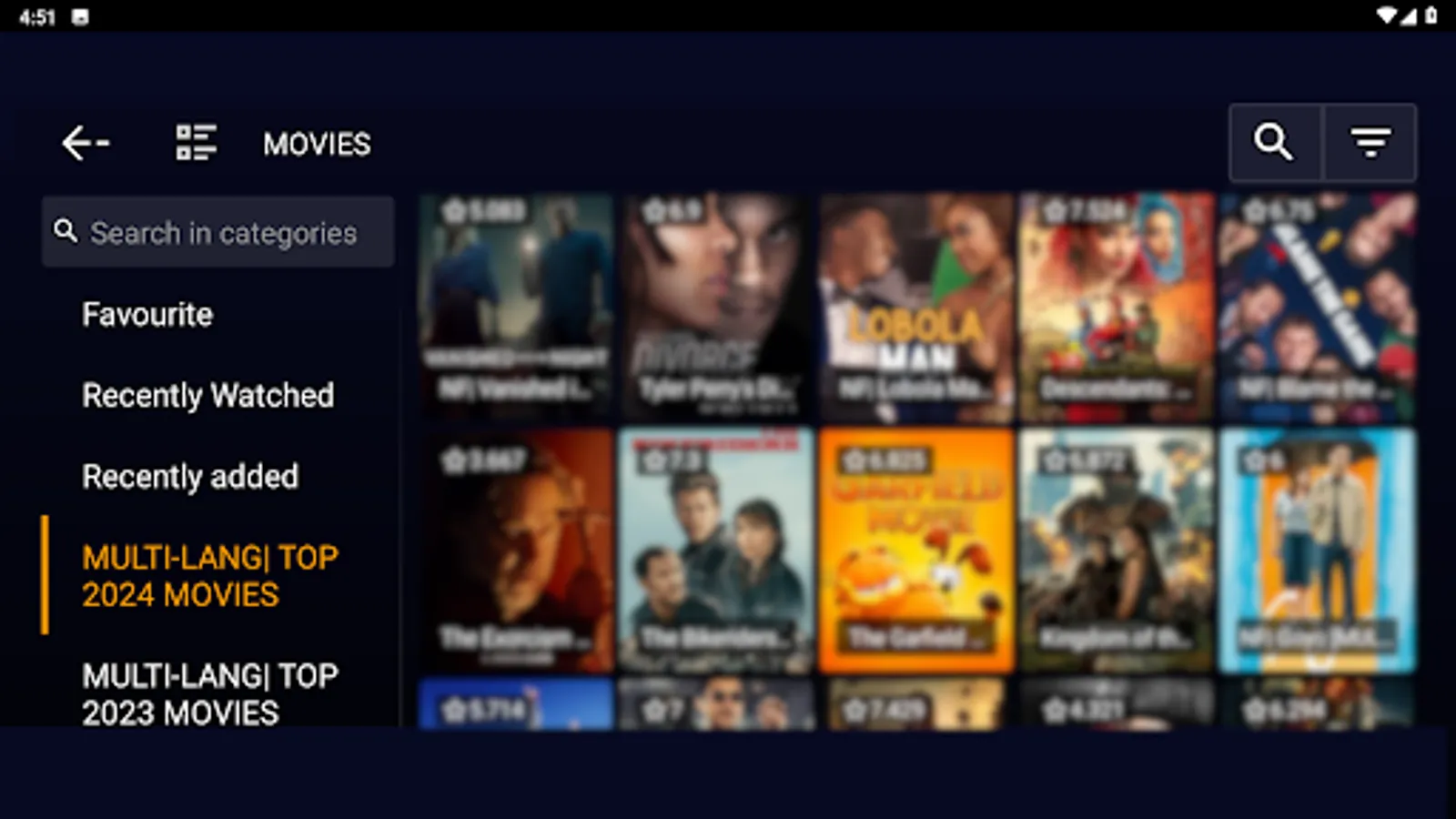
- Movies: On-demand movie streaming library
- TV Series: Episode-based series streaming with season organization
- Favorites: Personalized content collection across all media types
- Downloads: Offline viewing capability for movies and series
- Catch-Up: Access to previously aired content
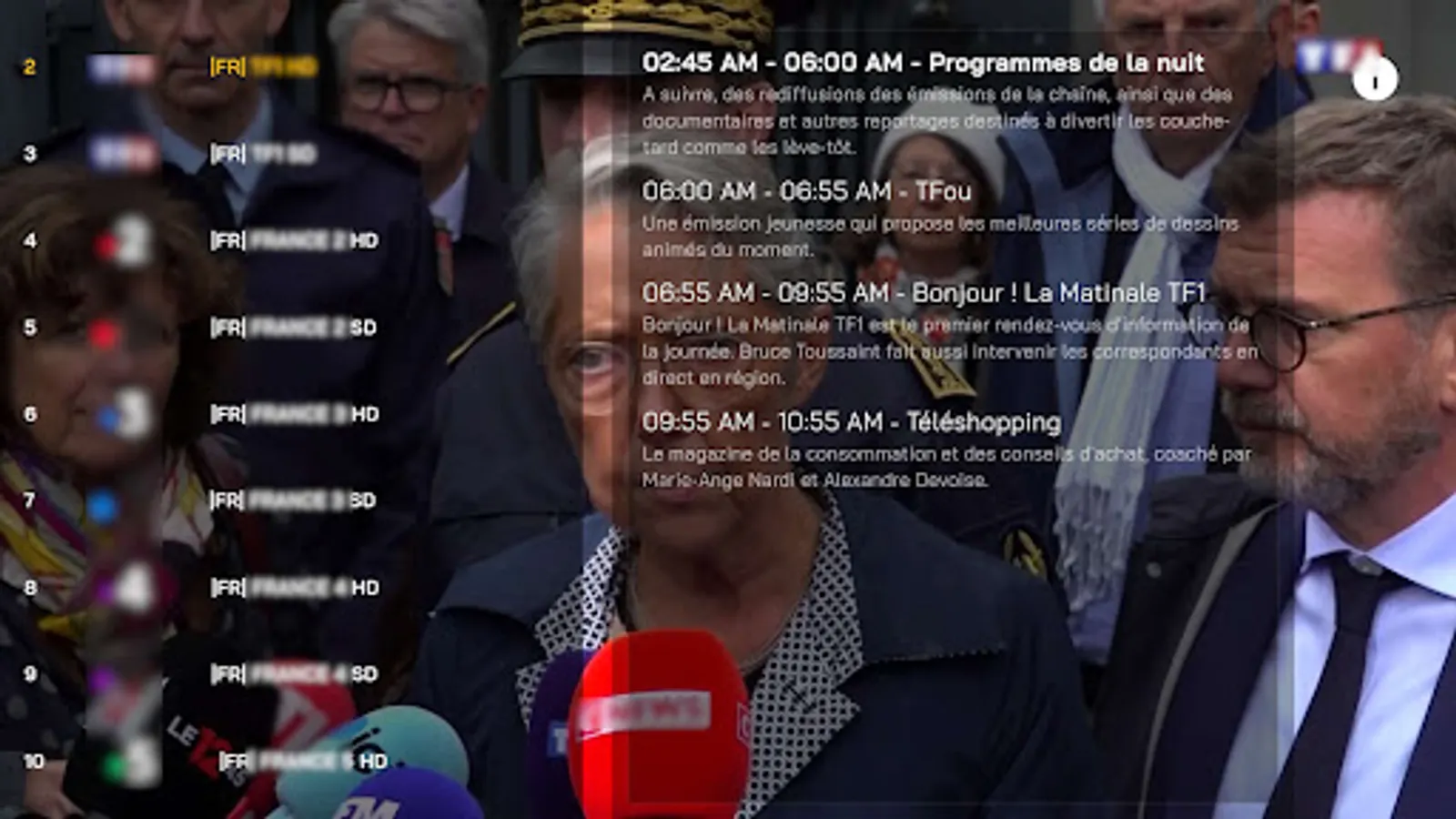
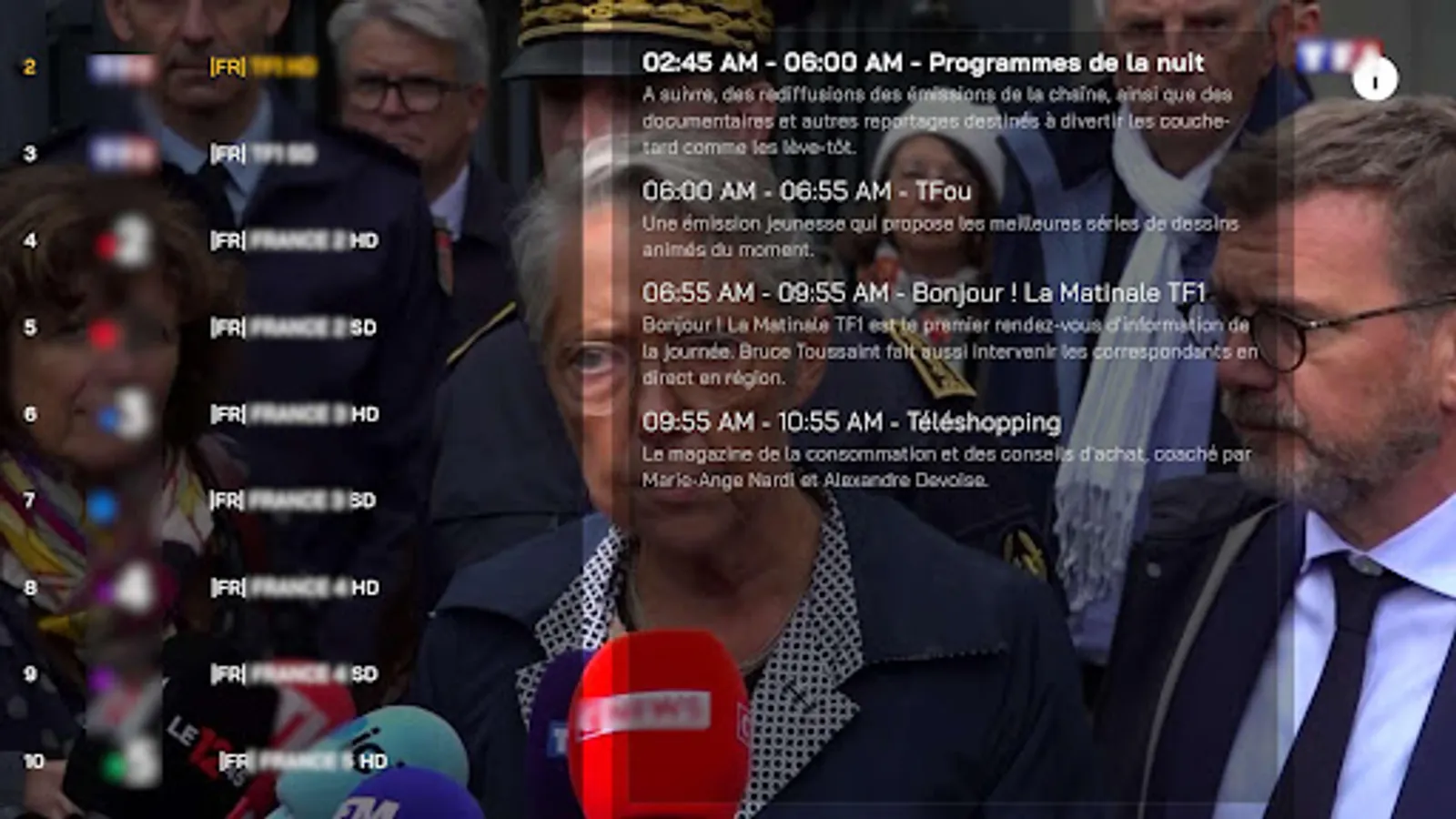
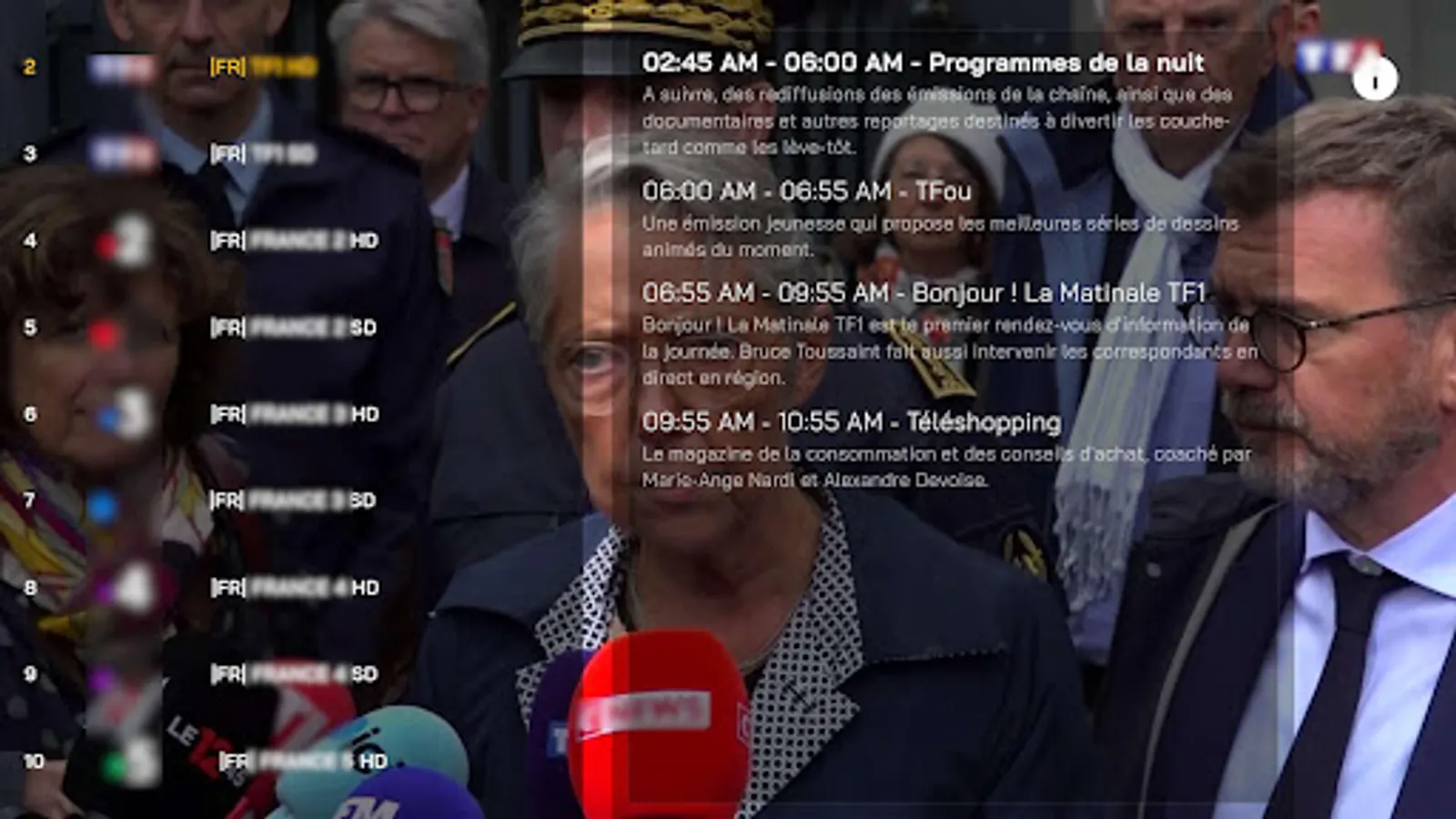
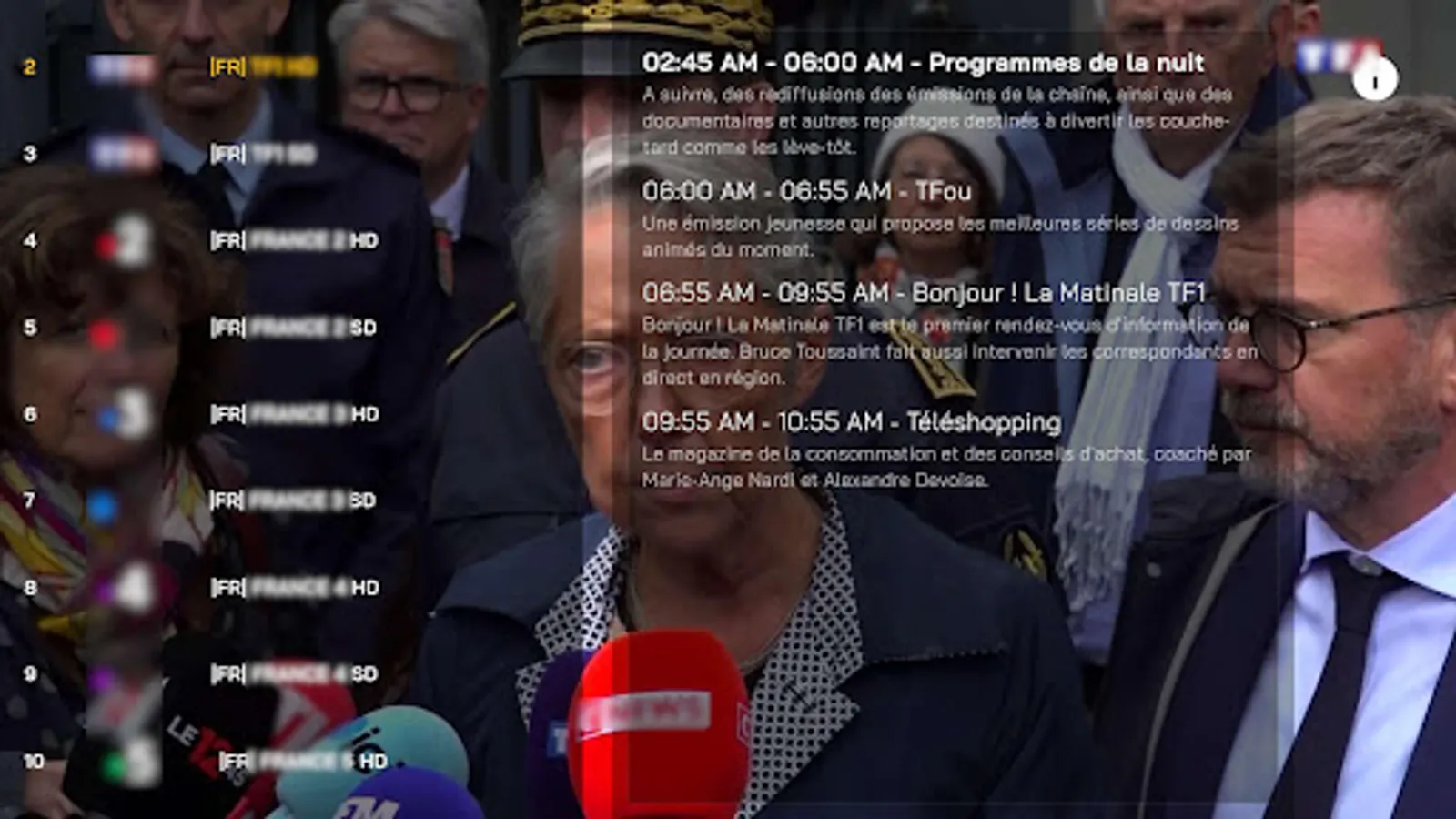
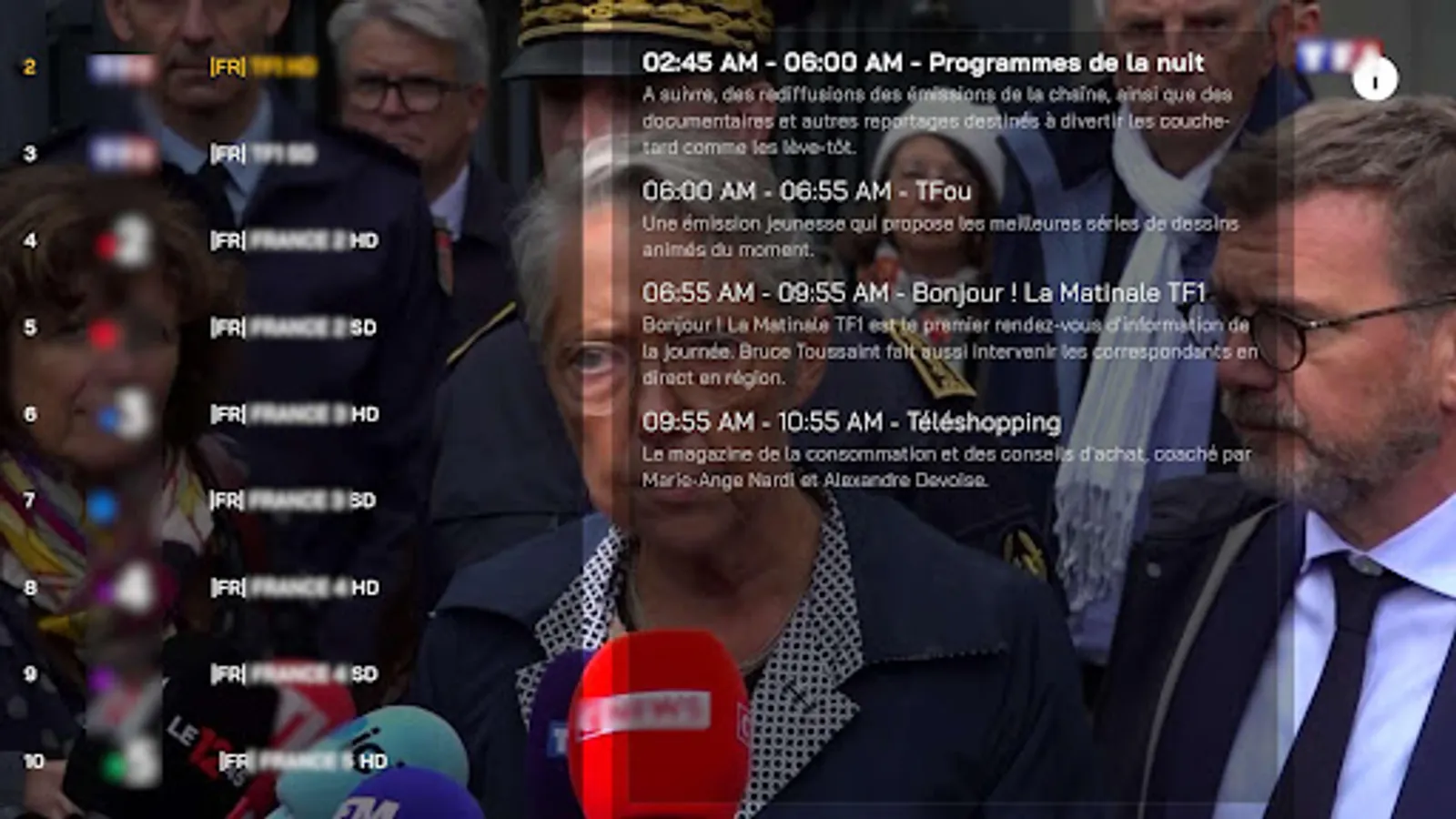
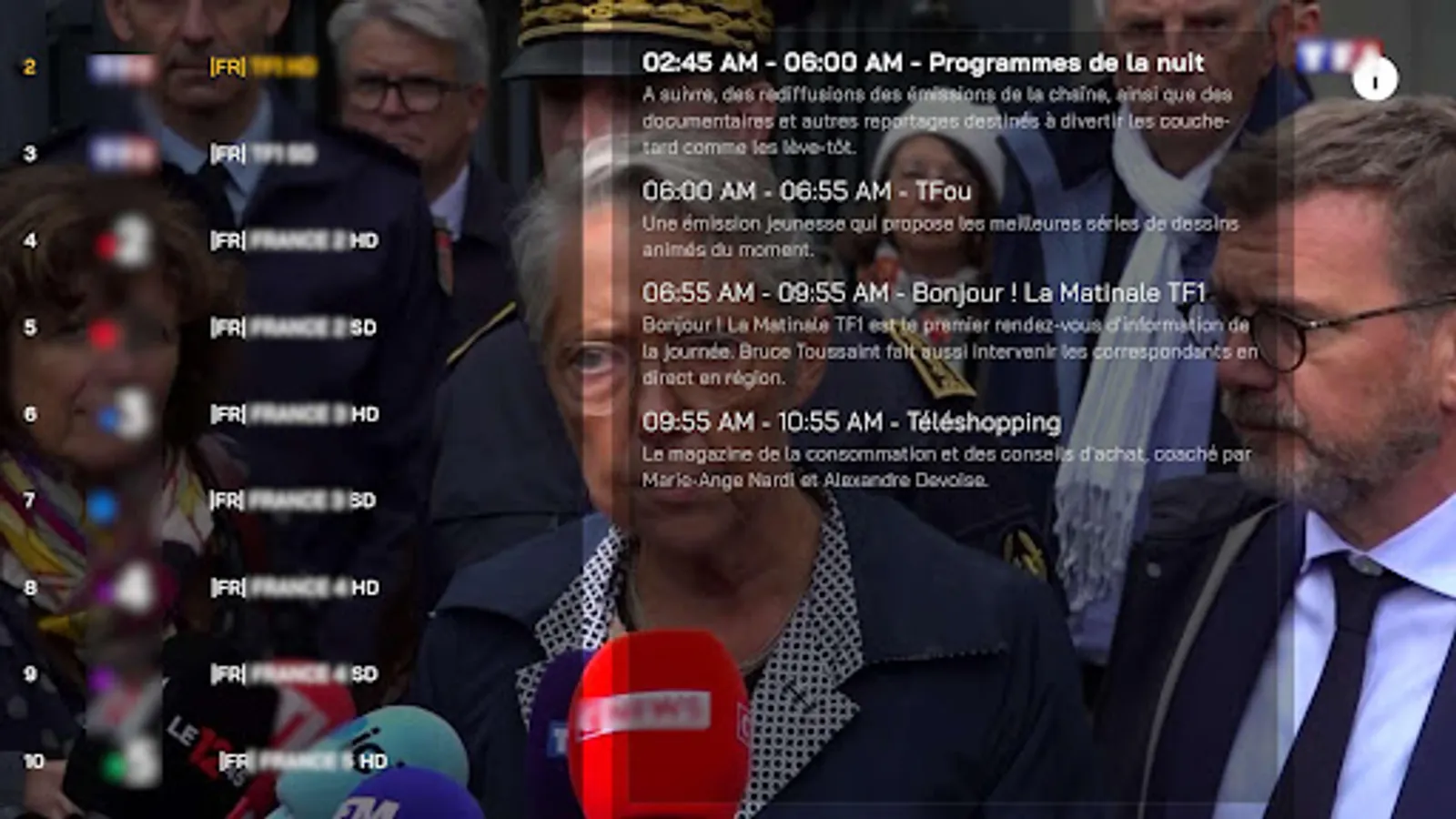
- EPG (Electronic Program Guide): Detailed program schedules for live channels
2. Navigation & UI Features
- Themed Interface: Multiple visual themes (Default, Mido, Vived, Light/Dark)
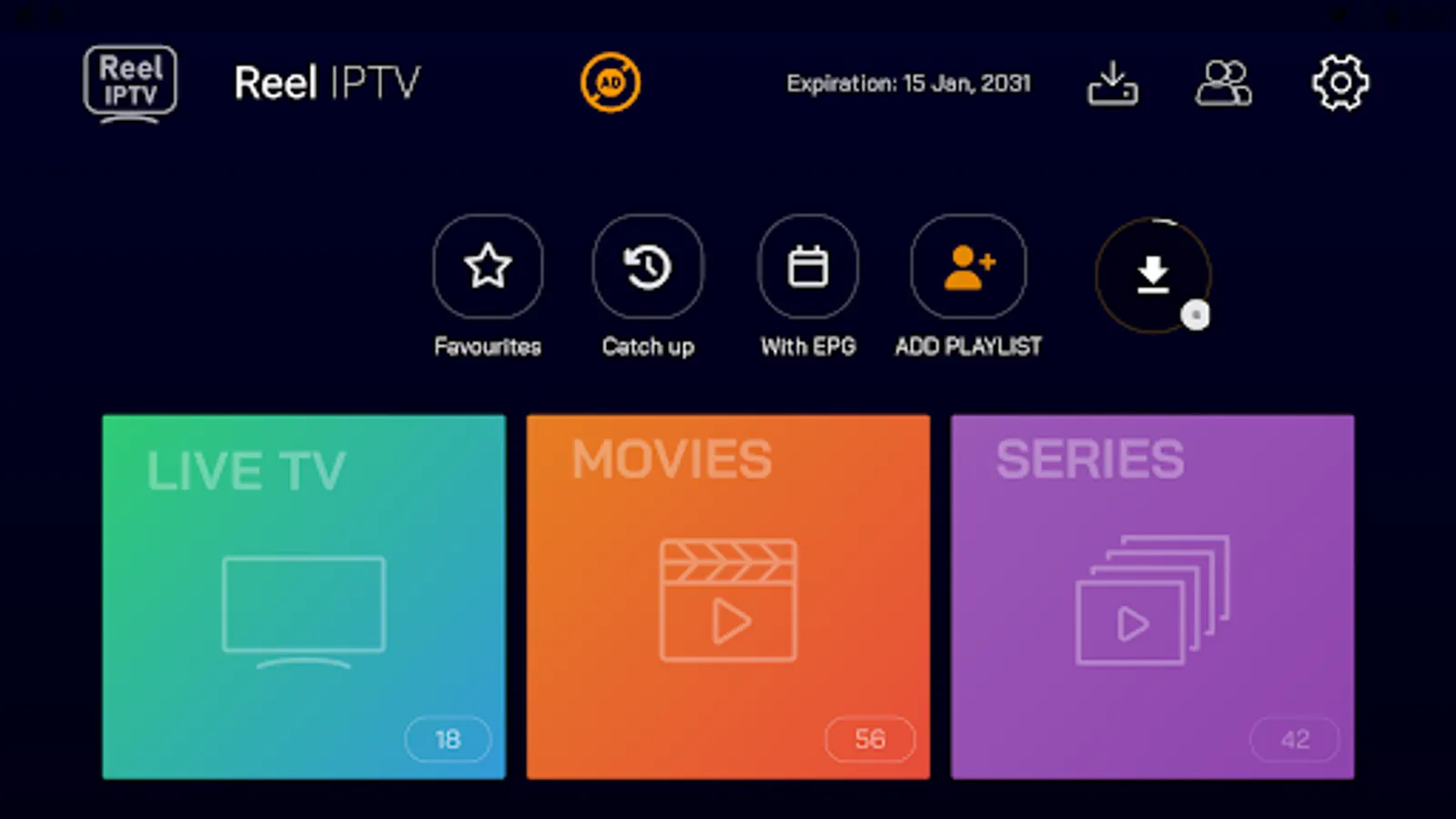
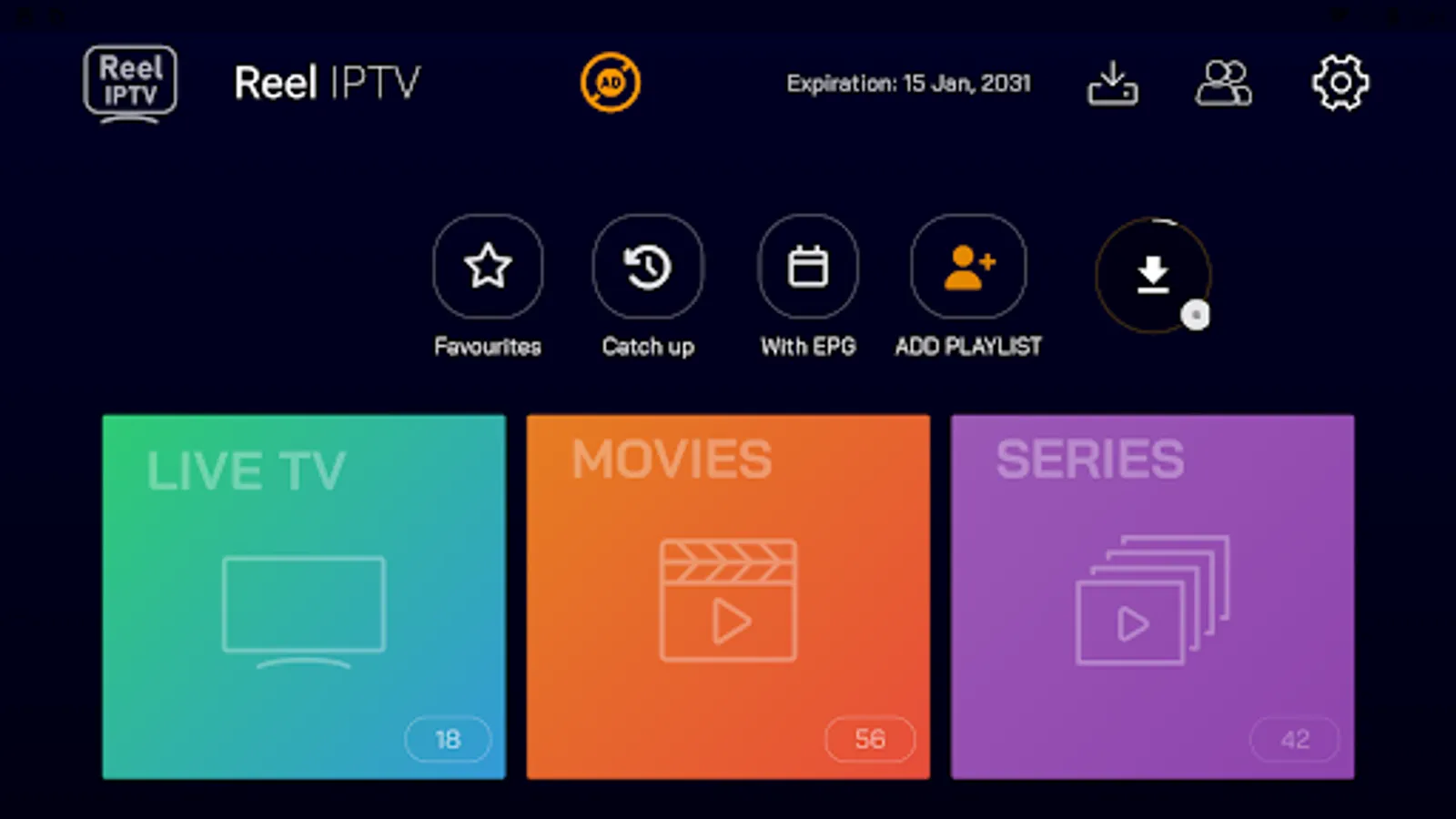
- Favorites, Catch-Up, EPG, Live TV section, Movies section, Series section
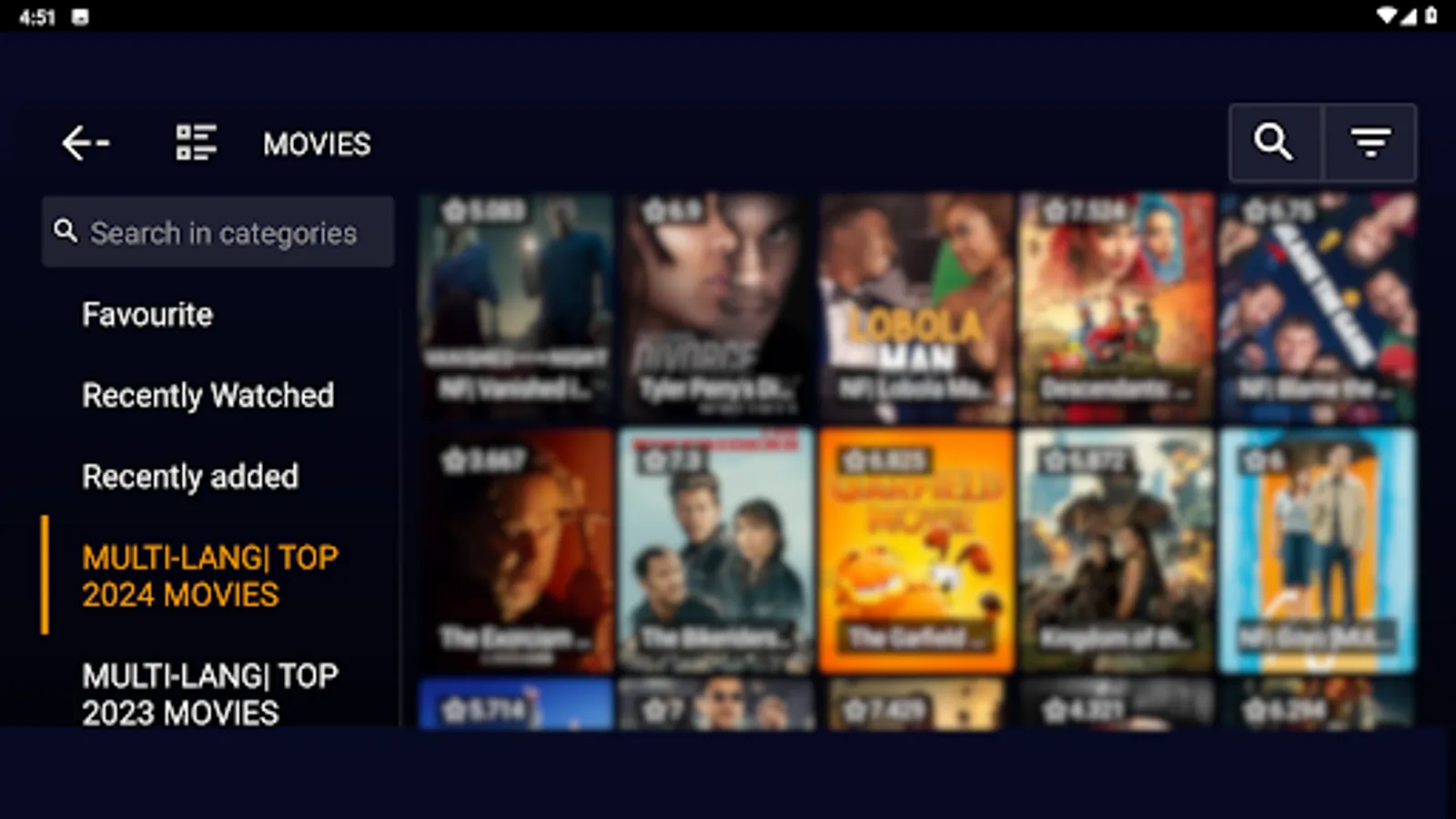
- Category-based Navigation: Organized content by genres/categories
- Search Functionality: Search across Live TV, Movies, and Series
- Last Watched: Quick access to recently viewed content
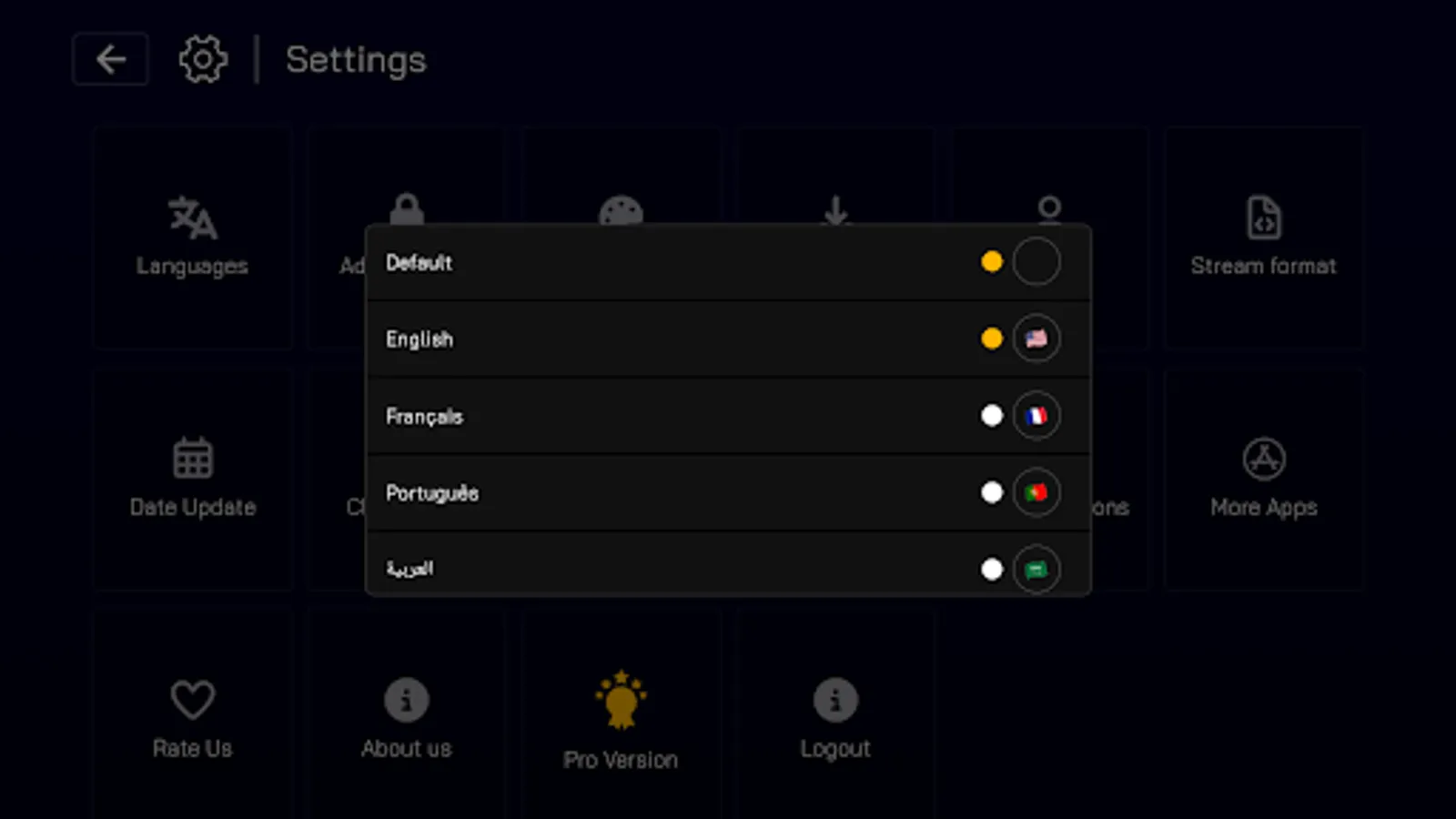
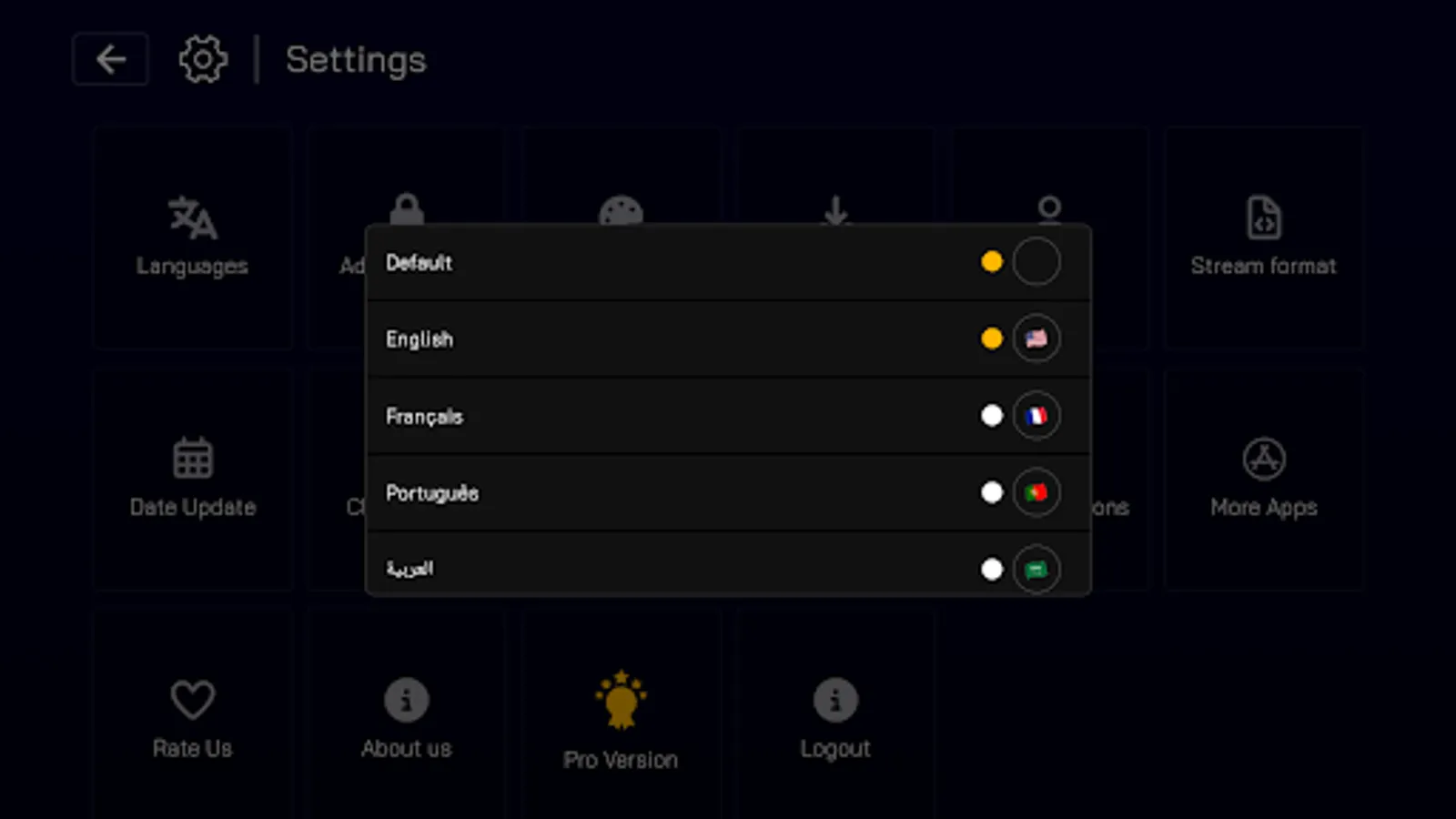
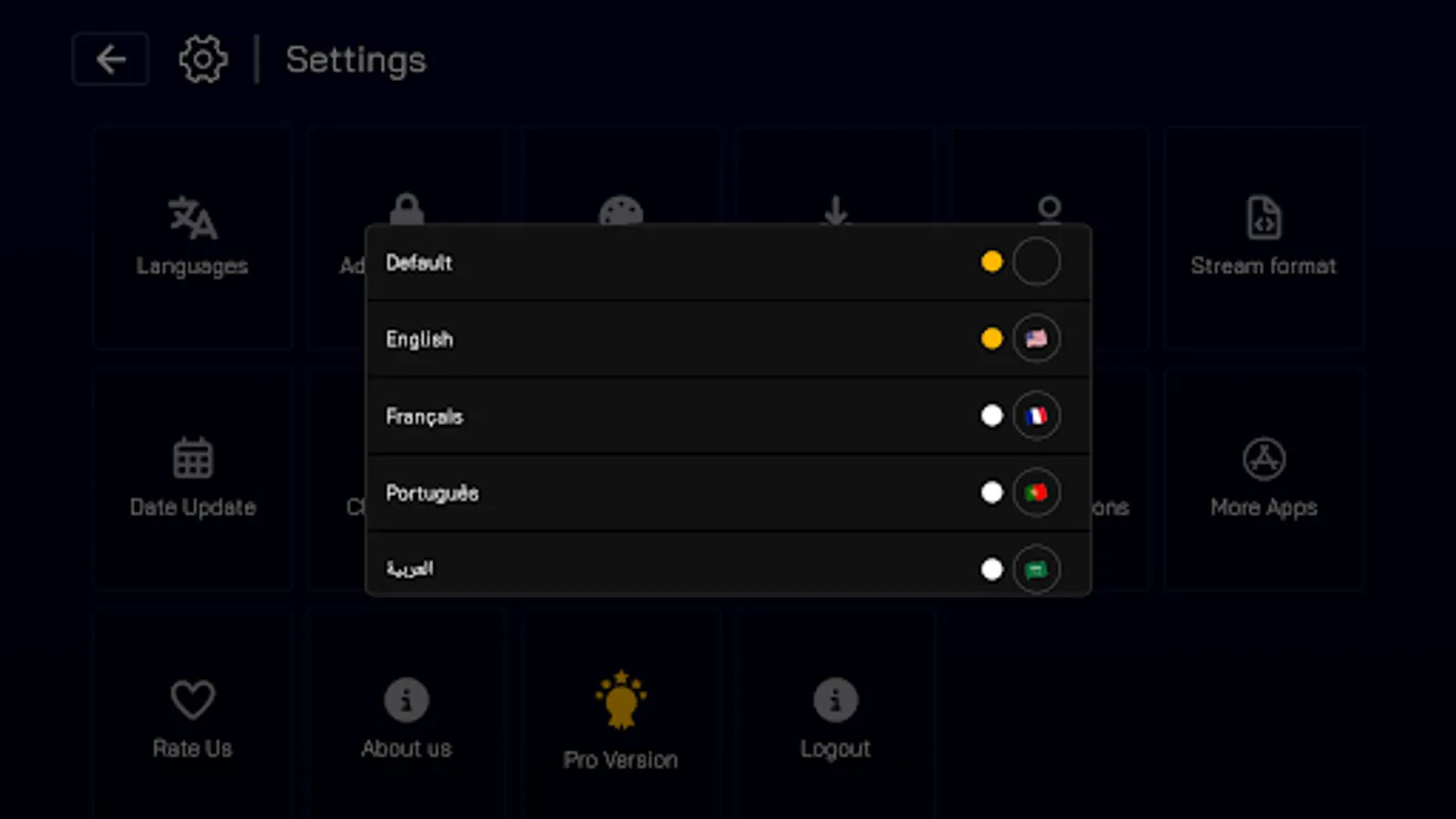
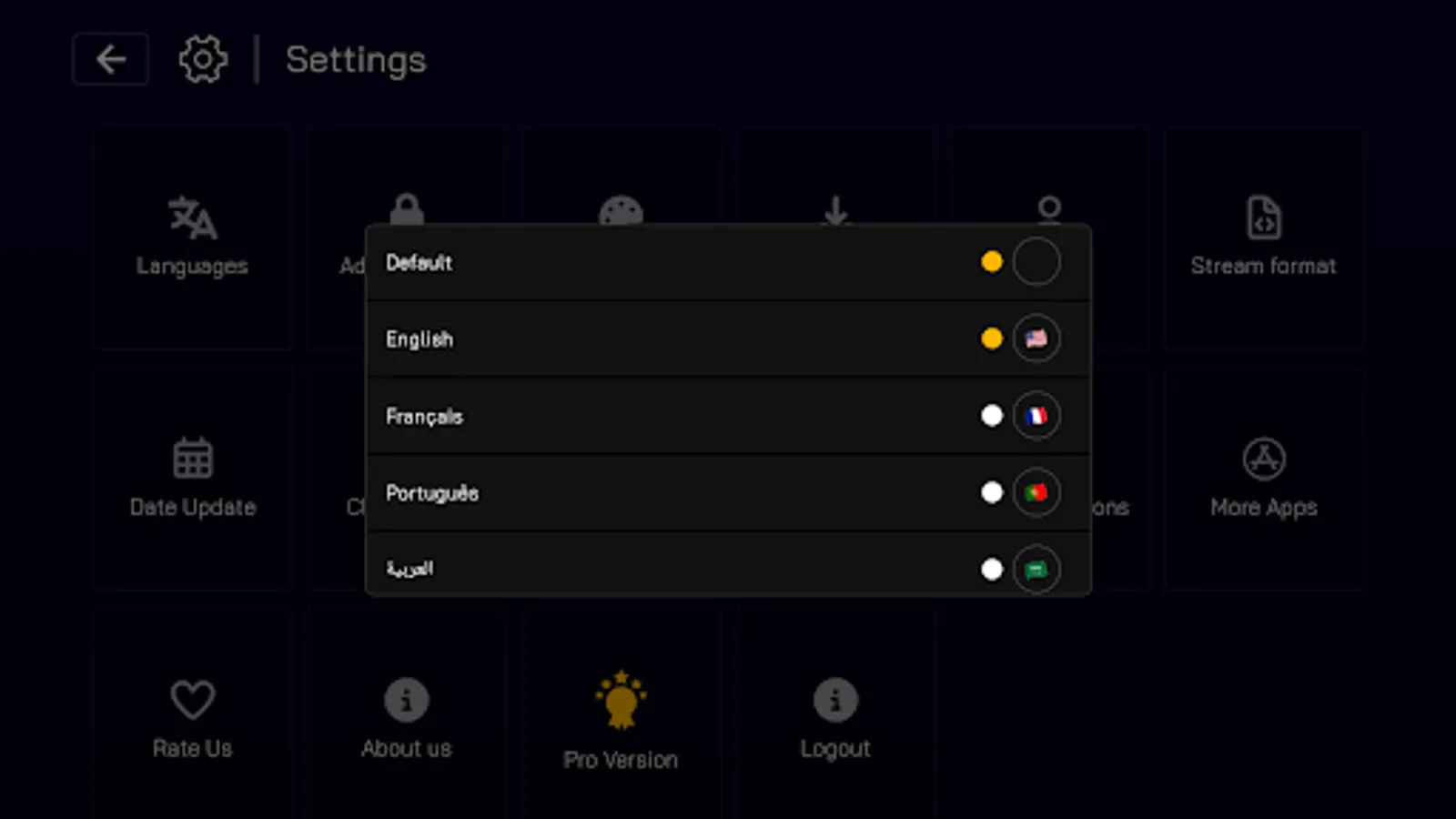
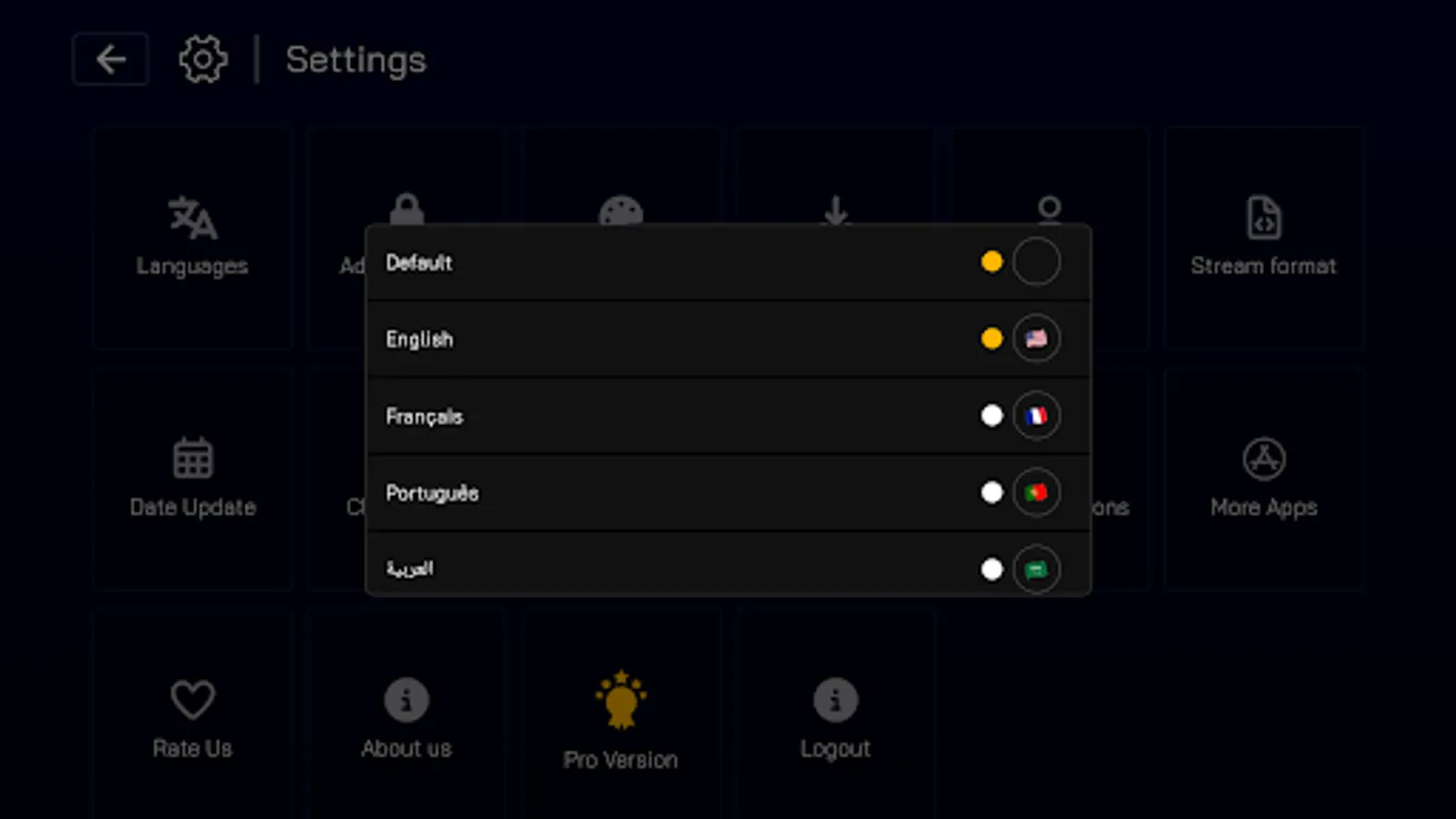
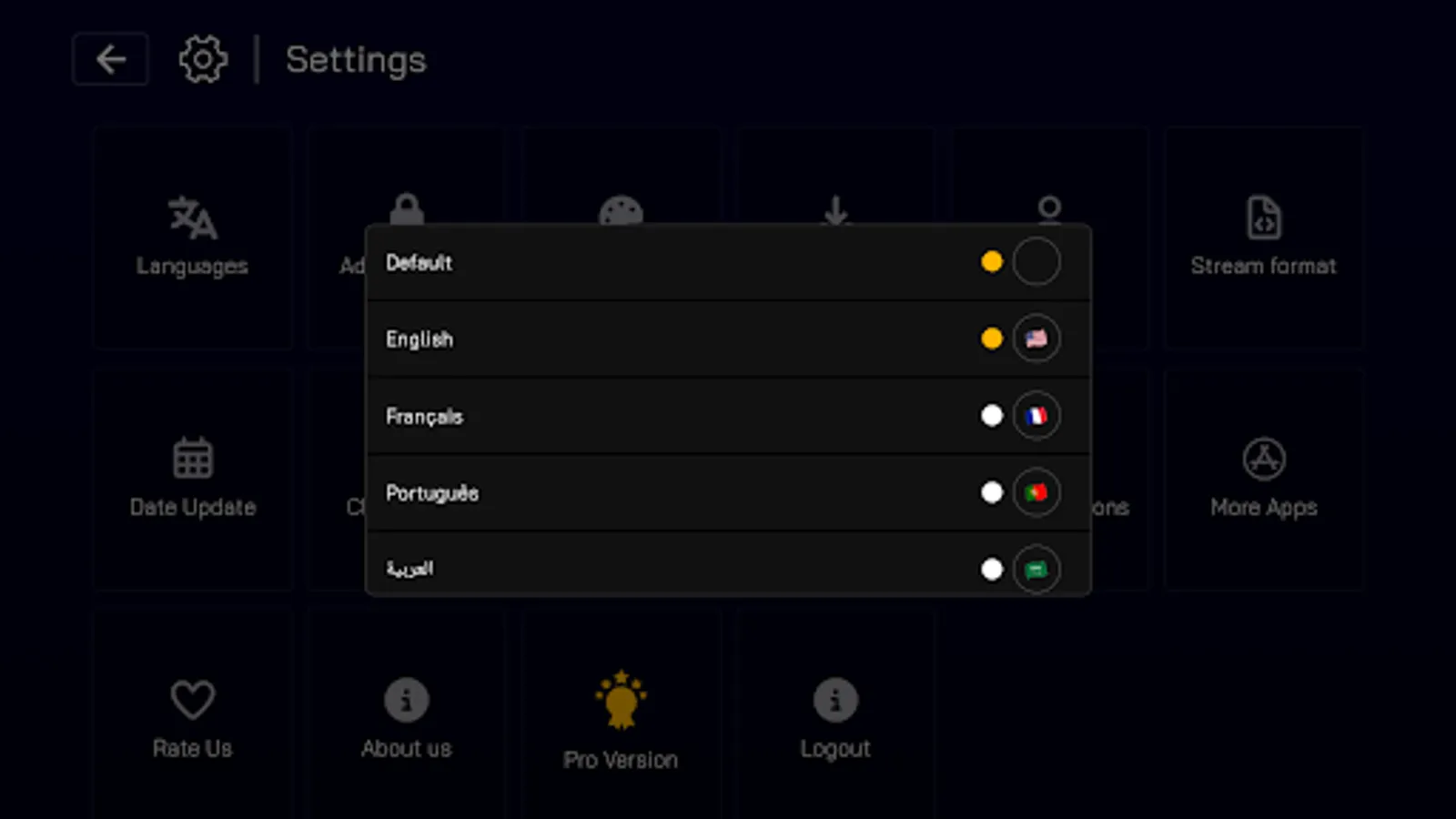
- Multi-language Support: Interface available in multiple languages (English, Arabic, Spanish, French, Portuguese)
3. Media Playback Features
- Adaptive Streaming Video Player: Supports various stream formats
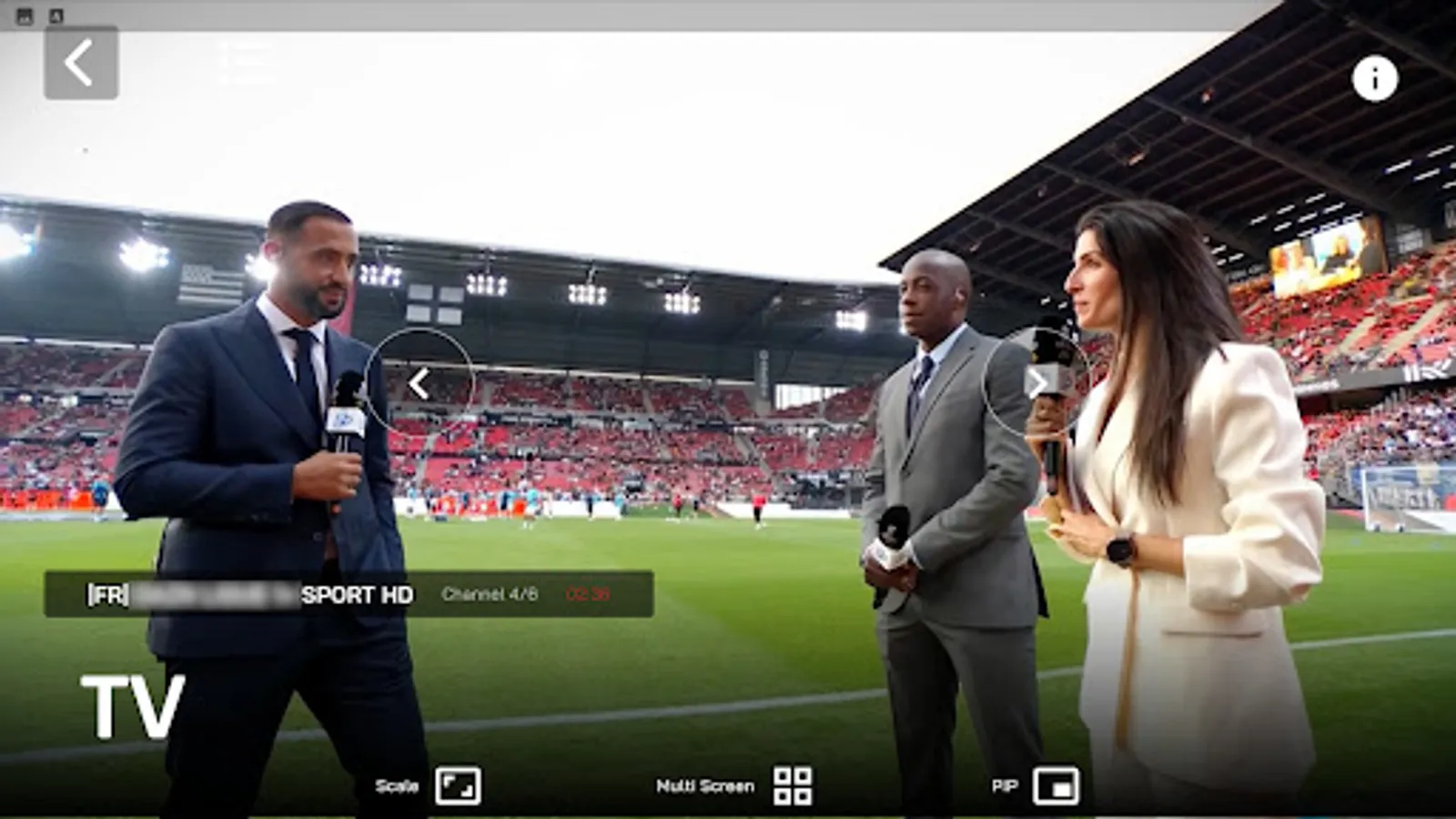
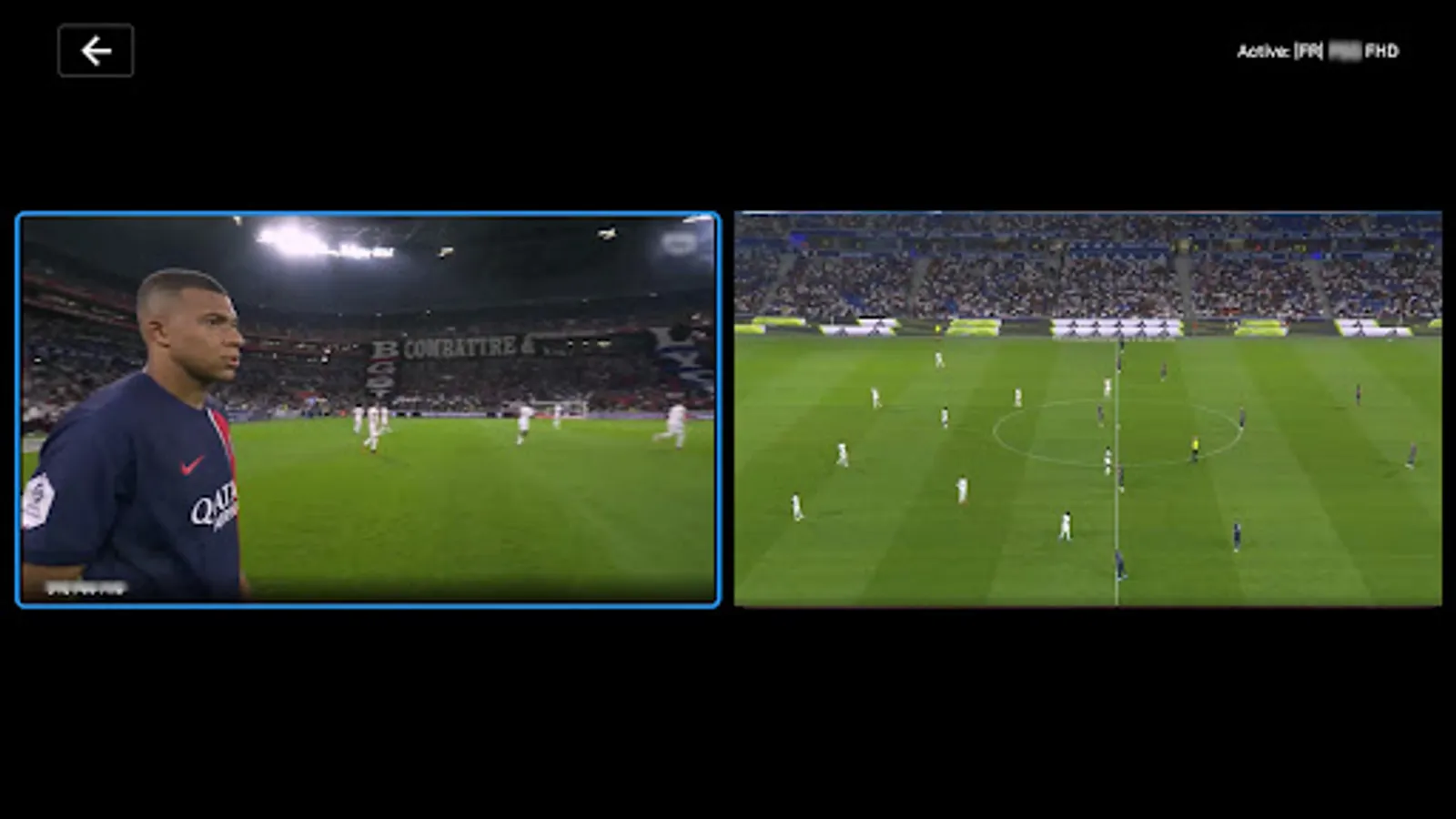
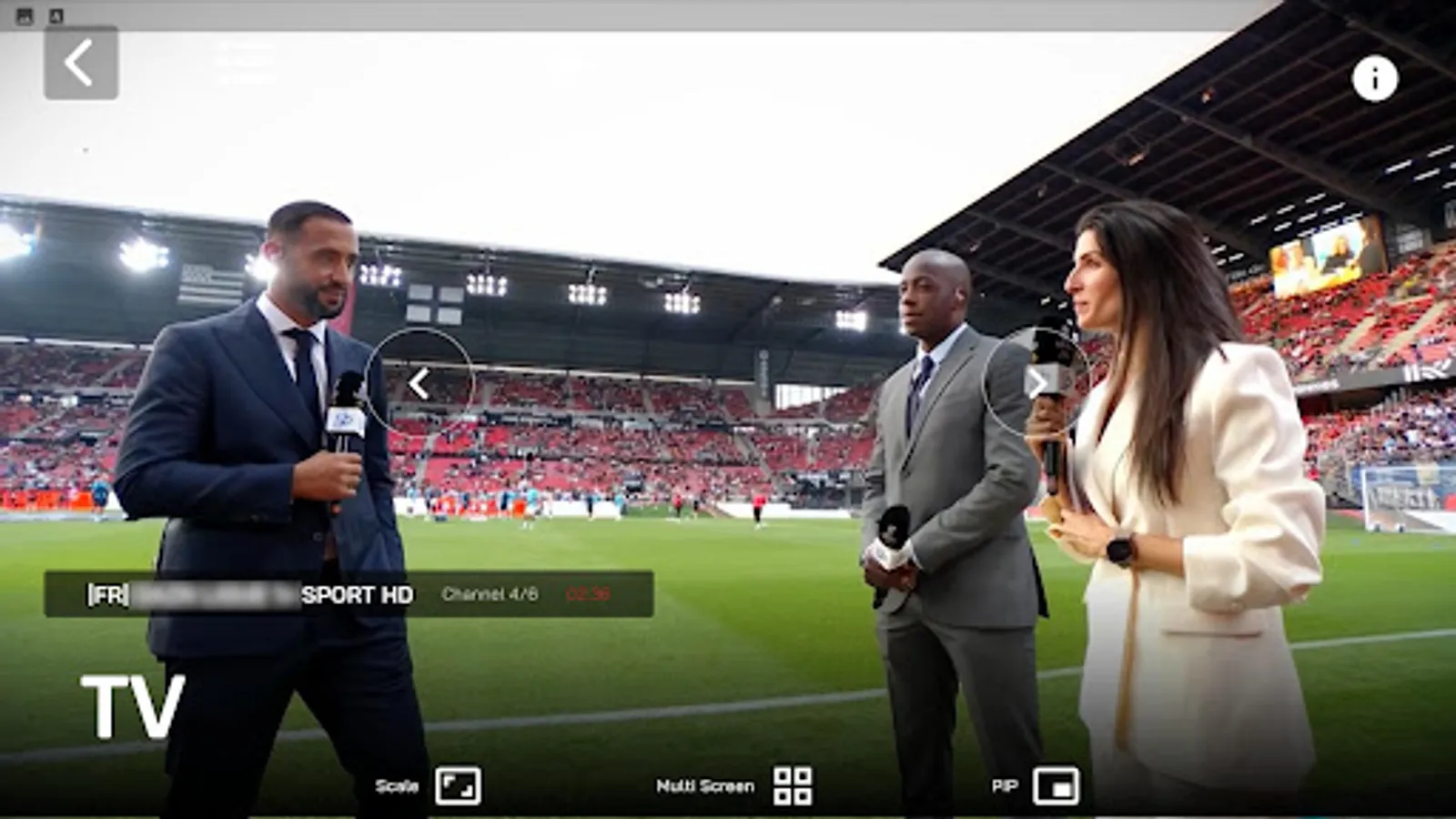
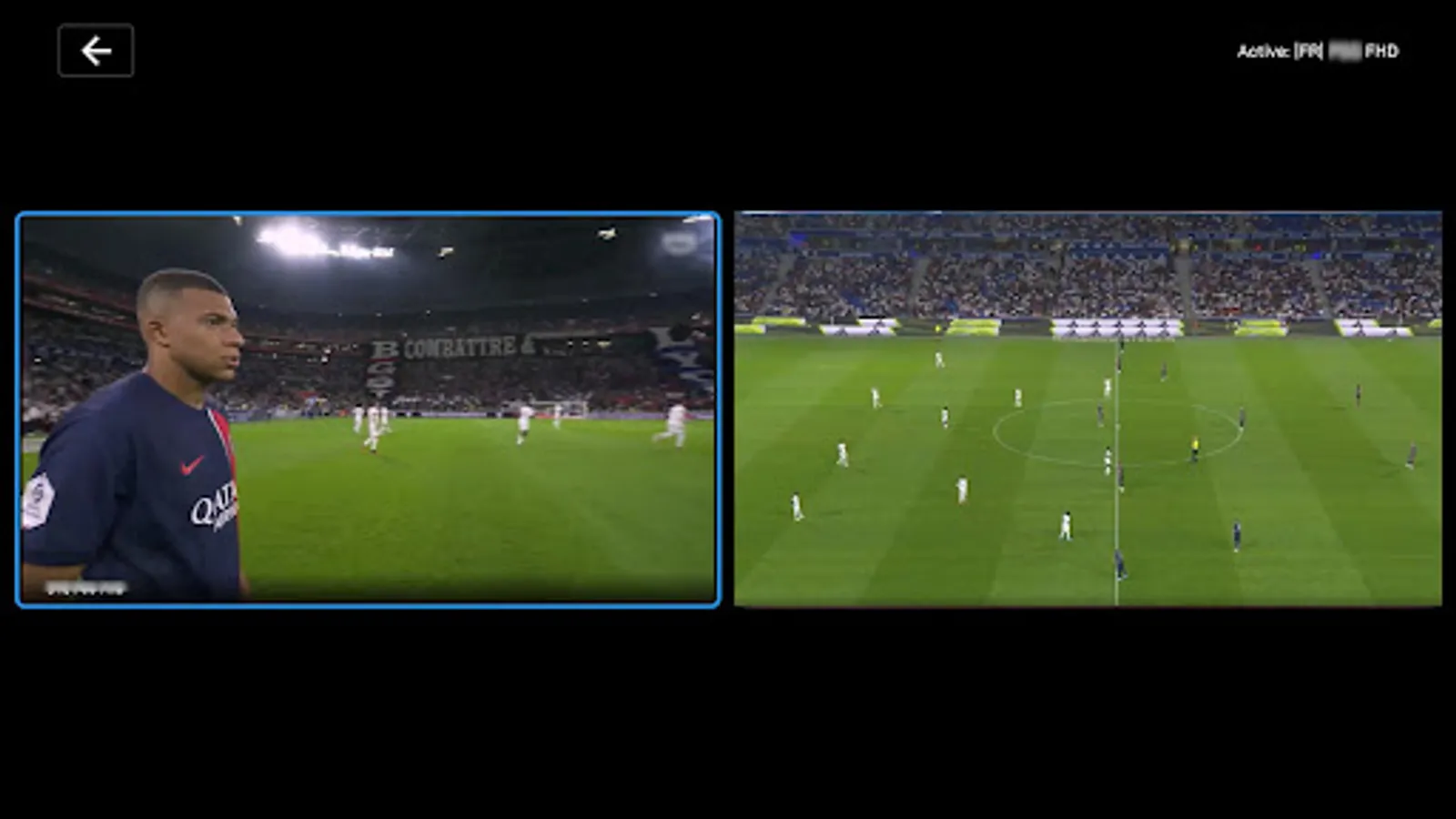
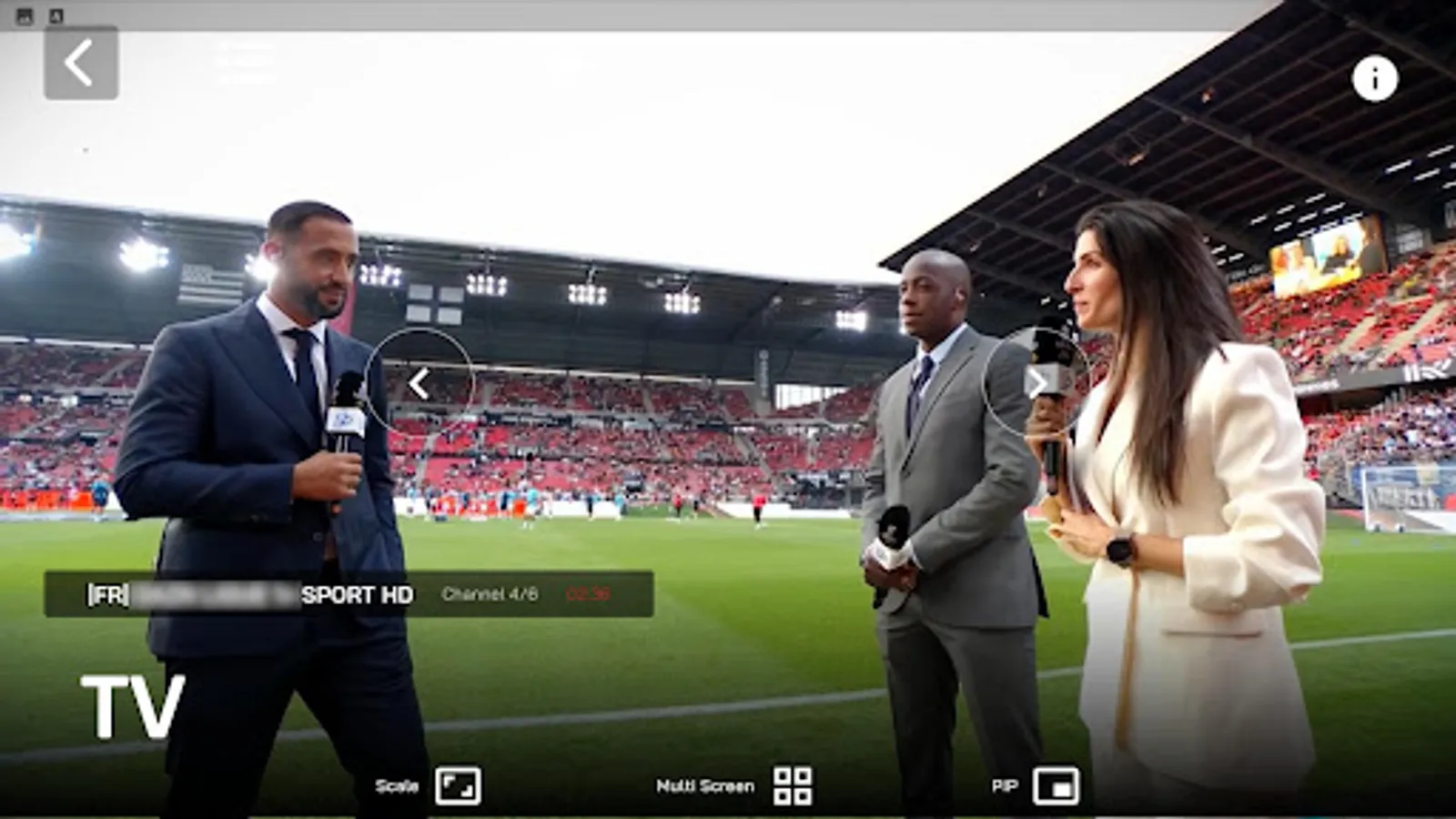
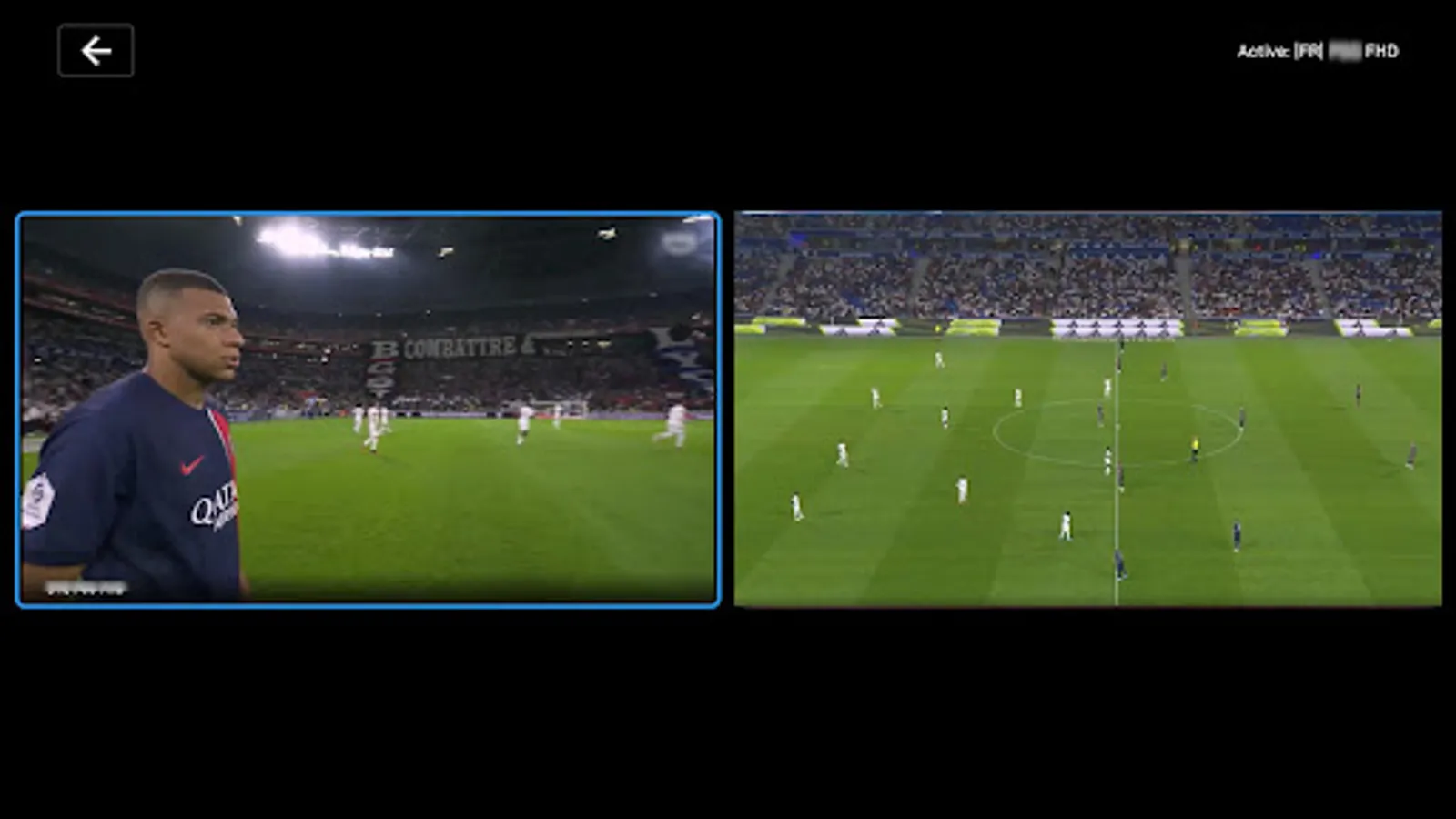
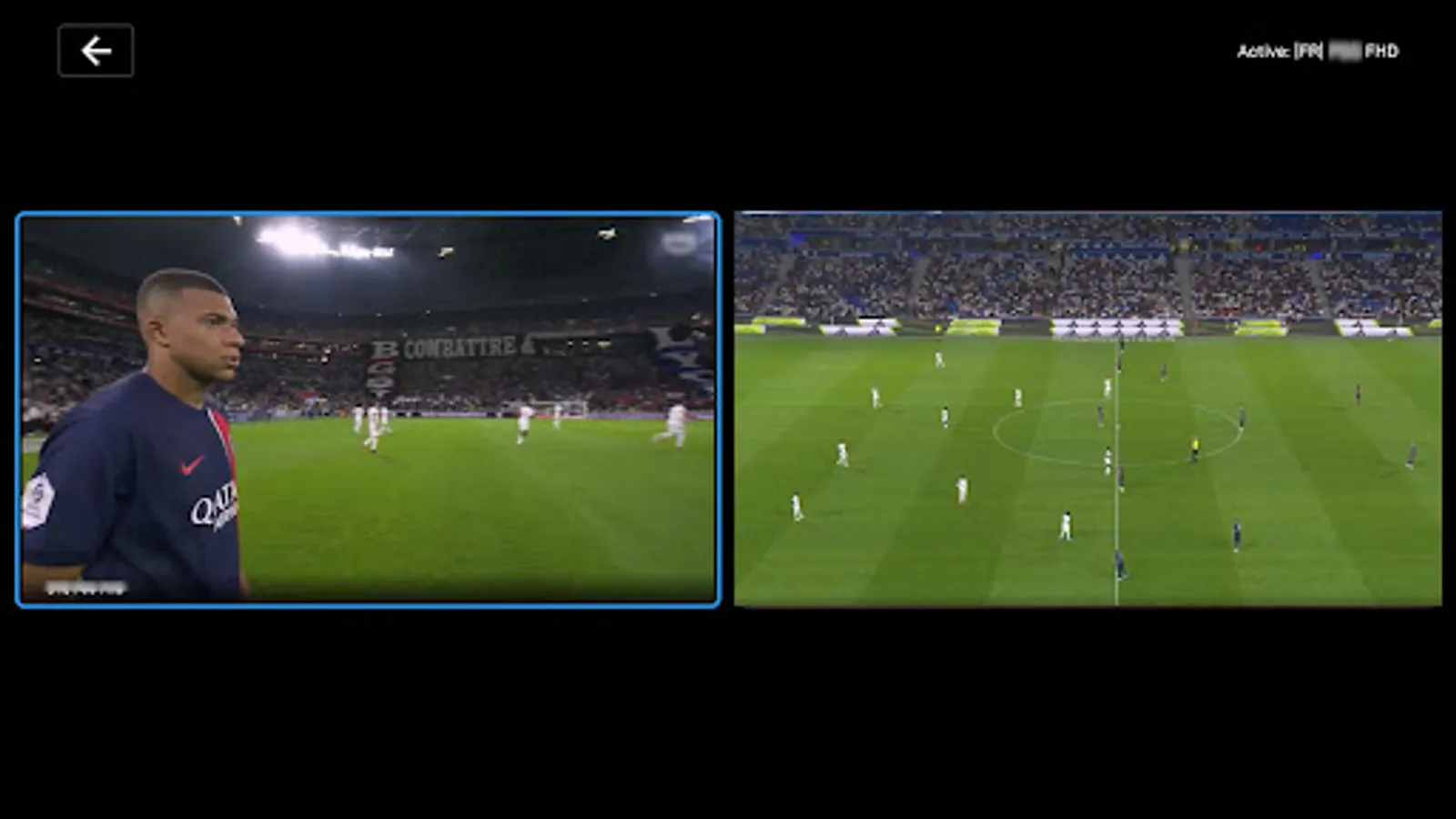
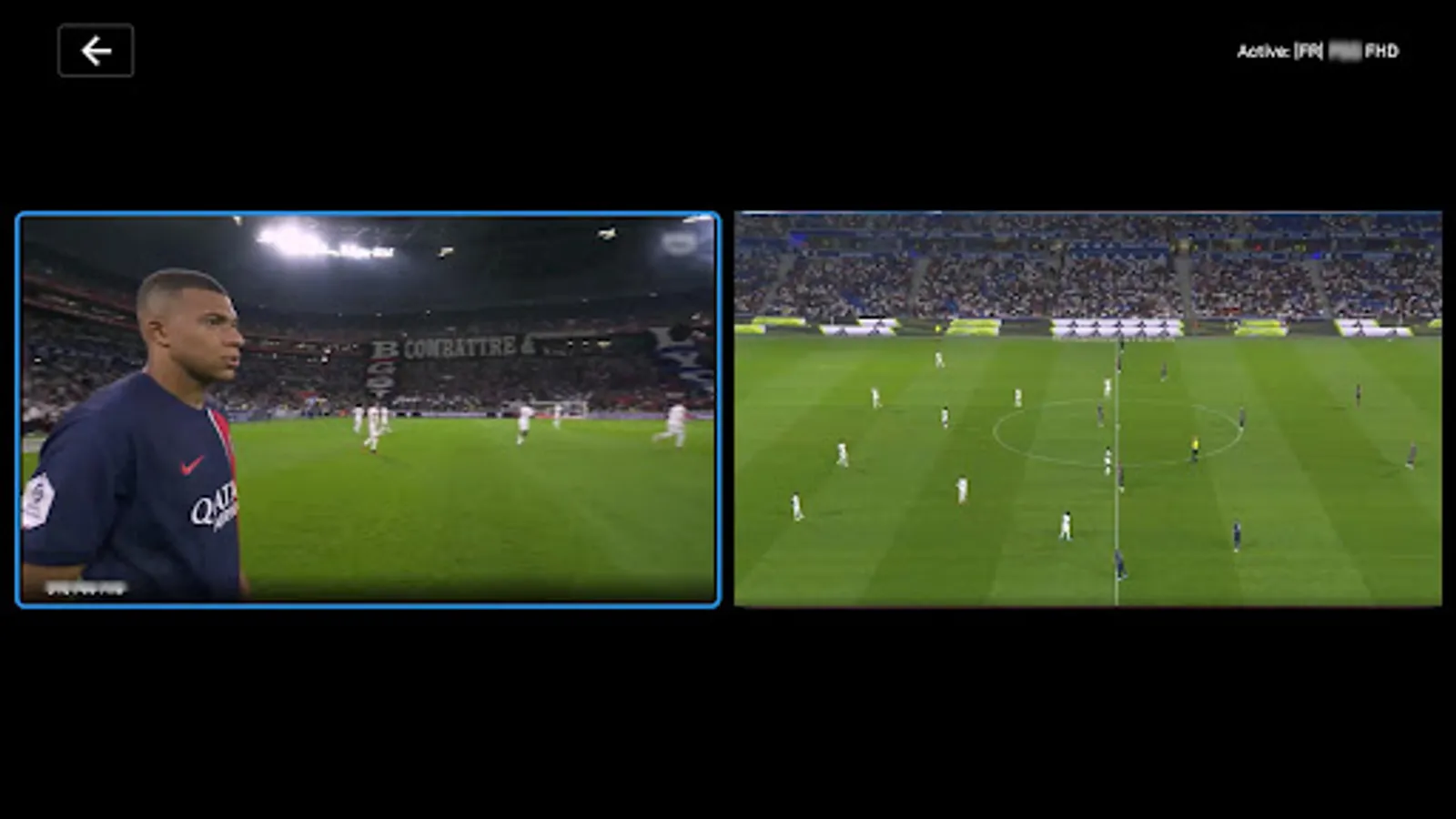
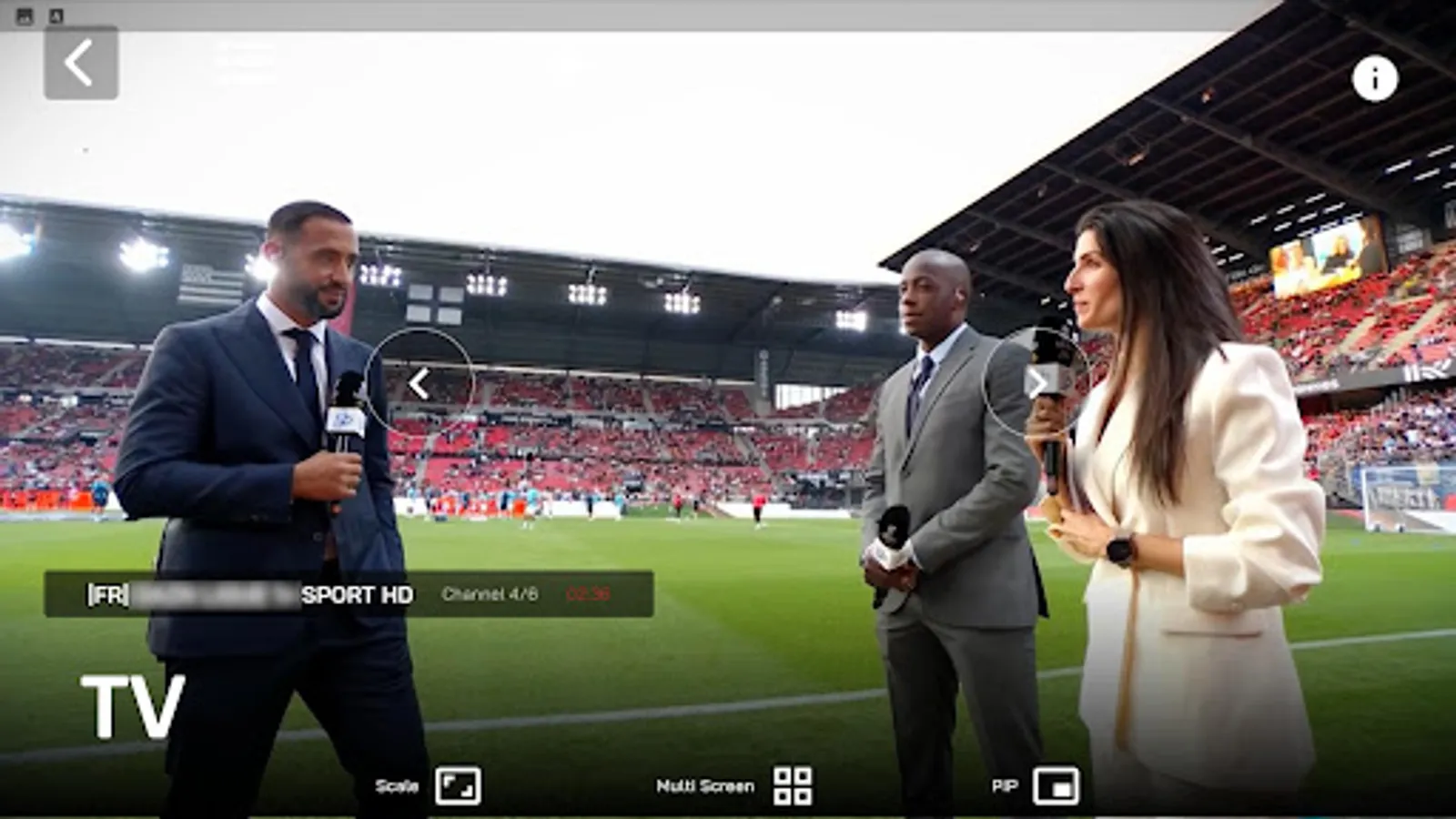
- Picture-in-Picture (PiP): Background playback while multitasking
- Custom Controls: Enhanced player interface with playback controls
- Volume Control: Integrated volume adjustment
- Orientation Support: Landscape viewing optimized
- Resume Playback: Continue from last watched position
- Quality Selection: Stream format selection options
- Offline Playback: Downloaded content viewing
4. Content Management Features
- Multi-select Mode: Select multiple items for batch operations
- Content Filtering: Filter favorites by Live TV, Movies, or Series
- Bulk Actions: Select all/clear all and delete selected items
- Content Downloading: Download movies and series for offline viewing
- Download Filtering: Filter by All, Movies, or Series
- Download Status: Visual indicators for download progress
- Offline Player: Dedicated player for downloaded content
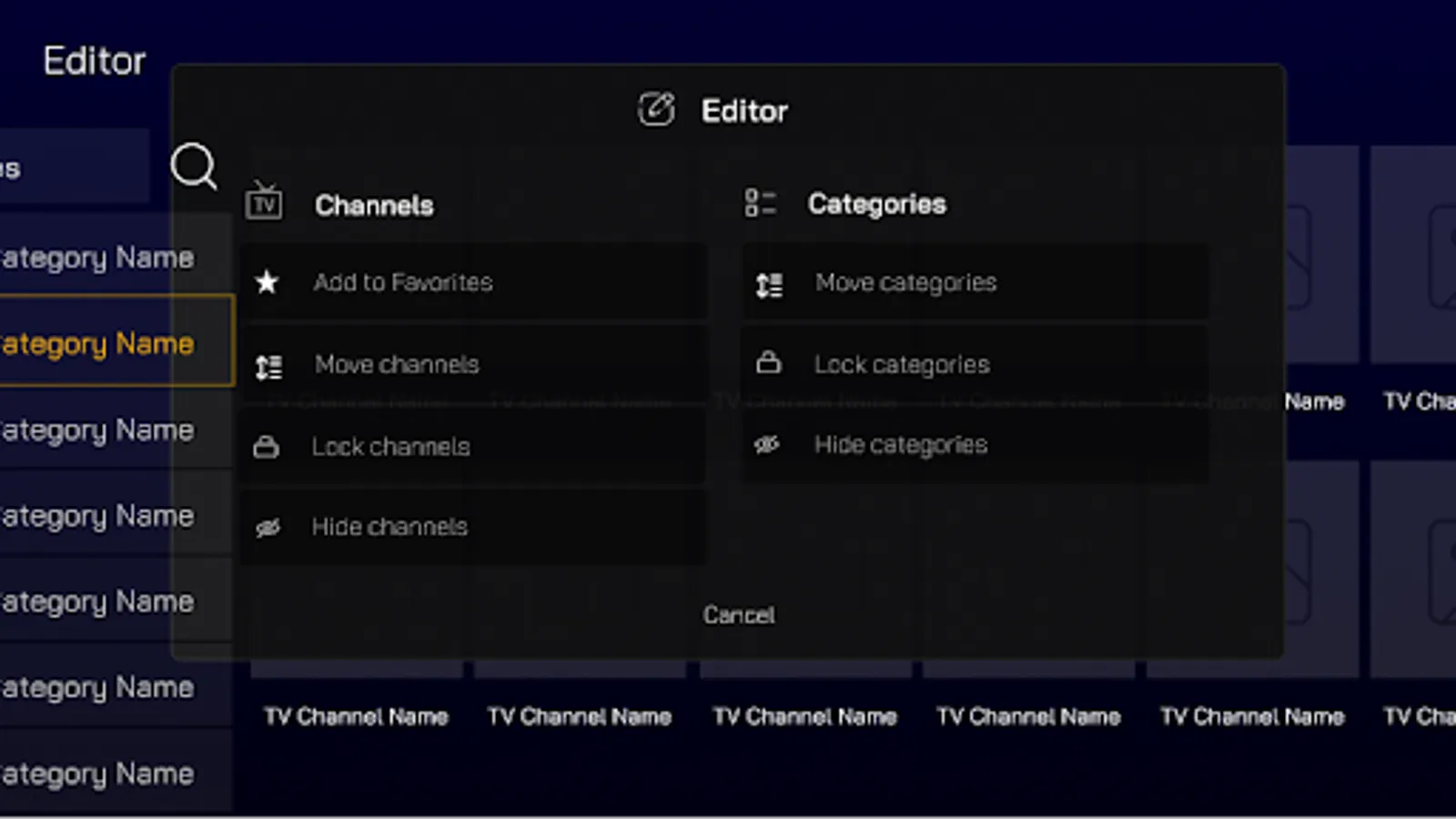
- Password Protection: Secure access to adult content
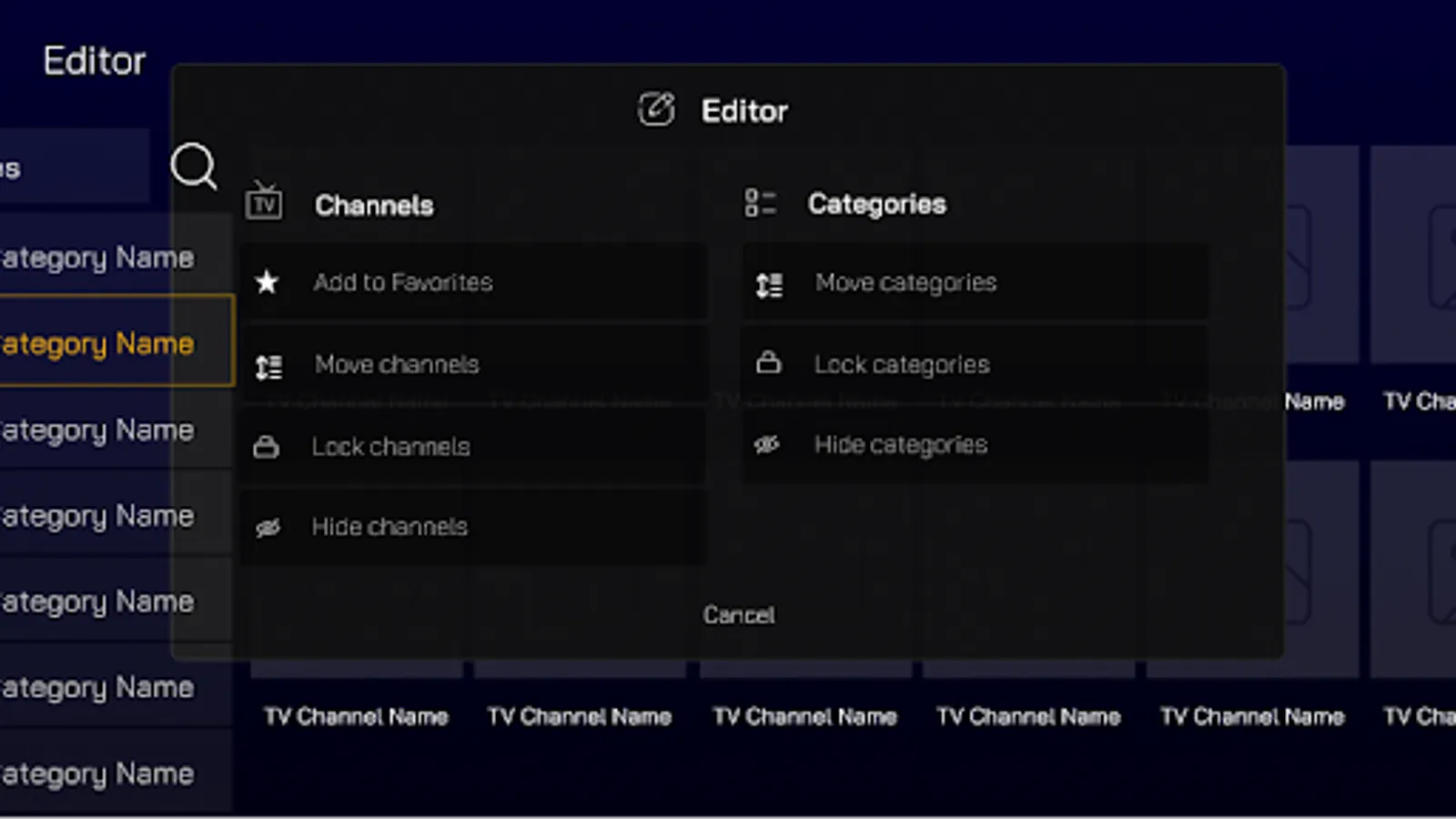
- Category Locking: Lock specific content categories
- Content Hiding: Hide restricted content from view
5. Settings & Customization
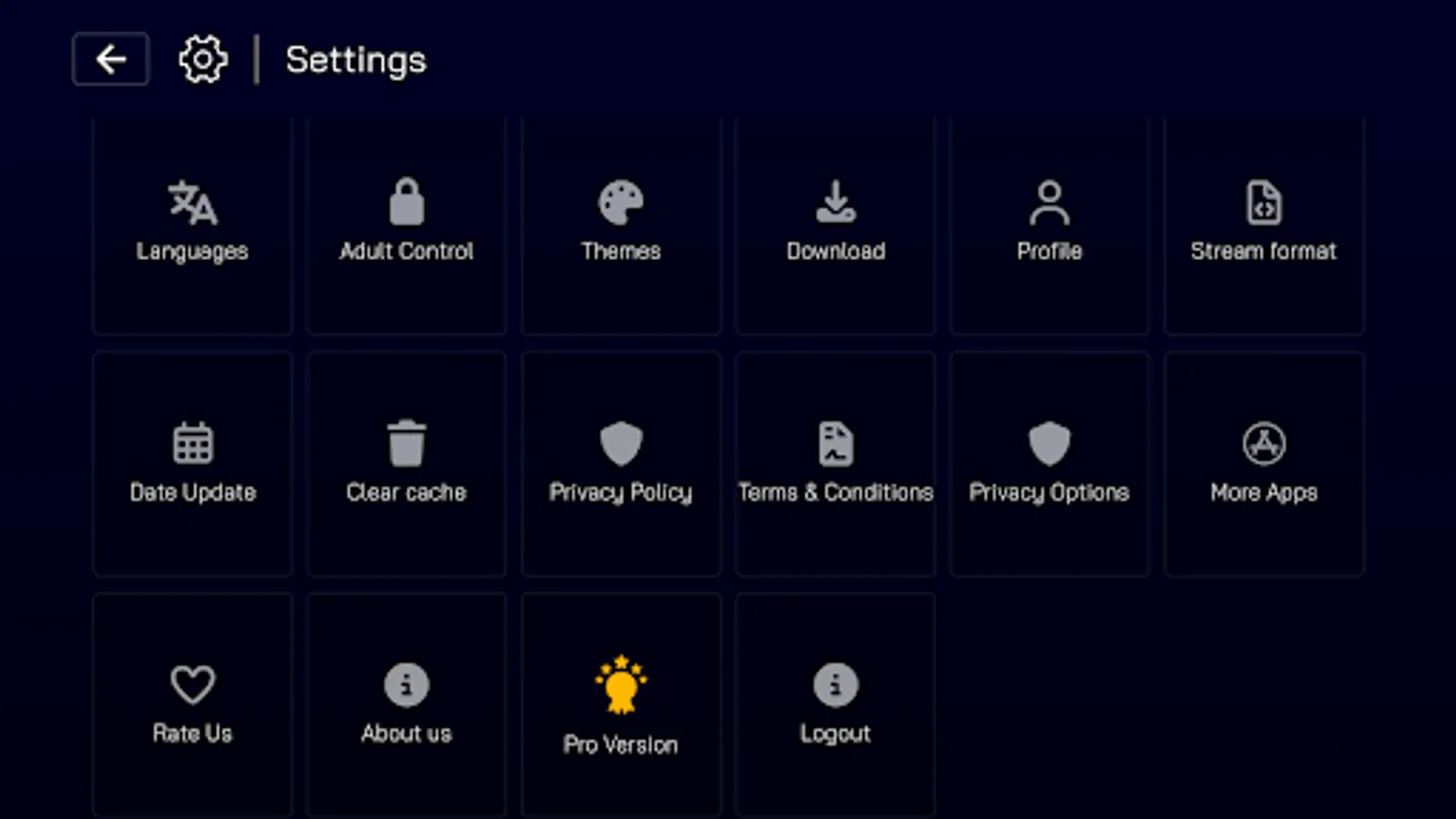
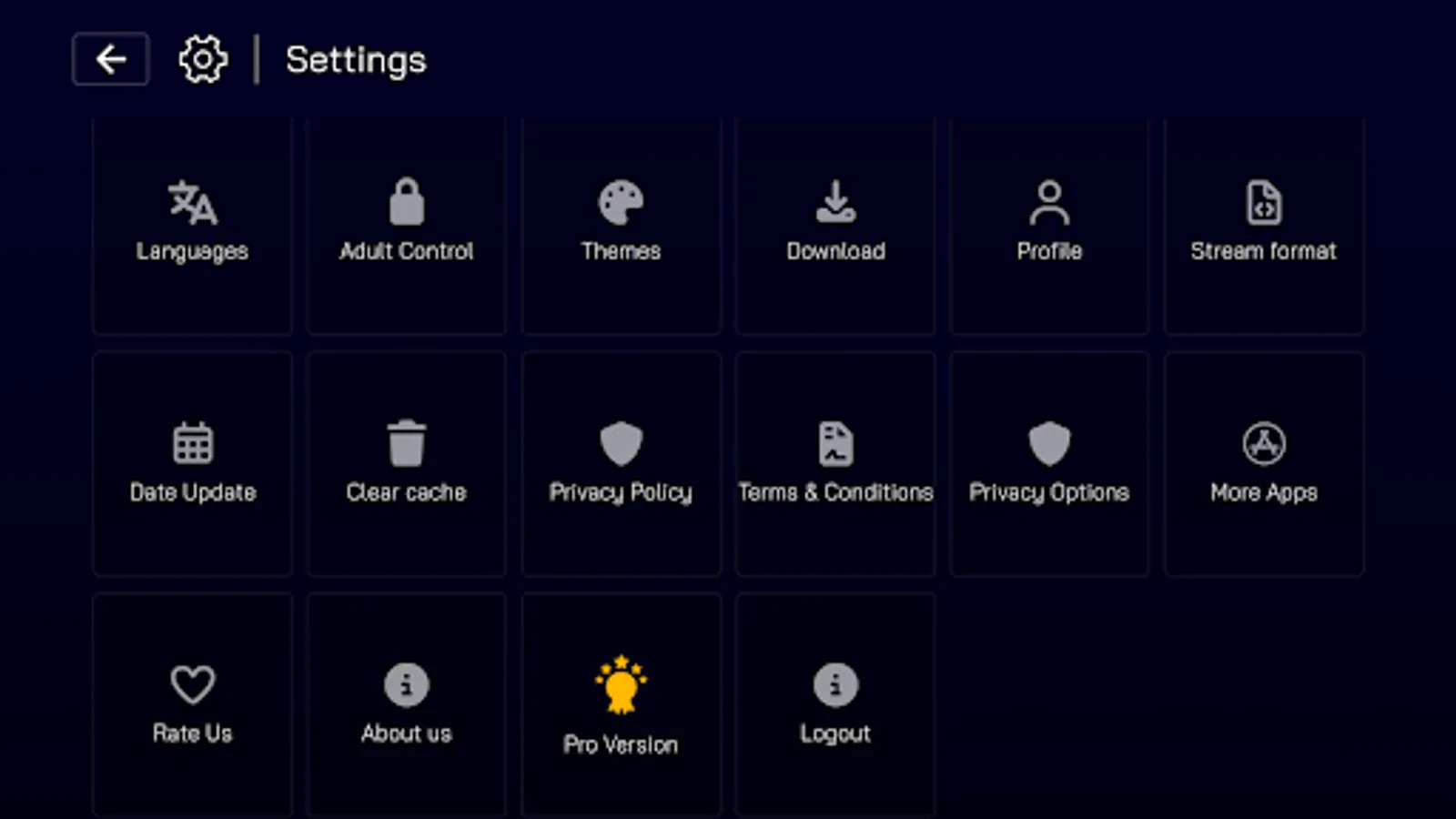
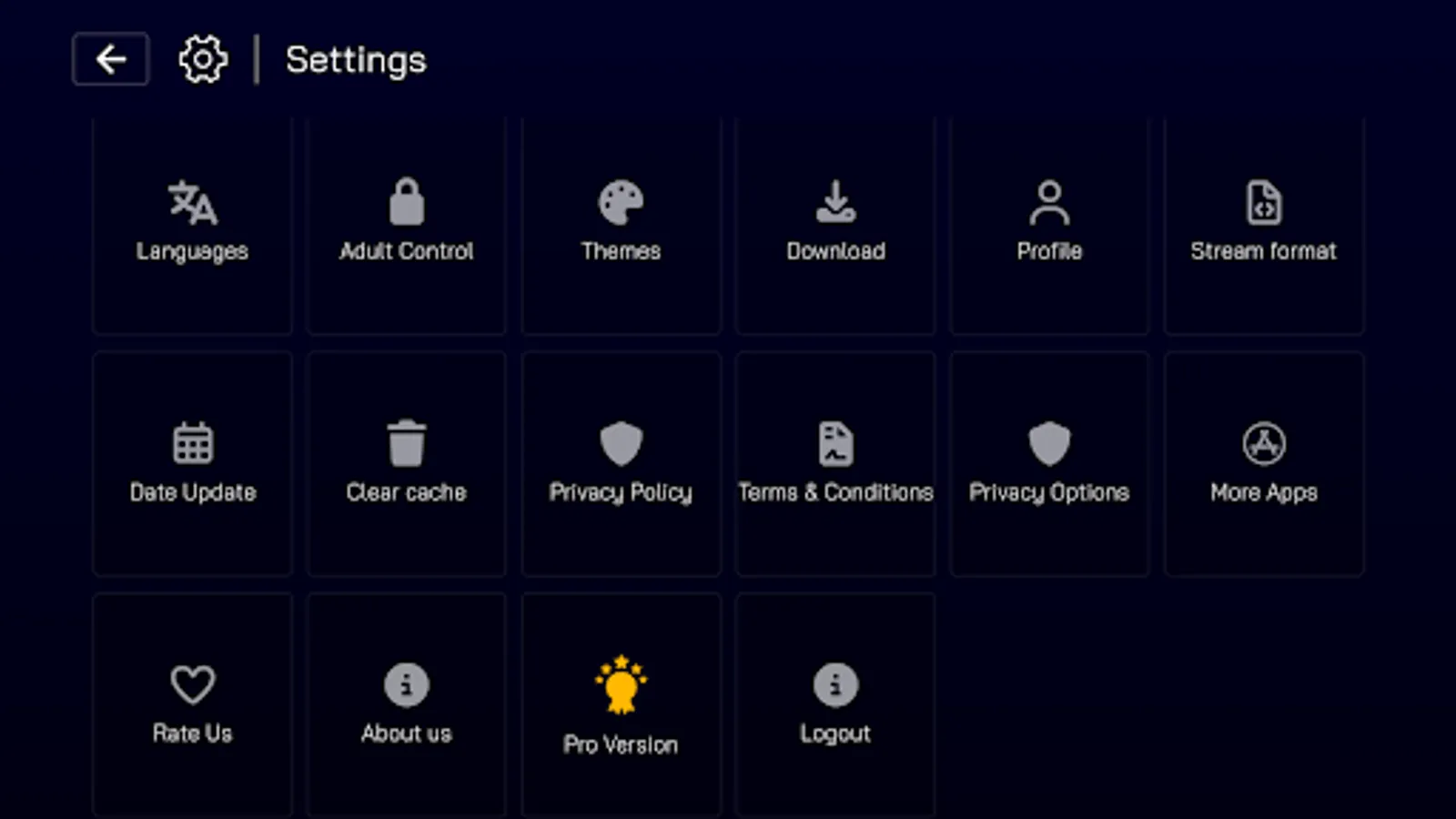
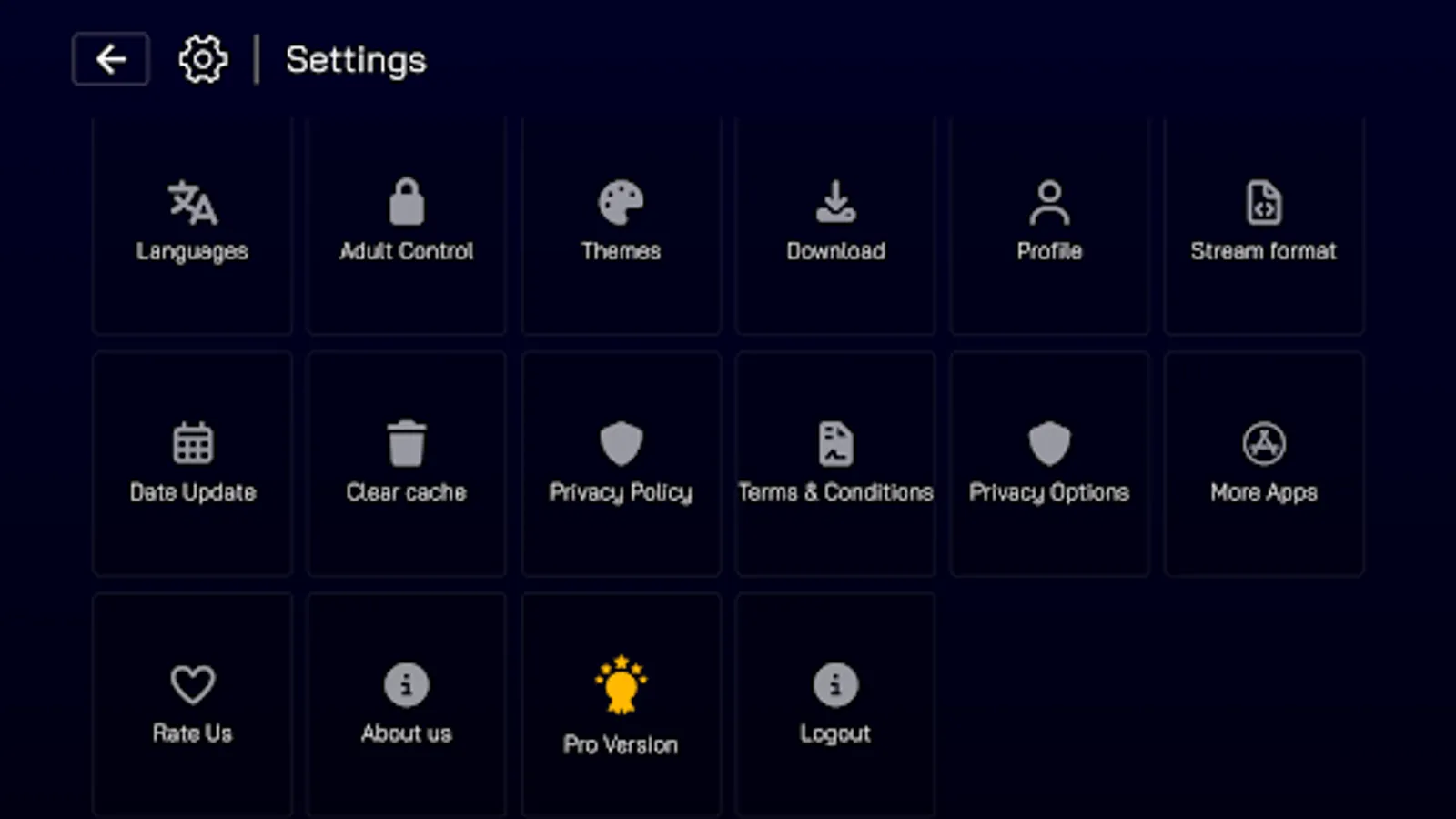
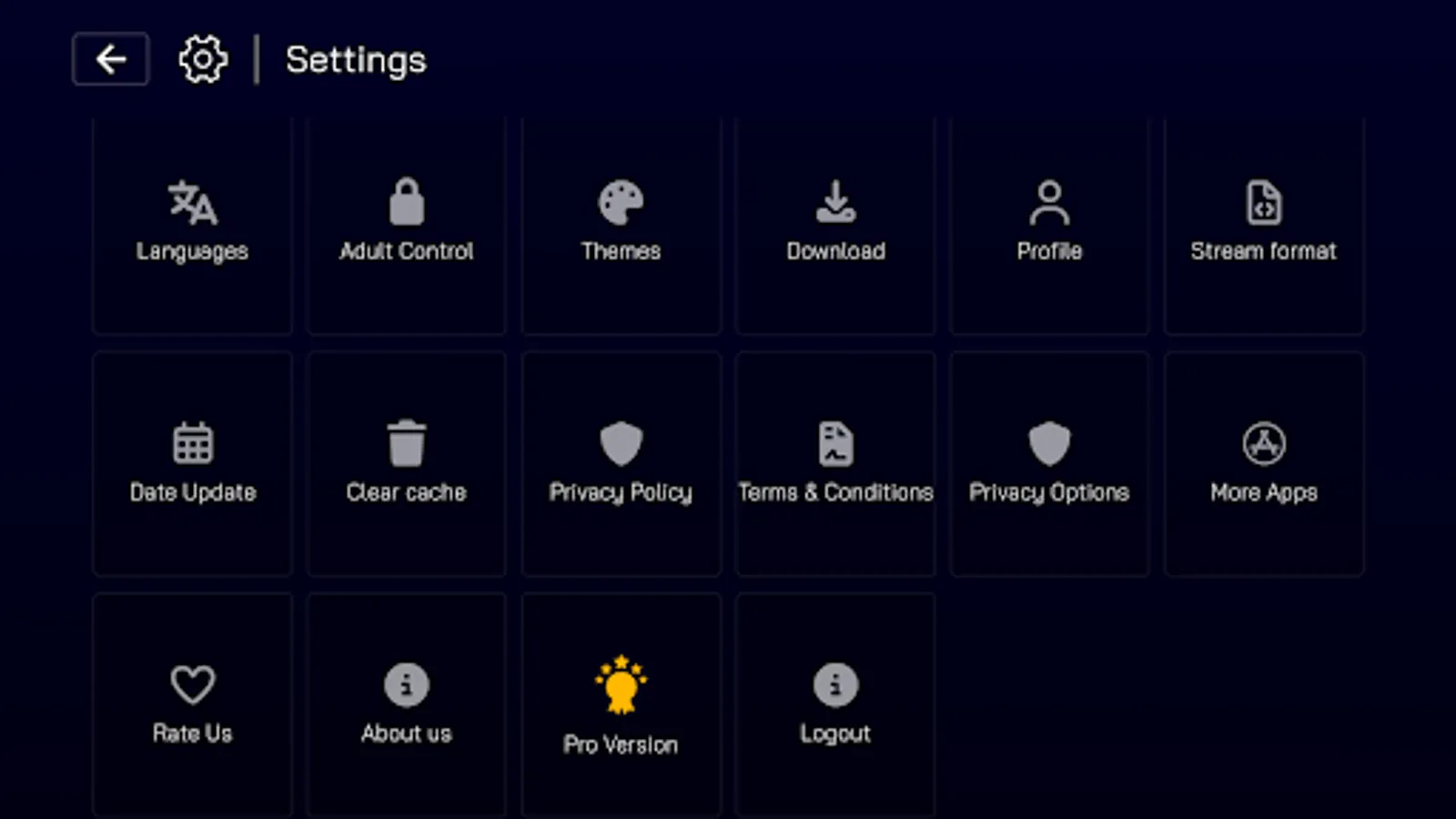
- Theme Selection: Choose from multiple visual themes (Pro feature)
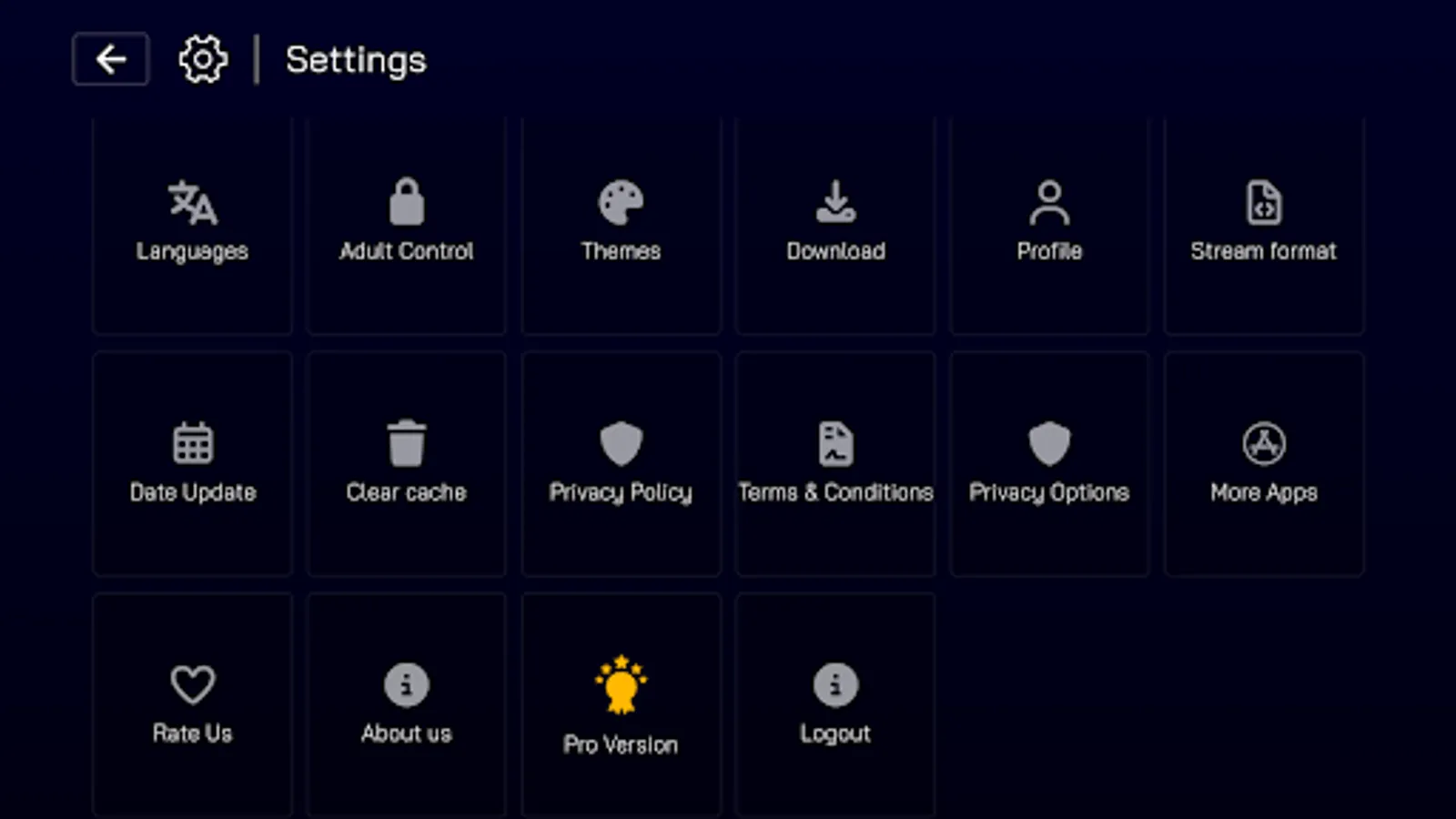
- Language Settings: Interface language selection
- Stream Format: Configure preferred streaming quality
- Date Update: Set content update frequency
- Cache Management: Clear application cache
- Subscription Management: Pro version features and benefits
- Privacy Controls: Privacy policy and data handling options
6. Technical Features
- Responsive Design: Adaptive layout for different screen sizes
- Background Services: Optimized background operations
- Graceful Degradation: Continued operation despite component failures
- User Feedback: Clear error messages and notifications
- Persistent Storage: Local data storage
- User Preferences: Saved user settings and configurations
- Content Metadata: Detailed information about media content
7. Security & Privacy
- Secure Authentication: Protected user credentials
- Data Encryption: Encrypted storage of sensitive information
- Privacy Compliance: GDPR and CCPA compliance features
- Ad Consent: User control over advertising preferences
- Playlist Validation: Verification of playlist authenticity
- Access Control: Restricted content access management
⚠️Disclaim⚠️
This app requires an IPTV subscription or M3U playlist to access content. Reel IPTV Player does not provide any content directly - it's a player application that enables you to access your own IPTV services.
1. Core Application Features
- Playlist Integration: Supports both Xtream Code and M3U playlist formats
- User Authentication: Username/password-based authentication system
- Multiple Playlist Support: Ability to add and manage multiple IPTV playlists
- User Profile Management: View and manage user account details
- Live TV: Real-time television channel streaming
- Movies: On-demand movie streaming library
- TV Series: Episode-based series streaming with season organization
- Favorites: Personalized content collection across all media types
- Downloads: Offline viewing capability for movies and series
- Catch-Up: Access to previously aired content
- EPG (Electronic Program Guide): Detailed program schedules for live channels
2. Navigation & UI Features
- Themed Interface: Multiple visual themes (Default, Mido, Vived, Light/Dark)
- Favorites, Catch-Up, EPG, Live TV section, Movies section, Series section
- Category-based Navigation: Organized content by genres/categories
- Search Functionality: Search across Live TV, Movies, and Series
- Last Watched: Quick access to recently viewed content
- Multi-language Support: Interface available in multiple languages (English, Arabic, Spanish, French, Portuguese)
3. Media Playback Features
- Adaptive Streaming Video Player: Supports various stream formats
- Picture-in-Picture (PiP): Background playback while multitasking
- Custom Controls: Enhanced player interface with playback controls
- Volume Control: Integrated volume adjustment
- Orientation Support: Landscape viewing optimized
- Resume Playback: Continue from last watched position
- Quality Selection: Stream format selection options
- Offline Playback: Downloaded content viewing
4. Content Management Features
- Multi-select Mode: Select multiple items for batch operations
- Content Filtering: Filter favorites by Live TV, Movies, or Series
- Bulk Actions: Select all/clear all and delete selected items
- Content Downloading: Download movies and series for offline viewing
- Download Filtering: Filter by All, Movies, or Series
- Download Status: Visual indicators for download progress
- Offline Player: Dedicated player for downloaded content
- Password Protection: Secure access to adult content
- Category Locking: Lock specific content categories
- Content Hiding: Hide restricted content from view
5. Settings & Customization
- Theme Selection: Choose from multiple visual themes (Pro feature)
- Language Settings: Interface language selection
- Stream Format: Configure preferred streaming quality
- Date Update: Set content update frequency
- Cache Management: Clear application cache
- Subscription Management: Pro version features and benefits
- Privacy Controls: Privacy policy and data handling options
6. Technical Features
- Responsive Design: Adaptive layout for different screen sizes
- Background Services: Optimized background operations
- Graceful Degradation: Continued operation despite component failures
- User Feedback: Clear error messages and notifications
- Persistent Storage: Local data storage
- User Preferences: Saved user settings and configurations
- Content Metadata: Detailed information about media content
7. Security & Privacy
- Secure Authentication: Protected user credentials
- Data Encryption: Encrypted storage of sensitive information
- Privacy Compliance: GDPR and CCPA compliance features
- Ad Consent: User control over advertising preferences
- Playlist Validation: Verification of playlist authenticity
- Access Control: Restricted content access management
⚠️Disclaim⚠️
This app requires an IPTV subscription or M3U playlist to access content. Reel IPTV Player does not provide any content directly - it's a player application that enables you to access your own IPTV services.