
CieID
Istituto Poligrafico e Zecca dello Stato S.p.A.
4.5 ★
389K ratings
10,000,000+
downloads
Free
With this app, you can activate CIE credentials, authorize online access, and manage authentication methods. Includes QR code scanning, biometric login, and NFC card registration features.
AppRecs review analysis
AppRecs rating 4.6. Trustworthiness 0 out of 100. Review manipulation risk 0 out of 100. Based on a review sample analyzed.
★★★★☆
4.6
AppRecs Rating
Ratings breakdown
5 star
80%
4 star
9%
3 star
4%
2 star
3%
1 star
5%
What to know
✓
High user satisfaction
80% of sampled ratings are 5 stars
✓
Authentic reviews
Natural distribution, no red flags
About CieID
With the CieID app, you can access the online services of public administrations and private individuals participating in the "Enter with CIE" program.
Activate your CIE credentials (level 1 and 2) at www.cartaidentita.it, open the app, and set up simplified access. You can authorize access from your PC simply by:
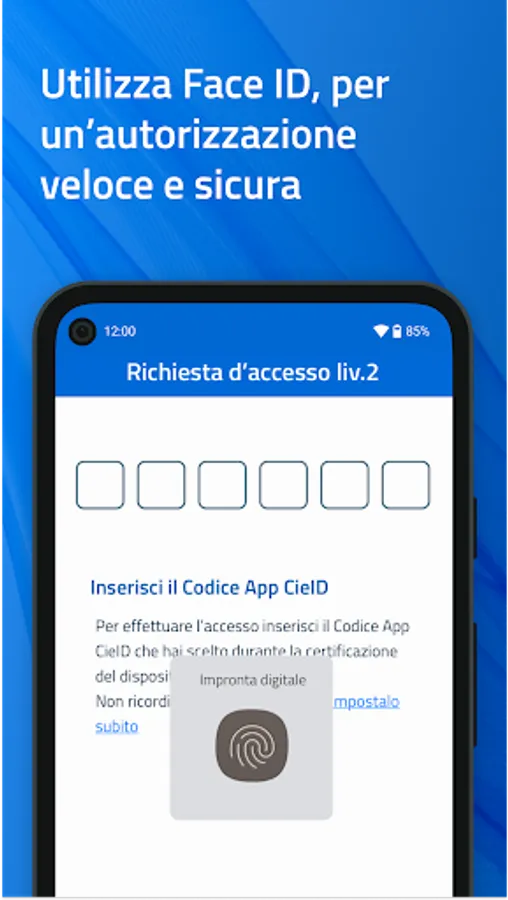
- scanning the QR code on the access request page from the app and entering the CieID app code you created during device certification; if biometrics are enabled, access is even easier because you can use it instead of the CieID app code.
Or
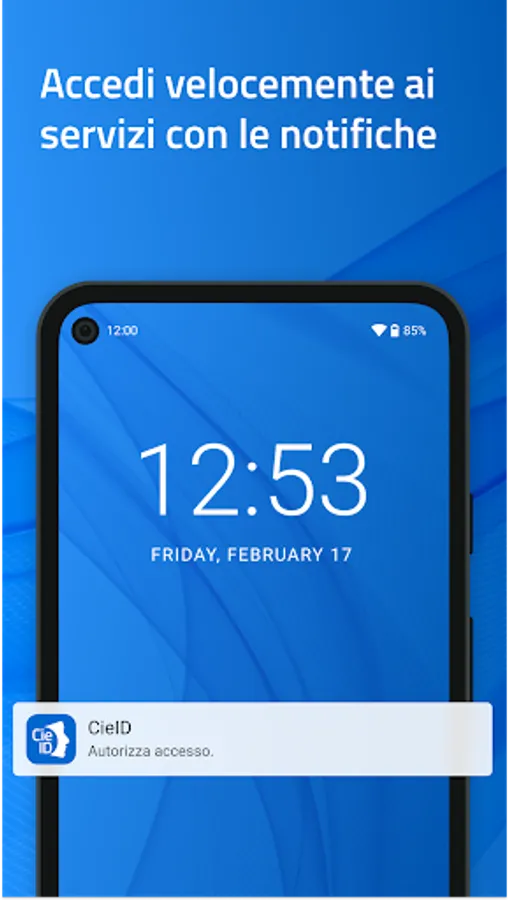
- entering your CieID credentials (username and password) on the access request page will receive a push notification in the app that you must accept using your CieID app code or biometrics.
If you access the online service from a smartphone, authenticate with your CieID credentials or open the app and enter your CieID app code. Use biometric recognition if enabled.
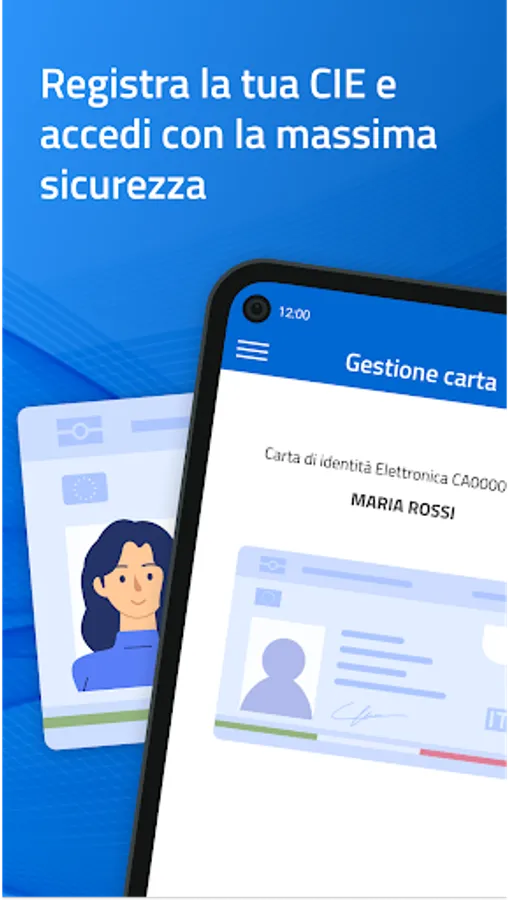
If you have a smartphone with Android 6.0 or later, equipped with NFC technology, you can choose to log in with the highest level of security (level 3). After receiving your Electronic Identity Card, open the app and register your card by entering the eight-digit PIN and tapping the card against the back of your smartphone when prompted.
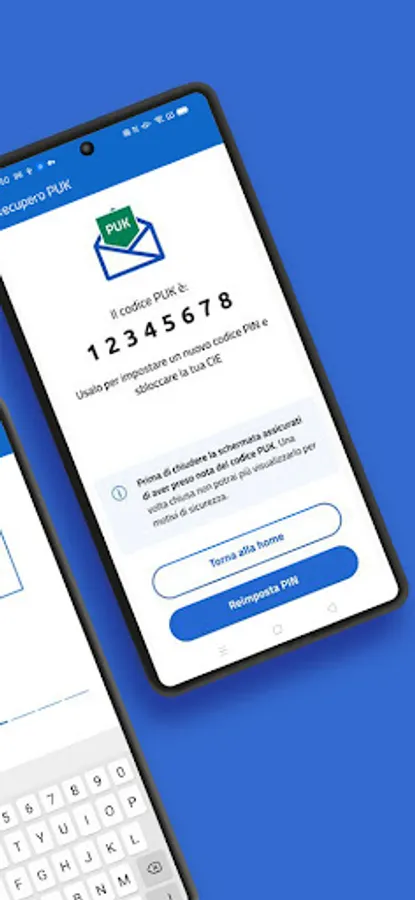
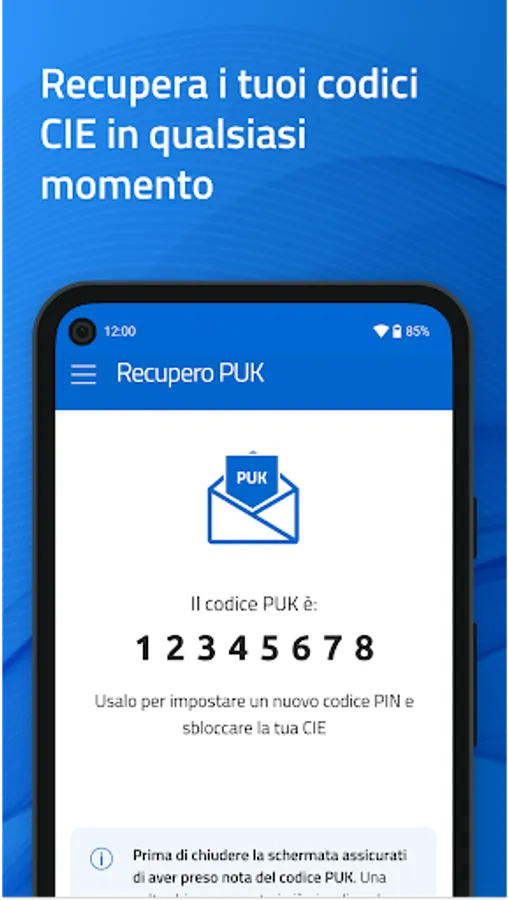
The CieID app also offers a PUK recovery feature for citizens with an Electronic Identity Card who have associated an email address or mobile number with their digital identity.
Accessibility statement: https://form.agid.gov.it/view/66413cb0-88cd-11f0-beb7-df733bfc235a
Activate your CIE credentials (level 1 and 2) at www.cartaidentita.it, open the app, and set up simplified access. You can authorize access from your PC simply by:
- scanning the QR code on the access request page from the app and entering the CieID app code you created during device certification; if biometrics are enabled, access is even easier because you can use it instead of the CieID app code.
Or
- entering your CieID credentials (username and password) on the access request page will receive a push notification in the app that you must accept using your CieID app code or biometrics.
If you access the online service from a smartphone, authenticate with your CieID credentials or open the app and enter your CieID app code. Use biometric recognition if enabled.
If you have a smartphone with Android 6.0 or later, equipped with NFC technology, you can choose to log in with the highest level of security (level 3). After receiving your Electronic Identity Card, open the app and register your card by entering the eight-digit PIN and tapping the card against the back of your smartphone when prompted.
The CieID app also offers a PUK recovery feature for citizens with an Electronic Identity Card who have associated an email address or mobile number with their digital identity.
Accessibility statement: https://form.agid.gov.it/view/66413cb0-88cd-11f0-beb7-df733bfc235a
CieID Screenshots


Tap to Rate:
Reviews for CieID
Hardeep Batth
12/30/2025
Good
JM B
12/29/2025
trovo questo app semplice e veloce , non ho mai riscontrato problemi o difficoltà.