AppRecs review analysis
AppRecs rating . Trustworthiness 76 out of 100. Review manipulation risk 27 out of 100. Based on a review sample analyzed.
★
AppRecs Rating
Ratings breakdown
5 star
14%
4 star
0%
3 star
10%
2 star
10%
1 star
67%
What to know
✓
Low review manipulation risk
27% review manipulation risk
✓
Credible reviews
76% trustworthiness score from analyzed reviews
⚠
Mixed user feedback
Average 1.9★ rating suggests room for improvement
About Ezybill Selfcare
The application helps Digital Cable TV subscribers to manage their subscription, bills, payment, complaints from their smartphone.
Application Features:
· Registration: Register your application with your registered mobile number and OTP
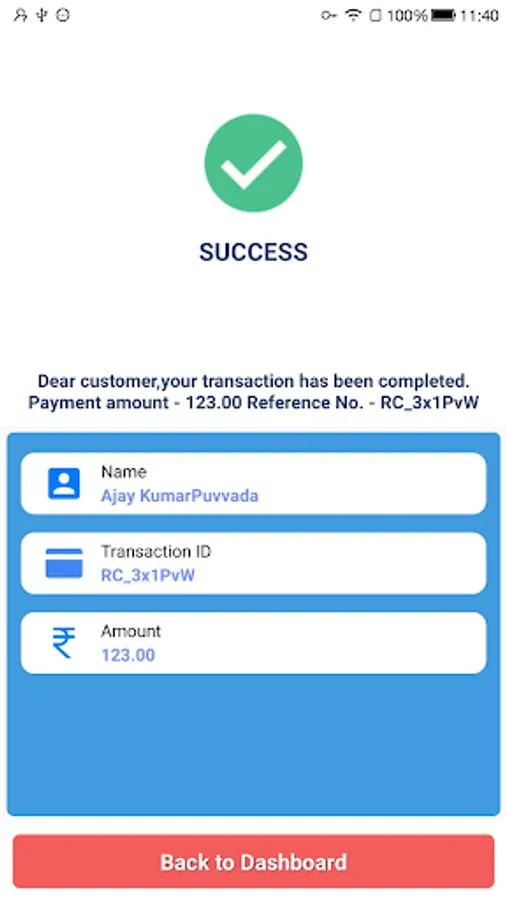
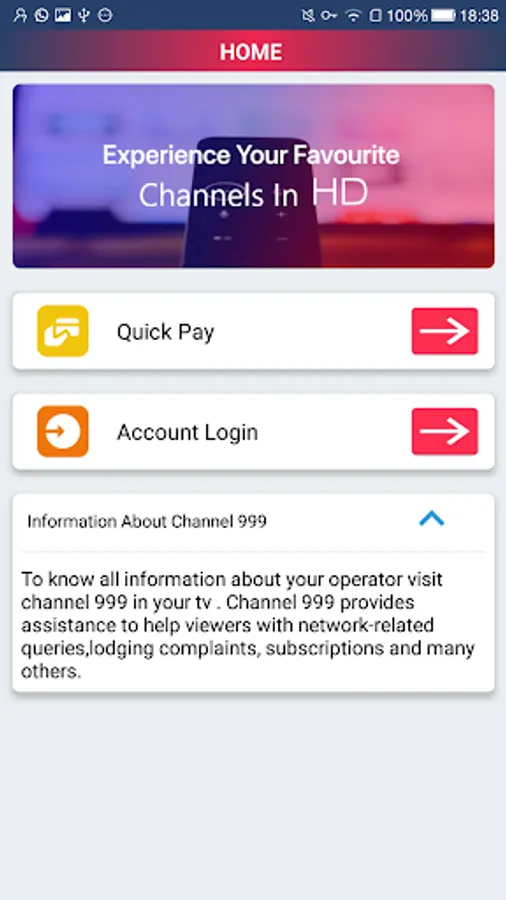
· Quickpay: Pay your/your friend’s/family’s cable bills without logging in.
· Homescreen: Login, view packages, view contact information from this screen
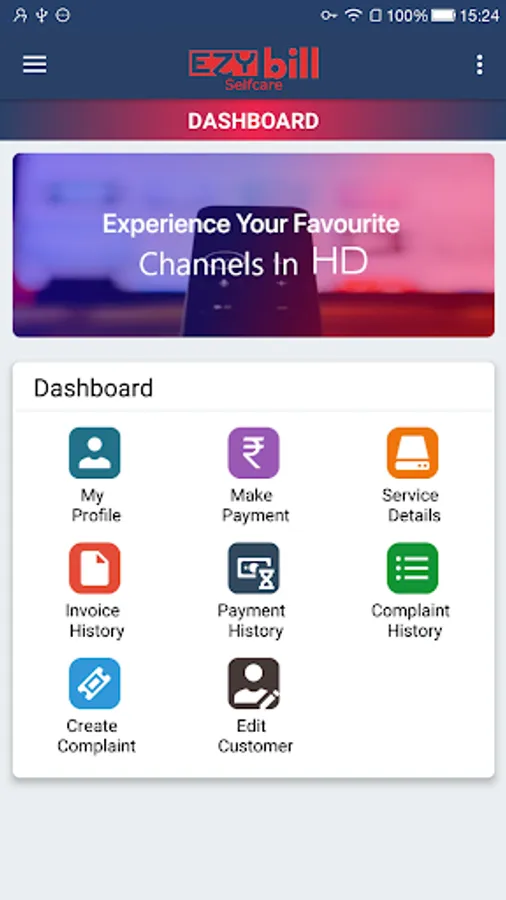
· Dashboard: You can manage your cable TV with shortcuts from this page.
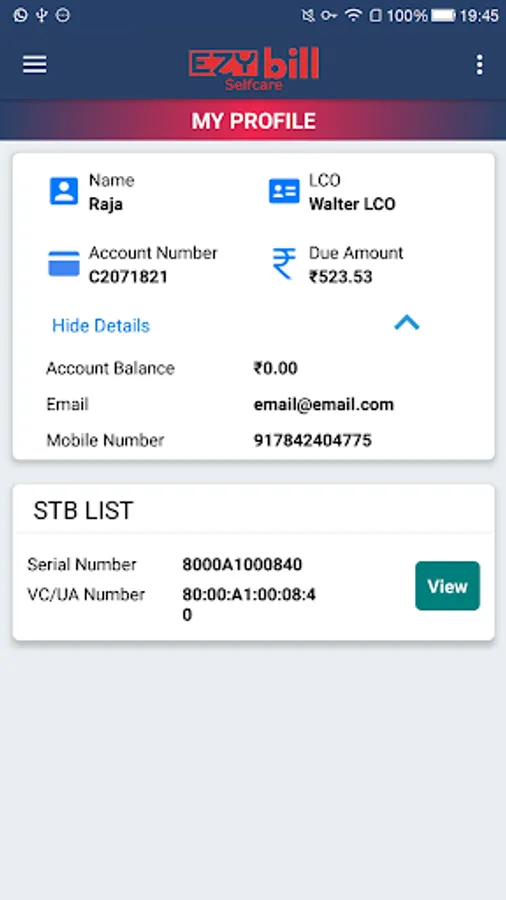
· My Profile: You can view your personal details along with your set-top box details and subscription status
· Package Operations: Activation or Deactivation of packages can be performed
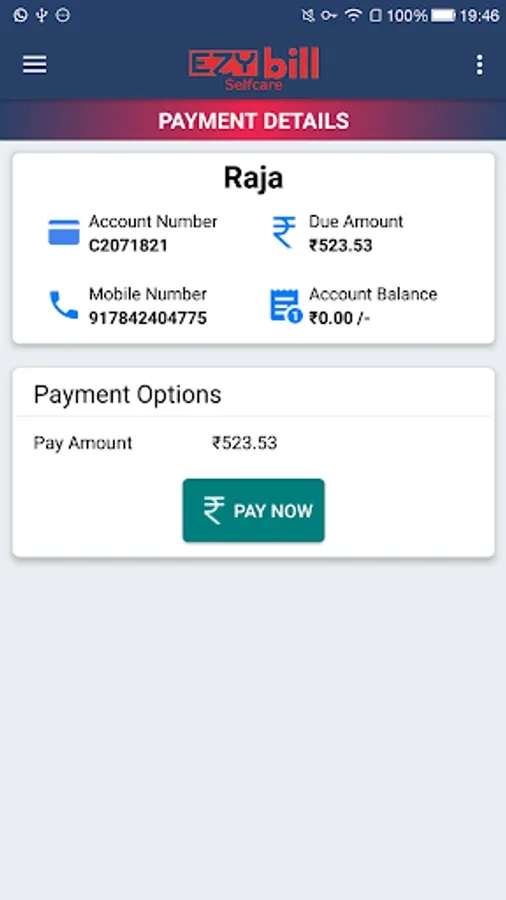
· Make Payment: You can make an online payment for your due amount.
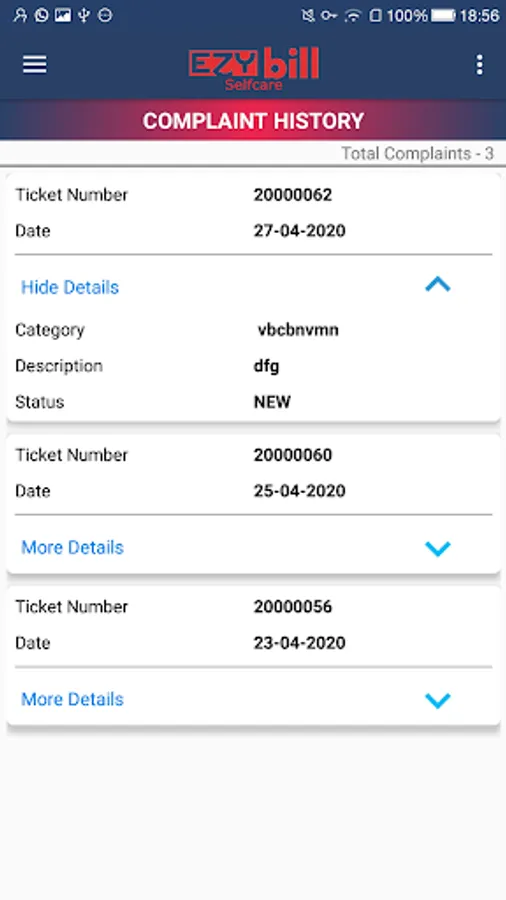
· Complaint Management: View status or Create complaints without waiting in a queue on an IVR
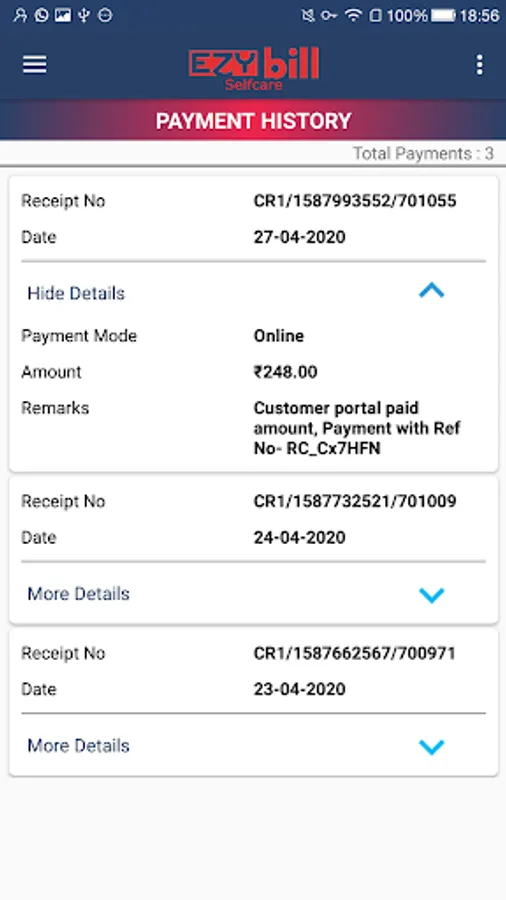
· Payment History: You can view your previous payment transactions
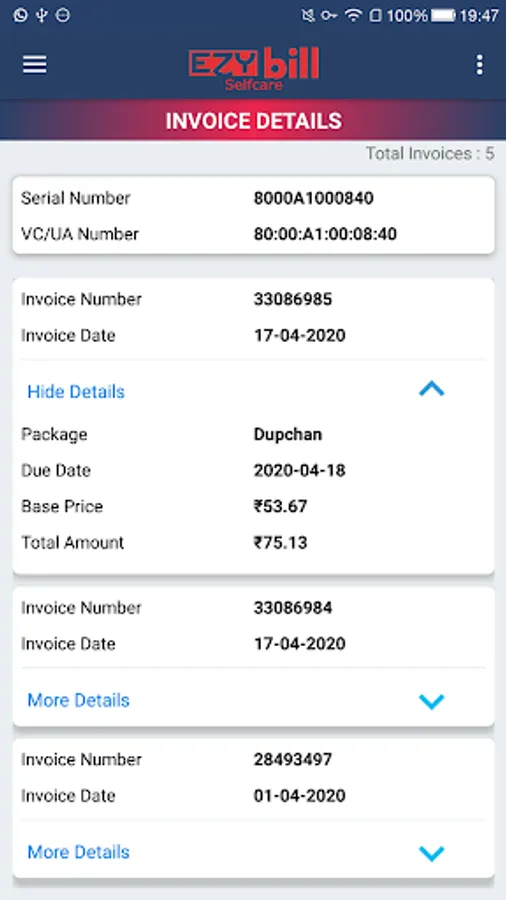
· Invoice History: You can view your bills/invoices for your subscription.
Application Features:
· Registration: Register your application with your registered mobile number and OTP
· Quickpay: Pay your/your friend’s/family’s cable bills without logging in.
· Homescreen: Login, view packages, view contact information from this screen
· Dashboard: You can manage your cable TV with shortcuts from this page.
· My Profile: You can view your personal details along with your set-top box details and subscription status
· Package Operations: Activation or Deactivation of packages can be performed
· Make Payment: You can make an online payment for your due amount.
· Complaint Management: View status or Create complaints without waiting in a queue on an IVR
· Payment History: You can view your previous payment transactions
· Invoice History: You can view your bills/invoices for your subscription.
Ezybill Selfcare Screenshots
Tap to Rate:
Reviews for Ezybill Selfcare
Sanjay Peddamuthyam
12/28/2025
nice
Nithya Priya
6/22/2024
Fuuc