
じぶん銀行アプリ(auじぶん銀行)
auじぶん銀行株式会社
3.5 ★
21K ratings
5,000,000+
downloads
Free
In this banking app, users can open accounts, transfer funds, and manage deposits using biometric authentication. Includes account opening via ID scanning, balance inquiry, and fee-free transfer options.
AppRecs review analysis
AppRecs rating 3.5. Trustworthiness 0 out of 100. Review manipulation risk 0 out of 100. Based on a review sample analyzed.
★★★☆☆
3.5
AppRecs Rating
Ratings breakdown
5 star
50%
4 star
0%
3 star
0%
2 star
50%
1 star
0%
What to know
✓
Authentic reviews
Natural distribution, no red flags
⚠
High negative review ratio
50% of sampled ratings are 1–2 stars
About じぶん銀行アプリ(auじぶん銀行)
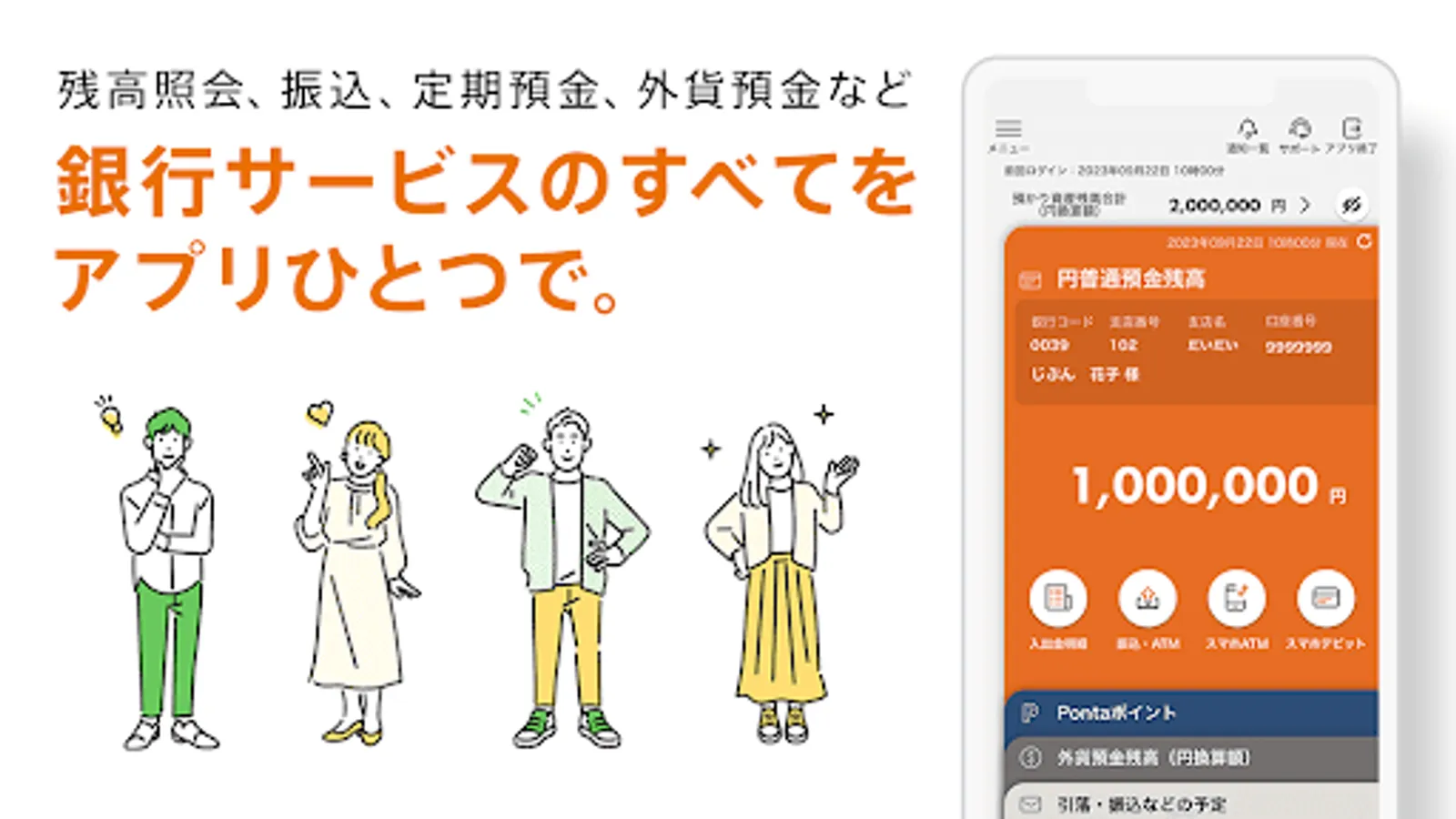
● All banking services, including account opening, transfers, smartphone ATMs, and debit cards, all in one place.
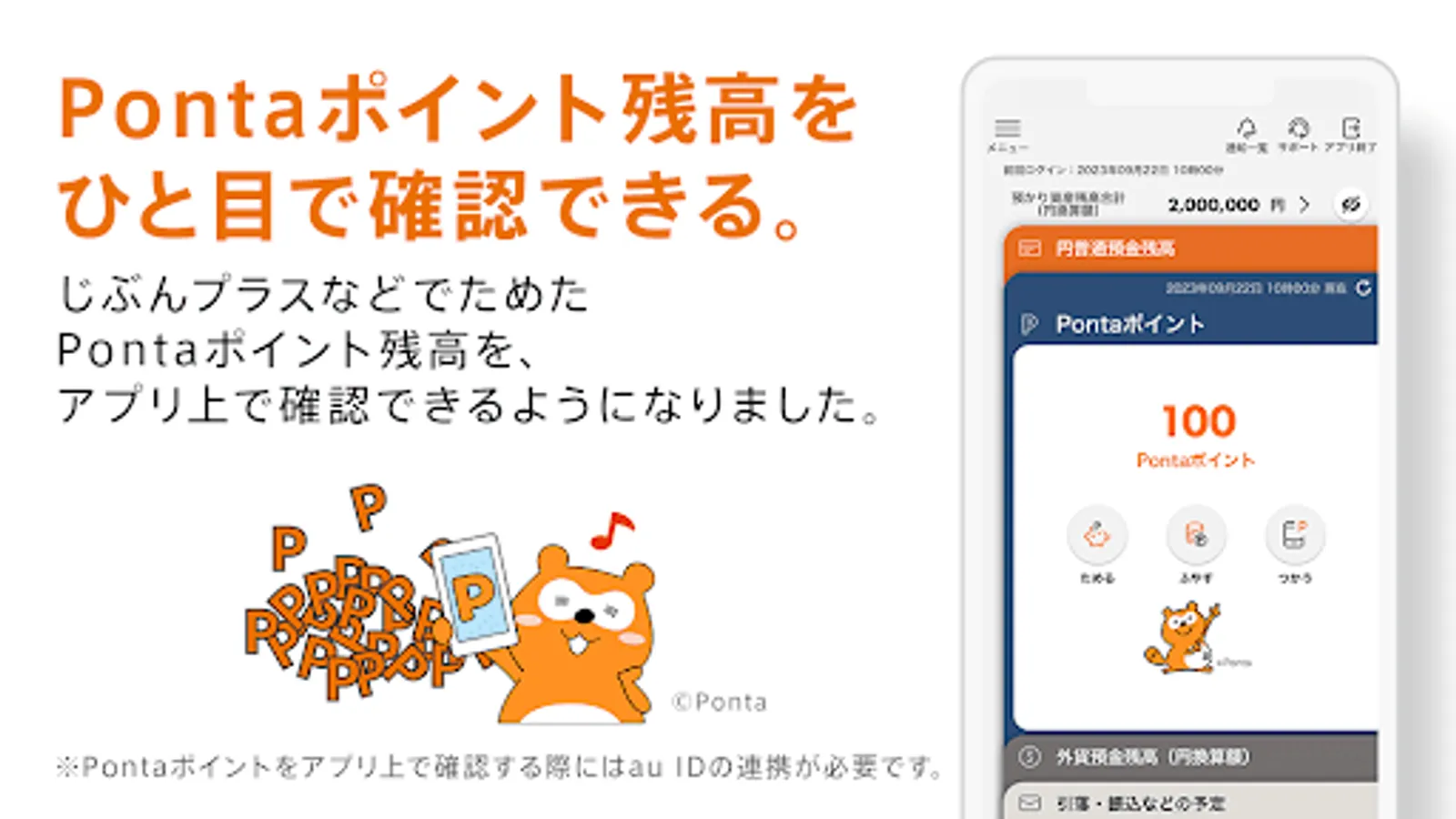
● Increase the number of fee-free transactions based on your balance and usage! Earn Ponta points with "Jibun Plus."
● Easily log in with biometric authentication (fingerprint or face). Skip entering your password.
au Jibun Bank is the au Financial Group's online bank. Whether you're an au or non-au customer, you can access a variety of banking services, including balance inquiries, transfers, time deposits, and foreign currency deposits, all with a single app.
------
Main Features
-------
■ Account Opening
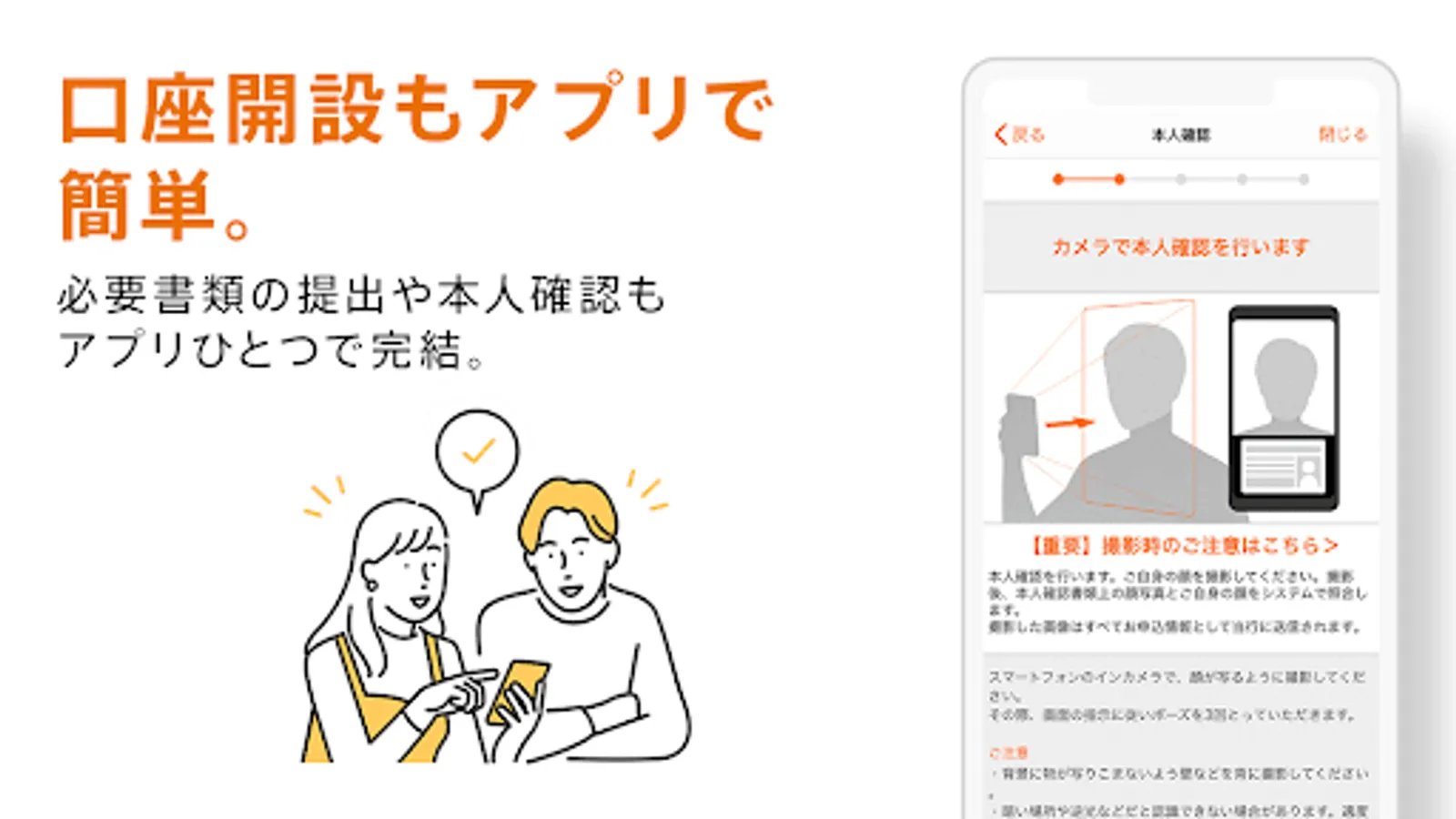
・Easily enter the information required for account opening by scanning the IC chip on your identification document (such as your My Number Card) and taking a photo of your face with your smartphone.
・Apply through the Jibun Bank app and use facial recognition to access your account before your cash card arrives.
■ Balance Inquiry/Deposit/Withdrawal Details
・Easily check your current account balance from the top screen. Additionally, you can now check the balances of all your deposits at a glance by clicking the Account Information button.
- A new feature has been added to the deposit and withdrawal statement that allows you to view notes entered via Internet banking.
■ Transfers
- Transfers between au Jibun Bank accounts can be made using only your mobile phone number. Select from your address book and make transfers easily, free of charge.
- For rent and utility bill withdrawals, the "Fixed Amount Automatic Deposit Service" is convenient, allowing you to have a specified fixed amount withdrawn from your au Jibun Bank account each month, free of charge, from your financial institution.
■ Term Deposits/Structured Deposits
- Yen term deposits with principal guarantee provide peace of mind, and structured deposits offer attractive high interest rates.
- You can check interest rates and apply for deposits.
■ Foreign Currency Deposits
- You can check interest rates and apply for deposits.
- Display your foreign currency deposit profits and losses in real time. Graphs display your foreign currency deposit balance, trading volume, and profit and loss trends, allowing you to see your foreign currency deposit transaction status at a glance.
■ Exchange Rate Notification
・Pre-register your exchange rate and receive a push notification when the exchange rate reaches your preset value.
■ Jibun Bank Smartphone Debit
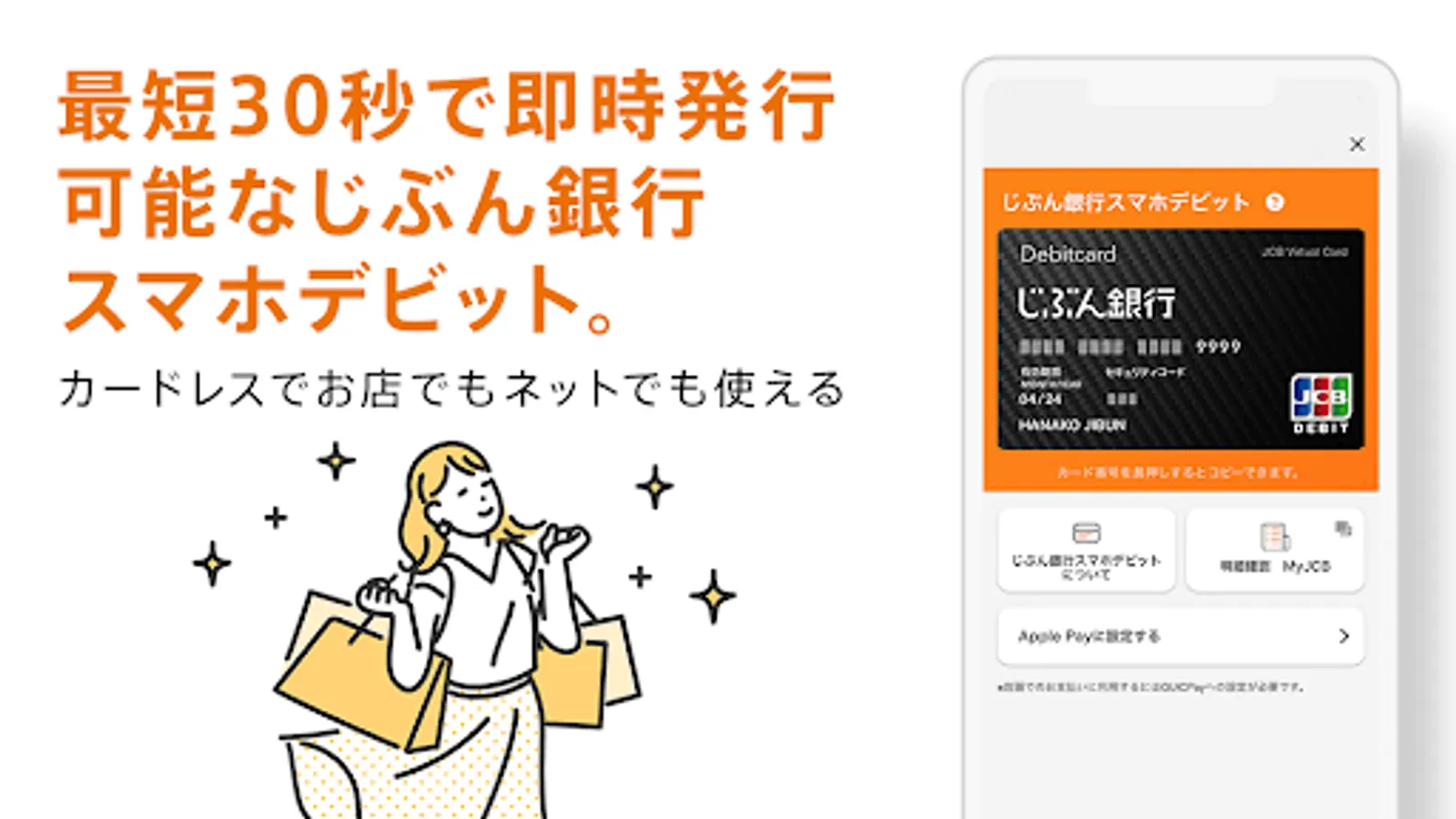
・This JCB debit card can be issued instantly in as little as 30 seconds from the Jibun Bank app. It's cardless, so there's no need to wait for it to be mailed.
・You can use it to shop at your usual stores and on websites worldwide that accept JCB credit cards.
*When using in-store, you must set Jibun Bank Smartphone Debit as your primary Google Pay™ card.
*You can use it at stores throughout Japan that display the QUICPay+™ (Quick Pay Plus) logo.
■ Smartphone ATM
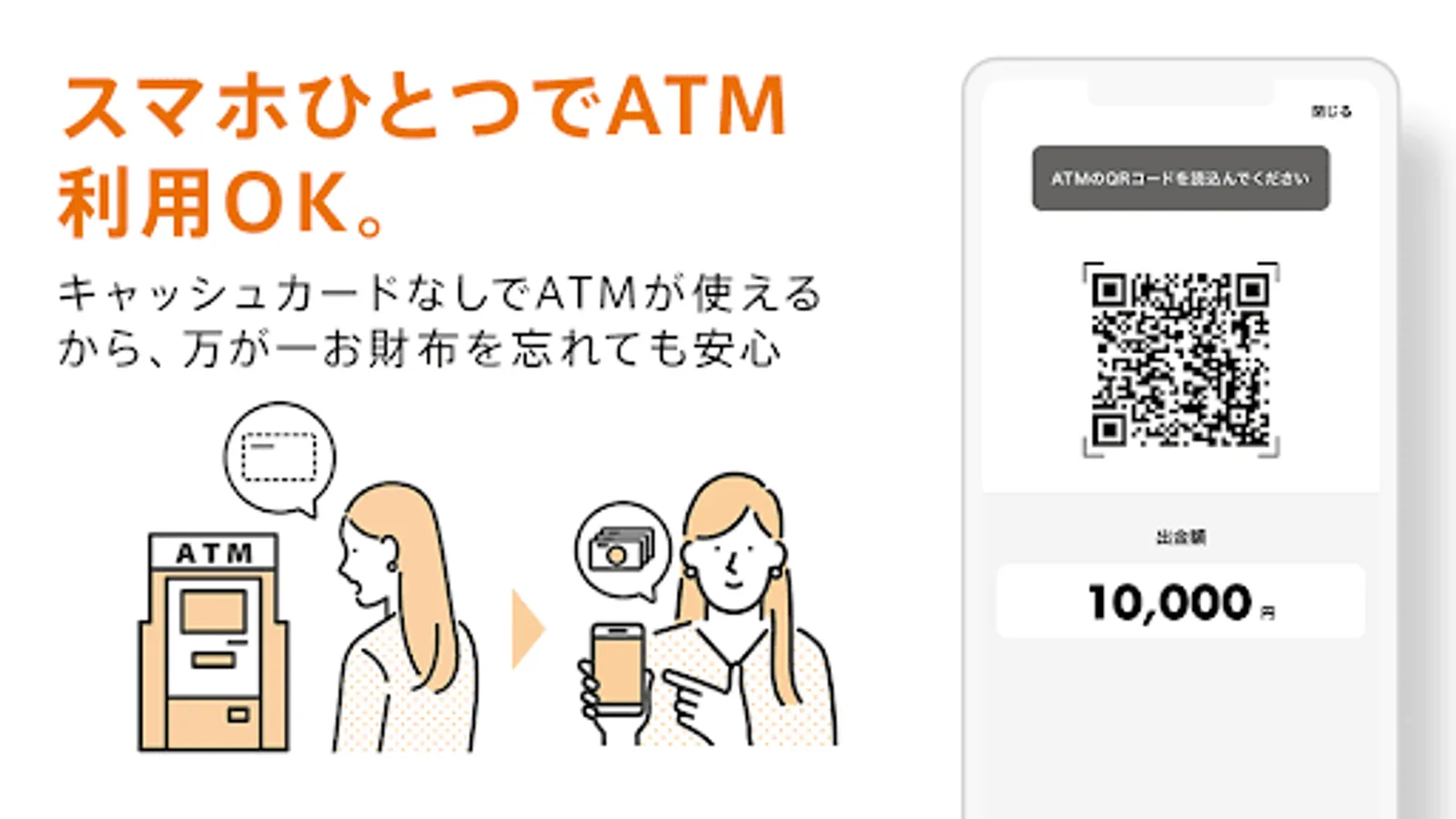
・Use the Jibun Bank app instead of a cash card to deposit and withdraw cash at Lawson Bank ATMs (with some exclusions) and Seven Bank ATMs.
■ Jibun Plus
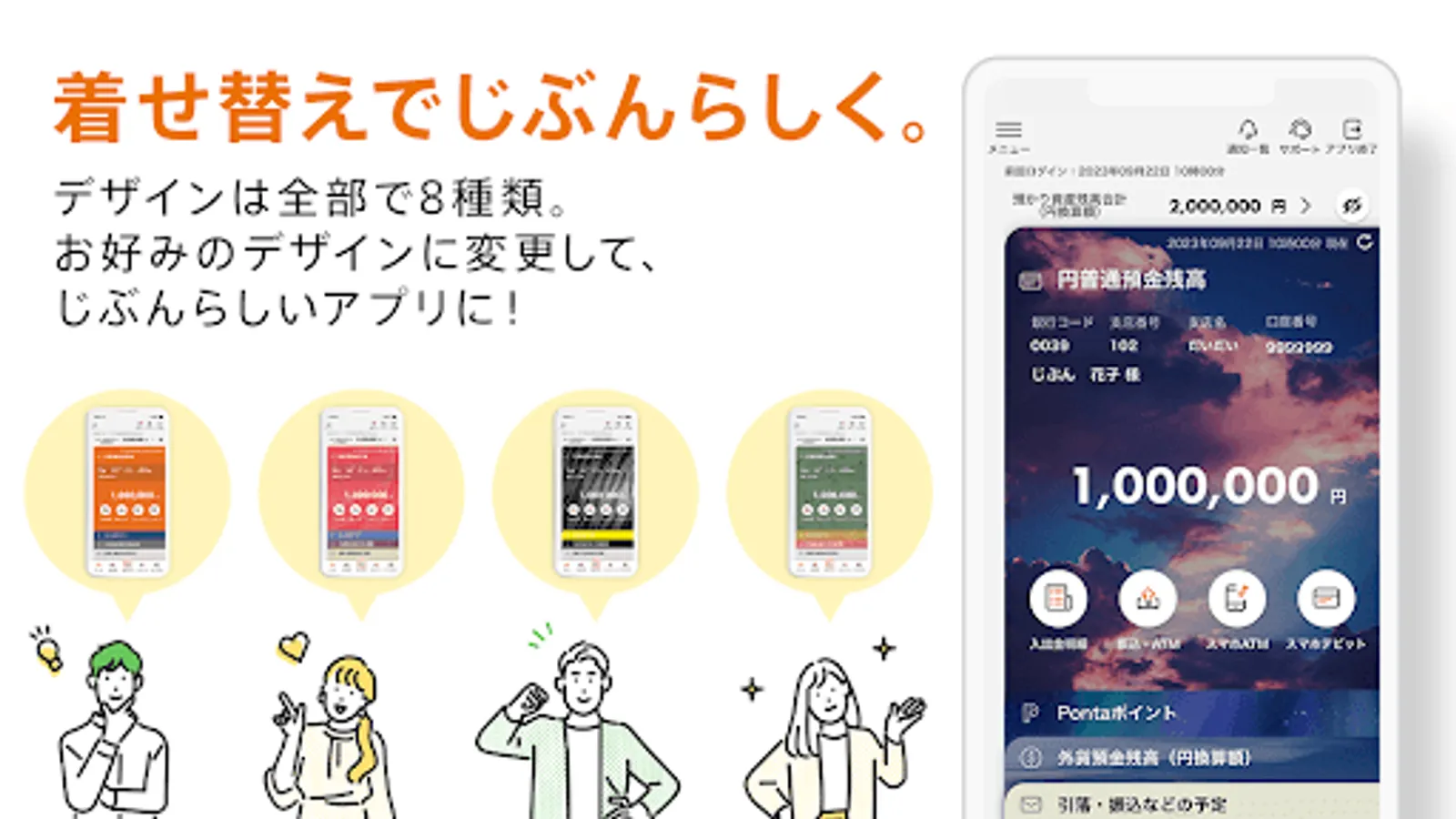
・Jibun Plus is a service that allows you to accumulate stamps based on your balance and usage status, and offers benefits such as Ponta point multipliers, free ATM usage fees, and free transfer fees at four stages.
・You can easily check your stamp collection status, remaining free fees, and Ponta point multiplier on the Jibun Bank app.
*To earn Ponta points, you must register an au ID with au Jibun Bank.
■AI Foreign Currency Forecast
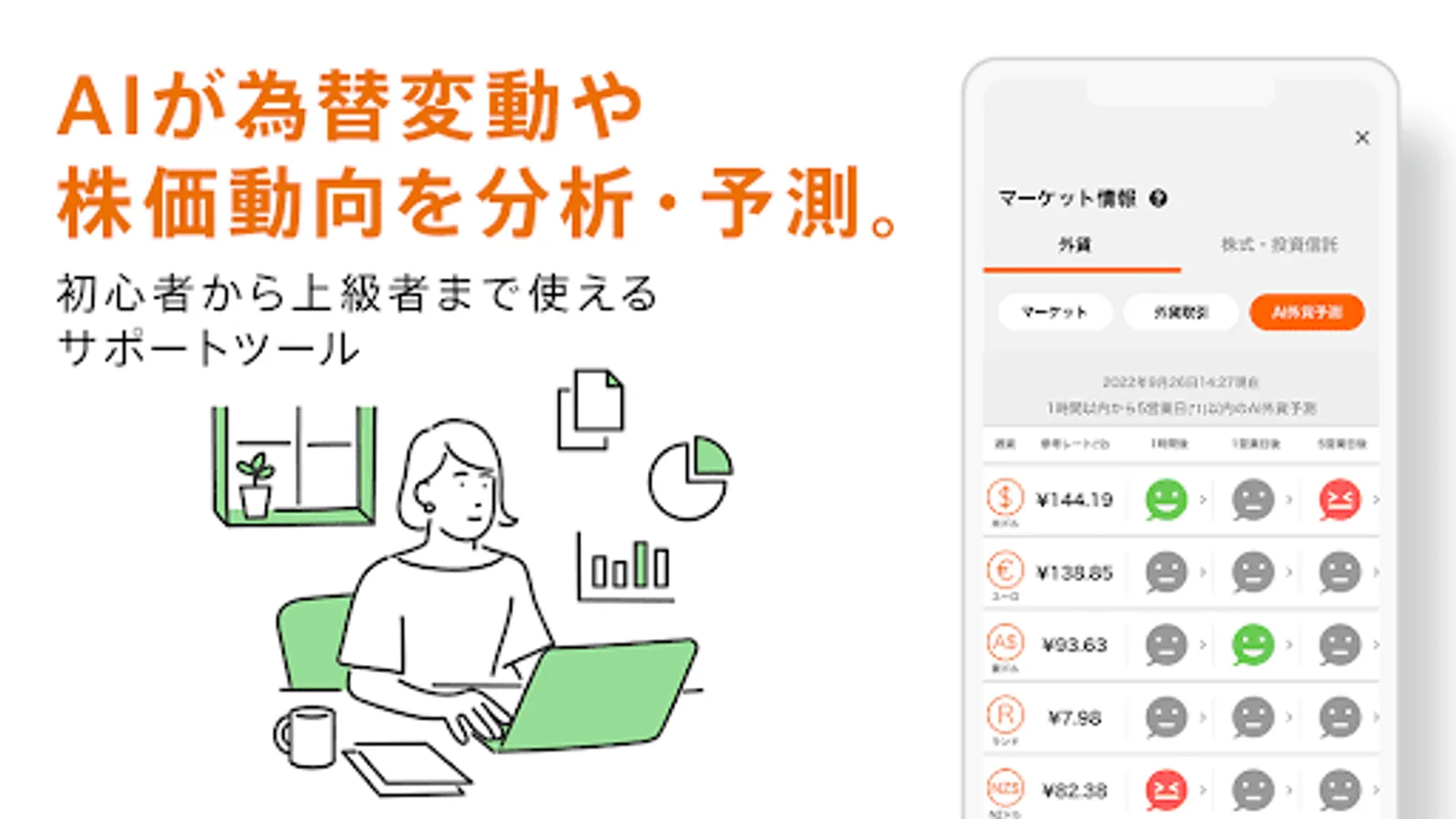
・AI (artificial intelligence) analyzes and predicts future exchange rate fluctuations based on past exchange rate fluctuations.
・Predicts fluctuations for the US dollar, euro, Australian dollar, rand, and New Zealand dollar within the next hour, within one business day (※), and within five business days (※), and displays the results using icons.
*Monday to Friday
■AI Japan Market Forecast
・Every month, after the final Japan PMI is released, we analyze future Japanese stock price trends based on the past month's movements in the PMI and TOPIX.
・AI predicts whether the TOPIX will rise or fall five business days (※) from now.
*Monday to Friday, excluding holidays
■Market Information
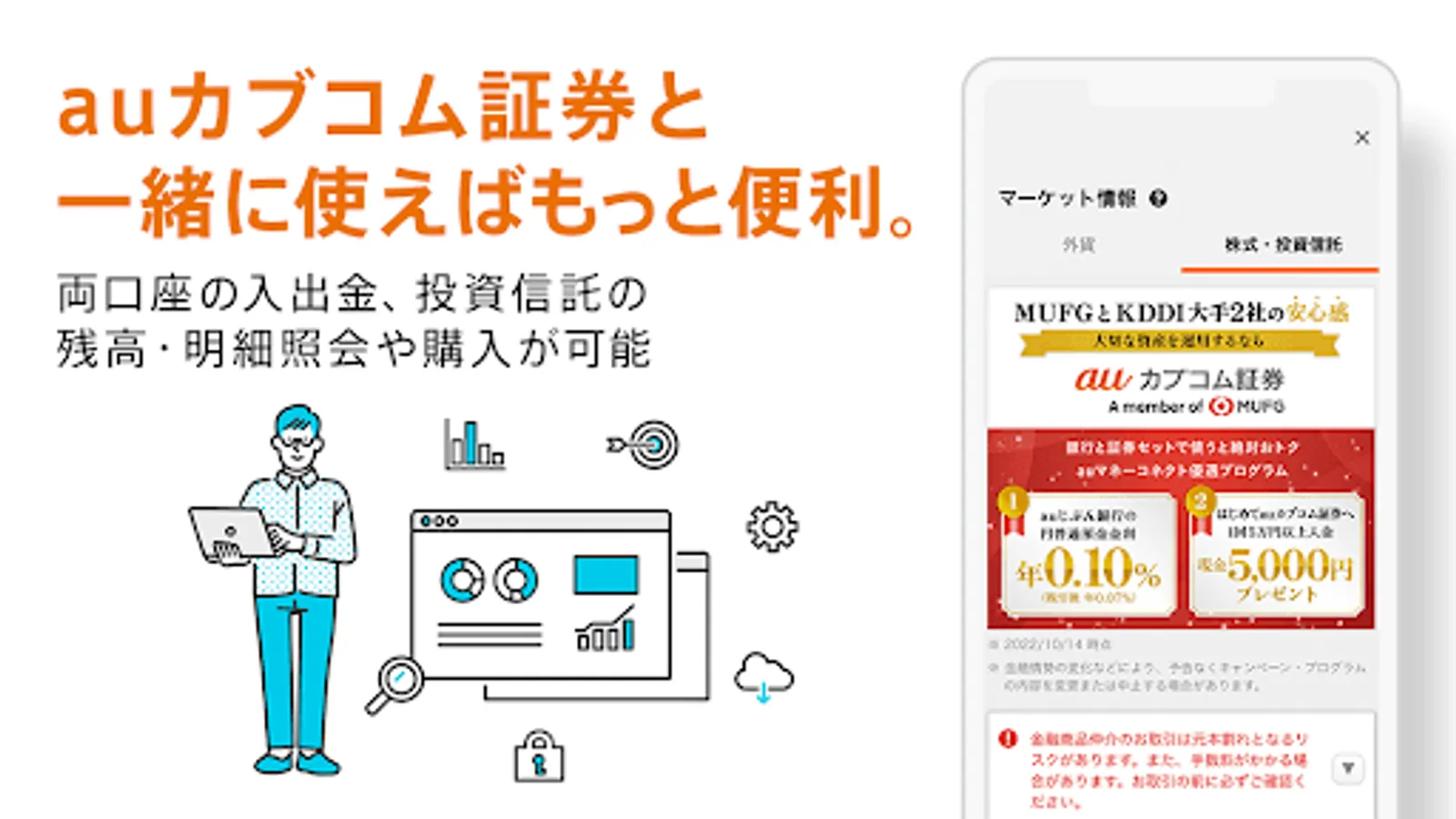
・We provide information useful for foreign currency trading, such as exchange rates, economic indicators, and news, as well as information on stocks and investment trusts (financial product brokerage).
■Other
A variety of services, including card loans, mortgages, campaigns, columns, and e-money readers, are available through the Jibun Bank app.
------
Security
-------
■Smartphone Authentication Service
- This service allows you to complete each transaction, such as a transfer, by confirming the transaction details displayed on the Jibun Bank app.
- Smartphone authentication incorporates a "transaction authentication" function. Transaction authentication is a robust security feature designed to prevent fraudulent transfers through tampering with transfer details.
au Jibun Bank's smartphone authentication incorporates this transaction authentication into the smartphone banking app, eliminating the need to carry a password card or other device.
■Unlocking/Relocking Internet Banking
This security feature locks your internet banking access and allows you to unlock it from the Jibun Bank app only when you need to use it.
- After unlocking, you can log in once within 60 minutes. Your account will automatically lock after 60 minutes have passed or if you log out. Since the lock can only be unlocked using your own smartphone, it helps prevent fraudulent transfers using internet banking.
■ ATM Lock Unlocking/Relocking
- This security feature locks your ATM and only unlocks it from the Jibun Bank app when you need to use it.
- It automatically relocks 60 minutes after unlocking. Since the lock can only be unlocked using your own smartphone, it reduces the risk of withdrawals if your cash card is stolen or counterfeited.
*Security features require configuration.
---
[Recommended Environment]
https://www.jibunbank.co.jp/environment/#flg-sp
[Notes]
! The Jibun Bank app can only be used on one device.
! As a general rule, the app is available 24 hours a day, 365 days a year (excluding system maintenance hours). If the service is unavailable due to unscheduled maintenance, we will post a notice on our website.
● Increase the number of fee-free transactions based on your balance and usage! Earn Ponta points with "Jibun Plus."
● Easily log in with biometric authentication (fingerprint or face). Skip entering your password.
au Jibun Bank is the au Financial Group's online bank. Whether you're an au or non-au customer, you can access a variety of banking services, including balance inquiries, transfers, time deposits, and foreign currency deposits, all with a single app.
------
Main Features
-------
■ Account Opening
・Easily enter the information required for account opening by scanning the IC chip on your identification document (such as your My Number Card) and taking a photo of your face with your smartphone.
・Apply through the Jibun Bank app and use facial recognition to access your account before your cash card arrives.
■ Balance Inquiry/Deposit/Withdrawal Details
・Easily check your current account balance from the top screen. Additionally, you can now check the balances of all your deposits at a glance by clicking the Account Information button.
- A new feature has been added to the deposit and withdrawal statement that allows you to view notes entered via Internet banking.
■ Transfers
- Transfers between au Jibun Bank accounts can be made using only your mobile phone number. Select from your address book and make transfers easily, free of charge.
- For rent and utility bill withdrawals, the "Fixed Amount Automatic Deposit Service" is convenient, allowing you to have a specified fixed amount withdrawn from your au Jibun Bank account each month, free of charge, from your financial institution.
■ Term Deposits/Structured Deposits
- Yen term deposits with principal guarantee provide peace of mind, and structured deposits offer attractive high interest rates.
- You can check interest rates and apply for deposits.
■ Foreign Currency Deposits
- You can check interest rates and apply for deposits.
- Display your foreign currency deposit profits and losses in real time. Graphs display your foreign currency deposit balance, trading volume, and profit and loss trends, allowing you to see your foreign currency deposit transaction status at a glance.
■ Exchange Rate Notification
・Pre-register your exchange rate and receive a push notification when the exchange rate reaches your preset value.
■ Jibun Bank Smartphone Debit
・This JCB debit card can be issued instantly in as little as 30 seconds from the Jibun Bank app. It's cardless, so there's no need to wait for it to be mailed.
・You can use it to shop at your usual stores and on websites worldwide that accept JCB credit cards.
*When using in-store, you must set Jibun Bank Smartphone Debit as your primary Google Pay™ card.
*You can use it at stores throughout Japan that display the QUICPay+™ (Quick Pay Plus) logo.
■ Smartphone ATM
・Use the Jibun Bank app instead of a cash card to deposit and withdraw cash at Lawson Bank ATMs (with some exclusions) and Seven Bank ATMs.
■ Jibun Plus
・Jibun Plus is a service that allows you to accumulate stamps based on your balance and usage status, and offers benefits such as Ponta point multipliers, free ATM usage fees, and free transfer fees at four stages.
・You can easily check your stamp collection status, remaining free fees, and Ponta point multiplier on the Jibun Bank app.
*To earn Ponta points, you must register an au ID with au Jibun Bank.
■AI Foreign Currency Forecast
・AI (artificial intelligence) analyzes and predicts future exchange rate fluctuations based on past exchange rate fluctuations.
・Predicts fluctuations for the US dollar, euro, Australian dollar, rand, and New Zealand dollar within the next hour, within one business day (※), and within five business days (※), and displays the results using icons.
*Monday to Friday
■AI Japan Market Forecast
・Every month, after the final Japan PMI is released, we analyze future Japanese stock price trends based on the past month's movements in the PMI and TOPIX.
・AI predicts whether the TOPIX will rise or fall five business days (※) from now.
*Monday to Friday, excluding holidays
■Market Information
・We provide information useful for foreign currency trading, such as exchange rates, economic indicators, and news, as well as information on stocks and investment trusts (financial product brokerage).
■Other
A variety of services, including card loans, mortgages, campaigns, columns, and e-money readers, are available through the Jibun Bank app.
------
Security
-------
■Smartphone Authentication Service
- This service allows you to complete each transaction, such as a transfer, by confirming the transaction details displayed on the Jibun Bank app.
- Smartphone authentication incorporates a "transaction authentication" function. Transaction authentication is a robust security feature designed to prevent fraudulent transfers through tampering with transfer details.
au Jibun Bank's smartphone authentication incorporates this transaction authentication into the smartphone banking app, eliminating the need to carry a password card or other device.
■Unlocking/Relocking Internet Banking
This security feature locks your internet banking access and allows you to unlock it from the Jibun Bank app only when you need to use it.
- After unlocking, you can log in once within 60 minutes. Your account will automatically lock after 60 minutes have passed or if you log out. Since the lock can only be unlocked using your own smartphone, it helps prevent fraudulent transfers using internet banking.
■ ATM Lock Unlocking/Relocking
- This security feature locks your ATM and only unlocks it from the Jibun Bank app when you need to use it.
- It automatically relocks 60 minutes after unlocking. Since the lock can only be unlocked using your own smartphone, it reduces the risk of withdrawals if your cash card is stolen or counterfeited.
*Security features require configuration.
---
[Recommended Environment]
https://www.jibunbank.co.jp/environment/#flg-sp
[Notes]
! The Jibun Bank app can only be used on one device.
! As a general rule, the app is available 24 hours a day, 365 days a year (excluding system maintenance hours). If the service is unavailable due to unscheduled maintenance, we will post a notice on our website.
じぶん銀行アプリ(auじぶん銀行) Screenshots
Tap to Rate:
Reviews for じぶん銀行アプリ(auじぶん銀行)
S Minami
11/13/2025
開口以前にマイナンバーカードをスマホで読み取ることができない。 エラーが多い。
dami chhetri
10/16/2025
some times 🚫 security problem