About Heart Sounds Monitor
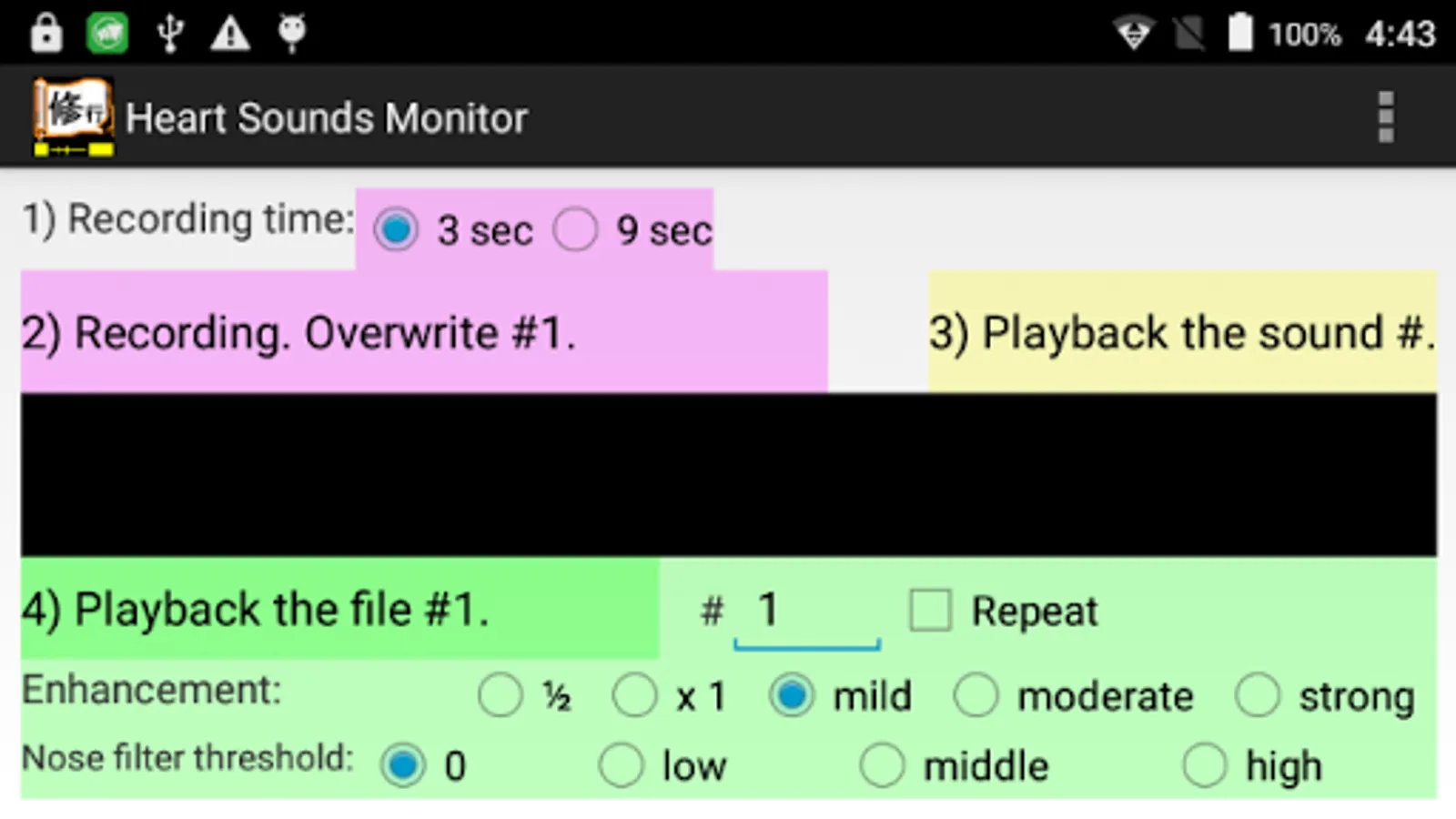
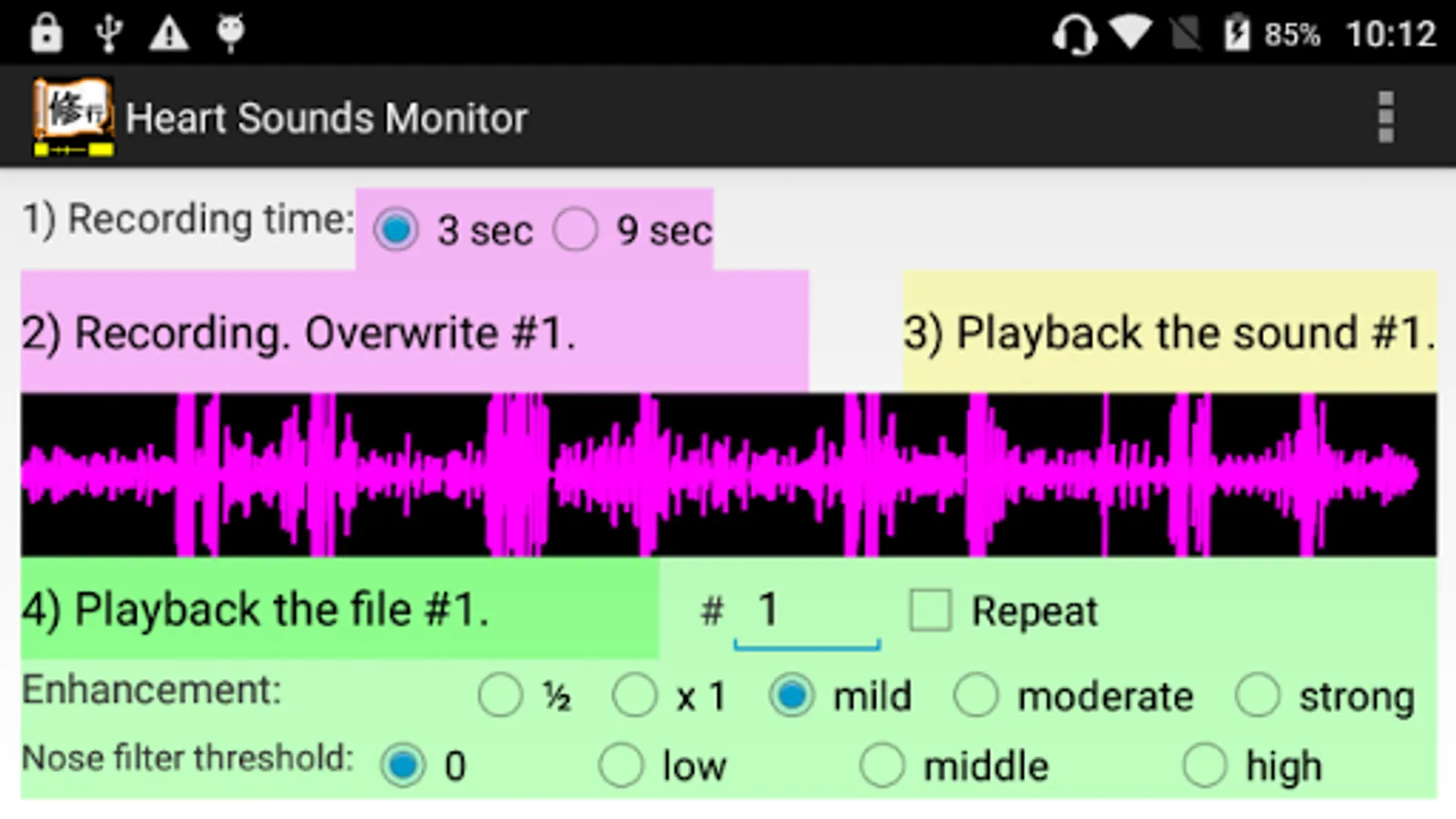
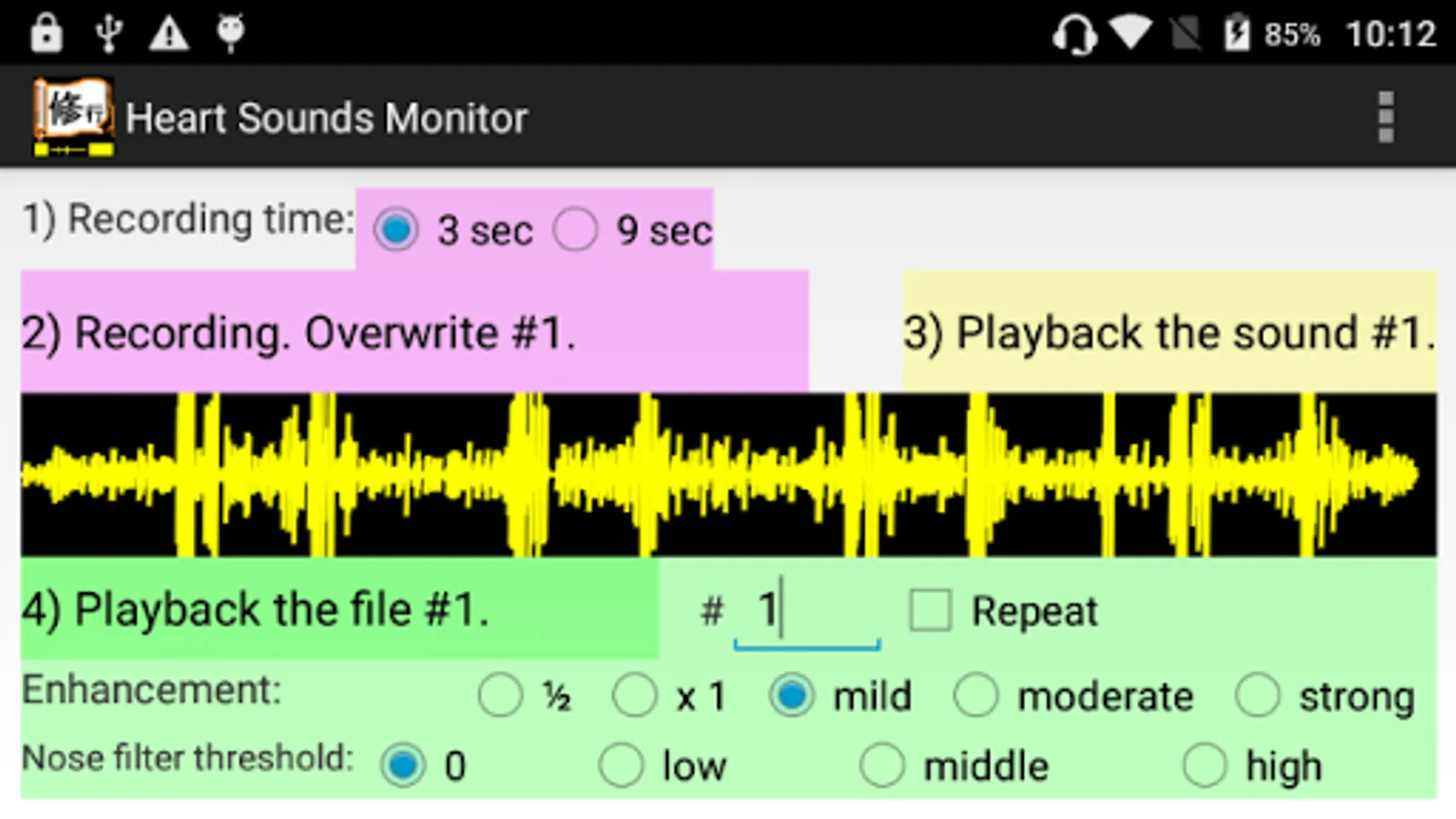
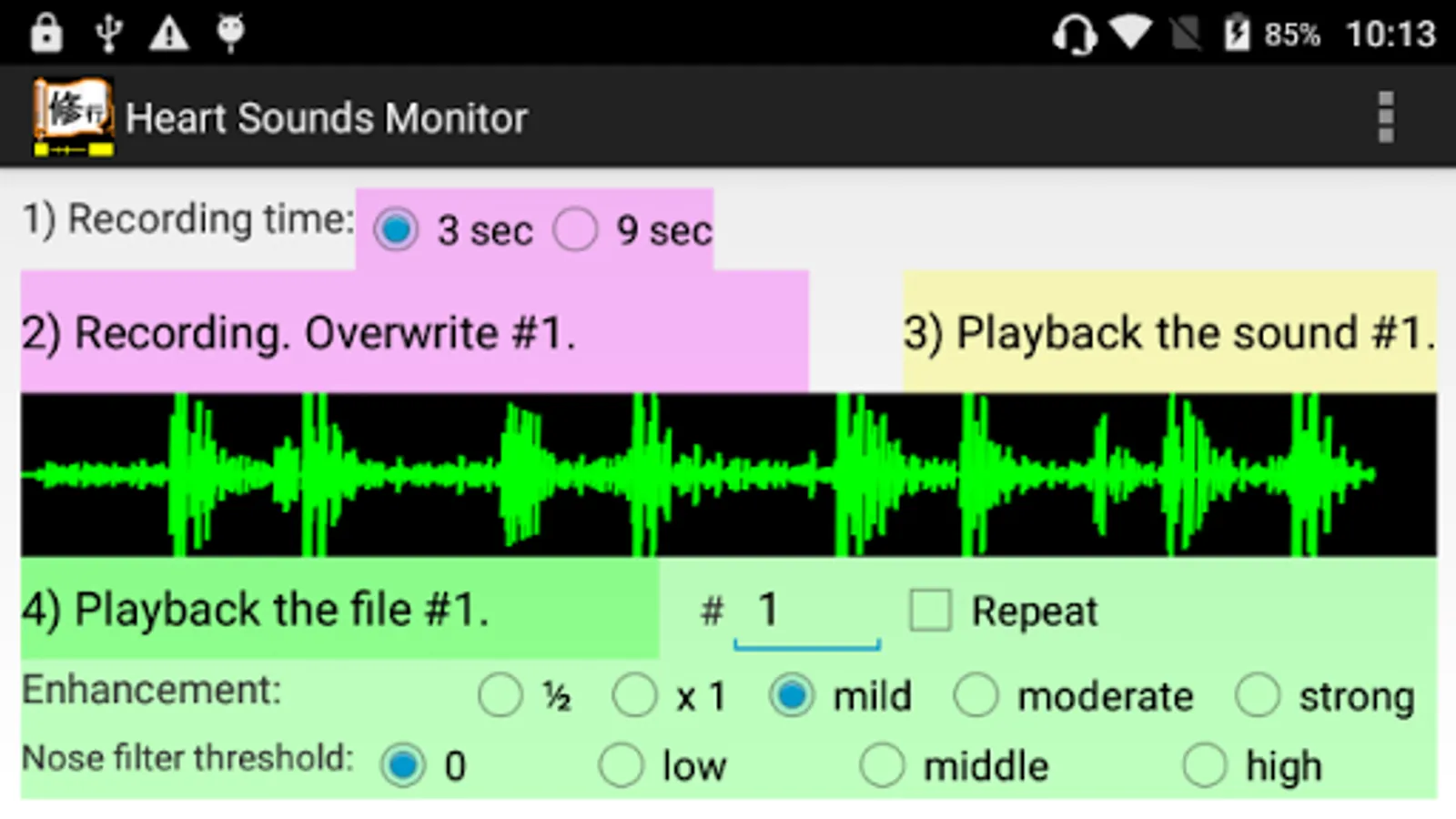
To assist auscultation at the bedside, this app visualizes the heart sounds and murmurs in real-time and saves the data in WAV files.
CAUTION: An external microphone, REX-UDMCMIC1, RATOC Systems Inc., is suitable for recording the sounds. Other microphones were evaluated for the app, but they were not able to pick up any heart sounds, even , high-quality microphones. Those microphones have to be used with a stethoscope attached.
The sound waves are saved in a folder named, “HeartSoundsMonitor” with an identifying number. Because the app cannot delete the files or the folder, the “File Manager app” must be used to do so.
Step 1: In a quiet room, set the recording time to 3 or 9 sec.
Step 2: Put the external microphone on the auscultation area and click “Record.”
Step 3: Click “Playback.”.
CAUTION: An external microphone, REX-UDMCMIC1, RATOC Systems Inc., is suitable for recording the sounds. Other microphones were evaluated for the app, but they were not able to pick up any heart sounds, even , high-quality microphones. Those microphones have to be used with a stethoscope attached.
The sound waves are saved in a folder named, “HeartSoundsMonitor” with an identifying number. Because the app cannot delete the files or the folder, the “File Manager app” must be used to do so.
Step 1: In a quiet room, set the recording time to 3 or 9 sec.
Step 2: Put the external microphone on the auscultation area and click “Record.”
Step 3: Click “Playback.”.