Light meter for photography
appdev
3.3 ★
735 ratings
100,000+
downloads
Free
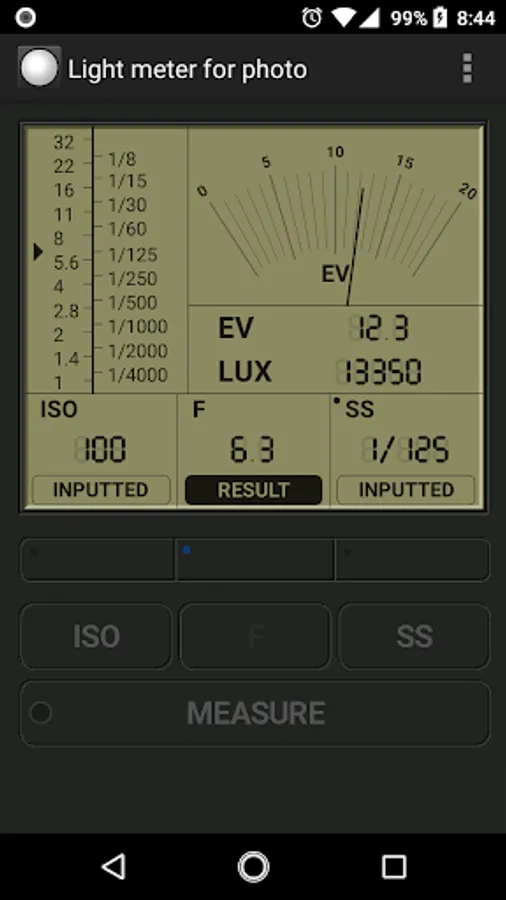
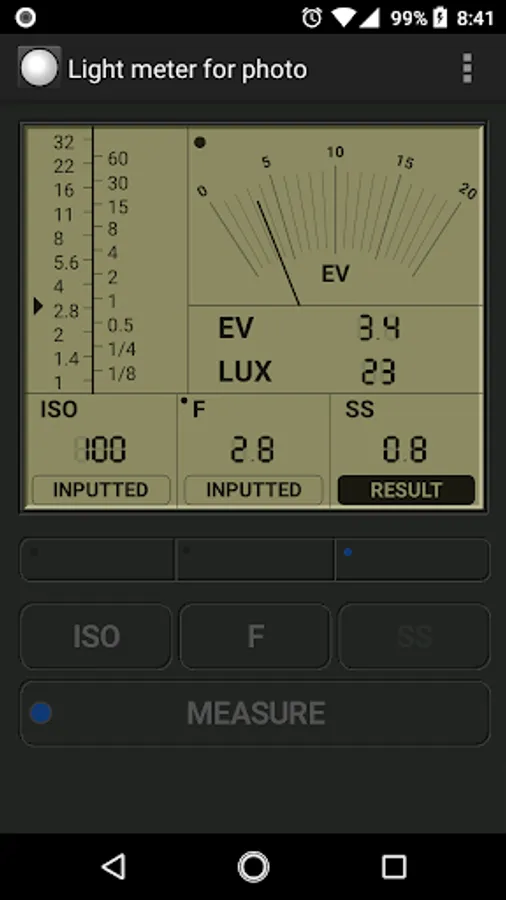
In this photography app, you can measure incident light to determine correct exposure settings. Includes measurement of F number, shutter speed, and ISO sensitivity.
AppRecs review analysis
AppRecs rating 3.4. Trustworthiness 78 out of 100. Review manipulation risk 31 out of 100. Based on a review sample analyzed.
★★★☆☆
3.4
AppRecs Rating
Ratings breakdown
5 star
46%
4 star
7%
3 star
9%
2 star
11%
1 star
27%
What to know
✓
Credible reviews
78% trustworthiness score from analyzed reviews
✓
Authentic reviews
Natural distribution, no red flags
⚠
High negative review ratio
38% of sampled ratings are 1–2 stars
About Light meter for photography
By this app, you can use your phone as incident light meter,and you can take a picture of the correct exposure.
This app can measure 'F number' , 'Shutter speed' or 'ISO sensitivity'.
Set these measurement values at your camera.
Change your camera to manual mode when setting the values.
Digital cameras have a built-in exposure meter. However, since the built-in exposure meter is reflective, it may not be able to accurately measure exposure because it is affected by the color or gloss of the subject. In such cases, you can use this application to measure the exposure. This app uses incident light to measure exposure and is not affected by the color or gloss of the subject.
Of course, you can also use this application to take pictures with classic cameras that do not have an exposure meter.
Here's how to use this application
(1) Launch the application.
(2) Point your [Android phone], which is running the app, in front of your subject and point it towards [your camera].
(The sensor for measuring light on your Android phone is located on the front side of your phone, so point your phone towards [your camera].)
(3) Press the "MEASURE" button of the application to start measurement.
(4) Press "MEASURE" button again to finish the measurement.
(At this point, the measurement value is recorded and you can move away from the subject.)
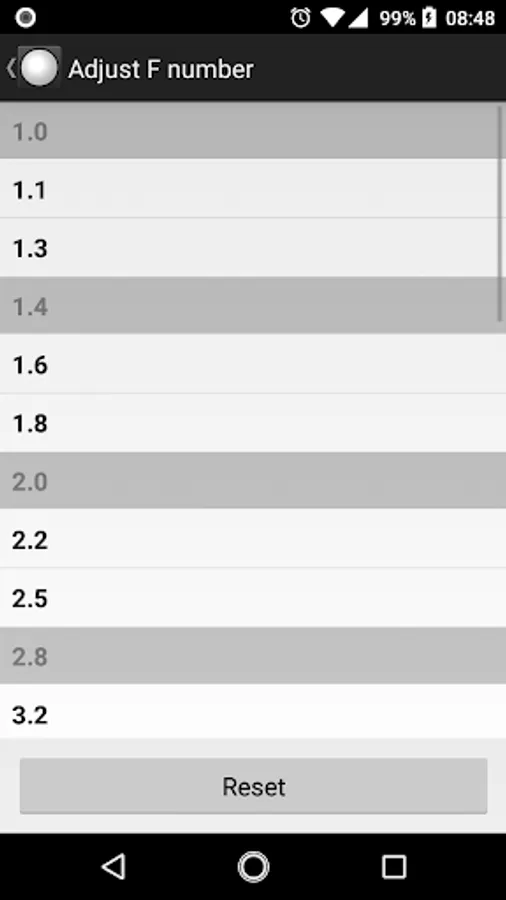
(5) Set the shooting conditions on the application. For example, if you want to calculate the f-stop, set ISO and SS on the app. The calculated f-value will be displayed on the app.
(6) Turn on [your camera] to manual mode.
(7) Set the ISO/F/SS values displayed on the application to [your camera].
(8) Shoot with [your camera].
[Android phone] that have this application installed
[your camera] Digital SLR camera, mirrorless camera, classic camera, etc. (Any camera that can be used for manual shooting is fine.)
This app can measure 'F number' , 'Shutter speed' or 'ISO sensitivity'.
Set these measurement values at your camera.
Change your camera to manual mode when setting the values.
Digital cameras have a built-in exposure meter. However, since the built-in exposure meter is reflective, it may not be able to accurately measure exposure because it is affected by the color or gloss of the subject. In such cases, you can use this application to measure the exposure. This app uses incident light to measure exposure and is not affected by the color or gloss of the subject.
Of course, you can also use this application to take pictures with classic cameras that do not have an exposure meter.
Here's how to use this application
(1) Launch the application.
(2) Point your [Android phone], which is running the app, in front of your subject and point it towards [your camera].
(The sensor for measuring light on your Android phone is located on the front side of your phone, so point your phone towards [your camera].)
(3) Press the "MEASURE" button of the application to start measurement.
(4) Press "MEASURE" button again to finish the measurement.
(At this point, the measurement value is recorded and you can move away from the subject.)
(5) Set the shooting conditions on the application. For example, if you want to calculate the f-stop, set ISO and SS on the app. The calculated f-value will be displayed on the app.
(6) Turn on [your camera] to manual mode.
(7) Set the ISO/F/SS values displayed on the application to [your camera].
(8) Shoot with [your camera].
[Android phone] that have this application installed
[your camera] Digital SLR camera, mirrorless camera, classic camera, etc. (Any camera that can be used for manual shooting is fine.)