写真ぷらす - 写真文字入れ
KJ120429
4.0 ★
store rating
500,000+
downloads
Free
+ in-app
AppRecs review analysis
AppRecs rating 3.5. Trustworthiness 58 out of 100. Review manipulation risk 33 out of 100. Based on a review sample analyzed.
★★★☆☆
3.5
AppRecs Rating
Ratings breakdown
5 star
68%
4 star
0%
3 star
18%
2 star
0%
1 star
14%
What to know
✓
Good user ratings
68% positive sampled reviews
✓
Authentic reviews
Natural distribution, no red flags
About 写真ぷらす - 写真文字入れ
App Features
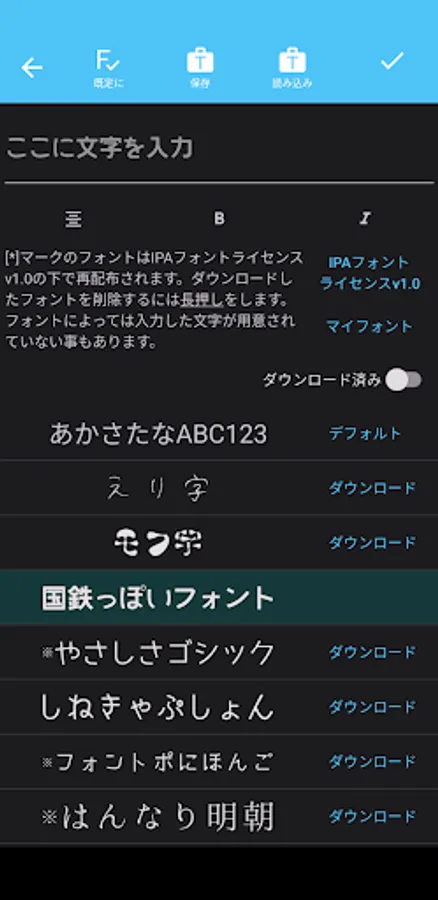
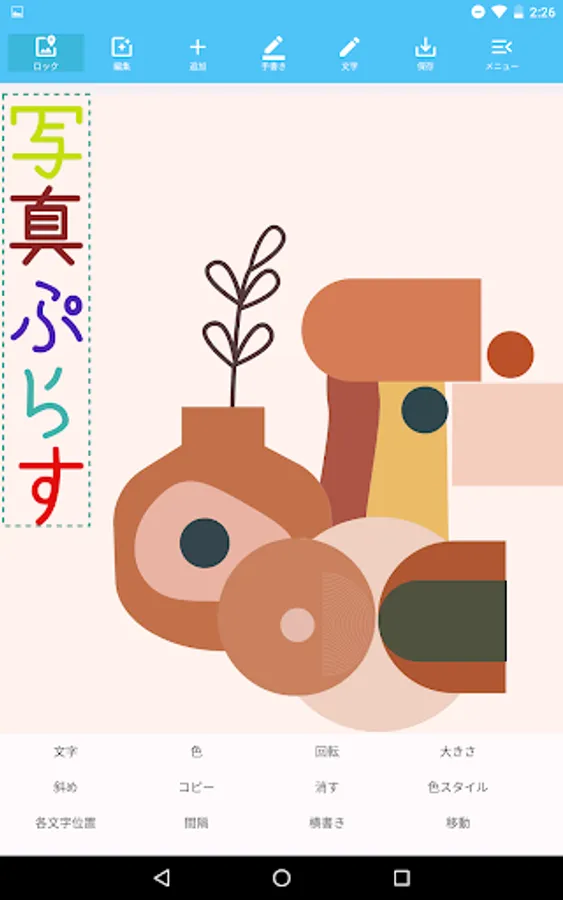
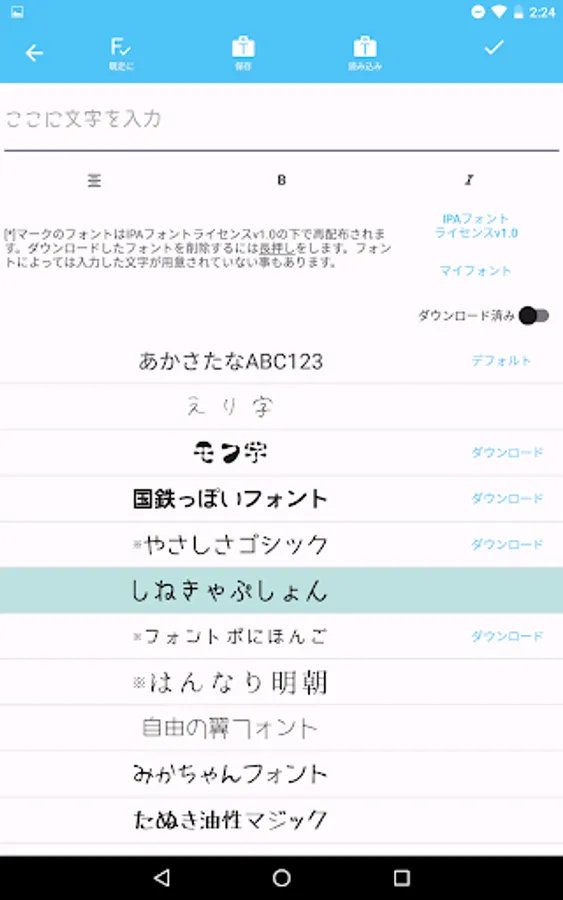
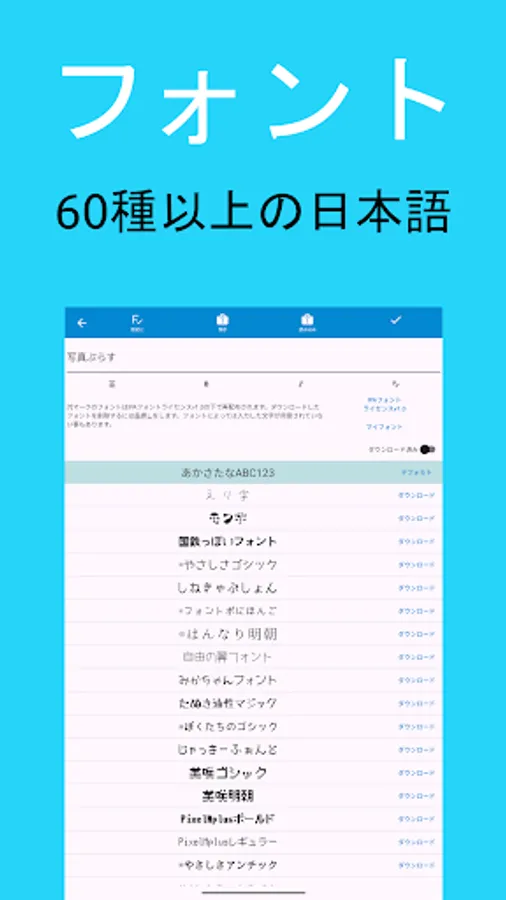
- Over 60 Japanese fonts
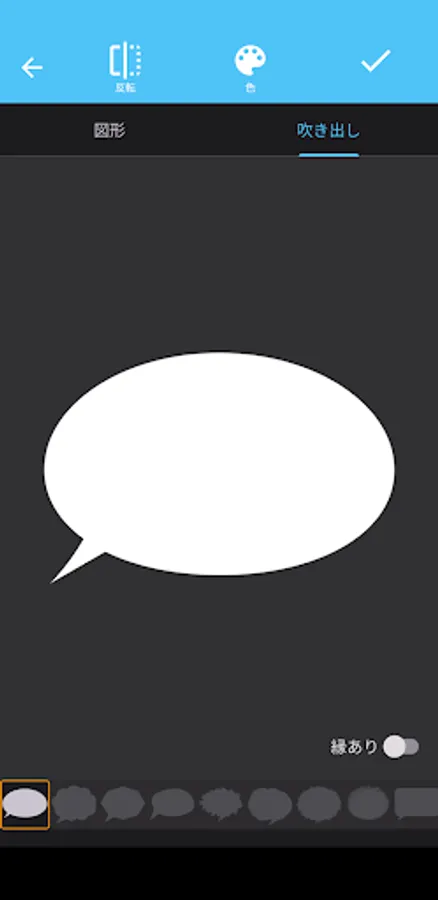
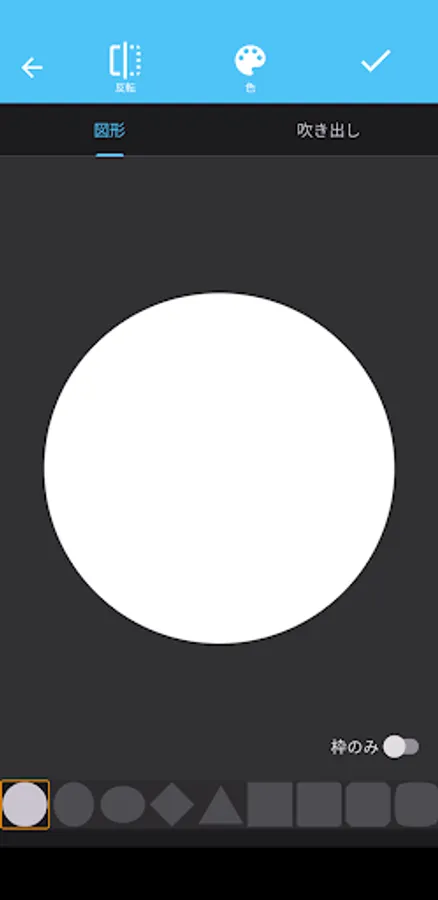
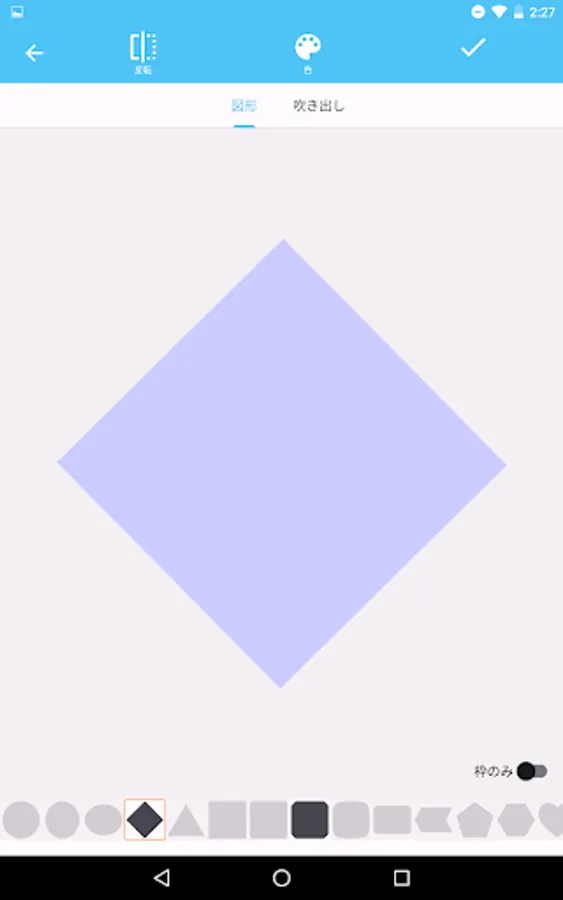
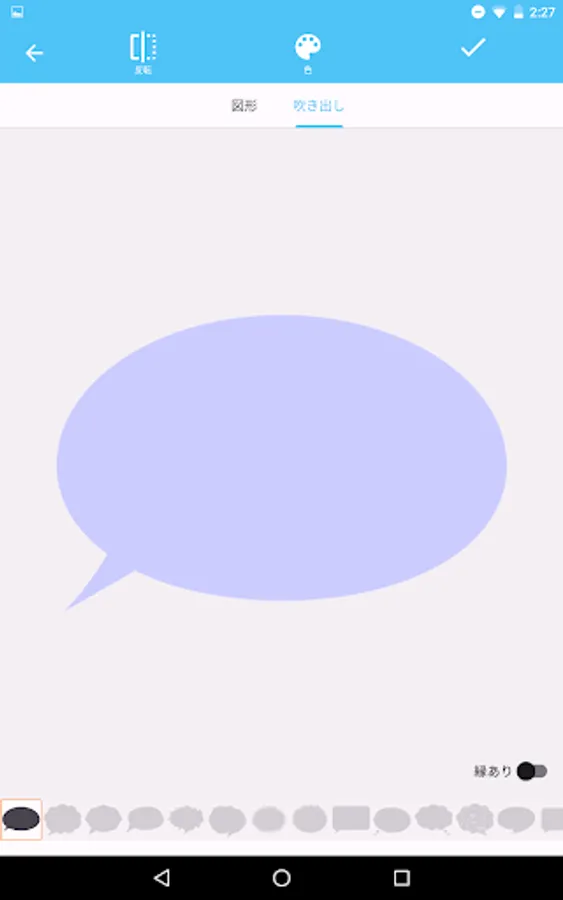
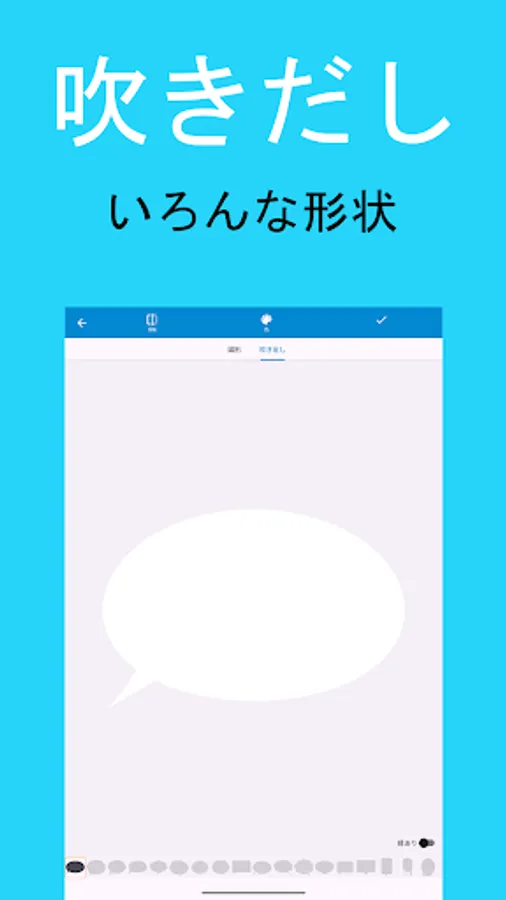
- Over 30 speech bubbles with various shapes
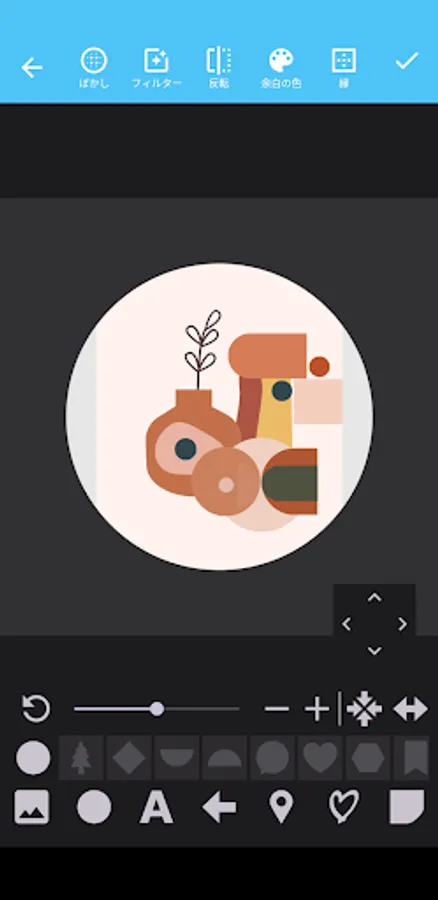
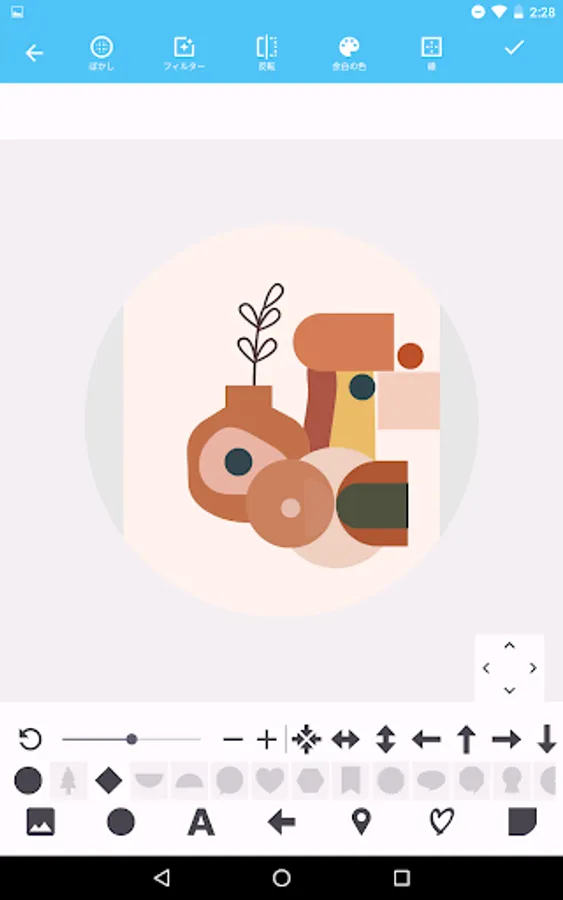
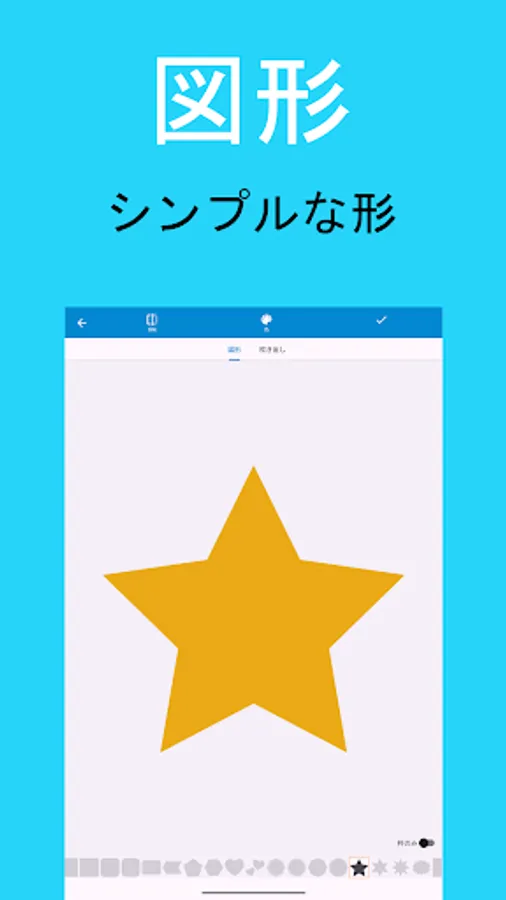
- Over 60 simple shapes
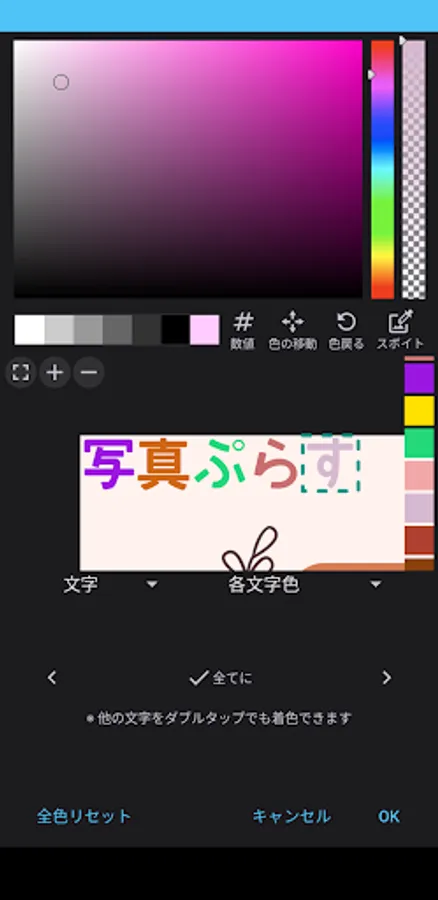
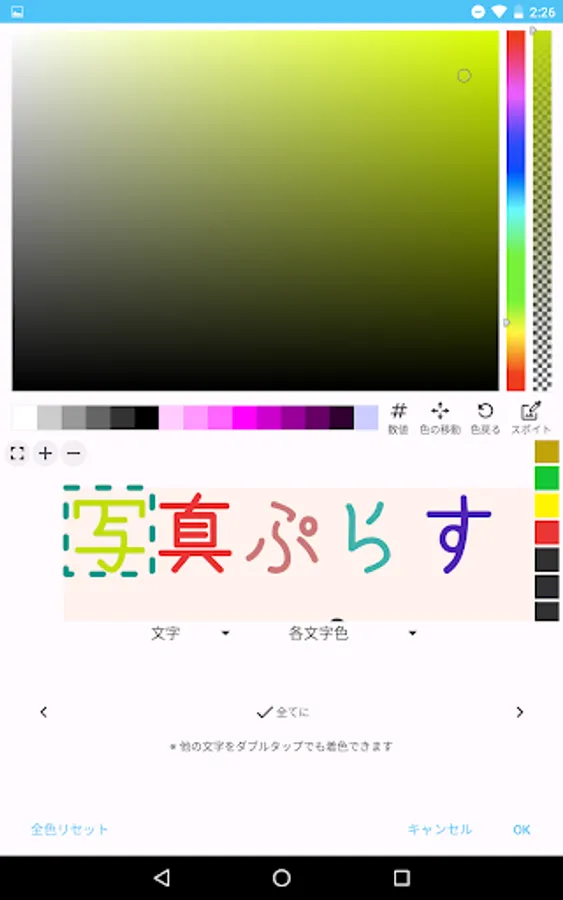
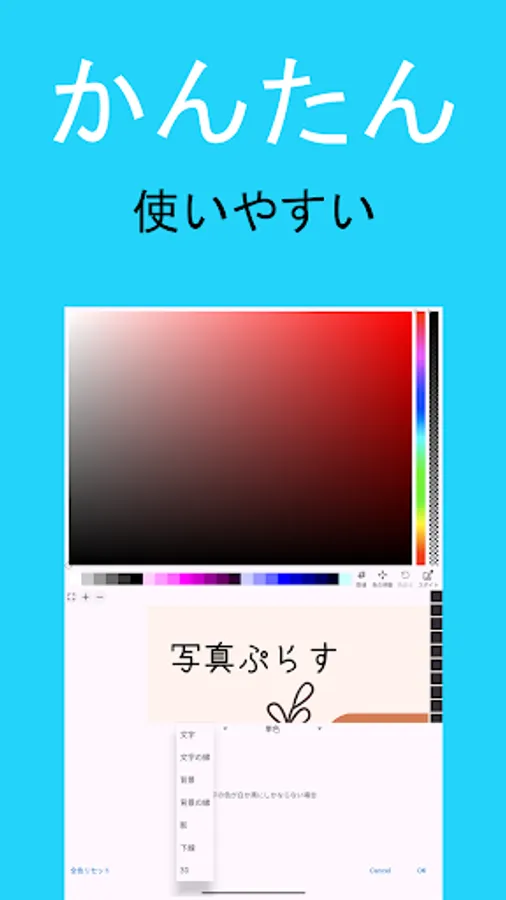
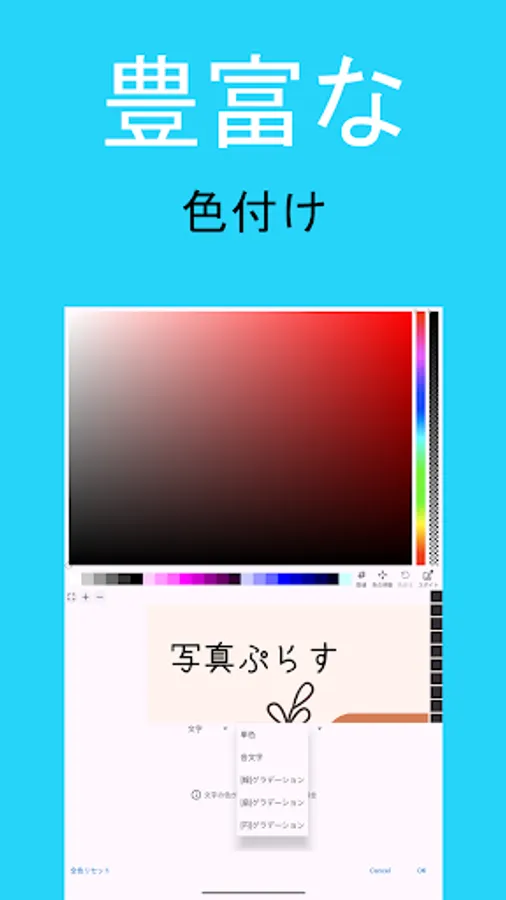
- A wide variety of text colors and styles
- Import external fonts
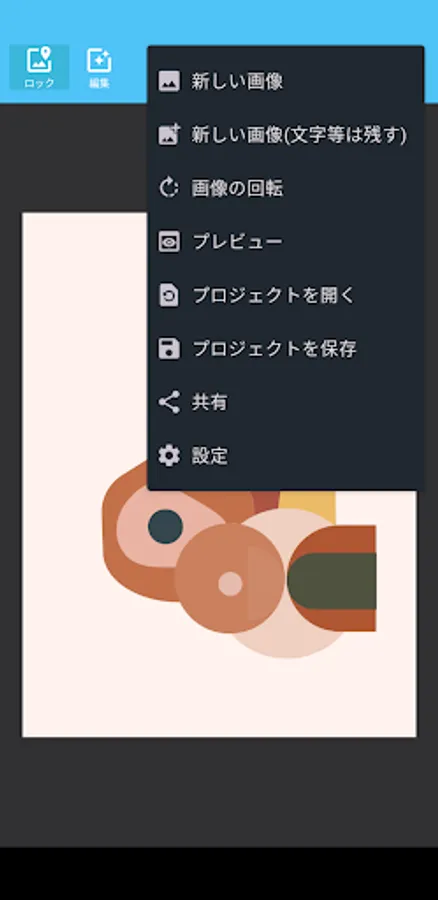
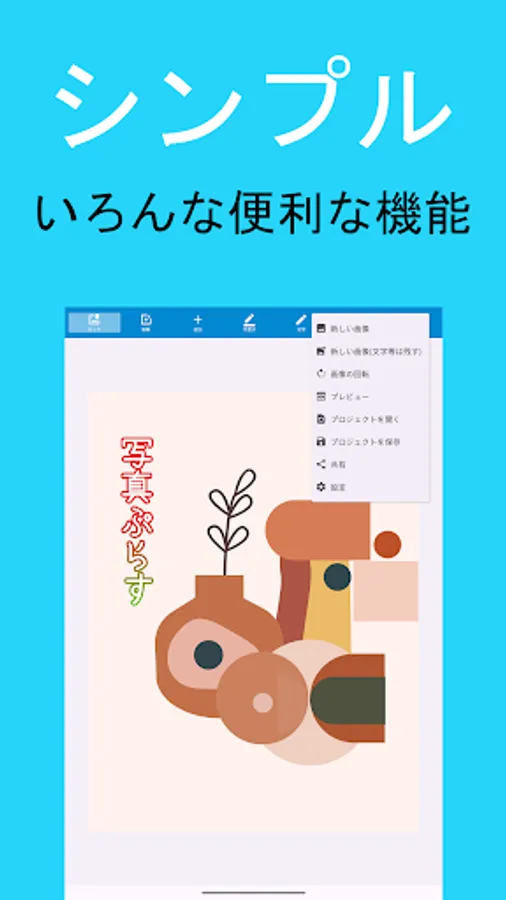
- Re-editable project function
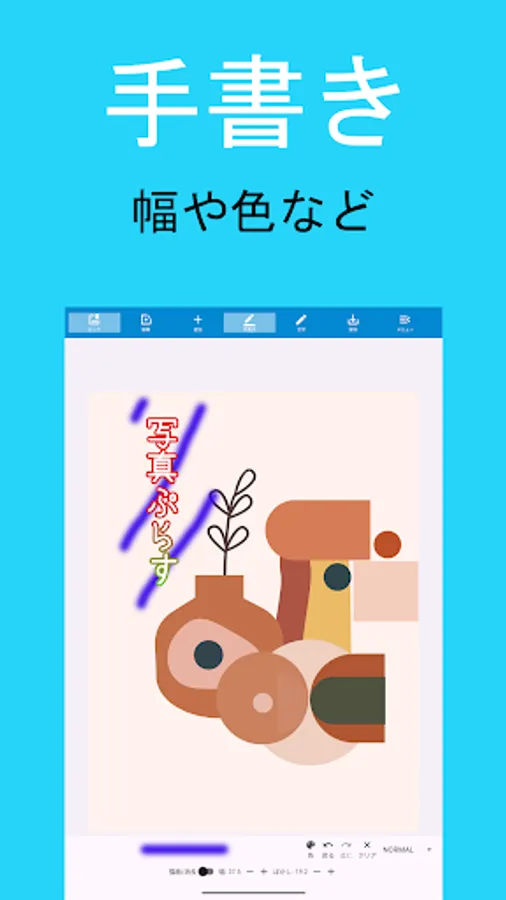
- Handwriting
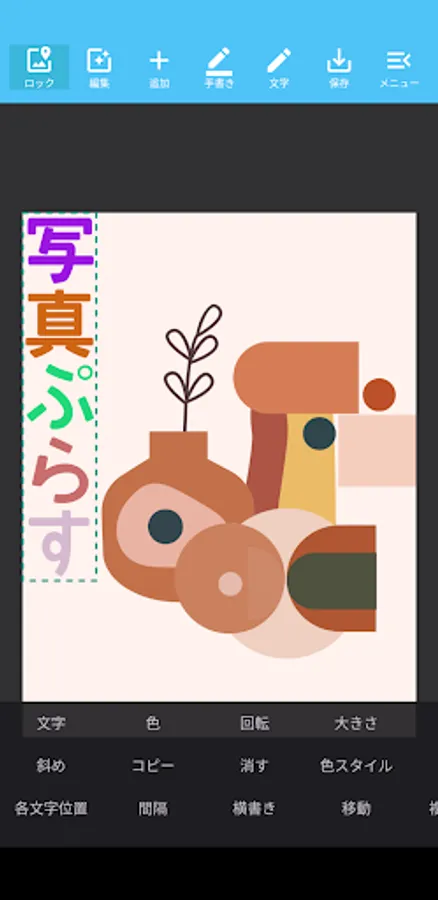
Text
- Change
- Color
- Rotate
- Size
- Align
- Underline
- Perspective
- Diagonal
- Copy
- Erase
- Color Style
- Line Break
- Blur
- Character Position
- Spacing
- Vertical Writing
- Move
- Multiple Move
- Default Color
- Curve
- Lock
- Invert
- Eraser
- Texture
- My Style
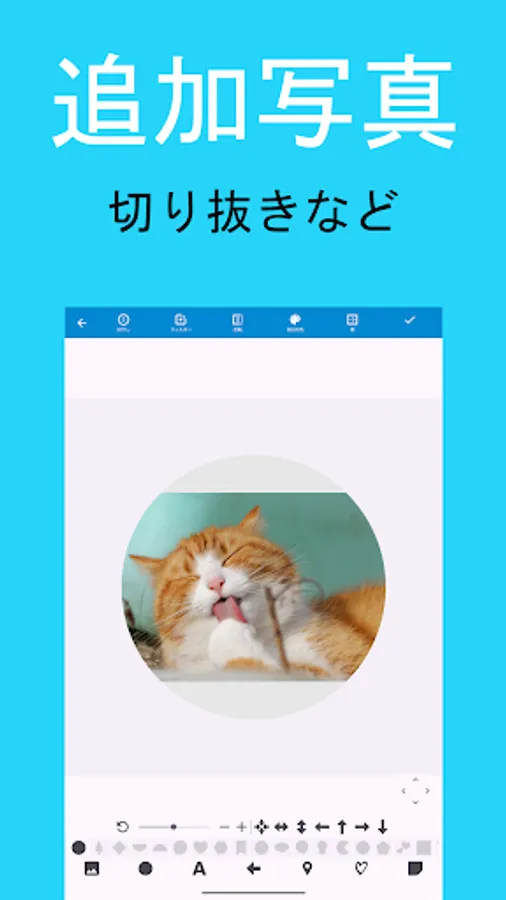
Additional Images
- Change
- Rotate
- Erase
- Lock
- Multiple Move
- Size
- Transparency
- Move
- Align
- Above Text
- Copy
- Move
- Perspective
- Crop
- Blur
- Invert
- Border
- Filter (Additional Photos)
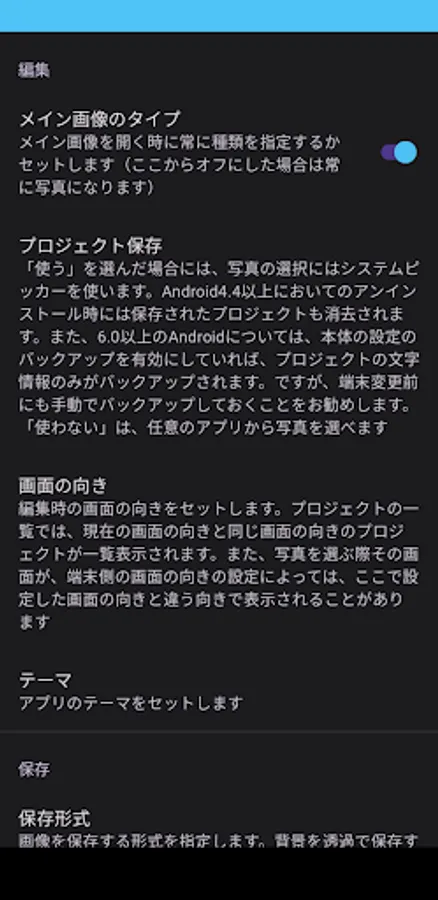
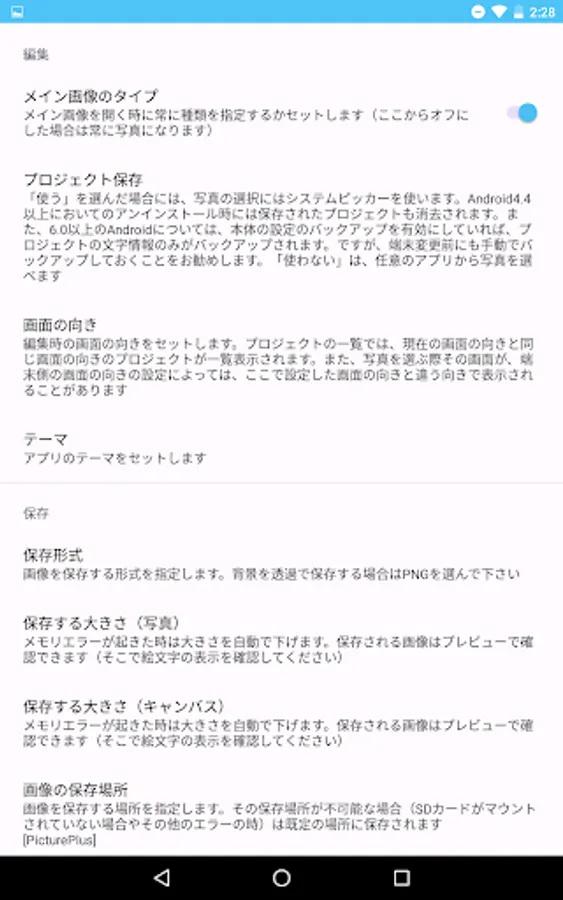
Settings
・Theme Settings
・Save Location Selection
・Image Selection UI: Two Types
・Save Format: JPEG and PNG
・Advertising: Premium subscription plan to hide ads
・Save Size: Original / Half / Third / Quarter / Edited Size
- Over 60 Japanese fonts
- Over 30 speech bubbles with various shapes
- Over 60 simple shapes
- A wide variety of text colors and styles
- Import external fonts
- Re-editable project function
- Handwriting
Text
- Change
- Color
- Rotate
- Size
- Align
- Underline
- Perspective
- Diagonal
- Copy
- Erase
- Color Style
- Line Break
- Blur
- Character Position
- Spacing
- Vertical Writing
- Move
- Multiple Move
- Default Color
- Curve
- Lock
- Invert
- Eraser
- Texture
- My Style
Additional Images
- Change
- Rotate
- Erase
- Lock
- Multiple Move
- Size
- Transparency
- Move
- Align
- Above Text
- Copy
- Move
- Perspective
- Crop
- Blur
- Invert
- Border
- Filter (Additional Photos)
Settings
・Theme Settings
・Save Location Selection
・Image Selection UI: Two Types
・Save Format: JPEG and PNG
・Advertising: Premium subscription plan to hide ads
・Save Size: Original / Half / Third / Quarter / Edited Size