Cloud Signage for Google Drive
Digital signage & slideshow app team, hapicom Inc.
4.1 ★
271 ratings
50,000+
downloads
Free
+ in-app
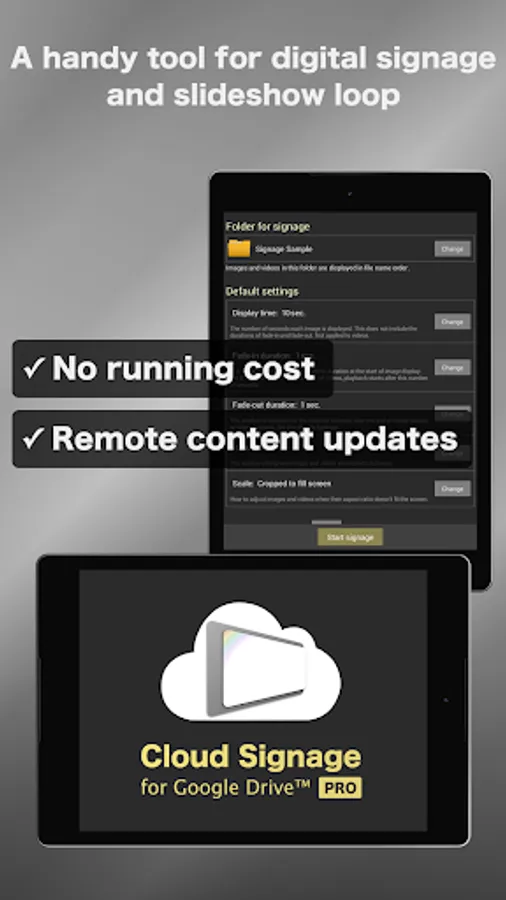
In this digital signage app, users can update content remotely by uploading images and videos to Google Drive. Includes ability to create looping slideshows, support for web pages, and synchronization across multiple displays.
AppRecs review analysis
AppRecs rating 4.1. Trustworthiness 77 out of 100. Review manipulation risk 33 out of 100. Based on a review sample analyzed.
★★★★☆
4.1
AppRecs Rating
Ratings breakdown
5 star
73%
4 star
0%
3 star
6%
2 star
4%
1 star
17%
What to know
✓
Credible reviews
77% trustworthiness score from analyzed reviews
✓
High user satisfaction
73% of sampled ratings are 4+ stars (4.1★ average)
✓
Authentic reviews
No red flags detected
About Cloud Signage for Google Drive
Digital signage tool for casual use
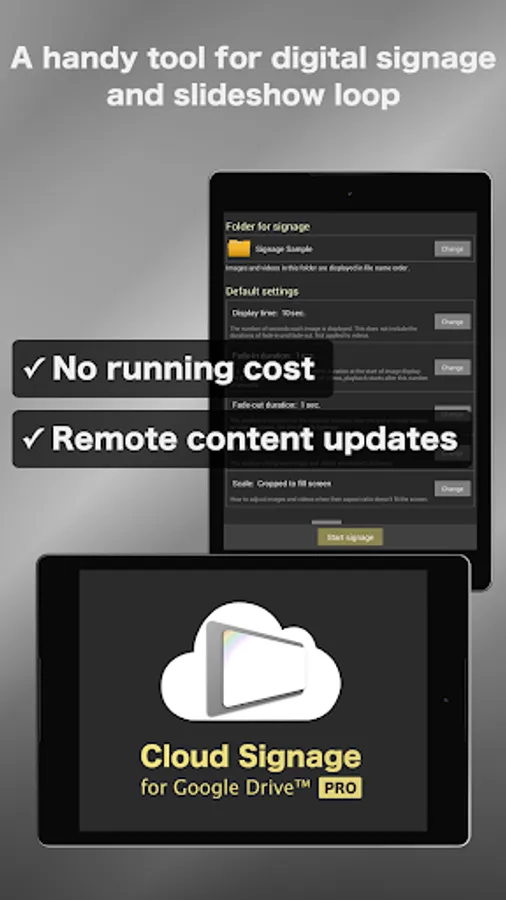
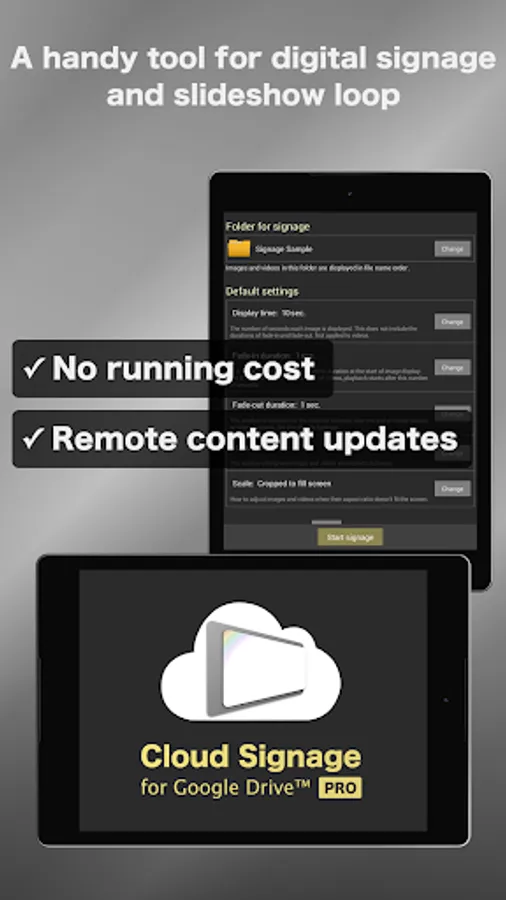
Cloud Signage for Google Drive™ PRO is an easy-to-use digital signage app that can update content remotely but does not require paid subscription, integrated with Google Drive.
This app can be used in many situations: digital sign board; digital restaurant menu board; digital advertising poster board; digital information display; online photo frame/picture frame; infinite loop of photo slideshow. Google Drive signage tool can help your work.
[Key features]
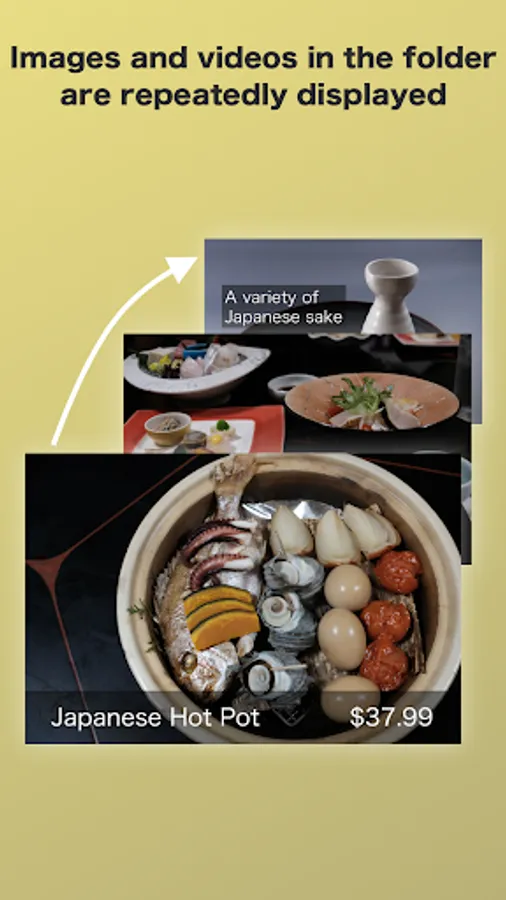
◆ Image/video infinite loop player
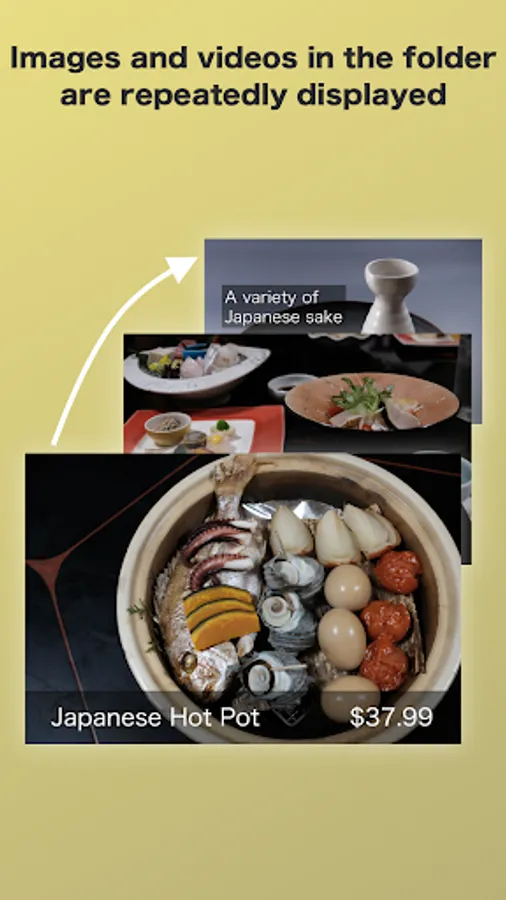
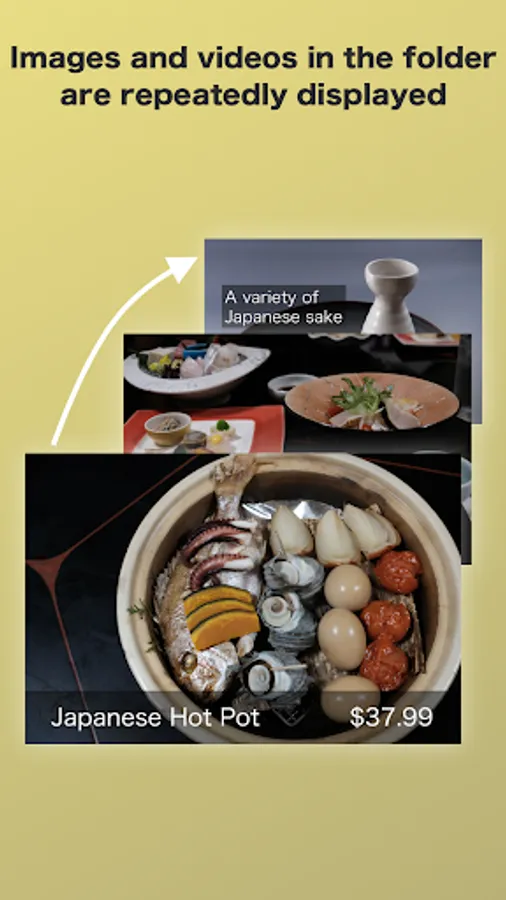
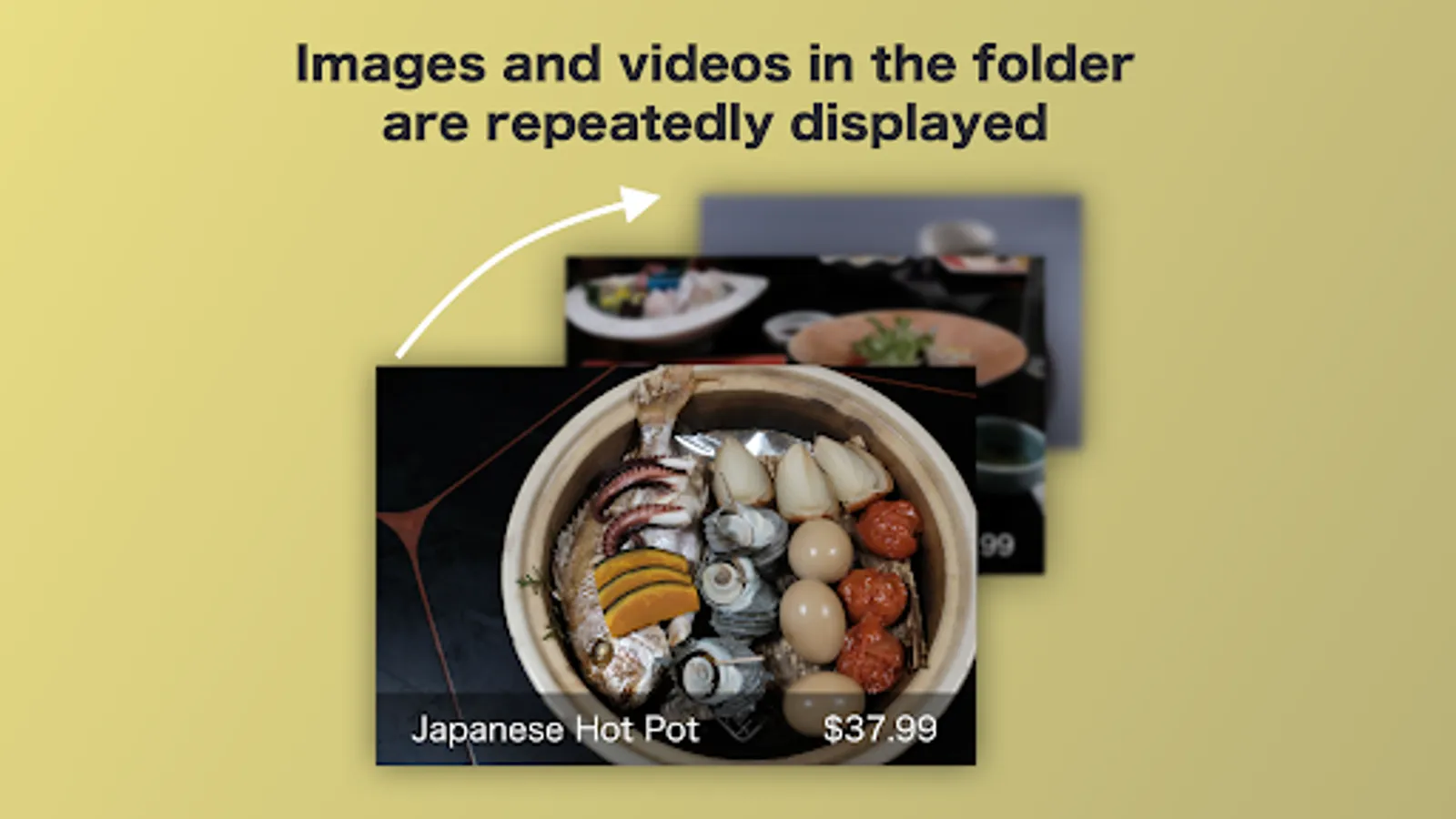
A simple yet powerful function for a wide variety of use cases. Images and videos are shown repeatedly.
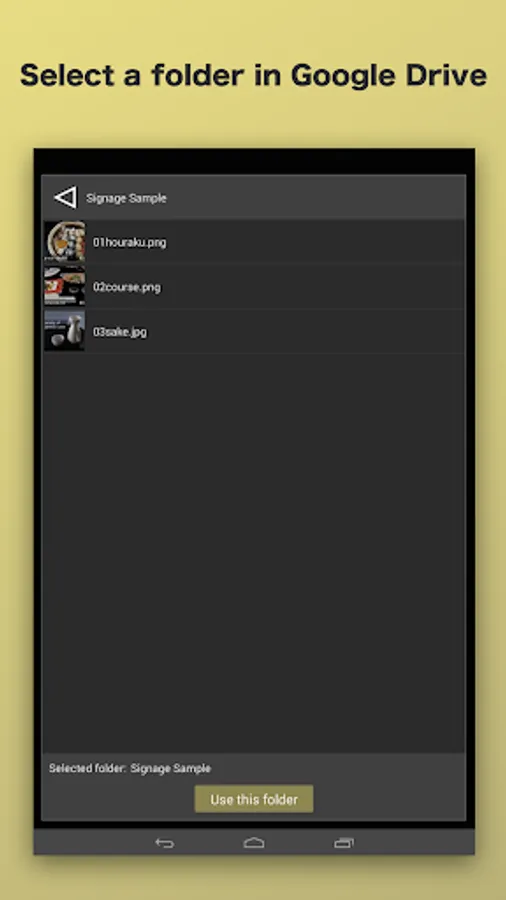
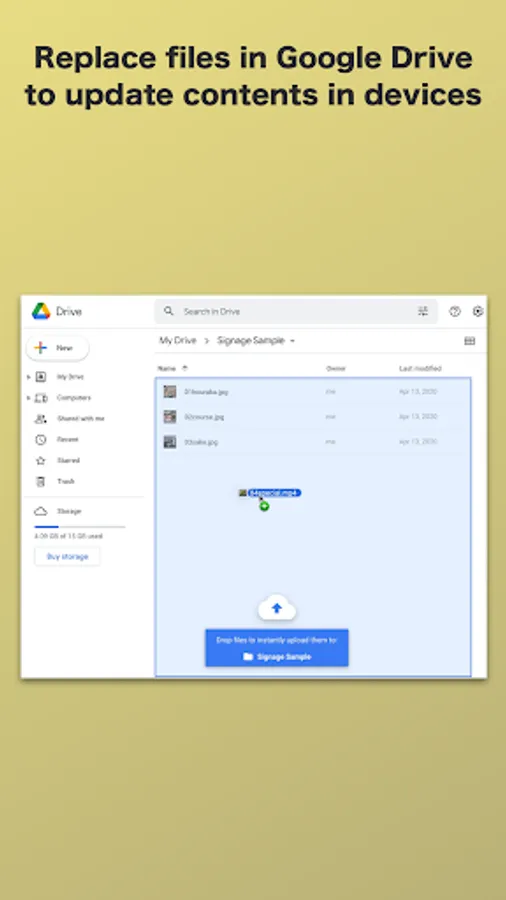
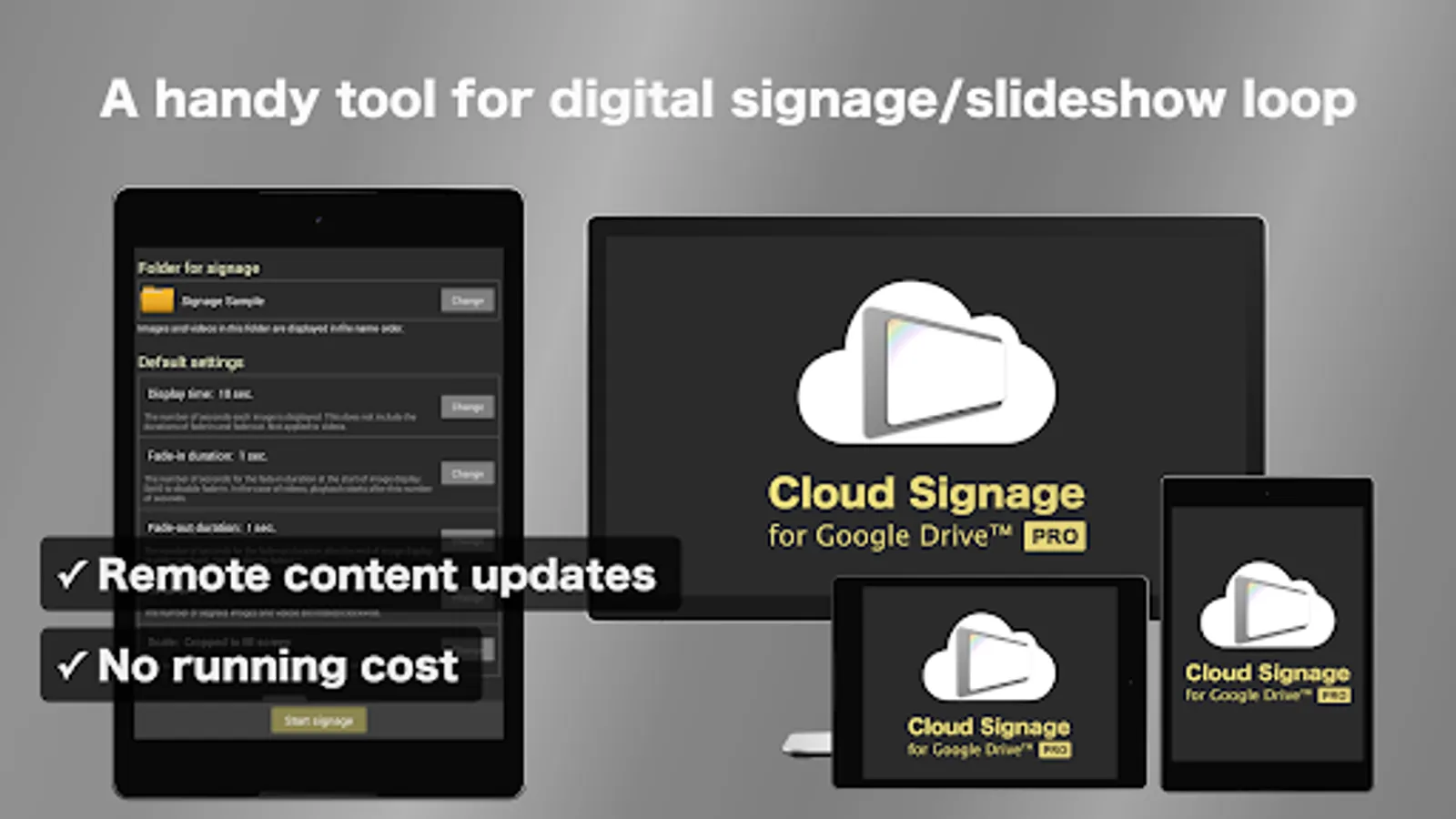
◆ Remote content updates
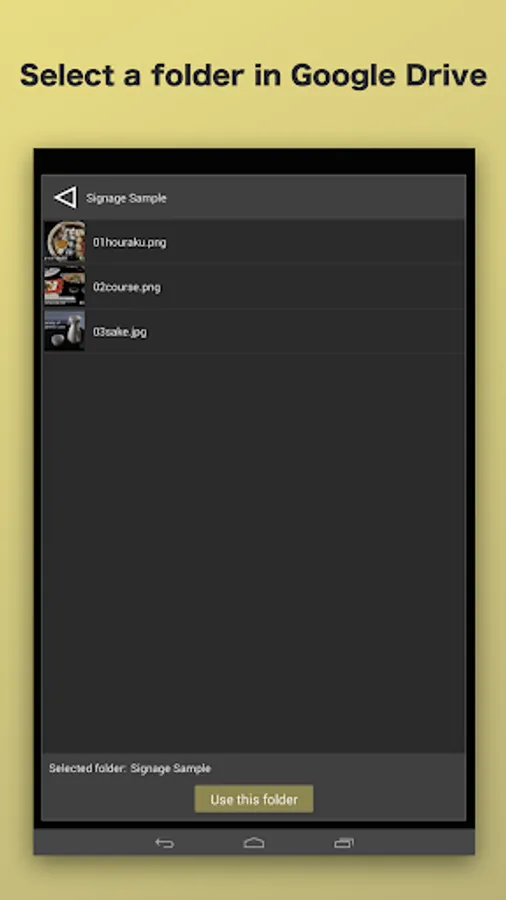
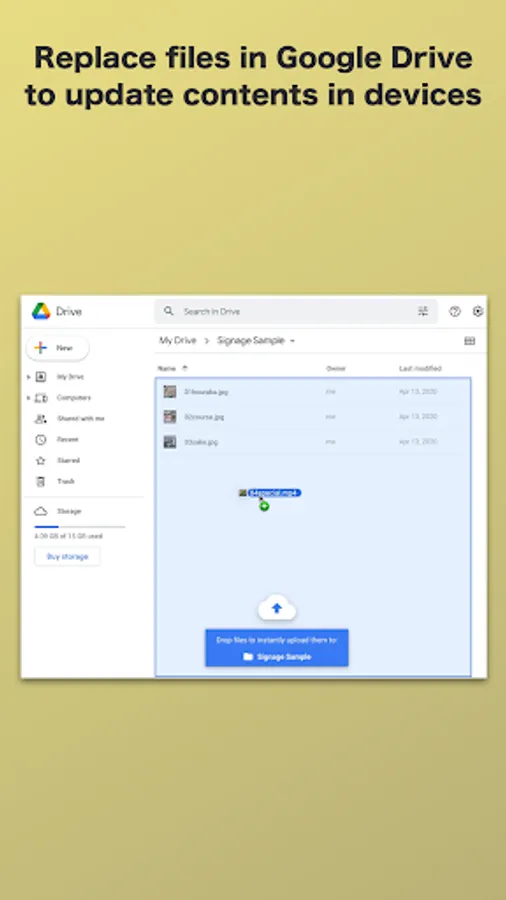
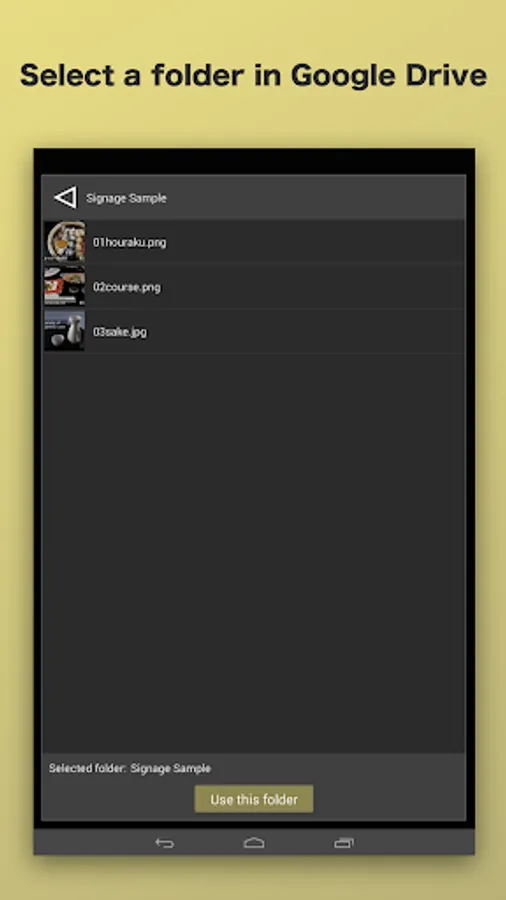
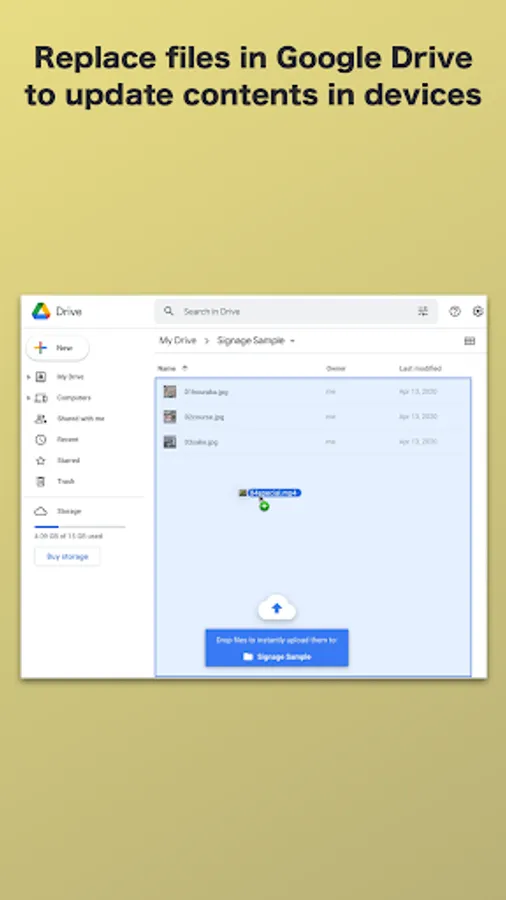
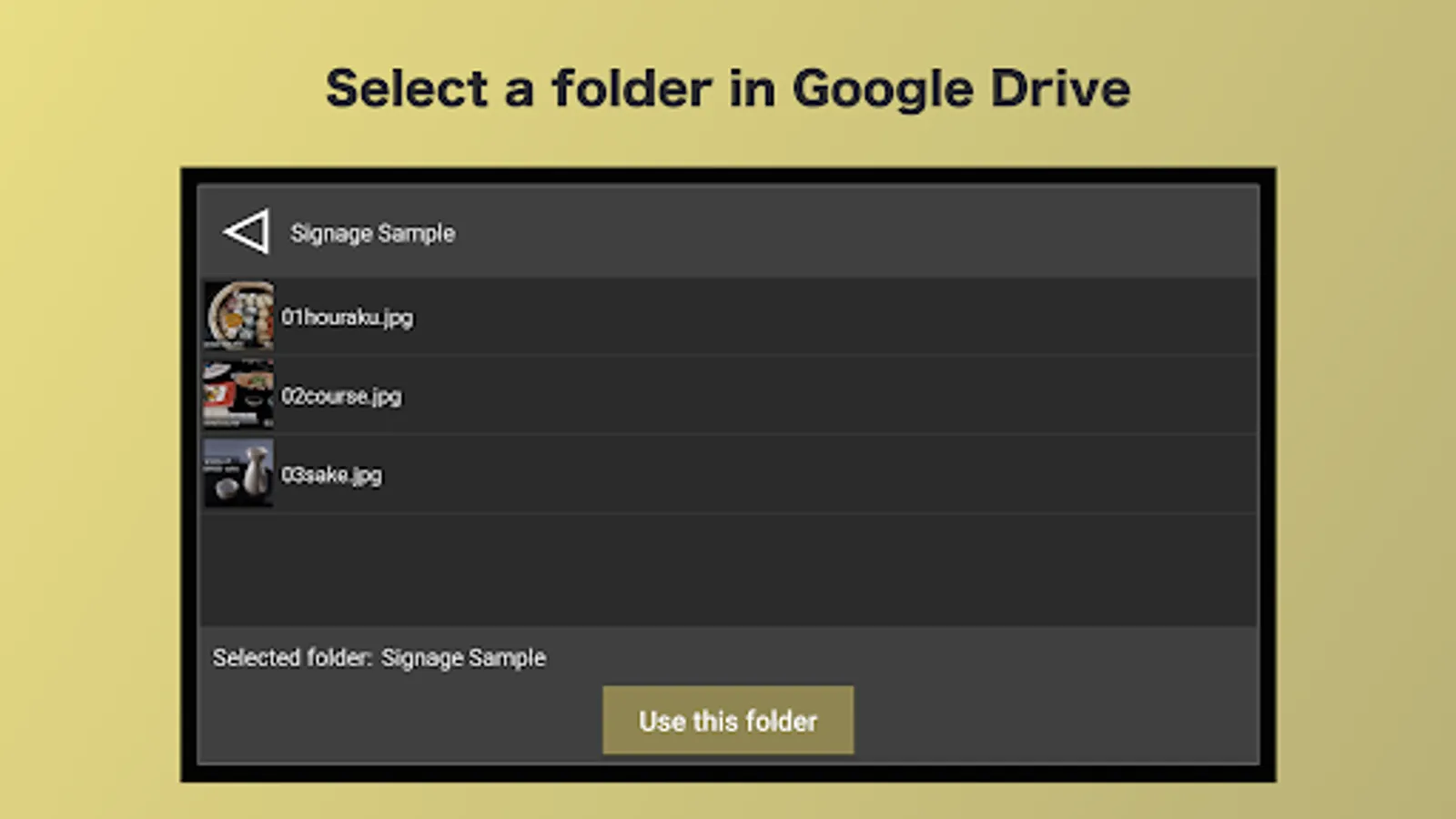
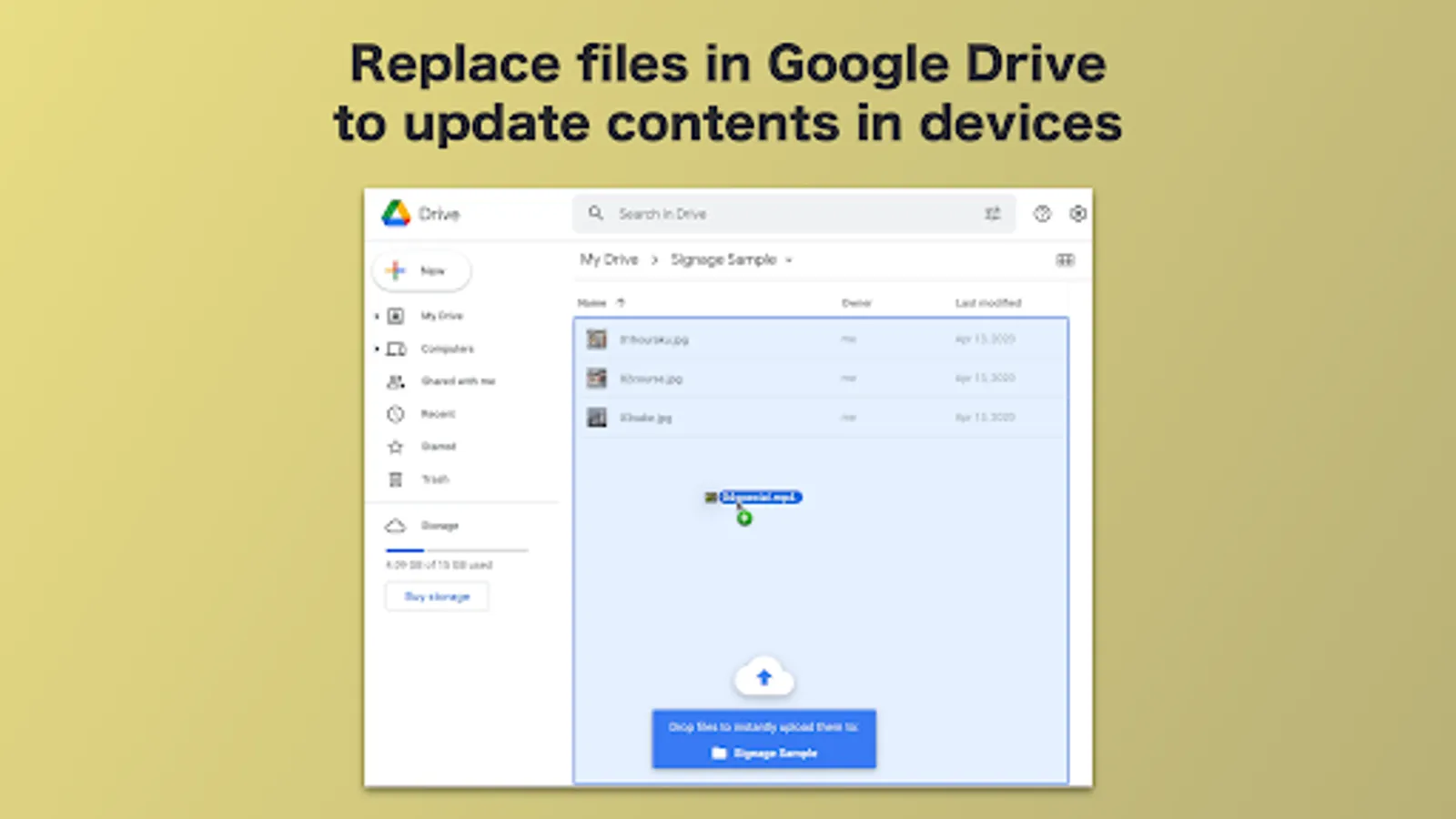
Digital signage content can be automatically updated by just placing images and videos in a designated folder in the Google Drive.
◆ No subscription fee
Pay once, and you can use the app forever.
◆ No third-party user account registration
All you need is a Google account. You already have it if you now use an official Android device.
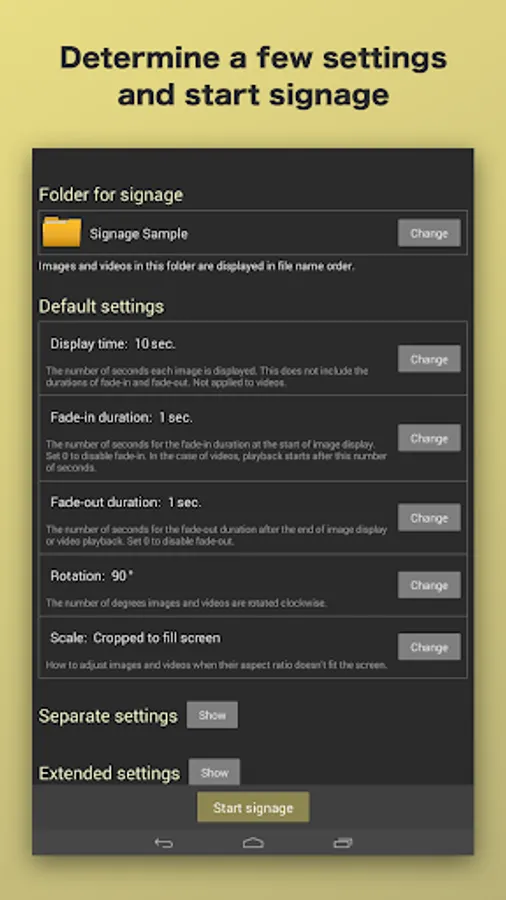
◆ Easy settings
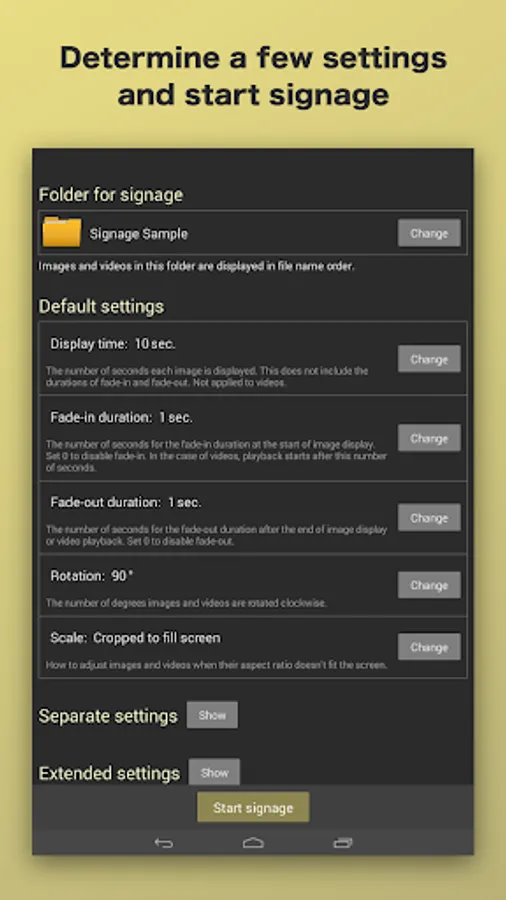
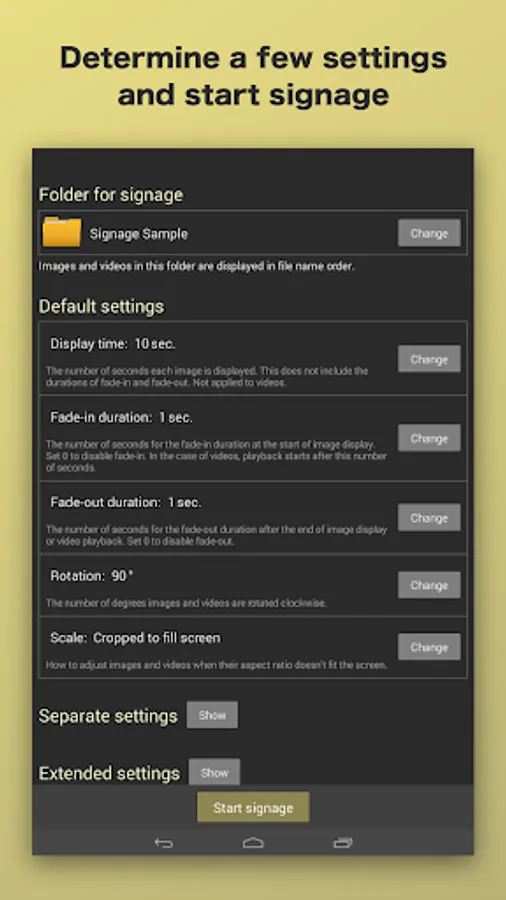
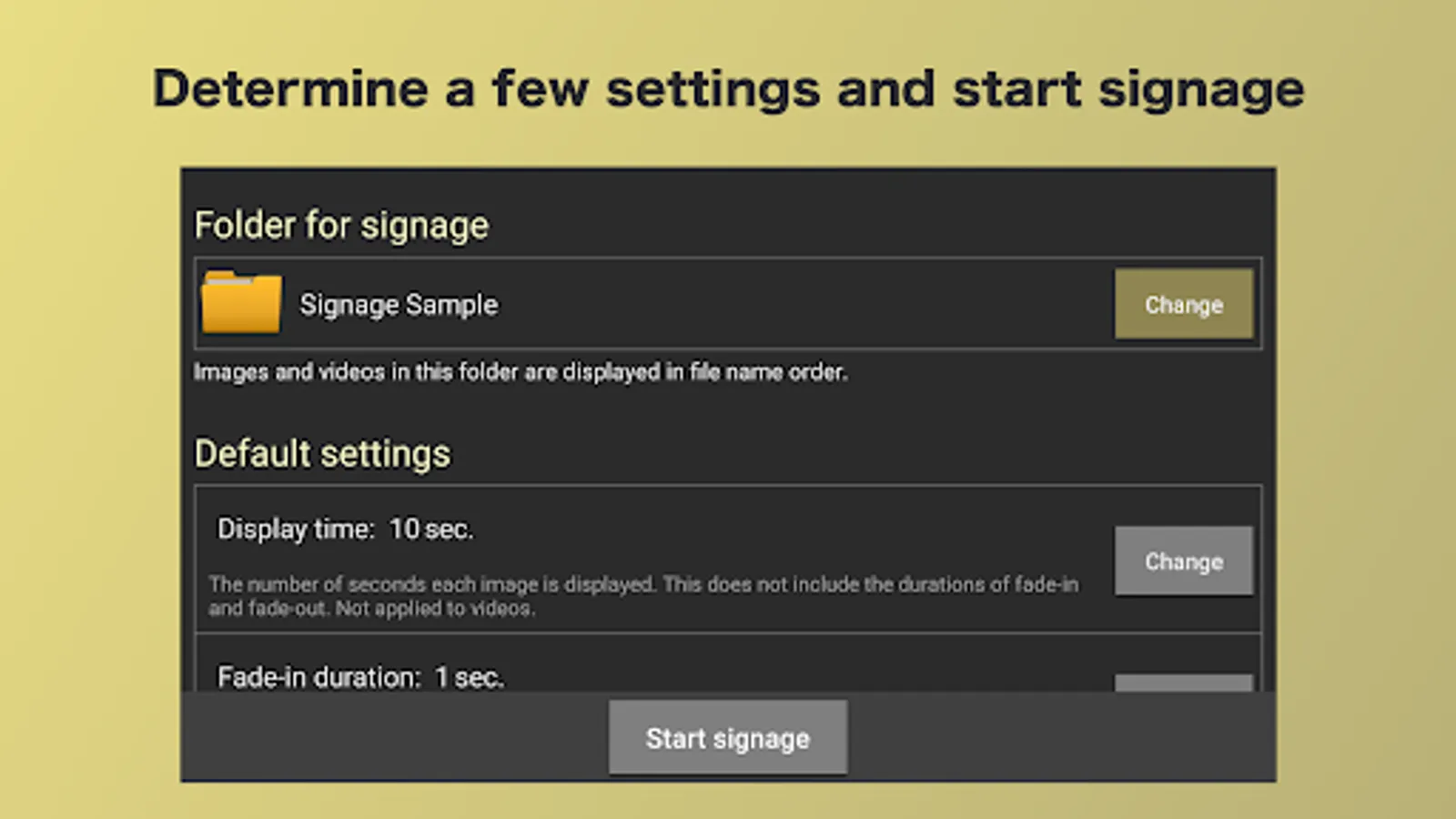
Just a handful of settings to start your image/video slideshow loop. Of course, there are more advanced settings.
◆ Flexible display orientation
Displays can be set in any angle because the app can handle content orientation.
◆ Android 5.0+ supported
Affordable Android devices can be used as a dedicated digital signage/slideshow player.
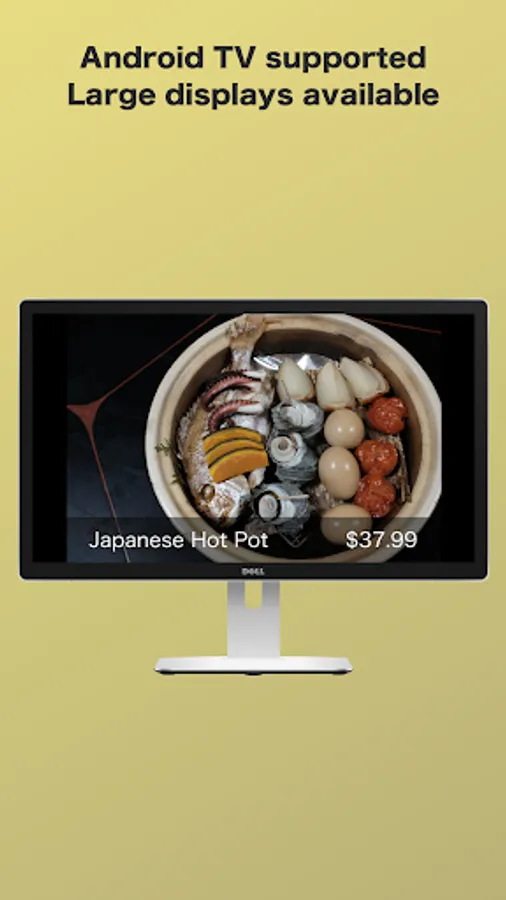
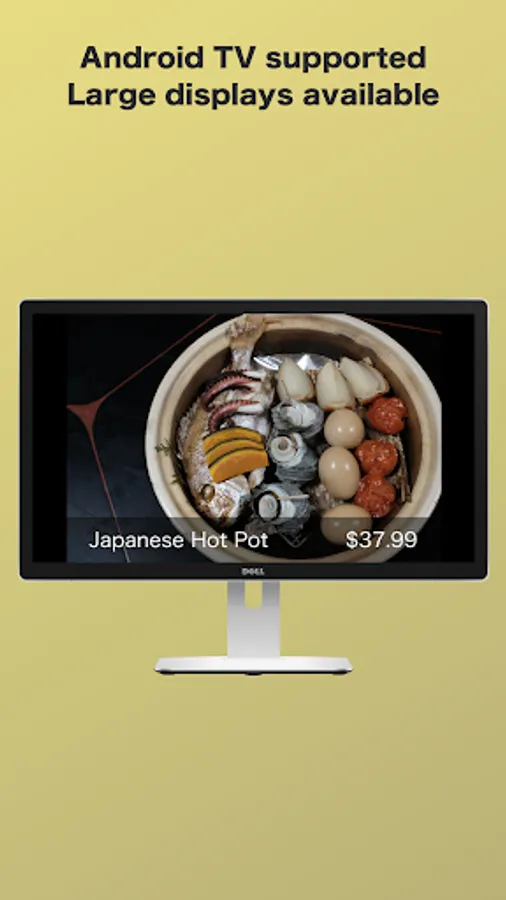
◆ Android TV supported
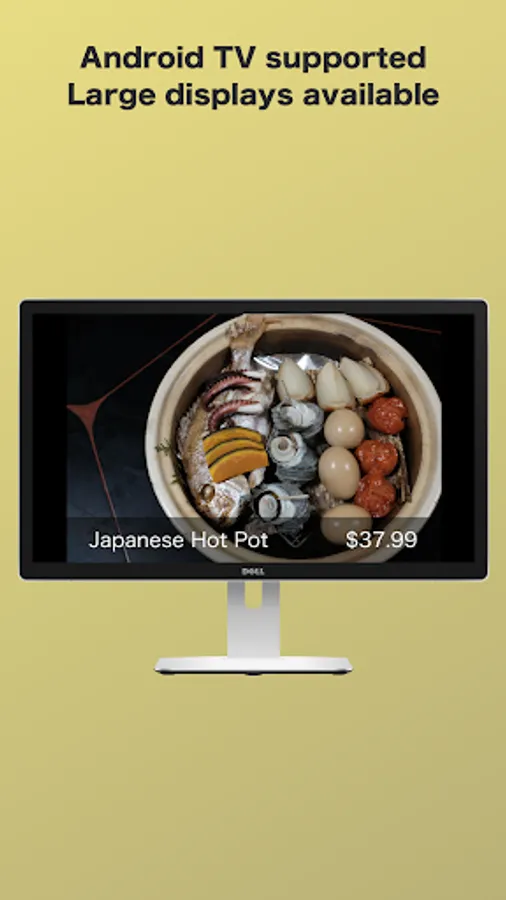
Large screen displays can be used for digital signage and slideshow.
◆ Web pages supported
Web pages (.url/.webloc files) can be used as digital signage content.
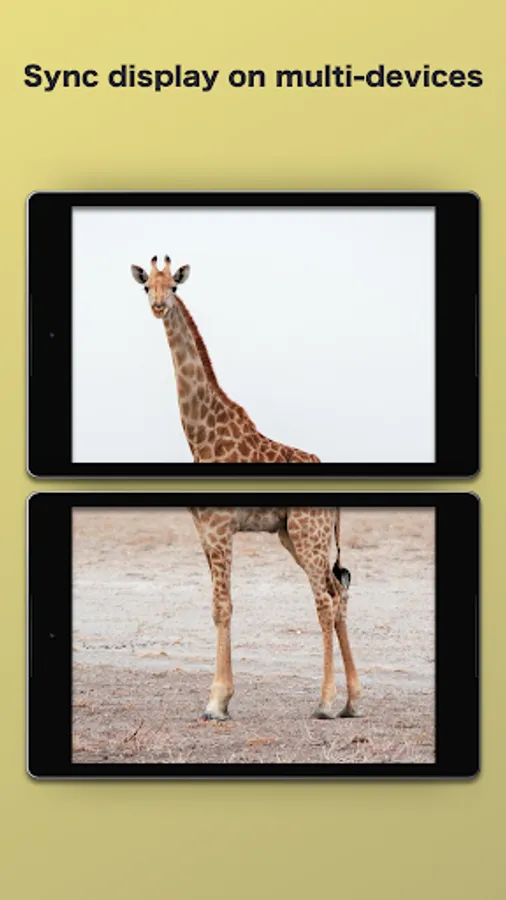
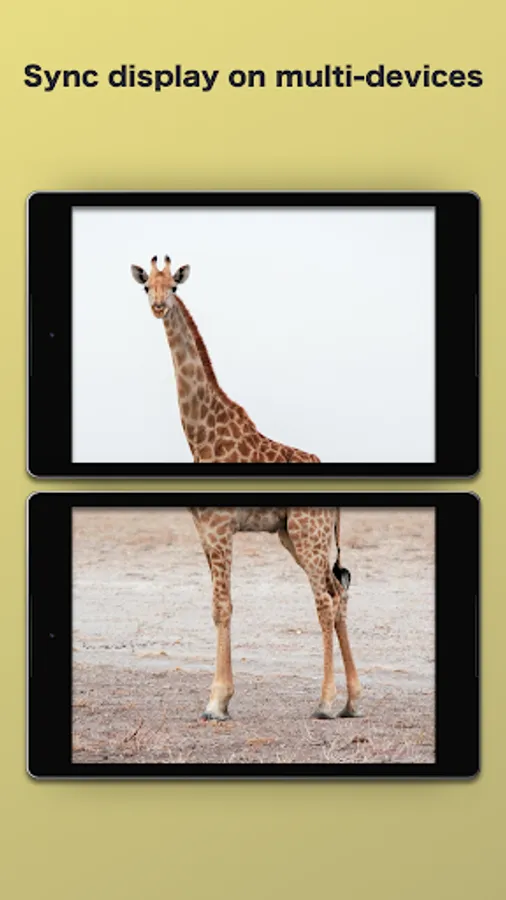
◆ Cooperative display
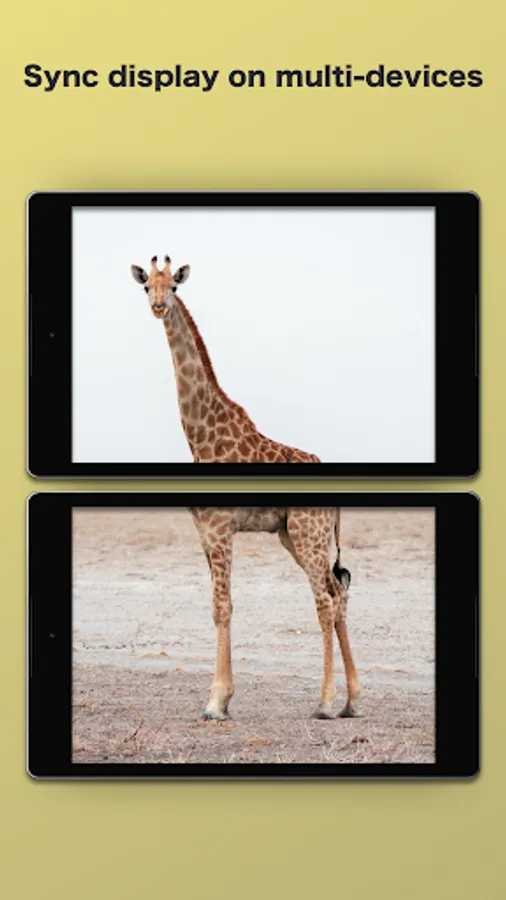
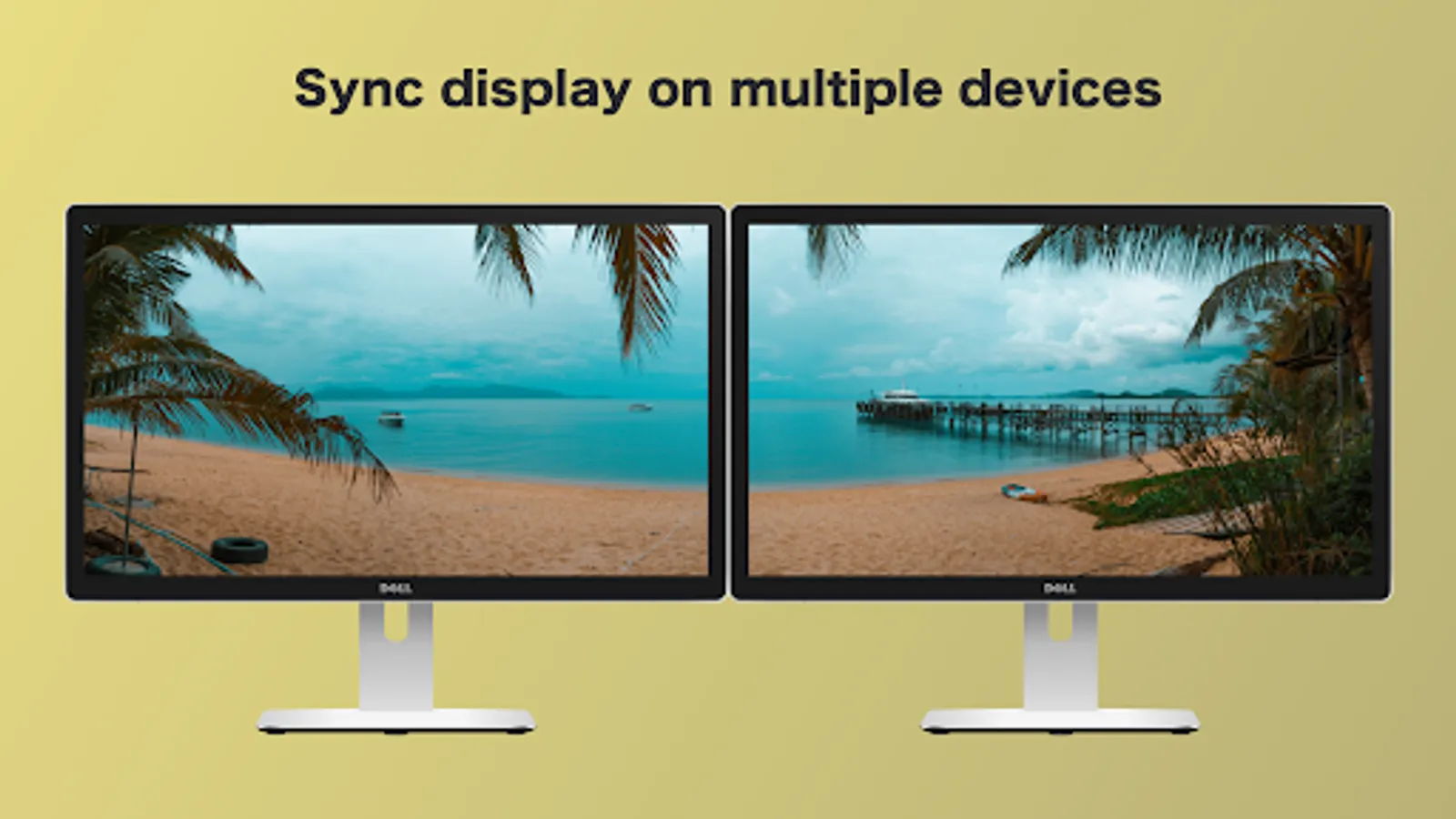
Displays can synchronize on multiple devices based on accurate internet time.
◆ Auto start on device boot (enterprise license only)
The app can be automatically launched when device is powered on without root permission.
◆ Watermark logo removal/customization (enterprise license only)
Digital signage display can be completely designed for commercial use.
[Pricing]
- Permanent use license: $7.99 / device
- Enterprise license: $16.99 / device
For more details about how to use this digital signage app, visit the official website.
https://app.hapicom.jp
Cloud Signage for Google Drive™ PRO is an easy-to-use digital signage app that can update content remotely but does not require paid subscription, integrated with Google Drive.
This app can be used in many situations: digital sign board; digital restaurant menu board; digital advertising poster board; digital information display; online photo frame/picture frame; infinite loop of photo slideshow. Google Drive signage tool can help your work.
[Key features]
◆ Image/video infinite loop player
A simple yet powerful function for a wide variety of use cases. Images and videos are shown repeatedly.
◆ Remote content updates
Digital signage content can be automatically updated by just placing images and videos in a designated folder in the Google Drive.
◆ No subscription fee
Pay once, and you can use the app forever.
◆ No third-party user account registration
All you need is a Google account. You already have it if you now use an official Android device.
◆ Easy settings
Just a handful of settings to start your image/video slideshow loop. Of course, there are more advanced settings.
◆ Flexible display orientation
Displays can be set in any angle because the app can handle content orientation.
◆ Android 5.0+ supported
Affordable Android devices can be used as a dedicated digital signage/slideshow player.
◆ Android TV supported
Large screen displays can be used for digital signage and slideshow.
◆ Web pages supported
Web pages (.url/.webloc files) can be used as digital signage content.
◆ Cooperative display
Displays can synchronize on multiple devices based on accurate internet time.
◆ Auto start on device boot (enterprise license only)
The app can be automatically launched when device is powered on without root permission.
◆ Watermark logo removal/customization (enterprise license only)
Digital signage display can be completely designed for commercial use.
[Pricing]
- Permanent use license: $7.99 / device
- Enterprise license: $16.99 / device
For more details about how to use this digital signage app, visit the official website.
https://app.hapicom.jp