艦これくと
lilylight
4.4 ★
store rating
50,000+
downloads
Free
AppRecs review analysis
AppRecs rating 4.4. Trustworthiness 0 out of 100. Review manipulation risk 0 out of 100. Based on a review sample analyzed.
★★★★☆
4.4
AppRecs Rating
Ratings breakdown
5 star
60%
4 star
20%
3 star
20%
2 star
0%
1 star
0%
What to know
✓
High user satisfaction
80% of sampled ratings are 4+ stars (4.4★ average)
✓
Authentic reviews
Natural distribution, no red flags
About 艦これくと
It is an application that displays the ship this related tools and information.
You can switch when you swipe from the left edge to each function.
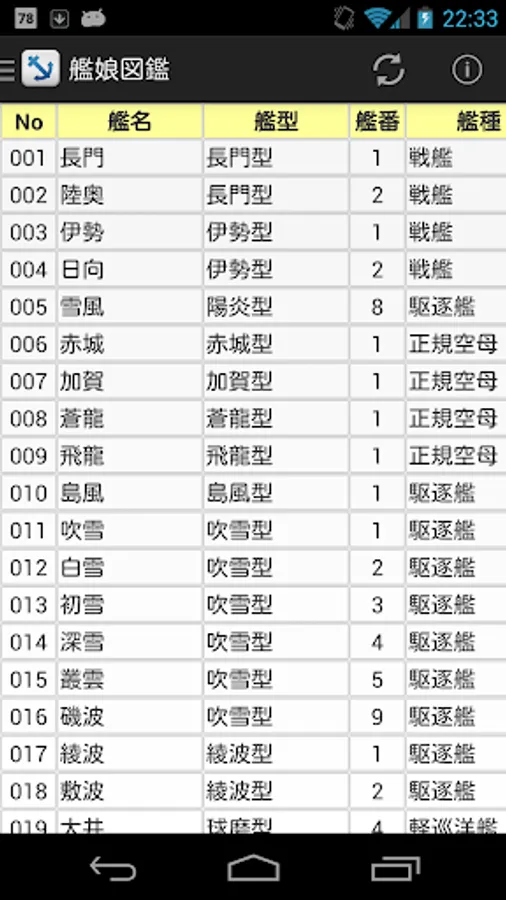
■ Kanmusume picture book
◇ lists the ship status.
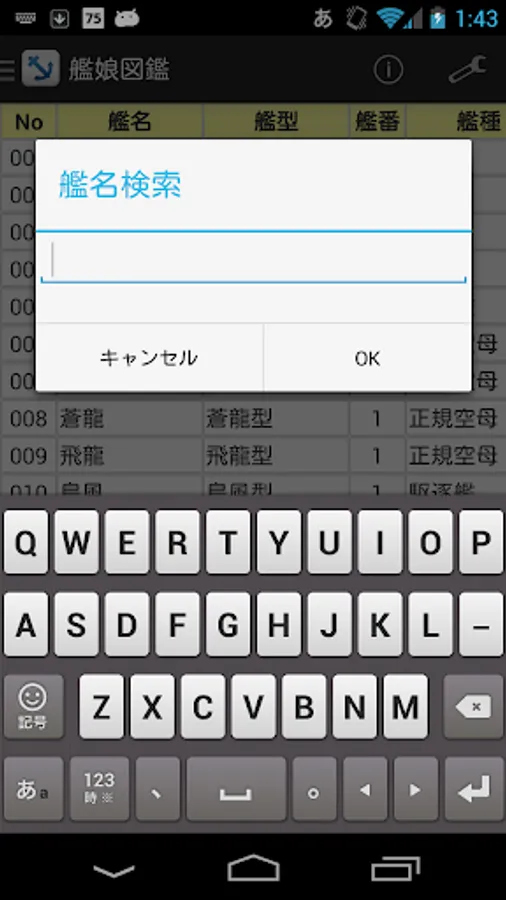
- Item title part you can sort and filter When you tap the (No, the part that has been written, such as the thermal power).
• You can set the color label. Label the already acquired ship, you can like.
■ drop
◇ lists the drop ship daughter of each area.
• When you tap an item title part of the waters you can filter for each drop.
Color label will be displayed in conjunction with those of the Kanmusume picture book.
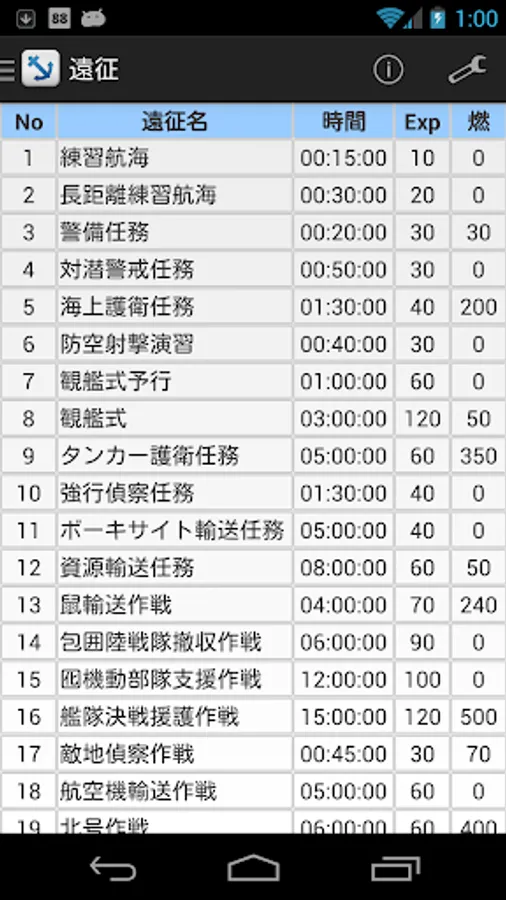
■ expedition
◇ lists the expedition content.
· Item When you tap the title part you can sort and filter.
- You can switch to the hourly rate display from the menu.
• If you organize the fleet marked with ○ in the expedition, which meets the requirements.
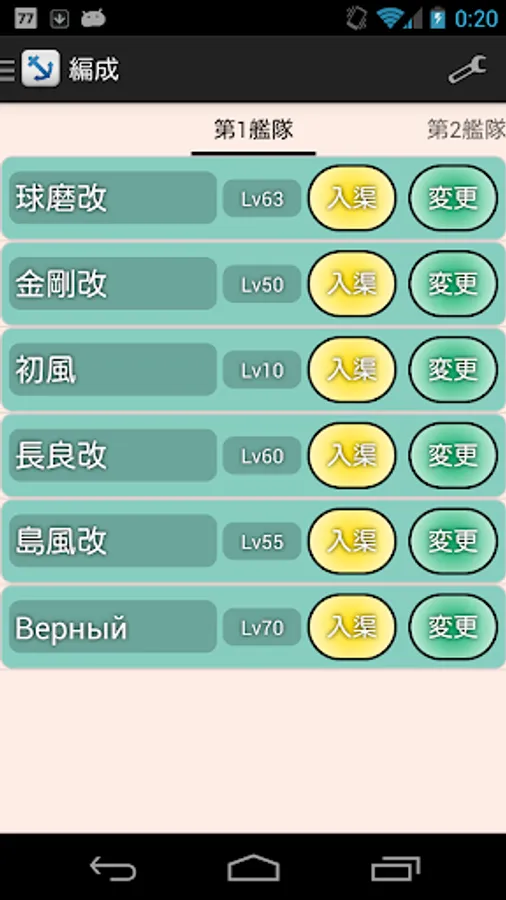
■ organization
◇ to display the organization screen of the fleet.
- Or organize a fleet, or you can dock the ship (timer).
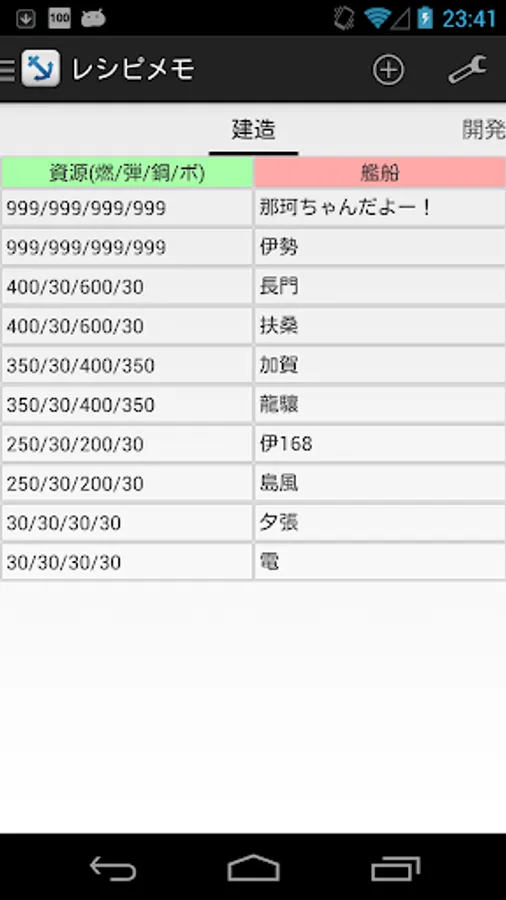
■ recipe memo
◇ You can create the ships and equipment of the recipes.
• If the recipe you press and hold, sort, share, etc. can be deleted.
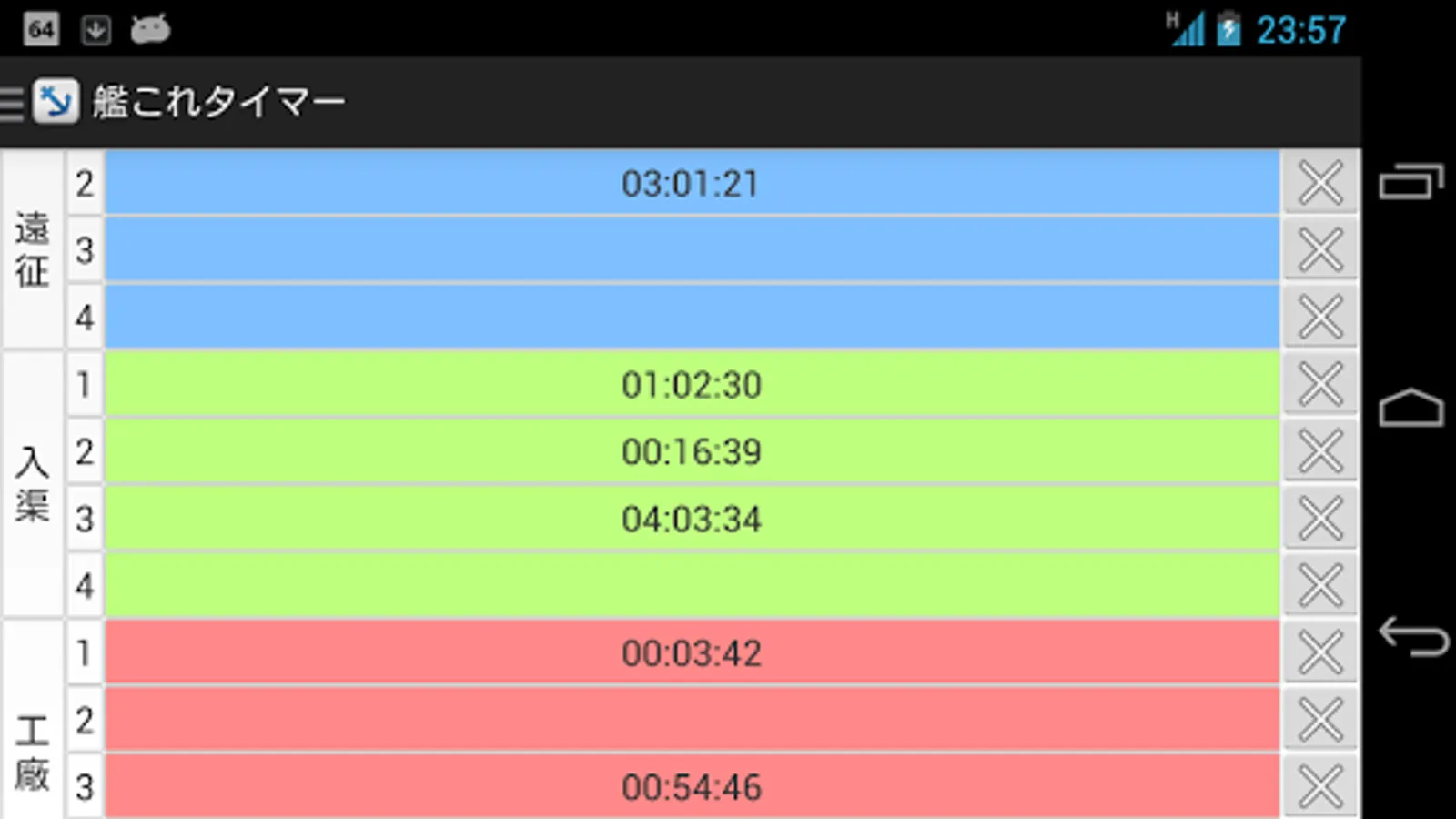
■ ship this timer
◇ do the notice at the end of such expedition.
- You can change the notification method from the menu.
※ is such trouble and needs your help by Twitter (@lilylight_jp) and comments.
You can switch when you swipe from the left edge to each function.
■ Kanmusume picture book
◇ lists the ship status.
- Item title part you can sort and filter When you tap the (No, the part that has been written, such as the thermal power).
• You can set the color label. Label the already acquired ship, you can like.
■ drop
◇ lists the drop ship daughter of each area.
• When you tap an item title part of the waters you can filter for each drop.
Color label will be displayed in conjunction with those of the Kanmusume picture book.
■ expedition
◇ lists the expedition content.
· Item When you tap the title part you can sort and filter.
- You can switch to the hourly rate display from the menu.
• If you organize the fleet marked with ○ in the expedition, which meets the requirements.
■ organization
◇ to display the organization screen of the fleet.
- Or organize a fleet, or you can dock the ship (timer).
■ recipe memo
◇ You can create the ships and equipment of the recipes.
• If the recipe you press and hold, sort, share, etc. can be deleted.
■ ship this timer
◇ do the notice at the end of such expedition.
- You can change the notification method from the menu.
※ is such trouble and needs your help by Twitter (@lilylight_jp) and comments.