Dash Camera Interface
PIONEER CORPORATION
1.8 ★
178 ratings
10,000+
downloads
Free
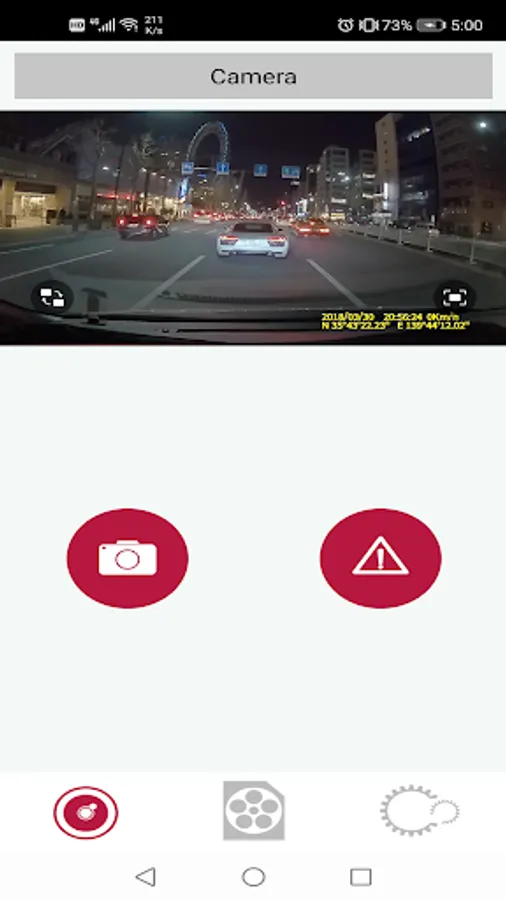
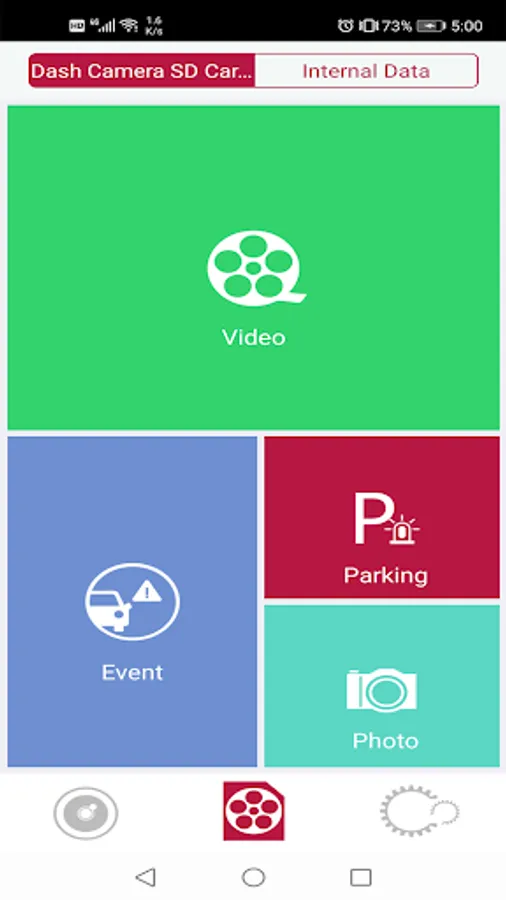
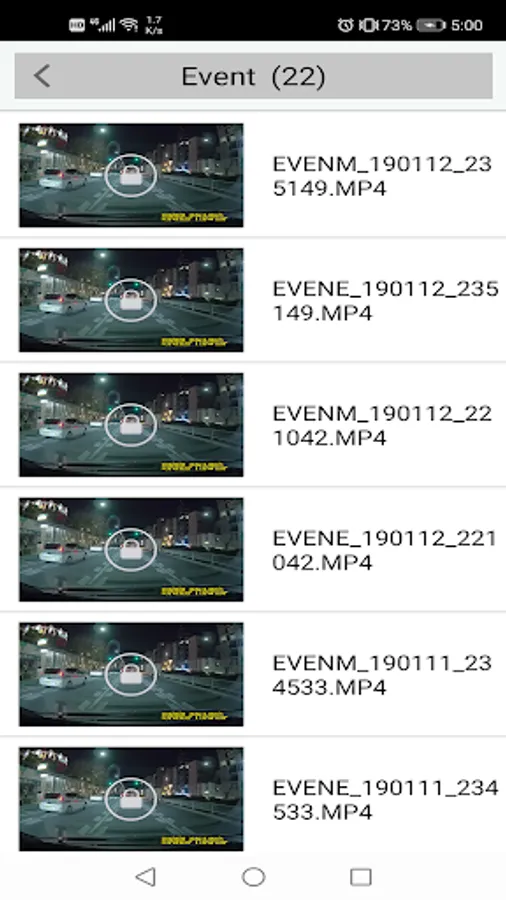
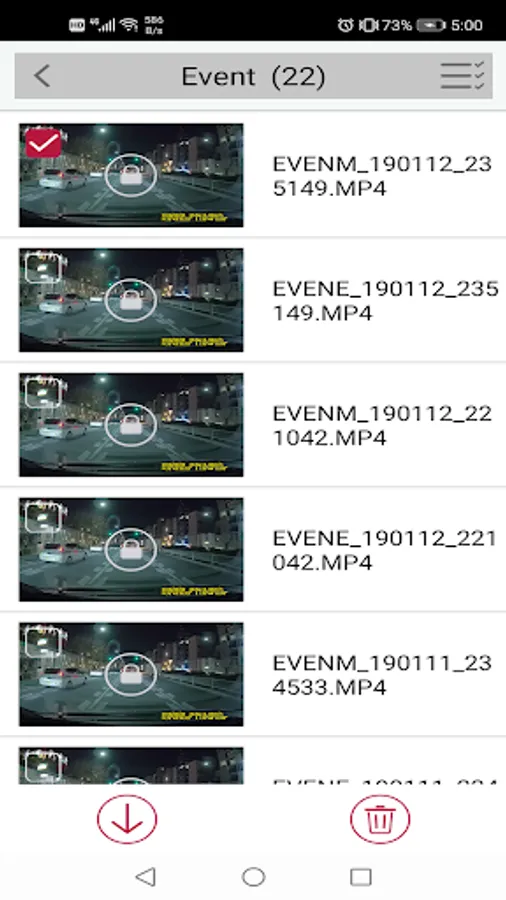
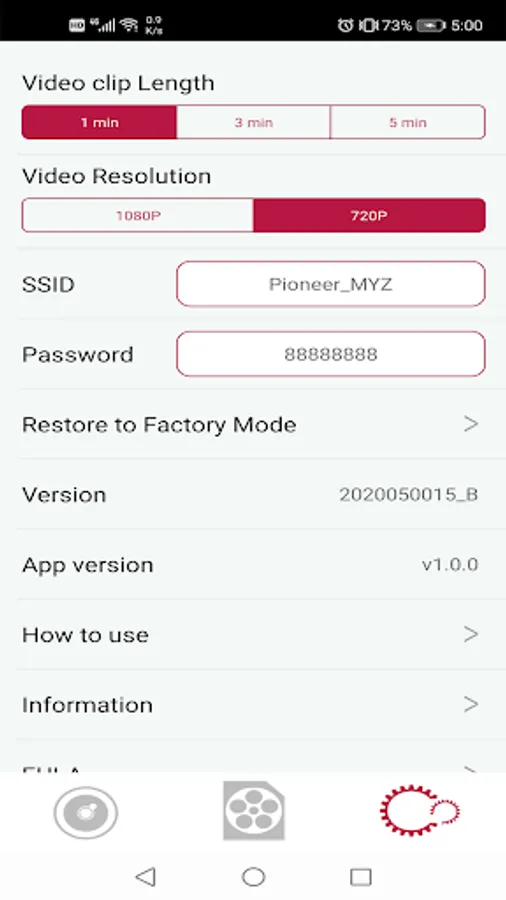
With this app, you can connect to your Pioneer dash camera to operate manual event recordings, take photos, and transfer data to your smartphone. Includes settings adjustment, data transfer, manual recording, and photo capture features.
AppRecs review analysis
AppRecs rating 1.8. Trustworthiness 75 out of 100. Review manipulation risk 17 out of 100. Based on a review sample analyzed.
★☆☆☆☆
1.8
AppRecs Rating
Ratings breakdown
5 star
16%
4 star
0%
3 star
0%
2 star
8%
1 star
76%
What to know
✓
Low review manipulation risk
17% review manipulation risk
⚠
Mixed user feedback
Average 1.8★ rating suggests room for improvement
⚠
High negative review ratio
84% of sampled ratings are 1–2 stars
About Dash Camera Interface
"Dash Camera Interface" is an application for connecting to the target Pioneer dash camera.
By using this application, you can operate "manual event recording", "photo", "transfer data to smartphone" and "change settings of dash camera" from your smartphone.
Check the streaming video of the dash camera.
Take manual recording and photo.
Download the recording data.
Change the settings of dash camera.
Pioneer dash camera
VREC-DZ700DC
VREC-Z710DH
Android since version 4.4
Smartphone network will be interrupted while using this application. You will not be able to use(including sending and receiving) applications that use network. *When Bluetooth of the smartphone is ON, the network speed with the dash camera may be slow. If the network speed is slow, please turn off the Bluetooth function.
By using this application, you can operate "manual event recording", "photo", "transfer data to smartphone" and "change settings of dash camera" from your smartphone.
Check the streaming video of the dash camera.
Take manual recording and photo.
Download the recording data.
Change the settings of dash camera.
Pioneer dash camera
VREC-DZ700DC
VREC-Z710DH
Android since version 4.4
Smartphone network will be interrupted while using this application. You will not be able to use(including sending and receiving) applications that use network. *When Bluetooth of the smartphone is ON, the network speed with the dash camera may be slow. If the network speed is slow, please turn off the Bluetooth function.
Dash Camera Interface Screenshots
Tap to Rate:
Reviews for Dash Camera Interface
Patrick Byron
11/26/2025
Didn't link with dashcam.
Michael Blasquez
2/28/2025
Does not interface with myGMC or my home wifi. After two years of owning this dashcam, I have yet to be able to check any video whatsoever. A complete waste of $250. DO NOT USE THIS APP!