AppRecs review analysis
AppRecs rating 4.0. Trustworthiness 55 out of 100. Review manipulation risk 44 out of 100. Based on a review sample analyzed.
★★★★☆
4.0
AppRecs Rating
Ratings breakdown
5 star
100%
4 star
0%
3 star
0%
2 star
0%
1 star
0%
What to know
⚠
Questionable review patterns
44% review manipulation risk - some review patterns appear unusual
⚠
Unusually uniform ratings
100% of sampled ratings are 5 stars with very little variation
About Pr.JOY
[Main functions]
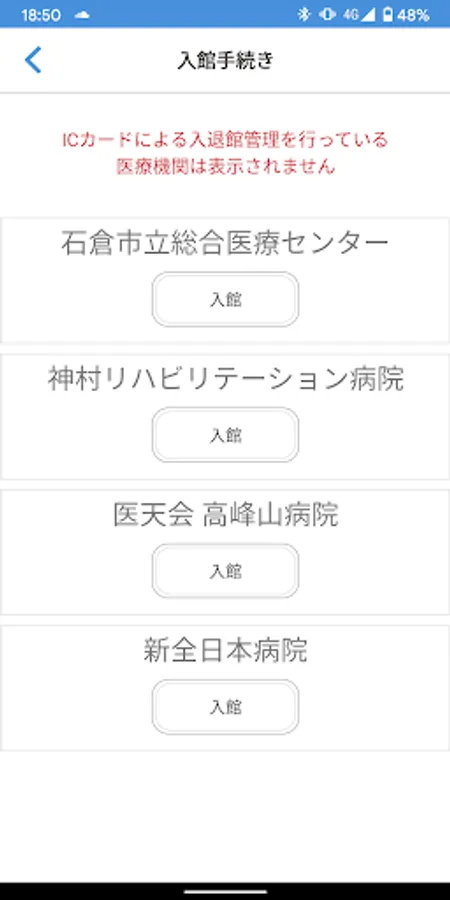
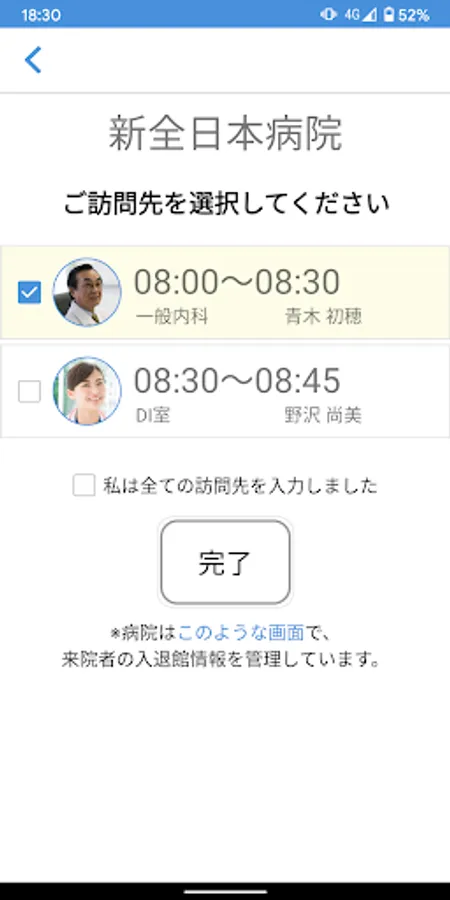
1. Visits: Coordinating visit schedules with doctors, pharmacists and customers will be smoother
2. Message: Communicate in real time in a chat room with a healthcare professional
3. Collaboration group: You can create a group including medical professionals and colleagues and post articles and comments in a bulletin board format.
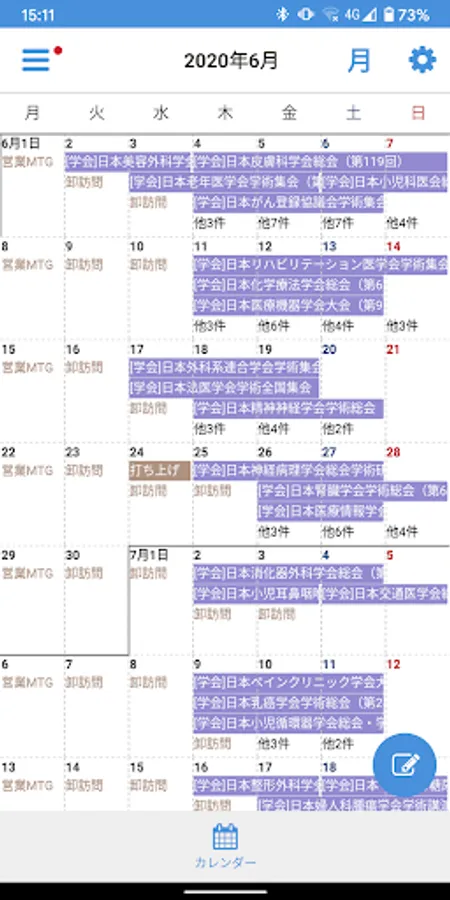
3. Calendar: You can synchronize with Google Calendar and Outlook Calendar, check your visit schedule, etc.
4. Web interview: You can make a video call by connecting to the customer's PC or smartphone.
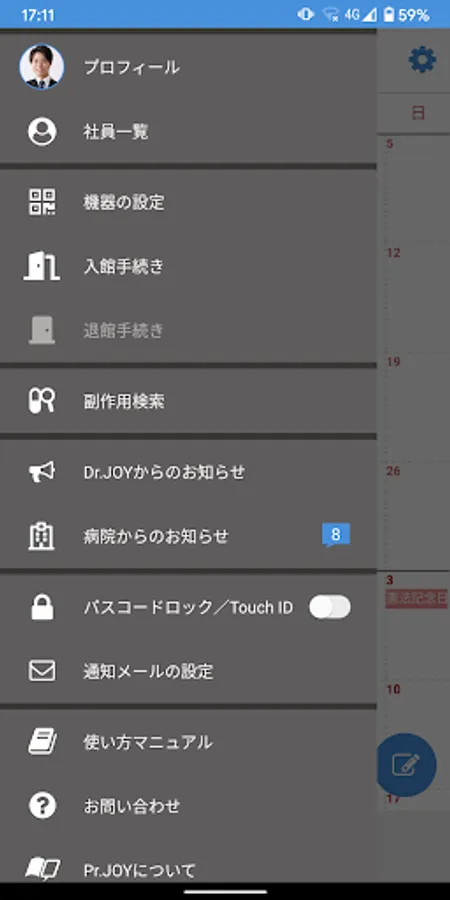
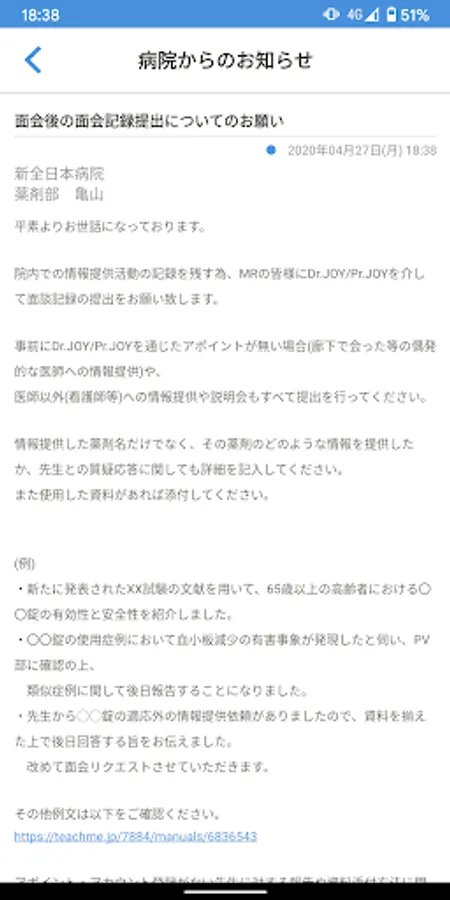
5. Notifications from hospitals: You can view notifications such as visit regulation information and rule changes in information provision activities.
[About use]
-If you already have a Pr.JOY account, you can log in with the same ID and password to use it.
-If you are using for the first time, please receive an invitation from the hospital in charge, register as a user on the Web, and then start using.
-Operations differ from hospital to hospital. When sending a visit request or message, be sure to follow the operation of the facility in charge.
1. Visits: Coordinating visit schedules with doctors, pharmacists and customers will be smoother
2. Message: Communicate in real time in a chat room with a healthcare professional
3. Collaboration group: You can create a group including medical professionals and colleagues and post articles and comments in a bulletin board format.
3. Calendar: You can synchronize with Google Calendar and Outlook Calendar, check your visit schedule, etc.
4. Web interview: You can make a video call by connecting to the customer's PC or smartphone.
5. Notifications from hospitals: You can view notifications such as visit regulation information and rule changes in information provision activities.
[About use]
-If you already have a Pr.JOY account, you can log in with the same ID and password to use it.
-If you are using for the first time, please receive an invitation from the hospital in charge, register as a user on the Web, and then start using.
-Operations differ from hospital to hospital. When sending a visit request or message, be sure to follow the operation of the facility in charge.