QR Barcode Scanner 2026
Solution10
4.5 ★
3K ratings
1,000,000+
downloads
Free
+ in-app
In this QR code scanner app, you can scan and generate QR codes efficiently using your device's camera. Includes offline scanning, history management, and sharing options.
AppRecs review analysis
AppRecs rating 4.6. Trustworthiness 75 out of 100. Review manipulation risk 32 out of 100. Based on a review sample analyzed.
★★★★☆
4.6
AppRecs Rating
Ratings breakdown
5 star
80%
4 star
6%
3 star
6%
2 star
1%
1 star
6%
What to know
✓
Credible reviews
75% trustworthiness score from analyzed reviews
✓
High user satisfaction
87% of sampled ratings are 4+ stars (4.5★ average)
About QR Barcode Scanner 2026
Discover the ultimate solution for seamless QR code scanning with the innovative Barcode Scanner and QR Code Reader app. Elevate your mobile experience with this powerful tool, which combines efficiency and elegance for a superior QR code scanning process.
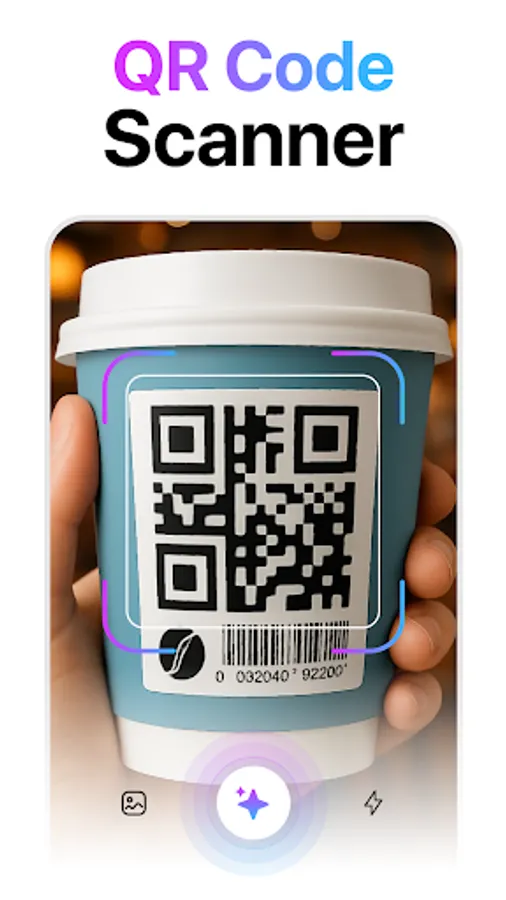
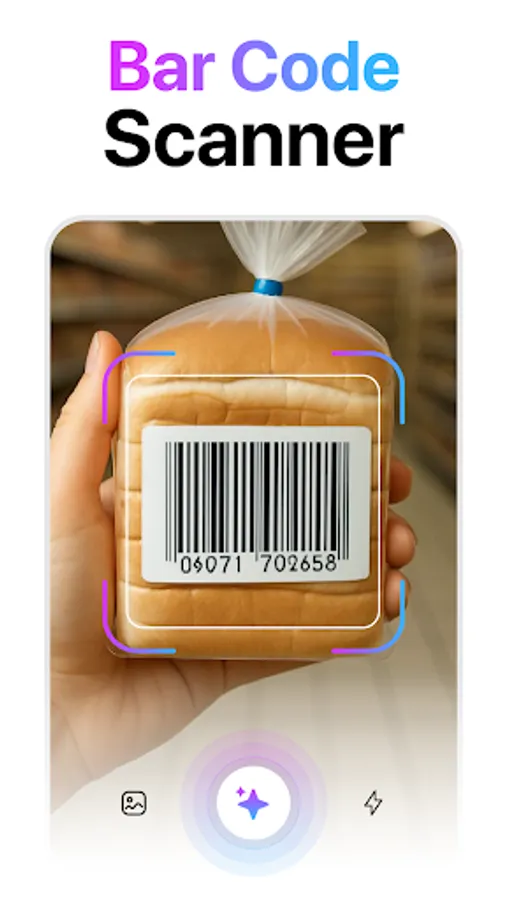
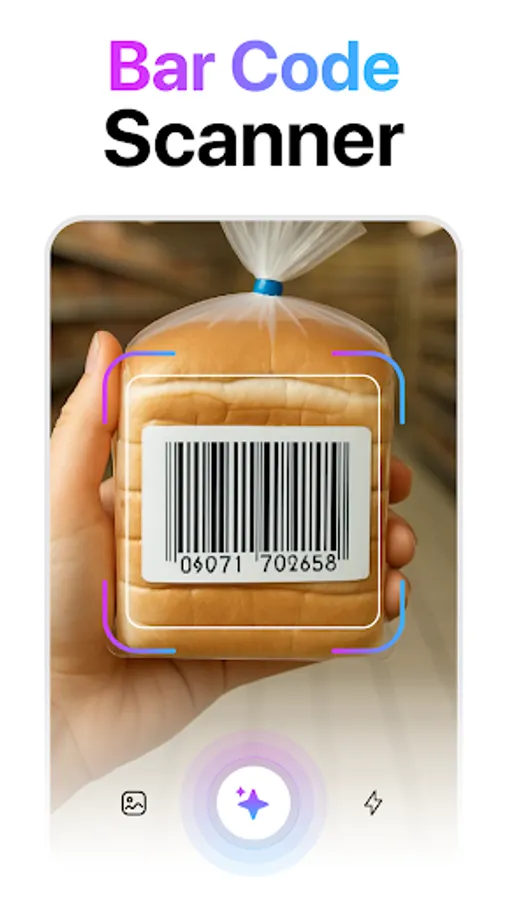
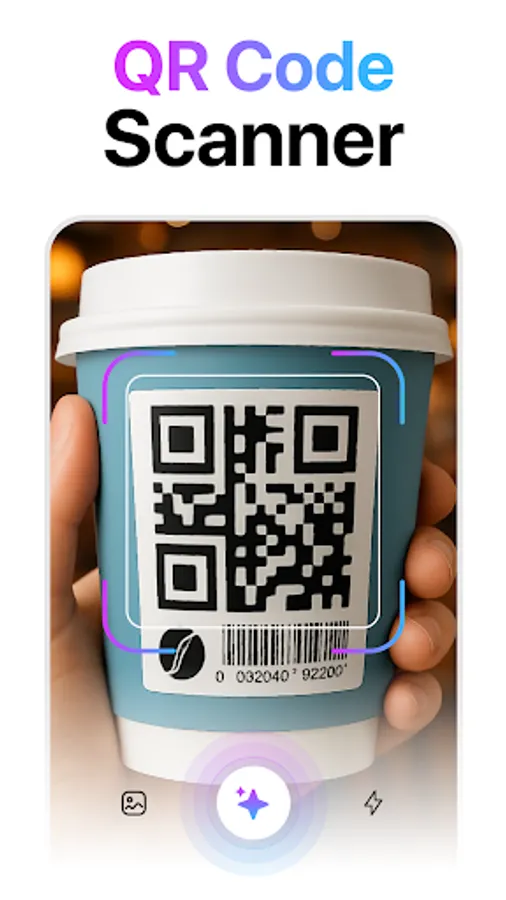
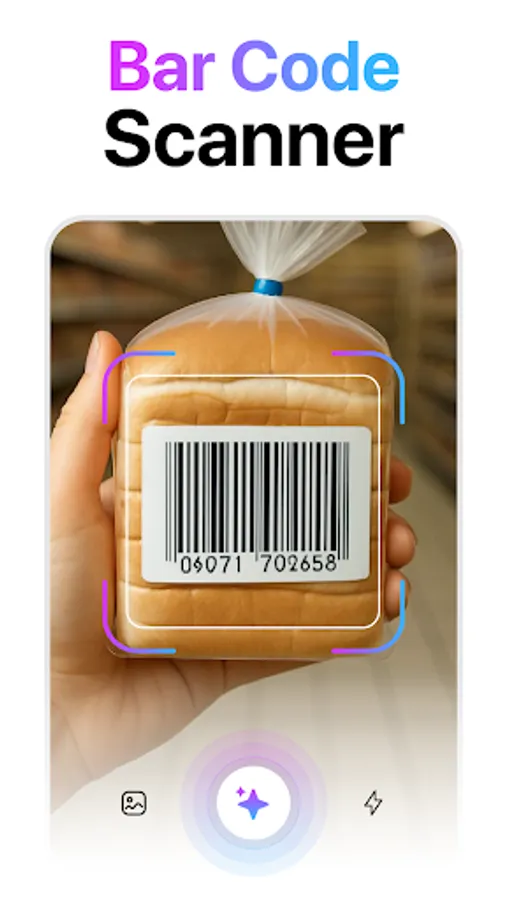
1. Scan All QR Codes and Barcodes
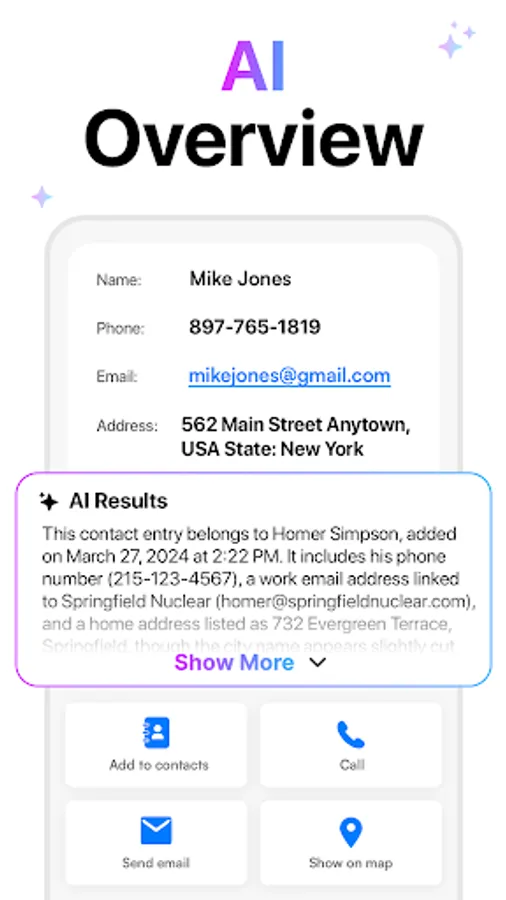
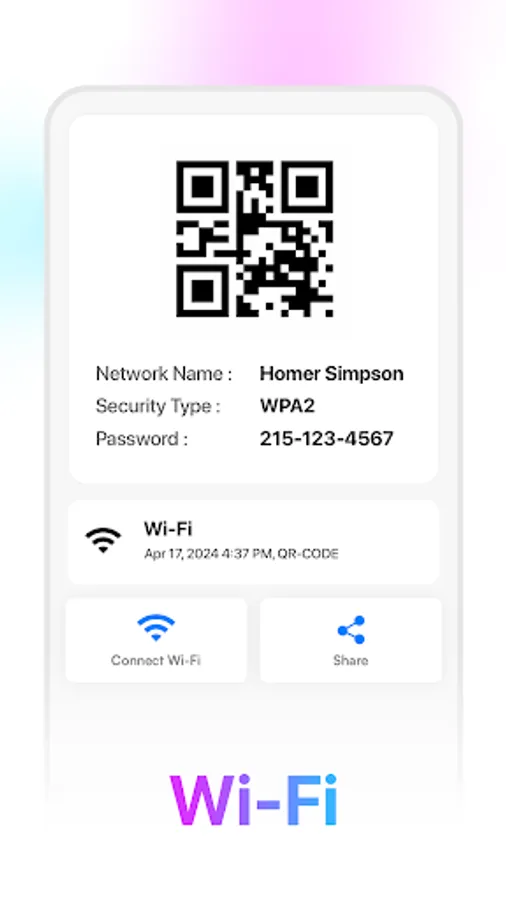
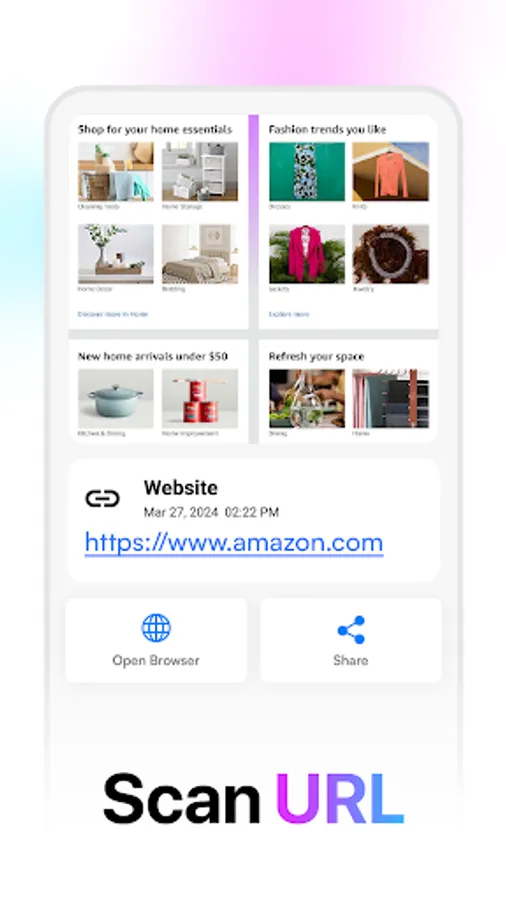
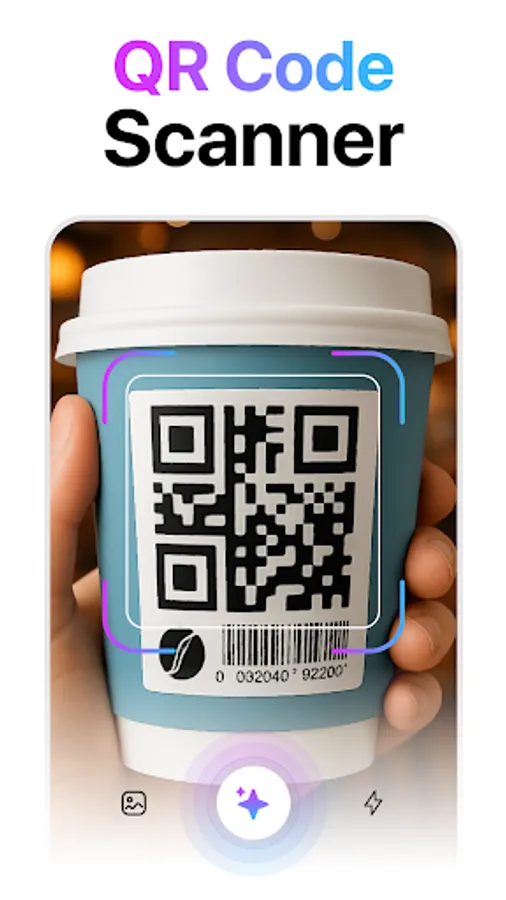
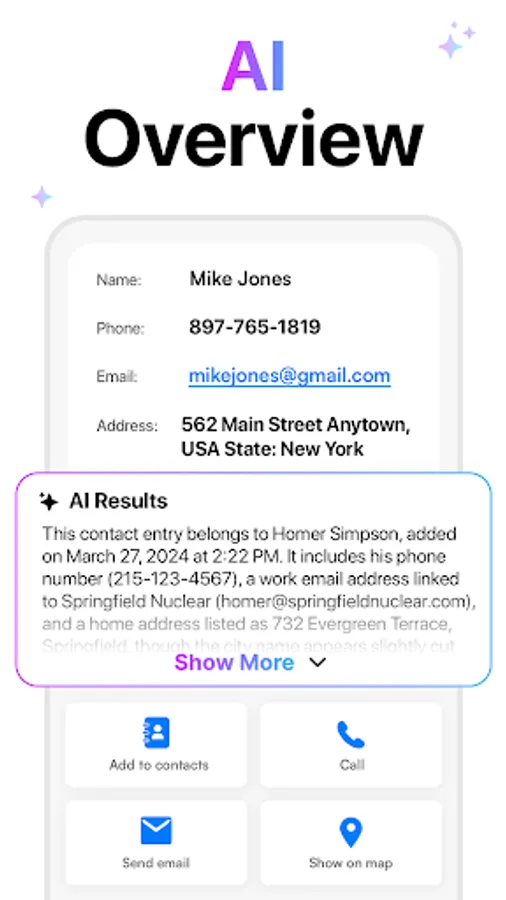
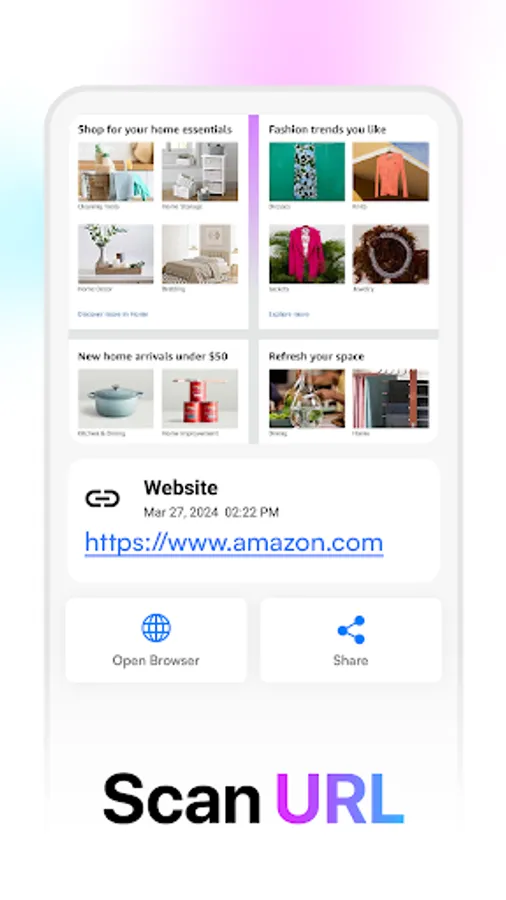
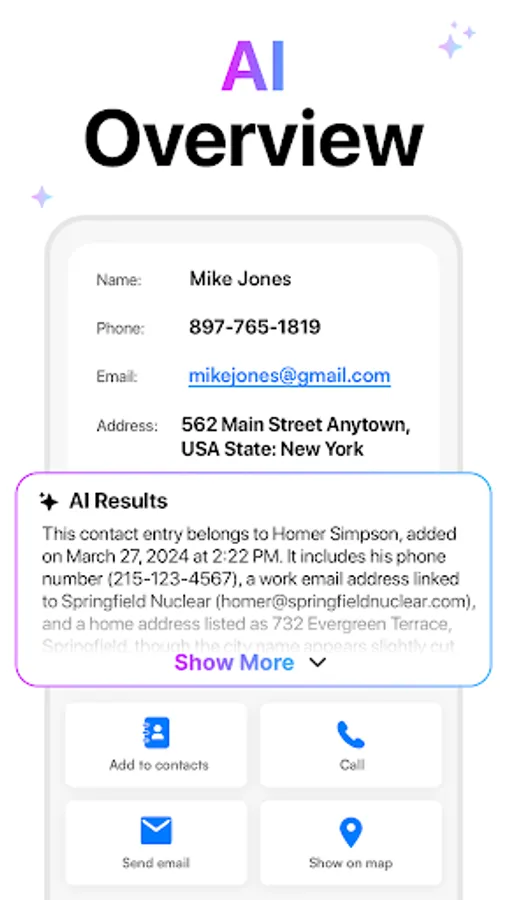
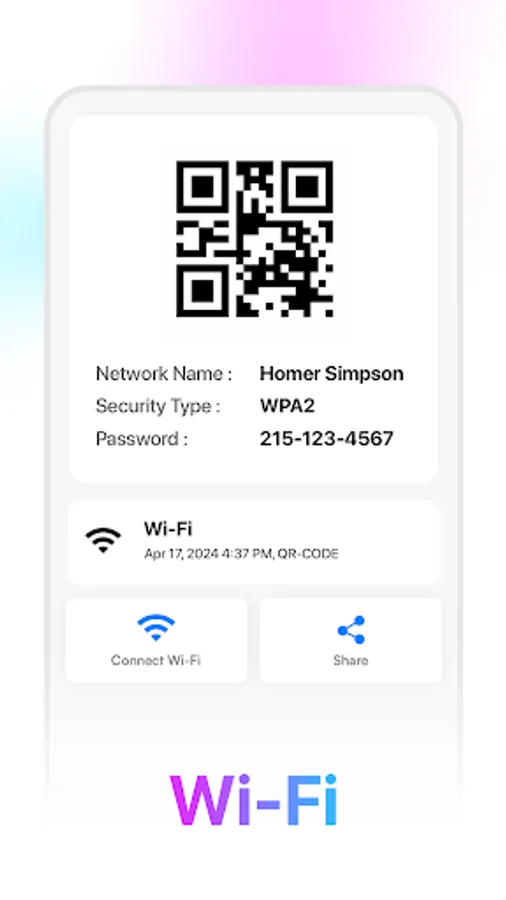
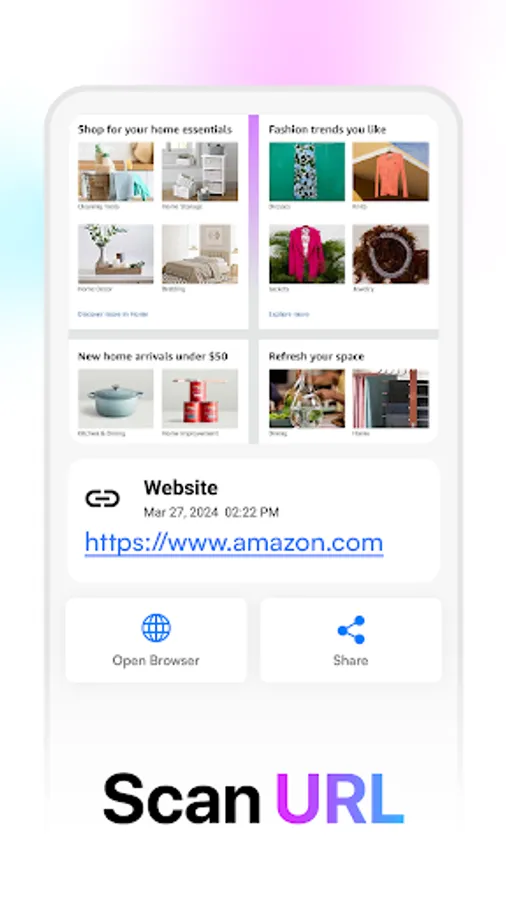
Effortlessly scan a variety of QR codes and barcodes with the built-in scanner. Simply point your device's camera at the code, and our QR scanner app will swiftly interpret the information encoded within. Whether it's a website link, contact details, or more, the scanner ensures a quick and accurate result. Zoom-in and zoom-out options further enhance the scanning experience.
2. Create QR Codes Quickly
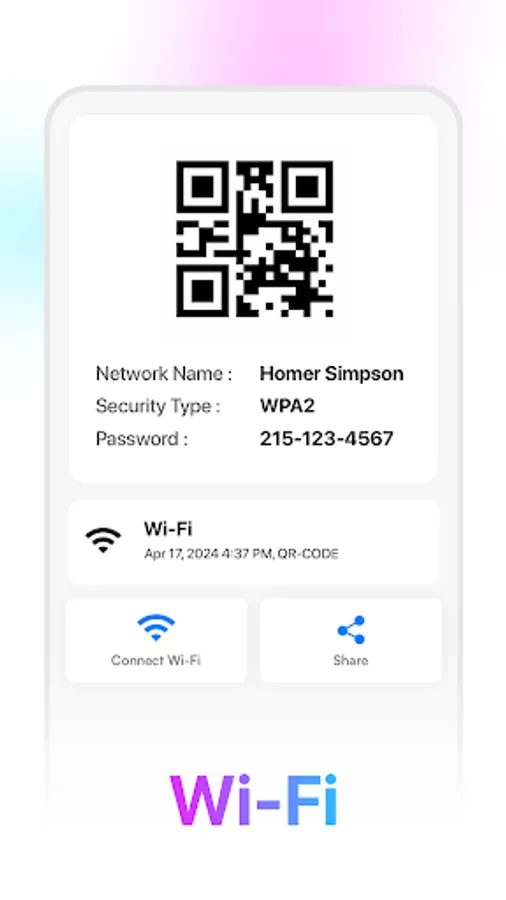
Empower yourself with the ability to generate QR codes on the go. Store information such as text, phone numbers, and URLs in a unique QR code format. The QR Code Generator simplifies the process, allowing you to easily create custom QR codes that represent the data you provide. Save and share these codes effortlessly.
3. Scan QR Code Offline
Experience the convenience of offline functionality. Access scanned QR codes and generated QR codes without an internet connection. Our Barcode Generator app ensures that you can scan and create QR codes even when offline.
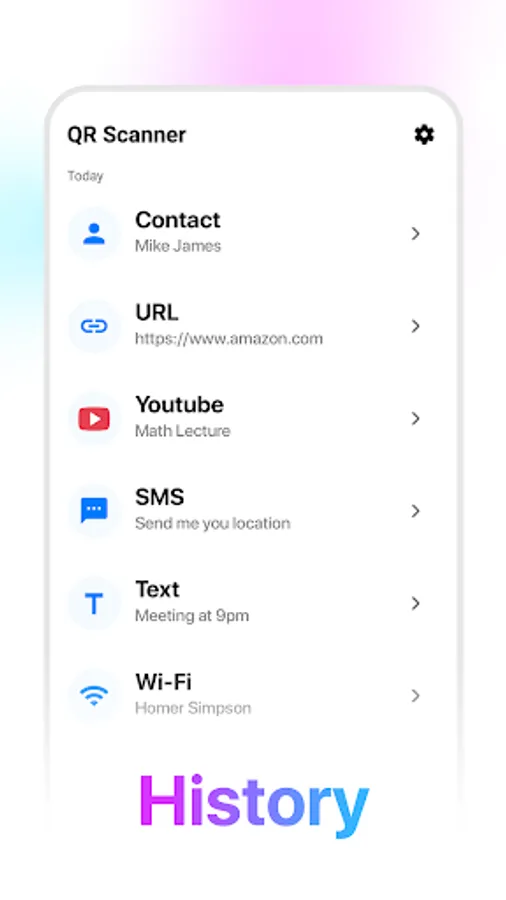
4. Save QR Scan History
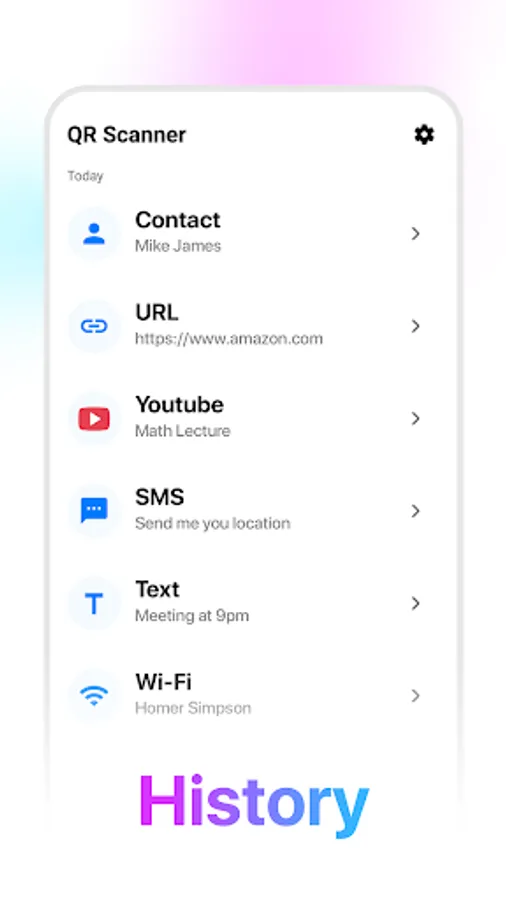
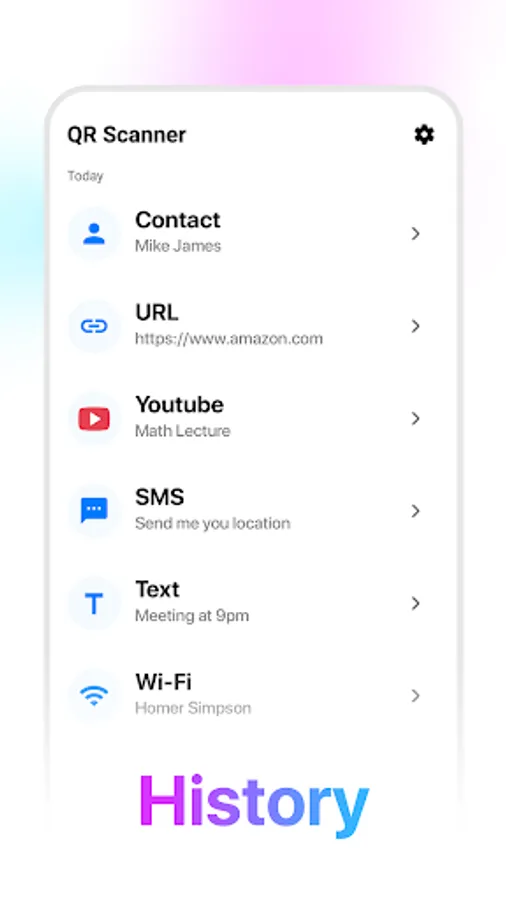
Efficiently keep track of your scanning activities with the scan history feature. Access previous scans and create histories with ease. Frequently used QR codes can be added to favorites for quick and convenient access, turning the app into your personalized QR code library.
5. User-Friendly Interface
Designed with all users in mind, our QR scanner app boasts a user-friendly interface. Whether you're a tech enthusiast or a casual user, you can effortlessly scan QR codes and generate new ones with the Barcode Generator app. It serves as both a QR code maker and scanner, providing a seamless experience for all.
6. Sharing Options
Facilitate easy sharing of QR codes with the app's built-in sharing functionality. Quickly scan a QR code and generate a new one, then export codes as image files for offline use or printing purposes. The QR Code Generator app ensures efficient sharing and distribution of QR codes.
Elevate your QR code scanning and generating experience today with the QR Code Scanner App. Unlock a range of features, including scan history, QR code generation, and reliable QR code scanning, all within an intuitive and stylish interface. Download now and enjoy the future of QR code interactions.
Key Features:
1. Scan All QR Codes and Barcodes
Effortlessly scan a variety of QR codes and barcodes with the built-in scanner. Simply point your device's camera at the code, and our QR scanner app will swiftly interpret the information encoded within. Whether it's a website link, contact details, or more, the scanner ensures a quick and accurate result. Zoom-in and zoom-out options further enhance the scanning experience.
2. Create QR Codes Quickly
Empower yourself with the ability to generate QR codes on the go. Store information such as text, phone numbers, and URLs in a unique QR code format. The QR Code Generator simplifies the process, allowing you to easily create custom QR codes that represent the data you provide. Save and share these codes effortlessly.
3. Scan QR Code Offline
Experience the convenience of offline functionality. Access scanned QR codes and generated QR codes without an internet connection. Our Barcode Generator app ensures that you can scan and create QR codes even when offline.
4. Save QR Scan History
Efficiently keep track of your scanning activities with the scan history feature. Access previous scans and create histories with ease. Frequently used QR codes can be added to favorites for quick and convenient access, turning the app into your personalized QR code library.
5. User-Friendly Interface
Designed with all users in mind, our QR scanner app boasts a user-friendly interface. Whether you're a tech enthusiast or a casual user, you can effortlessly scan QR codes and generate new ones with the Barcode Generator app. It serves as both a QR code maker and scanner, providing a seamless experience for all.
6. Sharing Options
Facilitate easy sharing of QR codes with the app's built-in sharing functionality. Quickly scan a QR code and generate a new one, then export codes as image files for offline use or printing purposes. The QR Code Generator app ensures efficient sharing and distribution of QR codes.
Elevate your QR code scanning and generating experience today with the QR Code Scanner App. Unlock a range of features, including scan history, QR code generation, and reliable QR code scanning, all within an intuitive and stylish interface. Download now and enjoy the future of QR code interactions.
QR Barcode Scanner 2026 Screenshots
Tap to Rate:
Reviews for QR Barcode Scanner 2026
Jonathan Golding
12/20/2025
installed from play store but when I tried to run it, it said it was out of date. so I went back to play store to check but no updates! obviously trying to install virus, avoid!!
Ernest Madua
12/15/2025
cool 😀😎