単語帳
ユビーネット
500+
downloads
Free
About 単語帳
This vocabulary app is a simple app that you can create your own vocabulary and add the words you want to learn to the vocabulary.
You can register and learn the words you want to remember.
You can also test the vocabulary you have learned so that you can see if you are learning well.
For words that you did not understand in the test, you can review only the words that you did not understand when you relearn.
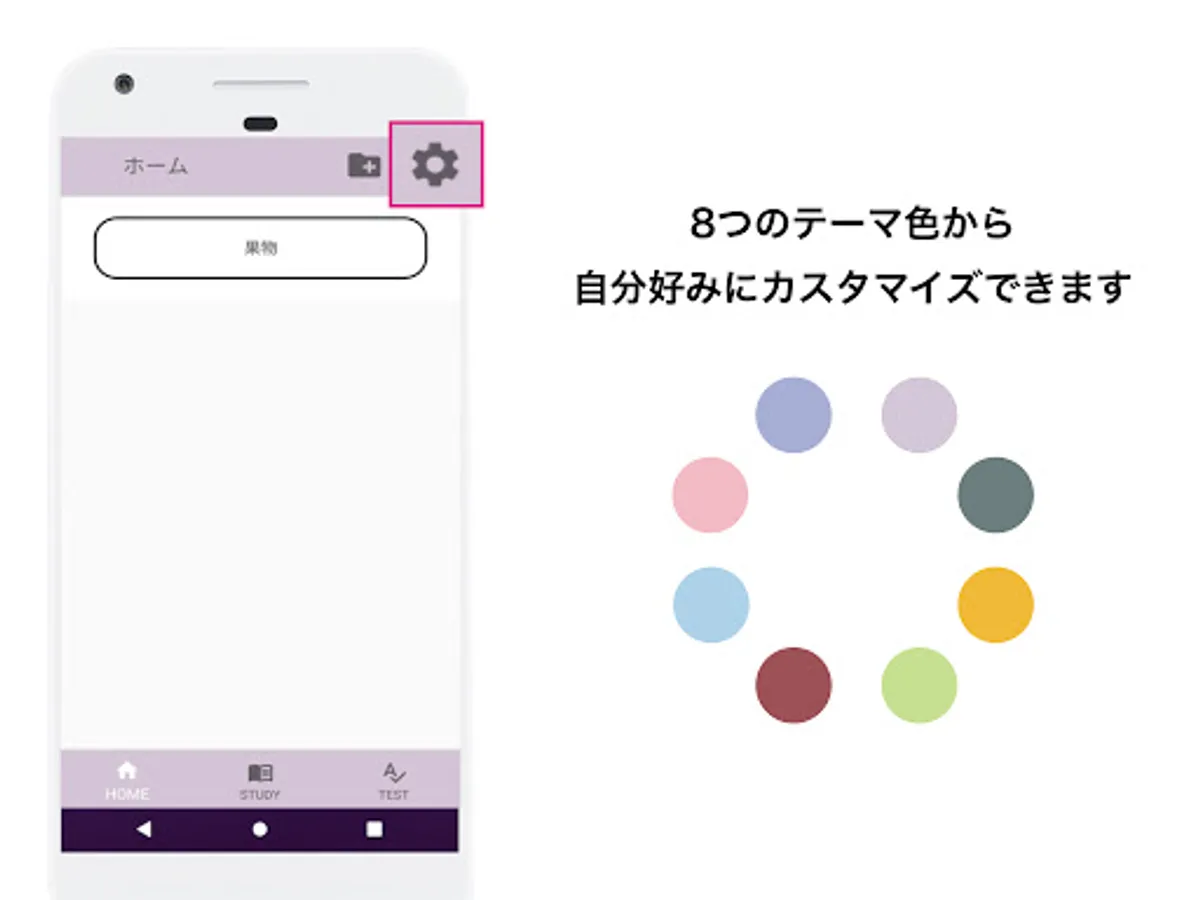
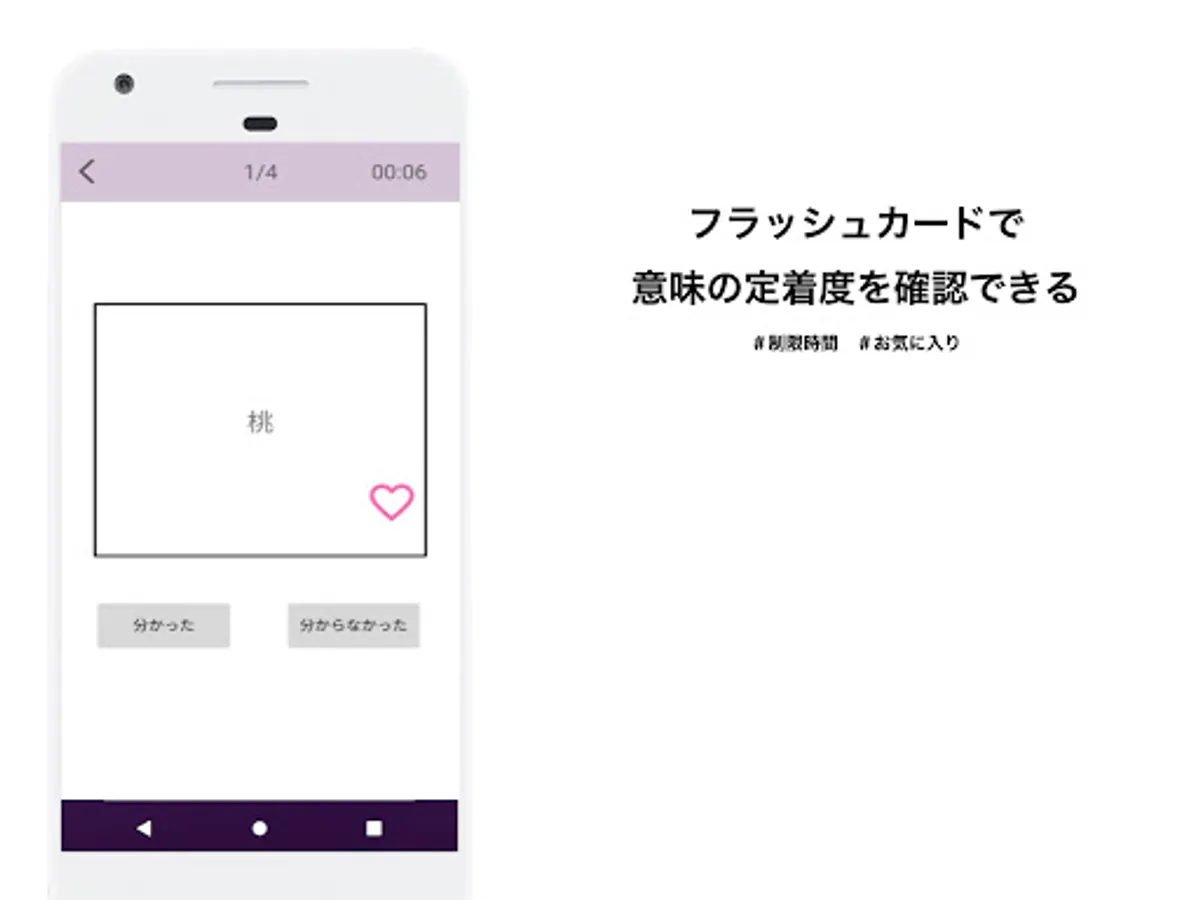
You can also set the time limit and change the theme color.
◇ ◆ Main functions ◆ ◇
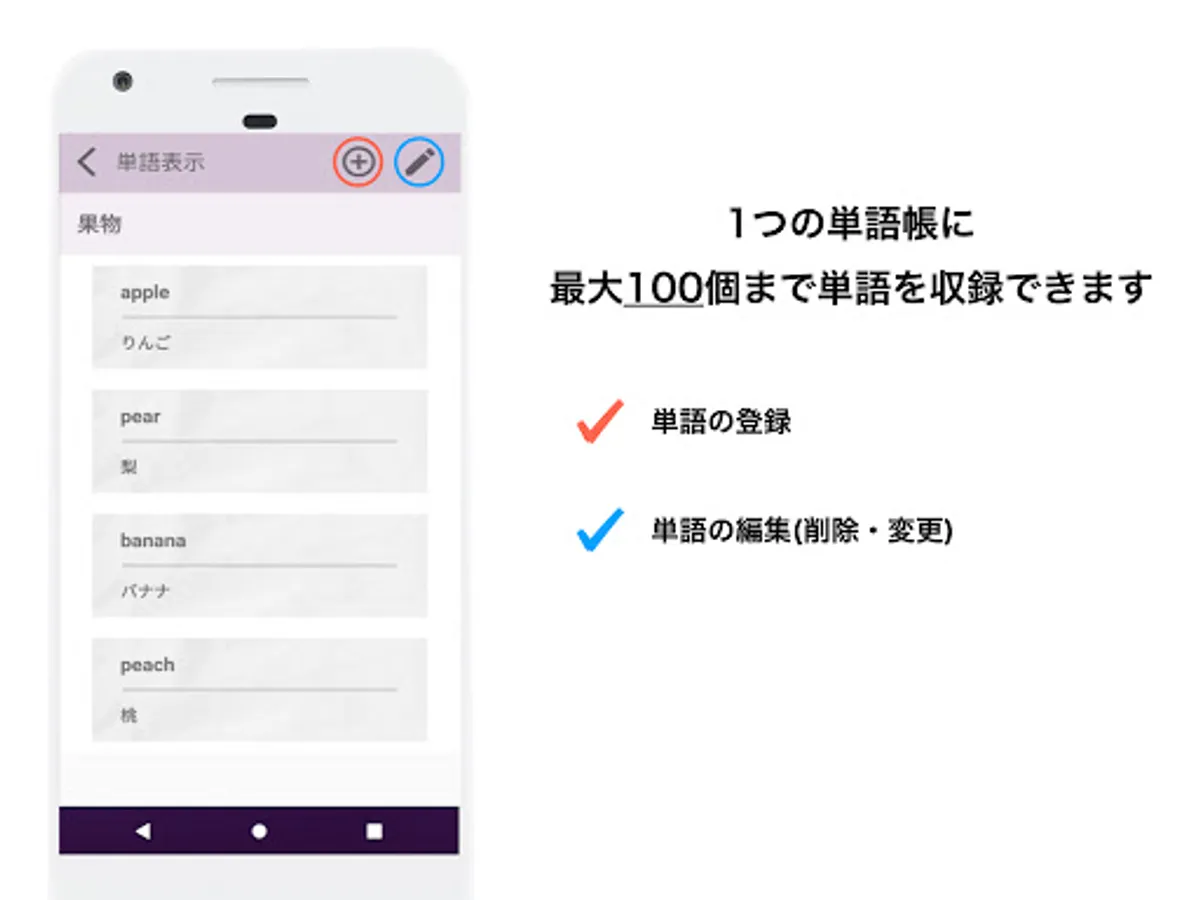
● Create a word book and register words
You can create a word book and register words.
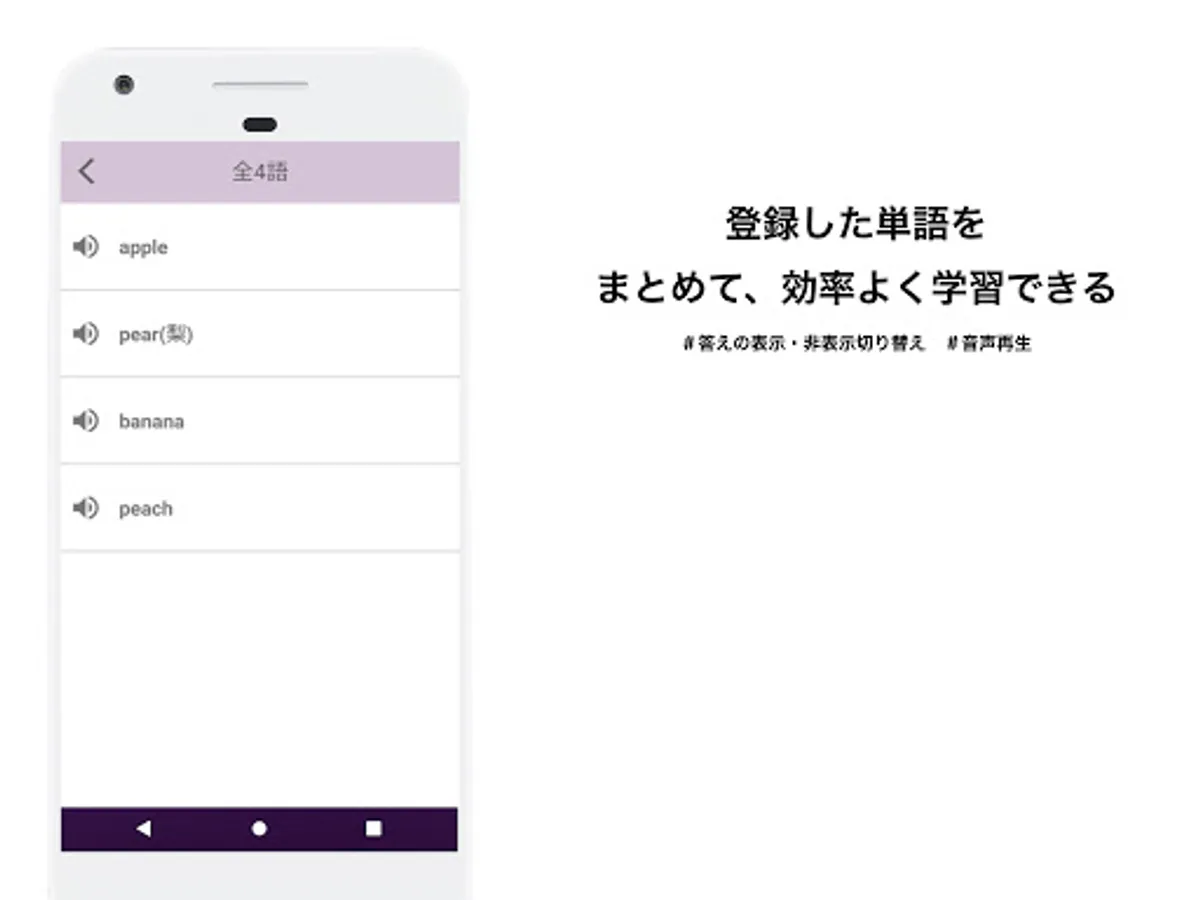
By selecting a language when registering a word and registering a word that matches it, the sound that matches the language will be played when learning is performed.
It is possible to read the CSV file prepared in advance and register words in a batch from the read data.
● Learn the wordbook
You can study the registered vocabulary.
You can set the learning range of the tested vocabulary.
The following display formats are available when learning words.
Flashcard format --- Swipe to display word cards one by one.
List format --- Displays the words registered in the word book as a list.
● Test your deck
You can test the registered deck.
The range of questions, the number of questions, and the order of questions can be set before the test, and the words that match them are displayed.
The following display formats are available when testing words.
Flashcard format --- Display word cards one by one.
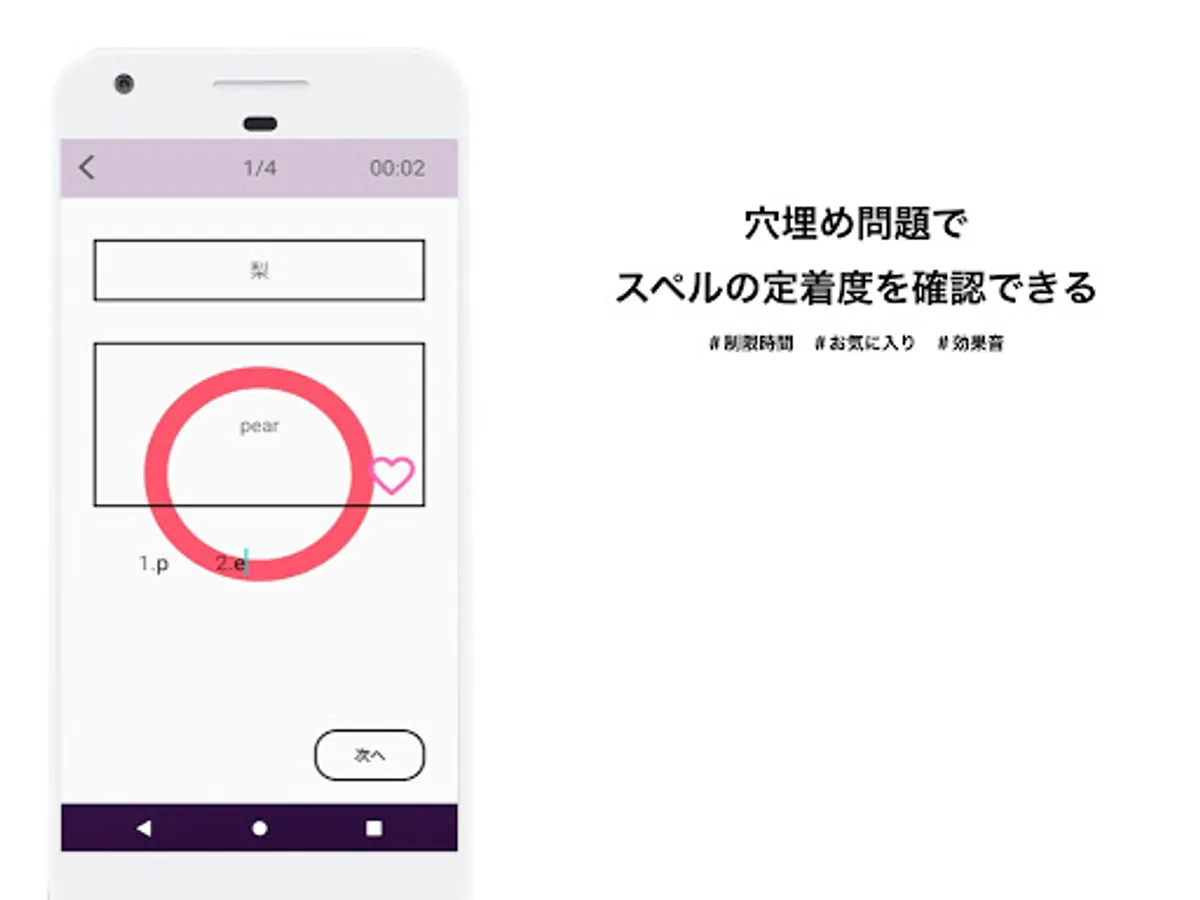
Spell check format --- The word is displayed in a form that can be filled in and the spelling can be entered.
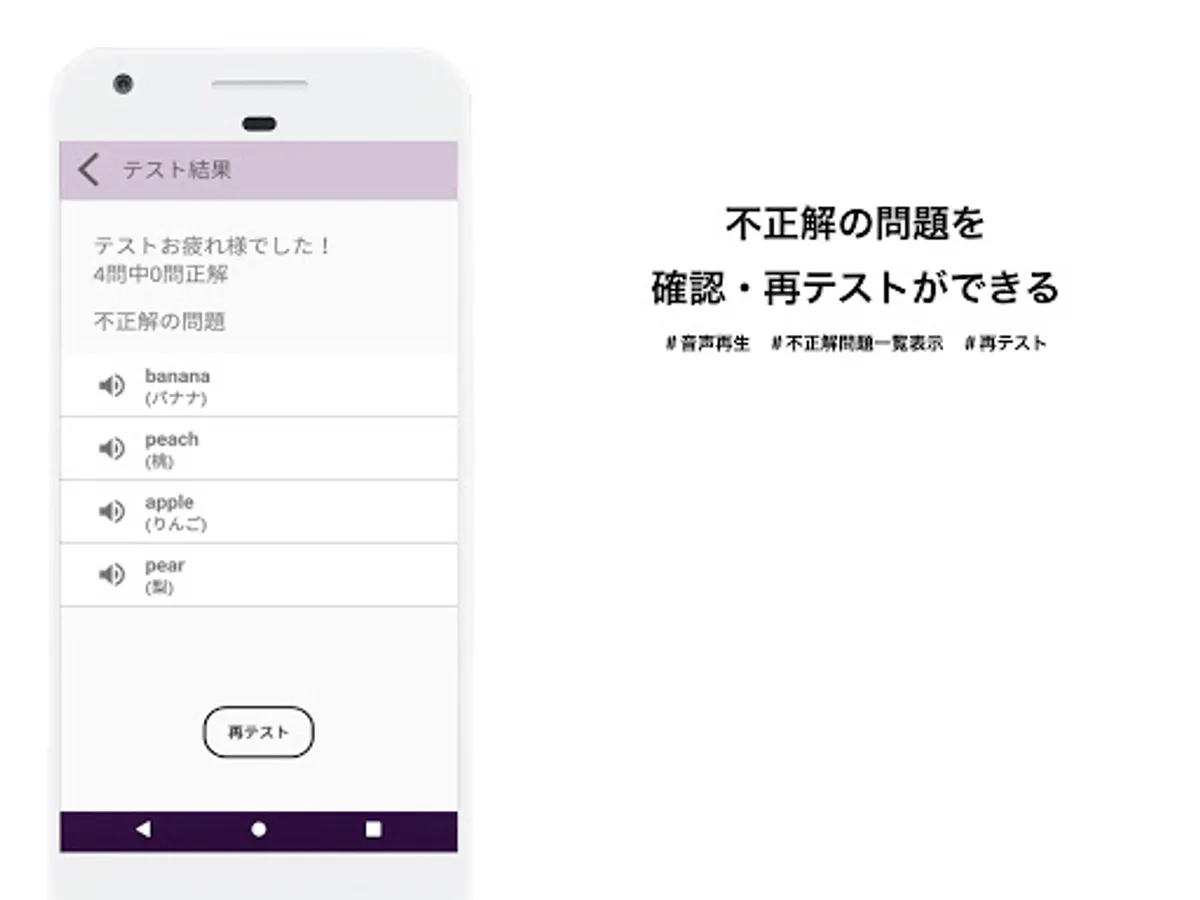
You can check the test results, where the incorrect words are listed.
You can also play the voice when you are worried about the pronunciation of a word among the incorrect words.
You can register and learn the words you want to remember.
You can also test the vocabulary you have learned so that you can see if you are learning well.
For words that you did not understand in the test, you can review only the words that you did not understand when you relearn.
You can also set the time limit and change the theme color.
◇ ◆ Main functions ◆ ◇
● Create a word book and register words
You can create a word book and register words.
By selecting a language when registering a word and registering a word that matches it, the sound that matches the language will be played when learning is performed.
It is possible to read the CSV file prepared in advance and register words in a batch from the read data.
● Learn the wordbook
You can study the registered vocabulary.
You can set the learning range of the tested vocabulary.
The following display formats are available when learning words.
Flashcard format --- Swipe to display word cards one by one.
List format --- Displays the words registered in the word book as a list.
● Test your deck
You can test the registered deck.
The range of questions, the number of questions, and the order of questions can be set before the test, and the words that match them are displayed.
The following display formats are available when testing words.
Flashcard format --- Display word cards one by one.
Spell check format --- The word is displayed in a form that can be filled in and the spelling can be entered.
You can check the test results, where the incorrect words are listed.
You can also play the voice when you are worried about the pronunciation of a word among the incorrect words.