
In this backup app, you can save and restore call logs, messages, and contacts securely. Includes options for managing backups on internal storage and Google Drive.
AppRecs review analysis
AppRecs rating 4.0. Trustworthiness 77 out of 100. Review manipulation risk 32 out of 100. Based on a review sample analyzed.
★★★★☆
4.0
AppRecs Rating
Ratings breakdown
5 star
56%
4 star
11%
3 star
11%
2 star
7%
1 star
15%
What to know
✓
Credible reviews
77% trustworthiness score from analyzed reviews
✓
Good user ratings
67% positive sampled reviews
✓
Authentic reviews
Natural distribution, no red flags
About Phone Backup
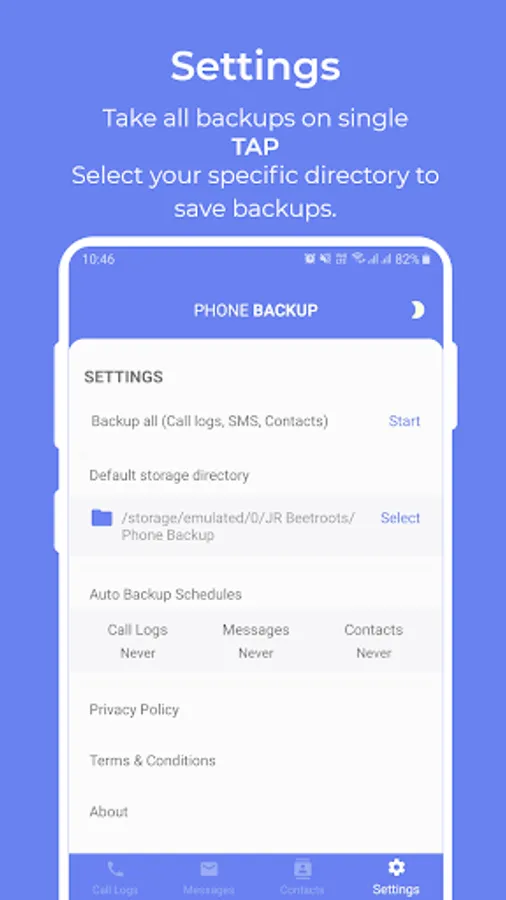
This application only uses your phone internal package storage and google drive storage which provides you facility to take backup for future use and manage your backups before reset your phone.
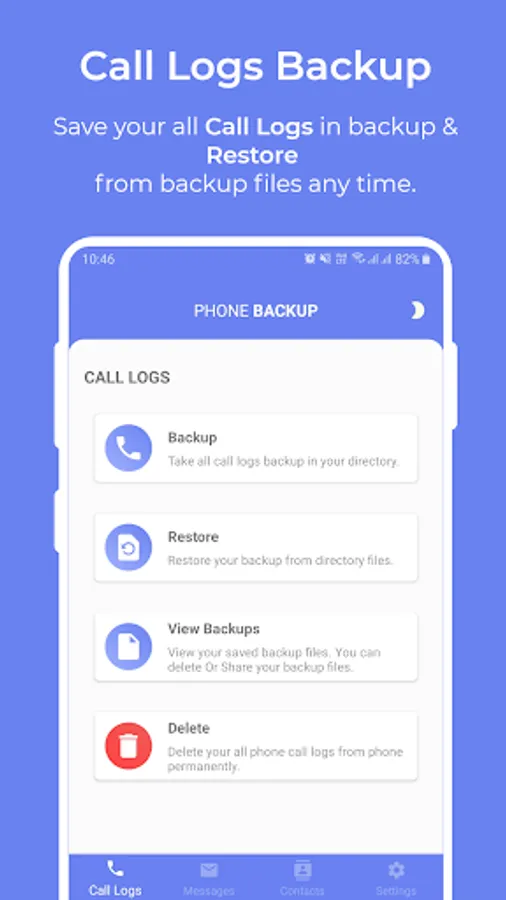
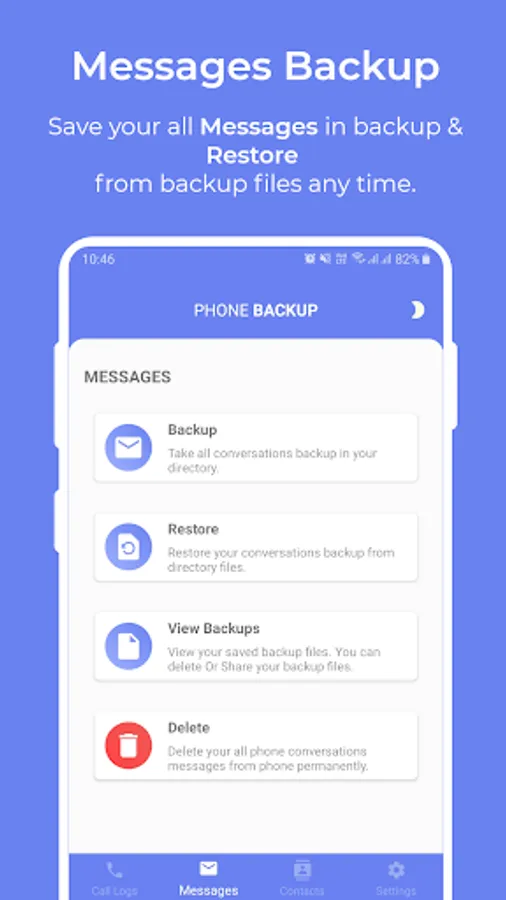
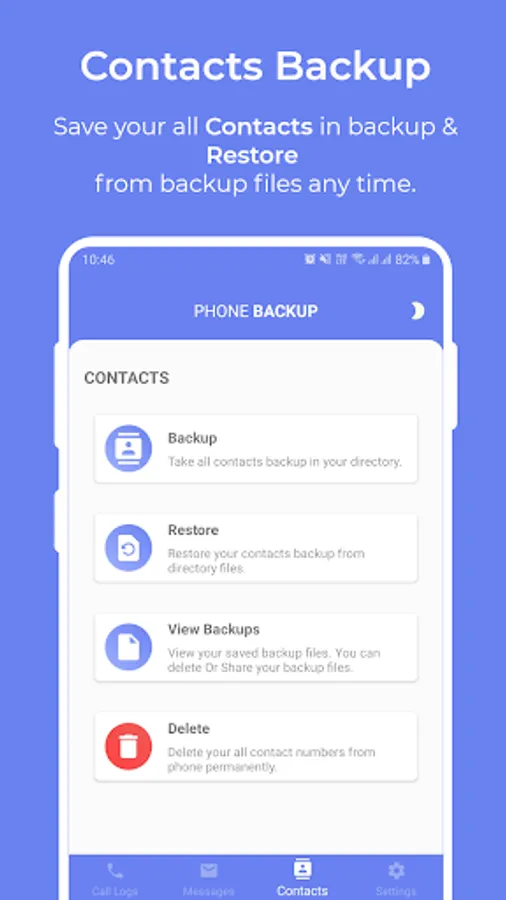
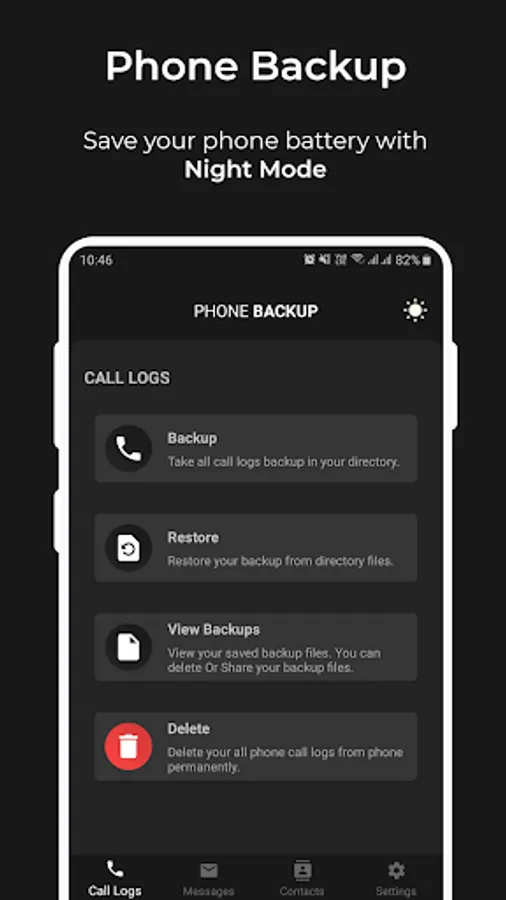
Phone Backup have some basics functionality to provide you complete services for Call Logs, Messages and Contact Backup & Restore.
Before provide you this service we take some basics permissions from you to do our process.
Permissions:
Cal Logs permissions > Before read your call logs we will ask you permissions of READ_CALL_LOGS & WRITE_CALL LOGS. This permission basically need to permit us read your call logs from phone only for Backup and Restore functionality.
SMS permissions > Before read your messages we will ask you permissions of READ_SMS & WRITE_SMS. This permission basically need to permit us read your messages from phone only for Backup and Restore functionality.
For SMS Backup and Restore functionality there need to become Phone Backup app as Default SMS handler that only do for take backup and restore SMS from backup file.
We will ask you this permission only when you take backup for SMS and restore for SMS and after complete functionality we will again ask you to Reset Default SMS handler to make reset your messages handler as same as before.
Contacts permissions > Before read your contacts we will ask you permissions of READ_CONTACTS & WRITE_CONTACTS. This permission basically need to permit us read your contacts from phone for Backup and Restore functionality.
Google drive account Sign-In > Before take any backup we will ask you to sign-in first your google account in which drive you want to save your backup files for future. This service is purely in your hand to give access or revoke access at any time. You can logout anytime if you wish don't want to use this Phone Backup application services.
Post Notification permission > Notification permission will ask for Android 13 and above users only as its required to give permission to see that application notification. If you give the permission then only you can see the auto backup status on your notification bar, otherwise it will complete the backup process but do not notify you about backup progress.
The above permissions only need to take Backup and Restore on your phone end only. We will not record this on our end at any form.
Note: We are providing our service only for your convenience. We never use your data for any purpose. Only Phone Backup application's data have accessing from internal package storage
For more details you can go through our Privacy Policy and Terms & Conditions form.
Privacy Policy: https://docs.google.com/document/d/1qRIRgbPJssE8-ZqzUrF36QsZ5T9KG0oIzHlyeqMnboM/edit?usp=sharing
Terms & Conditions: https://docs.google.com/document/d/1pAmKTipFUW4QwCbyMc7YKQJsA3Eriep9XANPSFnPRmE/edit?usp=sharing
Phone Backup only use for your purpose and we provide you this services with our pleasure.
Phone Backup Screenshots
Tap to Rate:
Reviews for Phone Backup
MOHAMED ALAMIN LUTFI
2/7/2026
Why should you ask me for access to my Google Drive to in to order activate the backup/restore feature in your App!! I assumes like many similar Apps, you should rely on only Phone storage. For privacy issues, no one/third party should be granted access to my Google Drive. UNISTALLED ....
Enn Bee Pea
11/16/2025
Latest version forces me to be online to use, not cool at all. I backup my contracts, recent calls and SMS offline and restore from these backups as necessary. The latest version forces me to be connected to Wi-Fi and connect to my Google Drive to allow me to use it. The earlier version 1.0.6 was way better and allowed total offline use. Hope the developer is listening and brings back that feature.