
QR Plug-in for KP2A
Philipp Crocoll (Croco Apps)
4.5 ★
244 ratings
10,000+
downloads
Free
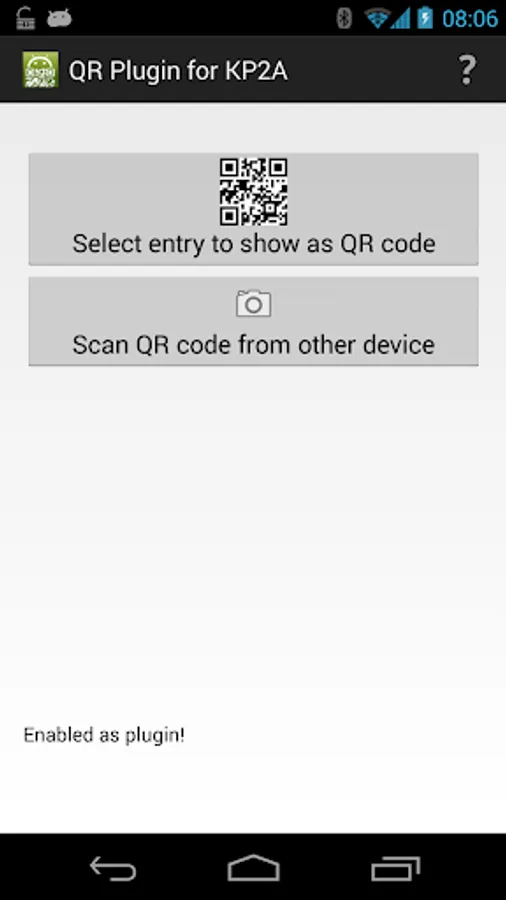
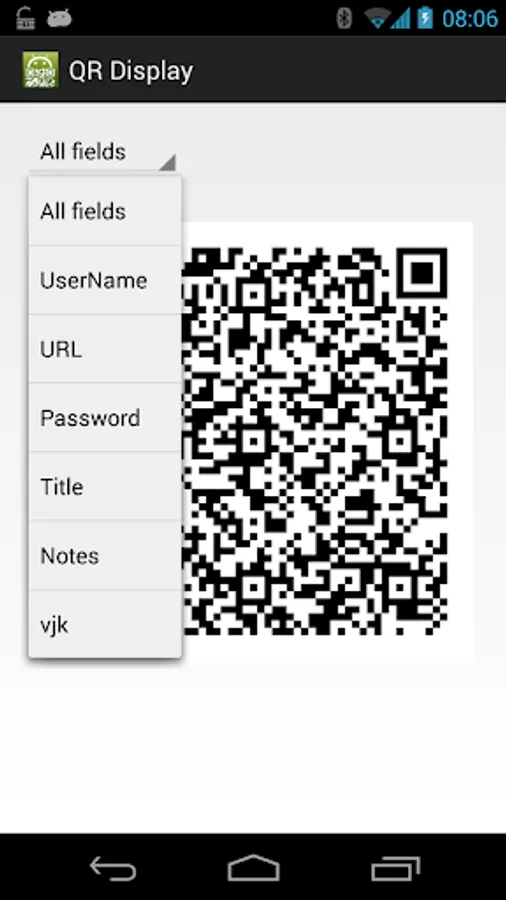
With this plug-in app, you can scan QR codes to quickly find or add entries in Keepass2Android and display entries as QR codes for sharing. Includes features for scanning QR codes and generating QR codes from passwords and usernames.
AppRecs review analysis
AppRecs rating 4.5. Trustworthiness 69 out of 100. Review manipulation risk 33 out of 100. Based on a review sample analyzed.
★★★★☆
4.5
AppRecs Rating
Ratings breakdown
5 star
74%
4 star
8%
3 star
14%
2 star
4%
1 star
0%
What to know
✓
High user satisfaction
82% of sampled ratings are 4+ stars (4.5★ average)
✓
Authentic reviews
Natural distribution, no red flags
About QR Plug-in for KP2A
This is a plug-in app for Keepass2android (https://play.google.com/store/apps/details?id=keepass2android.keepass2android) or https://play.google.com/store/apps/details?id=keepass2android.keepass2android_nonet).
It adds the following features to Keepass2Android:
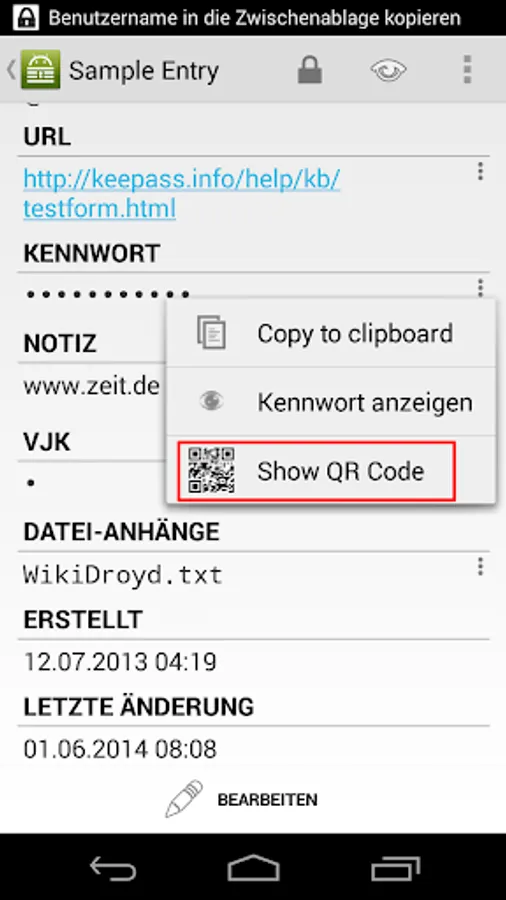
- display passwords, usernames etc. (or the full entry) as a QR code
- scan QR codes to quickly find an entry
- scan QR codes to add the scanned text to your Keepass database.
This plug-in can be used to transfer database entries from one Android device to another, e.g. if you want to securely share credentials with a friend. Therefore, install it on both devices and then:
1.) open the entry you want to share
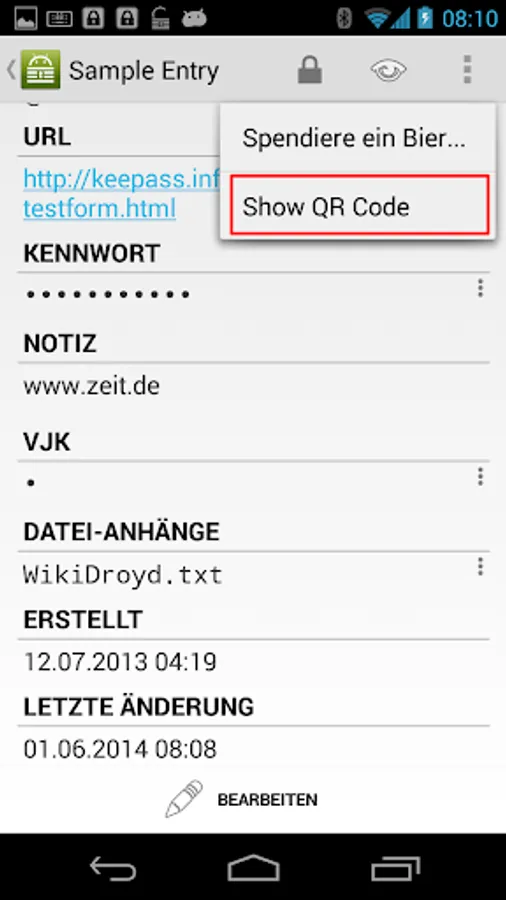
2.) select "Show QR Code" from the options menu (in the action bar)
3.) open the plug-in app on the other device
4.) select "Scan QR code from other device"
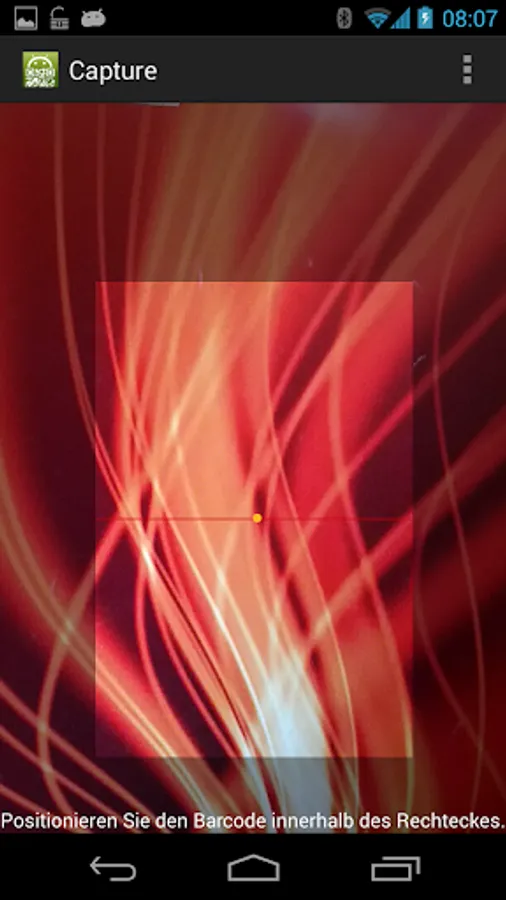
5.) scan the code from the display of the first device
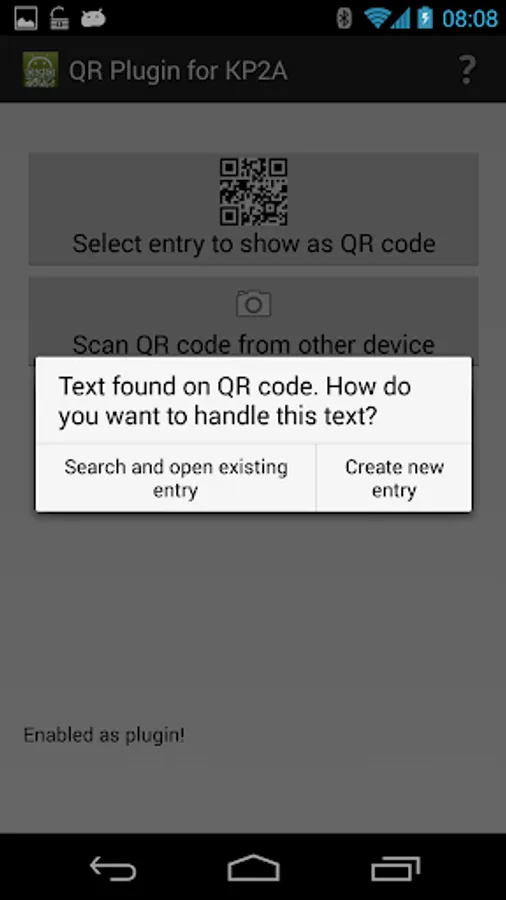
6.) you are asked wether you want to search and open an entry or create a new one. Select "Create new entry"
7.) log in to your database if it is not already opened.
8.) select the group where you want to add the entry and click "Add entry"
9.) review the entry and select "Save"
It adds the following features to Keepass2Android:
- display passwords, usernames etc. (or the full entry) as a QR code
- scan QR codes to quickly find an entry
- scan QR codes to add the scanned text to your Keepass database.
This plug-in can be used to transfer database entries from one Android device to another, e.g. if you want to securely share credentials with a friend. Therefore, install it on both devices and then:
1.) open the entry you want to share
2.) select "Show QR Code" from the options menu (in the action bar)
3.) open the plug-in app on the other device
4.) select "Scan QR code from other device"
5.) scan the code from the display of the first device
6.) you are asked wether you want to search and open an entry or create a new one. Select "Create new entry"
7.) log in to your database if it is not already opened.
8.) select the group where you want to add the entry and click "Add entry"
9.) review the entry and select "Save"
QR Plug-in for KP2A Screenshots
Tap to Rate:
Reviews for QR Plug-in for KP2A
David Westfall
10/31/2025
Please update to current Android.
Anthony Benik
3/4/2025
I cant use any more on my new device. Its a pixel and play store says this applicatiob is not compatable with ky device