AppRecs review analysis
AppRecs rating . Trustworthiness 55 out of 100. Review manipulation risk 20 out of 100. Based on a review sample analyzed.
★
AppRecs Rating
Ratings breakdown
5 star
0%
4 star
0%
3 star
100%
2 star
0%
1 star
0%
About 주유도우미 - 최저가 주유소 가격비교
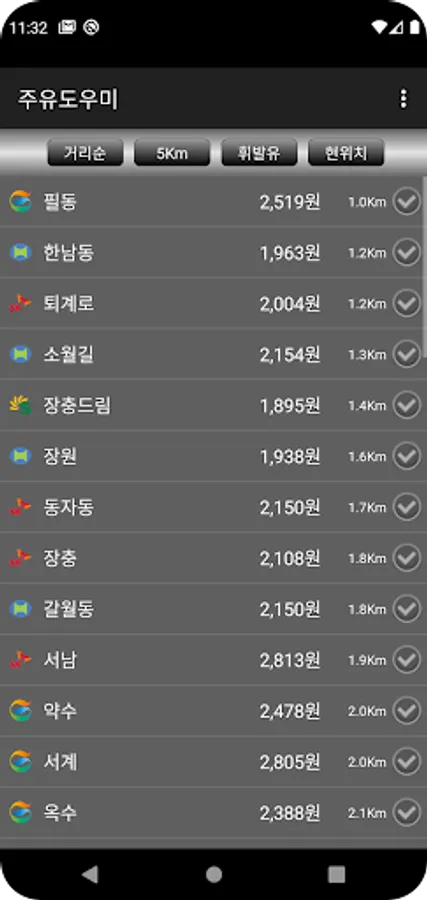
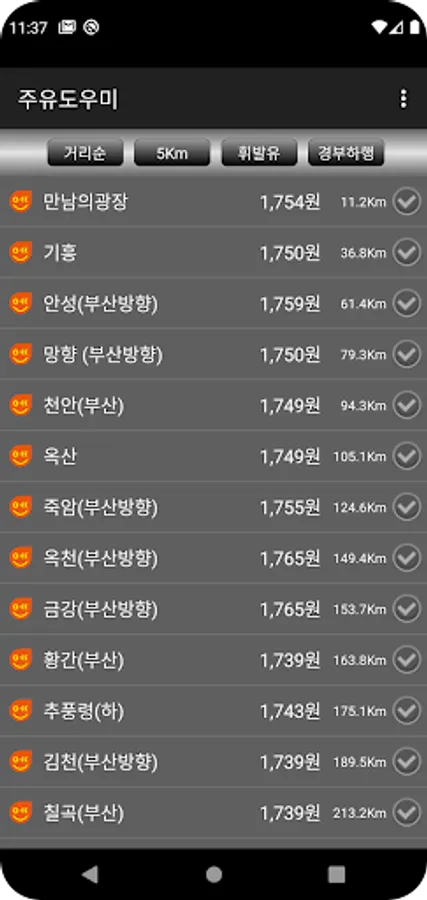
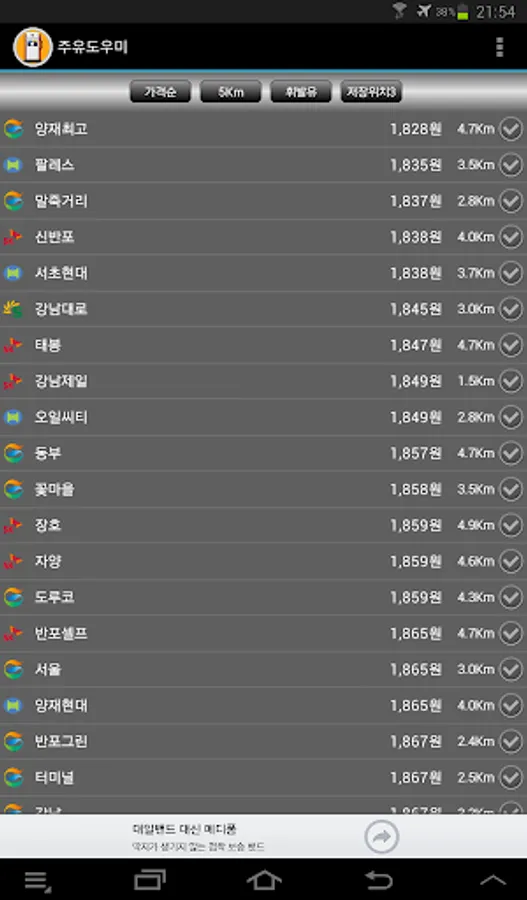
This app compares prices based on your current location to provide the lowest gas price information (gas stations). Prices may be out of date for 3-4 hours when a specific gas station's price fluctuates. However, this issue applies to all gas price information sites and apps, including the Korea National Oil Corporation website and portals. Please note.
- Sort by distance and price
- Select a 3km, 5km, or 10km radius
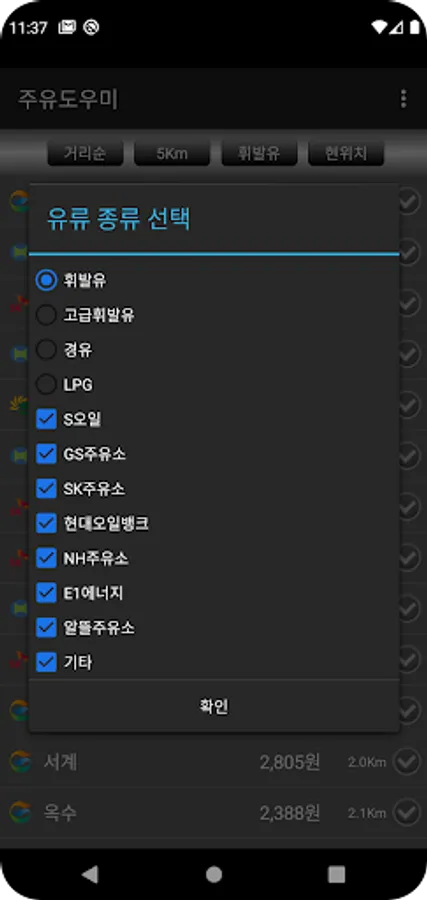
- Select a type (premium gasoline, gasoline, diesel, LPG station)
- Manually specify three locations
- Select a gas station of interest
- Select a gas station brand
- Twitter sharing support
- T Map and Naver Map destination integration
- Price information is calculated based on the payment price, so credit card discounts may not be reflected in the displayed price.
- Your current location will be accurately detected when GPS is enabled or you're connected via Wi-Fi. However, inaccuracies may occur when connected via 3G only. If your current location is displayed incorrectly, this applies not only to this app but also to all other map-related apps. (This is not an app issue, but rather a problem with Google and the mobile carrier's base station location information.)
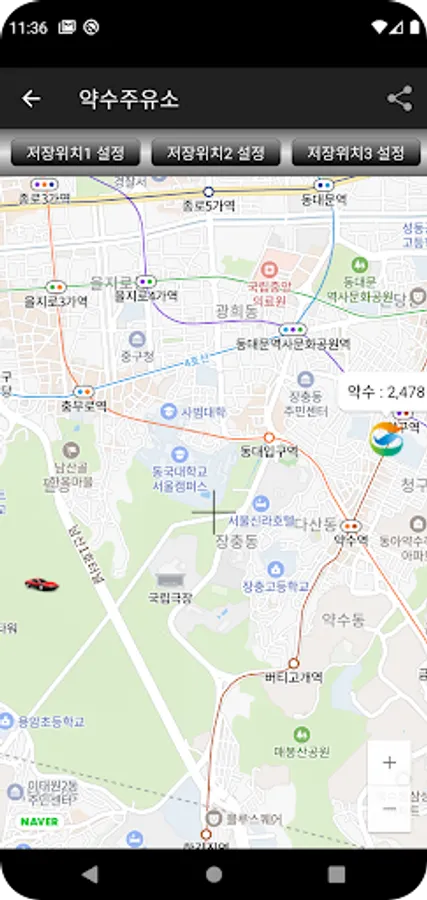
- Manual Location Setting: Select a gas station, then use the pan/zoom/pan controls on the map screen to center it to the desired location. Then, select "Set Location" at the top. This will add a "Save Location" option to the search location selection screen in the upper right corner of the main screen. This will allow you to search based on that location, regardless of your current location.
[Required Permissions]
- Location Information: This information is used to retrieve gas station information based on your current location. This information is immediately discarded and not stored.
*** Data Source: Korea National Oil Corporation (OPINET, opinet.co.kr)
- Sort by distance and price
- Select a 3km, 5km, or 10km radius
- Select a type (premium gasoline, gasoline, diesel, LPG station)
- Manually specify three locations
- Select a gas station of interest
- Select a gas station brand
- Twitter sharing support
- T Map and Naver Map destination integration
- Price information is calculated based on the payment price, so credit card discounts may not be reflected in the displayed price.
- Your current location will be accurately detected when GPS is enabled or you're connected via Wi-Fi. However, inaccuracies may occur when connected via 3G only. If your current location is displayed incorrectly, this applies not only to this app but also to all other map-related apps. (This is not an app issue, but rather a problem with Google and the mobile carrier's base station location information.)
- Manual Location Setting: Select a gas station, then use the pan/zoom/pan controls on the map screen to center it to the desired location. Then, select "Set Location" at the top. This will add a "Save Location" option to the search location selection screen in the upper right corner of the main screen. This will allow you to search based on that location, regardless of your current location.
[Required Permissions]
- Location Information: This information is used to retrieve gas station information based on your current location. This information is immediately discarded and not stored.
*** Data Source: Korea National Oil Corporation (OPINET, opinet.co.kr)
주유도우미 - 최저가 주유소 가격비교 Screenshots
Tap to Rate:
Reviews for 주유도우미 - 최저가 주유소 가격비교
A Google user
2/21/2011
Please add navigation function so able to find gas station easier