About ScreenFilter in Quick Tile
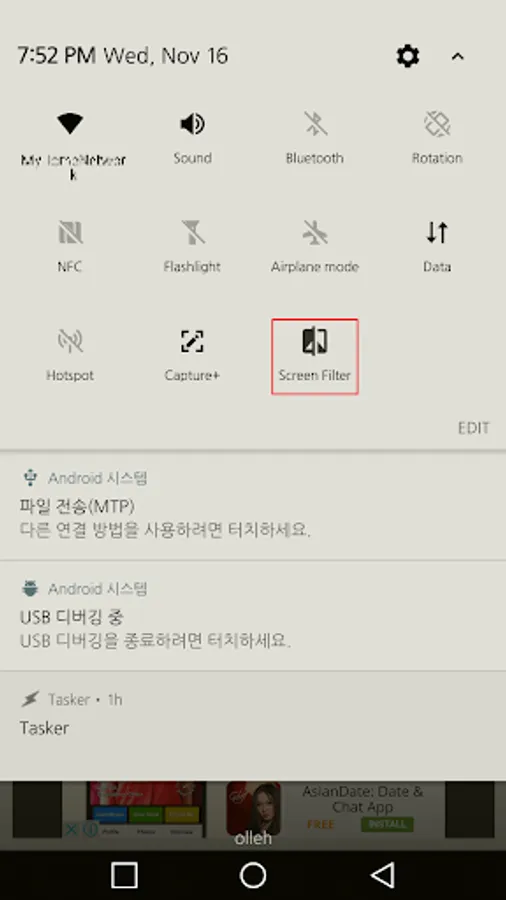
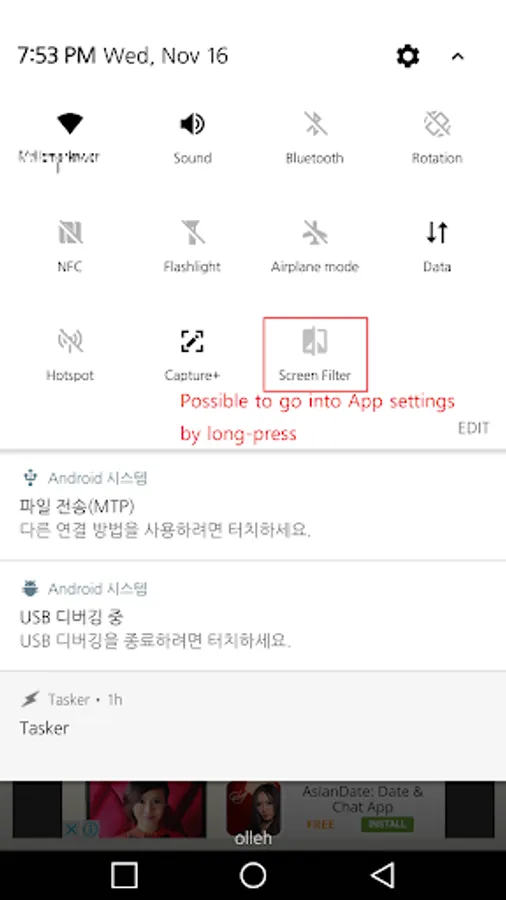
It is possilbe to control screen filter or blue light filter by touching Quick Settings from Android 7.0.
You don't need to turn it on/off in notification panel more.
It is as easy as 1,2,3.
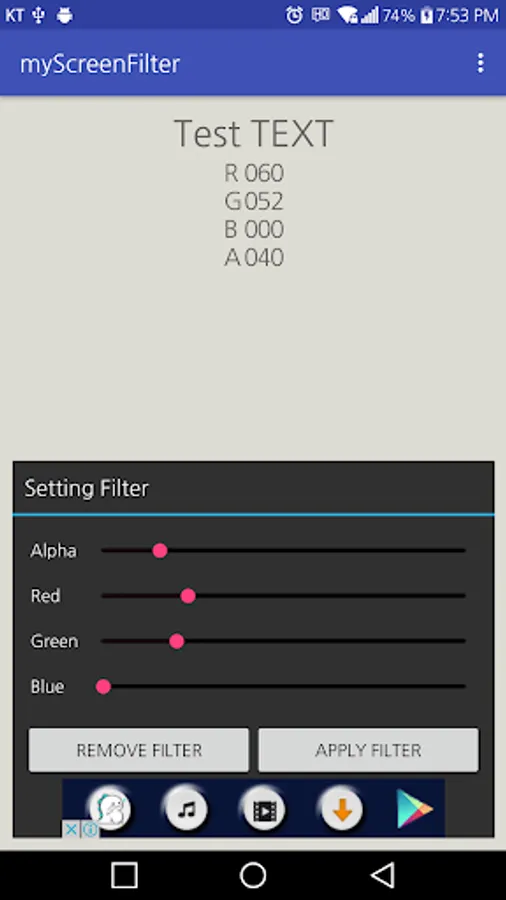
1. Launch myScreenFilter
2. Give System overlay permission
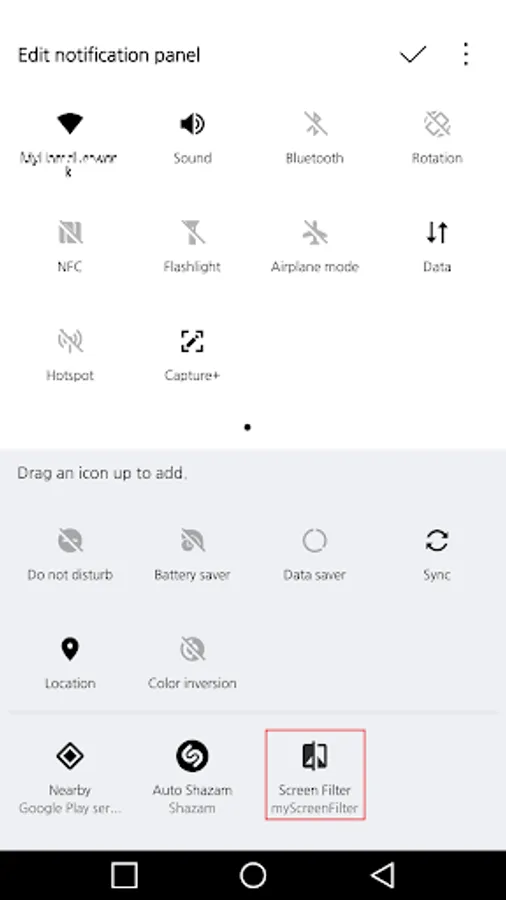
3. Add myScreenFilter in Quick setting tile when you want
----- Known issue -----
a) Icon doesn't updated between deving builds without going into the edit screen. (Android 7.0 Known bug)
b) Icon doesn't go way in the primary Quick settings even though it is removed from device.
Solution for a)
1. Remove it from quick settins.
2. Add it again
Solution for b)
1. Go in to edit the quick settings.
You don't need to turn it on/off in notification panel more.
It is as easy as 1,2,3.
1. Launch myScreenFilter
2. Give System overlay permission
3. Add myScreenFilter in Quick setting tile when you want
----- Known issue -----
a) Icon doesn't updated between deving builds without going into the edit screen. (Android 7.0 Known bug)
b) Icon doesn't go way in the primary Quick settings even though it is removed from device.
Solution for a)
1. Remove it from quick settins.
2. Add it again
Solution for b)
1. Go in to edit the quick settings.