iCLOO Golf Edition
iCLOO
3.3 ★
243 ratings
100,000+
downloads
Free
+ in-app
In this golf app, you can analyze swings frame by frame and compare different swings using synchronized playback. Includes drawing tools, swing tracing, and screen recording features for detailed analysis and lesson creation.
AppRecs review analysis
AppRecs rating 3.3. Trustworthiness 82 out of 100. Review manipulation risk 20 out of 100. Based on a review sample analyzed.
★★★☆☆
3.3
AppRecs Rating
Ratings breakdown
5 star
44%
4 star
12%
3 star
6%
2 star
6%
1 star
31%
What to know
✓
Low review manipulation risk
20% review manipulation risk
✓
Credible reviews
82% trustworthiness score from analyzed reviews
⚠
High negative review ratio
37% of sampled ratings are 1–2 stars
About iCLOO Golf Edition
The most optimized features for golf swing analysis
1. Golf swing analysis using the jog dial
- The frame by frame playback using jog dial will help you to analyze your swing with precision.
- Move your swing motion forward and backward without any frame drop.
- Instant video stream analysis (no waiting for import)
2. Swing comparison
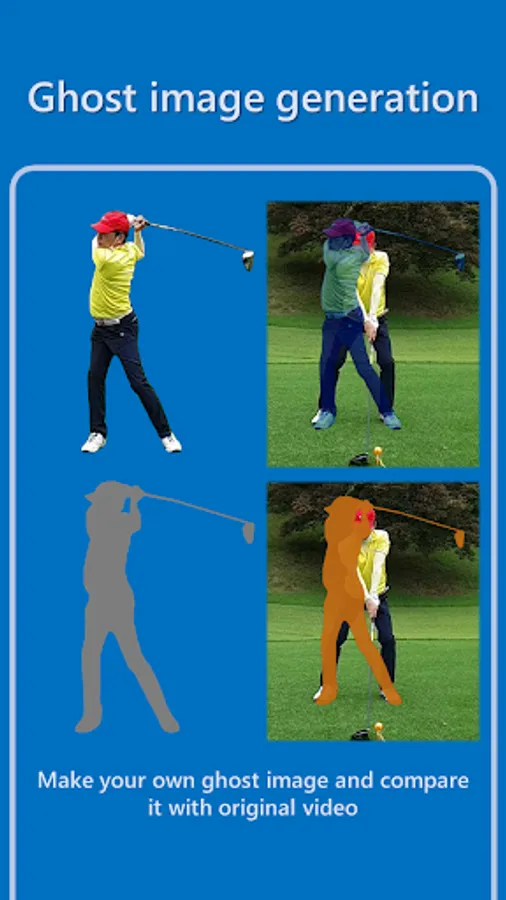
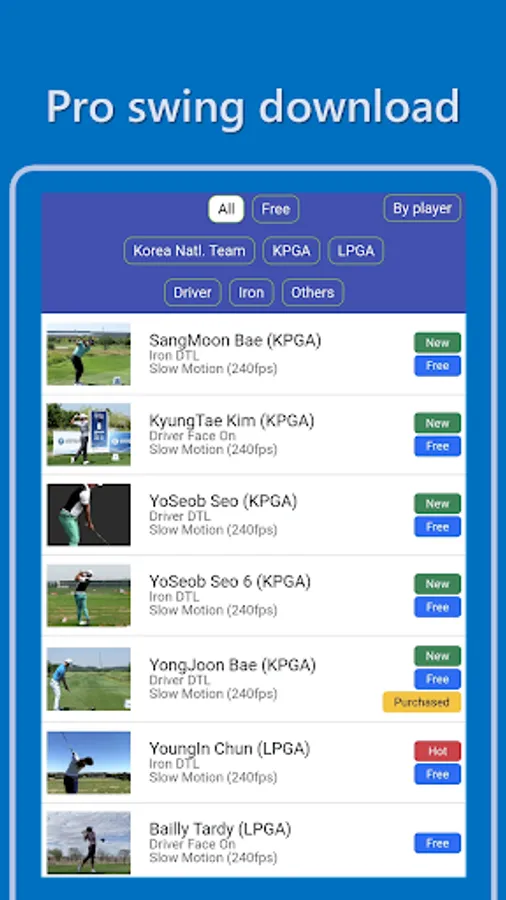
- It is possible to compare the swing of the pro with my swing, compare the front and side swing, and compare the best swing with the current swing.
- You can synchronize the two video by locking and unlocking
3. Various drawing tools
- It provides the most powerful drawing functions compared to other apps such as lines, squares, circles, triangles, protractors, and spline.
- It is the only app that can control not only the line thickness but also the transparency.
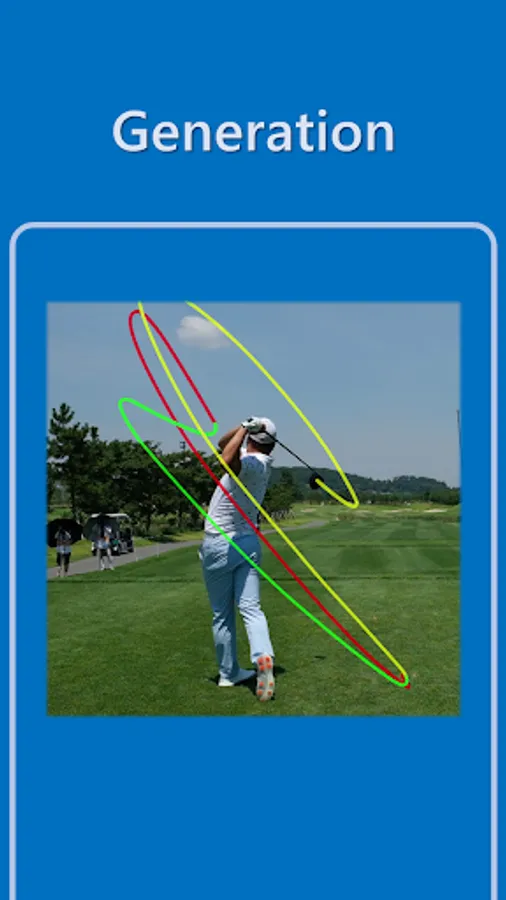
4. Swing trace
- You can only trace the movement of the club during the swing.
- Swing trace results can be saved as a new video clip.
5. Make your lesson video using screen recording
- If you press the red button on the bottom-left, your voice and all the processes of playing the video, editing is saved as a new video.
- You can press the record pause button, fix lines or text, and resume recording again, making it easy to create lesson videos.
1. Golf swing analysis using the jog dial
- The frame by frame playback using jog dial will help you to analyze your swing with precision.
- Move your swing motion forward and backward without any frame drop.
- Instant video stream analysis (no waiting for import)
2. Swing comparison
- It is possible to compare the swing of the pro with my swing, compare the front and side swing, and compare the best swing with the current swing.
- You can synchronize the two video by locking and unlocking
3. Various drawing tools
- It provides the most powerful drawing functions compared to other apps such as lines, squares, circles, triangles, protractors, and spline.
- It is the only app that can control not only the line thickness but also the transparency.
4. Swing trace
- You can only trace the movement of the club during the swing.
- Swing trace results can be saved as a new video clip.
5. Make your lesson video using screen recording
- If you press the red button on the bottom-left, your voice and all the processes of playing the video, editing is saved as a new video.
- You can press the record pause button, fix lines or text, and resume recording again, making it easy to create lesson videos.