
롯데시네마
LOTTE Cultureworks Co., ltd
4.4 ★
28K ratings
10,000,000+
downloads
Free
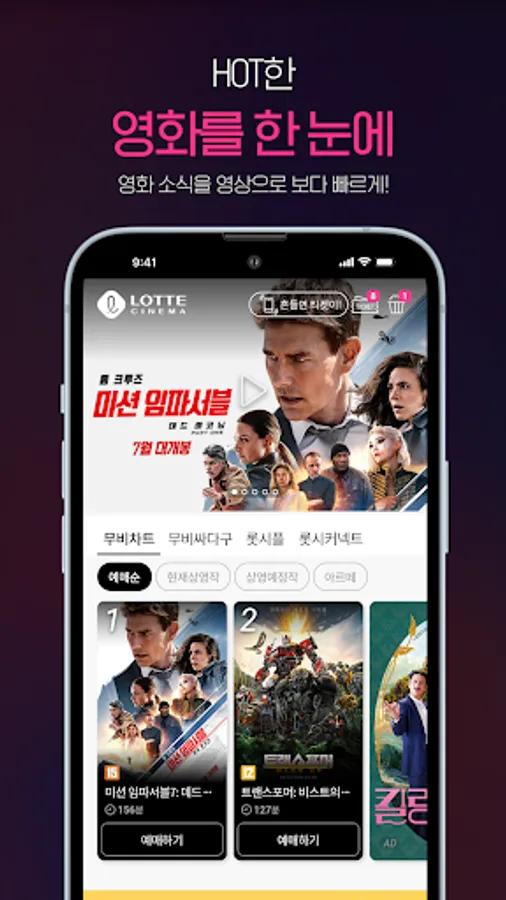
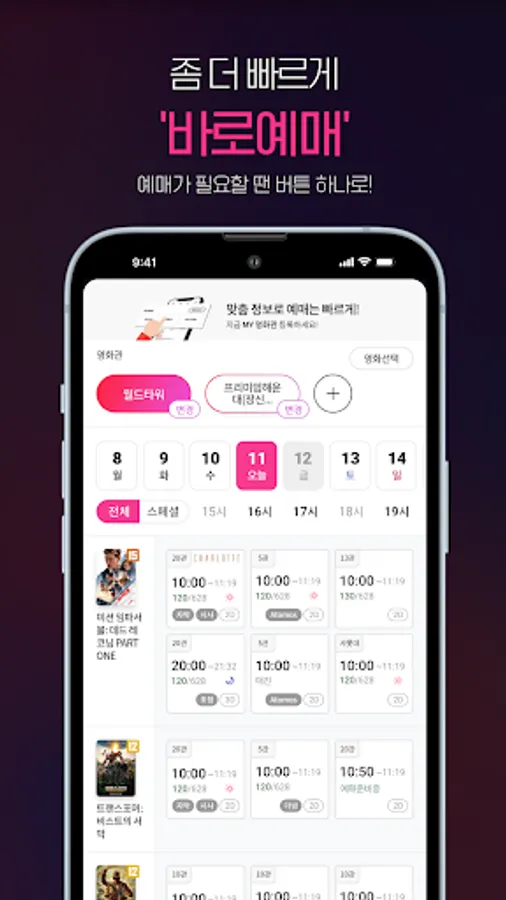
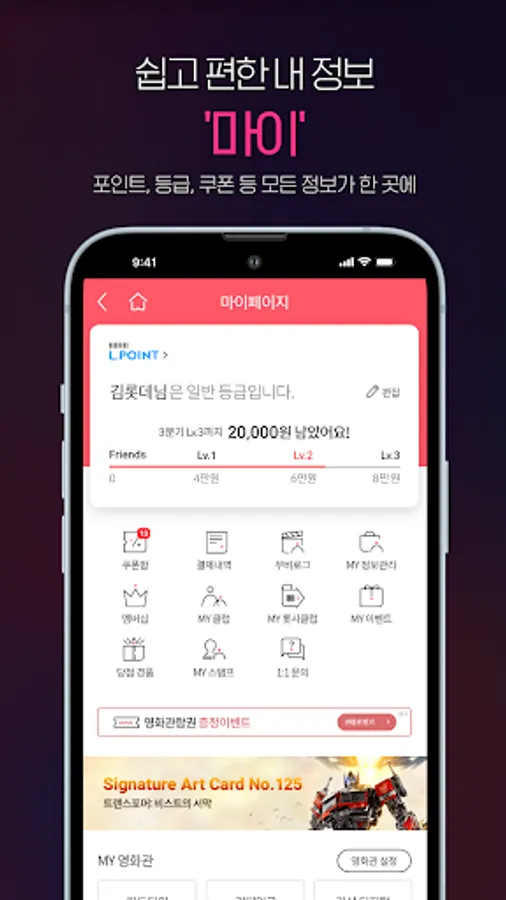
With this app, you can access movie schedules, make reservations, and receive notifications about events. Includes features for ticket purchases, theater information, and optional permissions for notifications and location services.
AppRecs review analysis
AppRecs rating 4.5. Trustworthiness 65 out of 100. Review manipulation risk 28 out of 100. Based on a review sample analyzed.
★★★★☆
4.5
AppRecs Rating
Ratings breakdown
5 star
79%
4 star
7%
3 star
0%
2 star
7%
1 star
7%
What to know
✓
Low review manipulation risk
28% review manipulation risk
✓
High user satisfaction
86% of sampled ratings are 4+ stars (4.4★ average)
About 롯데시네마
■ Information on App Usage Issues
1. Login and Payment Errors
- If you experience issues with the Lotte Cinema app login or payment, please contact Customer Service (1544-8855) with your Lotte Cinema ID, device information, the date of occurrence, and the specific issue. For quick and detailed assistance, please contact Customer Service (1544-8855).
2. App Update or Installation Errors
- Due to an inherent issue with the Google Play Store, app updates or initial installations may not proceed properly.
- Please clear data and cache from [Settings - Applications - Google Play Store - Storage] on your phone and try again.
3. Other Information
- For optimal experience with the Lotte Cinema mobile app, we recommend installing it on Android OS 8.1 or higher.
- If you experience any issues while using the app, please contact Customer Service (1544-8855).
* We are constantly strengthening security and monitoring to protect your information and ensure the safe use of the app. Please use the app with confidence.
■ Key Features
1. There's so much to enjoy at Lotte Cinema right now.
2. Don't miss out on popular movies and all the films selected by Lotte Cinema.
3. From concerts to sports broadcasts, it's more than just intuitive.
4. There's always something to do, from stage greetings to previews to discounts.
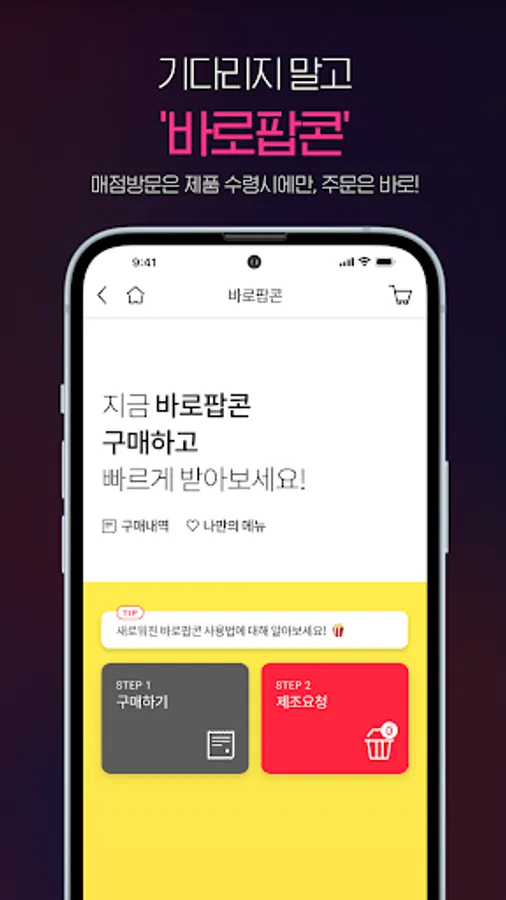
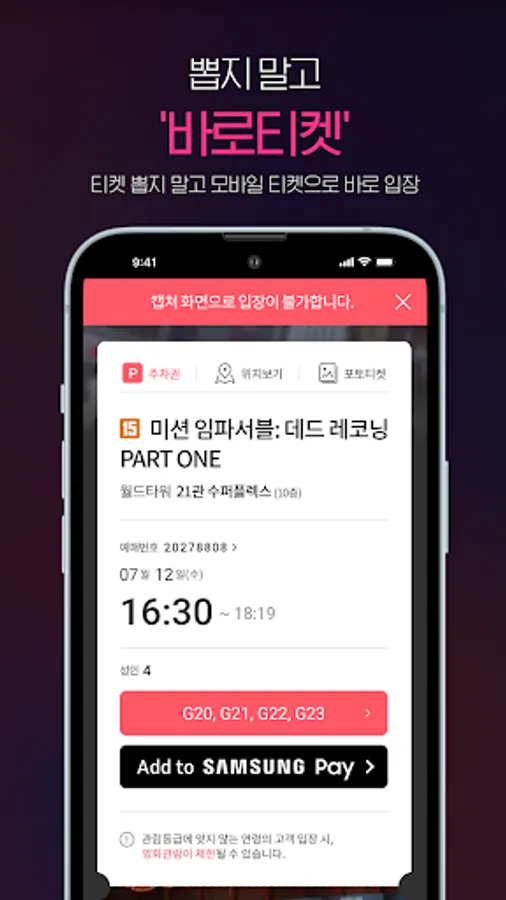
5. Skip the lines and order right away.
■ Lotte Cinema Access Permissions Guide
1. Required Access Permissions
- Device and App History: Fixes errors and improves usability.
2. Optional Access Permissions
- Notifications: Notifies you of major events and benefits.
- Location Information: Provides information about nearby theaters (reservations, instant popcorn).
- Camera: Scans QR codes/barcodes, uploads photos and video files for 1:1 customer service inquiries.
- Address Book: Gifts tickets and store tickets.
- Biometric Authentication: Provides easy login functionality.
- Display on top of other apps: Creates a pop-up window when viewing movie trends.
* Even if you don't agree to the optional permissions, you can still use the service without the corresponding features. * How to change access rights: Mobile phone settings > Lotte Cinema
1. Login and Payment Errors
- If you experience issues with the Lotte Cinema app login or payment, please contact Customer Service (1544-8855) with your Lotte Cinema ID, device information, the date of occurrence, and the specific issue. For quick and detailed assistance, please contact Customer Service (1544-8855).
2. App Update or Installation Errors
- Due to an inherent issue with the Google Play Store, app updates or initial installations may not proceed properly.
- Please clear data and cache from [Settings - Applications - Google Play Store - Storage] on your phone and try again.
3. Other Information
- For optimal experience with the Lotte Cinema mobile app, we recommend installing it on Android OS 8.1 or higher.
- If you experience any issues while using the app, please contact Customer Service (1544-8855).
* We are constantly strengthening security and monitoring to protect your information and ensure the safe use of the app. Please use the app with confidence.
■ Key Features
1. There's so much to enjoy at Lotte Cinema right now.
2. Don't miss out on popular movies and all the films selected by Lotte Cinema.
3. From concerts to sports broadcasts, it's more than just intuitive.
4. There's always something to do, from stage greetings to previews to discounts.
5. Skip the lines and order right away.
■ Lotte Cinema Access Permissions Guide
1. Required Access Permissions
- Device and App History: Fixes errors and improves usability.
2. Optional Access Permissions
- Notifications: Notifies you of major events and benefits.
- Location Information: Provides information about nearby theaters (reservations, instant popcorn).
- Camera: Scans QR codes/barcodes, uploads photos and video files for 1:1 customer service inquiries.
- Address Book: Gifts tickets and store tickets.
- Biometric Authentication: Provides easy login functionality.
- Display on top of other apps: Creates a pop-up window when viewing movie trends.
* Even if you don't agree to the optional permissions, you can still use the service without the corresponding features. * How to change access rights: Mobile phone settings > Lotte Cinema
롯데시네마 Screenshots
Tap to Rate:
Reviews for 롯데시네마
김도팔
7/26/2025
엘포인트 로그인 하라면서 특정 통신사는 안되는 개떡같은 상황은 뭘까
Nam Junhyun
1/4/2025
자막이랑 더빙 따로 빼라 더빙꺼 봐버렸잖아 키아누 목소리를 듣고 싶었는데 한글로 말하고있으면 돈 날아가버렸잖아