Smart Compass
Smart Tools co.
4.4 ★
254K ratings
10,000,000+
downloads
Free
AppRecs review analysis
AppRecs rating 4.5. Trustworthiness 73 out of 100. Review manipulation risk 32 out of 100. Based on a review sample analyzed.
★★★★☆
4.5
AppRecs Rating
Ratings breakdown
5 star
68%
4 star
18%
3 star
6%
2 star
1%
1 star
8%
What to know
✓
Credible reviews
73% trustworthiness score from analyzed reviews
✓
High user satisfaction
85% of sampled ratings are 4+ stars (4.4★ average)
✓
Authentic reviews
Natural distribution, no red flags
About Smart Compass
Smart Compass is in the 3rd set of the Smart Tools collection.
<< All compass apps require a magnetic sensor (magnetometer). If this app does not work, please check the specifications of your device. >>
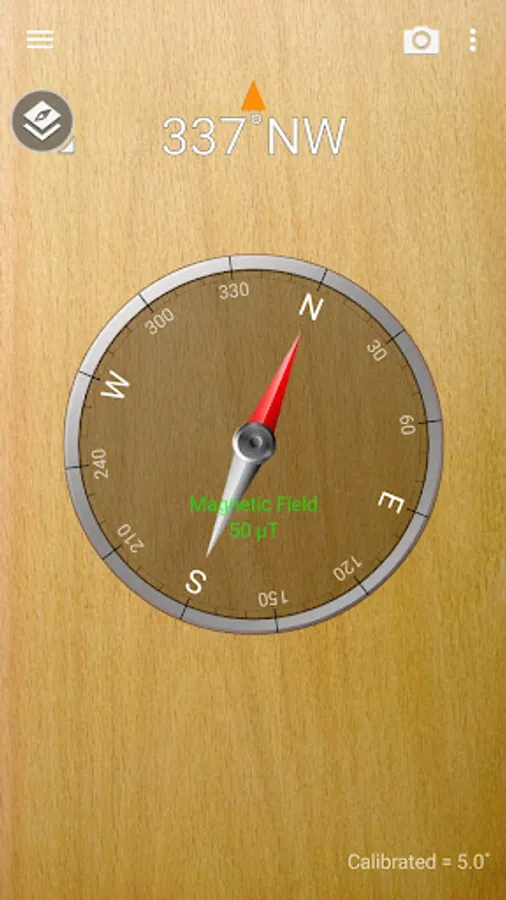
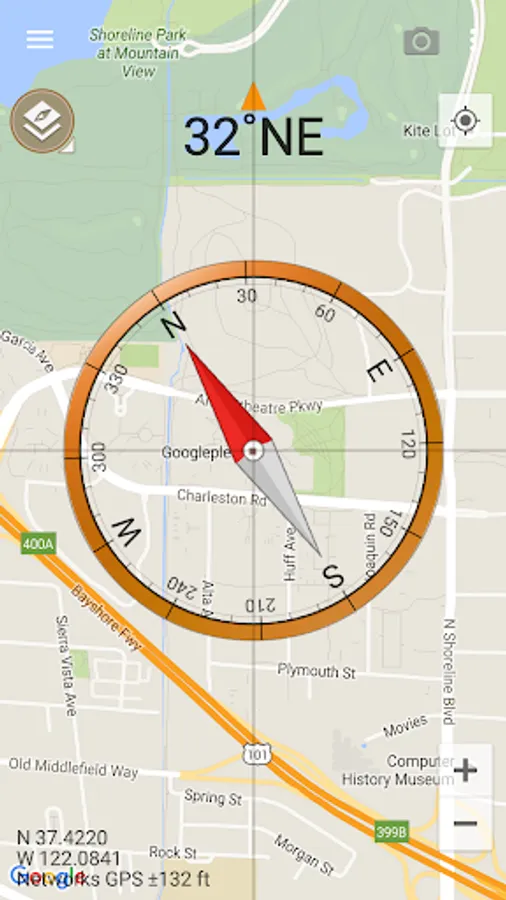
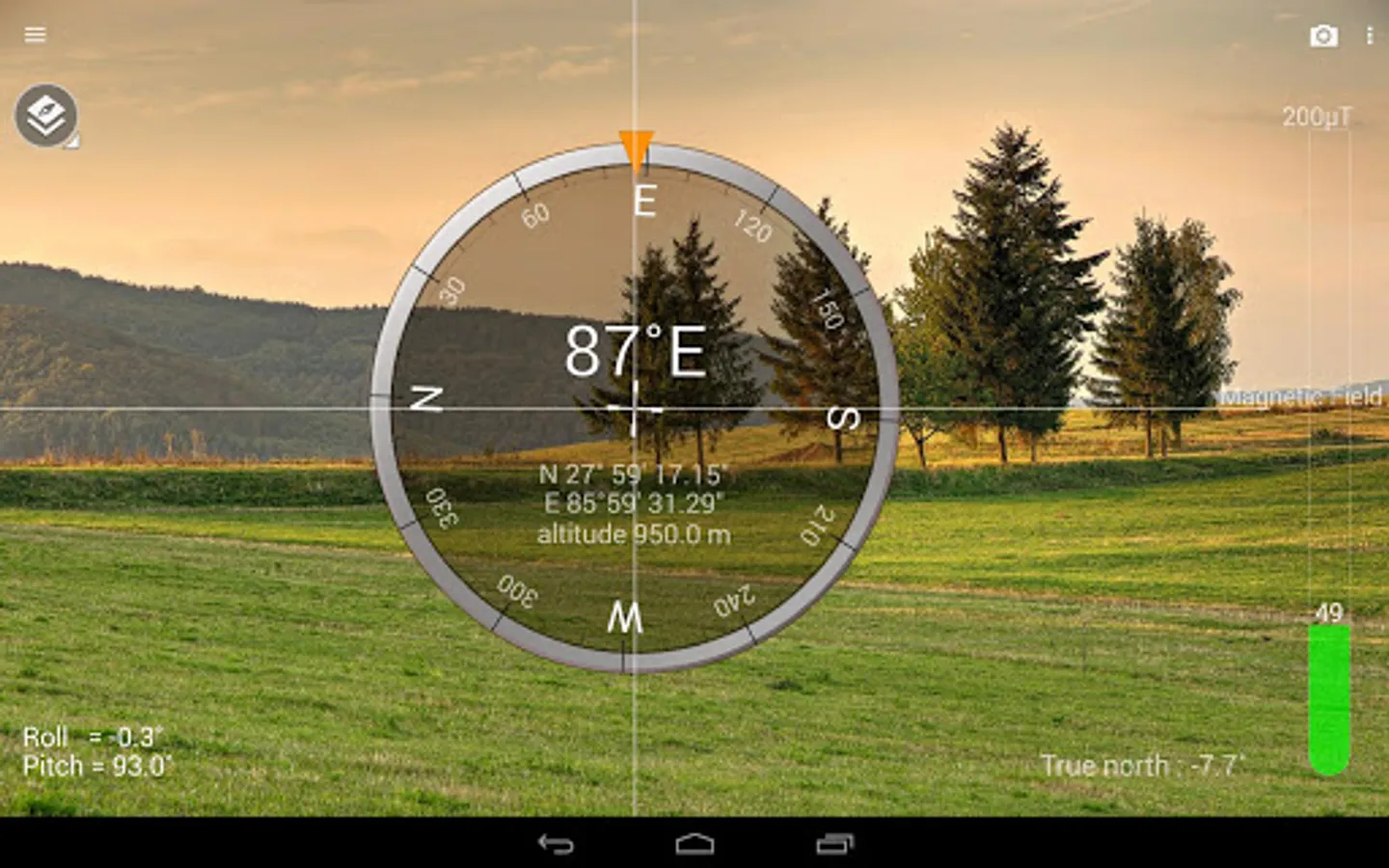
This online compass is a tool to search bearings (azimuth, directions) with embedded magnetic sensors. It has 4 significant features below.
1. Although you may turn your phone into portrait or landscape mode, the heading is fixed.
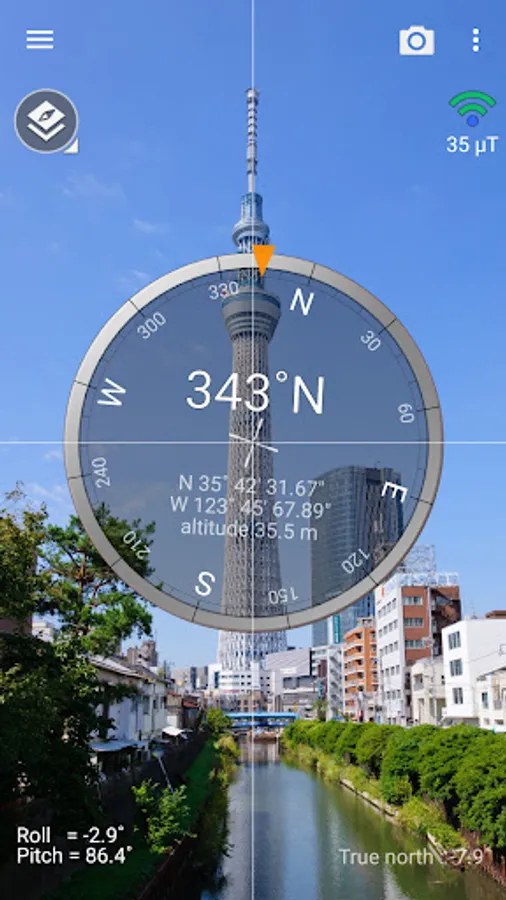
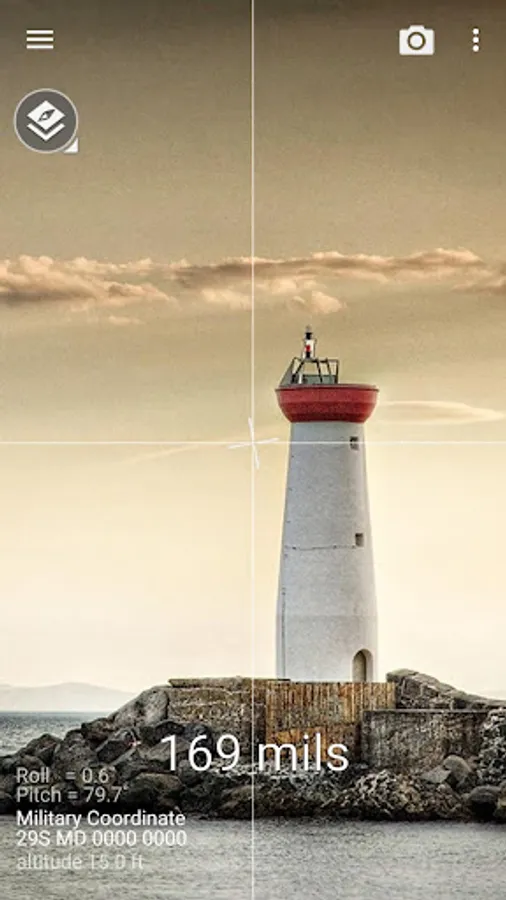
2. Camera view is used for reality.
3. Metal detector is included to verify magnetic sensor.
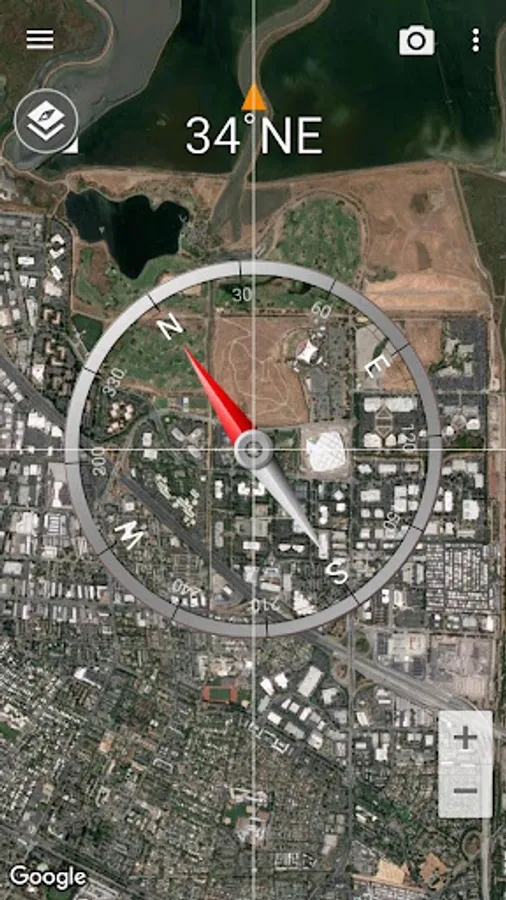
4. GPS and map are supported.
The compass app depends on the performance of your device exactly. If the compass works perfectly, it means that your sensors are perfect, too.
If it is inaccurate, please check that yours aren't being affected by a magnetic field. This app have several options to calibrate your device.
* Compass modes:
- Standard
- Telescope
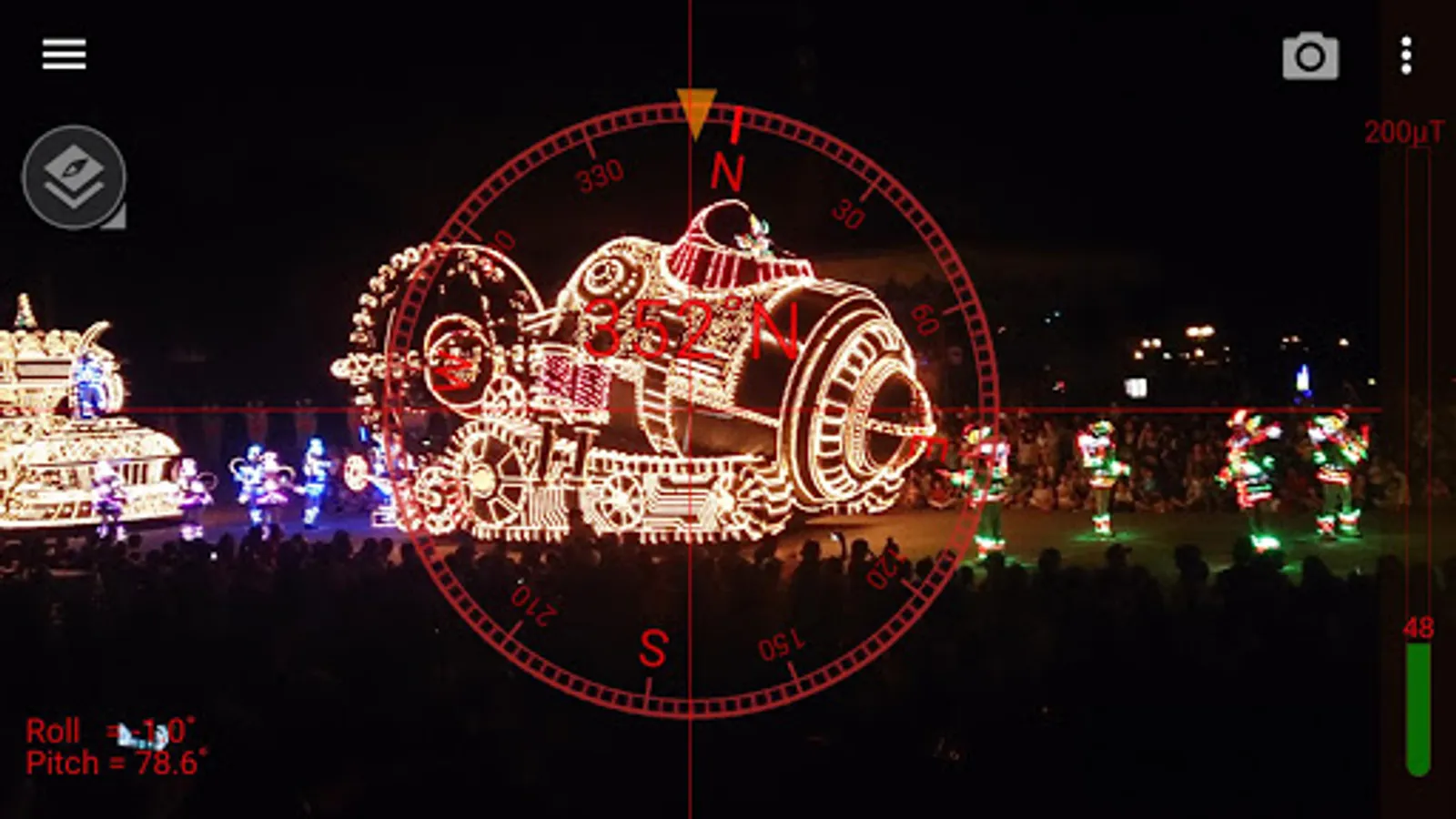
- Night
- Digital
- Map
- Map (satellite)
- Background image
* Main features:
- True north
- Vertical line
- Azimuth types (degree, mil, quadrants, back azimuth)
- Coordinate types (decimal, degree, UTM, MGRS)
- GPS Speedometer
- Screen capture
- Material design
* Pro version added features:
- No ads
- Sharing GPS location
- Qibla finder, Car locator
- Individual metal detector
* Do you want more tools?
download [Smart Compass Pro] and [Smart Tools 2] package.
For more information, watch YouTube and visit the blog. Thank you.
** The view-cover with a magnet can make the compass inaccurate. Remove it.
<< All compass apps require a magnetic sensor (magnetometer). If this app does not work, please check the specifications of your device. >>
This online compass is a tool to search bearings (azimuth, directions) with embedded magnetic sensors. It has 4 significant features below.
1. Although you may turn your phone into portrait or landscape mode, the heading is fixed.
2. Camera view is used for reality.
3. Metal detector is included to verify magnetic sensor.
4. GPS and map are supported.
The compass app depends on the performance of your device exactly. If the compass works perfectly, it means that your sensors are perfect, too.
If it is inaccurate, please check that yours aren't being affected by a magnetic field. This app have several options to calibrate your device.
* Compass modes:
- Standard
- Telescope
- Night
- Digital
- Map
- Map (satellite)
- Background image
* Main features:
- True north
- Vertical line
- Azimuth types (degree, mil, quadrants, back azimuth)
- Coordinate types (decimal, degree, UTM, MGRS)
- GPS Speedometer
- Screen capture
- Material design
* Pro version added features:
- No ads
- Sharing GPS location
- Qibla finder, Car locator
- Individual metal detector
* Do you want more tools?
download [Smart Compass Pro] and [Smart Tools 2] package.
For more information, watch YouTube and visit the blog. Thank you.
** The view-cover with a magnet can make the compass inaccurate. Remove it.
Smart Compass Screenshots

Tap to Rate:
Reviews for Smart Compass
Mulyono HARI
12/24/2025
"Please add more decimal digits to the compass degree display for better accuracy. For example, my Qibla direction shows 294°, but the actual value is around 294.2539°."
Manoj Kumar
11/5/2025
good