With this light meter app, you can measure ambient brightness and calibrate the sensor. Includes calibration tools and access to tutorials and blog links.
AppRecs review analysis
AppRecs rating 4.6. Trustworthiness 72 out of 100. Review manipulation risk 33 out of 100. Based on a review sample analyzed.
★★★★☆
4.6
AppRecs Rating
Ratings breakdown
5 star
71%
4 star
18%
3 star
5%
2 star
1%
1 star
4%
What to know
✓
Credible reviews
72% trustworthiness score from analyzed reviews
✓
High user satisfaction
71% of sampled ratings are 5 stars
✓
Authentic reviews
Natural distribution, no red flags
About Smart Luxmeter
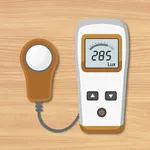
Smart Lux meter is a tool in extended set of the Smart Tools® collection.
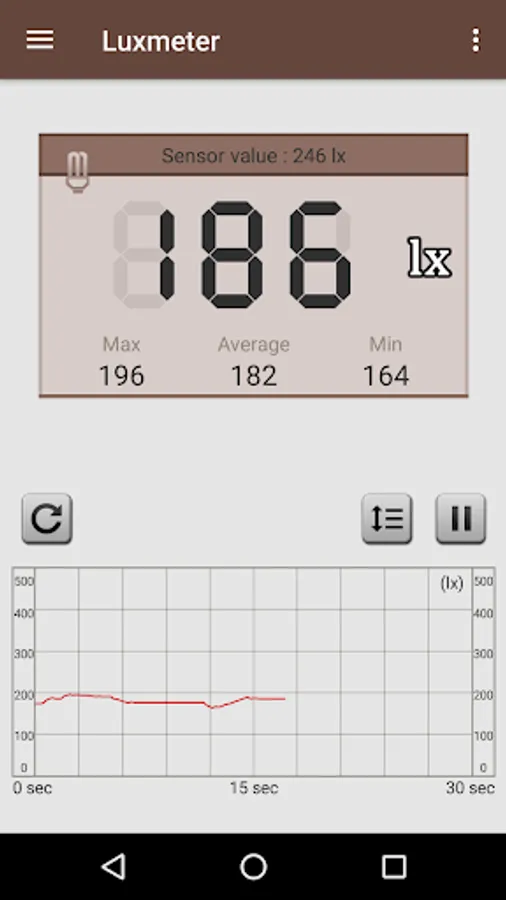
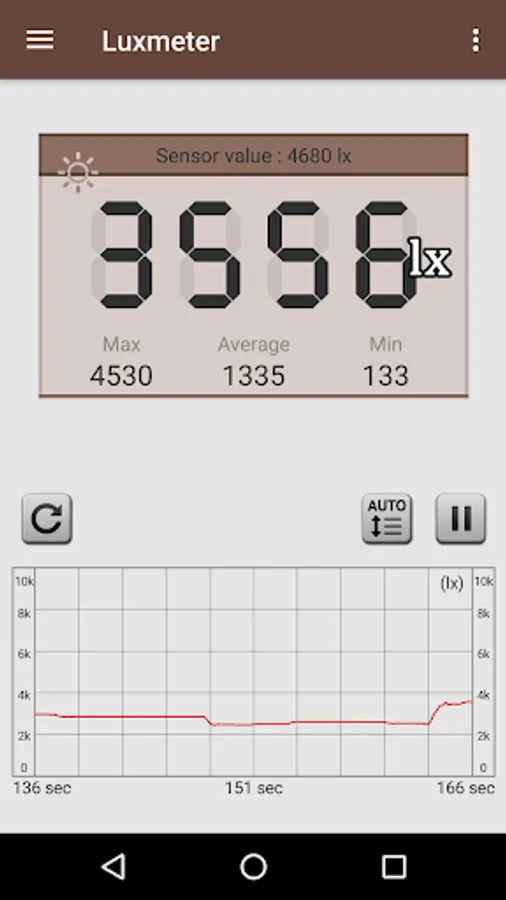
This Light Meter measures the ambient brightness with embedded light sensor. It is used to adjust the lighting required for plants or to check the brightness of a study room.
Usage is very simple. Make sure that your screen with the sensor is facing the ambient light source (lamp, LED lighting, window, sun ...). If the sensor is facing your face or ceiling, the measurement will be poor.
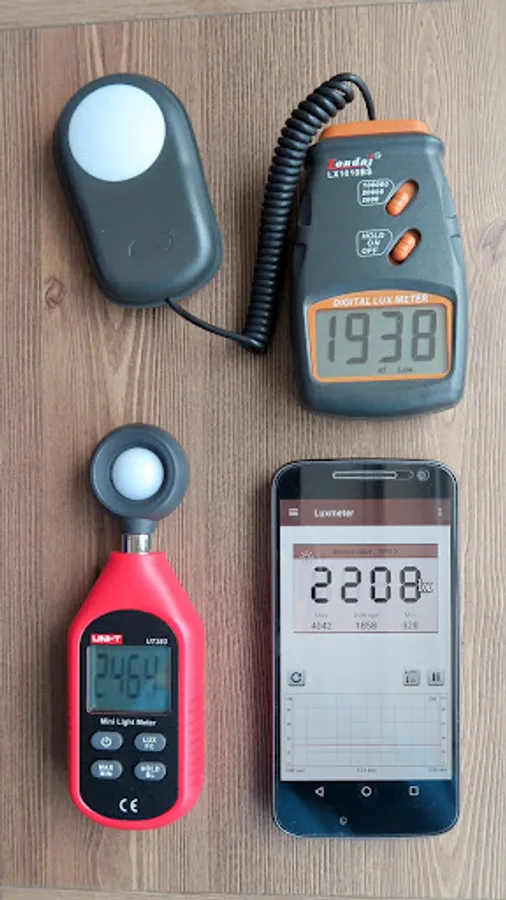
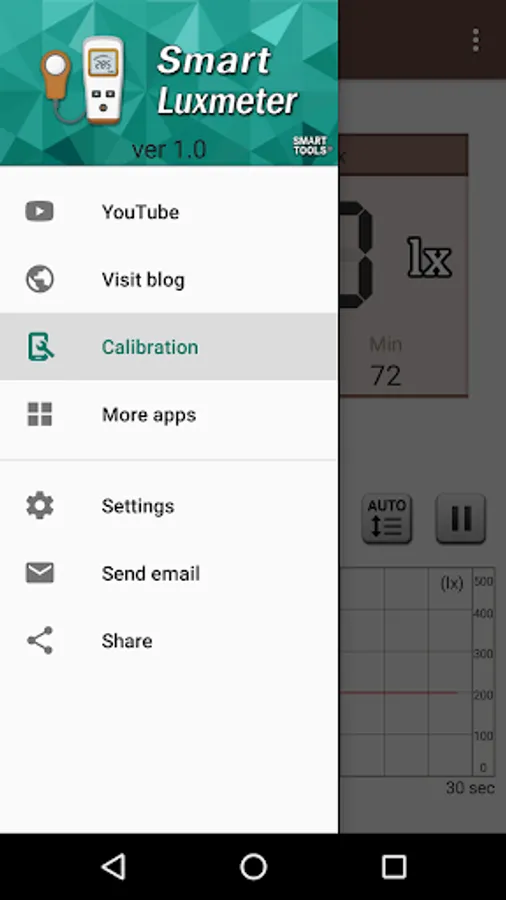
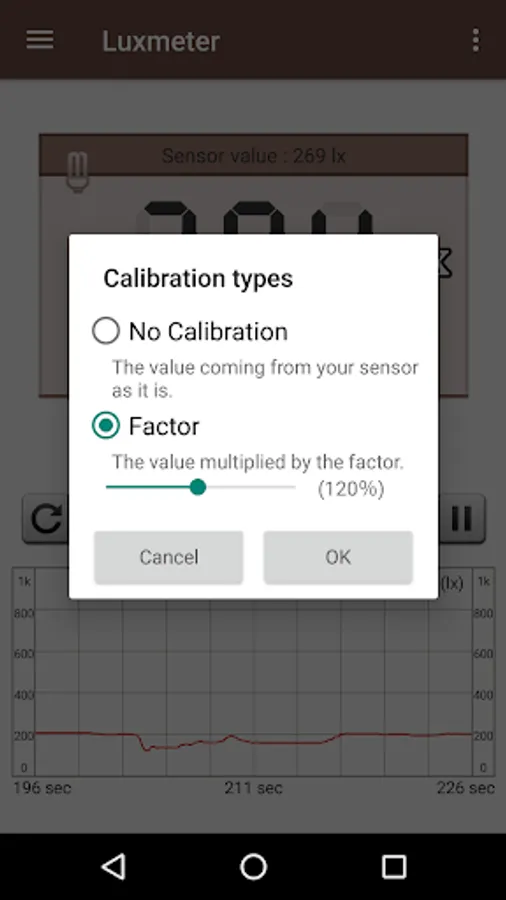
The measured value can be used for reference, and optimized by [Calibration] menu.
In the morning or evening, sit by the window and measure the world getting bright or dark. It will be an interesting experience.
* Do you want ad-free version? download [Smart Meter Pro].
For more information, watch YouTube and visit the blog. Thank you.
This Light Meter measures the ambient brightness with embedded light sensor. It is used to adjust the lighting required for plants or to check the brightness of a study room.
Usage is very simple. Make sure that your screen with the sensor is facing the ambient light source (lamp, LED lighting, window, sun ...). If the sensor is facing your face or ceiling, the measurement will be poor.
The measured value can be used for reference, and optimized by [Calibration] menu.
In the morning or evening, sit by the window and measure the world getting bright or dark. It will be an interesting experience.
* Do you want ad-free version? download [Smart Meter Pro].
For more information, watch YouTube and visit the blog. Thank you.
Smart Luxmeter Screenshots
Tap to Rate:
Reviews for Smart Luxmeter
Tha Kidd
10/5/2025
don't work trash
Renars Vimba
7/17/2025
ok