Pie Launcher version 2025
Beauty Apps Studio
4.6 ★
30K ratings
1,000,000+
downloads
Free
+ in-app
In this launcher app, users can customize themes, icons, and gestures for a modern look. Includes support for private apps, notification dots, and various wallpaper options.
AppRecs review analysis
AppRecs rating 4.6. Trustworthiness 72 out of 100. Review manipulation risk 36 out of 100. Based on a review sample analyzed.
★★★★☆
4.6
AppRecs Rating
Ratings breakdown
5 star
82%
4 star
8%
3 star
4%
2 star
2%
1 star
5%
What to know
✓
Credible reviews
72% trustworthiness score from analyzed reviews
✓
High user satisfaction
82% of sampled ratings are 5 stars
About Pie Launcher version 2025
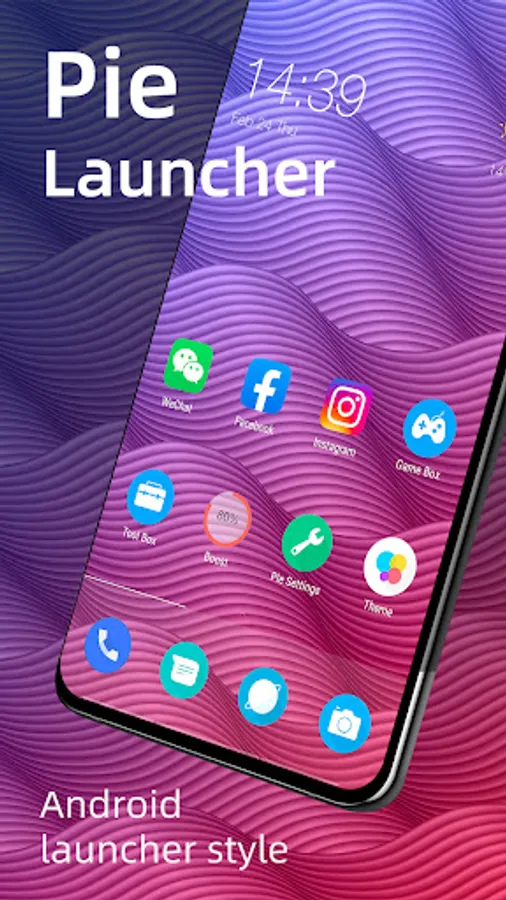
🔥 Pie Launcher is inspired by Android™ 11/12/13/14 launcher, adding many useful features, Pie Launcher make your phone look modern, and let you use Android 11/12/13/14 launcher feature in the first place.
👍 Pie Launcher features:
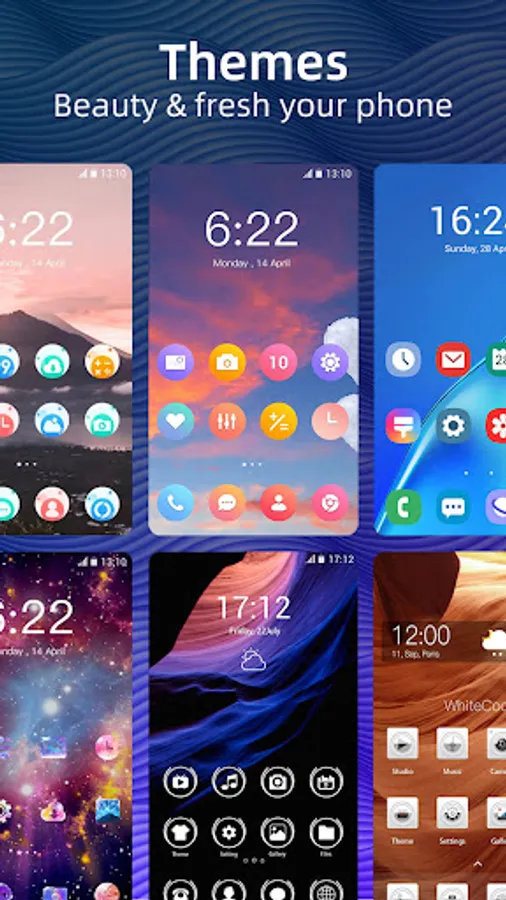
> Theme support, more than 1000+ cool themes
> Icon pack support, support most of the icon pack in Google Play Store
> Base on Android 11/12/13/14 launcher code, can run on all Android 5.0+ devices
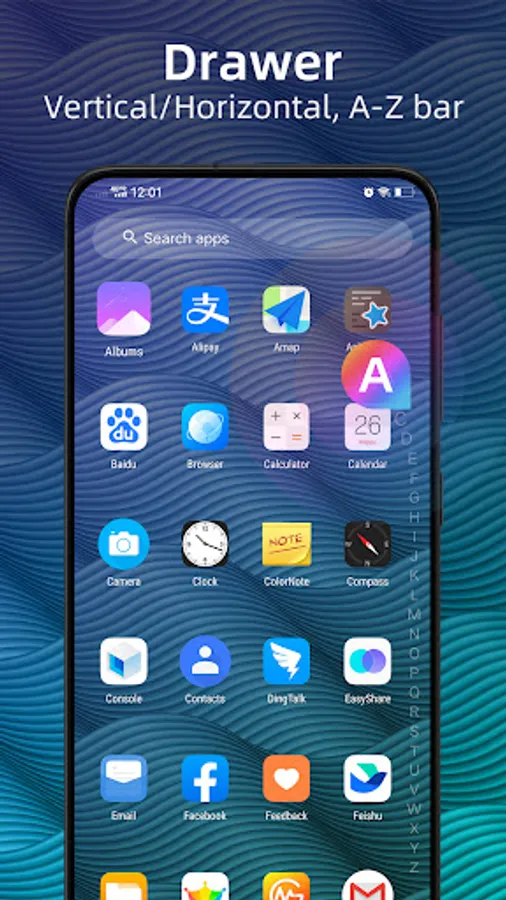
> Apps drawer is vertical mode by default, it also support horizontal mode
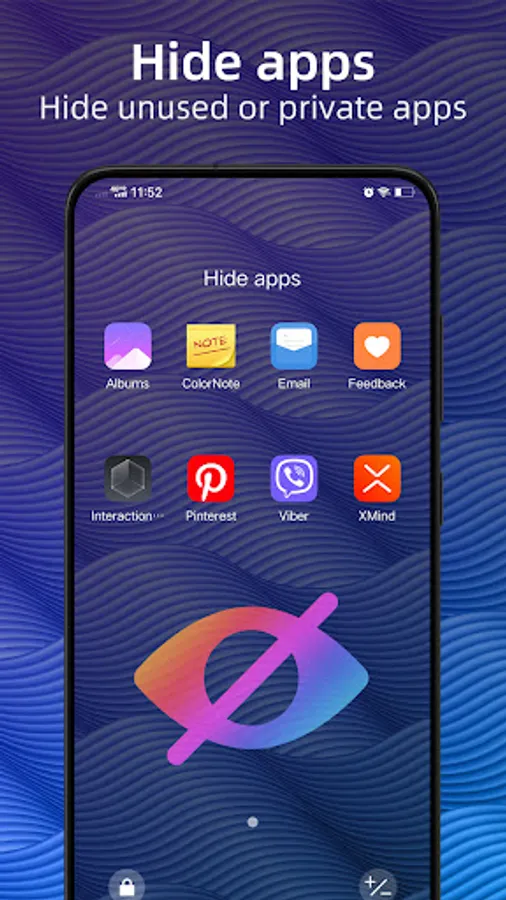
> Pie Launcher support hide unused or private apps
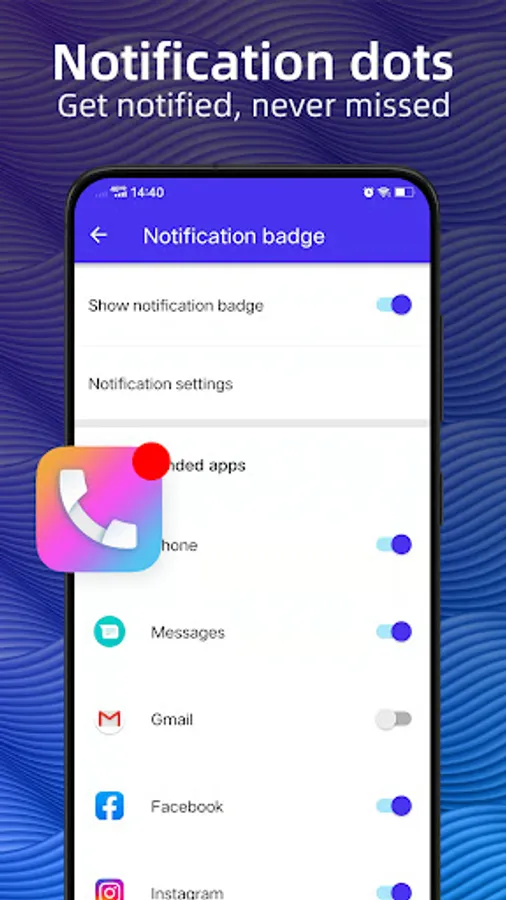
> Pie Launcher support notification dots
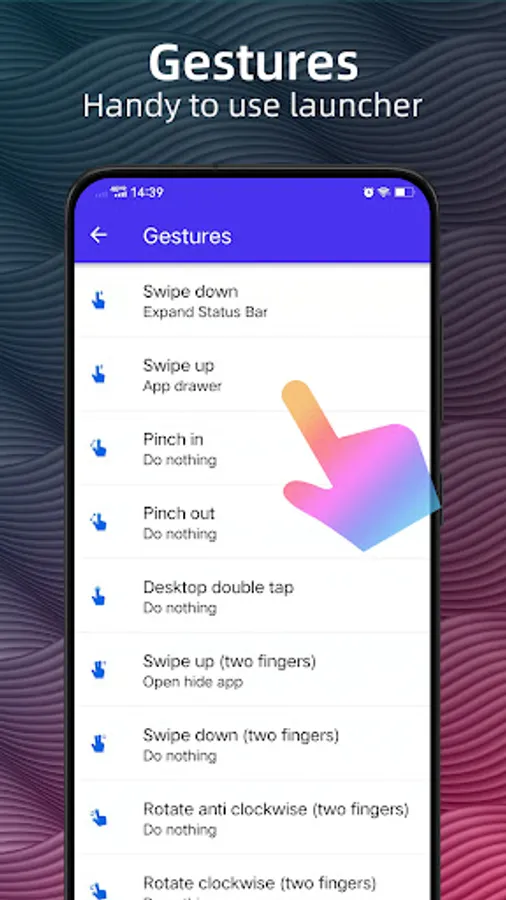
> Pie Launcher support ✌️gestures, such as swipe down/up, pinch in/out, double tap, swipe down/up(two fingers)
> Pie Launcher support handy ✌️Gesture feature in Android launcher P 9.0: Swipe up for all app drawer, Swipe down back to desktop
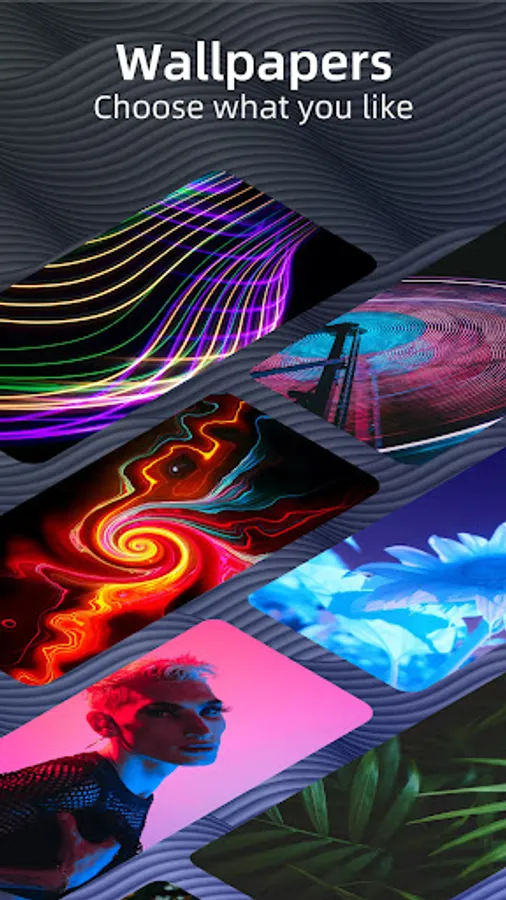
> Many beautiful online wallpapers for your choice
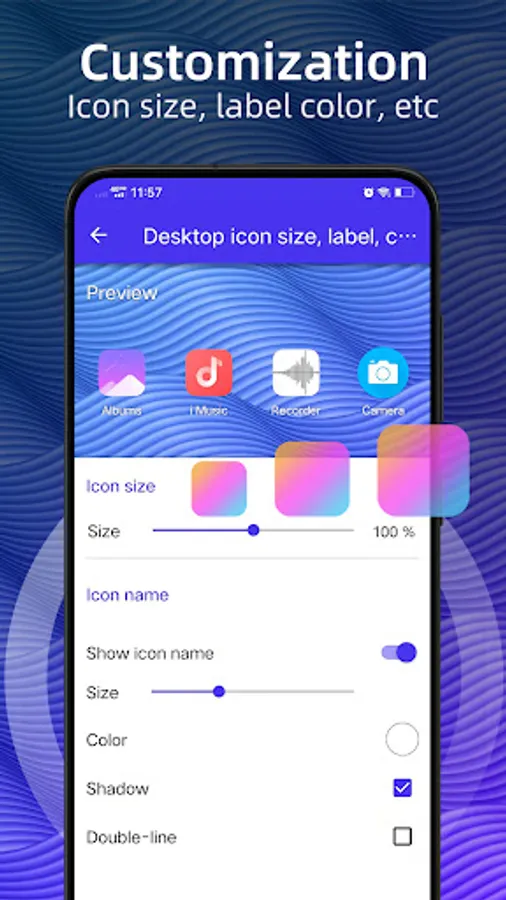
> Many options, you can change grid size, icon size, label size and color, etc
> You can lock desktop to avoid being messed up
> Drawer background support light, dark, blur, transparent and custom
> Dock background support rectangle, rounded, arc, platform or none
> Search bar support various style, you have the choice
> Wallpaper scrolling or not option
> Latest Android widgets drawer
Notice:
1. Android™ is a registered trademark of Google, Inc. Pie Launcher is inspired by Android Launcher, but please be noted that it is NOT Google official product.
❤️ We are working hard to make Pie Launcher better, please rate us if you like, thanks!
👍 Pie Launcher features:
> Theme support, more than 1000+ cool themes
> Icon pack support, support most of the icon pack in Google Play Store
> Base on Android 11/12/13/14 launcher code, can run on all Android 5.0+ devices
> Apps drawer is vertical mode by default, it also support horizontal mode
> Pie Launcher support hide unused or private apps
> Pie Launcher support notification dots
> Pie Launcher support ✌️gestures, such as swipe down/up, pinch in/out, double tap, swipe down/up(two fingers)
> Pie Launcher support handy ✌️Gesture feature in Android launcher P 9.0: Swipe up for all app drawer, Swipe down back to desktop
> Many beautiful online wallpapers for your choice
> Many options, you can change grid size, icon size, label size and color, etc
> You can lock desktop to avoid being messed up
> Drawer background support light, dark, blur, transparent and custom
> Dock background support rectangle, rounded, arc, platform or none
> Search bar support various style, you have the choice
> Wallpaper scrolling or not option
> Latest Android widgets drawer
Notice:
1. Android™ is a registered trademark of Google, Inc. Pie Launcher is inspired by Android Launcher, but please be noted that it is NOT Google official product.
❤️ We are working hard to make Pie Launcher better, please rate us if you like, thanks!
Pie Launcher version 2025 Screenshots
Tap to Rate:
Reviews for Pie Launcher version 2025
Victor Marvin
12/27/2025
very good
Dennis Kuje Sunday
12/25/2025
this app is very good 👍 I love it