TV Remote Universal Control
Dynamic Remote
3.6 ★
129 ratings
100,000+
downloads
Free
+ in-app
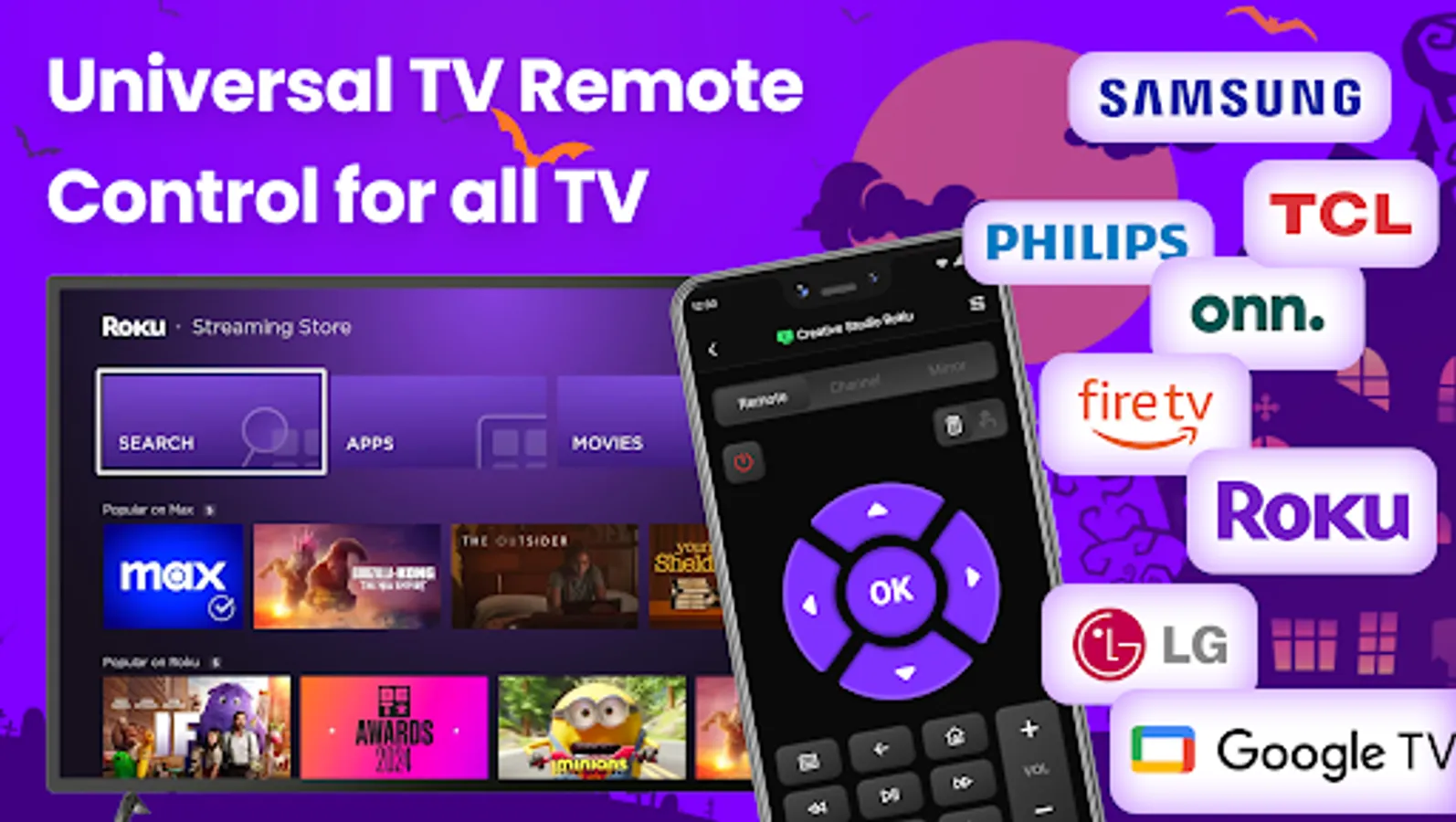
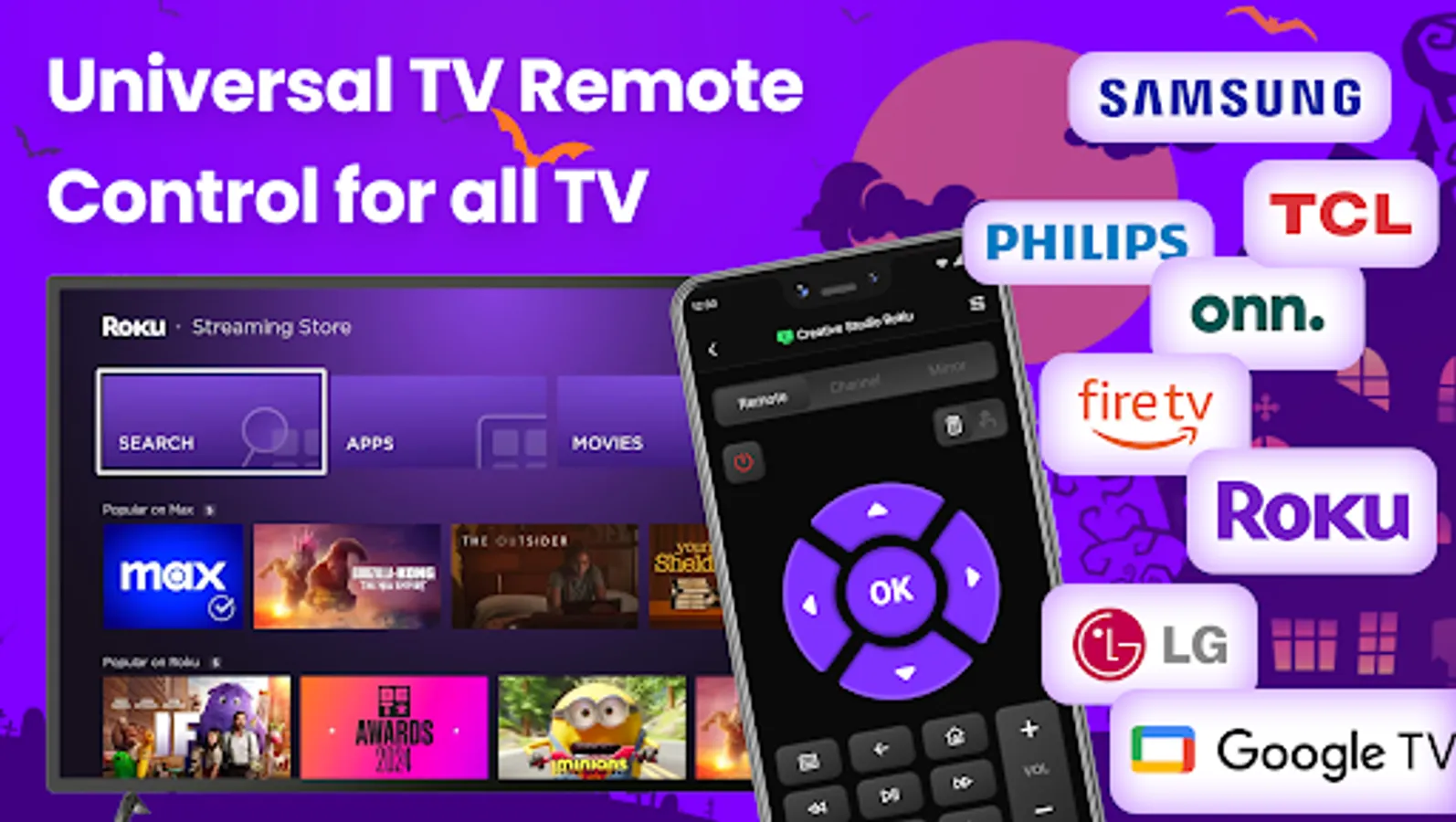
In this app, you can control smart TVs and streaming devices by connecting via WiFi to adjust volume, turn devices on and off, and access channels. Includes support for multiple brands like Roku, Fire TV, and LG, with features such as screen mirroring and content casting.
AppRecs review analysis
AppRecs rating 3.6. Trustworthiness 79 out of 100. Review manipulation risk 27 out of 100. Based on a review sample analyzed.
★★★☆☆
3.6
AppRecs Rating
Ratings breakdown
5 star
57%
4 star
6%
3 star
4%
2 star
8%
1 star
25%
What to know
✓
Low review manipulation risk
27% review manipulation risk
✓
Credible reviews
79% trustworthiness score from analyzed reviews
⚠
High negative review ratio
33% of sampled ratings are 1–2 stars
About TV Remote Universal Control
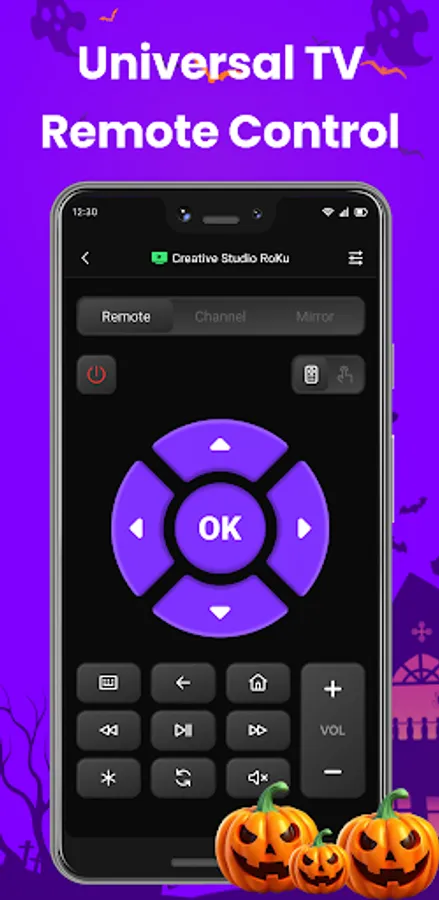
TV Remote Universal Control is a universal remote app for smart TVs and streaming devices. Are you tired of constantly searching for different physical remotes while using various smart TVs or streaming devices? With our universal remote app, you only need to connect your Roku TV, Fire TV, LG TV, or other brands of TVs and streaming devices to the same WiFi network as your phone to easily replace your traditional remote. With this app, you can easily turn different brands of TVs on and off, adjust the volume, mirror your phone screen, cast content, and quickly access your favorite channels, all providing an unprecedented remote control experience. 🌟📺
Why Use TV Remote Universal Control ?
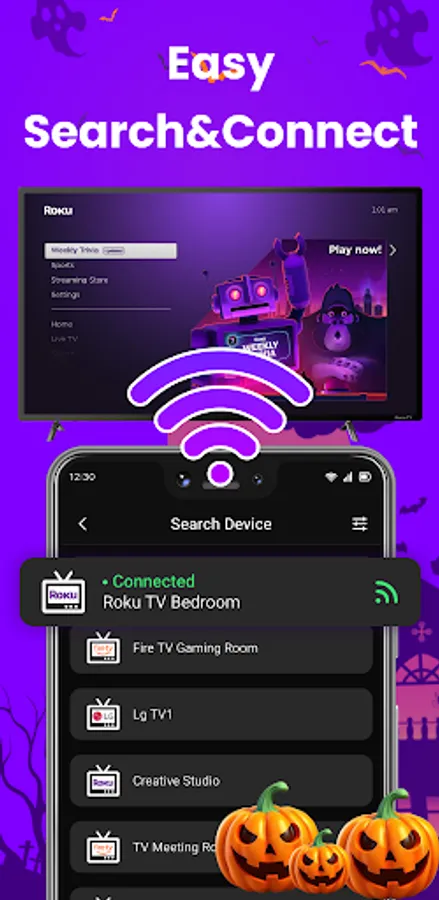
1. Automatic Search and Connect: Quickly identify and connect to a variety of smart TVs. 🔍📡
2. Volume Adjustment: Easily adjust the TV volume. 🔊
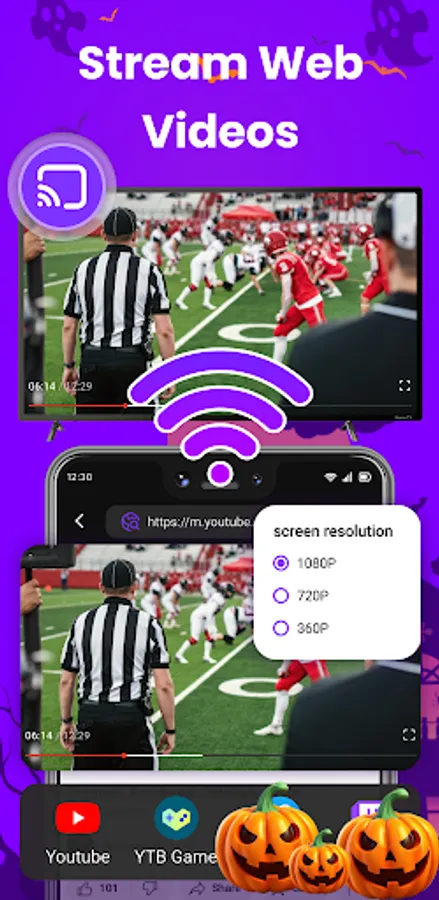
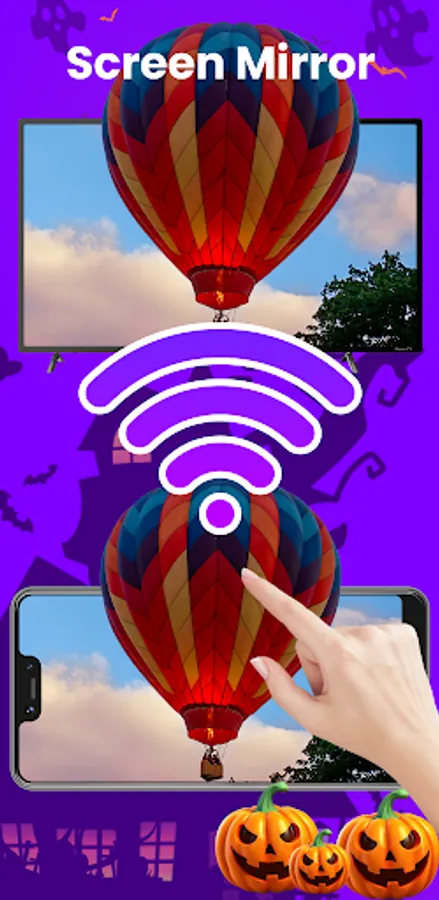
3. Screen Mirroring: Mirror your phone screen to the TV. 📱➡️🖥️
4. Phone Casting: Cast content from your phone to the TV screen. 📲🎬
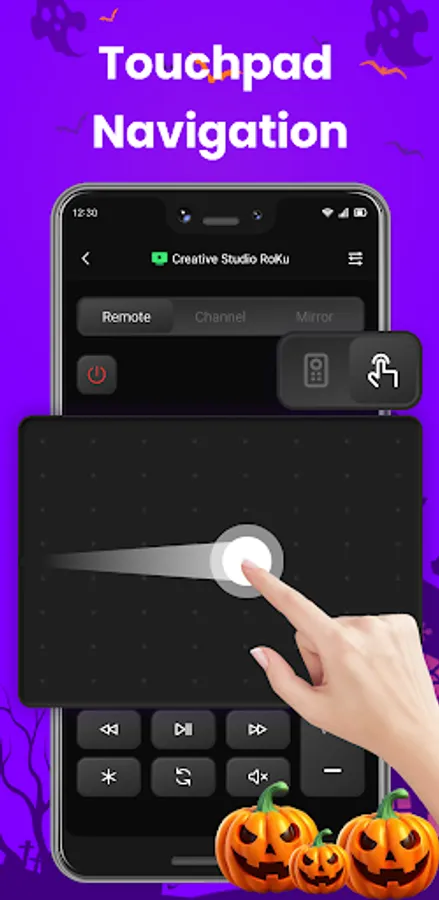
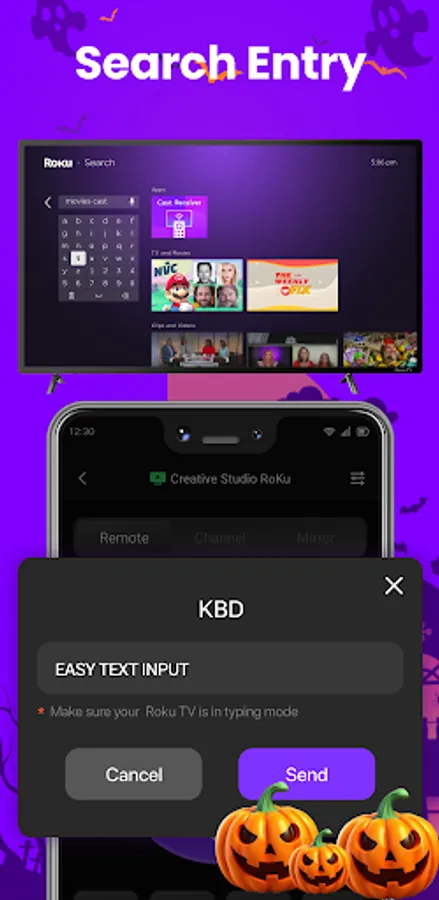
5. Keyboard Input and Touch Feedback: Enjoy convenient keyboard input and touch feedback features. ⌨️🖐️
6. Control Various Brands of TVs: Supports turning on and off different TV brands. 🖥️🔄
7. Playback Control: Control the playback and pause of TV programs. ⏯️⏸️
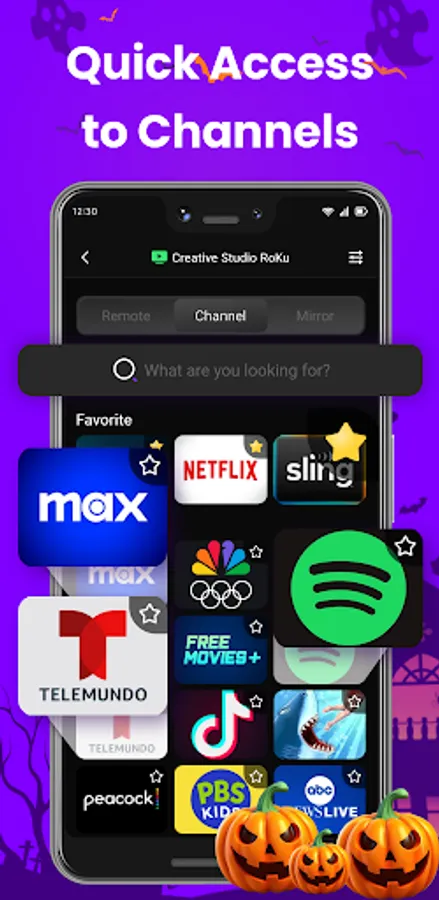
8. Quick Access and Favorite Channels: Quickly access and bookmark your favorite channels. ⭐📺
Quick Start Guide:
1. Download and install our “Universal TV Remote Control” app. 📥📲
2. Connect your phone and the TV or streaming device to the same WiFi network. 🌐
3. Open the app, tap “Connect” to pair it with your smart TV. 📶🤝
4. Congratulations! You can now start using your universal remote. 🎉🕹️
Supported TV Brands and Streaming Device Models:
Currently supported TV brands and streaming devices include:
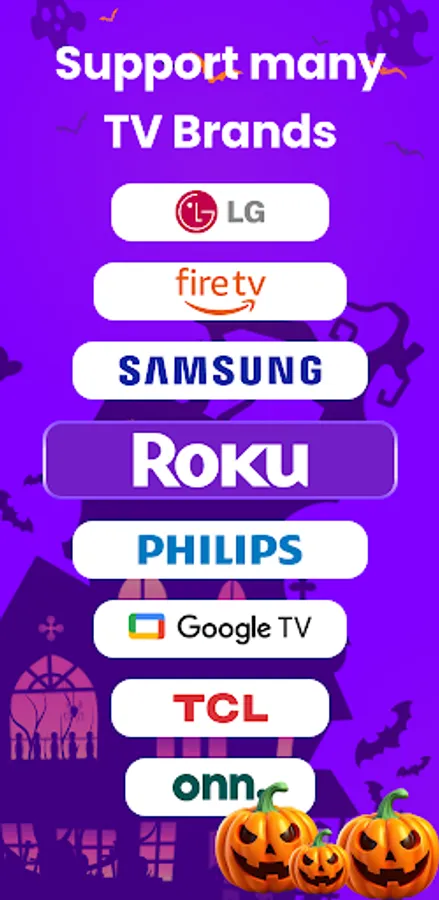
- Roku System TVs: TCL TV, Hisense TV, Sharp TV, Philips TV, JVC TV, etc. 📺
- TV Brands: Roku TV, Fire TV, LG TV, etc. 📺
- Streaming Devices: Roku Express, Roku Express+, Roku Streaming Stick, Roku Streaming Stick+, Roku Premiere, Roku Premiere+, Roku Ultra, Fire Stick, Fire TV Cube, Fire TV Box, etc. 🎥📡
Troubleshooting:
- Ensure your smart TV and phone are connected to the same WiFi network. 🌐📶
- Try updating the app to the latest version. 🔄📲
- Try reinstalling the app. 🔄🔧
If you continue to experience issues after following these steps, please describe the problem in detail with text, images, or video and send it to our customer service email at cs@ldyt.online. We will assist you as soon as possible. 📧🛠️
Disclaimer:
TV Remote Universal Control is not an official app for any of the mentioned brands, and we have no affiliation with these brands or their related companies. 🚫
Terms of Use:https://ldyt.online/termsofuse.html
Privacy Policy:https://ldyt.online/privacypolicy.html
Contact Us: cs@ldyt.online
For more updates, please visit https://ldyt.online 🌐
Why Use TV Remote Universal Control ?
1. Automatic Search and Connect: Quickly identify and connect to a variety of smart TVs. 🔍📡
2. Volume Adjustment: Easily adjust the TV volume. 🔊
3. Screen Mirroring: Mirror your phone screen to the TV. 📱➡️🖥️
4. Phone Casting: Cast content from your phone to the TV screen. 📲🎬
5. Keyboard Input and Touch Feedback: Enjoy convenient keyboard input and touch feedback features. ⌨️🖐️
6. Control Various Brands of TVs: Supports turning on and off different TV brands. 🖥️🔄
7. Playback Control: Control the playback and pause of TV programs. ⏯️⏸️
8. Quick Access and Favorite Channels: Quickly access and bookmark your favorite channels. ⭐📺
Quick Start Guide:
1. Download and install our “Universal TV Remote Control” app. 📥📲
2. Connect your phone and the TV or streaming device to the same WiFi network. 🌐
3. Open the app, tap “Connect” to pair it with your smart TV. 📶🤝
4. Congratulations! You can now start using your universal remote. 🎉🕹️
Supported TV Brands and Streaming Device Models:
Currently supported TV brands and streaming devices include:
- Roku System TVs: TCL TV, Hisense TV, Sharp TV, Philips TV, JVC TV, etc. 📺
- TV Brands: Roku TV, Fire TV, LG TV, etc. 📺
- Streaming Devices: Roku Express, Roku Express+, Roku Streaming Stick, Roku Streaming Stick+, Roku Premiere, Roku Premiere+, Roku Ultra, Fire Stick, Fire TV Cube, Fire TV Box, etc. 🎥📡
Troubleshooting:
- Ensure your smart TV and phone are connected to the same WiFi network. 🌐📶
- Try updating the app to the latest version. 🔄📲
- Try reinstalling the app. 🔄🔧
If you continue to experience issues after following these steps, please describe the problem in detail with text, images, or video and send it to our customer service email at cs@ldyt.online. We will assist you as soon as possible. 📧🛠️
Disclaimer:
TV Remote Universal Control is not an official app for any of the mentioned brands, and we have no affiliation with these brands or their related companies. 🚫
Terms of Use:https://ldyt.online/termsofuse.html
Privacy Policy:https://ldyt.online/privacypolicy.html
Contact Us: cs@ldyt.online
For more updates, please visit https://ldyt.online 🌐