LivelyHome for KLWP
Jordan X 'Jobe1785'
5.0 ★
10 ratings
100+
downloads
$0.99
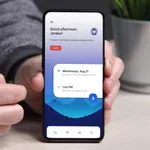
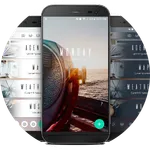
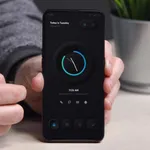
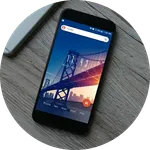
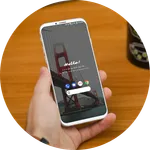
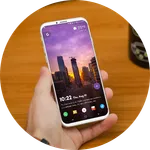
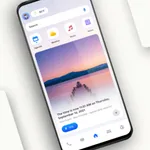
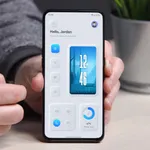
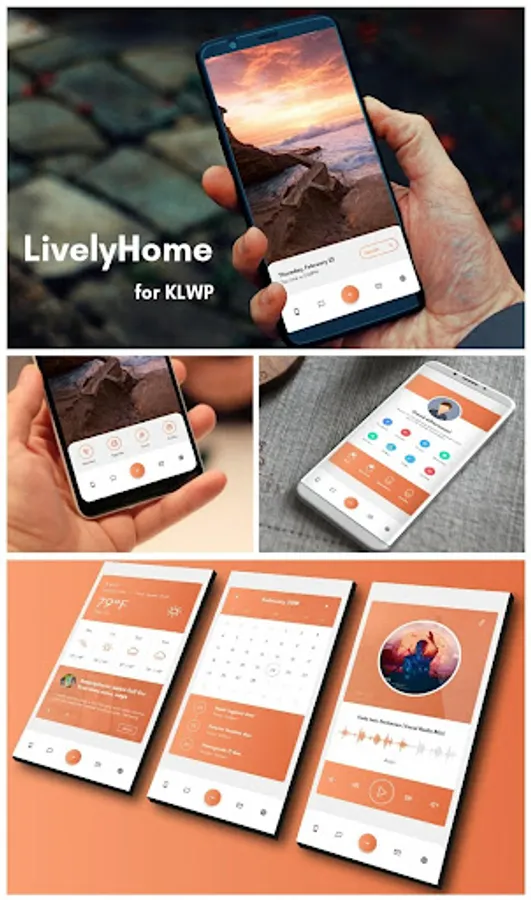
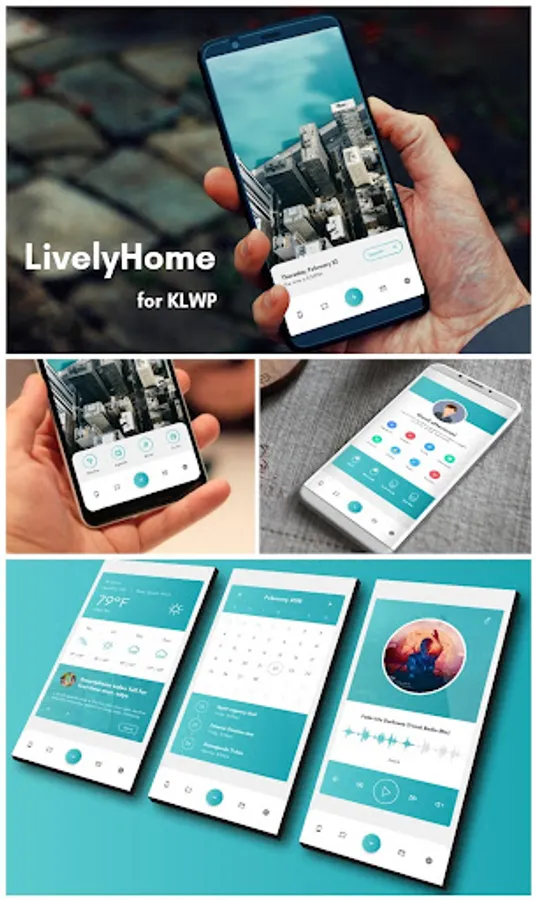
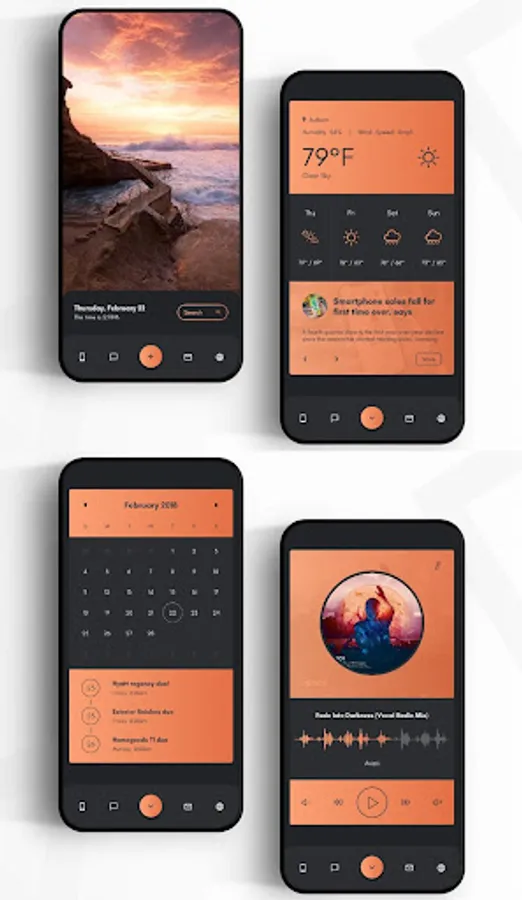
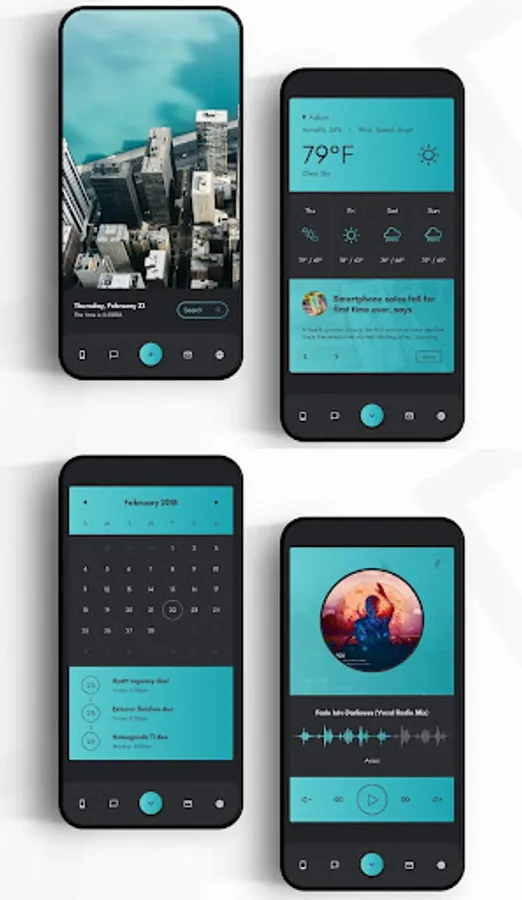
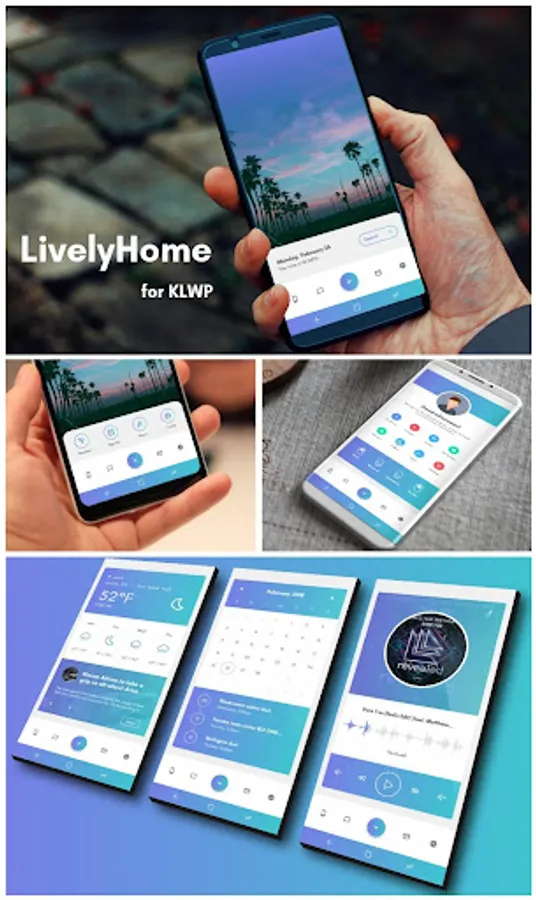
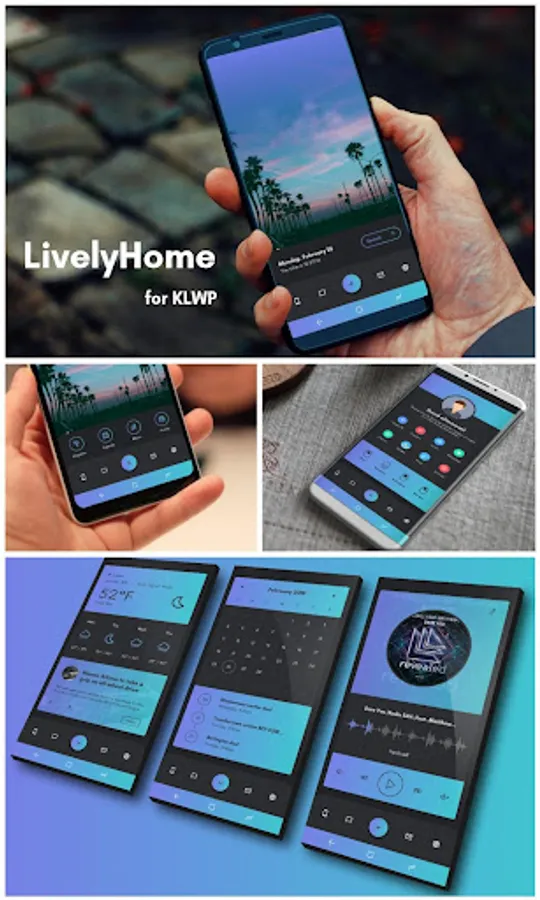
With this preset for KLWP Live Wallpaper Pro Key, you can customize your home screen with profile toggles, color changes, and app shortcuts. Includes global settings for wallpapers, colors, fonts, and hotspot configurations.
AppRecs review analysis
AppRecs rating 4.5. Trustworthiness 0 out of 100. Review manipulation risk 0 out of 100. Based on a review sample analyzed.
★★★★☆
4.5
AppRecs Rating
Ratings breakdown
5 star
100%
4 star
0%
3 star
0%
2 star
0%
1 star
0%
What to know
✓
High user satisfaction
100% of sampled ratings are 5 stars
About LivelyHome for KLWP
***This is not a stand alone app. It is a preset for KLWP Live Wallpaper Pro Key***
First you need to download these apps:
-Nova Launcher Pro
-KLWP Pro Key
Then:
-In nova select 1 pages, and hide dock.
-In KLWP go to menu, load preset, and under 'Installed' choose LivelyHome, or click on the LivelyHome app in your app drawer.
-Set KLWP to 1 pages
-Under globals, click on ProfileP to change the profile picture.
-Go to menu, and select 'Set as wallpaper', and click apply
-Press the save button, exit the app, and enjoy!
-When using the preset, you can go to the profile page and use the toggles to turn WiFi amd Bluetooth on/off, go from light to dark mode, and toggle the Nav bar (if you have on screen nav buttons).
-To access your app drawer, go to Nova Settings, then Gestures & Inputs, an for the swipe up gesture select App Drawer. Now you just swipe up on your screen and the app drawer will show up.
Easliy change the walls, colors, and font under 'Globals', and easily change the hotspots for the apps under 'Shortcuts' when you open the KLWP app.
If you have any questions please email me. I will answer you quickly. Thanks!
First you need to download these apps:
-Nova Launcher Pro
-KLWP Pro Key
Then:
-In nova select 1 pages, and hide dock.
-In KLWP go to menu, load preset, and under 'Installed' choose LivelyHome, or click on the LivelyHome app in your app drawer.
-Set KLWP to 1 pages
-Under globals, click on ProfileP to change the profile picture.
-Go to menu, and select 'Set as wallpaper', and click apply
-Press the save button, exit the app, and enjoy!
-When using the preset, you can go to the profile page and use the toggles to turn WiFi amd Bluetooth on/off, go from light to dark mode, and toggle the Nav bar (if you have on screen nav buttons).
-To access your app drawer, go to Nova Settings, then Gestures & Inputs, an for the swipe up gesture select App Drawer. Now you just swipe up on your screen and the app drawer will show up.
Easliy change the walls, colors, and font under 'Globals', and easily change the hotspots for the apps under 'Shortcuts' when you open the KLWP app.
If you have any questions please email me. I will answer you quickly. Thanks!
LivelyHome for KLWP Screenshots
Tap to Rate: