
In this online dictionary app, you can look up words across multiple languages and save bookmarks for quick access. Includes search history, themes, read aloud feature, and cloud backup options.
AppRecs review analysis
AppRecs rating 4.0. Trustworthiness 57 out of 100. Review manipulation risk 40 out of 100. Based on a review sample analyzed.
★★★★☆
4.0
AppRecs Rating
Ratings breakdown
5 star
63%
4 star
6%
3 star
6%
2 star
12%
1 star
12%
What to know
✓
Authentic reviews
Natural distribution, no red flags
⚠
Questionable review patterns
40% review manipulation risk - some review patterns appear unusual
⚠
Review quality concerns
57% of sampled 5-star reviews are very short
About Online Dictionary
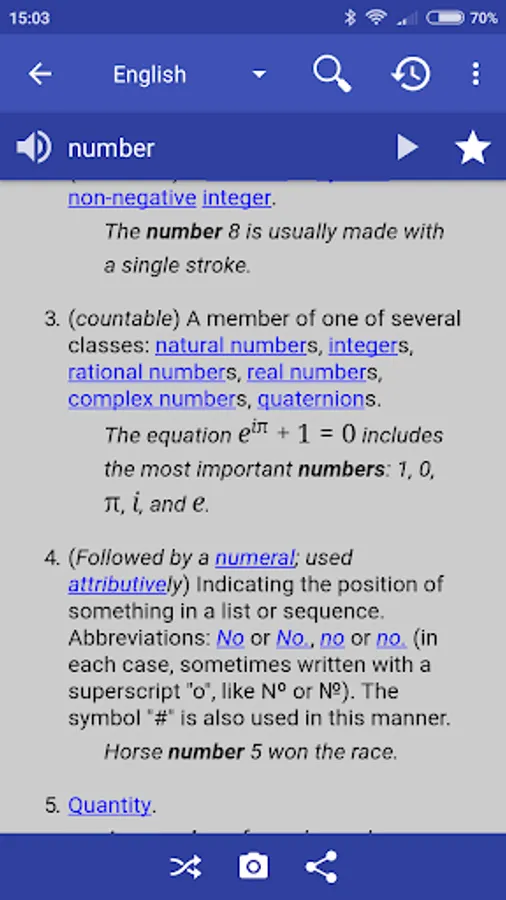
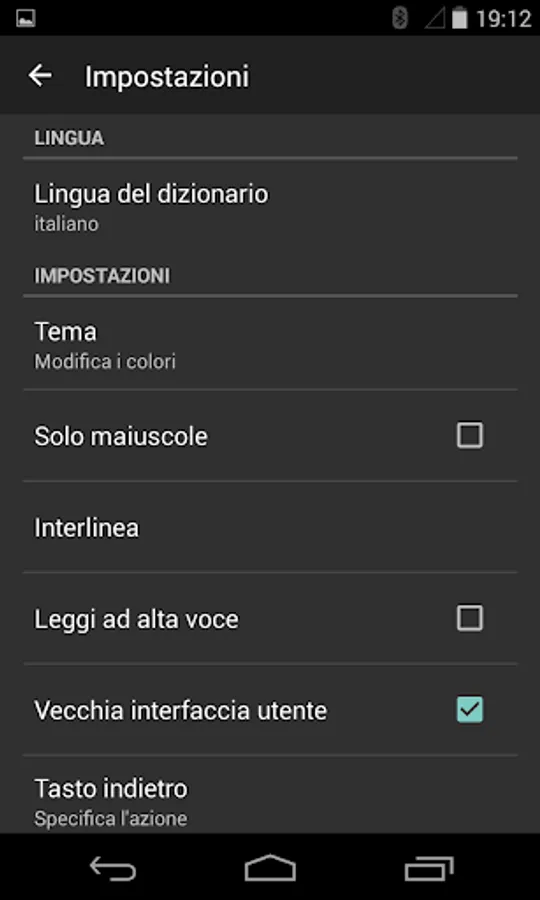
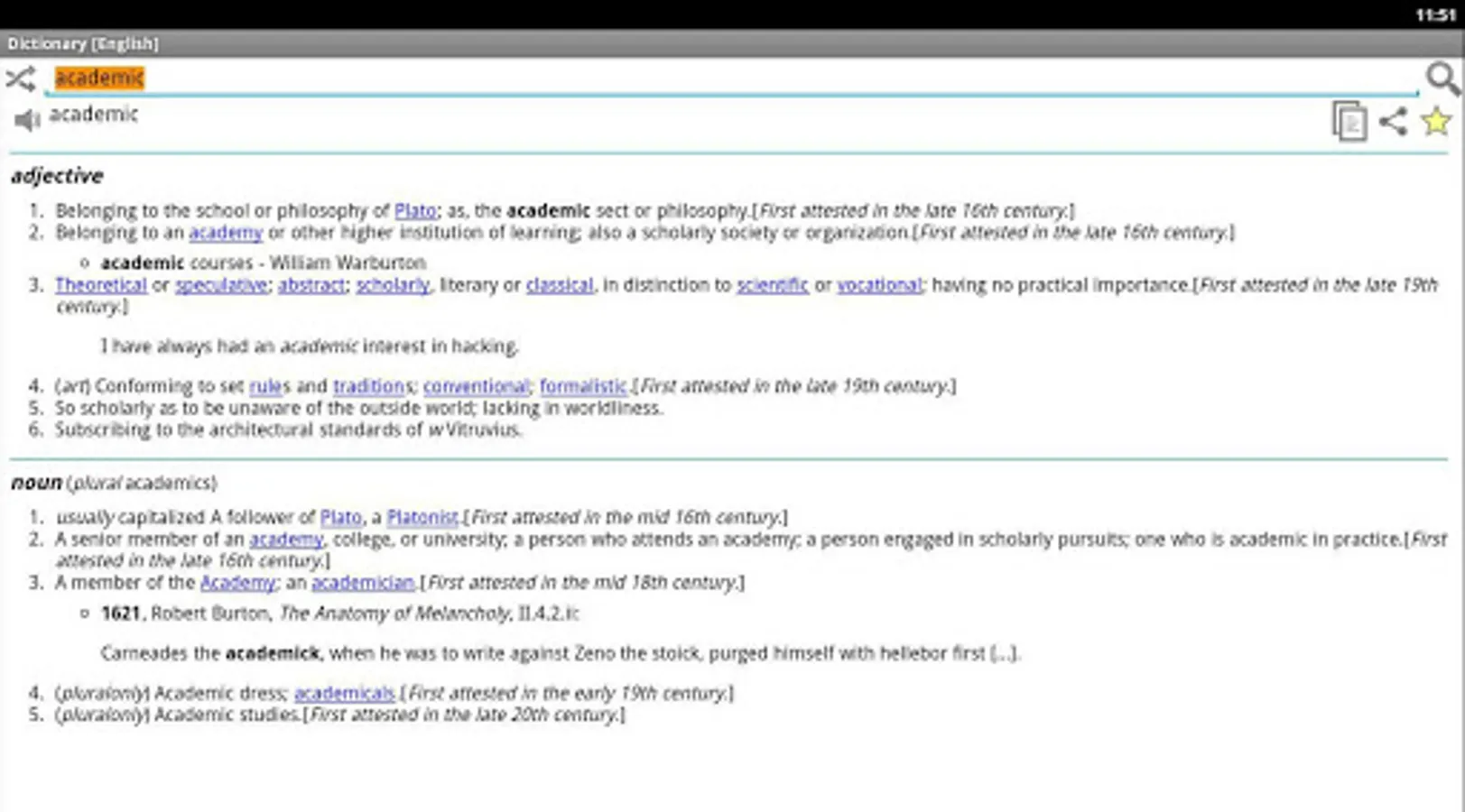
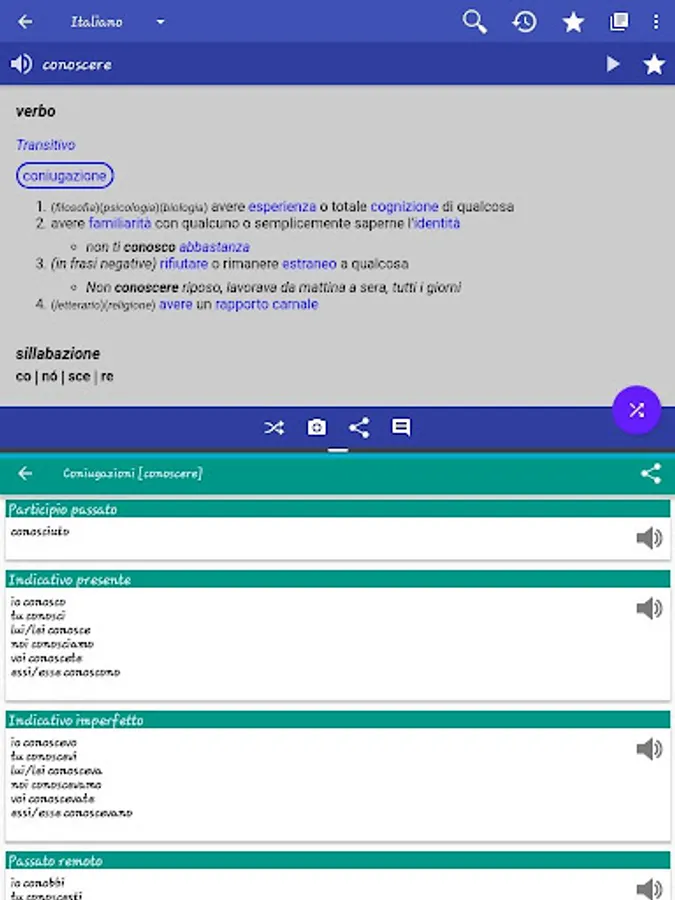
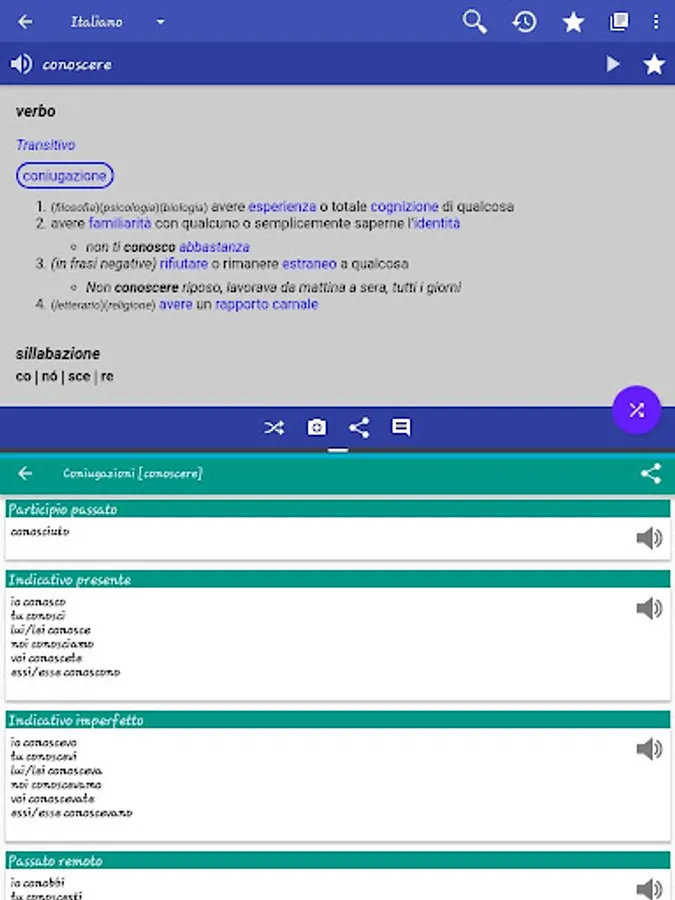
The online dictionary application explains the meaning of words based on English, Italian, French, Portuguese, German and Spanish Wiktionary. Light and free application without any ads!
Features
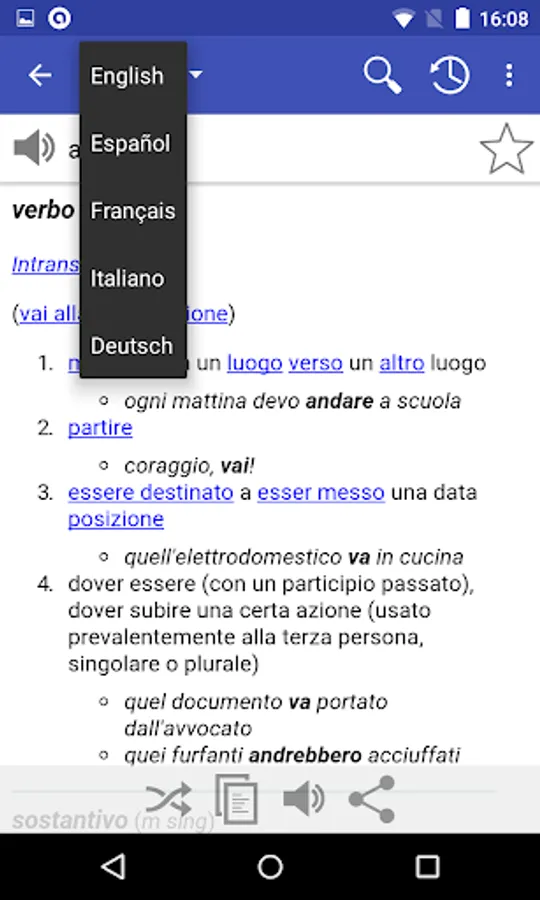
♦ Multi-language dictionary:English, Italian, French, Portuguese, German and Spanish
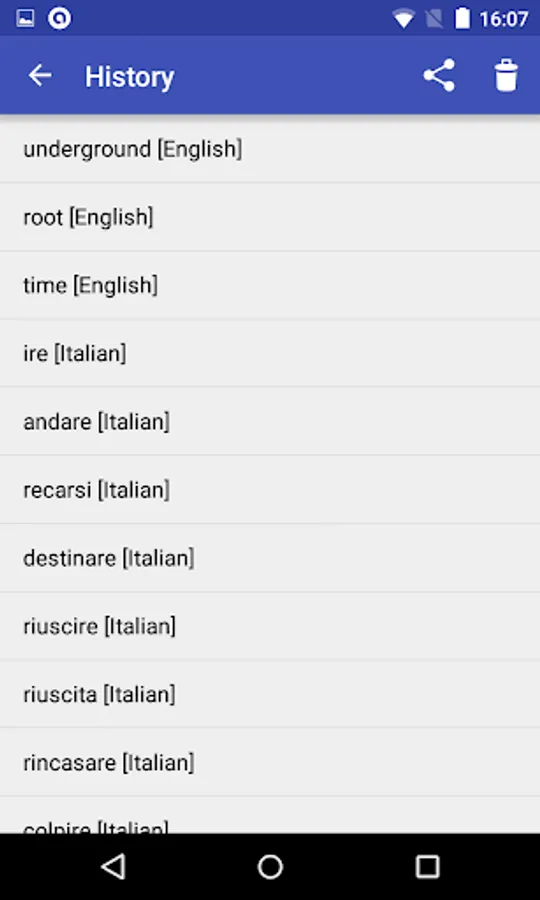
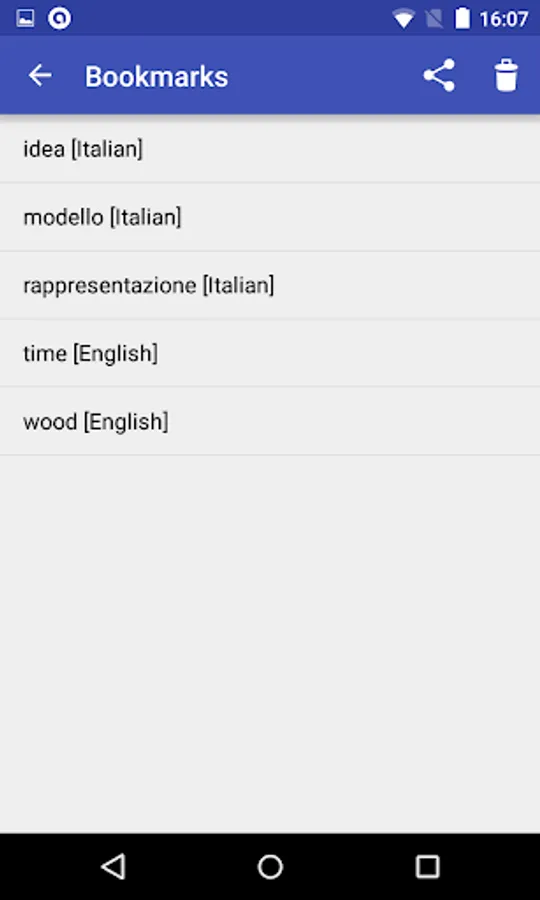
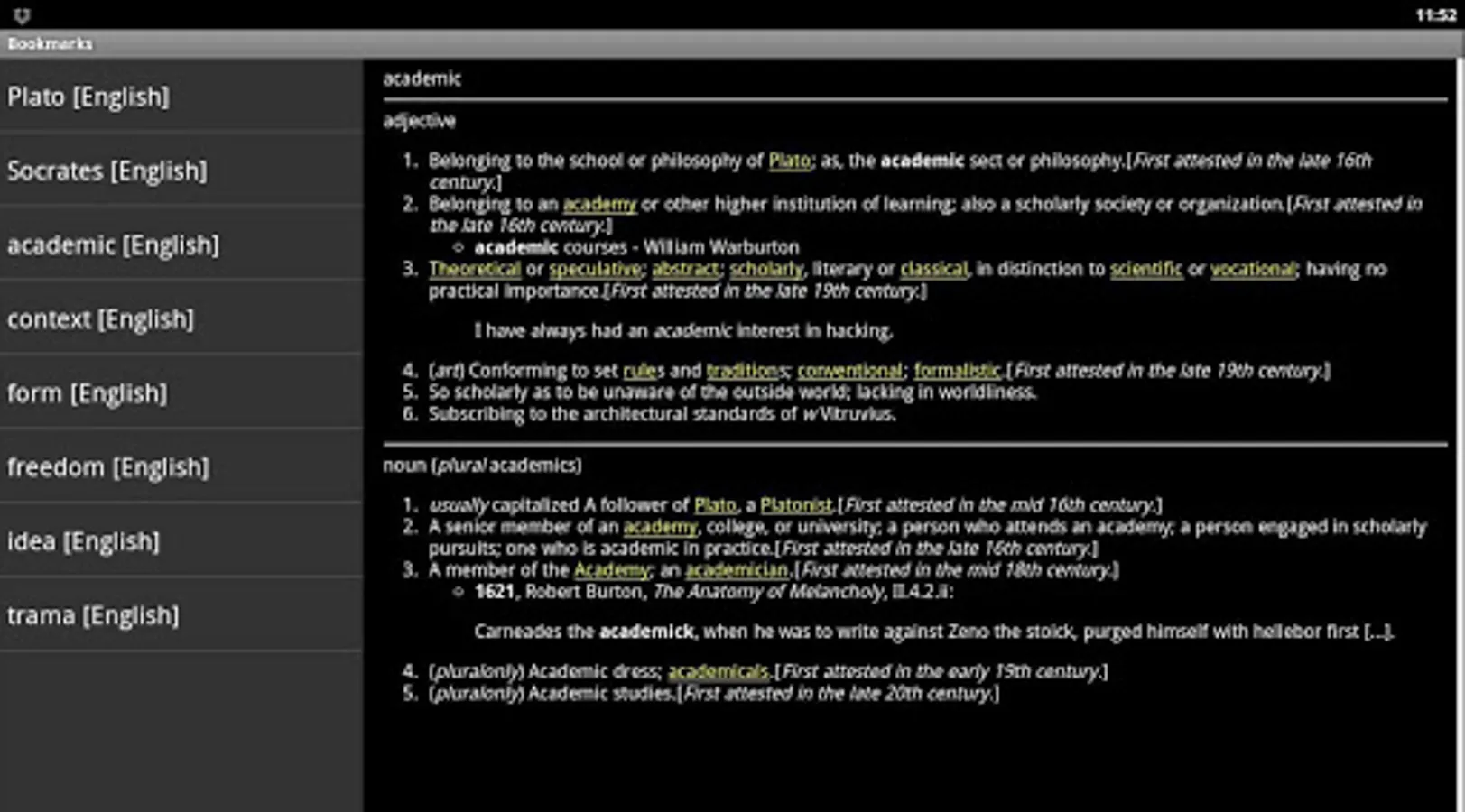
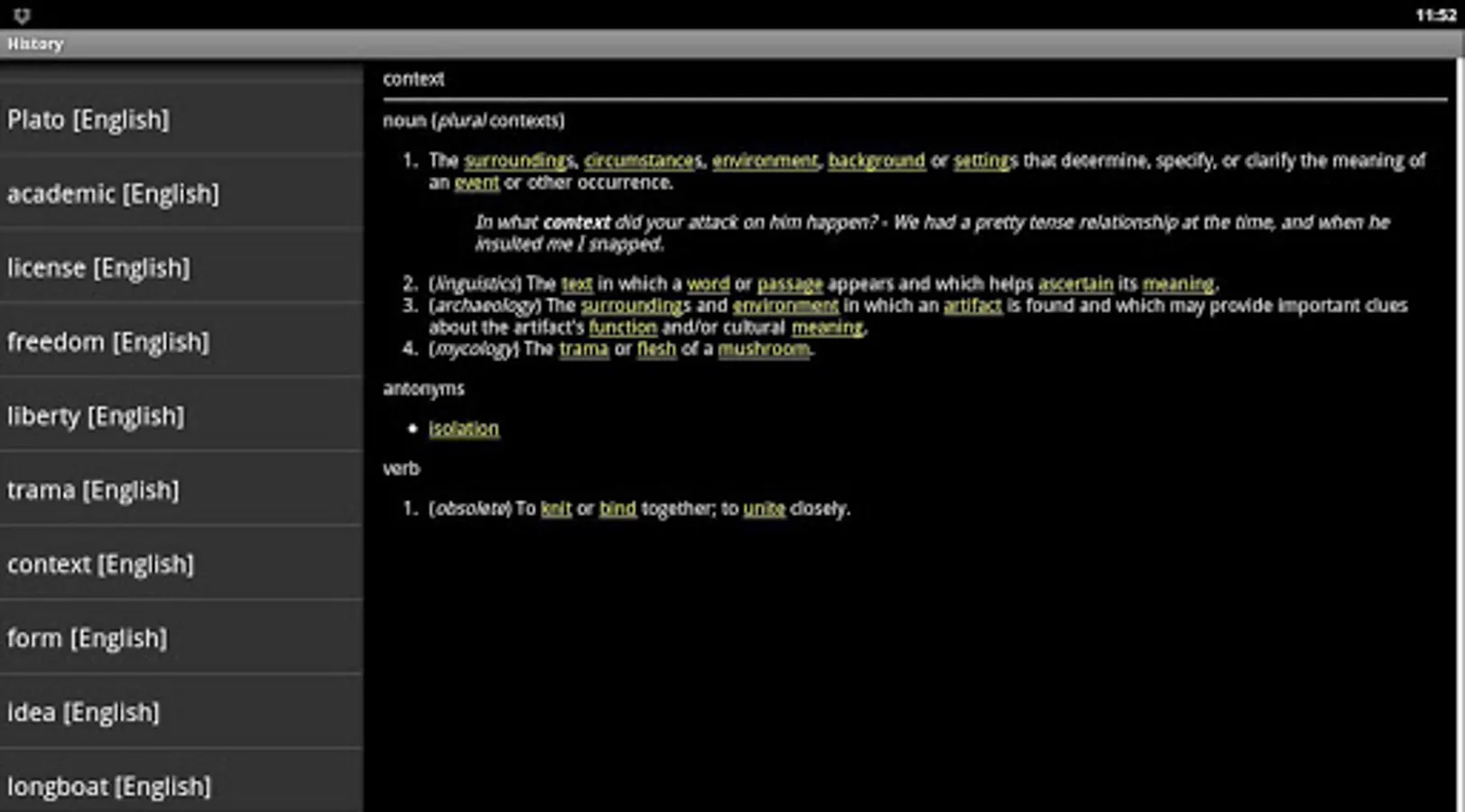
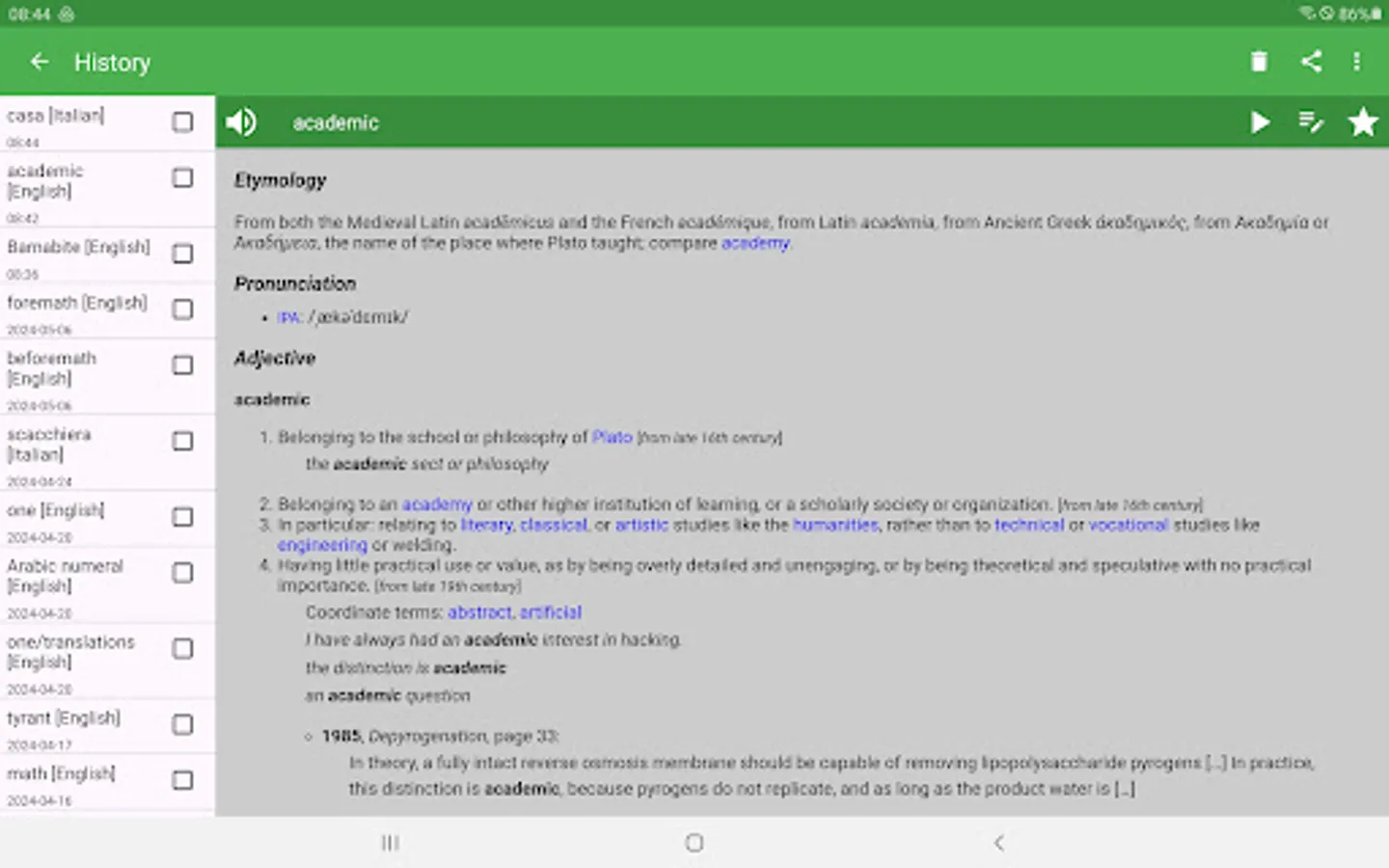
♦ Bookmarks and search history
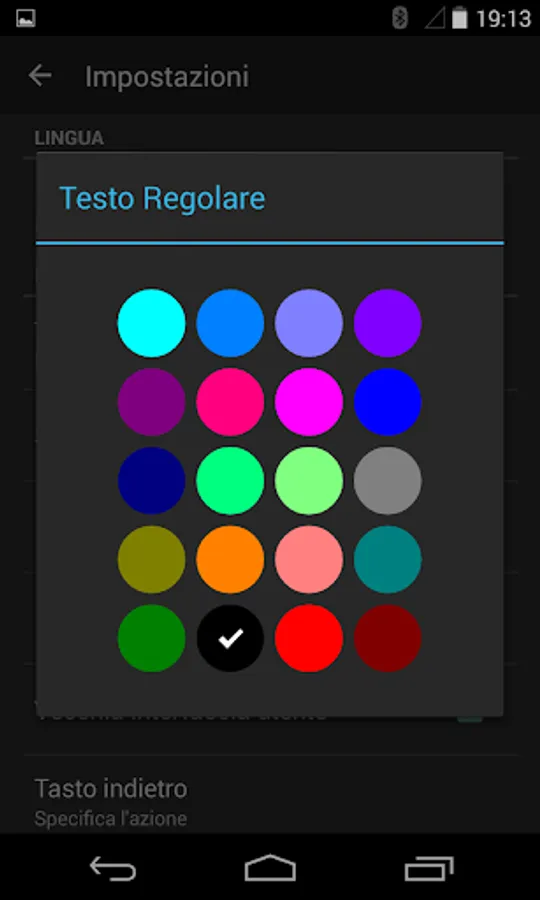
♦ Themes with user defined text color
♦ Random search button (shuffle)
♦ Optimized for tablets and phones
♦ Read aloud option
♦ Search with wildcards * and ?
♦ Backup and restore of bookmarks and settings on local storage and on Google Drive, Dropbox and Box clouds (available only if you have installed these applications on your device and configured with your own account)
♦ Configurable Floating Action Button (FAB) for voice search, random word, bookmarks, history and share activity
♦ Configurable shake gesture for voice search, random word, bookmarks, history and share activity
♦ Personal notes, write your own text
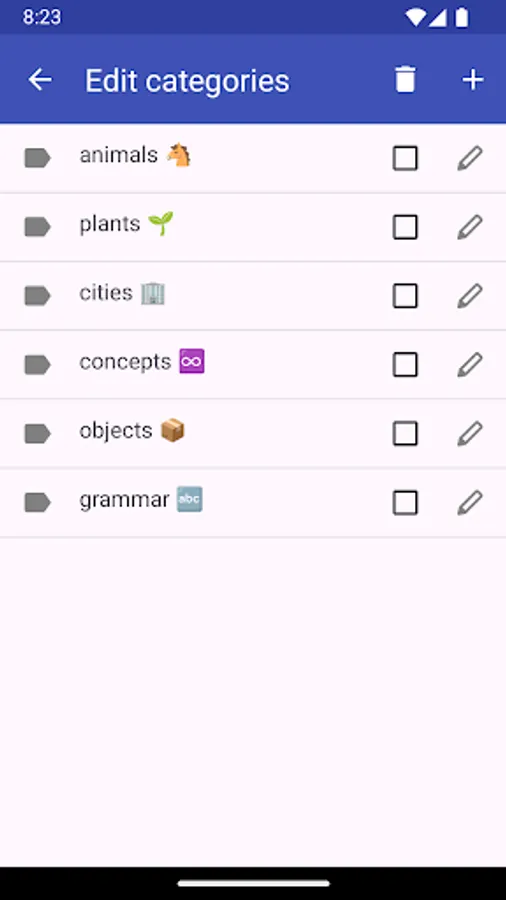
♦ Organize words in bookmarks and notes using user defined categories. You can create, edit, and delete categories as needed.
♦ Camera search via OCR Plugin, available only on Android 4.2 or later devices with back camera. (Settings->Floating Action Button->Camera). The OCR Plugin has to be downloaded from Google Play.
In case you need offline dictionary, please download the other Livio dictionaries in Google Play: https://play.google.com/store/search?q=pub:Livio
Note that this application is not a translator.
Acknowledgements, comments and useful suggestions are welcome.
You can listen to the word pronunciation, provided that voice data have been installed in your phone (Text-to-speech engine).
You can improve the base dictionaries by adding the definitions in the site http://wiktionary.org
Permissions
This application requires the following permissions:
♢ INTERNET - to retrieve the definition of words
♢ WRITE_EXTERNAL_STORAGE (aka Photos/Media/Files) - to backup configuration and bookmarks
Features
♦ Multi-language dictionary:English, Italian, French, Portuguese, German and Spanish
♦ Bookmarks and search history
♦ Themes with user defined text color
♦ Random search button (shuffle)
♦ Optimized for tablets and phones
♦ Read aloud option
♦ Search with wildcards * and ?
♦ Backup and restore of bookmarks and settings on local storage and on Google Drive, Dropbox and Box clouds (available only if you have installed these applications on your device and configured with your own account)
♦ Configurable Floating Action Button (FAB) for voice search, random word, bookmarks, history and share activity
♦ Configurable shake gesture for voice search, random word, bookmarks, history and share activity
♦ Personal notes, write your own text
♦ Organize words in bookmarks and notes using user defined categories. You can create, edit, and delete categories as needed.
♦ Camera search via OCR Plugin, available only on Android 4.2 or later devices with back camera. (Settings->Floating Action Button->Camera). The OCR Plugin has to be downloaded from Google Play.
In case you need offline dictionary, please download the other Livio dictionaries in Google Play: https://play.google.com/store/search?q=pub:Livio
Note that this application is not a translator.
Acknowledgements, comments and useful suggestions are welcome.
You can listen to the word pronunciation, provided that voice data have been installed in your phone (Text-to-speech engine).
You can improve the base dictionaries by adding the definitions in the site http://wiktionary.org
Permissions
This application requires the following permissions:
♢ INTERNET - to retrieve the definition of words
♢ WRITE_EXTERNAL_STORAGE (aka Photos/Media/Files) - to backup configuration and bookmarks
Online Dictionary Screenshots
Tap to Rate:
Reviews for Online Dictionary
Gerard Vignon
11/5/2024
Muy interesante. Actuliazado. Citas, inciso, definiciones relacionadas con el tema y palabra buscados. Referencia bibliográfica conforme
Yohana Mbatizaji Abedi
10/25/2024
I like this dictionary because it explains things in details , but very happy it could be put offline dictionary it can be more fire 💥💥💥