In this Bible app, you can read, listen, and study multiple translations with features like interlinear displays and verse highlighting. Includes offline access, synchronized audio, cross-references, and search tools.
AppRecs review analysis
AppRecs rating 4.7. Trustworthiness 70 out of 100. Review manipulation risk 29 out of 100. Based on a review sample analyzed.
★★★★☆
4.7
AppRecs Rating
Ratings breakdown
5 star
81%
4 star
10%
3 star
6%
2 star
1%
1 star
1%
What to know
✓
Low review manipulation risk
29% review manipulation risk
✓
High user satisfaction
81% of sampled ratings are 5 stars
✓
Authentic reviews
Natural distribution, no red flags
About BART Bible
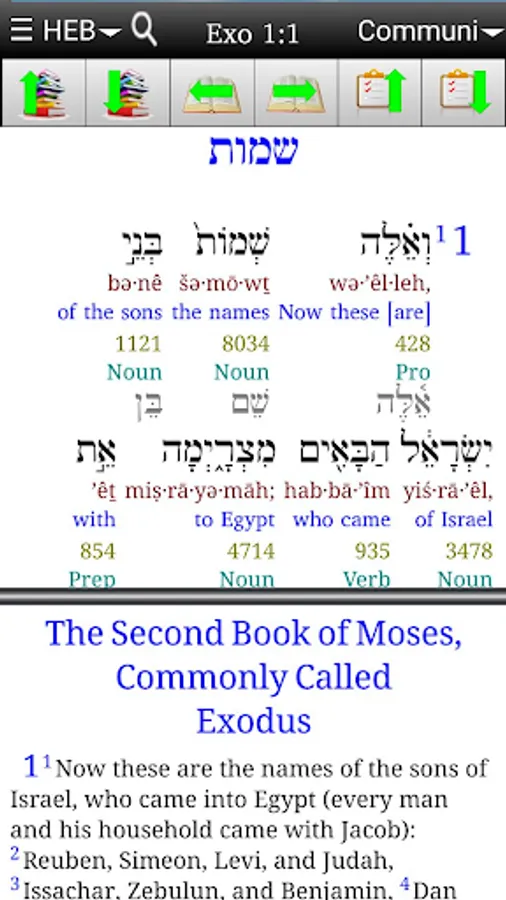
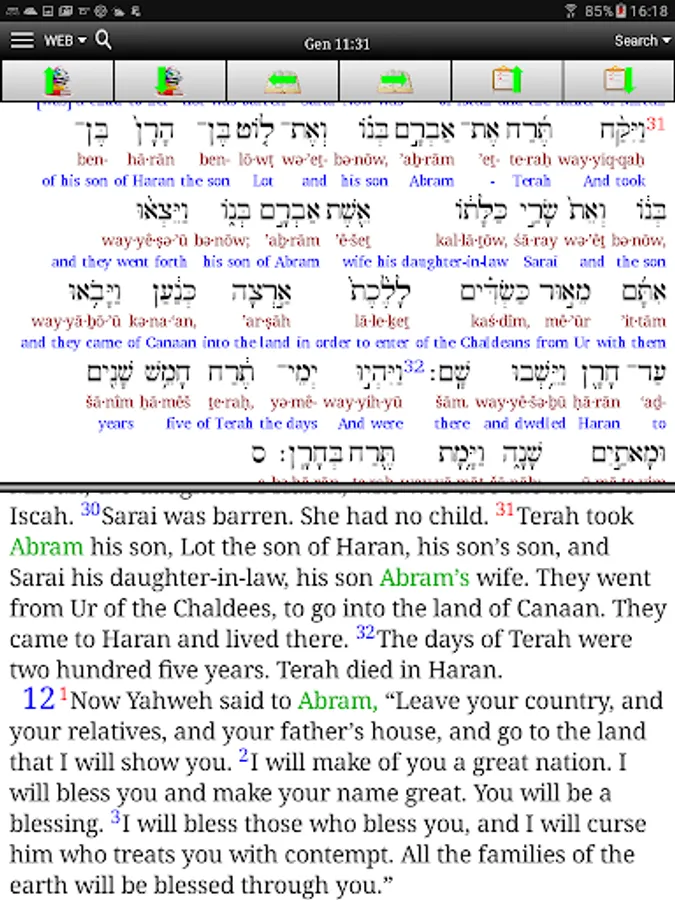
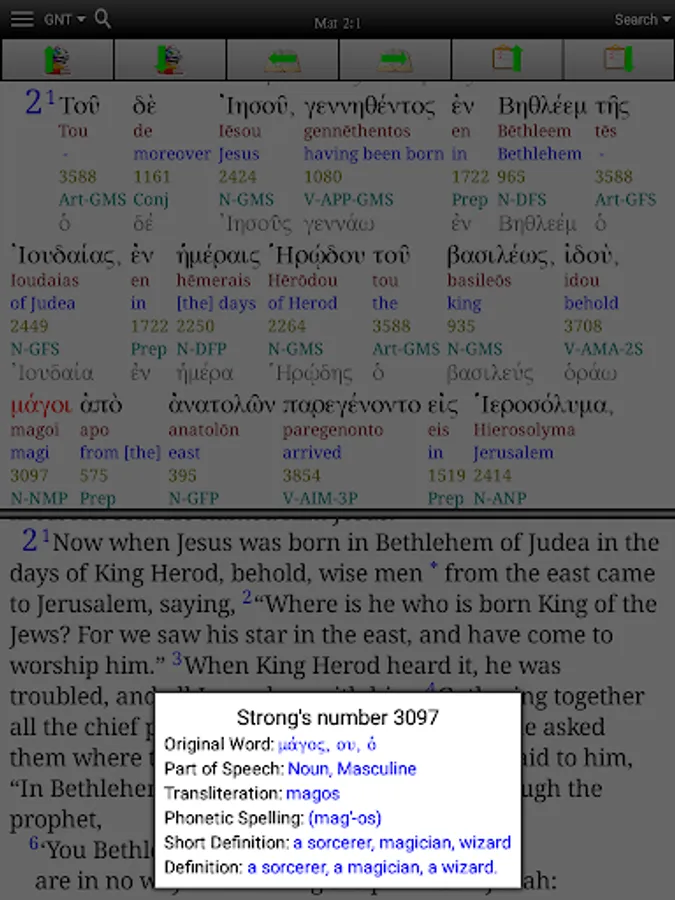
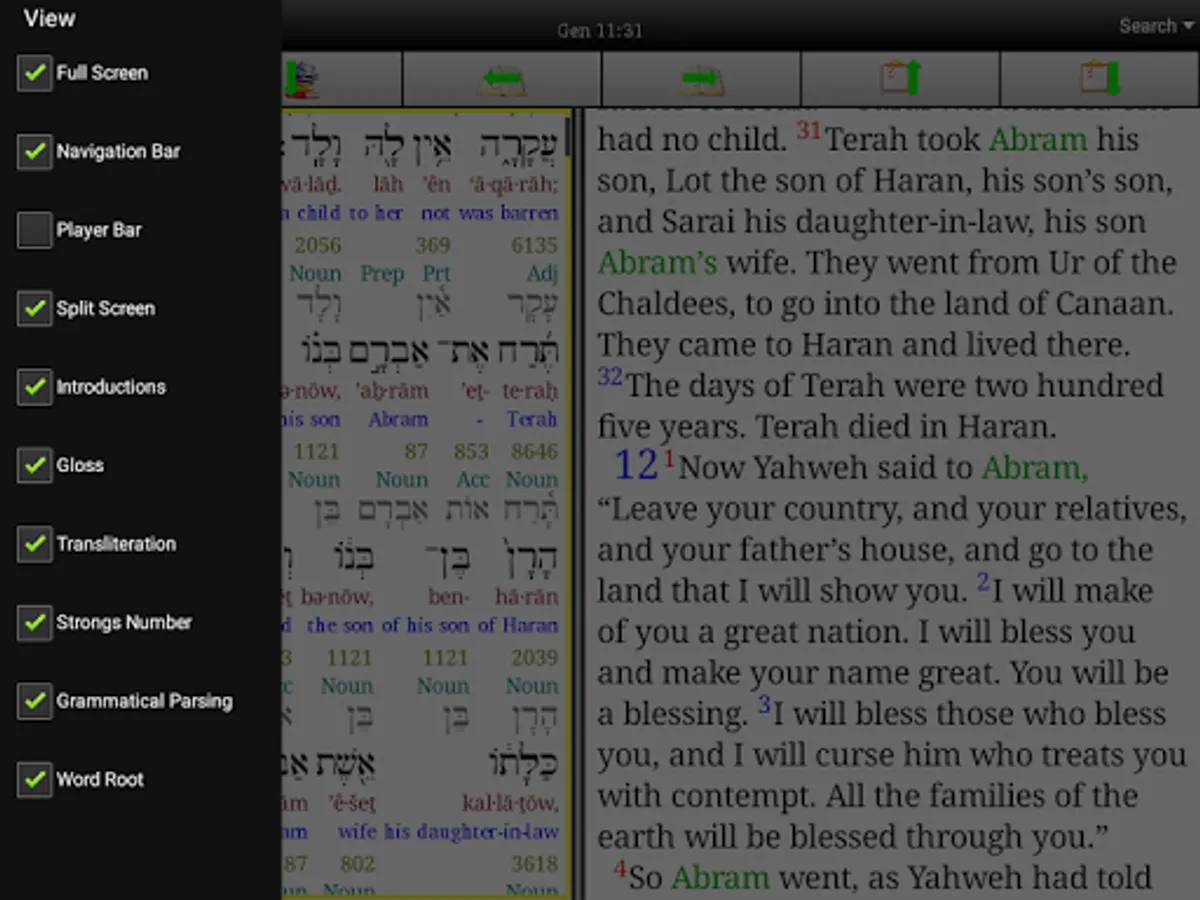
Read and listen to the Bible on your phone or tablet. Enhance your learning by listening. Study the original Greek and Hebrew using an interlinear display, which allows selecting only the lines you want to see. Click on a word root to display the Strong's definition. Search for a word root to see where else and how that word is used.
Also includes the NET Bible, World English Bible, English King James Version, Luther German Version, Russian Synodal Version, Urdu Version, Sindhi Version and the Old Persian Version.
Key Features:
· Bibles are downloaded for offline access.
· Pinch to zoom text to a convenient reading size.
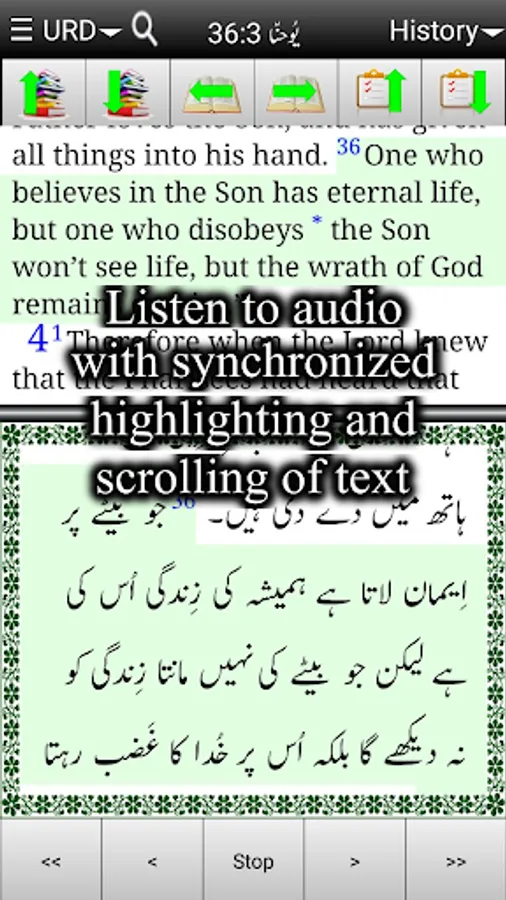
· Synchronized audio reading for the Hebrew Old Testament, Greek New Testament, World English Bible, Urdu Bible and Sindhi NT. Verses are highlighted and the text scrolls to match the audio.
· Highlight verses or phrases using multiple colors. Quickly move through highlighted verses by creating a verse list of verses with highlights.
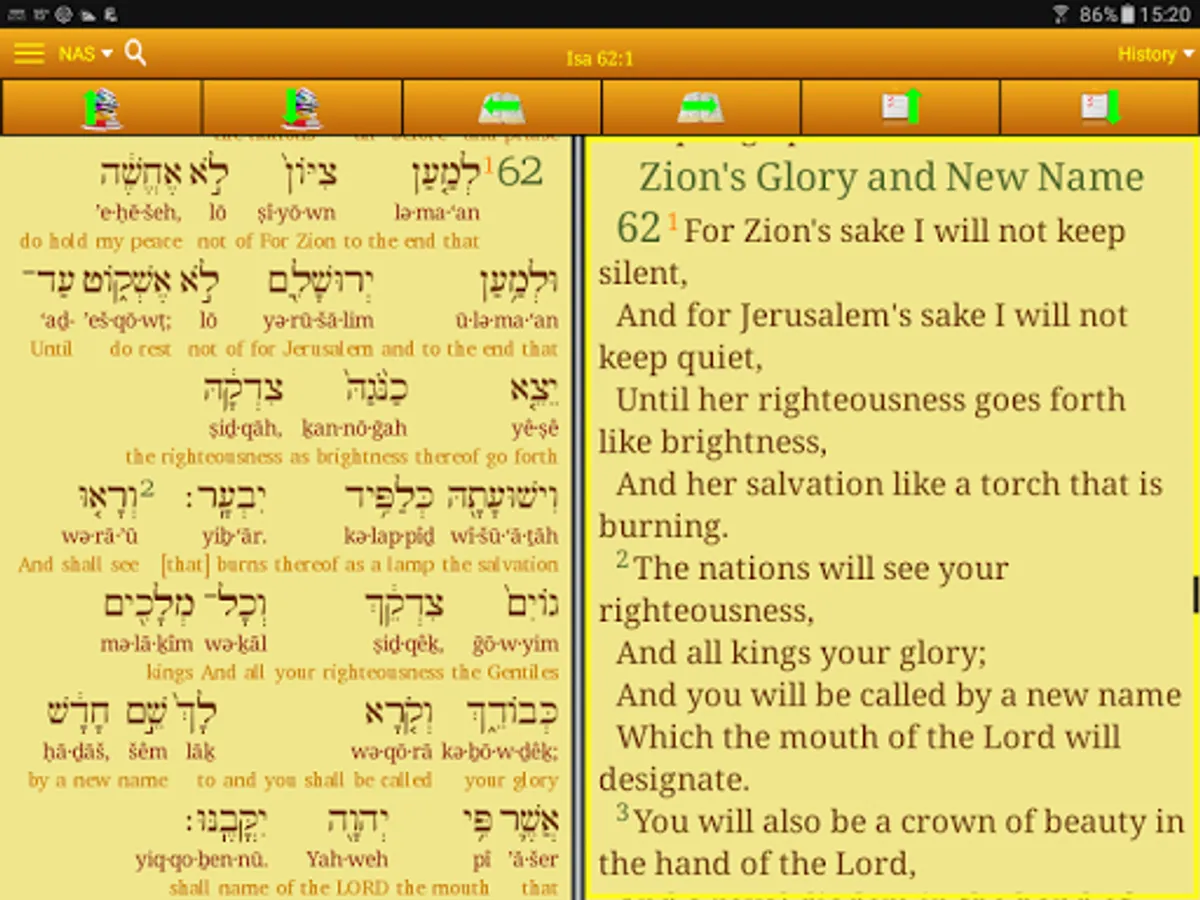
· Split window for viewing two versions at once with synchronized scrolling.
· Interlinear Greek and Hebrew with lines for pronunciation, English gloss, grammatical parsing, Strong's concordance and word roots. Click on the Strong's number to display the concordance entry. Long-click a word to search for words with the same root. Improve your reading by turning off all interlinear lines and clicking only unknown words to see the gloss.
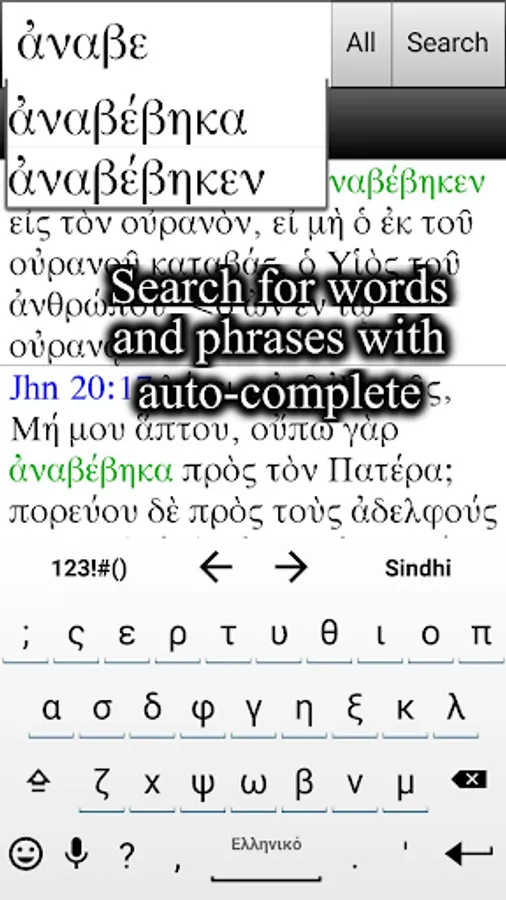
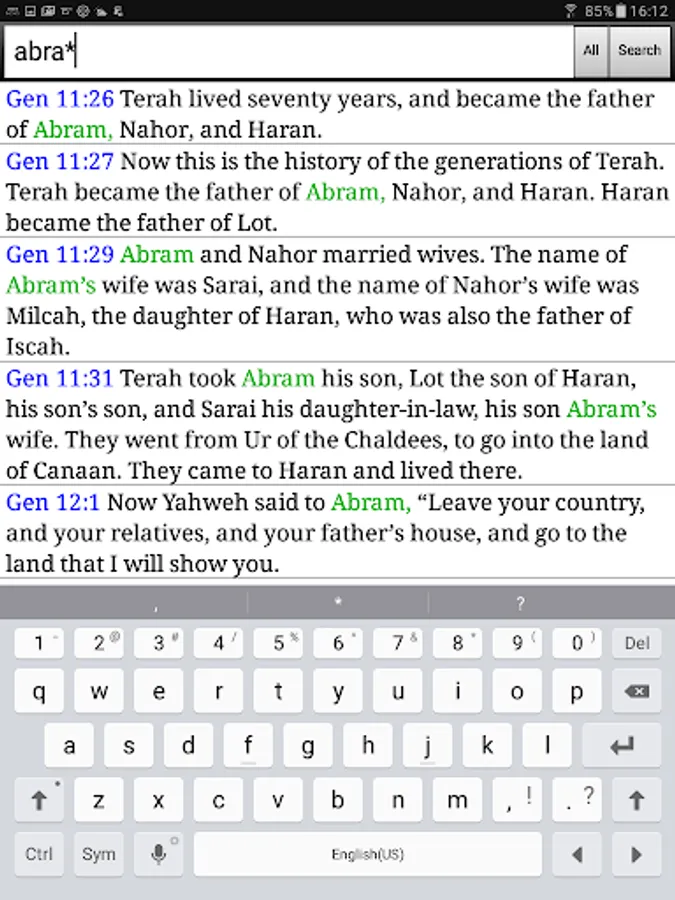
· Powerful but simple phrase search engine with wild-card character and auto-completion as you type.
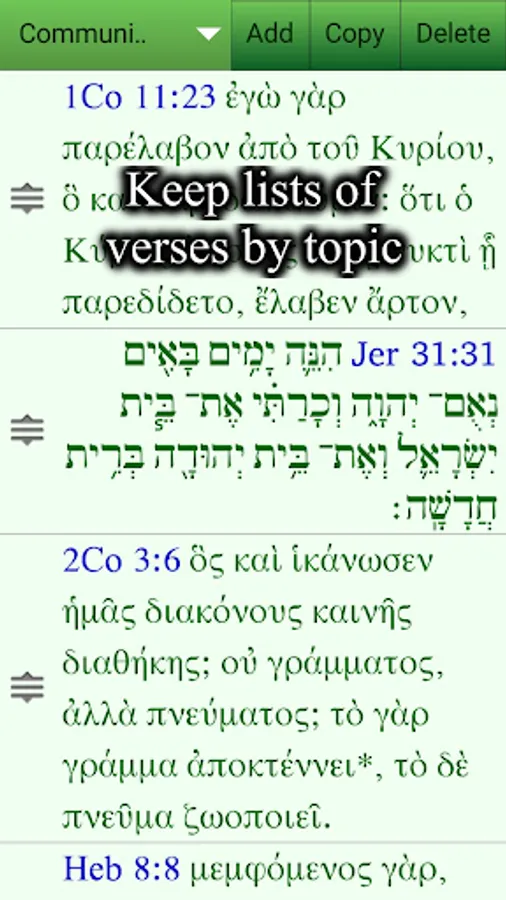
· Bookmarks and verse lists for easy navigation.
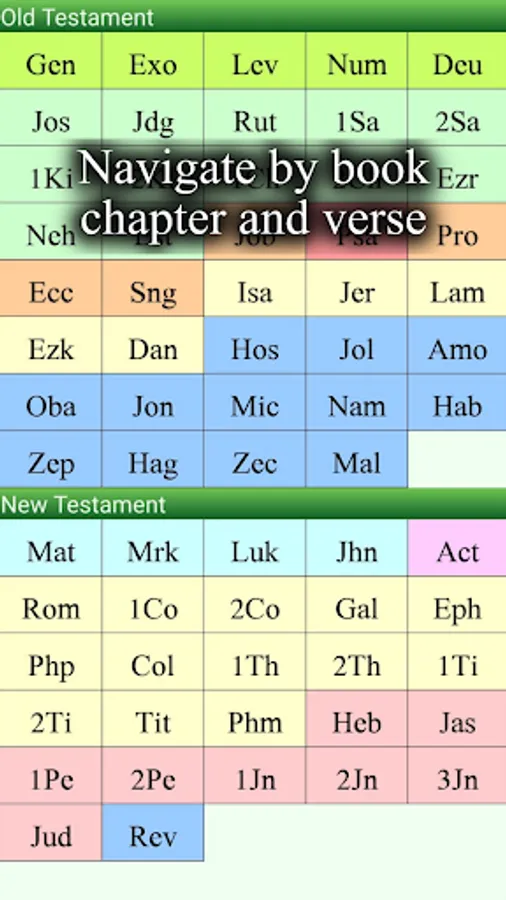
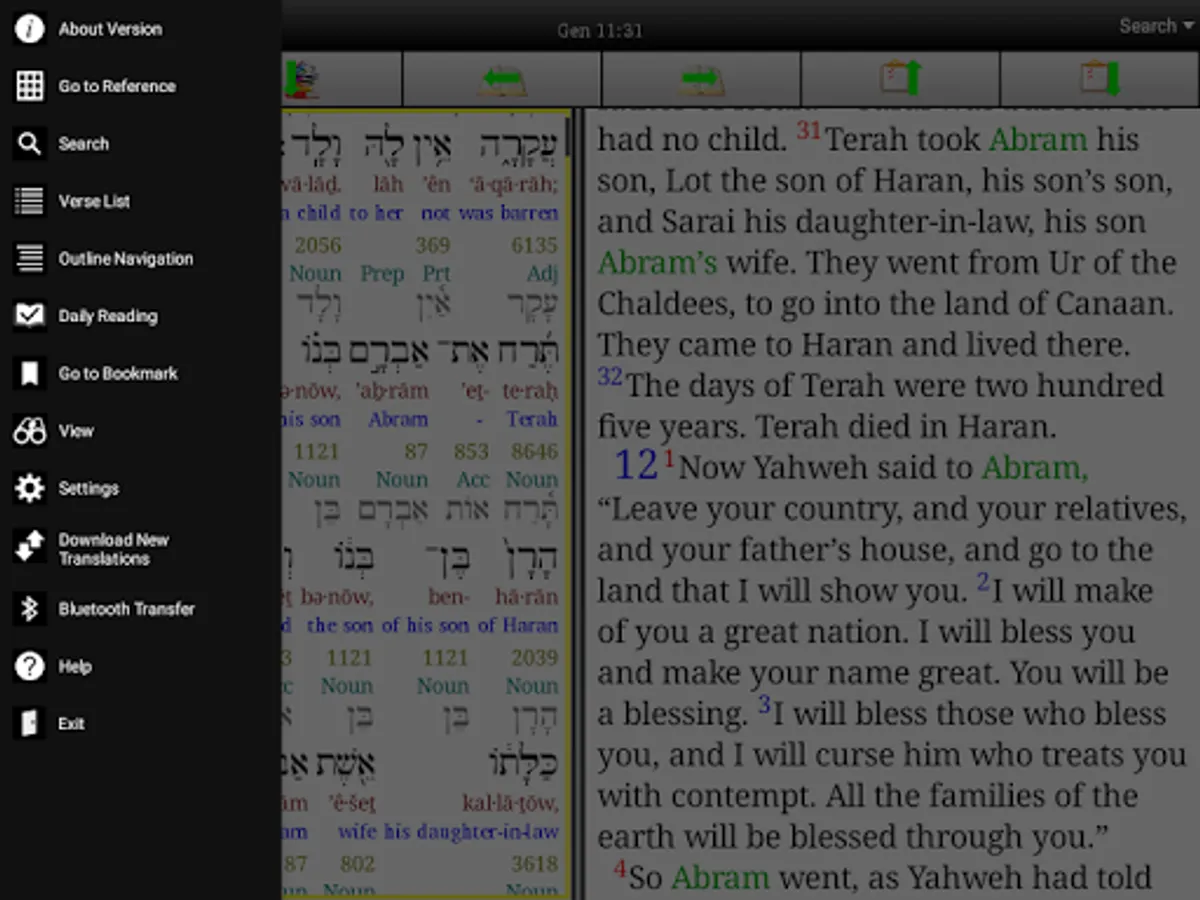
· Find a reference by book, chapter and verse or by section heading in a clickable hierarchical outline.
· Clickable cross-references and footnotes.
· Copy and paste text into other apps, for example to make notes or send a verse in a text to a friend.
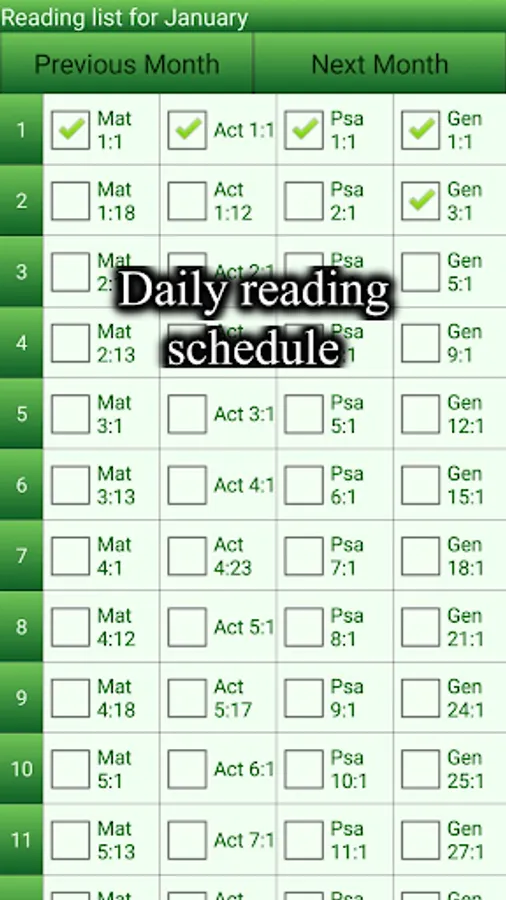
· Yearly reading plan with checkboxes to keep track and long-click navigation directly to the passage for convenience.
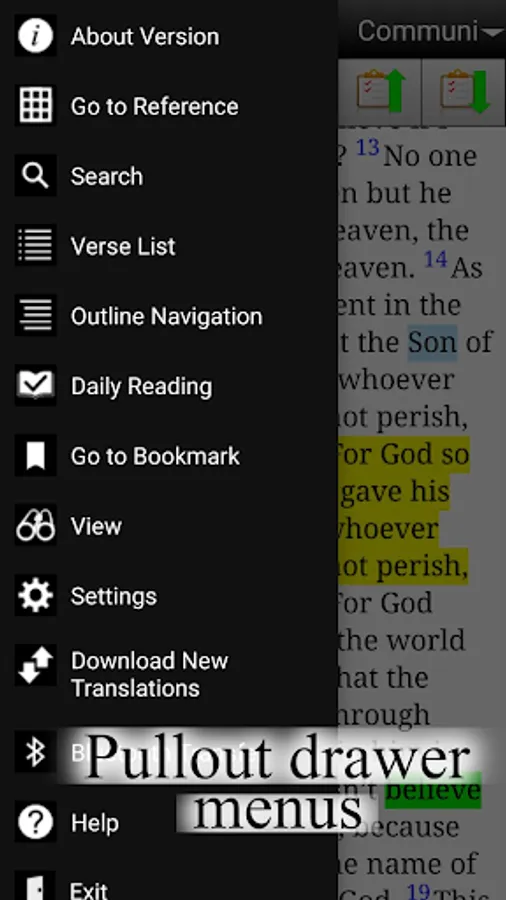
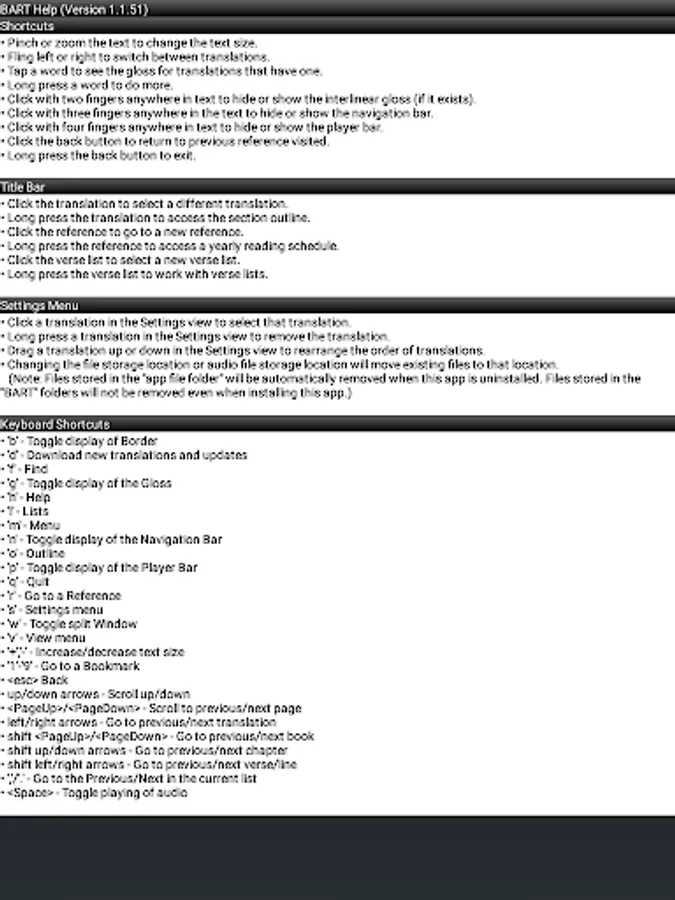
· Navigation and audio player toolbars that may be turned on or off from the View menu or with three-finger or four-finger clicks.
· Multiple color schemes, including a black theme for night reading.
· Borders may be optionally turned on or off and the app may be made full screen to maximize the viewing area.
· Select different version from the version menu or fling left or right to quickly cycle through installed versions. The order of versions may be rearranged by dragging up or down in the Settings dialog.
· Displays text correctly on all phones running Android 4.0 and newer.
· Shortcut keys for use with an Android device or emulator which has a physical keyboard.
· Versions may be uninstalled by long-clicking a version in the Settings or Updates dialogs in order to free up storage used by that version.
· Audio files may be downloaded by chapter or book.
· Audio files may be removed by clicking "Audio File Management" in the Settings menu to free up storage.
· For further information, see the tutorial and help menu inside the app.
Also includes the NET Bible, World English Bible, English King James Version, Luther German Version, Russian Synodal Version, Urdu Version, Sindhi Version and the Old Persian Version.
Key Features:
· Bibles are downloaded for offline access.
· Pinch to zoom text to a convenient reading size.
· Synchronized audio reading for the Hebrew Old Testament, Greek New Testament, World English Bible, Urdu Bible and Sindhi NT. Verses are highlighted and the text scrolls to match the audio.
· Highlight verses or phrases using multiple colors. Quickly move through highlighted verses by creating a verse list of verses with highlights.
· Split window for viewing two versions at once with synchronized scrolling.
· Interlinear Greek and Hebrew with lines for pronunciation, English gloss, grammatical parsing, Strong's concordance and word roots. Click on the Strong's number to display the concordance entry. Long-click a word to search for words with the same root. Improve your reading by turning off all interlinear lines and clicking only unknown words to see the gloss.
· Powerful but simple phrase search engine with wild-card character and auto-completion as you type.
· Bookmarks and verse lists for easy navigation.
· Find a reference by book, chapter and verse or by section heading in a clickable hierarchical outline.
· Clickable cross-references and footnotes.
· Copy and paste text into other apps, for example to make notes or send a verse in a text to a friend.
· Yearly reading plan with checkboxes to keep track and long-click navigation directly to the passage for convenience.
· Navigation and audio player toolbars that may be turned on or off from the View menu or with three-finger or four-finger clicks.
· Multiple color schemes, including a black theme for night reading.
· Borders may be optionally turned on or off and the app may be made full screen to maximize the viewing area.
· Select different version from the version menu or fling left or right to quickly cycle through installed versions. The order of versions may be rearranged by dragging up or down in the Settings dialog.
· Displays text correctly on all phones running Android 4.0 and newer.
· Shortcut keys for use with an Android device or emulator which has a physical keyboard.
· Versions may be uninstalled by long-clicking a version in the Settings or Updates dialogs in order to free up storage used by that version.
· Audio files may be downloaded by chapter or book.
· Audio files may be removed by clicking "Audio File Management" in the Settings menu to free up storage.
· For further information, see the tutorial and help menu inside the app.