
In this golf data app, you can record wrist movements and view swing analysis. Includes real-time biofeedback, swing phase detection, and data storage features.
AppRecs review analysis
AppRecs rating 4.4. Trustworthiness 77 out of 100. Review manipulation risk 26 out of 100. Based on a review sample analyzed.
★★★★☆
4.4
AppRecs Rating
Ratings breakdown
5 star
91%
4 star
4%
3 star
2%
2 star
0%
1 star
2%
What to know
✓
Low review manipulation risk
26% review manipulation risk
✓
Credible reviews
77% trustworthiness score from analyzed reviews
✓
High user satisfaction
91% of sampled ratings are 5 stars
About HackMotion Golf
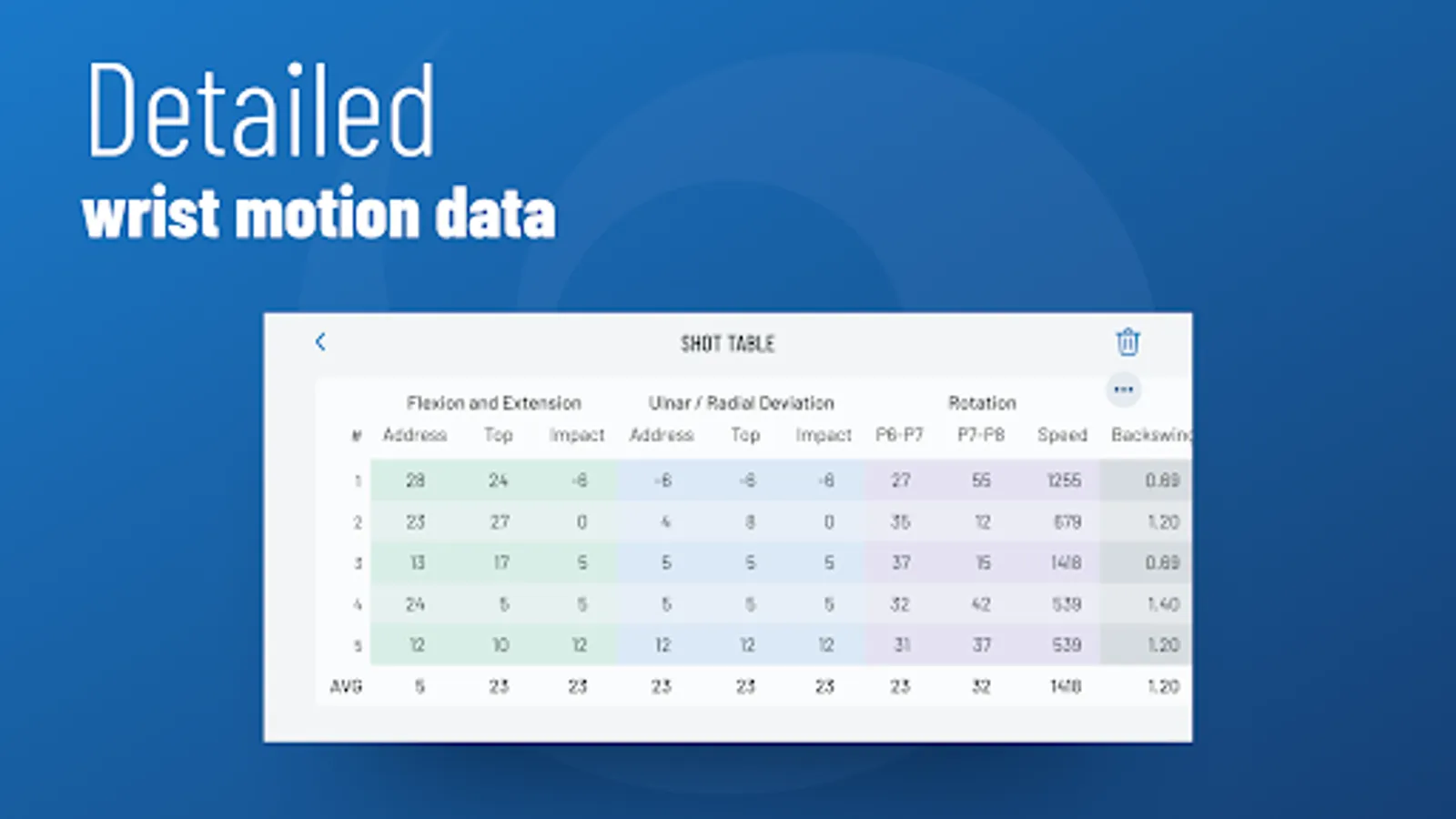
HackMotion wrist sensor is a cutting-edge biofeedback sensor for golf, providing precise wrist data after each swing.
HackMotion Golf app is used together with any HackMotion Golf wearable wrist sensor.
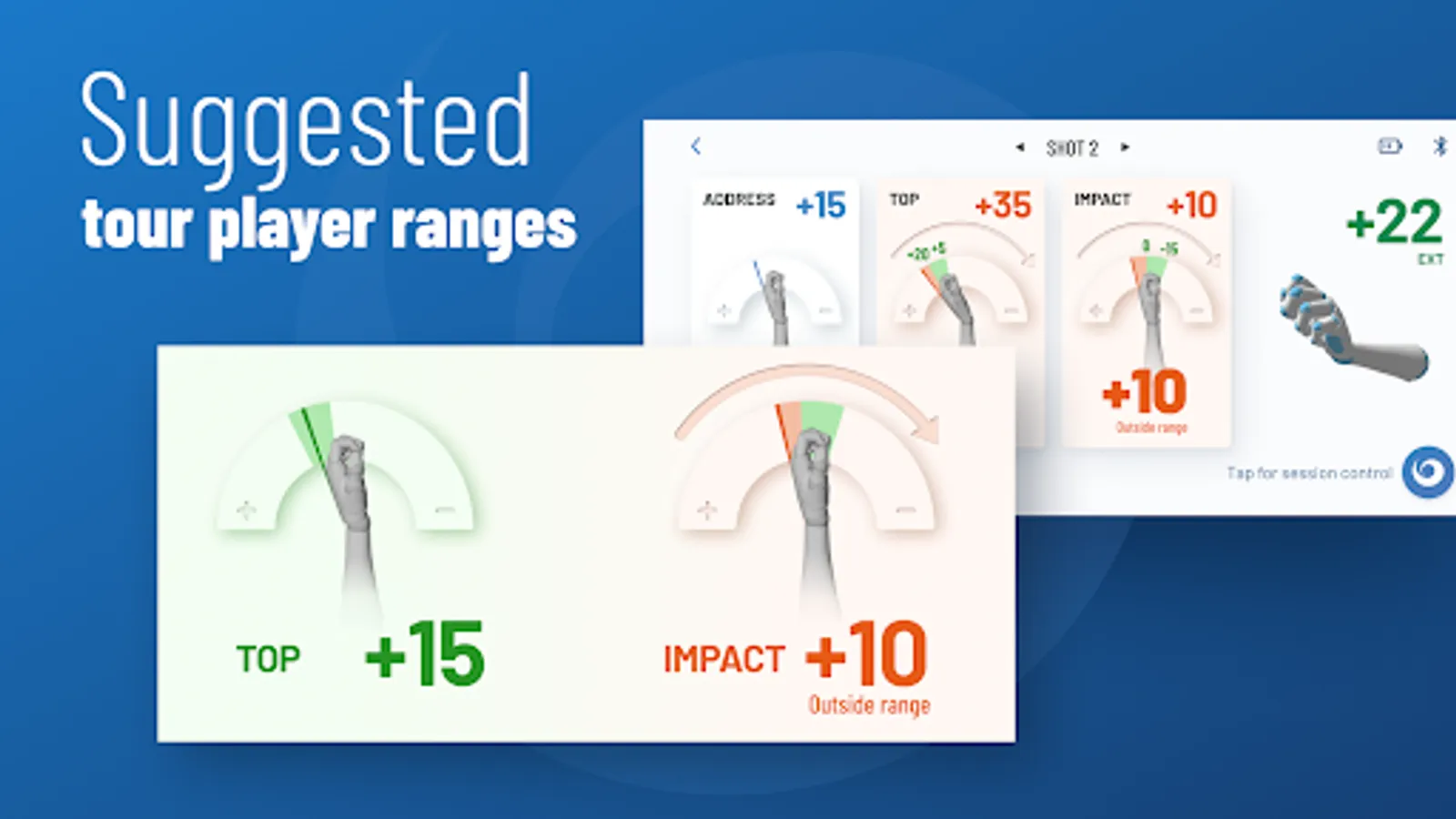
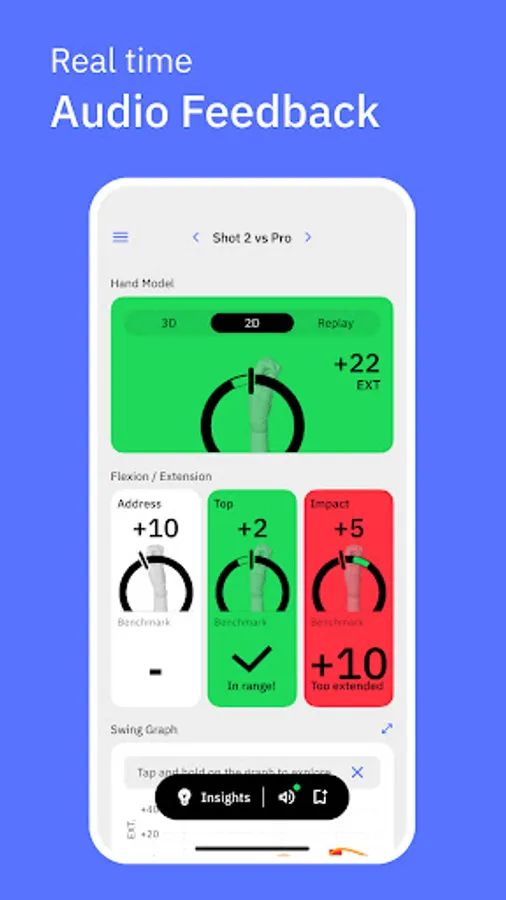
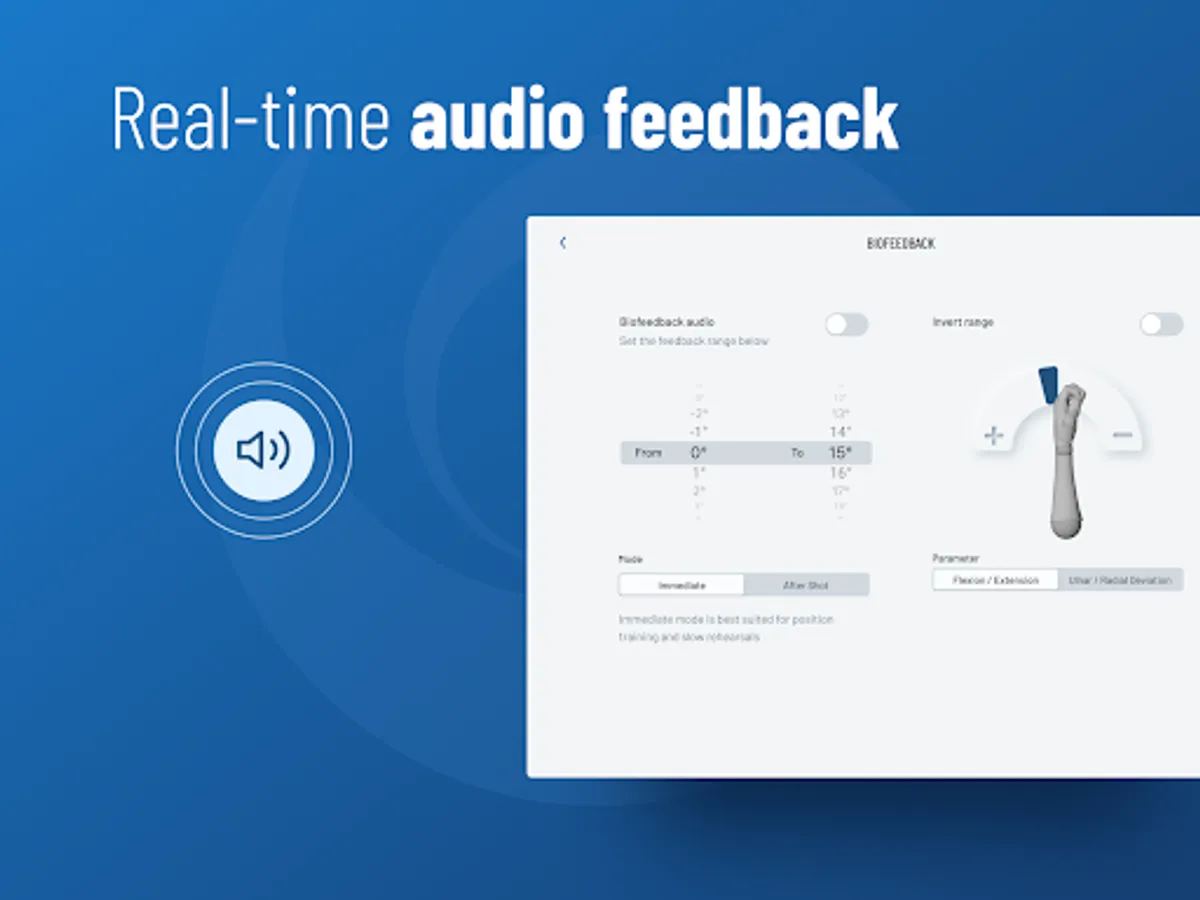
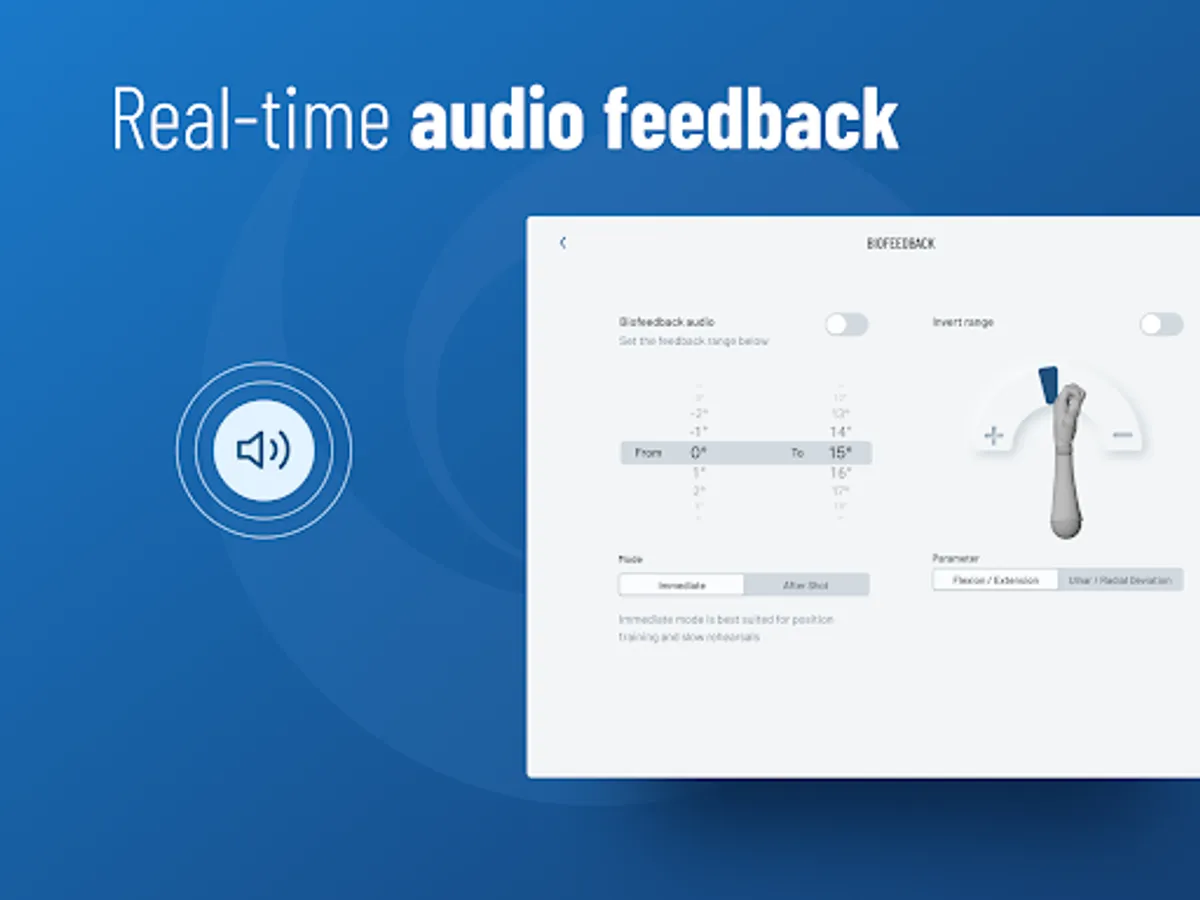
HackMotion Golf wrist sensor uses motion-tracking technology to capture wrist movements during the golf swing. HackMotion Golf app allows you to visualise your golf swing data and provides real-time audio biofeedback.
Main features include:
• Automatically capture your golf swings for analysis
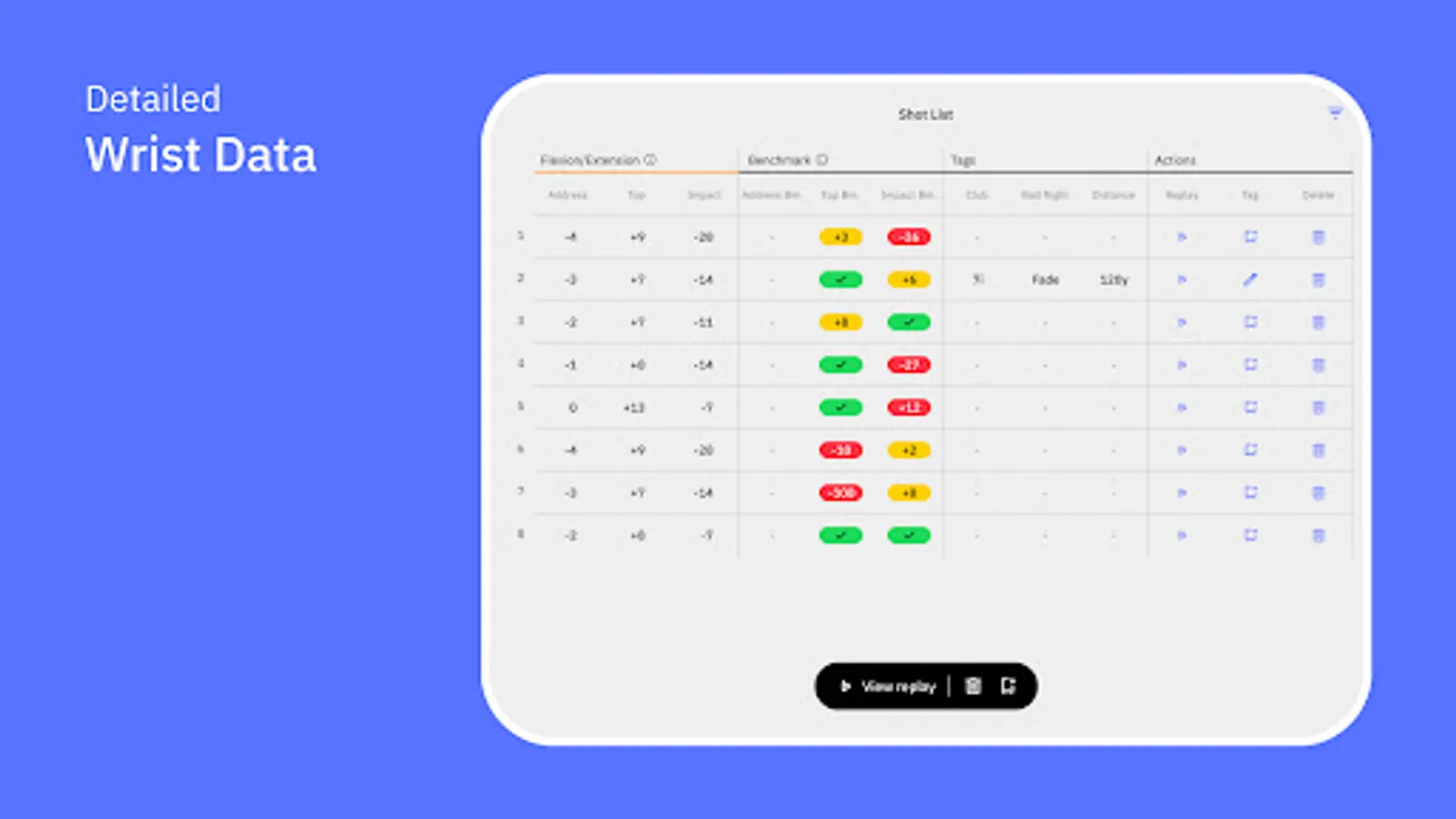
• Wrist flexion/extension and ulnar/radial deviation data
• User-adjustable audio biofeedback
• Real-time 3D hand model
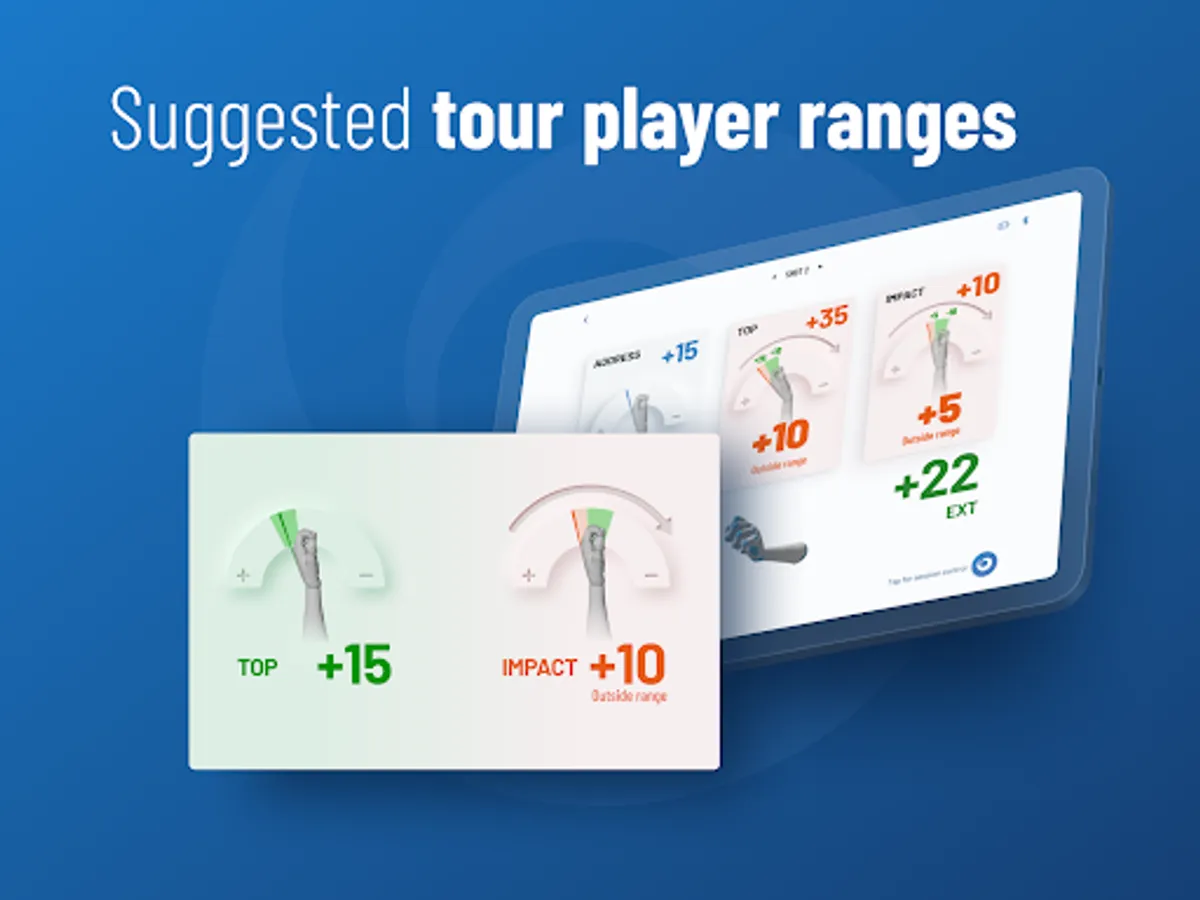
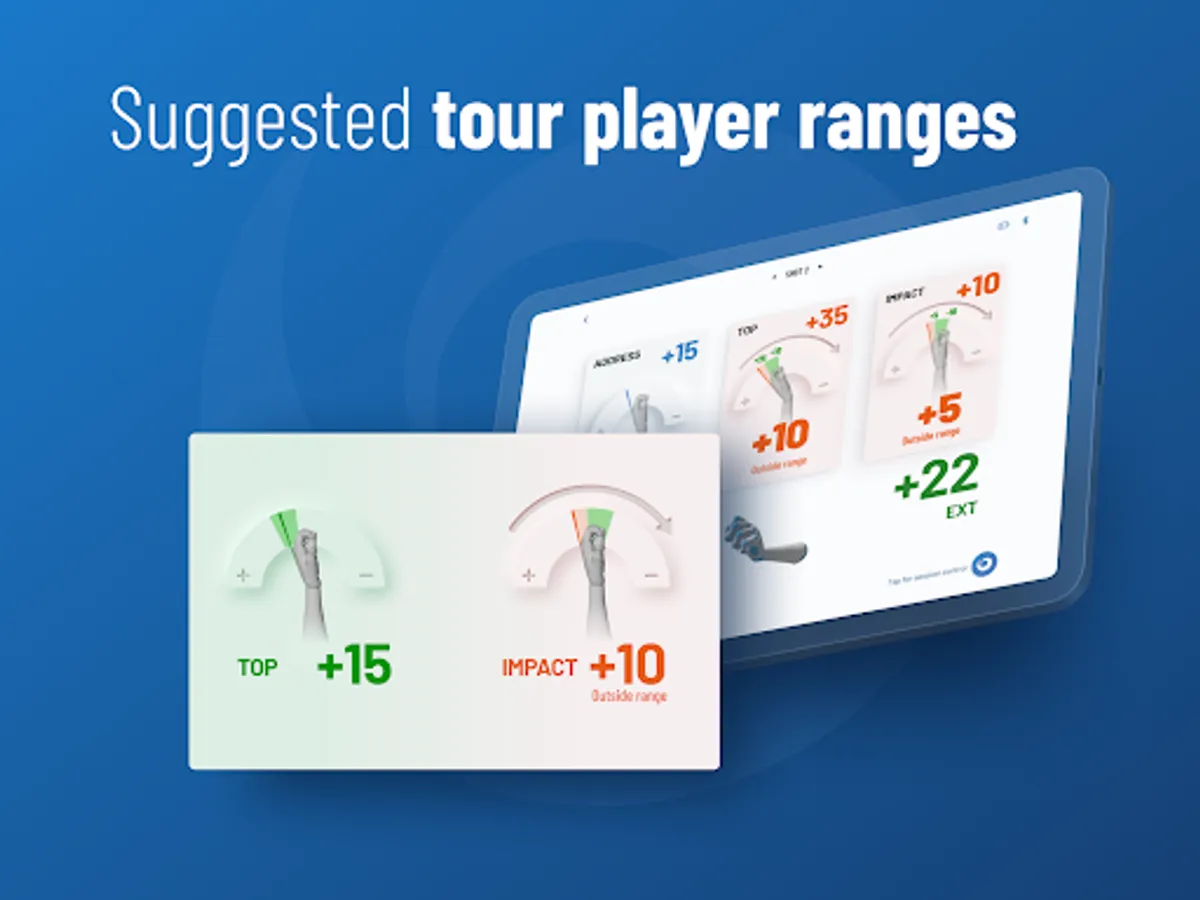
• Automatic swing phase detection (address, top, impact)
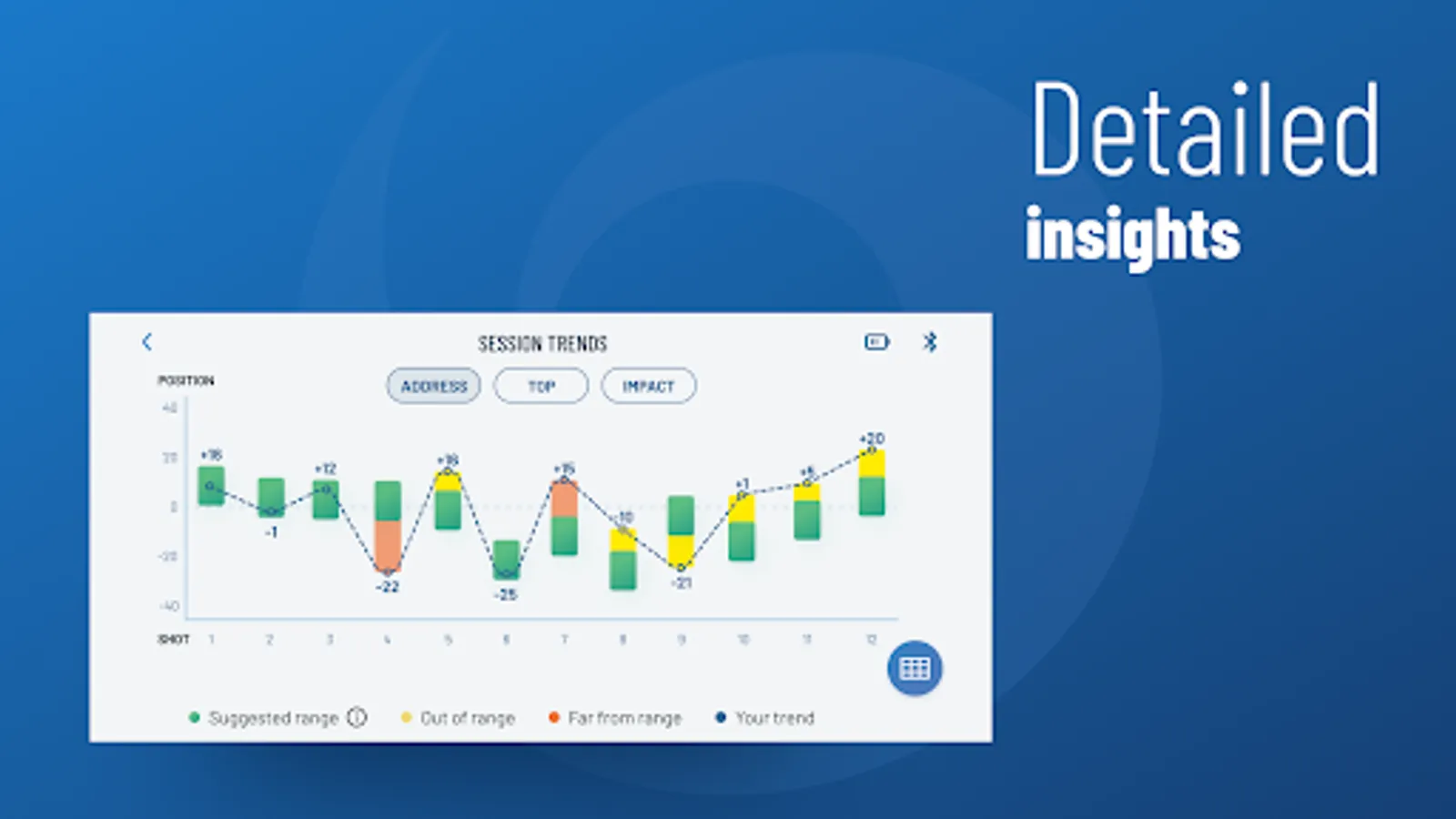
• Session & swing data storage & database
Put the wrist sensor on and power up. Open the HackMotion Golf app, choose a training mode, start a new session and calibrate your sensor. The system automatically detects golf swings and stores the data.
Note: You need to connect to the HackMotion Golf wrist sensor to use the main features of the app. The available features are adjusted according to the connected sensor.
HackMotion Golf app is used together with any HackMotion Golf wearable wrist sensor.
HackMotion Golf wrist sensor uses motion-tracking technology to capture wrist movements during the golf swing. HackMotion Golf app allows you to visualise your golf swing data and provides real-time audio biofeedback.
Main features include:
• Automatically capture your golf swings for analysis
• Wrist flexion/extension and ulnar/radial deviation data
• User-adjustable audio biofeedback
• Real-time 3D hand model
• Automatic swing phase detection (address, top, impact)
• Session & swing data storage & database
Put the wrist sensor on and power up. Open the HackMotion Golf app, choose a training mode, start a new session and calibrate your sensor. The system automatically detects golf swings and stores the data.
Note: You need to connect to the HackMotion Golf wrist sensor to use the main features of the app. The available features are adjusted according to the connected sensor.
HackMotion Golf Screenshots


Tap to Rate:
Reviews for HackMotion Golf
Bill Melayter
11/13/2025
always improving the app
Rick Johnson
9/25/2025
I really appreciate how HackMotion updates both the phone and tablet versions at the same time so I never feel left behind. They genuinely listen to users and take feedback seriously, using it to keep improving the experience.