iBeadPix2 - Bead from pictures
M. Regardie
2.8 ★
16 ratings
1,000+
downloads
Free
In this app, you can convert images into peyote beading patterns by selecting colors, bead shapes, and sizes, then generate detailed instructions and pattern files. Includes pattern visualization, bead color reports, and multiple output formats for beading projects.
AppRecs review analysis
AppRecs rating 2.8. Trustworthiness 0 out of 100. Review manipulation risk 0 out of 100. Based on a review sample analyzed.
★★☆☆☆
2.8
AppRecs Rating
Ratings breakdown
5 star
29%
4 star
0%
3 star
21%
2 star
7%
1 star
43%
What to know
⚠
Mixed user feedback
Average 2.8★ rating suggests room for improvement
About iBeadPix2 - Bead from pictures
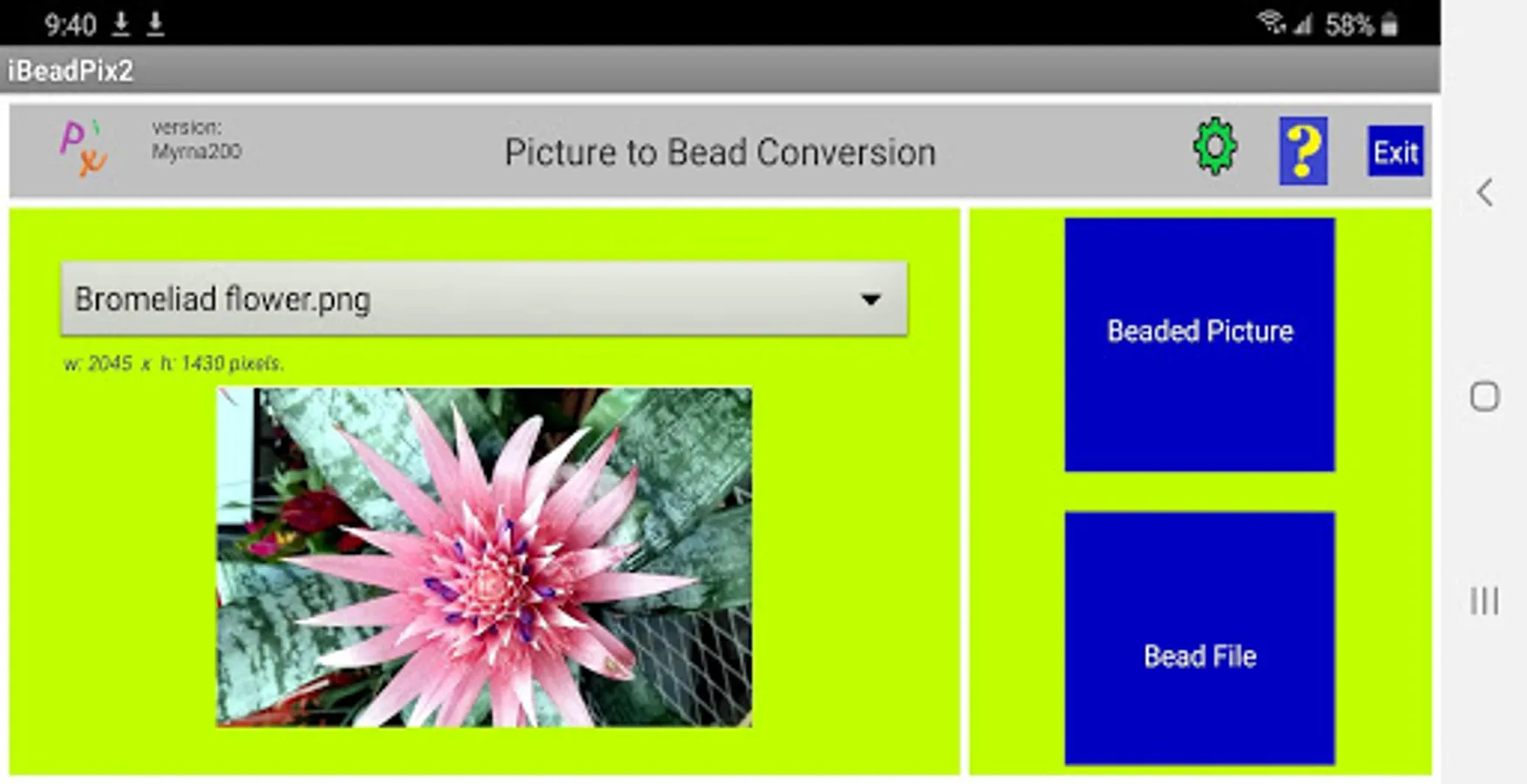
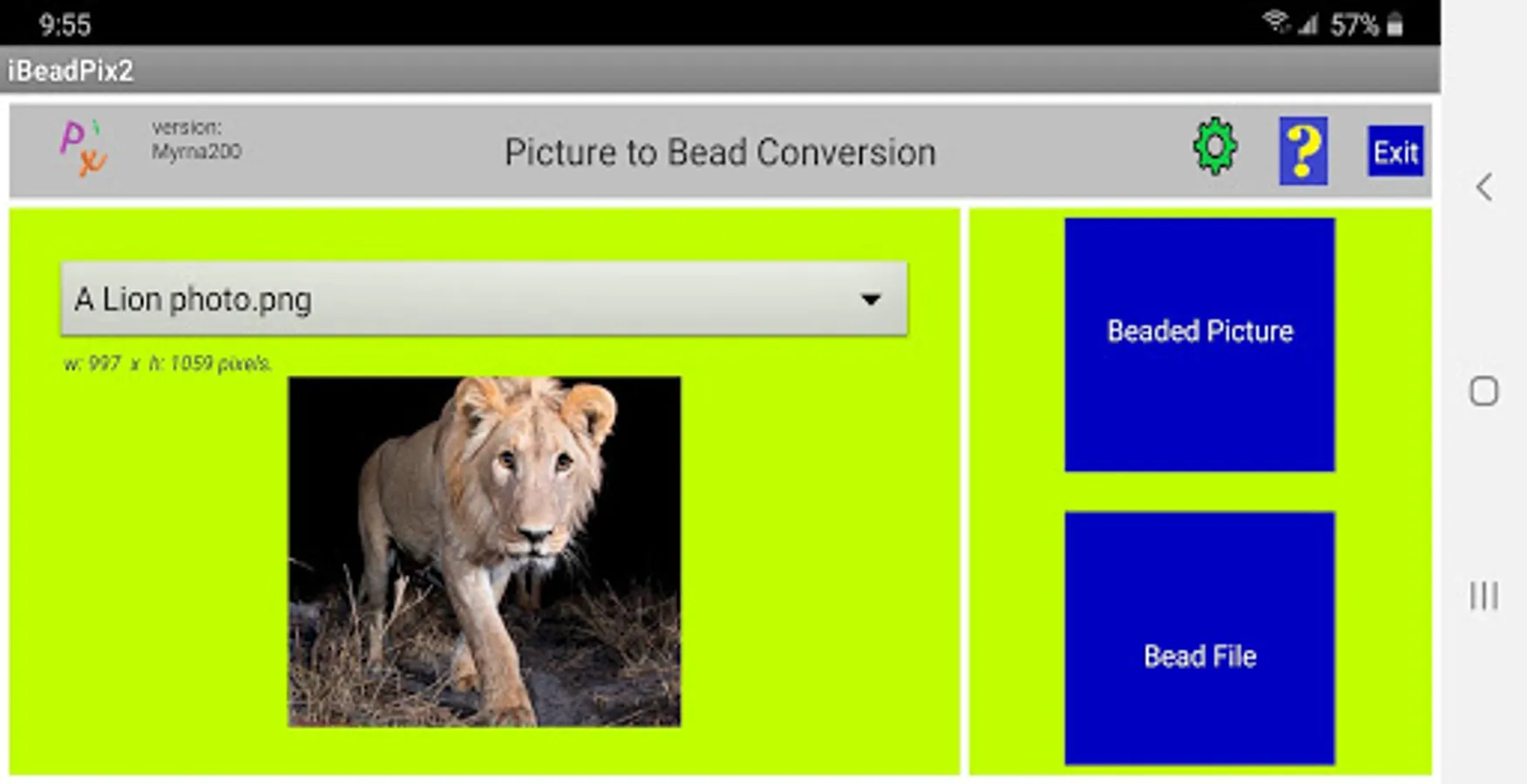
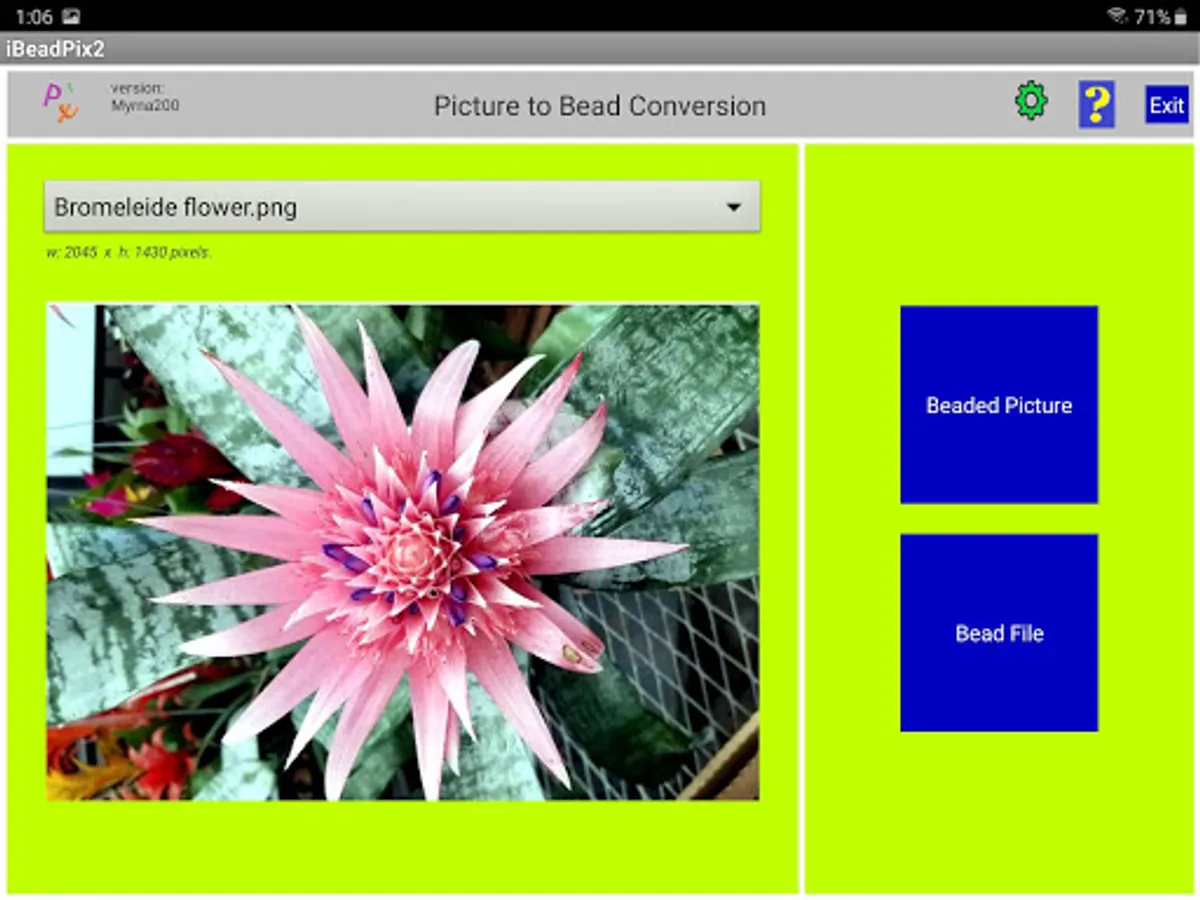
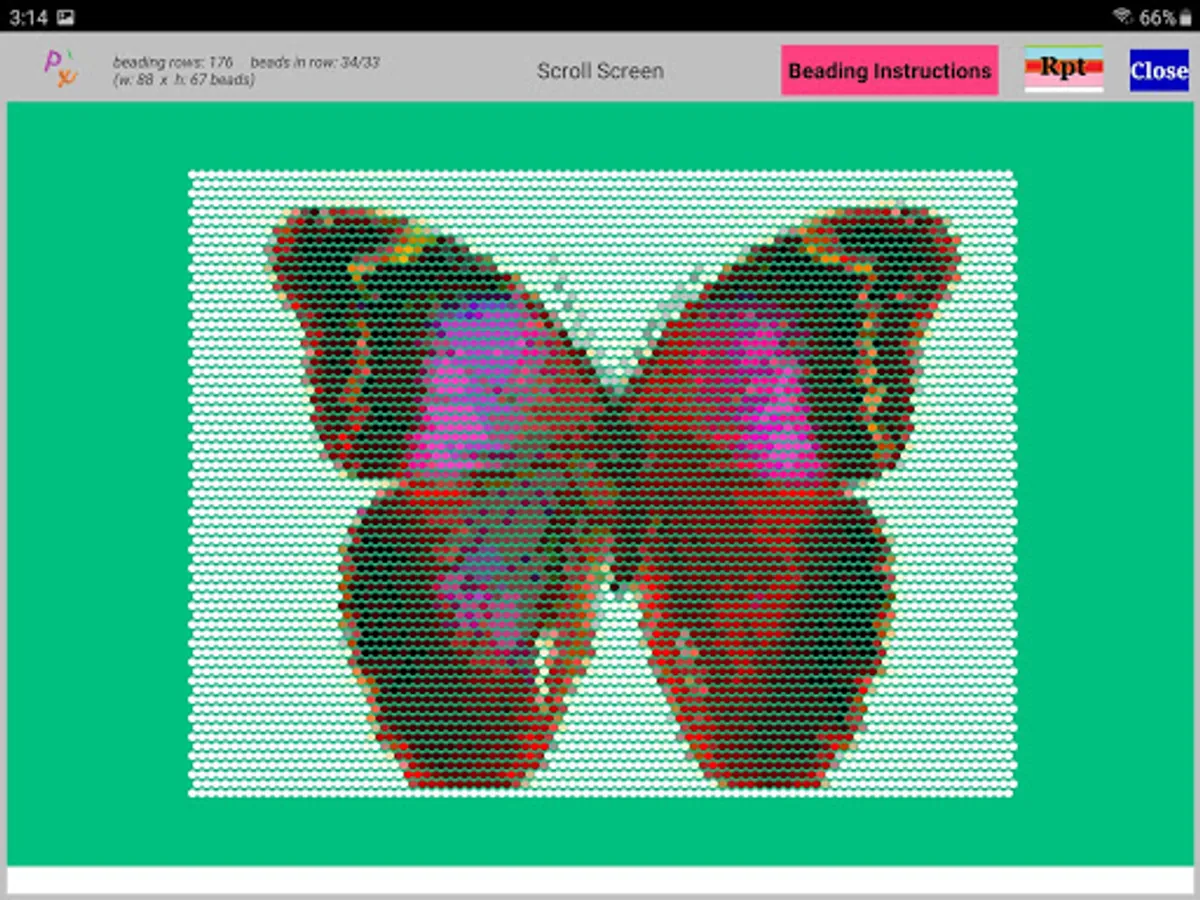
iBeadPix2 converts pictures (.jpg or .png files) to peyote beading patterns. You can pick from 2 to 132 colors for beads in the beaded pattern. You can specify the shape of beads in the display (either rounded rectangle or circle) and the size of bead in the display (four sizes). You have a choice of the approximate number of beads you want in the pattern (eleven choices from 2,000 beads to 24,000 beads). You can pick the background color for gaps between beads to make viewing/beading the pattern easier.
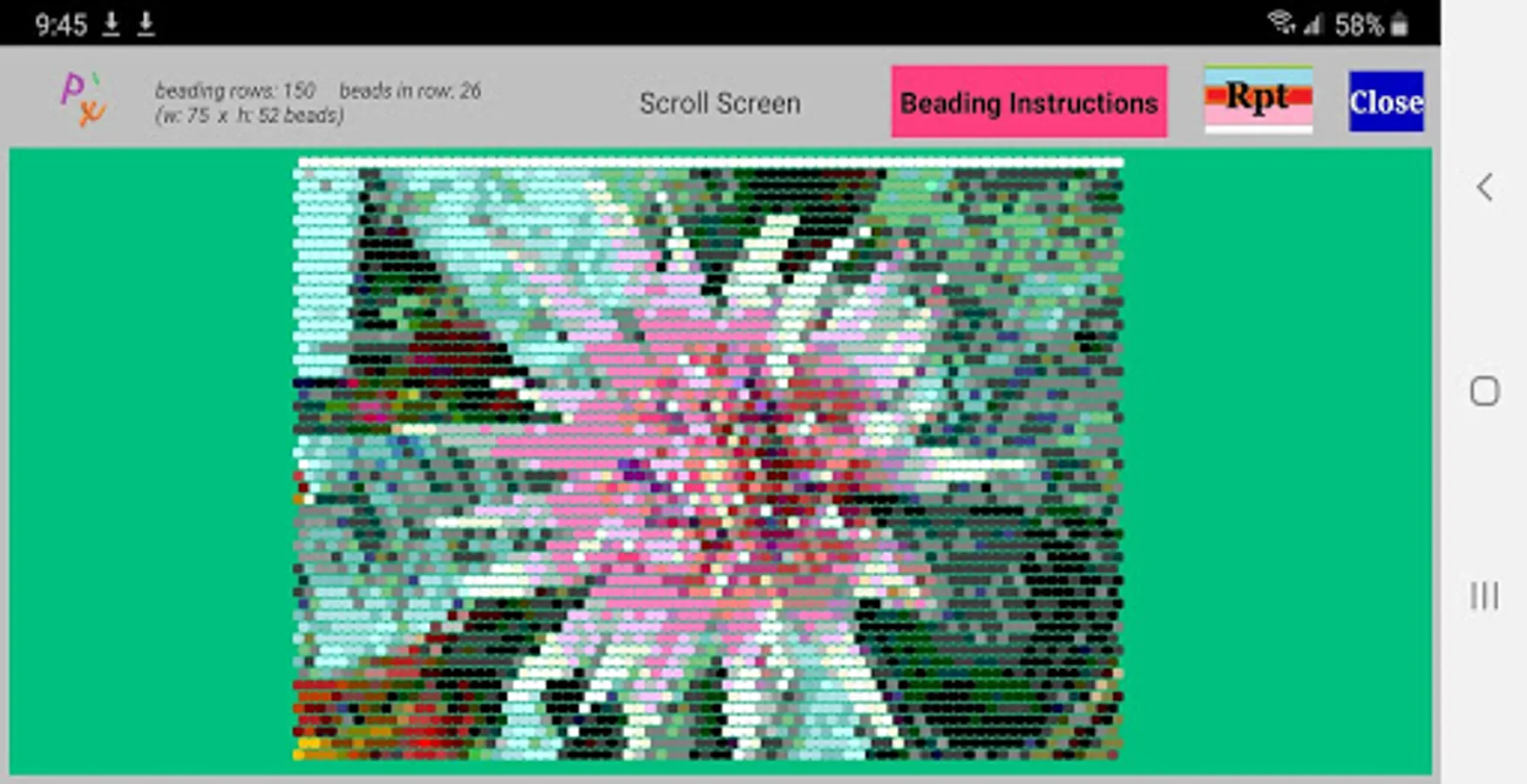
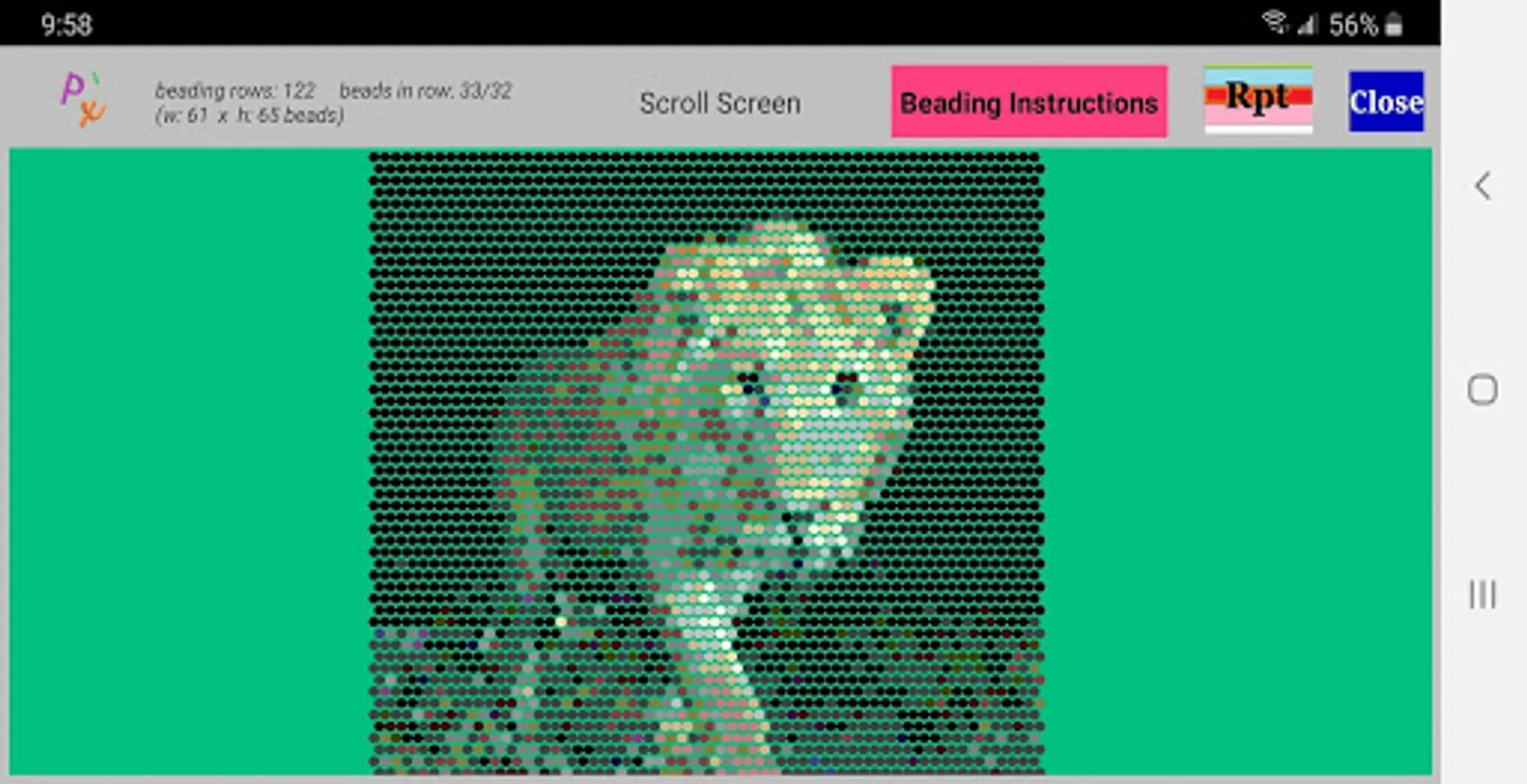
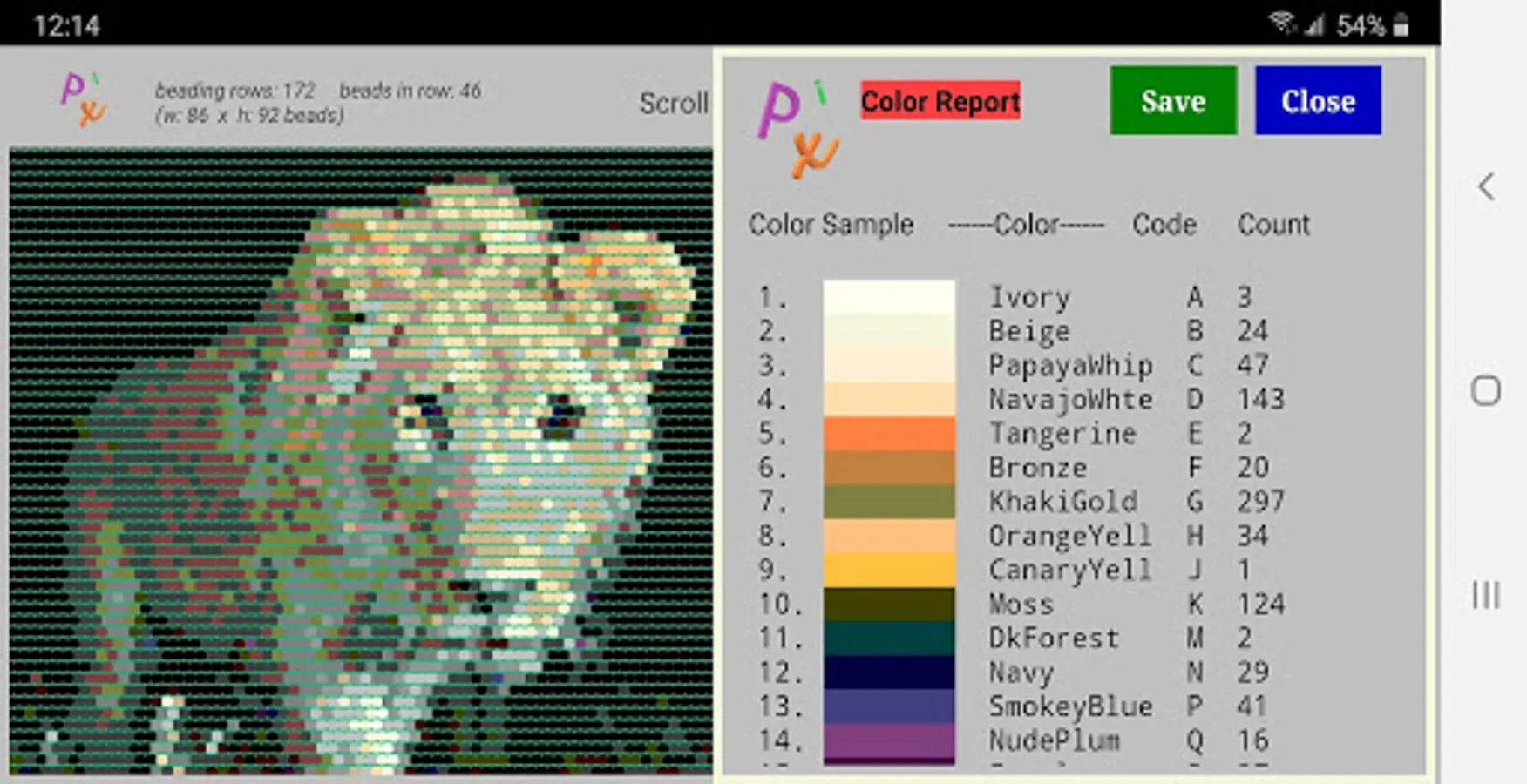
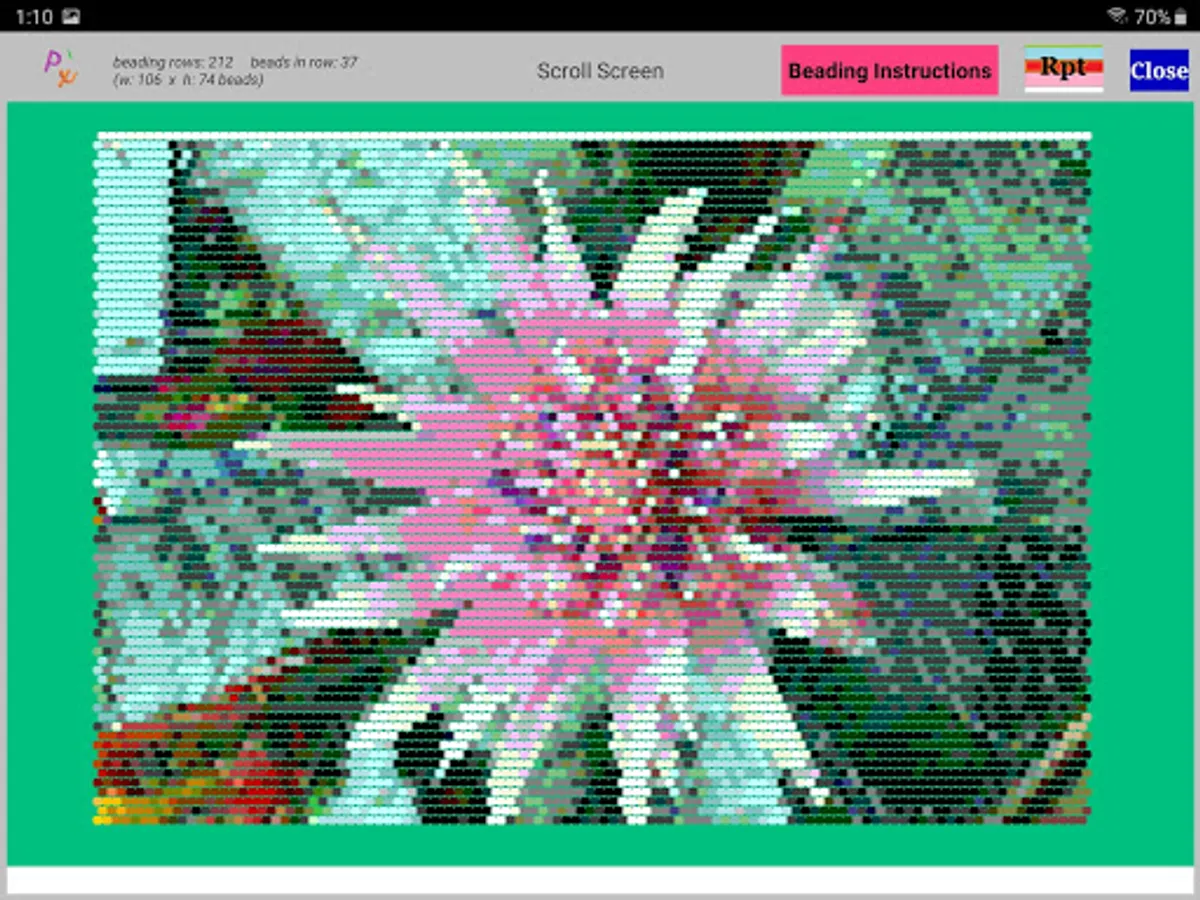
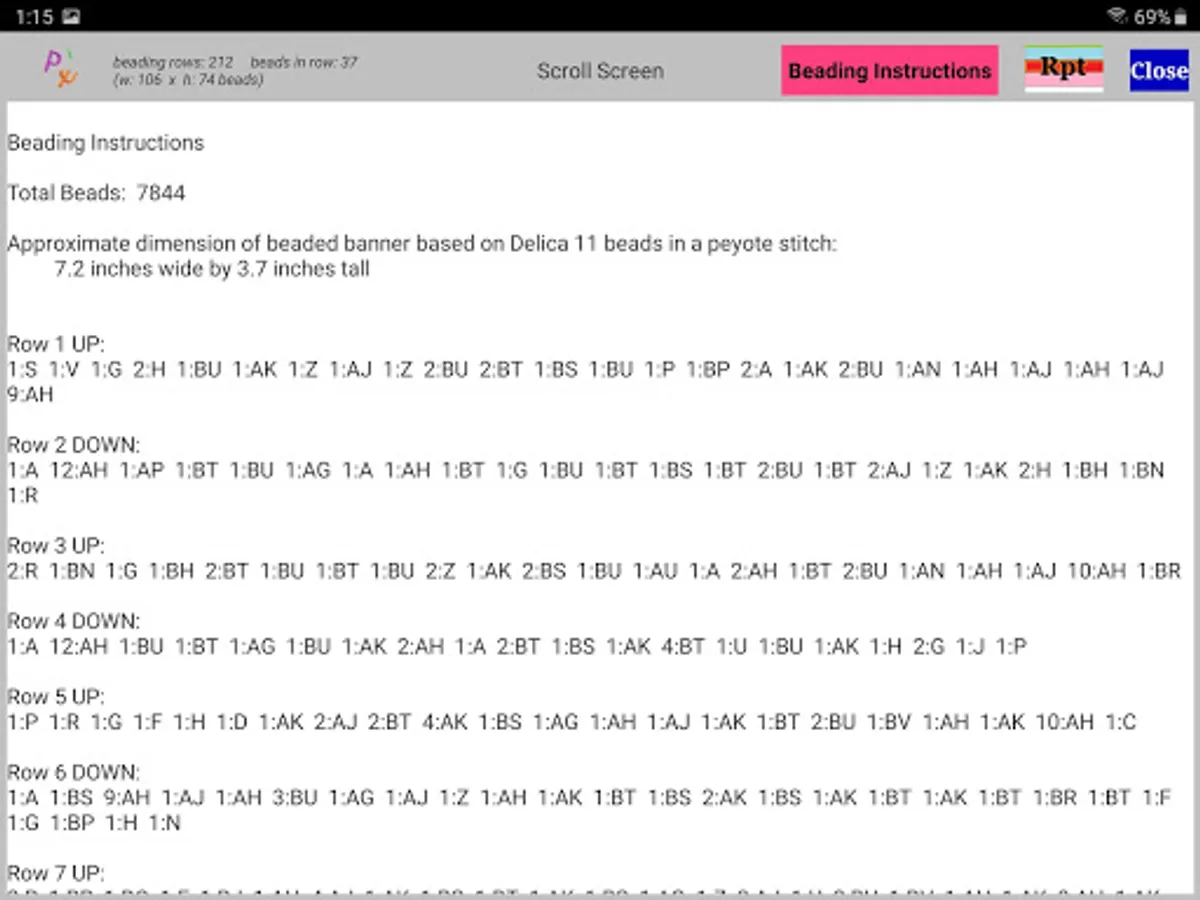
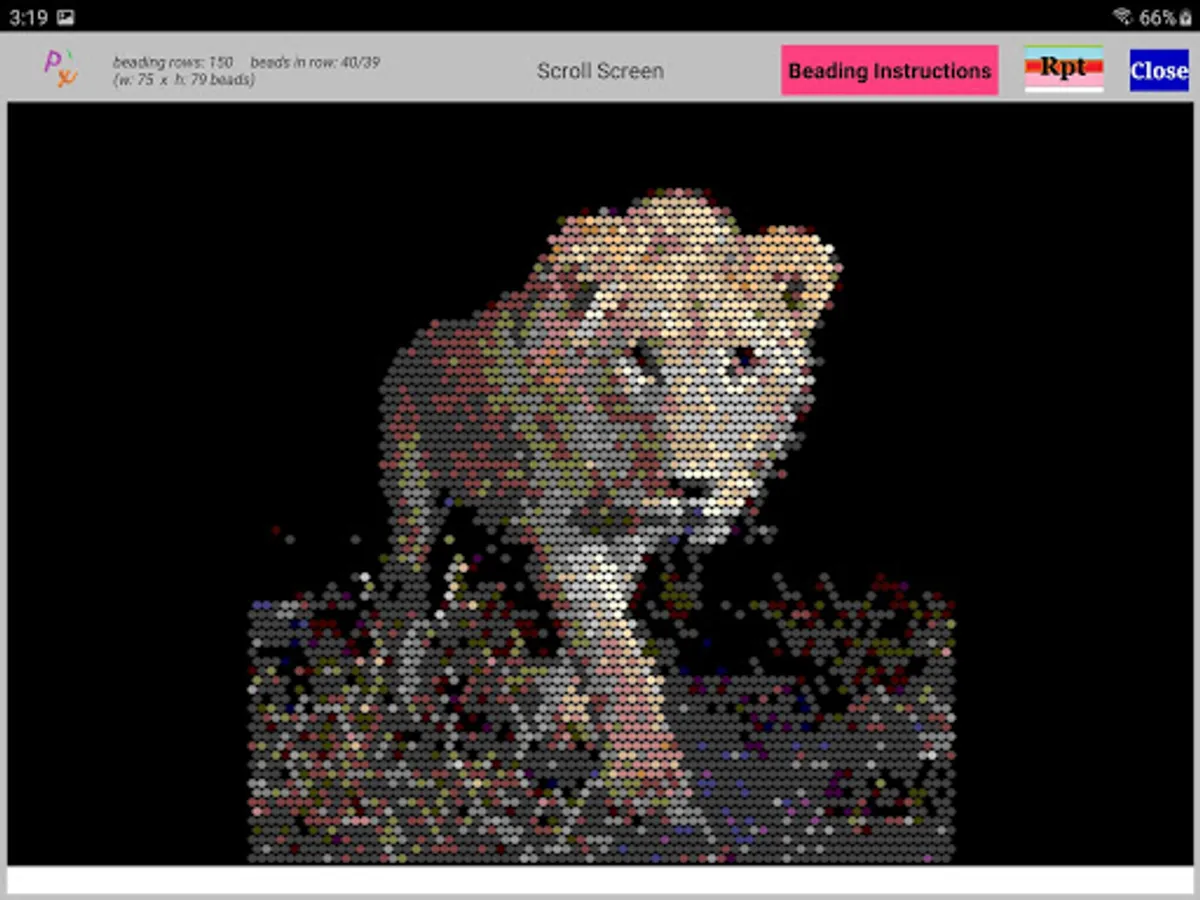
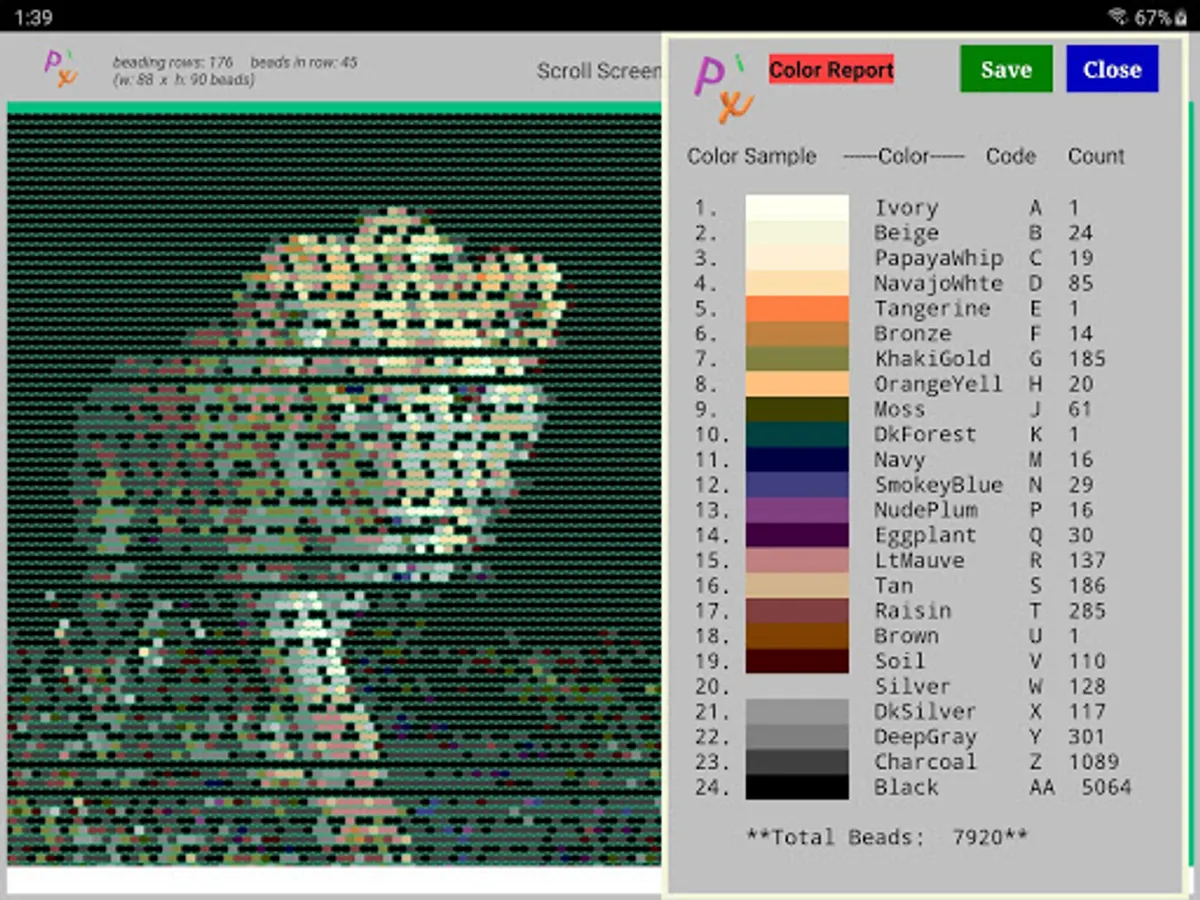
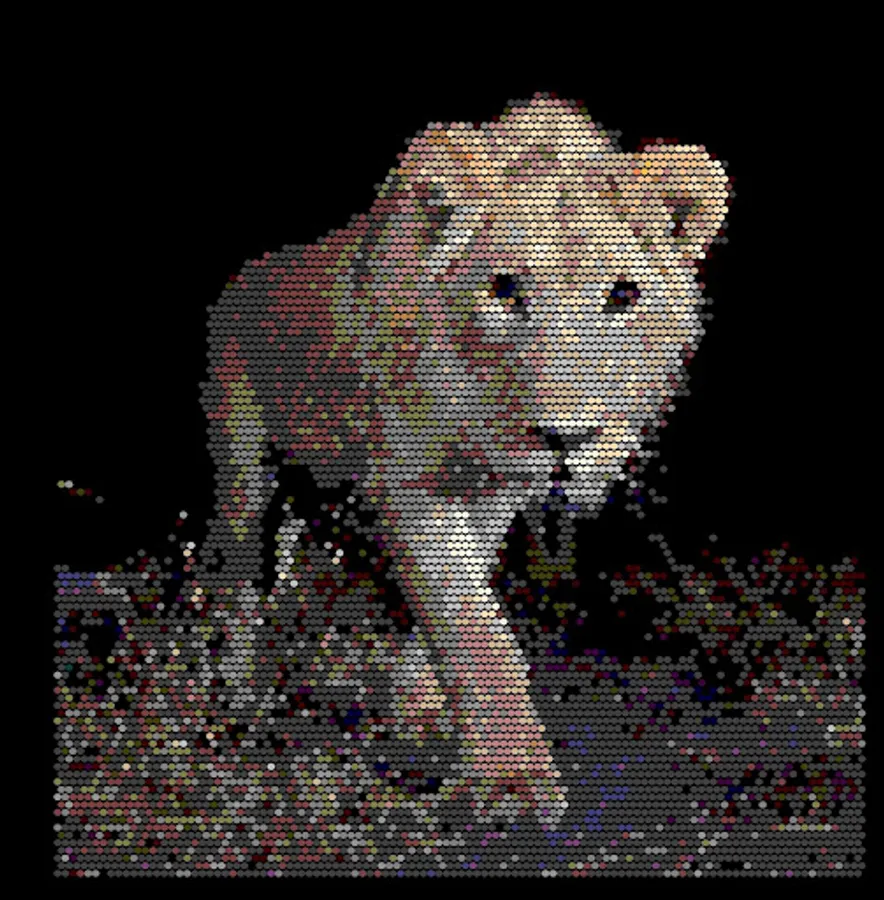
The app displays the beaded pattern, a color report of the number of beads of each color in the pattern with a color code, and a full set of beading instructions beading-row by beading-row using the color code.
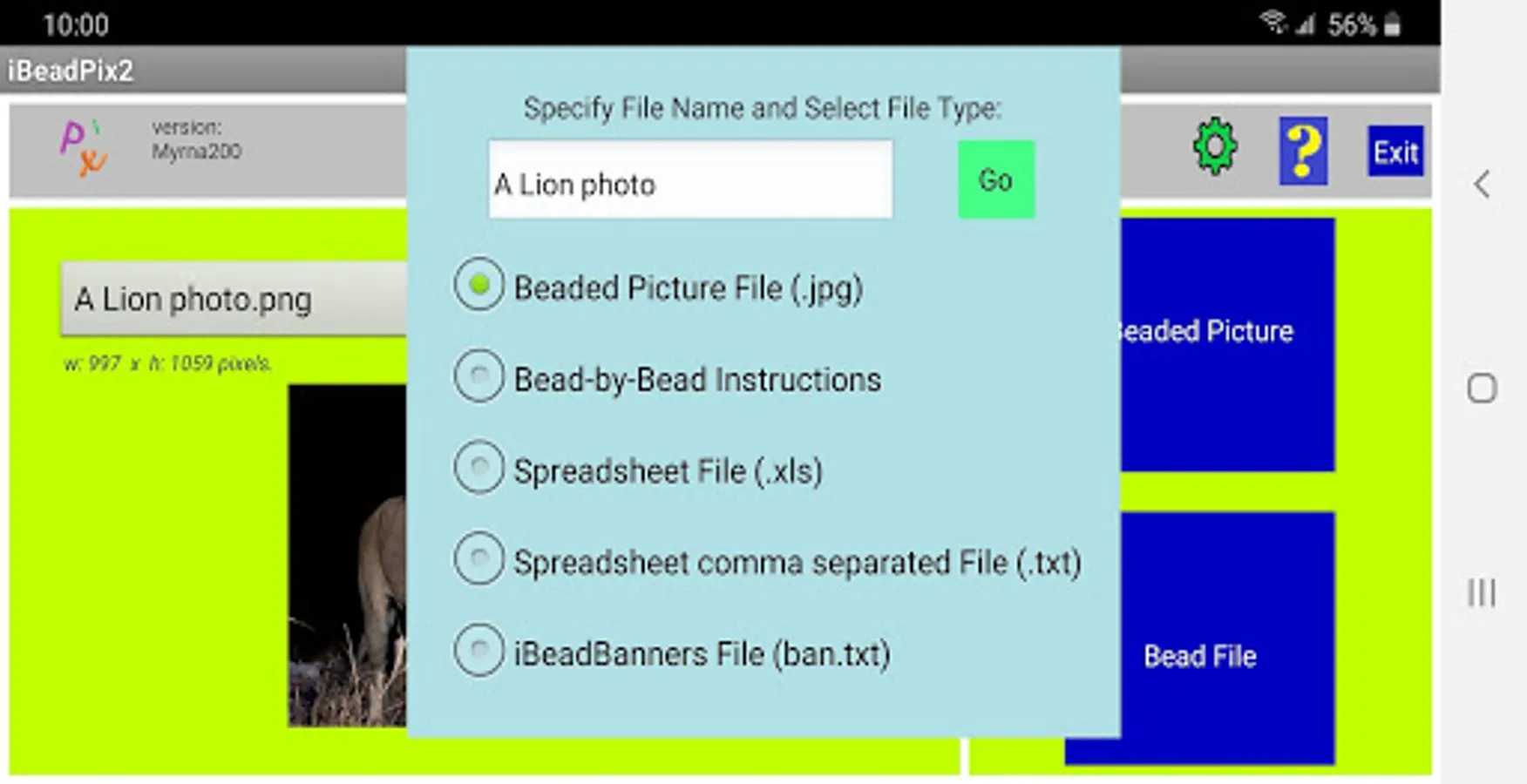
The app generates the following output files, if you choose:
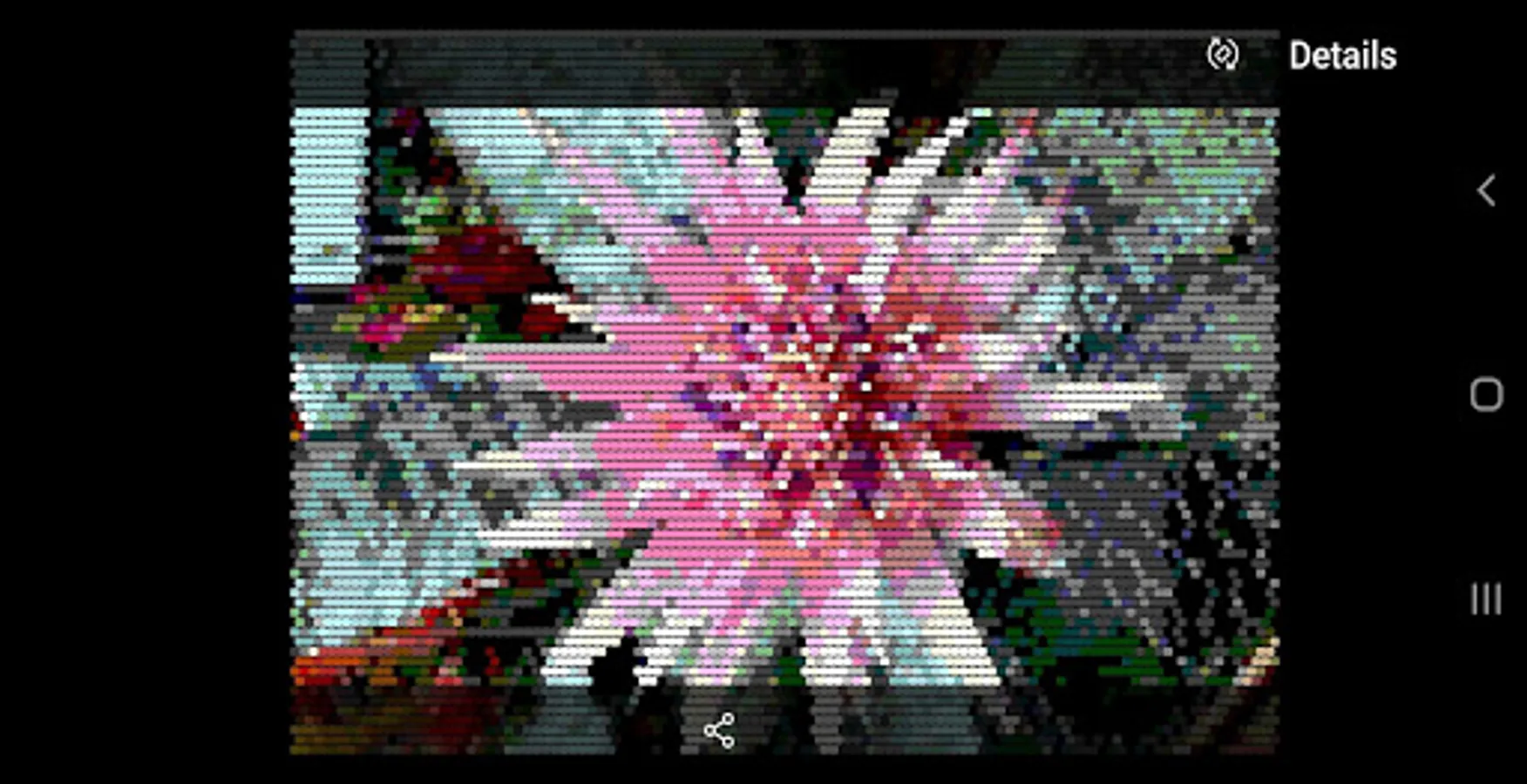
1. a beaded picture,
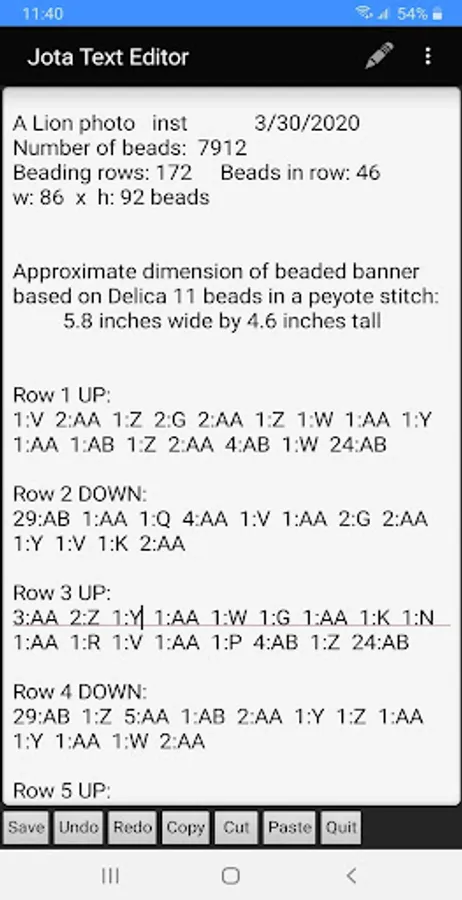
2. a list of row-by-row beading instructions,
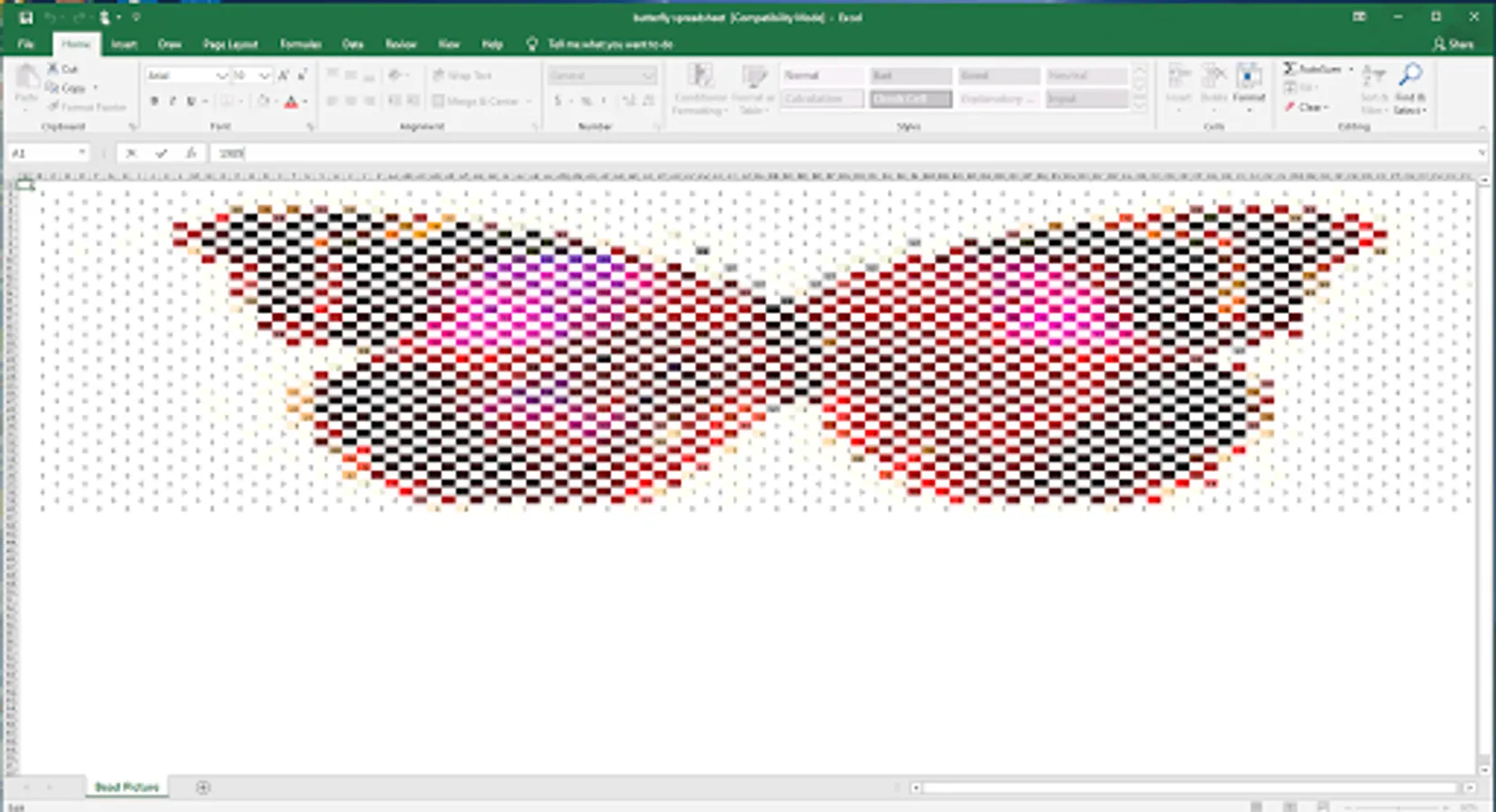
3. an Excel (.xls) file of the beaded picture in peyote format (staggered) that can be converted to an .xlsx file with the colored beaded picture (need to have Conditional Format Rules for the colors in the pattern),
4. a comma separated file for loading into Excel (that can be loaded into an .xlsx file, need to have Conditional Format Rules for the colors in the pattern),
5. a file that can be imported into the companion iBeadBannersEz app (available in the Google Play Store).
See Help Tips in the app (upper right corner "?") for the basics. Enjoy!
The app displays the beaded pattern, a color report of the number of beads of each color in the pattern with a color code, and a full set of beading instructions beading-row by beading-row using the color code.
The app generates the following output files, if you choose:
1. a beaded picture,
2. a list of row-by-row beading instructions,
3. an Excel (.xls) file of the beaded picture in peyote format (staggered) that can be converted to an .xlsx file with the colored beaded picture (need to have Conditional Format Rules for the colors in the pattern),
4. a comma separated file for loading into Excel (that can be loaded into an .xlsx file, need to have Conditional Format Rules for the colors in the pattern),
5. a file that can be imported into the companion iBeadBannersEz app (available in the Google Play Store).
See Help Tips in the app (upper right corner "?") for the basics. Enjoy!
iBeadPix2 - Bead from pictures Screenshots
Tap to Rate: