
MEGA Pass Password Manager
Mega Ltd
4.1 ★
365 ratings
50,000+
downloads
Free
+ in-app
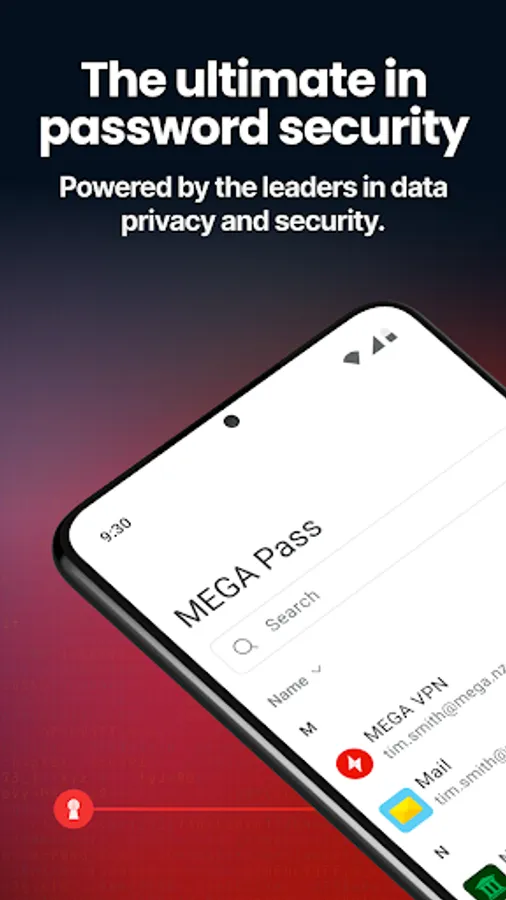
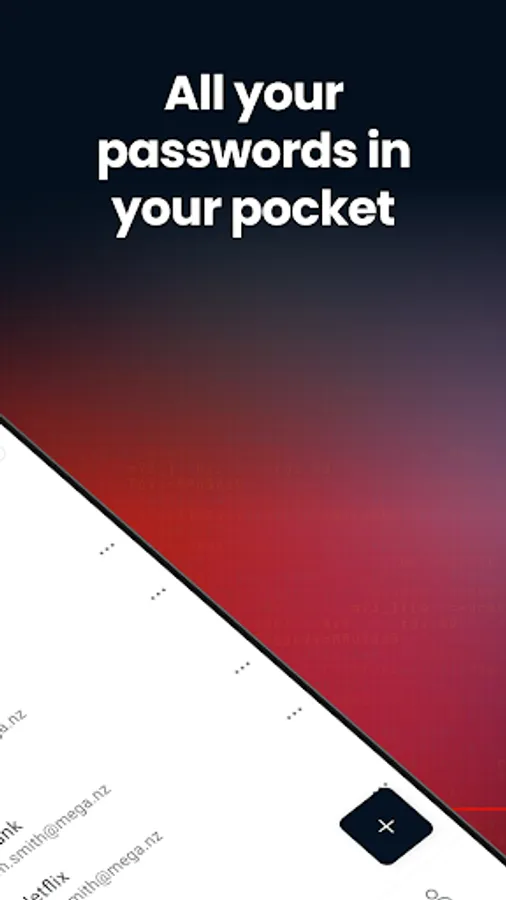
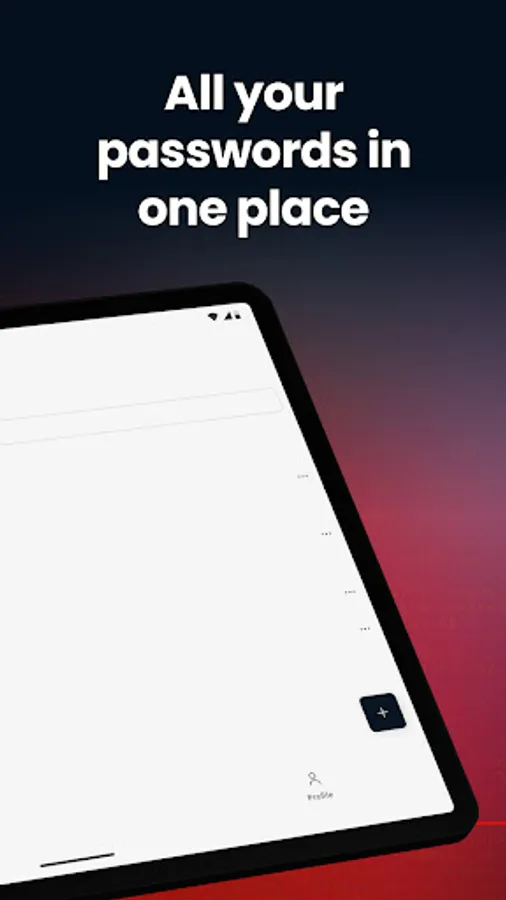
In this password manager app, you can securely store, generate, and autofill passwords across devices. Includes biometric access, password import options, and cross-device synchronization.
AppRecs review analysis
AppRecs rating 3.7. Trustworthiness 83 out of 100. Review manipulation risk 20 out of 100. Based on a review sample analyzed.
★★★☆☆
3.7
AppRecs Rating
Ratings breakdown
5 star
64%
4 star
9%
3 star
13%
2 star
4%
1 star
10%
What to know
✓
Low review manipulation risk
20% review manipulation risk
✓
Credible reviews
83% trustworthiness score from analyzed reviews
⚠
Pricing complaints
Many low ratings mention paywalls or pricing
About MEGA Pass Password Manager
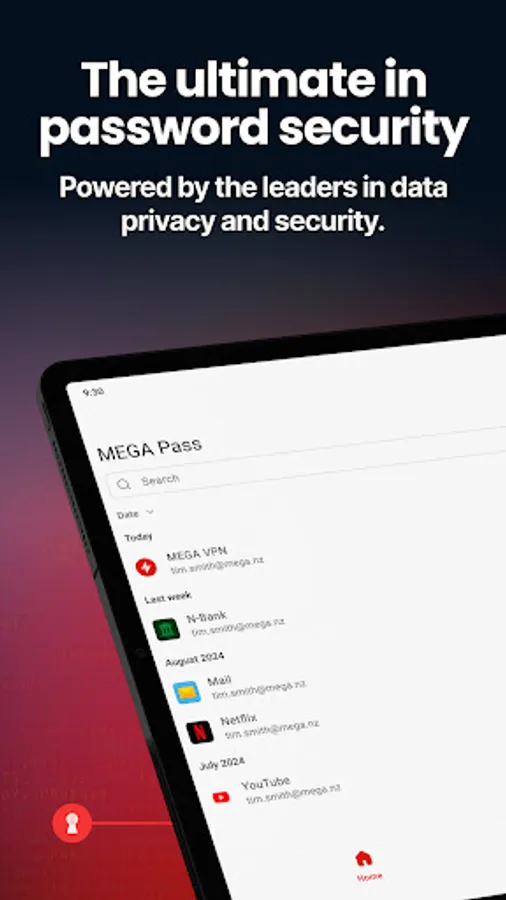
Securely and easily manage all of your passwords with MEGA Pass.
Sign up for a 30-day free trial today. No obligation, you can cancel at any time. MEGA Pass is available on an affordable standalone plan. It’s also included with any MEGA paid personal or business plan at no extra cost.
* Trusted by millions
For more than a decade, people worldwide have trusted MEGA to protect their data. MEGA Pass takes our commitment to privacy a step further by ensuring your passwords are always secure and accessible wherever you are.
* Password security made simple
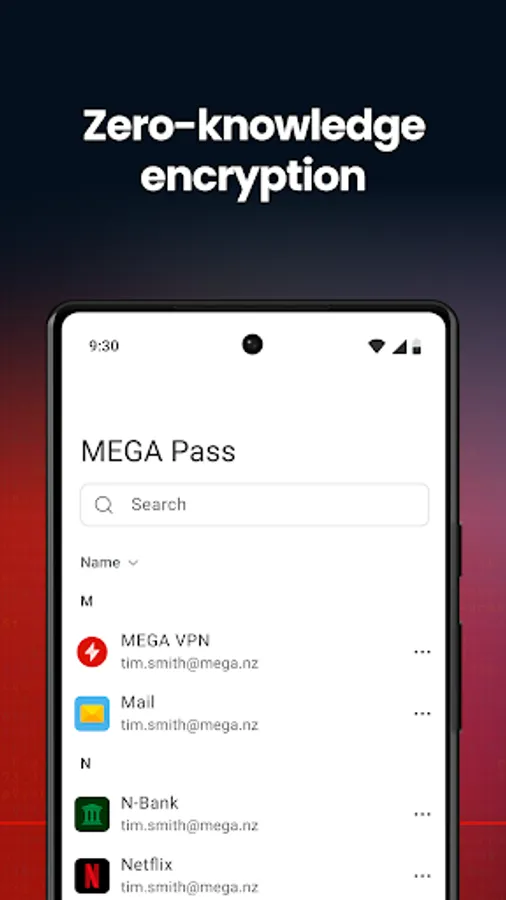
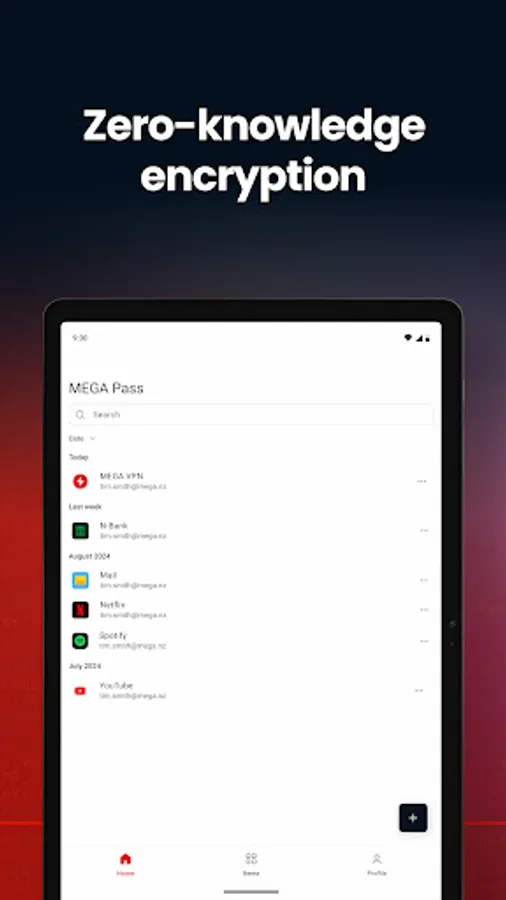
We use multiple layers of security, including zero-knowledge encryption, to keep your passwords and usernames safe and private. We’ve been a global leader in privacy for over a decade and never had a breach.
* Ease and convenience
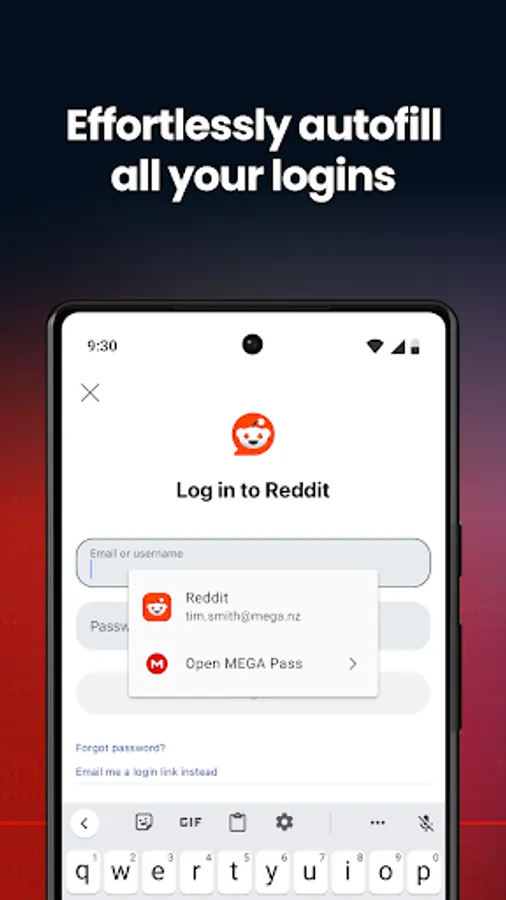
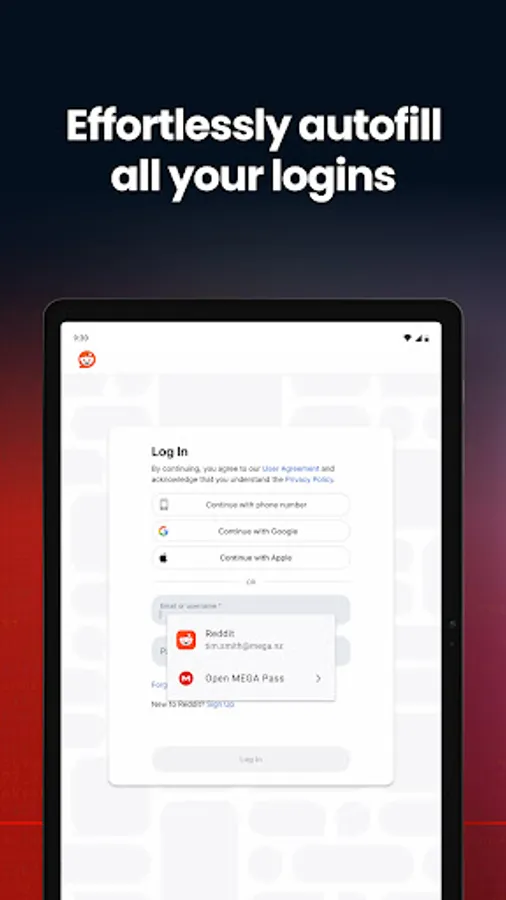
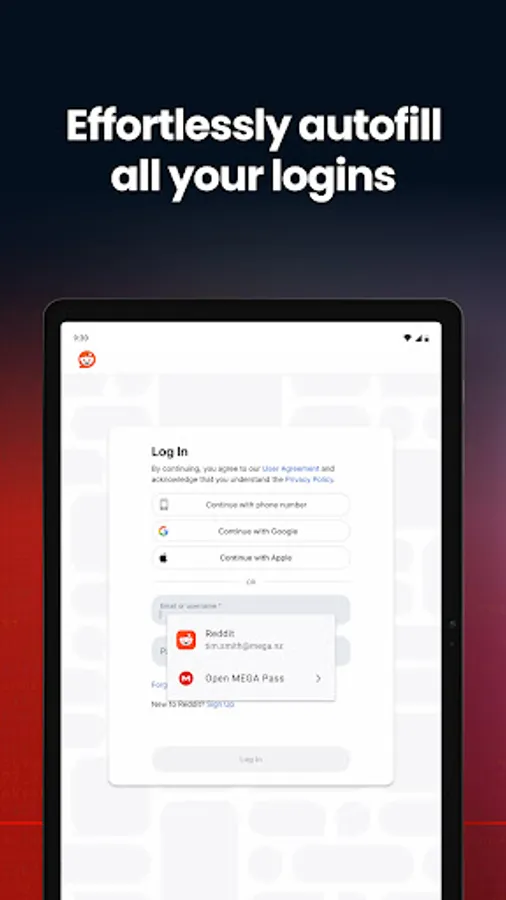
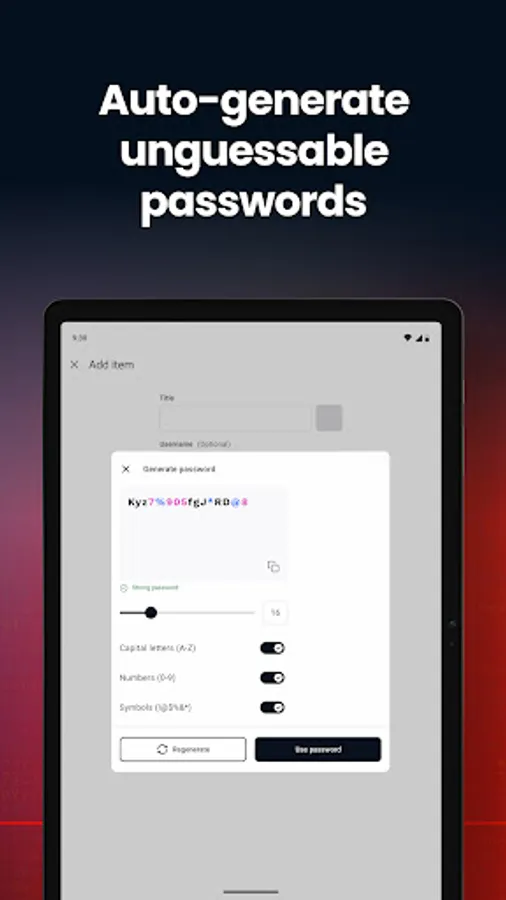
Autofill login credentials for websites and apps and generate new, ultra-secure passwords. Log in fast and stay safe with biometrics and PIN code access. MEGA Pass makes password management easy.
* Manage your passwords from any device
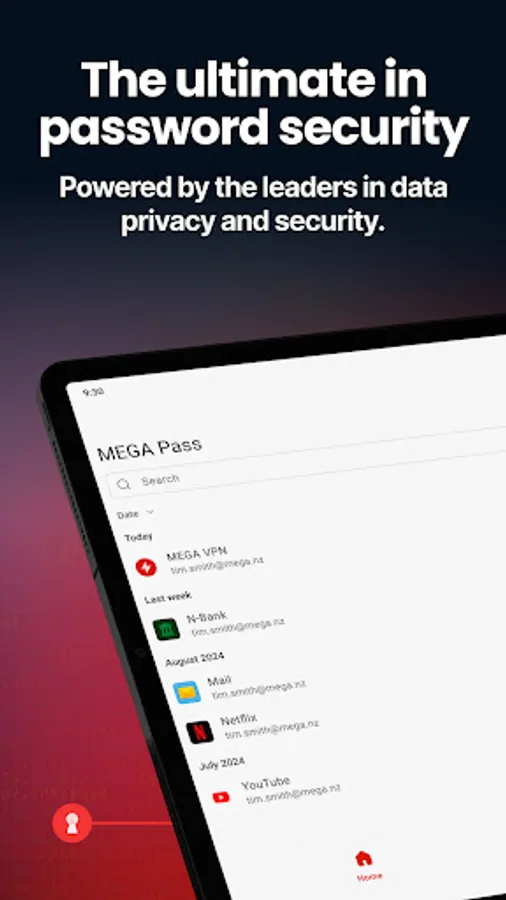
Access and sync your passwords across all devices, from desktop to mobile. MEGA Pass is available as a mobile app, a browser extension for Google Chrome and Microsoft Edge, and through the MEGA web app.
MEGA Pass features:
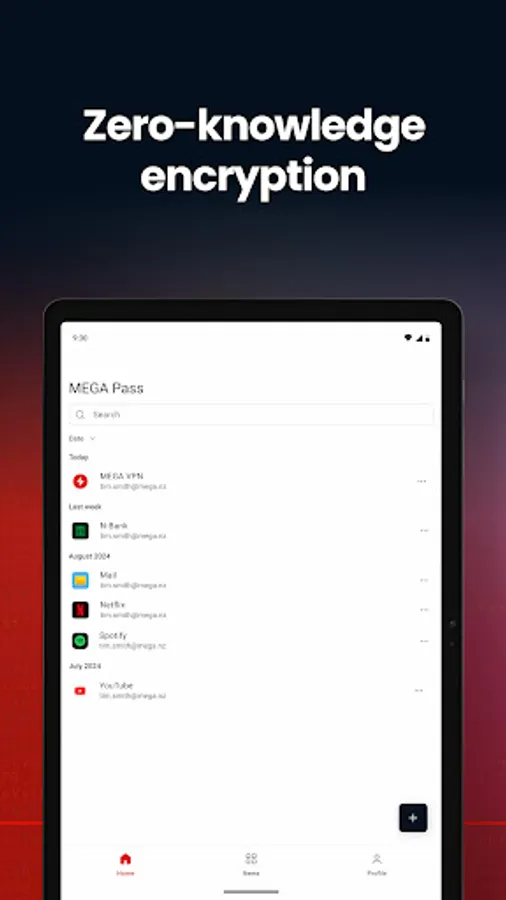
- Next-level security: Zero-knowledge encryption means that no one else – not even us – can access your passwords. You have total password privacy.
Biometric & PIN authentication: Use fingerprint, face recognition, or a PIN code for fast and secure access.
- Password autofill: Save time and sign in on the first try, every time.
- Cross-device sync: Sync all your logins across devices for seamless password management.
- Migrate passwords: Import passwords from Google Password Manager directly in the mobile app, or from Google Password Manager, Dashlane, 1Password, Bitwarden, NordPass, Proton Pass, LastPass, and KeePassXC using the MEGA Pass web app or browser extension.
- Effortless password management: Create, update, and delete passwords with ease.
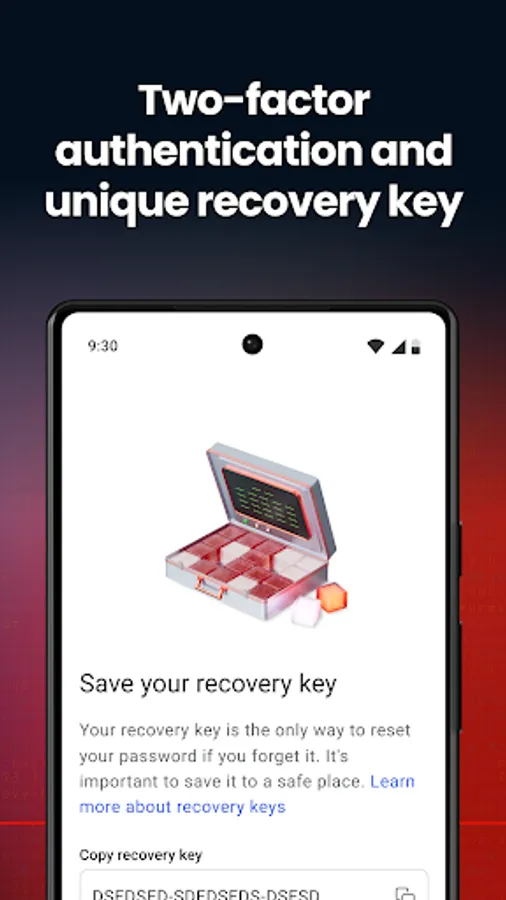
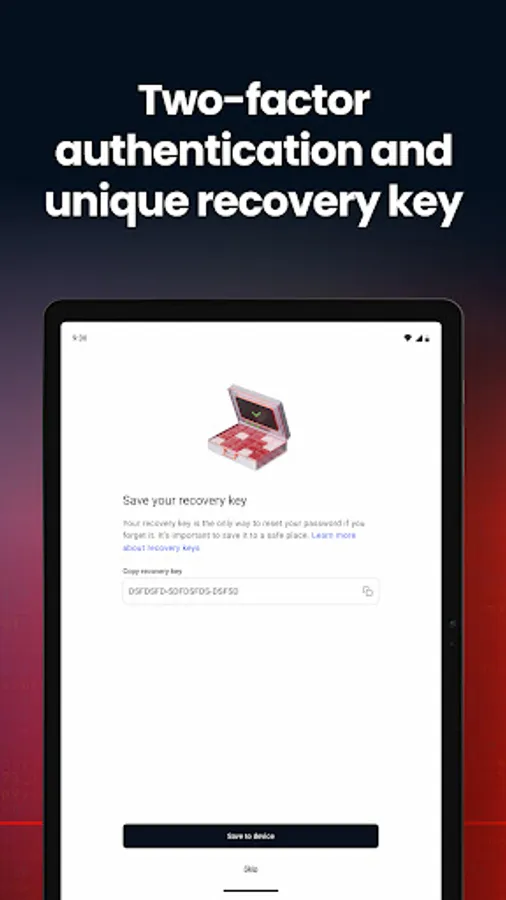
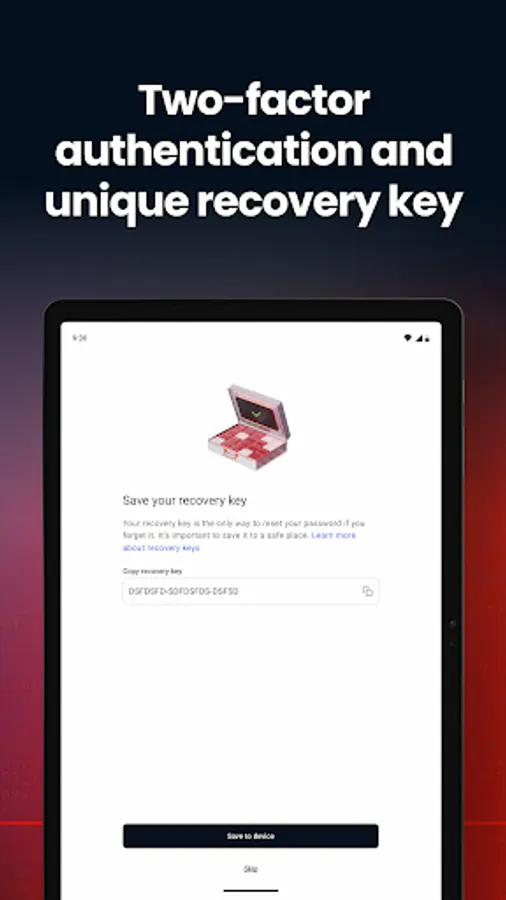
- Two-factor authentication: Set up 2FA in your MEGA account and benefit from an extra layer of security when logging in to MEGA Pass.
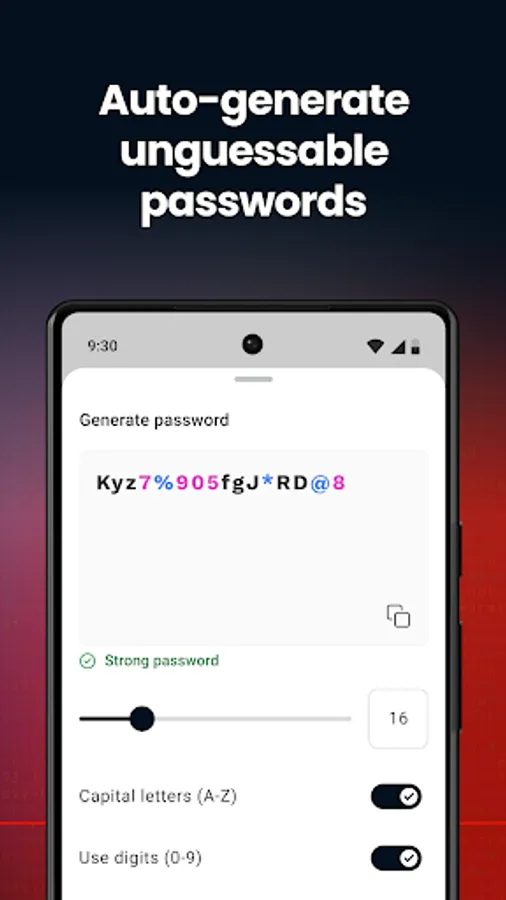
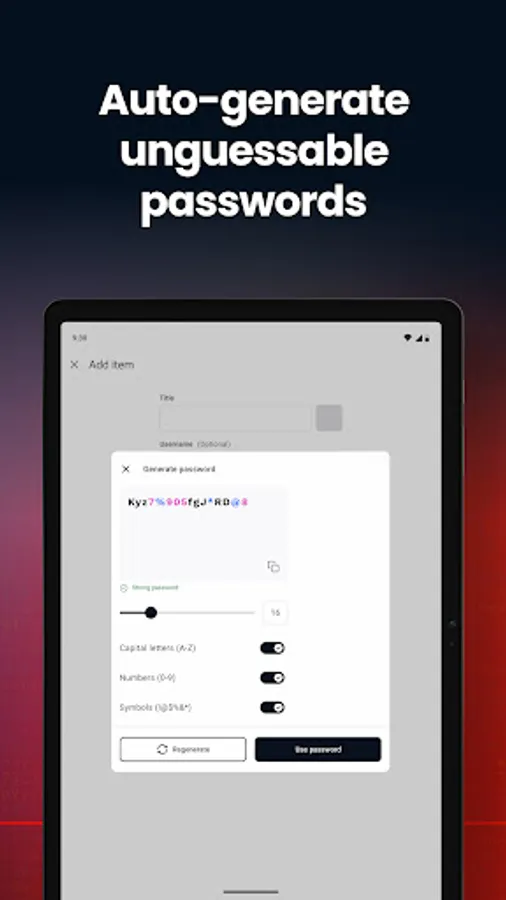
- Password generator: Create unlimited, unique and unguessable passwords.
- Password strength checker: Get confidence in your passwords by testing how uncrackable they are.
Sign up for a 30-day free trial today.
Learn more: https://mega.io/pass
MEGA Terms of Service: https://mega.io/terms
MEGA Privacy Policy: https://mega.io/privacy
Sign up for a 30-day free trial today. No obligation, you can cancel at any time. MEGA Pass is available on an affordable standalone plan. It’s also included with any MEGA paid personal or business plan at no extra cost.
* Trusted by millions
For more than a decade, people worldwide have trusted MEGA to protect their data. MEGA Pass takes our commitment to privacy a step further by ensuring your passwords are always secure and accessible wherever you are.
* Password security made simple
We use multiple layers of security, including zero-knowledge encryption, to keep your passwords and usernames safe and private. We’ve been a global leader in privacy for over a decade and never had a breach.
* Ease and convenience
Autofill login credentials for websites and apps and generate new, ultra-secure passwords. Log in fast and stay safe with biometrics and PIN code access. MEGA Pass makes password management easy.
* Manage your passwords from any device
Access and sync your passwords across all devices, from desktop to mobile. MEGA Pass is available as a mobile app, a browser extension for Google Chrome and Microsoft Edge, and through the MEGA web app.
MEGA Pass features:
- Next-level security: Zero-knowledge encryption means that no one else – not even us – can access your passwords. You have total password privacy.
Biometric & PIN authentication: Use fingerprint, face recognition, or a PIN code for fast and secure access.
- Password autofill: Save time and sign in on the first try, every time.
- Cross-device sync: Sync all your logins across devices for seamless password management.
- Migrate passwords: Import passwords from Google Password Manager directly in the mobile app, or from Google Password Manager, Dashlane, 1Password, Bitwarden, NordPass, Proton Pass, LastPass, and KeePassXC using the MEGA Pass web app or browser extension.
- Effortless password management: Create, update, and delete passwords with ease.
- Two-factor authentication: Set up 2FA in your MEGA account and benefit from an extra layer of security when logging in to MEGA Pass.
- Password generator: Create unlimited, unique and unguessable passwords.
- Password strength checker: Get confidence in your passwords by testing how uncrackable they are.
Sign up for a 30-day free trial today.
Learn more: https://mega.io/pass
MEGA Terms of Service: https://mega.io/terms
MEGA Privacy Policy: https://mega.io/privacy
MEGA Pass Password Manager Screenshots
Tap to Rate:
Reviews for MEGA Pass Password Manager
Abel Kassaye
12/21/2025
Excellent
Eugene P.
12/21/2025
no 2FA implemented, no trial. *** I meant there's no 2FA as to use the app as an authenticator, not to sing in to account lol