
In this trip tracking app, you can automatically capture and manage your driving trips with scheduled settings and manual controls. Includes trip editing, schedule adjustments, and mileage summaries.
AppRecs review analysis
AppRecs rating 2.7. Trustworthiness 86 out of 100. Review manipulation risk 18 out of 100. Based on a review sample analyzed.
★★☆☆☆
2.7
AppRecs Rating
Ratings breakdown
5 star
30%
4 star
14%
3 star
7%
2 star
4%
1 star
45%
What to know
✓
Low review manipulation risk
18% review manipulation risk
⚠
Mixed user feedback
Average 2.8★ rating suggests room for improvement
⚠
High negative review ratio
49% of sampled ratings are 1–2 stars
About Cardata Mobile
Save time:
Dealing with mileage reimbursements is the last thing you want to do at the end of your workday. Imagine a world where you don’t have to waste precious time filling out a logbook or worrying if your phone is capturing your trips.
Cardata Mobile makes this possible.
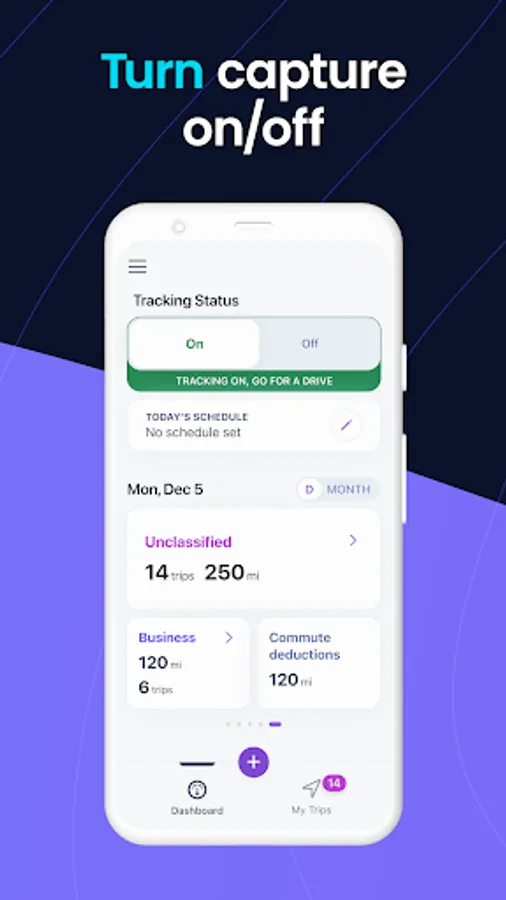
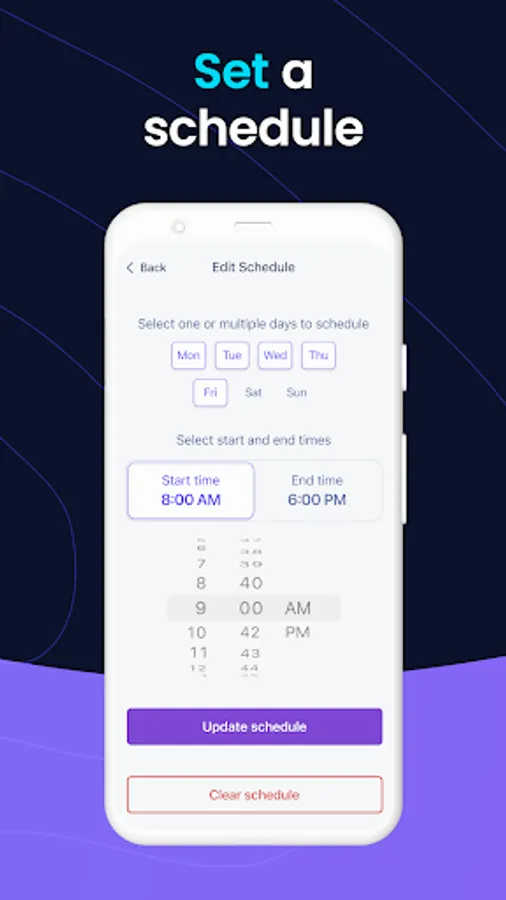
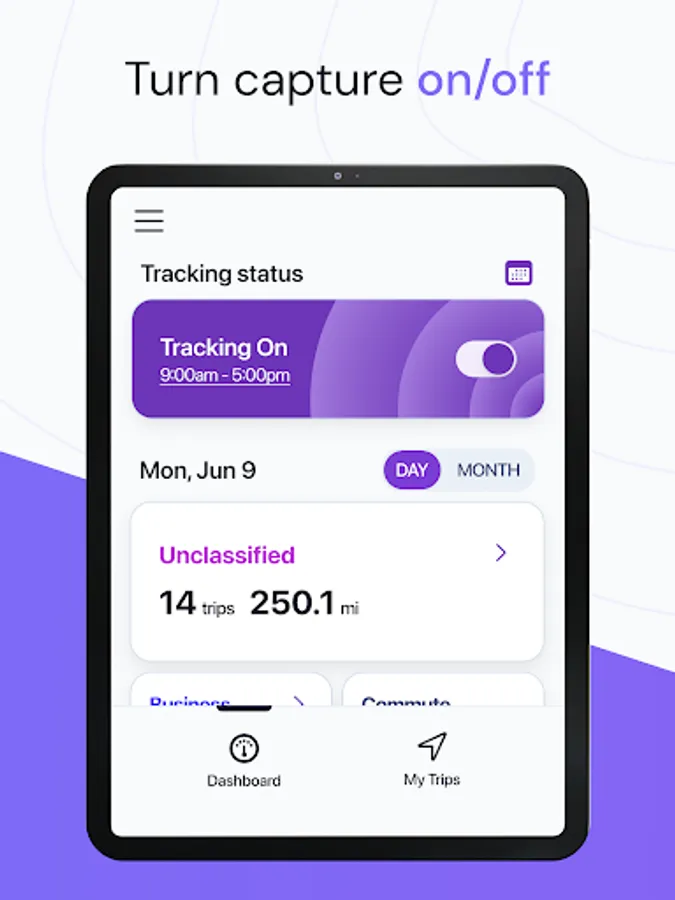
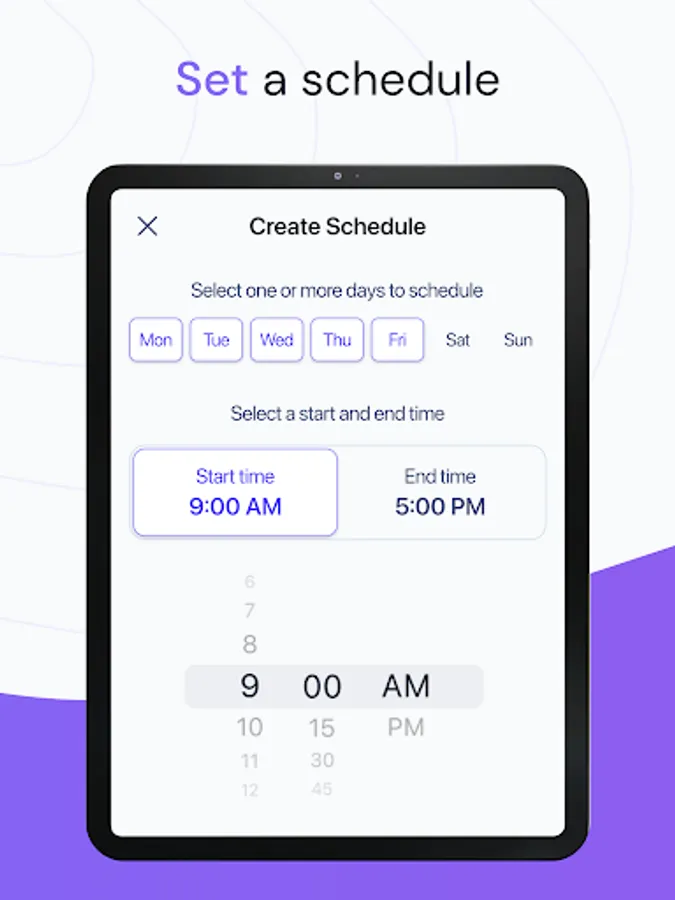
Each year, Cardata Mobile saves drivers weeks worth of time. Once you set a trip capture schedule, the app will reliably and accurately capture your trips automatically. Plus, we know how important your privacy is, so we’ll never capture trips taken outside your schedule. You can also temporarily disable trip capturing right from your Dashboard.
- Set a custom capture schedule.
- Turn trip capture on and off with a single tap.
- Quickly start or stop trips.
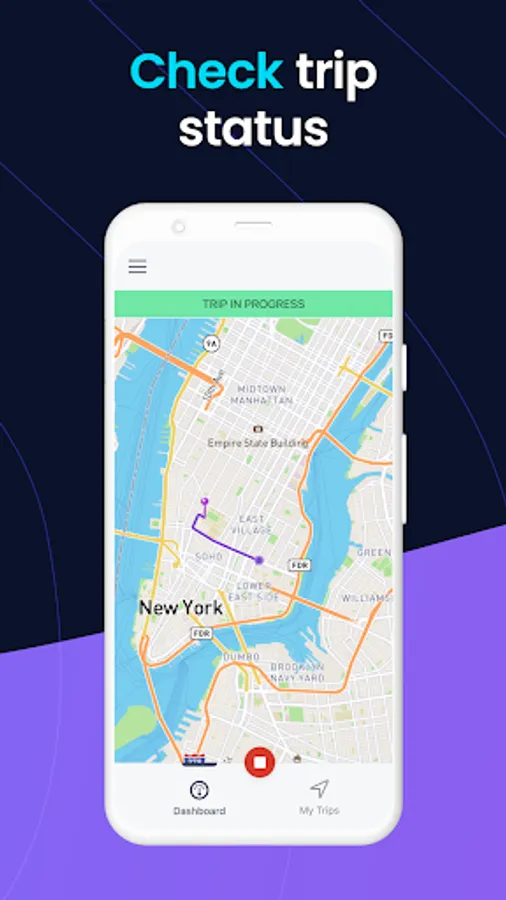
- Check your trip capture status.
- Change your trip capture schedule anytime.
Manage & edit trips:
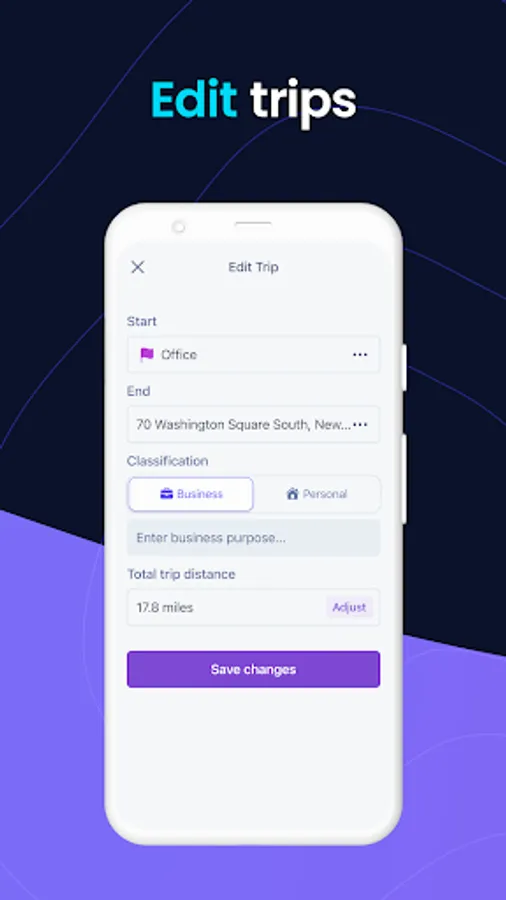
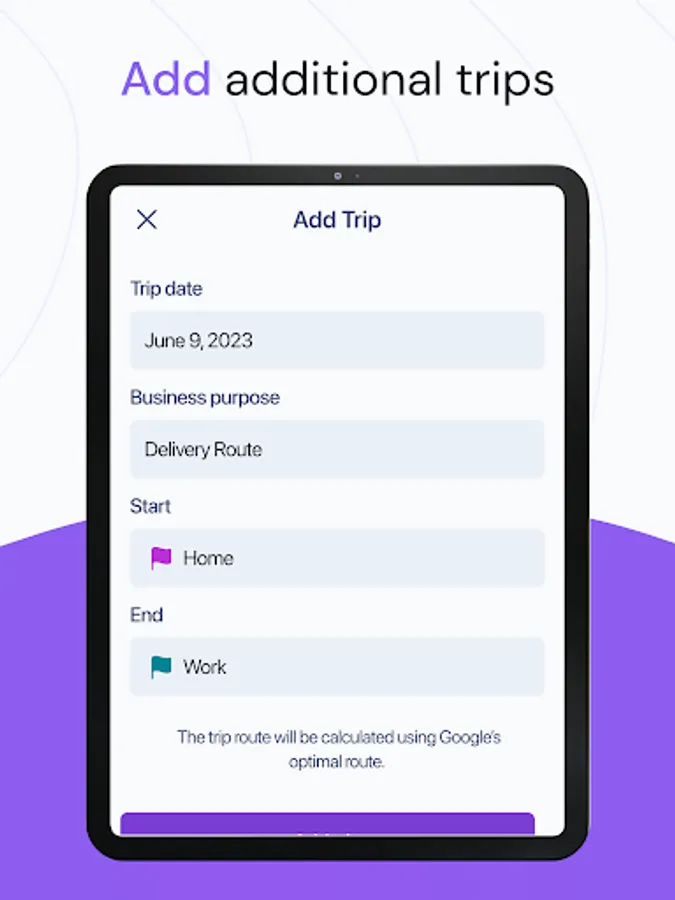
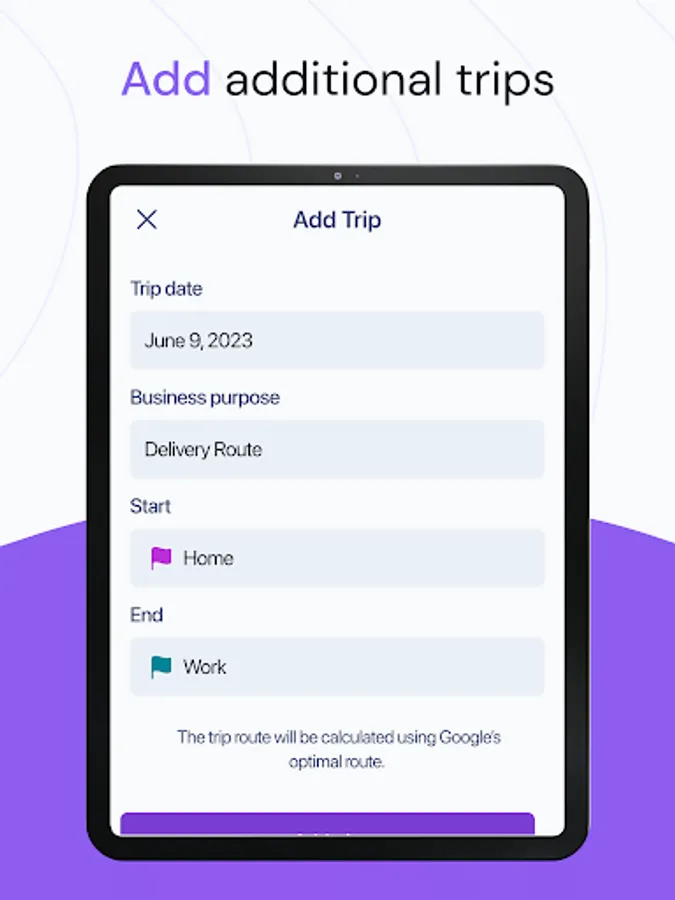
No more sitting down at the computer to manage your trips. With Cardata Mobile, you can make any necessary changes like edit, add, and delete trips, right in the app.
- Delete trips.
- Change a trip’s classification.
- Add a missed trip.
- Update a trip’s mileage.
A comprehensive dashboard:
You can accomplish most important tasks from the Driver Dashboard. In just seconds, you can stop or start trip capturing, manually start a trip, check today’s trip capture schedule, and review a summary of your mileage so far this month.
- View your trip capture status and trip capture schedule.
- Review unclassified trips.
- Check out your daily or monthly mileage summary.
Transparent reimbursements:
At Cardata, we do everything in our power to inform you of upcoming reimbursements and things like whether your payments are non-taxable. Cardata provides ample support to ensure that receiving reimbursements is stress-free and straightforward. You deserve transparency and to know exactly what is happening with your money.
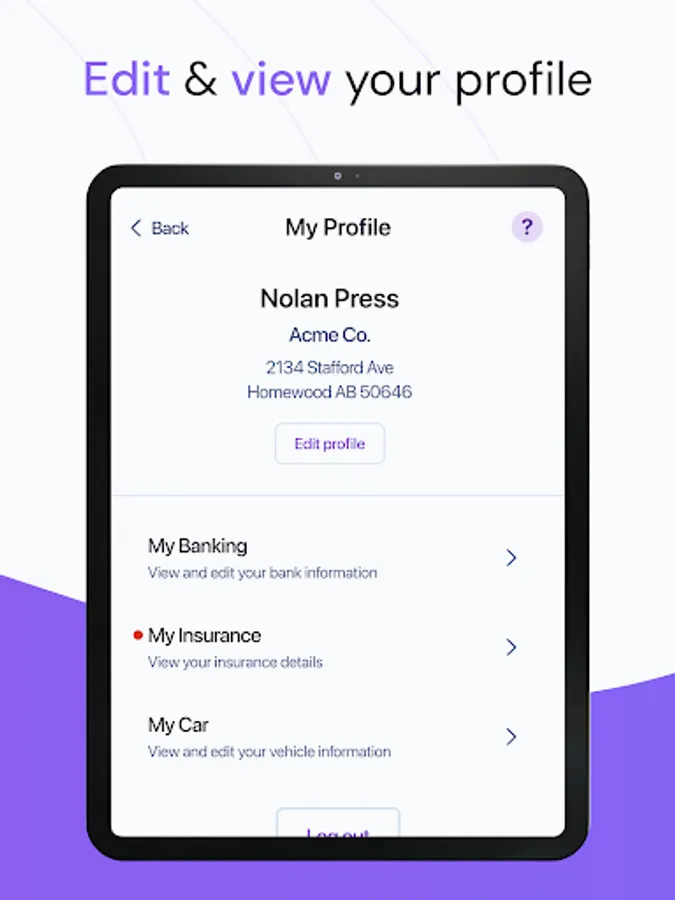
- Visit ‘My Payments’ to view upcoming and past payments, and your compliance status.
- Visit ‘My Program’ to learn about your reimbursement program and vehicle policy.
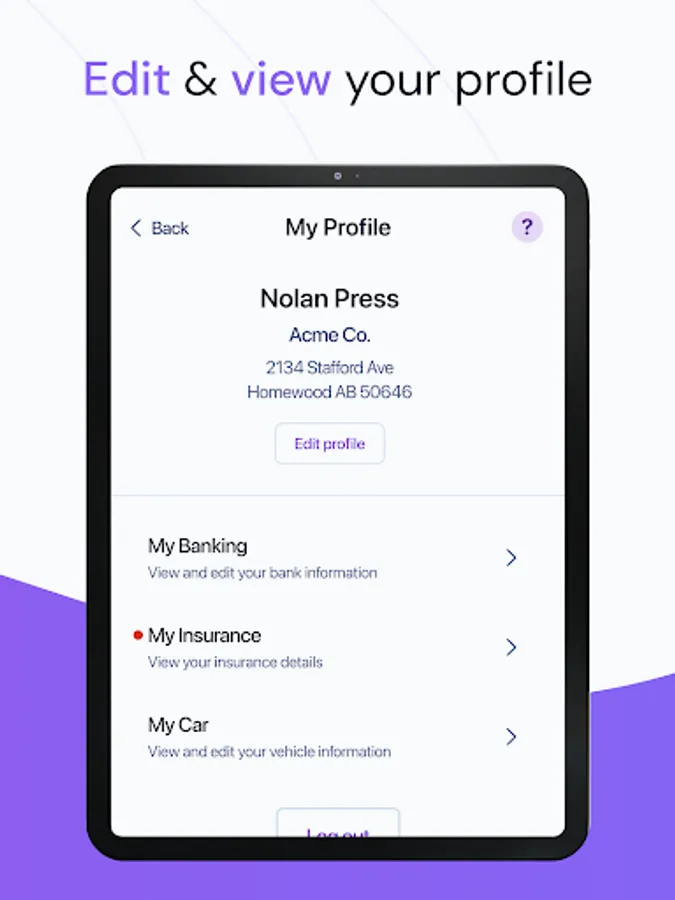
- You’ll be notified of approaching driver’s license and insurance expiration dates via email and in the app.
Ample support:
Our customer support team is dedicated to you. Whether it’s a phone call, an email, or a chat message, our reimbursement experts are easy to reach and happy to help. We’ve also built an extensive help center, where you can find detailed information on many topics, including helpful videos. No matter what you need, we’ve got your back, always.
- The support team is available via call, message, or email from Mon-Fri, 9-5 EST.
- A help center with dozens of articles.
- A Youtube channel with video walk-throughs to learn how to use the app.
Take control of your privacy:
Any trips you classify as personal, or simply left as unclassified, will not be accessible to employers. Taking a quick coffee break during a work day? Simply stop capturing trips from the dashboard and resume it when you’re ready. Rest assured, not an inch of personal driving will be viewable to employers.
- Deleted, personal, and unclassified trips are hidden from employers and Cardata.
- Any trip taken outside your trip capture schedule will be hidden.
Review past trips:
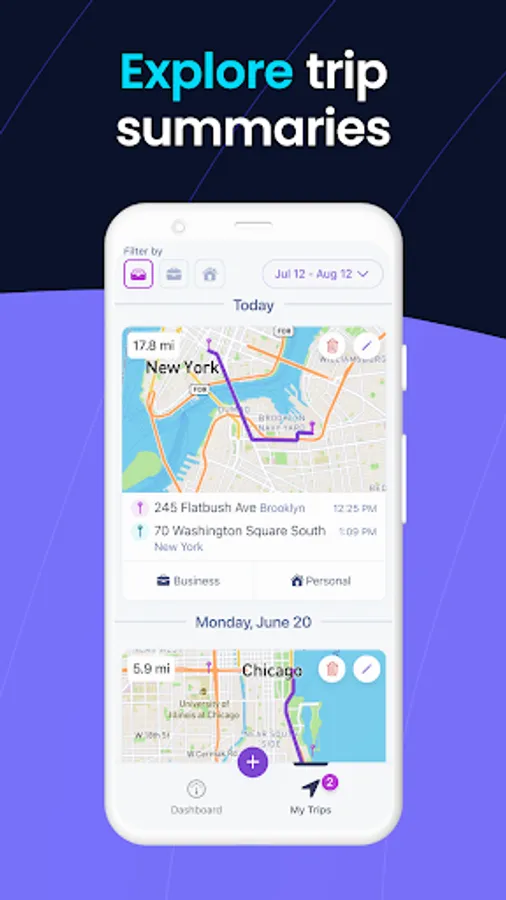
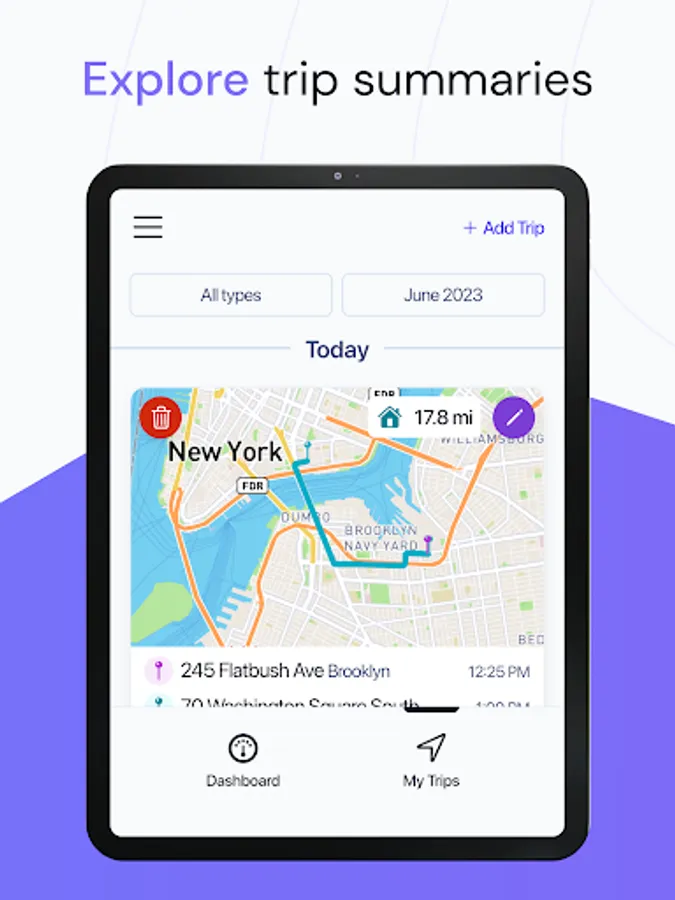
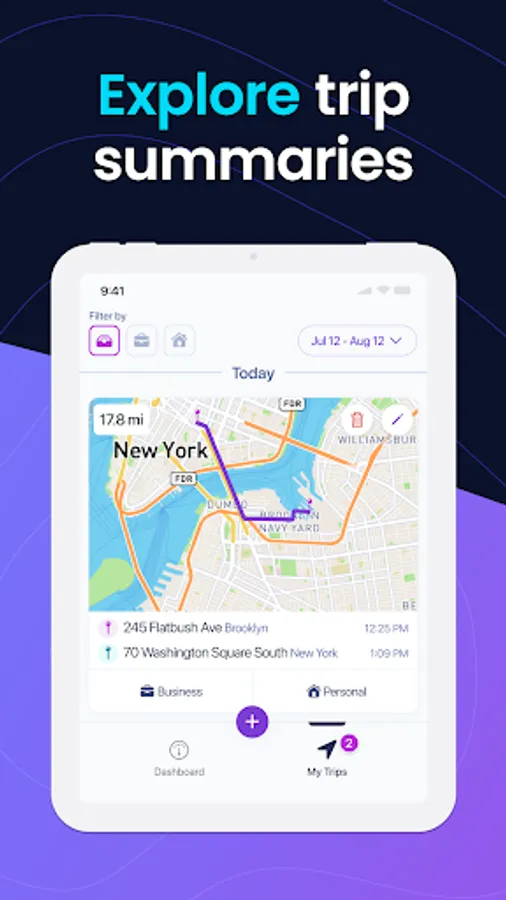
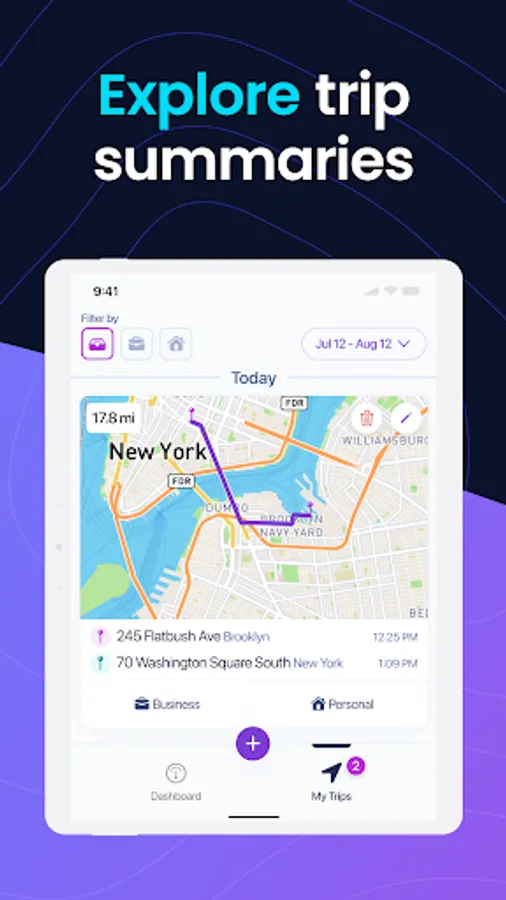
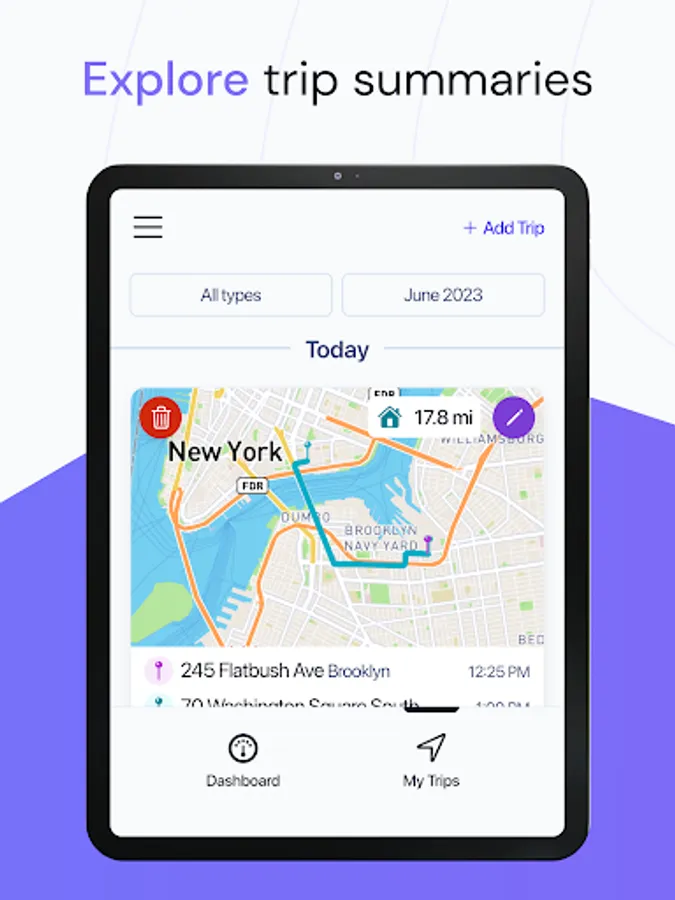
You’ll have access to every trip you’ve taken in the last 12 months. Review monthly or daily trip summaries with details on total mileage, stops, etc. An intuitive trip filter feature allows you to filter trips by date and/or classification.
- View daily and monthly trip summaries.
- Filter trips by classification and/or date.
Region-sensitive reimbursements:
Different regions have different gas prices, maintenance fees, insurance policies, etc. Your reimbursements reflect the cost of driving in your region, to guarantee that you’ll never lose money for simply doing your job.
- Fair, accurate reimbursements curated to where you live.
Cardata Mobile Screenshots
Tap to Rate:
Reviews for Cardata Mobile
dino lord
12/18/2025
The worst app I have ever had to deal with. Constantly quits racking mid-trip, no matter if doing manual trips or automatic timing. Costs me at least half my miles every month. Far too time consuming to try to plug them in manually. ETA: app worked fine for a few months. I made the mistake of trusting it. It just cost me nearly an entire month of mileage due to it randomly stopping saving my trips even though it said auto-tracking on. Thanks for costing me a few hundred Christmas dollars.
OW38B
11/5/2025
it sucks