
Decoration Keyboard
NatchCenter.com
3.9 ★
37K ratings
1,000,000+
downloads
Free
In this keyboard app, users can customize button sizes and enable multi-language input to improve typing speed and accuracy. Includes language support, input customization, and vibration control.
AppRecs review analysis
AppRecs rating 3.7. Trustworthiness 48 out of 100. Review manipulation risk 34 out of 100. Based on a review sample analyzed.
★★★☆☆
3.7
AppRecs Rating
Ratings breakdown
5 star
66%
4 star
5%
3 star
7%
2 star
0%
1 star
22%
What to know
⚠
Ad complaints
Many low ratings mention excessive ads
⚠
Review quality concerns
67% of sampled 5-star reviews are very short
About Decoration Keyboard
Decoration Keyboard
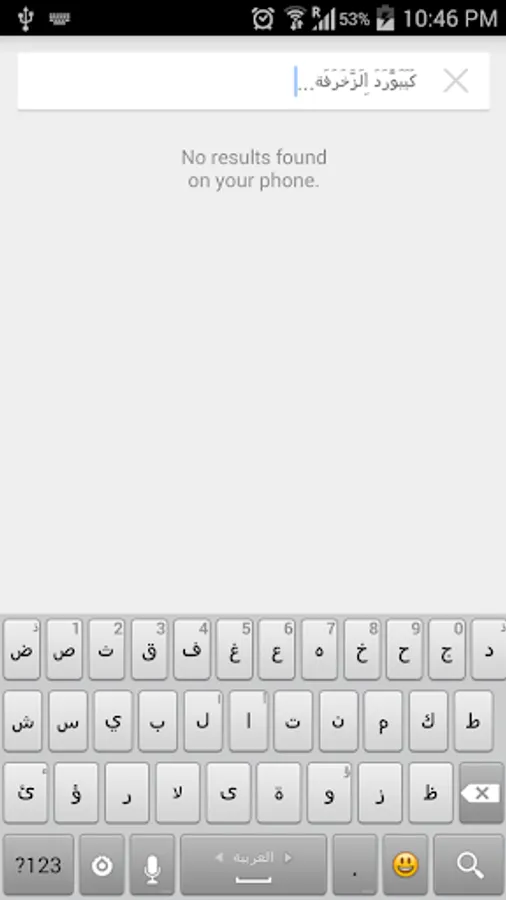
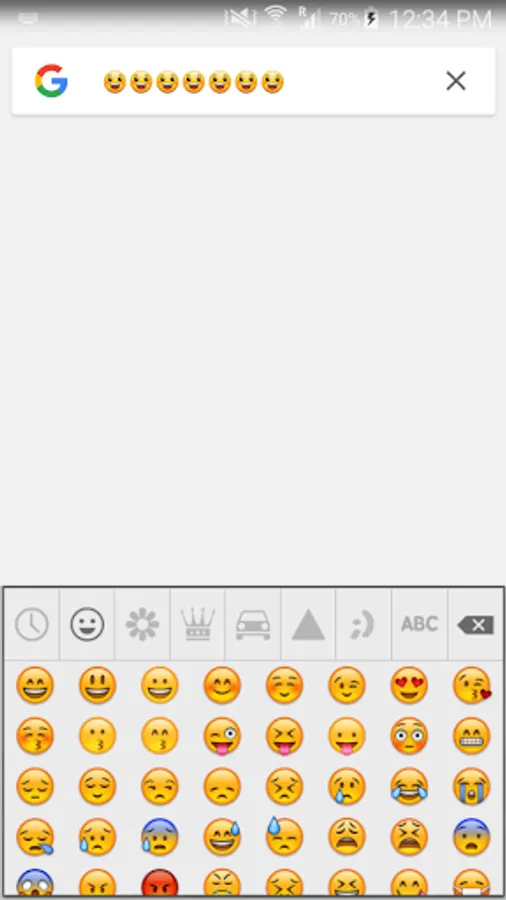
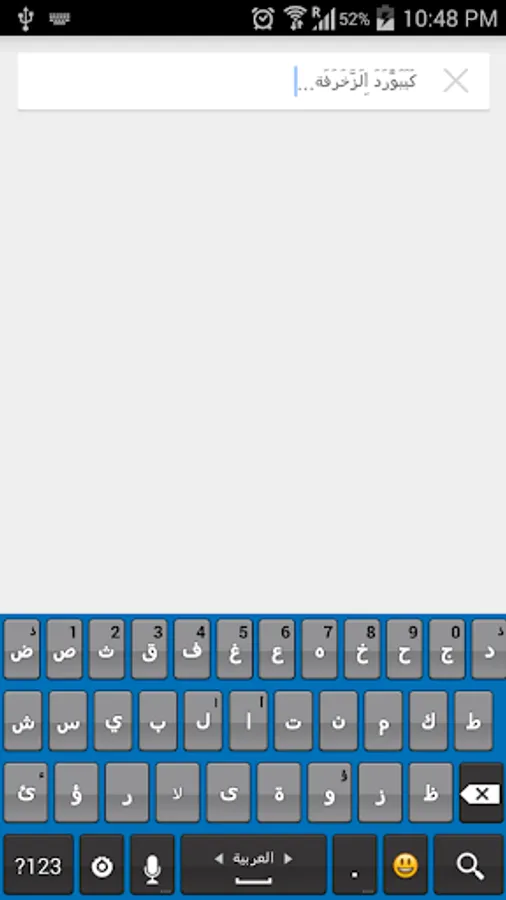
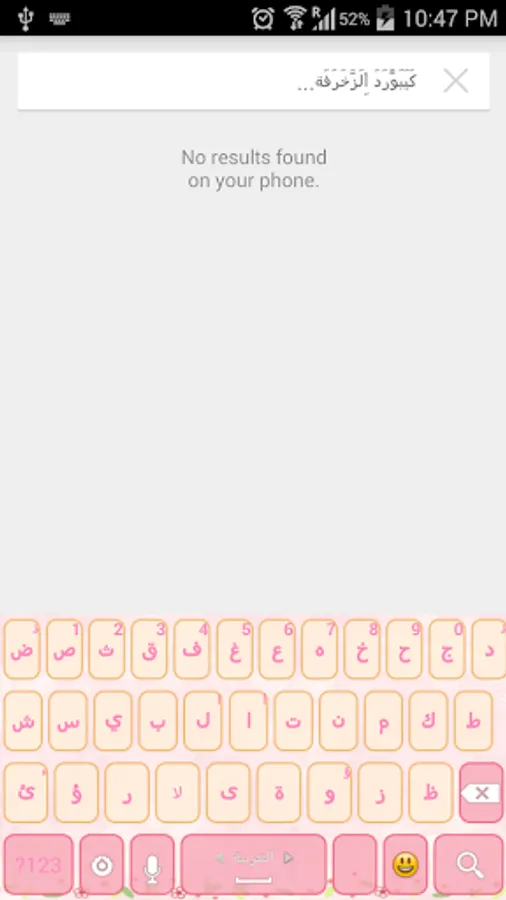
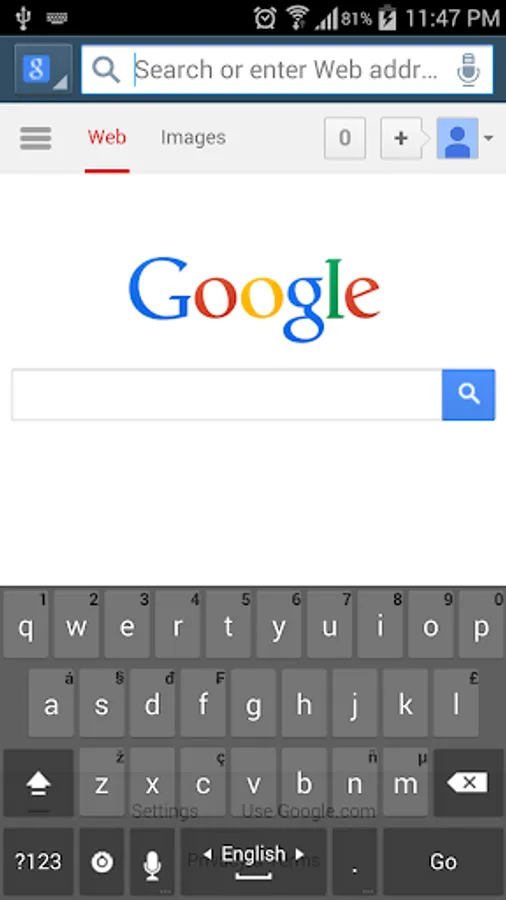
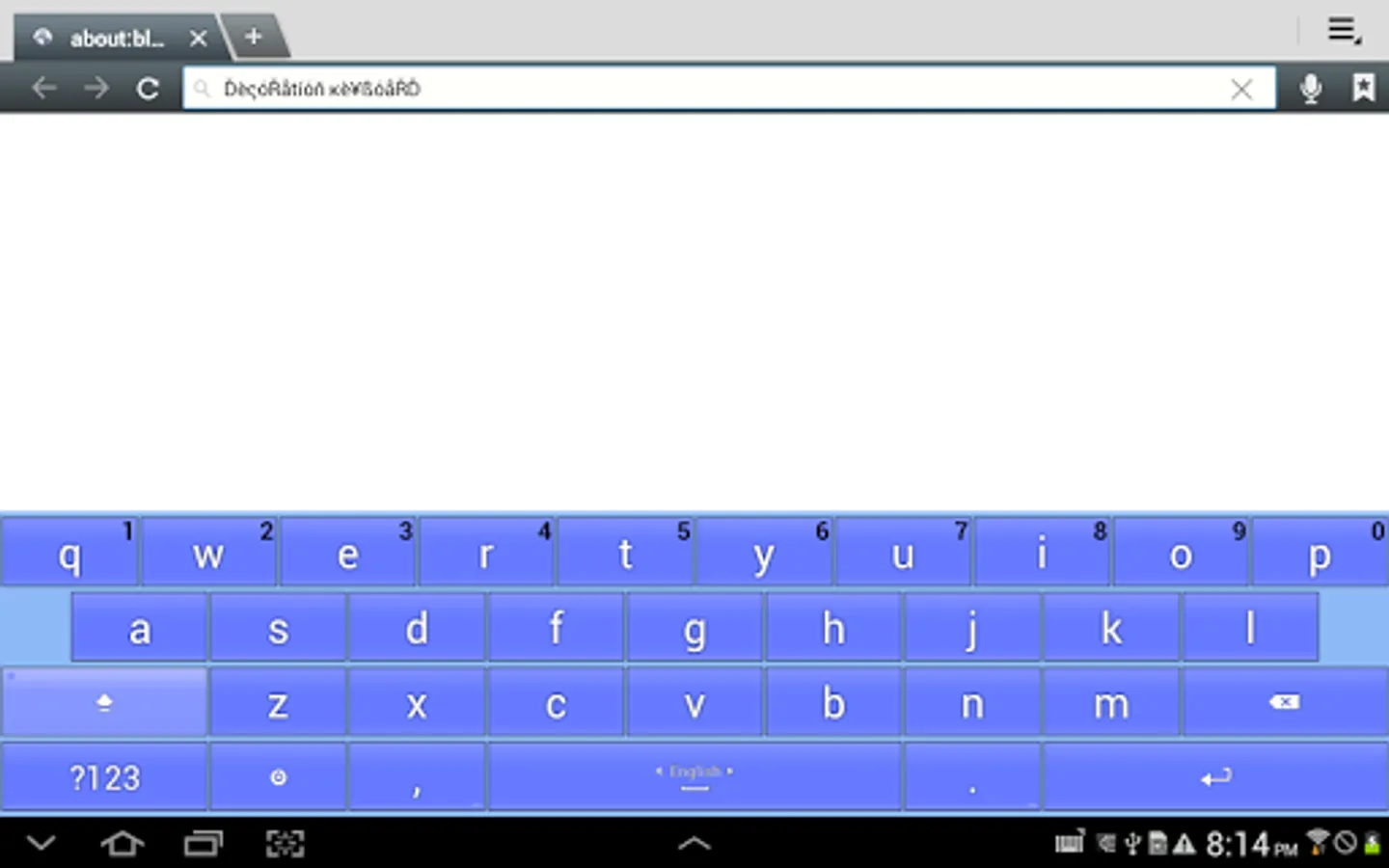
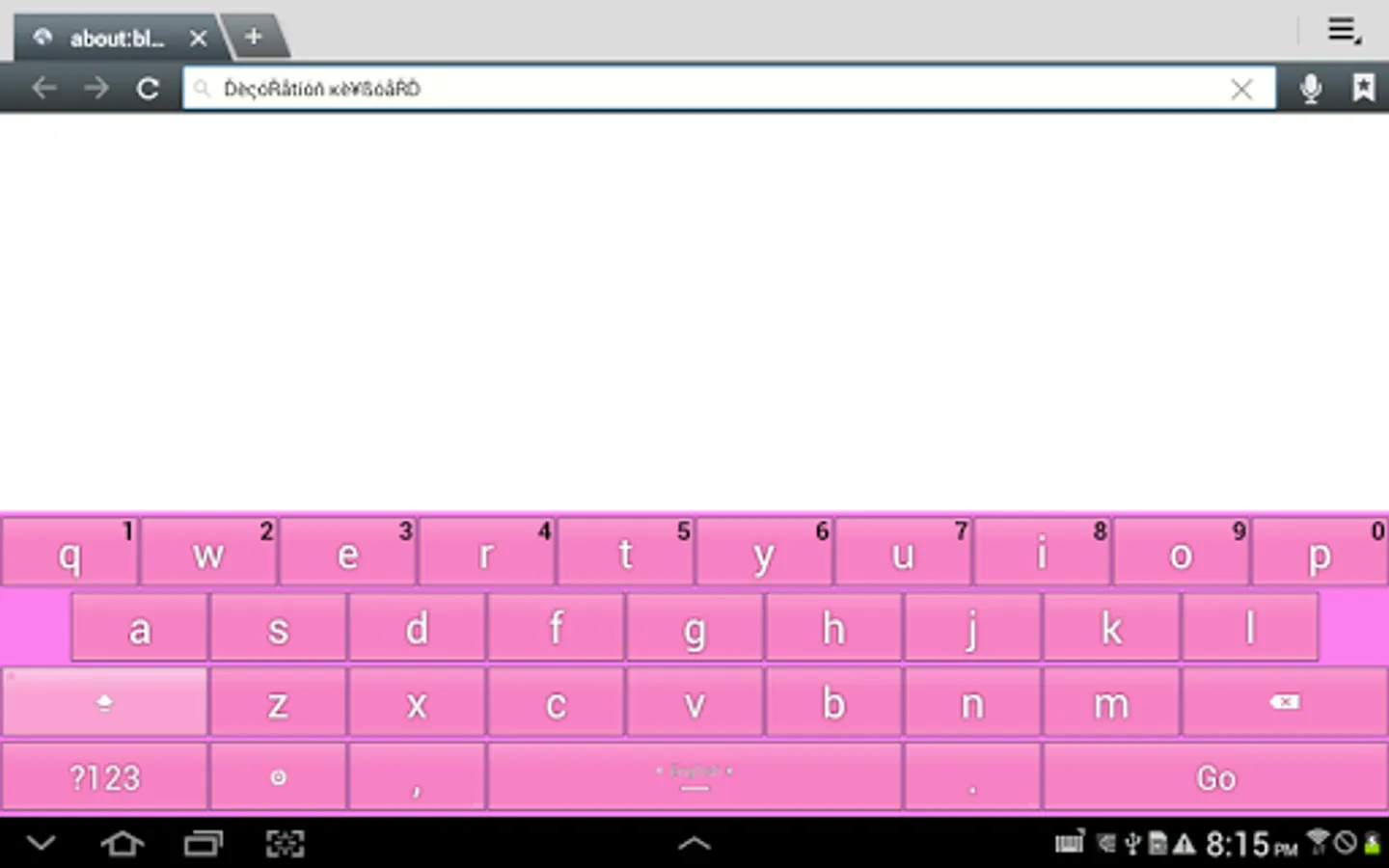
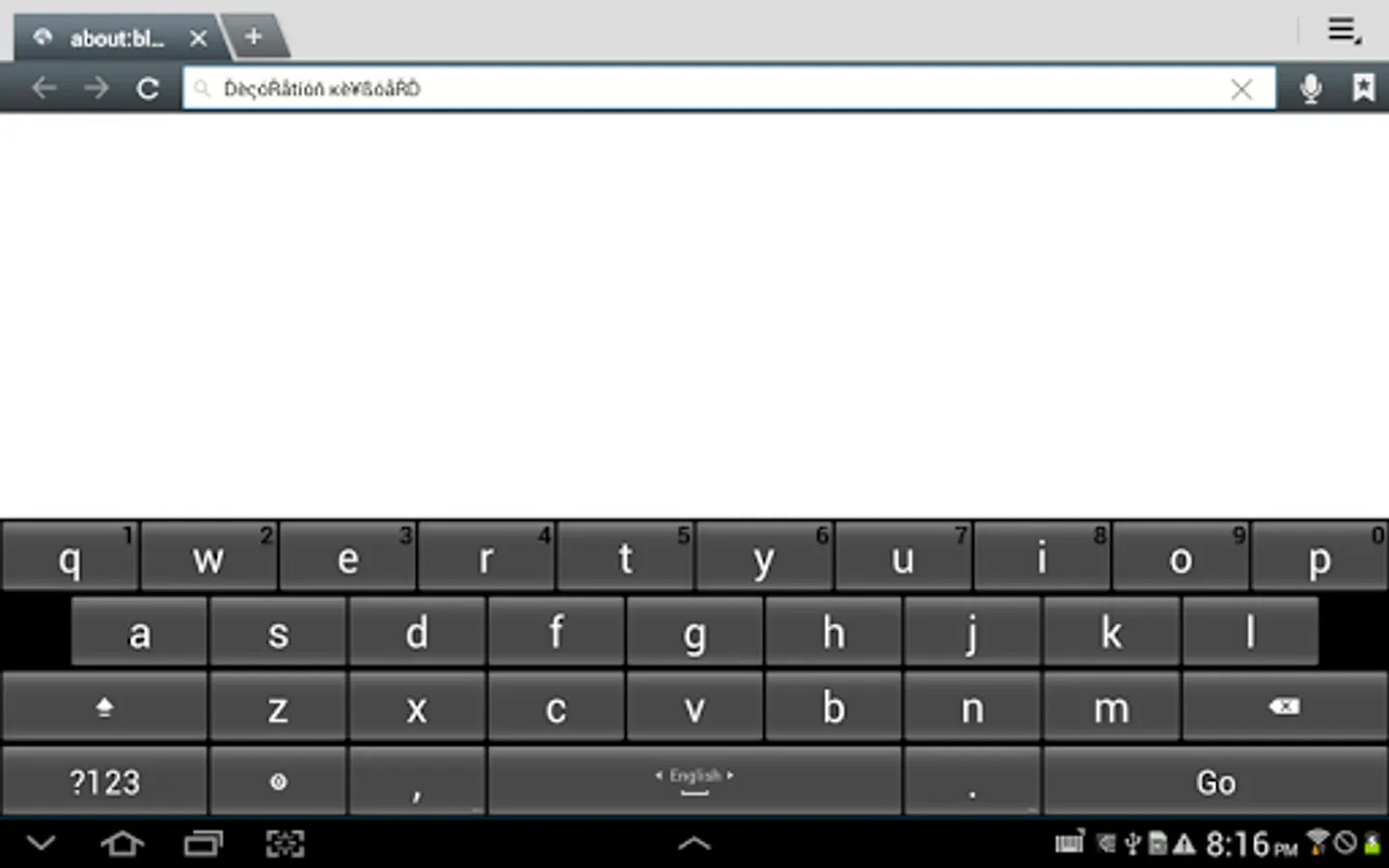
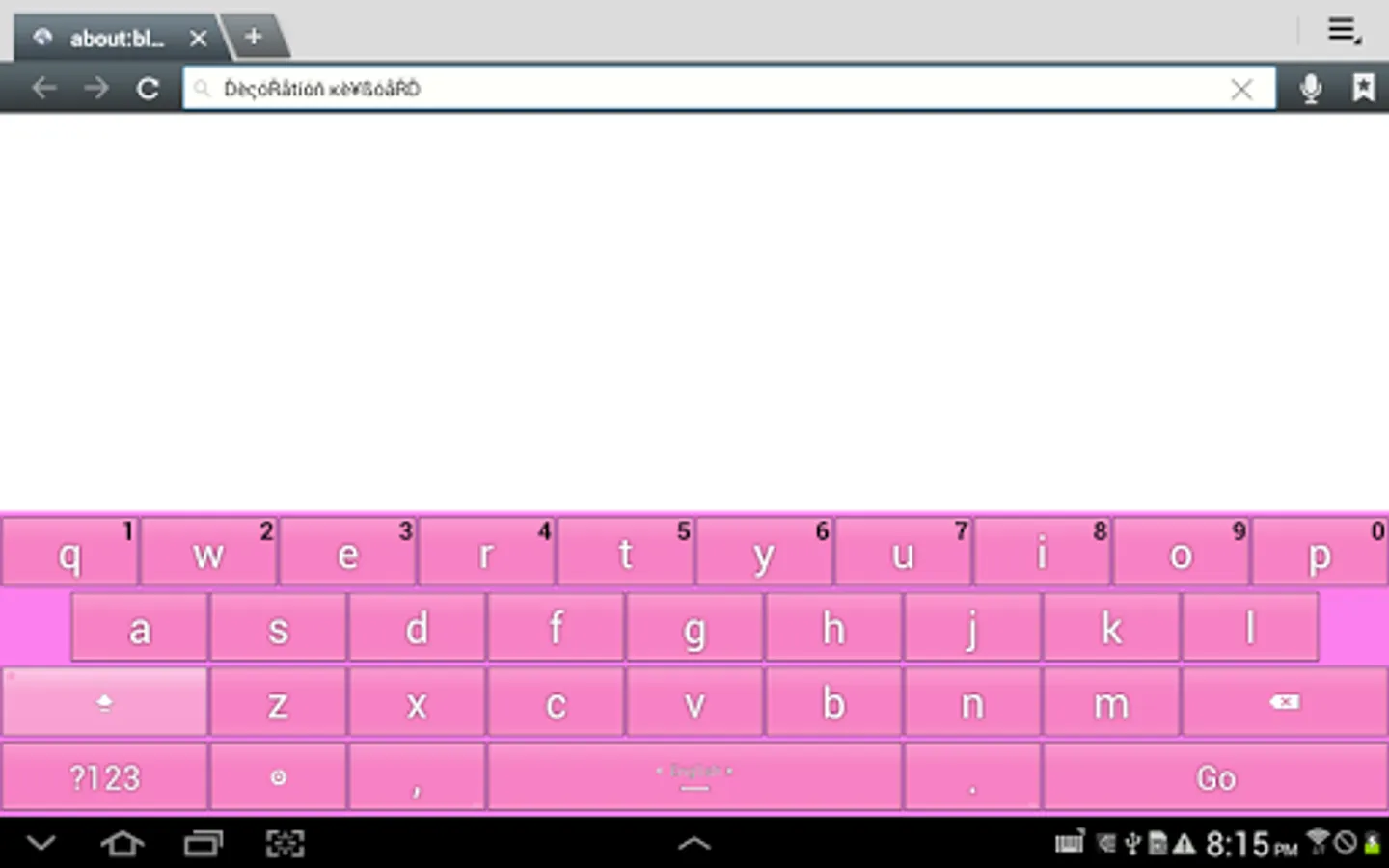
Decoration Keyboard has been well designed to help speeding up typing while reduce accidental typing errors efficiently. It supports many languages with various localized input methods. It can help you to reduce typing mistakes with its built in big buttons.
Videos to learn how to activate the keyboard:
http://www.youtube.com/watch?v=LoyQPfB_LT8
http://www.youtube.com/watch?v=DK8Ujz3pZuc
http://www.youtube.com/watch?v=FFO7jgMvF-c
Full Features
- Fast typing
- Big buttons help to write faster than other keyboards
- Full control you can choose to mute sounds or vibration while typing
- Full control to show or hide the labeled buttons.
- You can control the vibration duration when typing
- Show suggestions while typing to correct the common mistakes
- More than 40 languages are supported
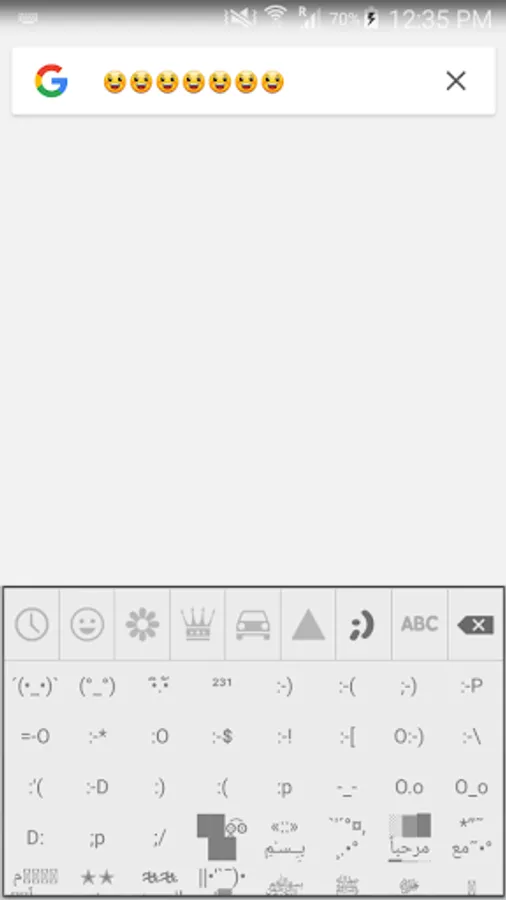
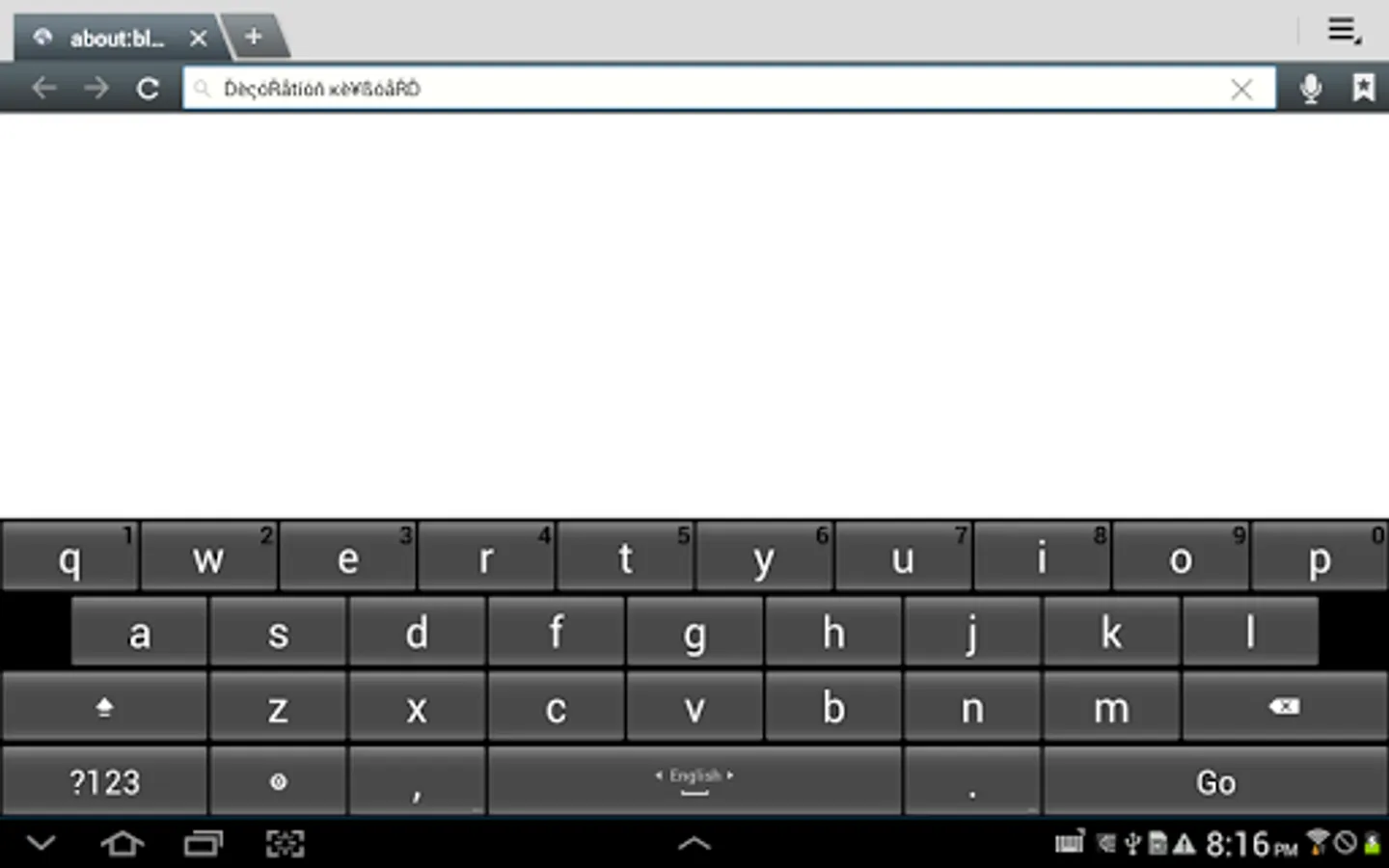
- Auto decoration for English letters
- Auto decoration for Arabic letters
- Support 3, 4 ,5″, 7″, 9″/10″ tablet
FAQ
1. How to enable Decoration Keyboard?
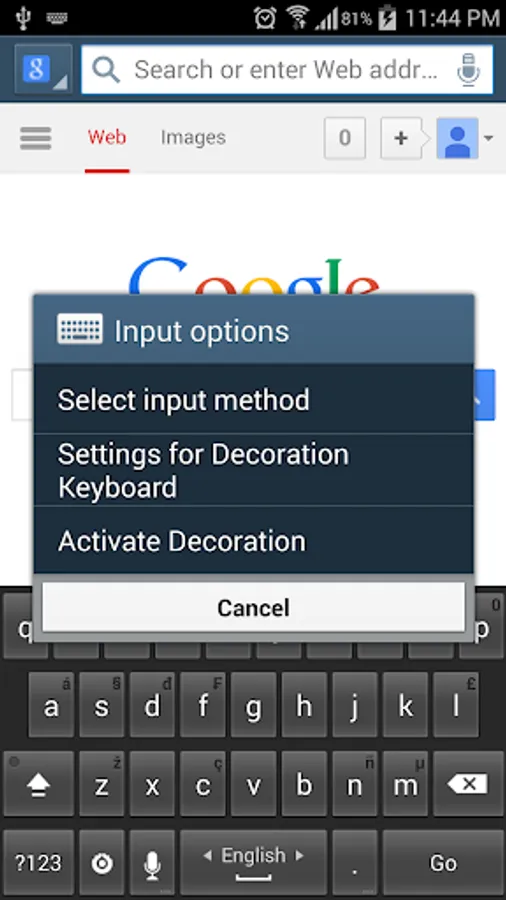
1st Step: After downloading Decoration Keyboard , go into the Settings Menu -> Languages and input ->, click the Enable Decoration Keyboard checkbox to enable.
2nd Step: go into the Settings Menu -> Languages and input ->, click the Settings icon next to Decoration Keyboard to enter the Settings for Decoration Keyboard. then you can change the settings of keyboard as you like and select the input languages you want to type with.
what makes Decoration Keyboard the best keyboard to choose :
* It supports so many languages! The keyboard has over 40 keyboard layouts, to support as many languages as possible.
* It’s safe and easy to use
●Support languages:
☆English-EN
☆Arabic-AR-اللغة العربية
☆Turkish-TR- Türkçe
☆Bulgarian-BG-Български език
☆German-DE- Deutsch
☆Russian-RU-Русский язык
☆French-FR- française
☆Czech-CS- čeština
☆Croatian-HR- Hrvatski
☆Romanian-RO- română
☆Portuguese-PT-português
☆Slovak-SK- Slovenčina
☆Polish-PL- język polski
☆Norwegian-NO- norsk
☆Hungarian-HU- Magyar
☆Greek-EL- Ἑλληνική
☆Dutch-NL- Nederlands
☆Danish-DA- dansk
☆Swedish-SV- svenska
☆Spanish-ES- Español
☆Italian-IT- Italiano
☆Japanese-JA-日本語
☆Farsi-FA-فارسی
☆Urdu-UR-اردو
☆Lithuanian-LT-Lietuvių
☆Catalan-CA-Català
☆Korean- KO-조선어
☆Indonesian-ID- Bahasa Indonesia
☆Malay- MS- Bahasa Melayu
☆Slovenian- SL-slovenščina
Privacy notice: while installing Decoration Keyboard, you will receive a warning message about collecting sensitive data. This is the standard general-purpose Android message issued for any downloaded keyboard and it does not pertain to Decoration Keyboard.
Decoration Keyboard has been well designed to help speeding up typing while reduce accidental typing errors efficiently. It supports many languages with various localized input methods. It can help you to reduce typing mistakes with its built in big buttons.
Videos to learn how to activate the keyboard:
http://www.youtube.com/watch?v=LoyQPfB_LT8
http://www.youtube.com/watch?v=DK8Ujz3pZuc
http://www.youtube.com/watch?v=FFO7jgMvF-c
Full Features
- Fast typing
- Big buttons help to write faster than other keyboards
- Full control you can choose to mute sounds or vibration while typing
- Full control to show or hide the labeled buttons.
- You can control the vibration duration when typing
- Show suggestions while typing to correct the common mistakes
- More than 40 languages are supported
- Auto decoration for English letters
- Auto decoration for Arabic letters
- Support 3, 4 ,5″, 7″, 9″/10″ tablet
FAQ
1. How to enable Decoration Keyboard?
1st Step: After downloading Decoration Keyboard , go into the Settings Menu -> Languages and input ->, click the Enable Decoration Keyboard checkbox to enable.
2nd Step: go into the Settings Menu -> Languages and input ->, click the Settings icon next to Decoration Keyboard to enter the Settings for Decoration Keyboard. then you can change the settings of keyboard as you like and select the input languages you want to type with.
what makes Decoration Keyboard the best keyboard to choose :
* It supports so many languages! The keyboard has over 40 keyboard layouts, to support as many languages as possible.
* It’s safe and easy to use
●Support languages:
☆English-EN
☆Arabic-AR-اللغة العربية
☆Turkish-TR- Türkçe
☆Bulgarian-BG-Български език
☆German-DE- Deutsch
☆Russian-RU-Русский язык
☆French-FR- française
☆Czech-CS- čeština
☆Croatian-HR- Hrvatski
☆Romanian-RO- română
☆Portuguese-PT-português
☆Slovak-SK- Slovenčina
☆Polish-PL- język polski
☆Norwegian-NO- norsk
☆Hungarian-HU- Magyar
☆Greek-EL- Ἑλληνική
☆Dutch-NL- Nederlands
☆Danish-DA- dansk
☆Swedish-SV- svenska
☆Spanish-ES- Español
☆Italian-IT- Italiano
☆Japanese-JA-日本語
☆Farsi-FA-فارسی
☆Urdu-UR-اردو
☆Lithuanian-LT-Lietuvių
☆Catalan-CA-Català
☆Korean- KO-조선어
☆Indonesian-ID- Bahasa Indonesia
☆Malay- MS- Bahasa Melayu
☆Slovenian- SL-slovenščina
Privacy notice: while installing Decoration Keyboard, you will receive a warning message about collecting sensitive data. This is the standard general-purpose Android message issued for any downloaded keyboard and it does not pertain to Decoration Keyboard.
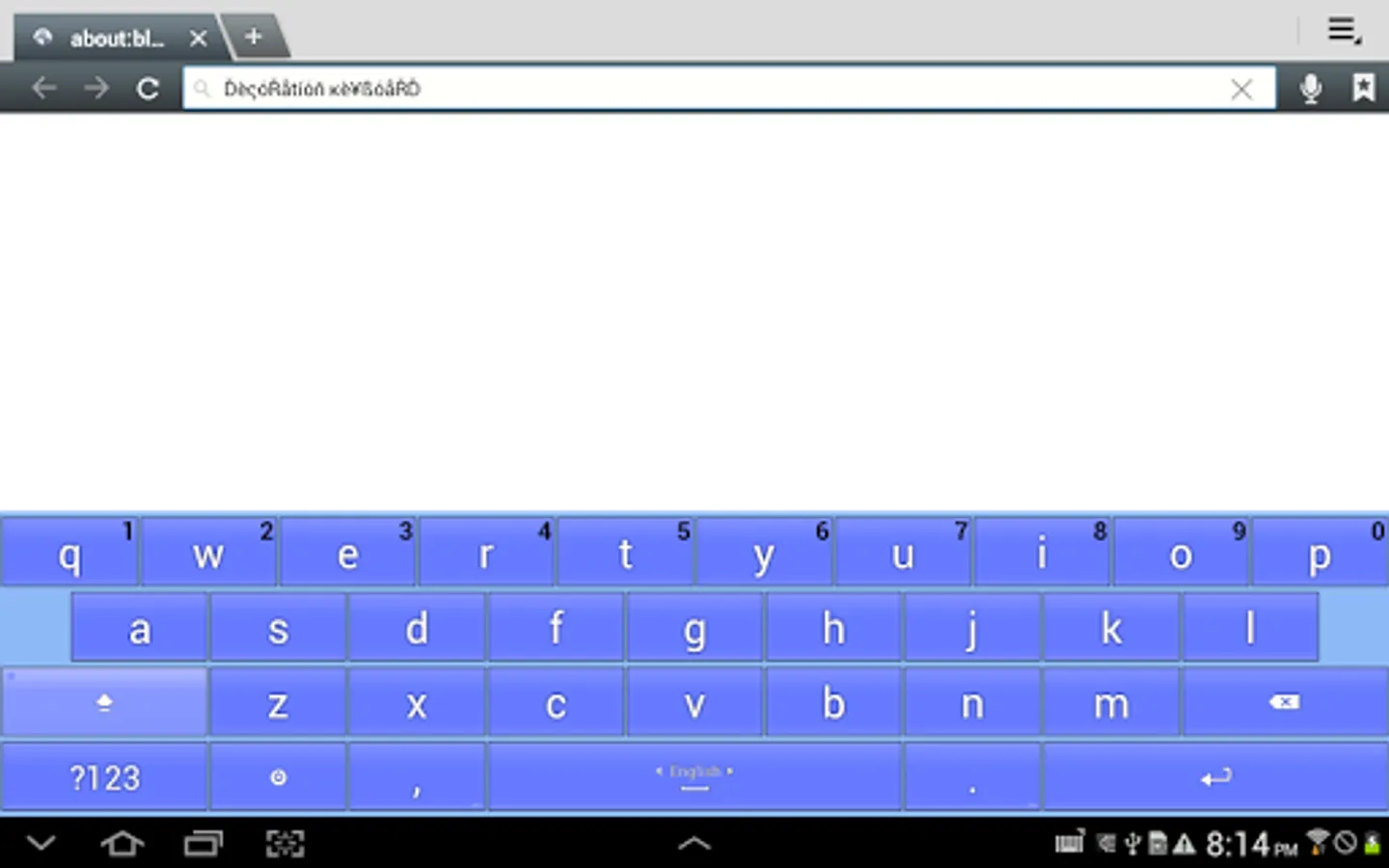
Decoration Keyboard Screenshots
Tap to Rate:
Reviews for Decoration Keyboard
Ziad Zizo
12/12/2023
Jiij
هاجر جمال
2/4/2022
جامد