Jerusalem Electricity (JDECo)
JDECo EServices EChannel
3.7 ★
store rating
100,000+
downloads
Free
With this app, you can access and manage electricity services, view bills, pay debts, and report issues. Includes account registration, bill navigation, payment options, and service requests.
AppRecs review analysis
AppRecs rating 3.7. Trustworthiness 85 out of 100. Review manipulation risk 23 out of 100. Based on a review sample analyzed.
★★★☆☆
3.7
AppRecs Rating
Ratings breakdown
5 star
54%
4 star
12%
3 star
7%
2 star
2%
1 star
24%
What to know
✓
Low review manipulation risk
23% review manipulation risk
✓
Credible reviews
85% trustworthiness score from analyzed reviews
✓
Good user ratings
66% positive sampled reviews
About Jerusalem Electricity (JDECo)
JDECo App for customer allow you to use JDECo E-Services as following
A- My Services
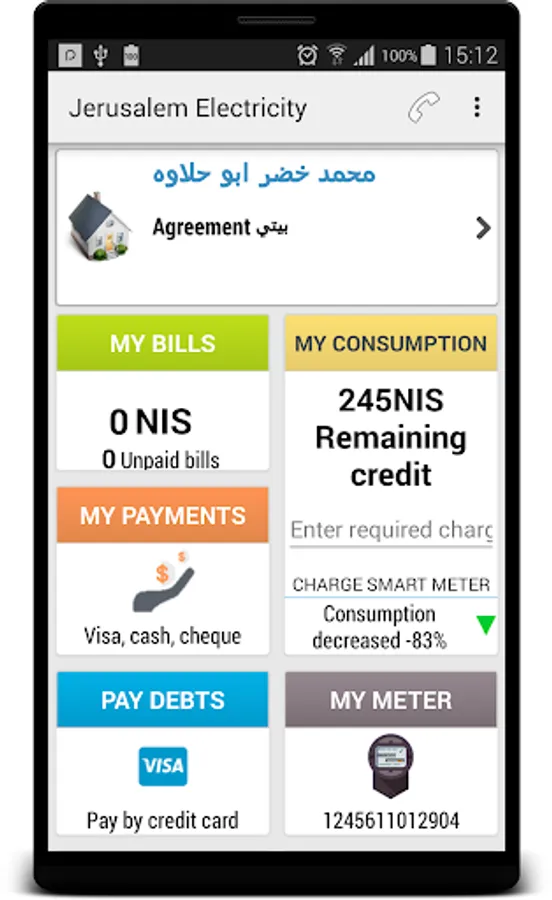
1- Navigate vouchers "from My Bills panel"
2- Navigate payments "from My Payments panel"
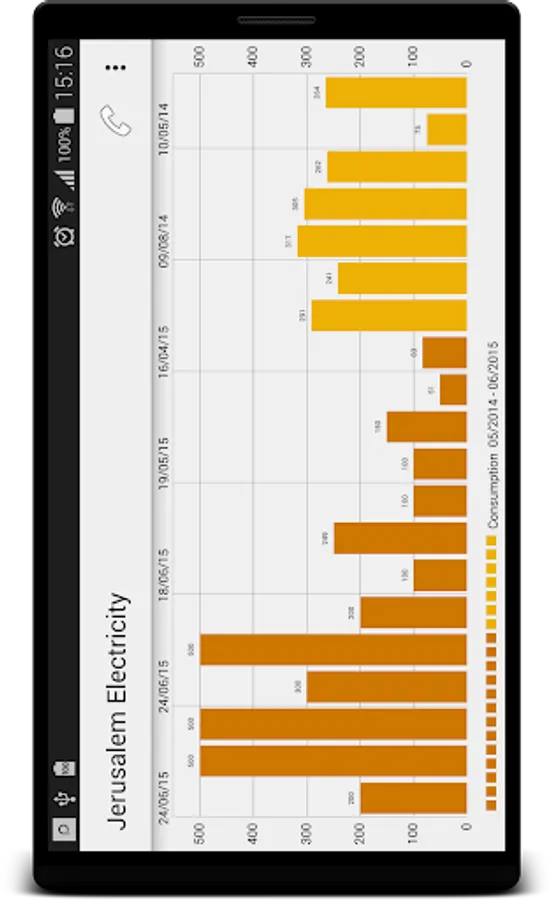
3- Check consumption "from My Meter Panel"
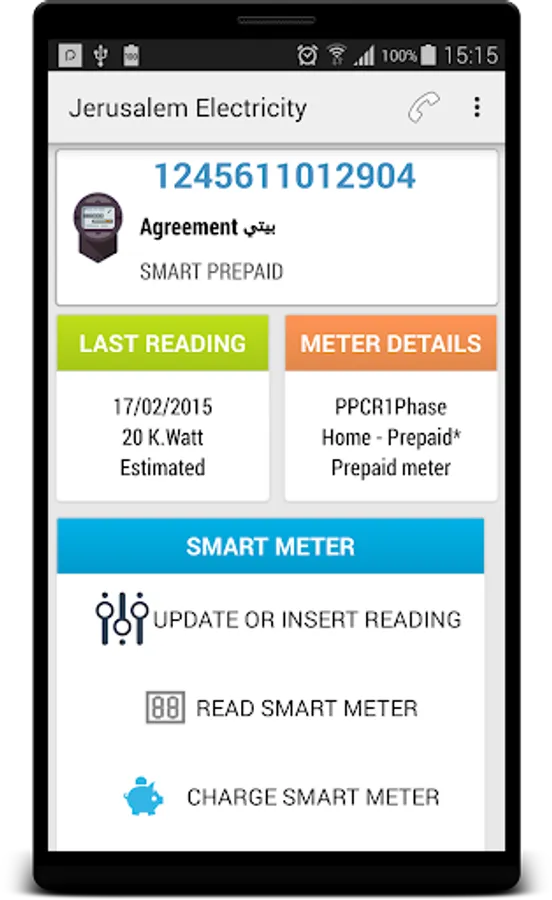
4- Meter details "from My Meter panel"
5- Report my agreement problem "from Report Issue panel"
6- Calculate an electric device consumption price per hour "from Device KW Price"
7- Check smart prepaid meter balance, or check estimated next charge date for your normal prepaid meter "from My Consumption panel"
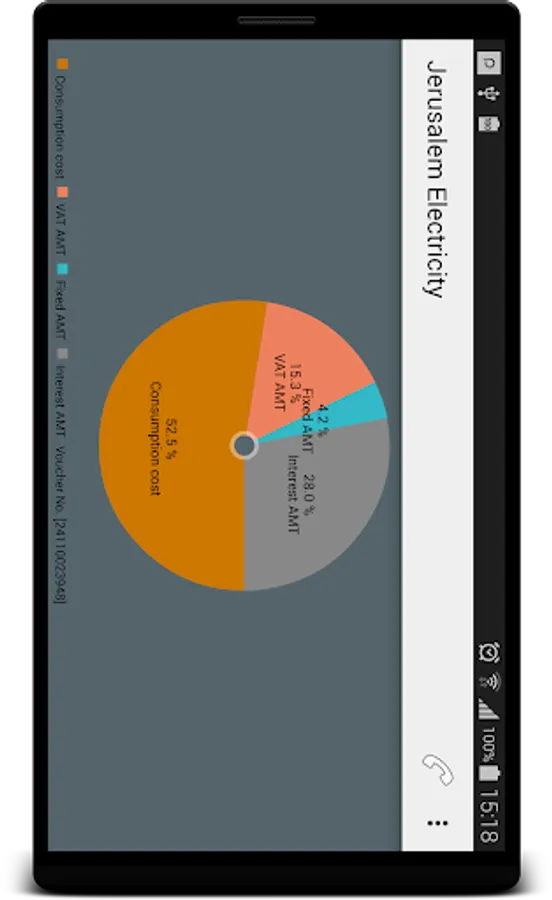
8- View your consumption cost + misc + fixed charge ...etc, regarding the last auto meter read for smart meters "from My Consumption panel"
9- Enter meter current reading, and get your consumption cost + misc + fixed charge ...etc "from My Consumption panel or from My Meter panel"
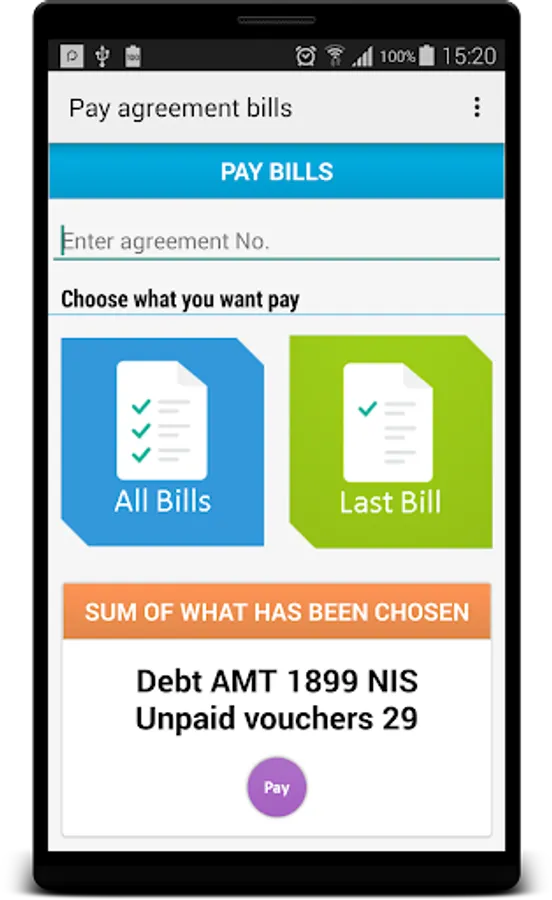
10- Pay debts using credit cards
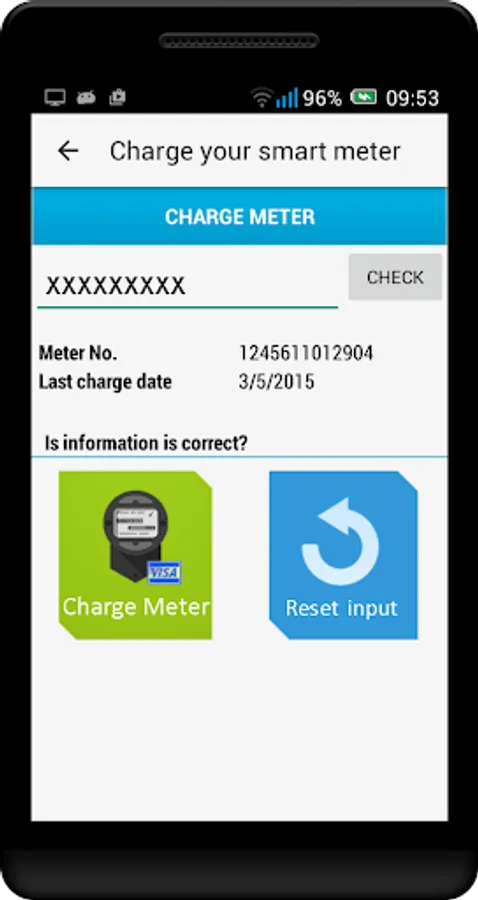
11- Charging meters using credit cards
12- Enter meter reading, and get consumption cost + fixed charge "from Device KW Price panel"
13- View agreement details
14- Send request to change estimated meter reading
B- Pay debts for agreements
C- Report public electricity problems
D- View company announcements and notifications
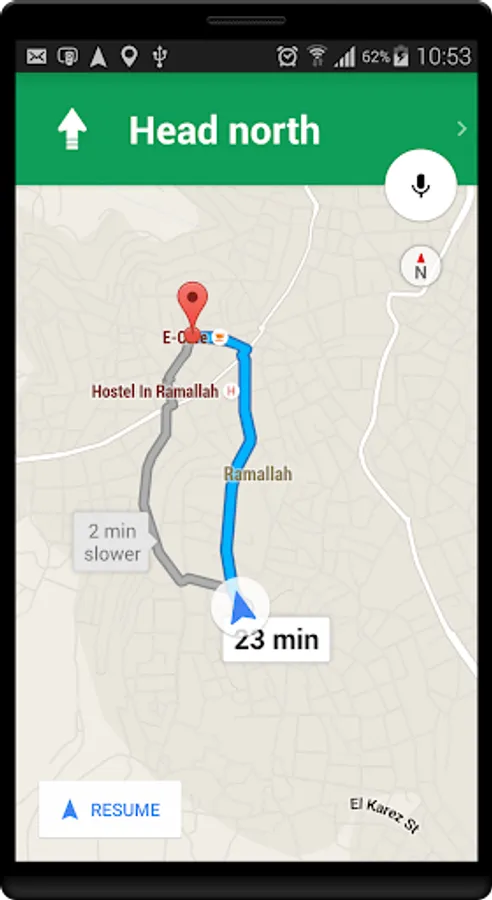
E- View and search for centers and offices
F- Click and establish a phone call to company call center
Note: you need an account by registering in https://www.jdeco.net
Please note that you can dd more than one agreement in your account
A- My Services
1- Navigate vouchers "from My Bills panel"
2- Navigate payments "from My Payments panel"
3- Check consumption "from My Meter Panel"
4- Meter details "from My Meter panel"
5- Report my agreement problem "from Report Issue panel"
6- Calculate an electric device consumption price per hour "from Device KW Price"
7- Check smart prepaid meter balance, or check estimated next charge date for your normal prepaid meter "from My Consumption panel"
8- View your consumption cost + misc + fixed charge ...etc, regarding the last auto meter read for smart meters "from My Consumption panel"
9- Enter meter current reading, and get your consumption cost + misc + fixed charge ...etc "from My Consumption panel or from My Meter panel"
10- Pay debts using credit cards
11- Charging meters using credit cards
12- Enter meter reading, and get consumption cost + fixed charge "from Device KW Price panel"
13- View agreement details
14- Send request to change estimated meter reading
B- Pay debts for agreements
C- Report public electricity problems
D- View company announcements and notifications
E- View and search for centers and offices
F- Click and establish a phone call to company call center
Note: you need an account by registering in https://www.jdeco.net
Please note that you can dd more than one agreement in your account