AppRecs review analysis
AppRecs rating . Trustworthiness 59 out of 100. Review manipulation risk 52 out of 100. Based on a review sample analyzed.
★
AppRecs Rating
Ratings breakdown
5 star
67%
4 star
11%
3 star
11%
2 star
0%
1 star
11%
What to know
⚠
Questionable review patterns
52% review manipulation risk - some review patterns appear unusual
About Belajar MS Word Offline
Learning MS Word (BMW) is a tutorial application for learning to use the Microsoft Word application on a computer in an easy and fun way.
Office programs are programs that are recommended to be on every computer/laptop.
Through this application you can learn easily and funly using the MS Word program. Suitable for general use, students, office workers and everyone.
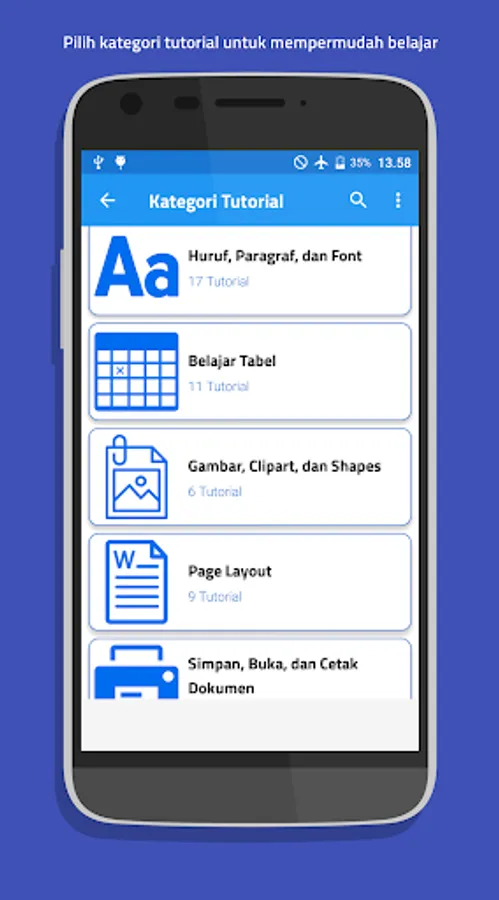
There are lots of offline MS Word tutorials without worrying about internet connection in this application. starting from simple tutorials to advanced and professional tutorials. There are categories to make it easier for you to learn, as follows:
✓ introduction to MS Word
✓ learn letters, paragraphs and fonts
✓ learn tables
✓ learn pictures, clipart, and shapes
✓ learn page layout (page layout)
✓ learn to save, open and print documents
✓ advanced tips and tricks (hard)
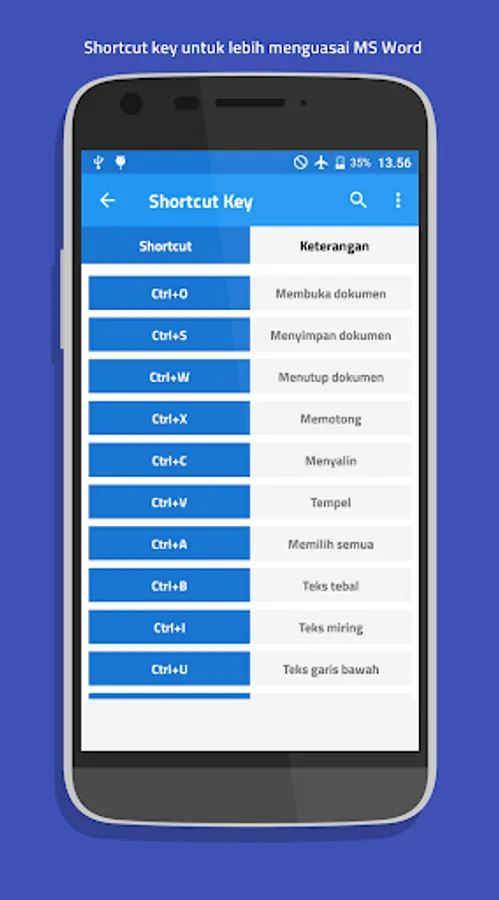
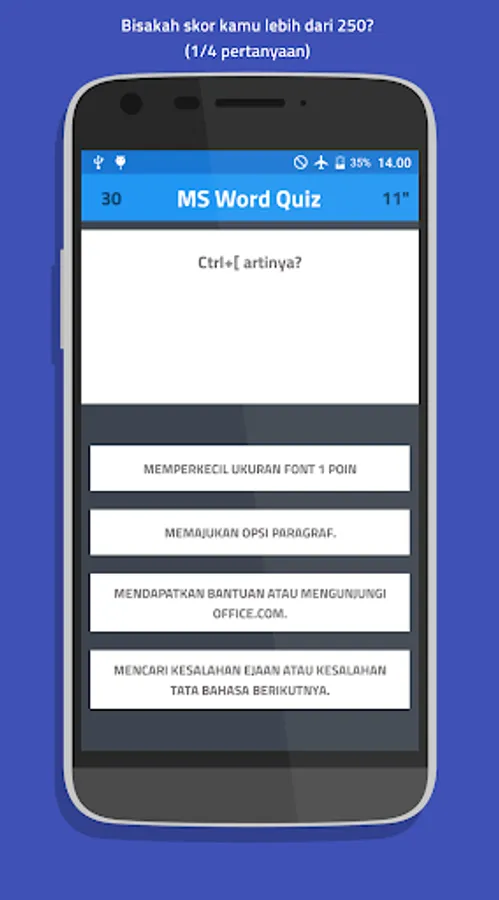
Apart from tutorial material, there are also MS Word keyboard abbreviations / shortcut keys to make it easier for you to learn and remember the functions of MS Word. such as crtl + A, ctrl+ X, ctrl + V, and others.
Apart from that, this application also has many features, including:
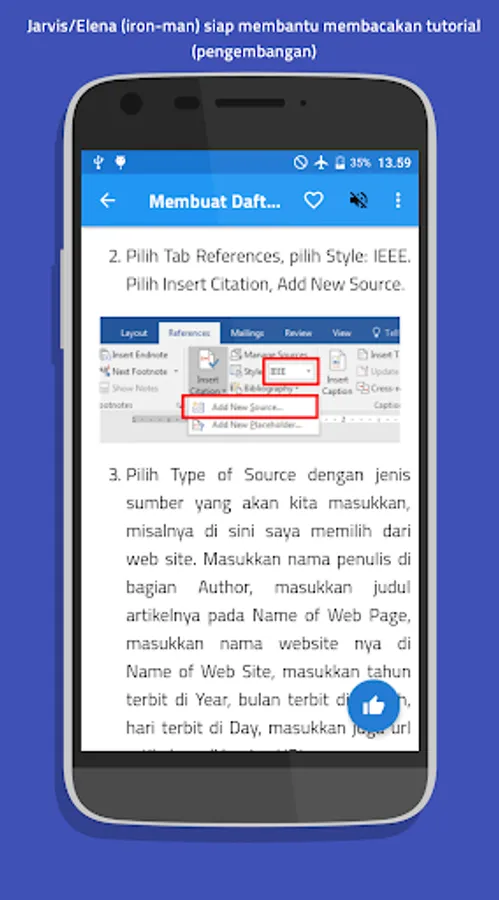
1. sound to help you read the tutorial
2. share / share
3. tutorial search
4. bookmark / favorite tutorials
5. notifications
If you have other MS Word tutorials related to improving this application, you can send them to our CS developer email: csborneoit@gmail.com
Office programs are programs that are recommended to be on every computer/laptop.
Through this application you can learn easily and funly using the MS Word program. Suitable for general use, students, office workers and everyone.
There are lots of offline MS Word tutorials without worrying about internet connection in this application. starting from simple tutorials to advanced and professional tutorials. There are categories to make it easier for you to learn, as follows:
✓ introduction to MS Word
✓ learn letters, paragraphs and fonts
✓ learn tables
✓ learn pictures, clipart, and shapes
✓ learn page layout (page layout)
✓ learn to save, open and print documents
✓ advanced tips and tricks (hard)
Apart from tutorial material, there are also MS Word keyboard abbreviations / shortcut keys to make it easier for you to learn and remember the functions of MS Word. such as crtl + A, ctrl+ X, ctrl + V, and others.
Apart from that, this application also has many features, including:
1. sound to help you read the tutorial
2. share / share
3. tutorial search
4. bookmark / favorite tutorials
5. notifications
If you have other MS Word tutorials related to improving this application, you can send them to our CS developer email: csborneoit@gmail.com
Belajar MS Word Offline Screenshots


Tap to Rate:
Reviews for Belajar MS Word Offline
Yenni xie
4/26/2022
Its really really very helpful for me ,thankyou very much.l like this very much can learning ms word for beginning
Sonai khan
4/24/2022
It's useless app