About YEditor --simple editor--
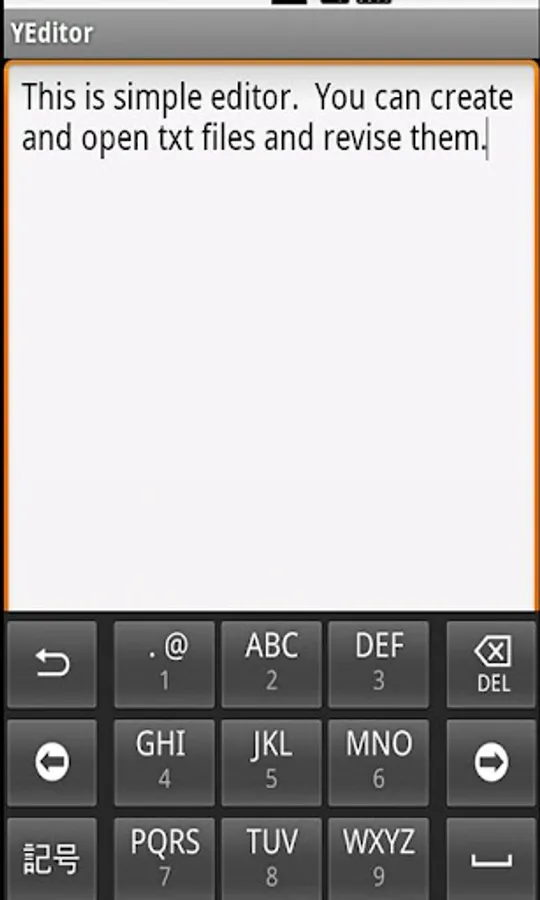
When the application is launched, tap the textbox, then you can write letters.
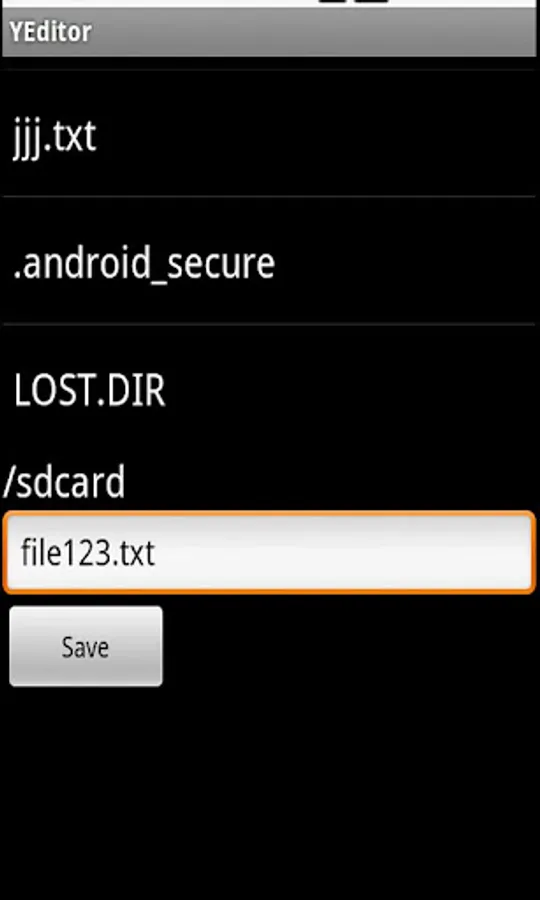
Tap Menu and select 'Save as' then Save Page is opened. Then in Explorer select the directory to save the file, and tap 'Save' then the file is saved.
Tap Menu and select 'Open' then Open Page is opened. Then in Explorer select the file to open, then the file is opened.
After you revise the file, then Tap Menu and select 'Save' then the file is rewrited.
Tap Menu and select 'New' then new file is opened.
Tap Menu and select 'Save as' then Save Page is opened. Then in Explorer select the directory to save the file, and tap 'Save' then the file is saved.
Tap Menu and select 'Open' then Open Page is opened. Then in Explorer select the file to open, then the file is opened.
After you revise the file, then Tap Menu and select 'Save' then the file is rewrited.
Tap Menu and select 'New' then new file is opened.