EasyJoin - Local Send & Share
EasyJoin
4.6 ★
store rating
10,000+
downloads
Free
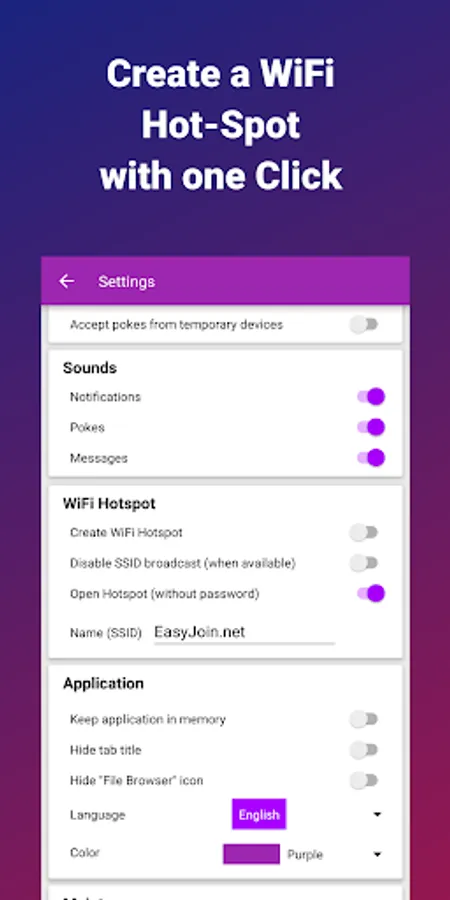
With this app, you can transfer files, read notifications, and control devices within your local network. Includes end-to-end encryption, cross-platform support, and clipboard sharing features.
AppRecs review analysis
AppRecs rating 3.6. Trustworthiness 40 out of 100. Review manipulation risk 30 out of 100. Based on a review sample analyzed.
★★★☆☆
3.6
AppRecs Rating
Ratings breakdown
5 star
76%
4 star
12%
3 star
8%
2 star
4%
1 star
0%
What to know
✓
Authentic reviews
Natural distribution, no red flags
⚠
Questionable review trustworthiness
40% trustworthiness - reviews show concerning patterns
⚠
Rating authenticity concerns
High rating concentration (76% 5-star) in sampled ratings
About EasyJoin - Local Send & Share
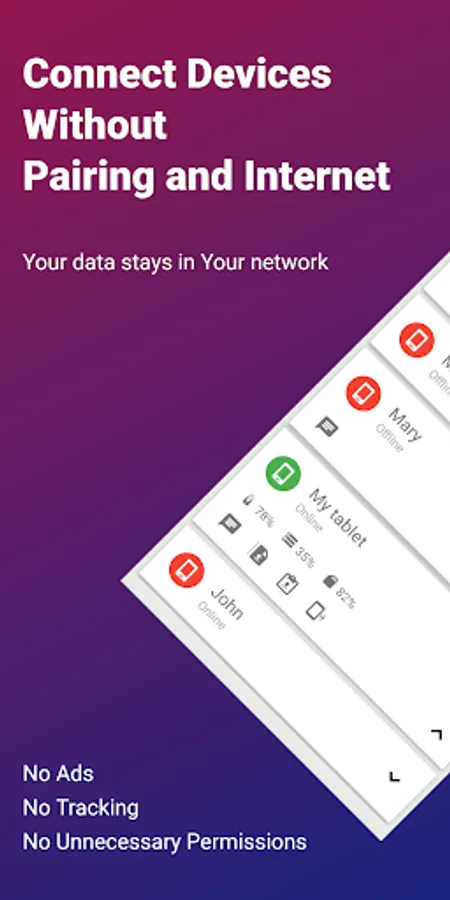
Connect your devices and transfer files instantly with no cloud, no ads, and no tracking.
EasyJoin lets you send files, read notifications, and control your devices using only your local network. Everything stays private and encrypted on your devices.
Key Features
• Fast File Transfer (Phone ↔ PC ↔ Tablet)
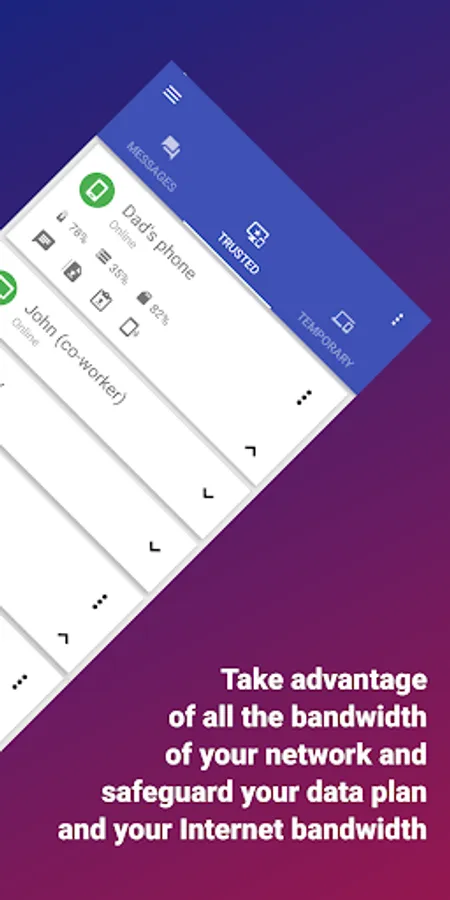
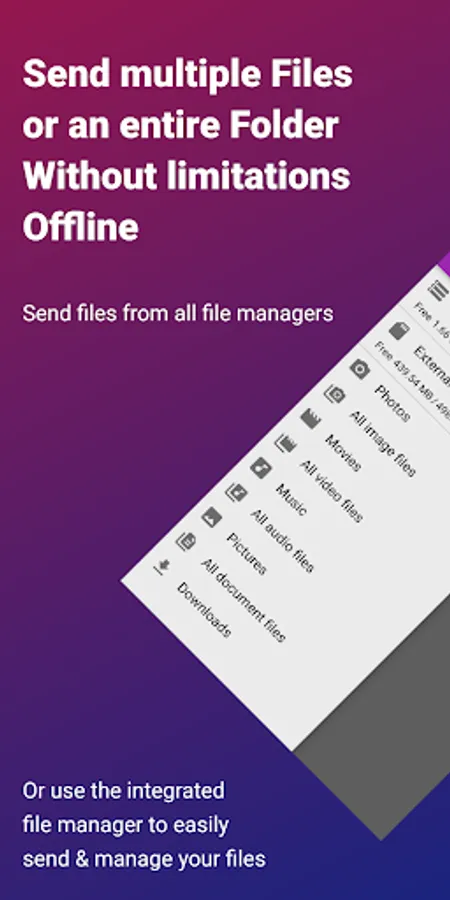
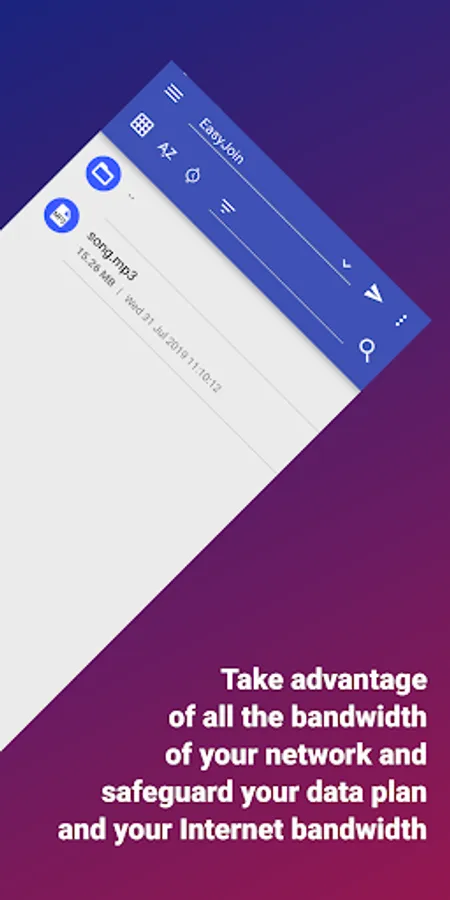
Send photos, videos, documents, and folders instantly between your devices. No internet, cloud or external servers required.
• Clipboard Send
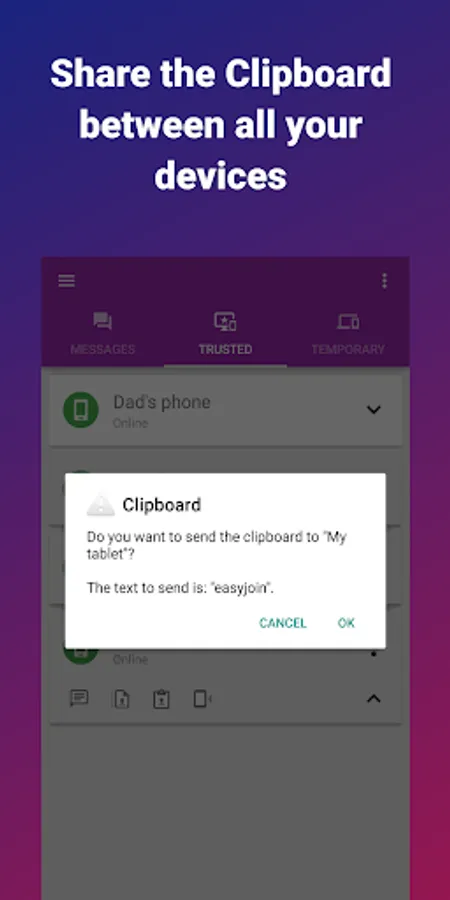
Copy on one device and paste on another. Works across Android, Windows, macOS, iPhone, iPad and Linux.
• P2P Encrypted Sharing
All data stays inside your local network with end-to-end encryption.
• Remote Notifications
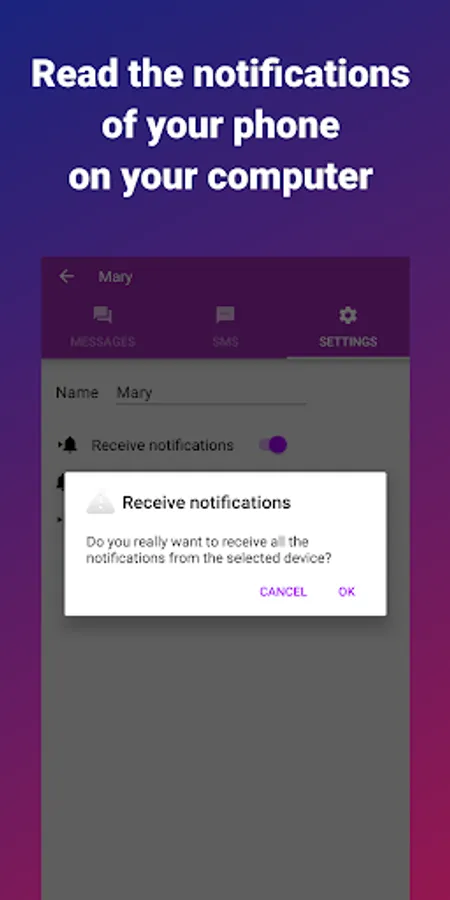
Read your phone notifications directly from your computer.
• Local Network Messaging
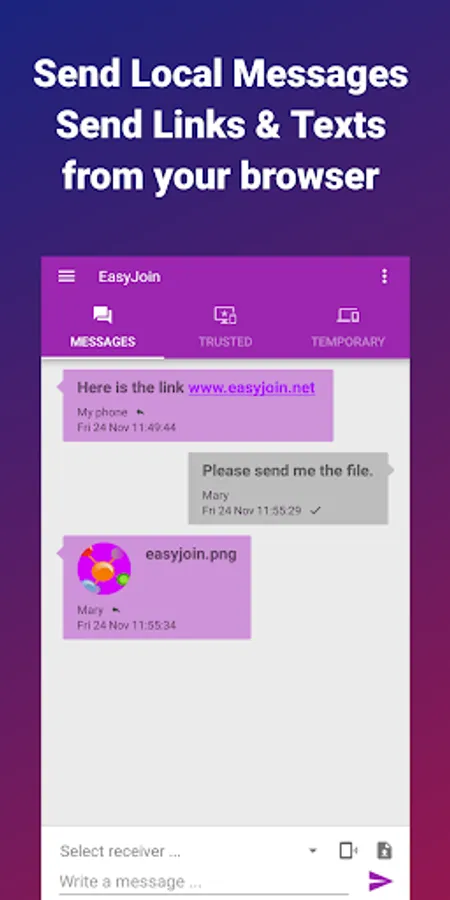
Chat securely between your linked devices without using any external service.
• Cross-Platform Support
Desktop apps available for Windows, macOS, Linux, plus browser extensions.
• Privacy First
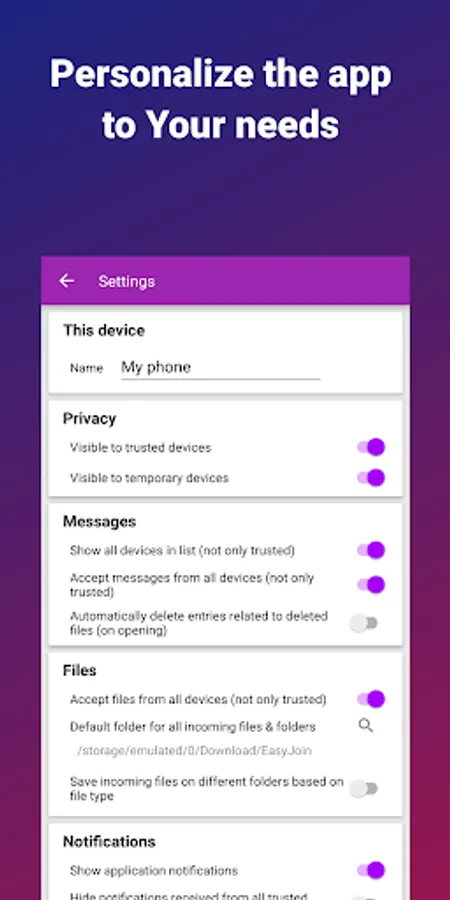
No accounts. No cloud. No ads. No trackers. Your data never leaves your devices.
Perfect For
• Sending files between phone and computer
• Copy–paste text across devices
• Offline file transfer without internet
• Private LAN file sharing for teams
• Replacing apps ads based with a secure, local alternative
Cross-Platform
Use EasyJoin across:
• Android
• Windows
• macOS
• iPhone
• iPad
• Linux
Security You Can Trust
EasyJoin uses end-to-end encryption on all connections, ensuring your photos, documents, and messages remain accessible only on your devices.
How to Start
1. Install EasyJoin on your phone and computer.
2. Connect to the same Wi-Fi network.
Support & Feedback
We’re here to help!
If you have questions, suggestions, or feedback, contact us anytime: info@easyjoin.net
Discover EasyJoin at https://easyjoin.net.
This application uses Accessibility services.
It uses the accessibility service in order to copy/paste text to editable text fields from private clipboard. This permission is not required if the editable text fields offer the "three dots" context menu.
EasyJoin lets you send files, read notifications, and control your devices using only your local network. Everything stays private and encrypted on your devices.
Key Features
• Fast File Transfer (Phone ↔ PC ↔ Tablet)
Send photos, videos, documents, and folders instantly between your devices. No internet, cloud or external servers required.
• Clipboard Send
Copy on one device and paste on another. Works across Android, Windows, macOS, iPhone, iPad and Linux.
• P2P Encrypted Sharing
All data stays inside your local network with end-to-end encryption.
• Remote Notifications
Read your phone notifications directly from your computer.
• Local Network Messaging
Chat securely between your linked devices without using any external service.
• Cross-Platform Support
Desktop apps available for Windows, macOS, Linux, plus browser extensions.
• Privacy First
No accounts. No cloud. No ads. No trackers. Your data never leaves your devices.
Perfect For
• Sending files between phone and computer
• Copy–paste text across devices
• Offline file transfer without internet
• Private LAN file sharing for teams
• Replacing apps ads based with a secure, local alternative
Cross-Platform
Use EasyJoin across:
• Android
• Windows
• macOS
• iPhone
• iPad
• Linux
Security You Can Trust
EasyJoin uses end-to-end encryption on all connections, ensuring your photos, documents, and messages remain accessible only on your devices.
How to Start
1. Install EasyJoin on your phone and computer.
2. Connect to the same Wi-Fi network.
Support & Feedback
We’re here to help!
If you have questions, suggestions, or feedback, contact us anytime: info@easyjoin.net
Discover EasyJoin at https://easyjoin.net.
This application uses Accessibility services.
It uses the accessibility service in order to copy/paste text to editable text fields from private clipboard. This permission is not required if the editable text fields offer the "three dots" context menu.