
With this claim filing app, you can submit vehicle damage claims by selecting claim types, entering details, and attaching photos. Includes claim options, photo uploads, and notification features.
AppRecs review analysis
AppRecs rating 3.5. Trustworthiness 72 out of 100. Review manipulation risk 36 out of 100. Based on a review sample analyzed.
★★★☆☆
3.5
AppRecs Rating
Ratings breakdown
5 star
50%
4 star
5%
3 star
14%
2 star
5%
1 star
27%
What to know
✓
Credible reviews
72% trustworthiness score from analyzed reviews
About ECP Claims
device is a phone or a tablet device, you will have the same experience on filing a claim. The process is
simple to use and notifies an ECP Claims representative right away. Once the mobile app is installed, just
follow
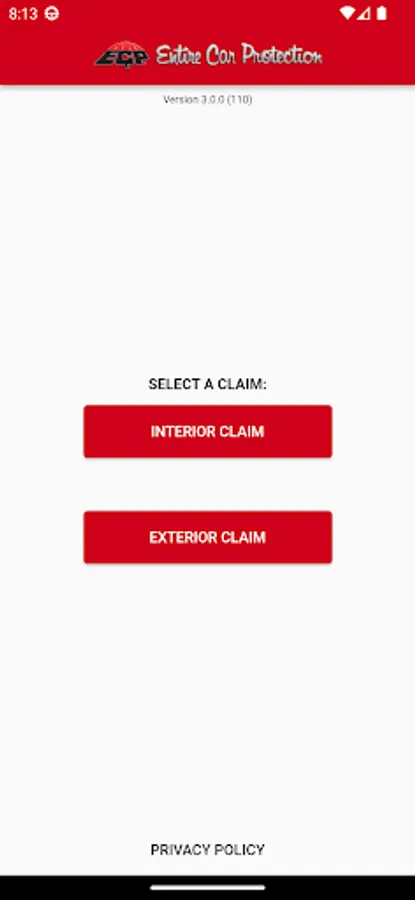
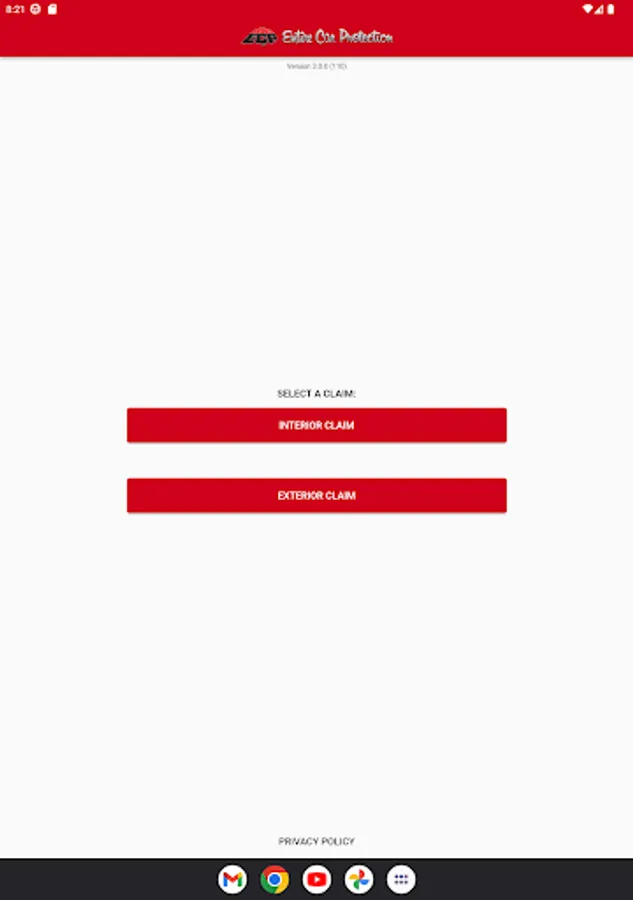
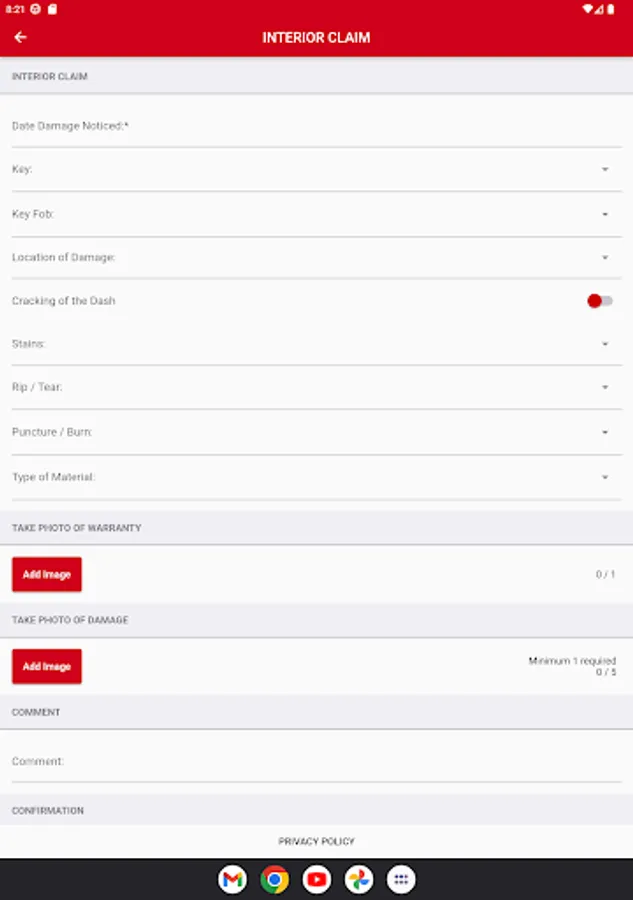
- Select from one of three claim options (Interior, Exterior or Key/Fob Claim)
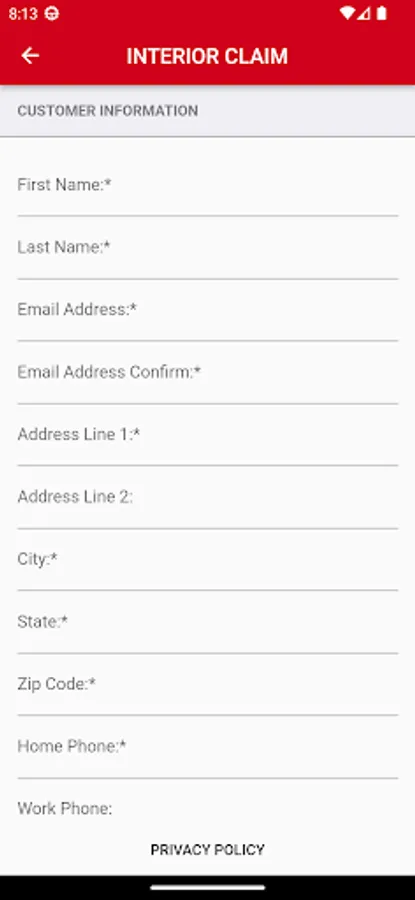
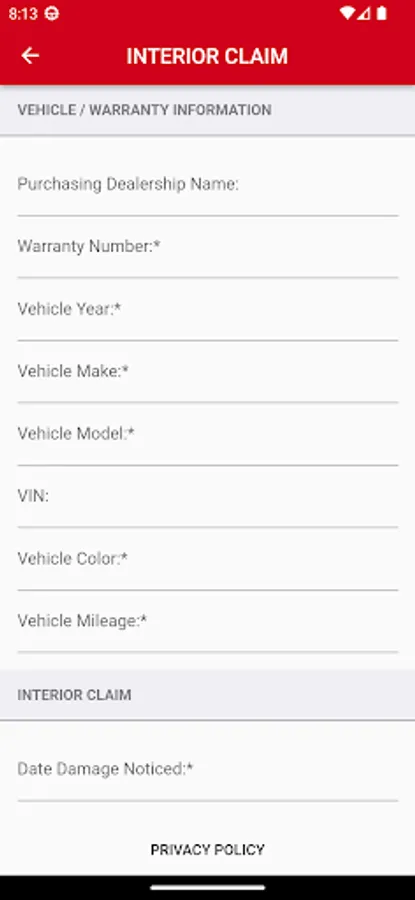
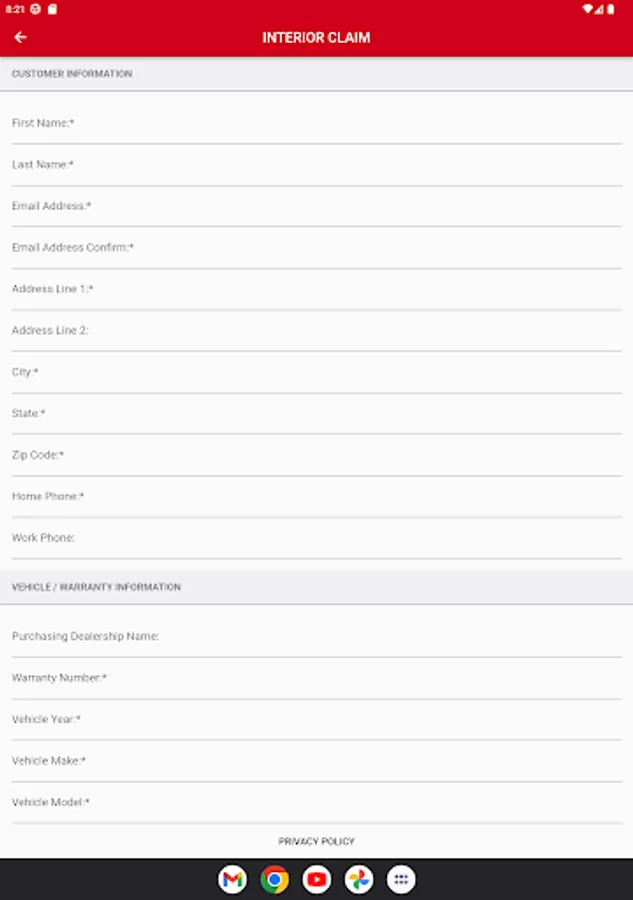
- Provide your Personal and Vehicle information
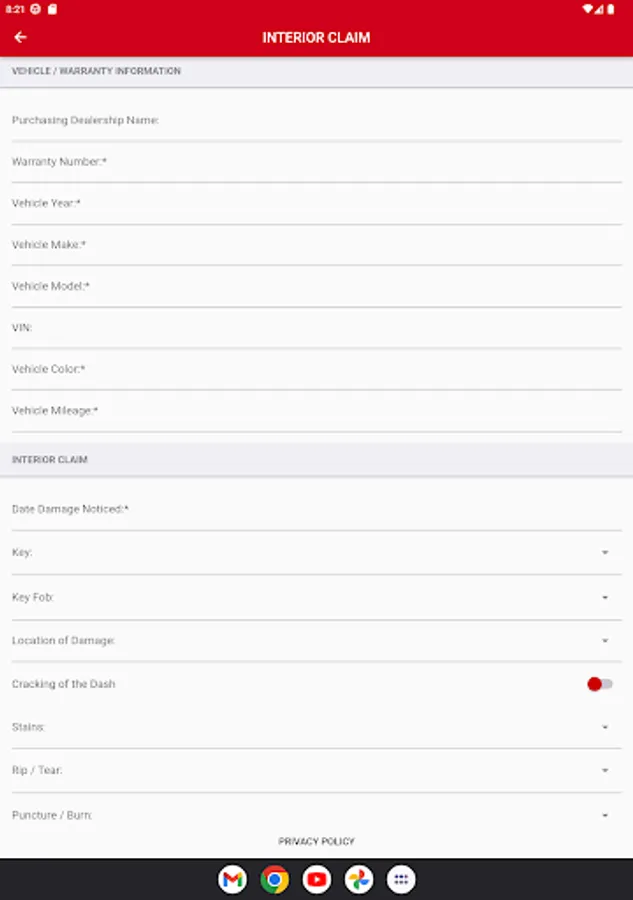
- Select the options to fill in the information for you claim.
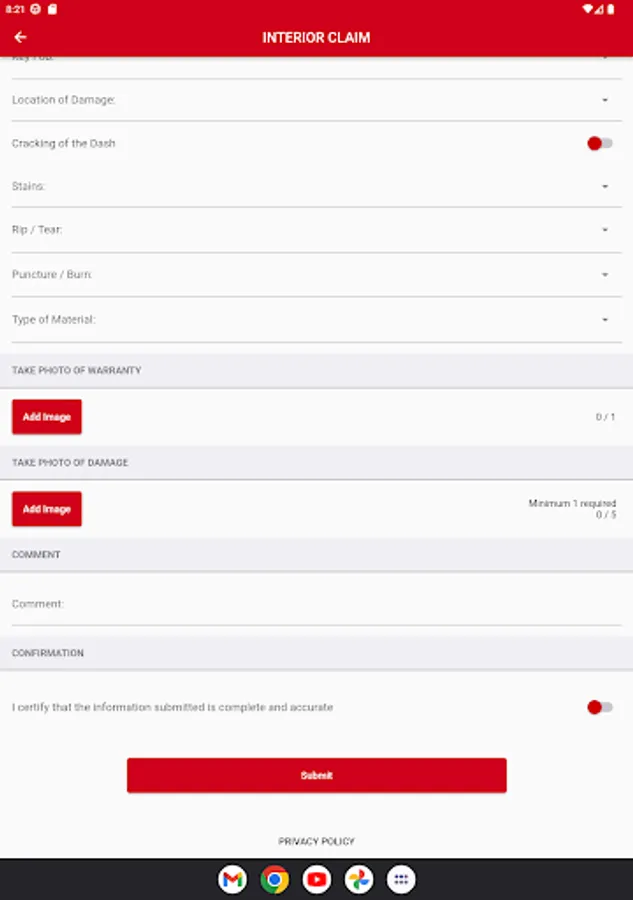
- For Interior and Exterior Claims, you can supply up to 5 photos with your claim.
Once you have submitted your claim, you will receive notification if your claim was properly processed through.
If you receive an error notification, you can easily click back and re-try your claim submission. Claims that are
successfully processed will contact you within two business days. If you have any questions or concerns, please
contact ECP Claims at 800-323-3521.
Note: ECP recommends that if you are submitting a claim with photos to be connected to a wireless network.
Depending on your carrier, additional time may be needed to upload the photos to the ECP servers if your data
network connection is running slow.
ECP Claims Screenshots
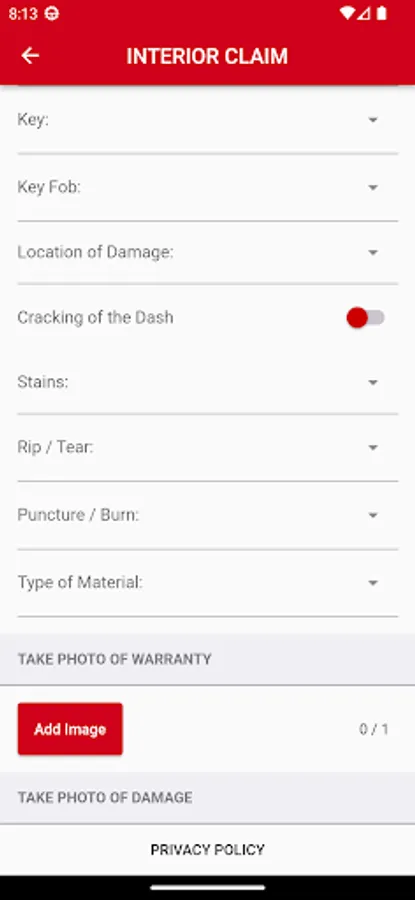
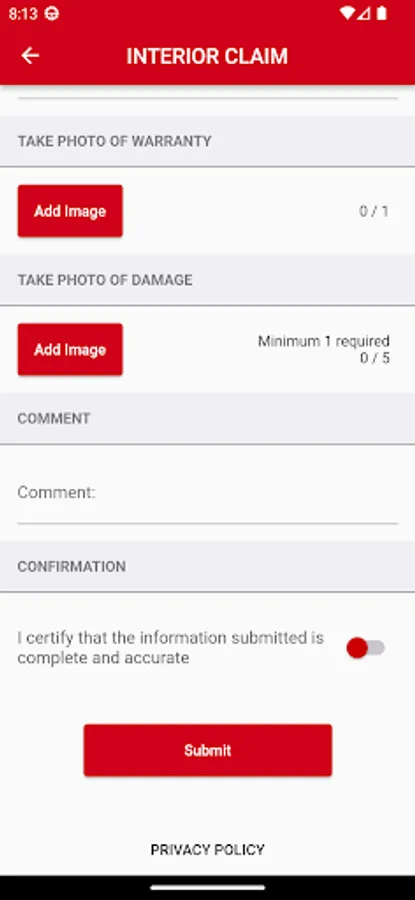
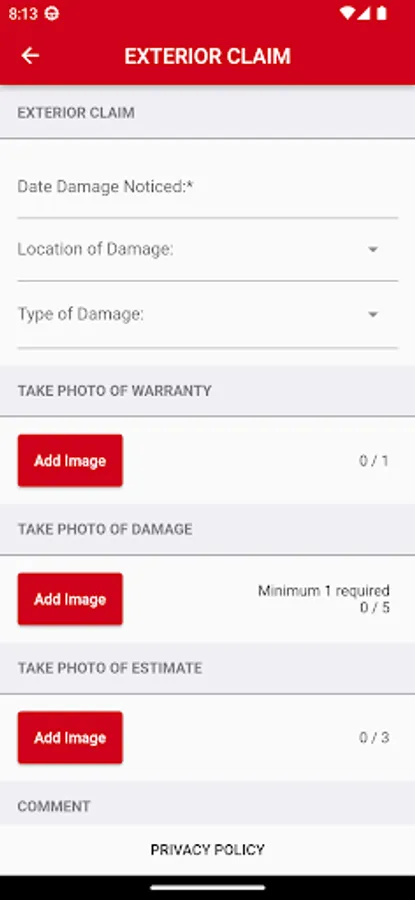
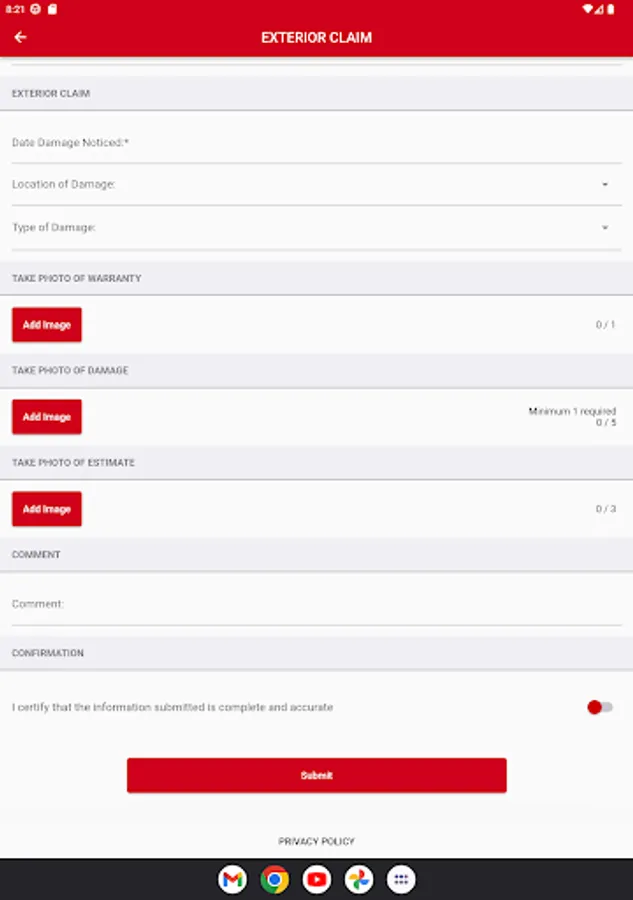
Tap to Rate:
Reviews for ECP Claims
Brock Kerr
7/10/2025
Fantastic Company, took care of some damage in my vehicle no questions asked. Highly Recommend
Martha Malek
3/21/2024
This is something extra protection you can get when buying your car. My contract is valid for 7 years. I'm 2 years into their system. I'm happy with the services. The Armor-all coating is great. No water spots the windshield stays cleared off when it rains and bugs wash off the car body easily. The 1st Claim I filed was for car dents. The claim was fast and simple. I don't pay money for the repairs. New bodywork & painted The car needs a new coat. A-1 comp. Saved me $. Happy with them. 5 Stars**