
AppRecs review analysis
AppRecs rating 3.3. Trustworthiness 77 out of 100. Review manipulation risk 26 out of 100. Based on a review sample analyzed.
★★★☆☆
3.3
AppRecs Rating
Ratings breakdown
5 star
29%
4 star
14%
3 star
29%
2 star
29%
1 star
0%
What to know
✓
Low review manipulation risk
26% review manipulation risk
✓
Credible reviews
77% trustworthiness score from analyzed reviews
✓
Authentic reviews
No red flags detected
About MyJABLOTRON
The MyJABLOTRON application is designed for owners and users of Jablotron alarm systems. It allows you to monitor and control your Jablotron alarm system remotely from your phone.
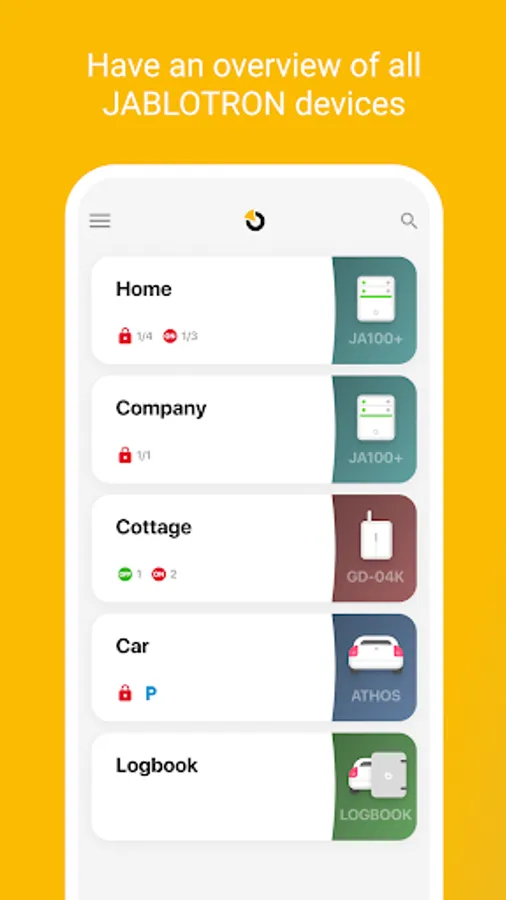
With the application you'll be able to control your Jablotron 100, OASIS, AZOR, GD-04K or ATHOS alarm systems and view the Logbook of supported devices such as tracking units or car alarms.
With our application you'll be able to:
- See all of your Jablotron systems under one account
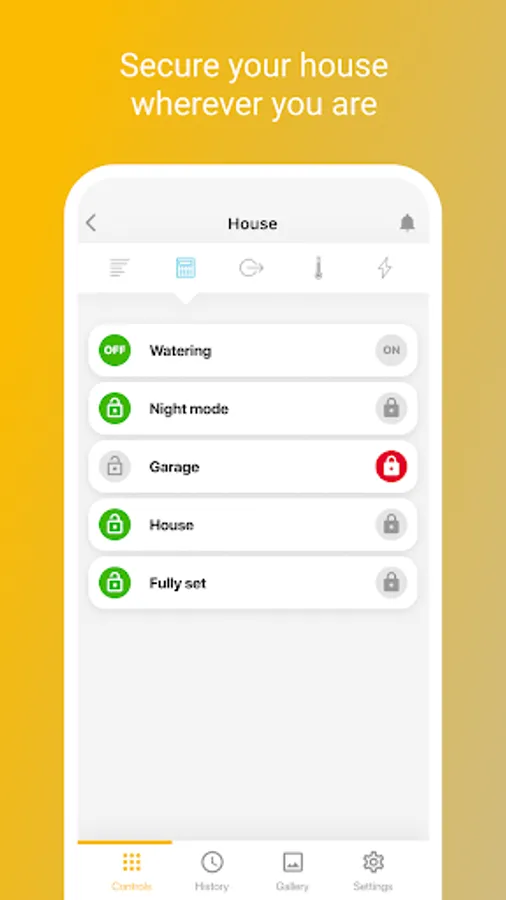
- ARM/DISARM the whole system or selected sections
- Switch ON / Switch OFF programmable outputs in your system
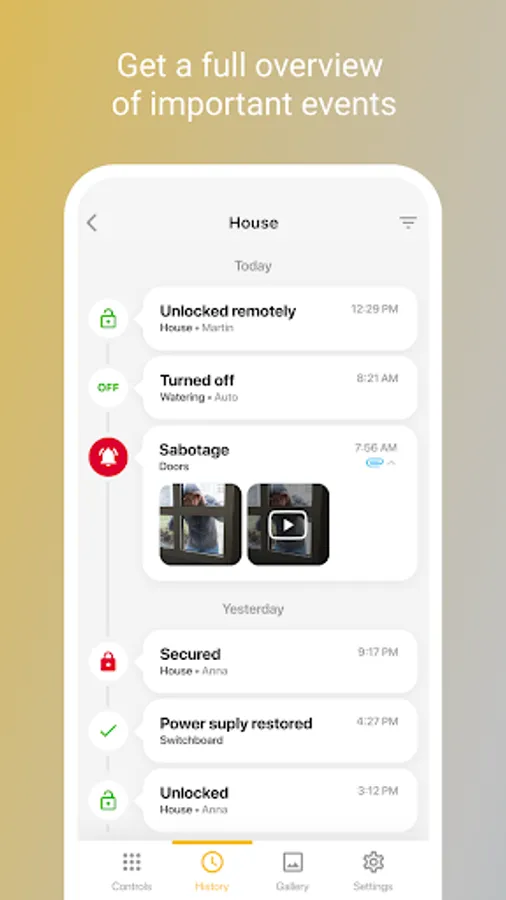
- Check the current status and event history of the system
- Set up notifications (arming, disarming, alarms, pictures and more) for selected contacts using SMS, EMAIL or PUSH notification
- Share your alarm system with your family, friends or colleagues
- Changing the user code
- Blocking a device
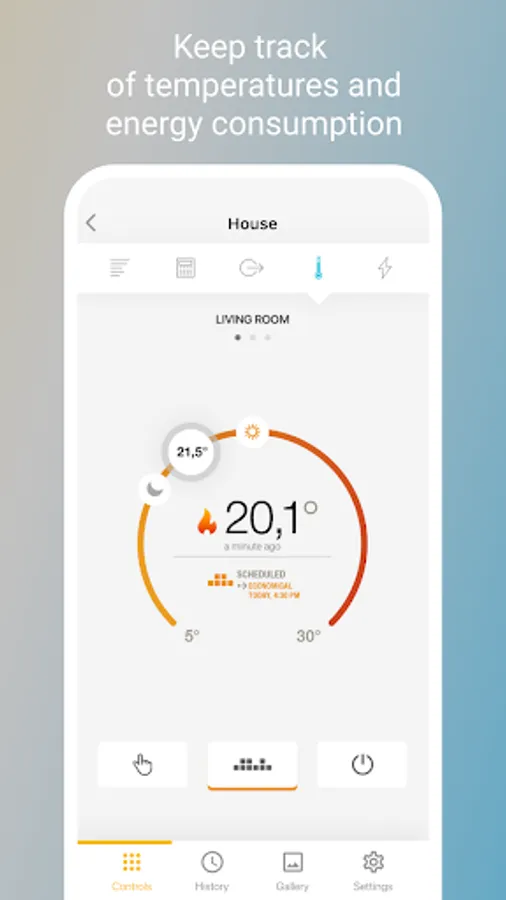
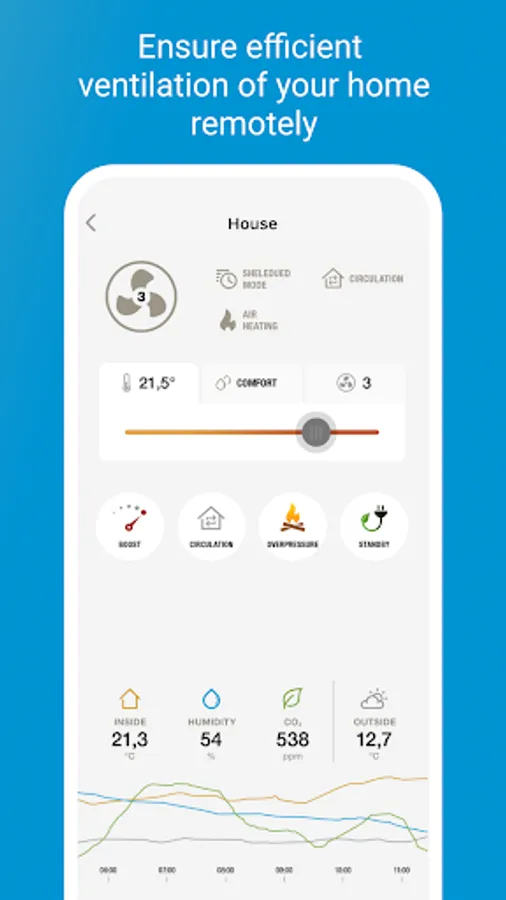
- View graphs of installed thermometers or pulse meters
- Browse images from your devices
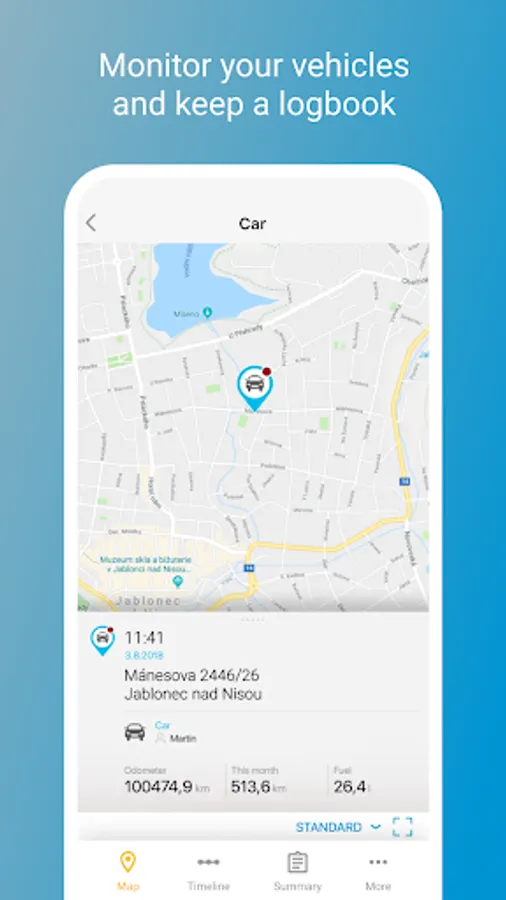
- View the position of your cars
- Use complete fleet management (driver, car, fuel purchases and history of your routes)
- Landscape mode for photos
Before you can use this application and control your alarm system via MyJABLOTRON, the system must be registered to the Jablotron Cloud service.
You may register by yourself at www.myjablotron.com or contact any Jablotron certified service partner. Once the registration is finished you will receive your account information using the email address provided during the process. This will allow you to control your alarm system via the jablonet.net website as well as using this application.
A note to our users: For your convenience and security, while it is being used the application needs to check the status of your alarm system frequently (when the application is running in the foreground). This may affect the battery life of your phone.
With the application you'll be able to control your Jablotron 100, OASIS, AZOR, GD-04K or ATHOS alarm systems and view the Logbook of supported devices such as tracking units or car alarms.
With our application you'll be able to:
- See all of your Jablotron systems under one account
- ARM/DISARM the whole system or selected sections
- Switch ON / Switch OFF programmable outputs in your system
- Check the current status and event history of the system
- Set up notifications (arming, disarming, alarms, pictures and more) for selected contacts using SMS, EMAIL or PUSH notification
- Share your alarm system with your family, friends or colleagues
- Changing the user code
- Blocking a device
- View graphs of installed thermometers or pulse meters
- Browse images from your devices
- View the position of your cars
- Use complete fleet management (driver, car, fuel purchases and history of your routes)
- Landscape mode for photos
Before you can use this application and control your alarm system via MyJABLOTRON, the system must be registered to the Jablotron Cloud service.
You may register by yourself at www.myjablotron.com or contact any Jablotron certified service partner. Once the registration is finished you will receive your account information using the email address provided during the process. This will allow you to control your alarm system via the jablonet.net website as well as using this application.
A note to our users: For your convenience and security, while it is being used the application needs to check the status of your alarm system frequently (when the application is running in the foreground). This may affect the battery life of your phone.
MyJABLOTRON Screenshots
Tap to Rate:
Reviews for MyJABLOTRON
Marek Číž
7/9/2025
manageling the schedule is impossible. UX hell. not enough tooltips
Haytham Olwan
12/20/2024
Awful experience, specially with the widgets. -- Update -- Widgets aren't able to do its job without logging in to the app, support tried to help but unfortunately couldn't.