
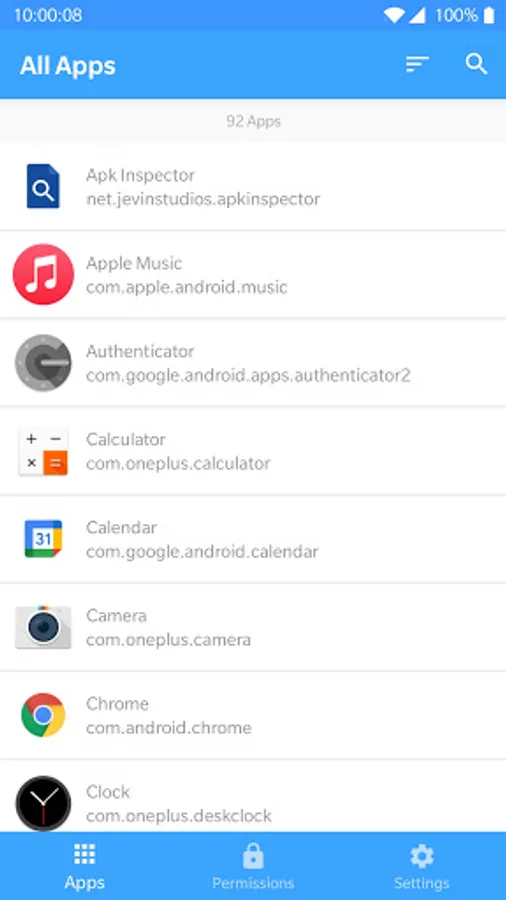
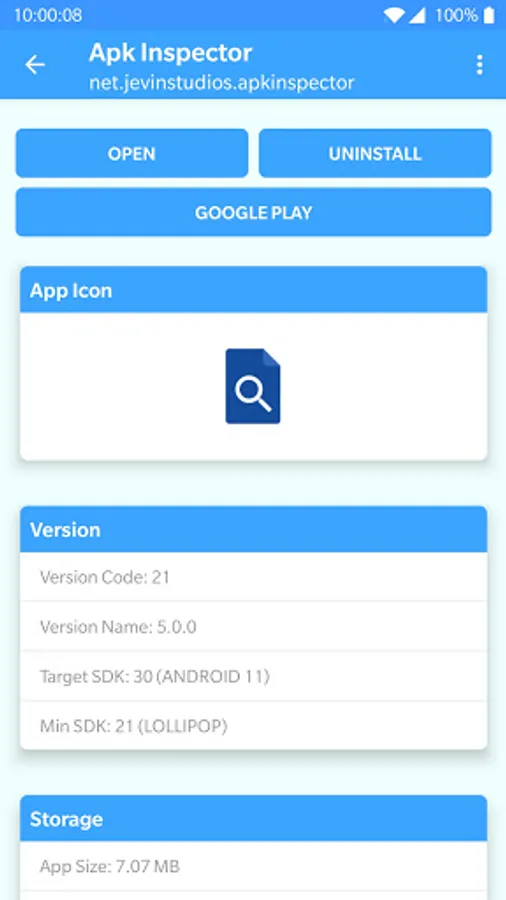
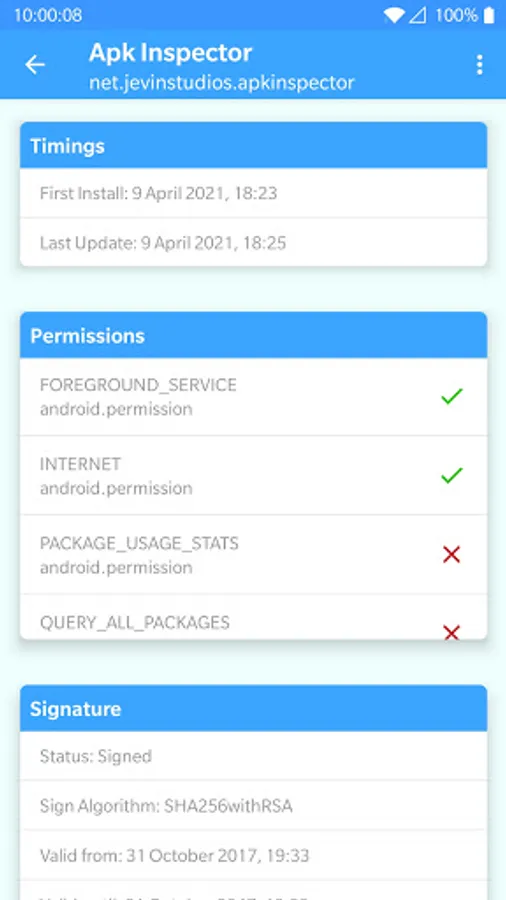
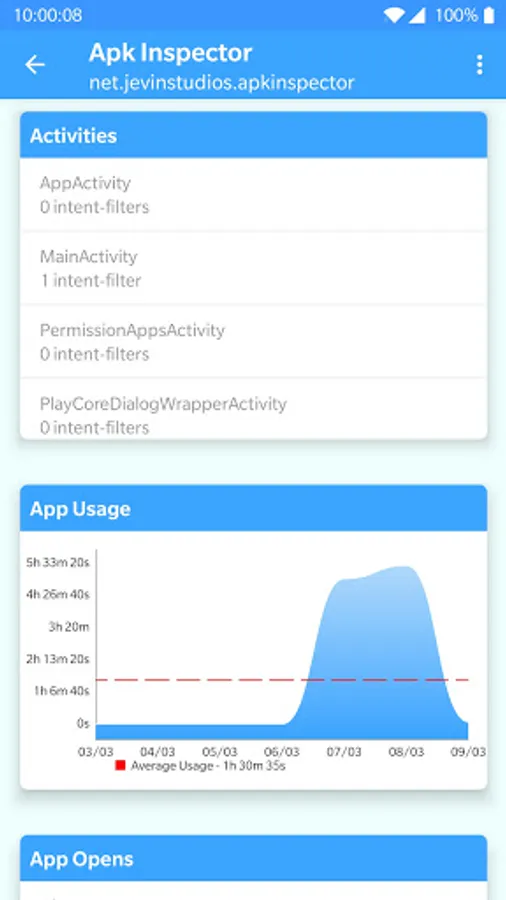
In this app, you can view detailed information about installed applications including permissions, storage, and usage statistics. Includes app icons, version details, storage data, timing info, permissions, signatures, activities, network usage, and features for sharing and managing apps.
AppRecs review analysis
AppRecs rating 4.4. Trustworthiness 0 out of 100. Review manipulation risk 0 out of 100. Based on a review sample analyzed.
★★★★☆
4.4
AppRecs Rating
Ratings breakdown
5 star
77%
4 star
5%
3 star
10%
2 star
0%
1 star
10%
What to know
✓
High user satisfaction
81% of sampled ratings are 4+ stars (4.4★ average)
✓
Authentic reviews
No red flags detected
About Apk Inspector
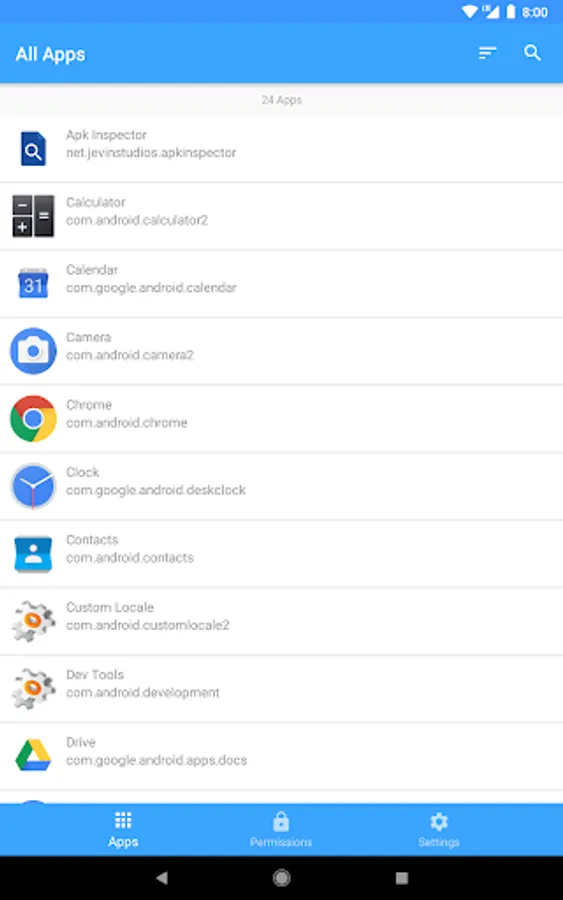
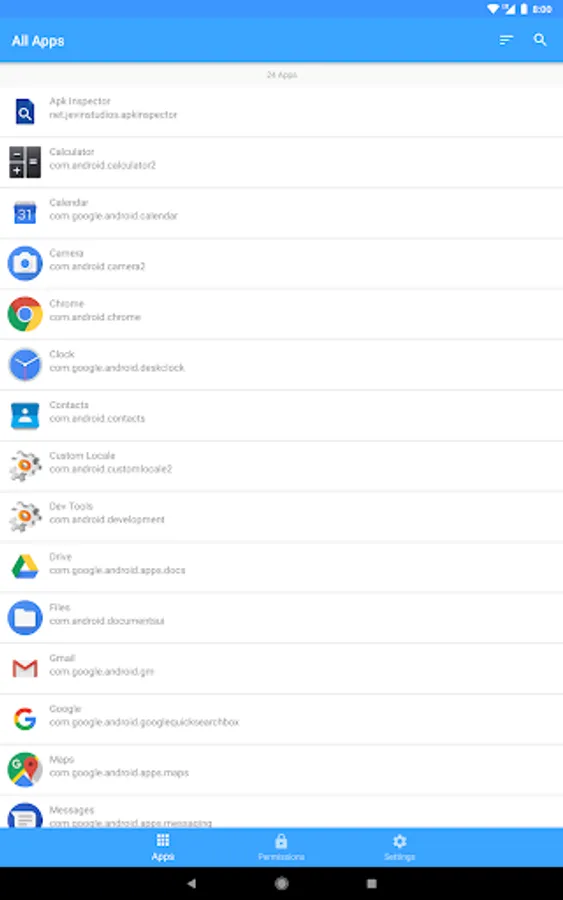
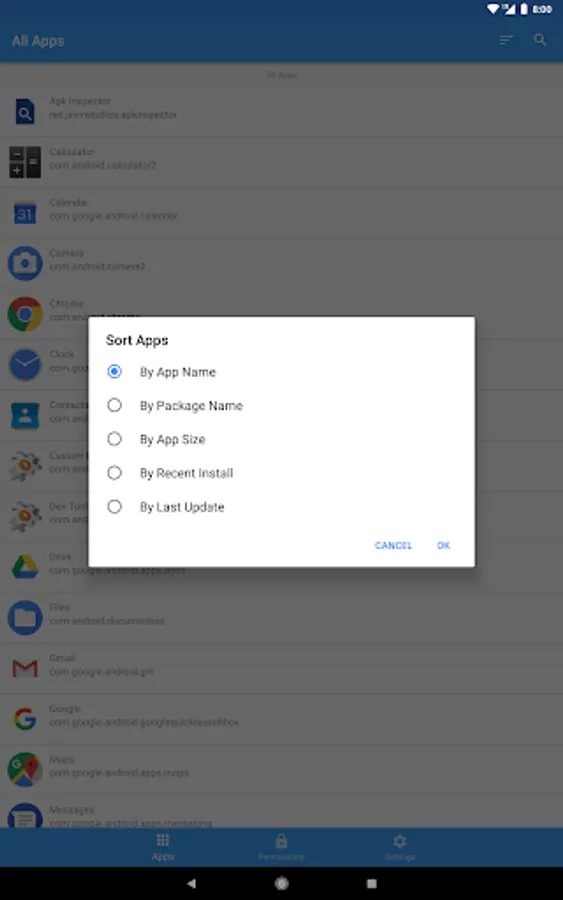
This app allows you to look at all the apps installed on your device and look at their information. These include:
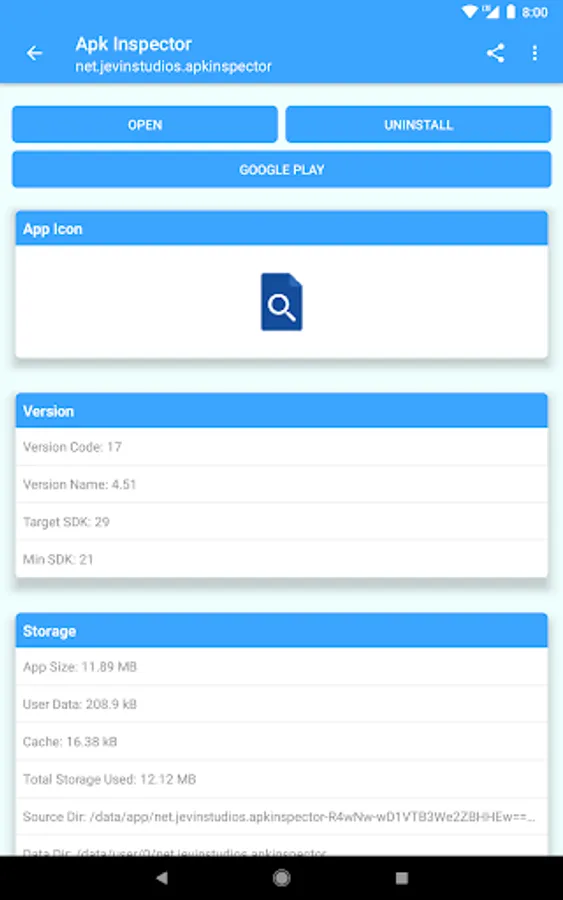
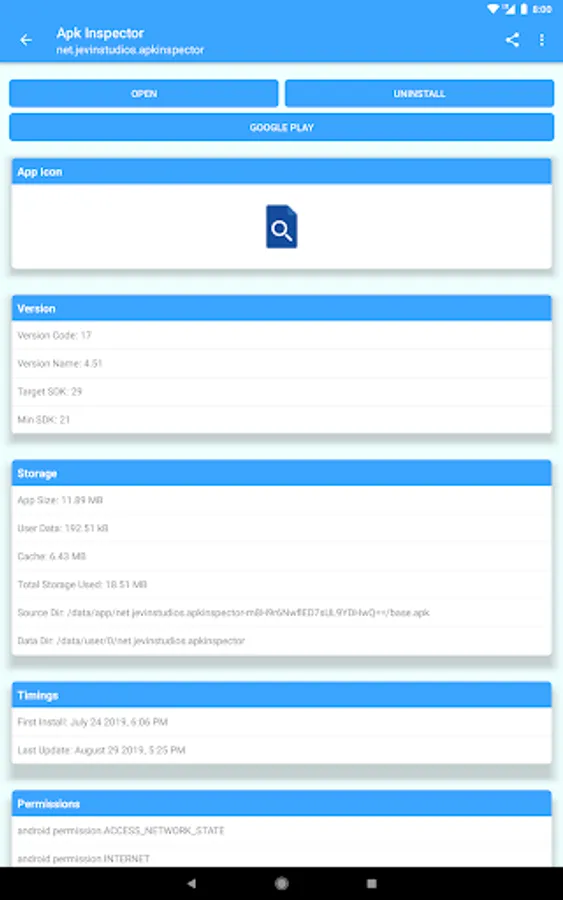
- App Icon
- Version (Version Code, Version Name, Target SDK & Min SDK)
- Storage (App Size, User Data, Cache, Total Storage Used, Source Dir & Data Dir)
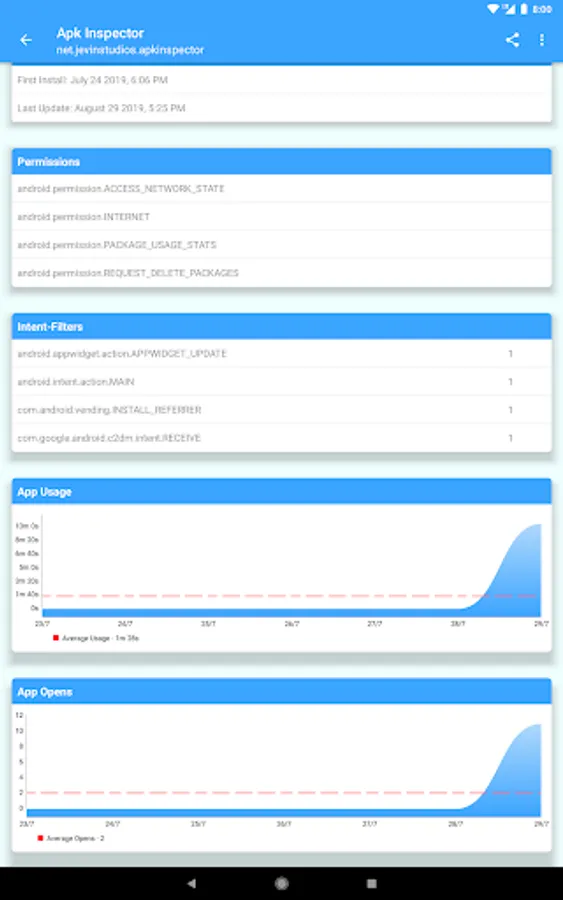
- Timings (First Install & Last Update Times)
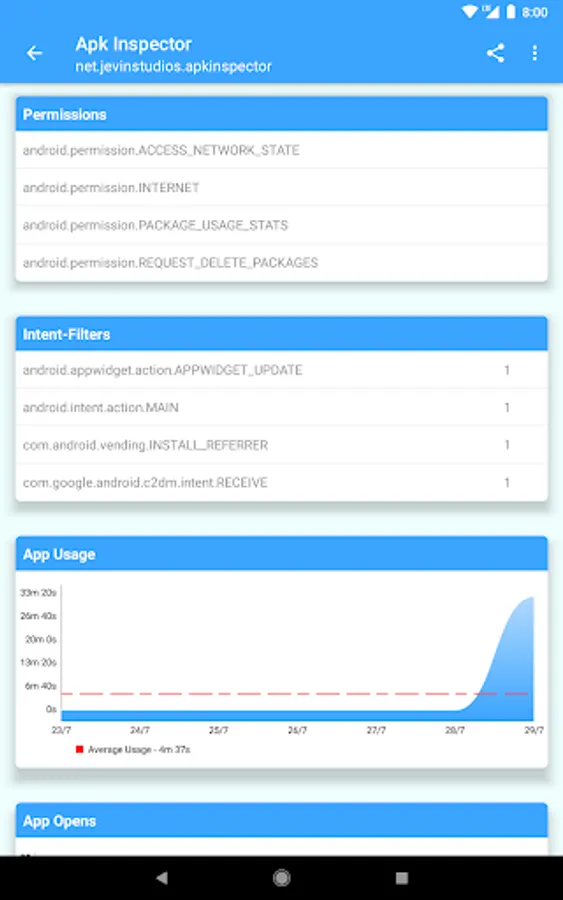
- Permissions (Permission Name, Description & Granted Status)
- Signature (Status, Sign Algorithm, Valid From Date & Valid Until Dates)
- Activities (Activity Name & Intent-Filters)
- App Usage (Time spent on app every day)
- App Opens (Number of times app is opened every day)
- Network Usage (Wifi + Cellular usage)
Share the .APK file as well as the app icon with your friends from here. Apk Inspector also provides shortcuts to open, uninstall and view your apps in Google Play.
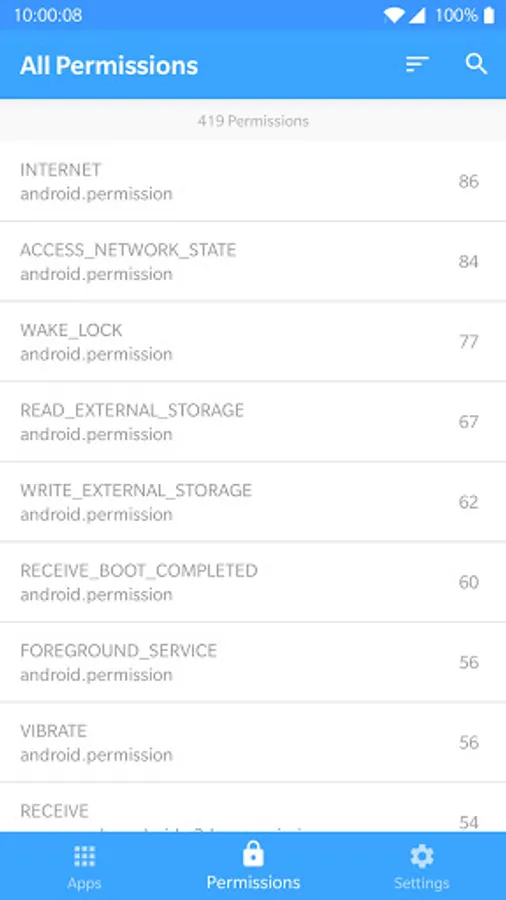
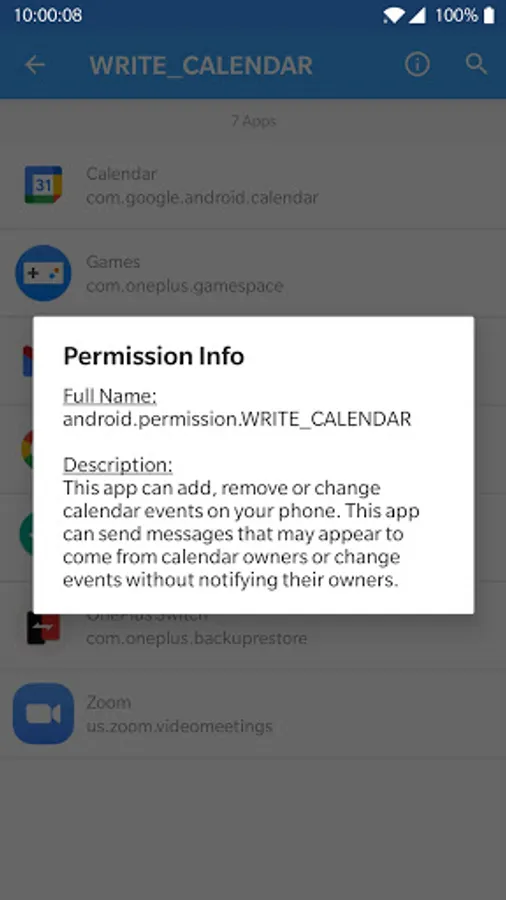
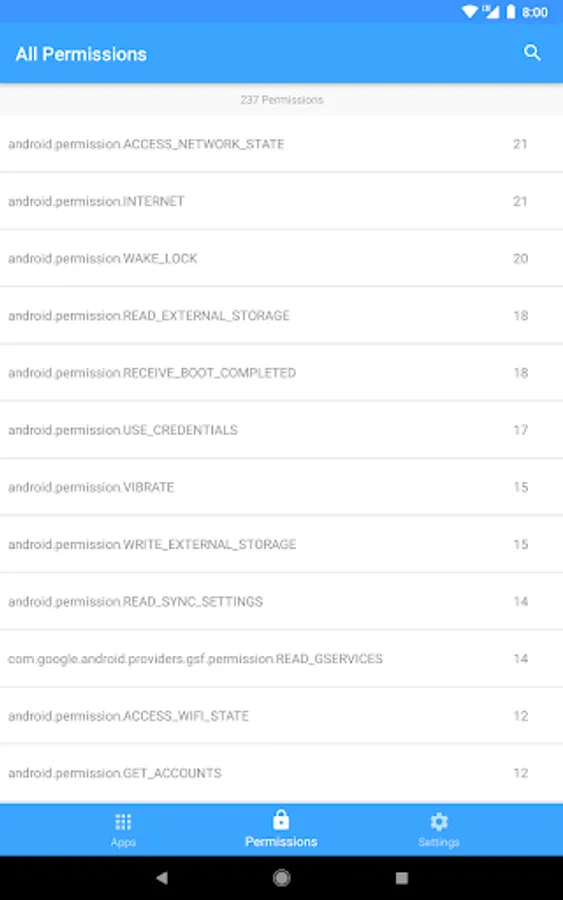
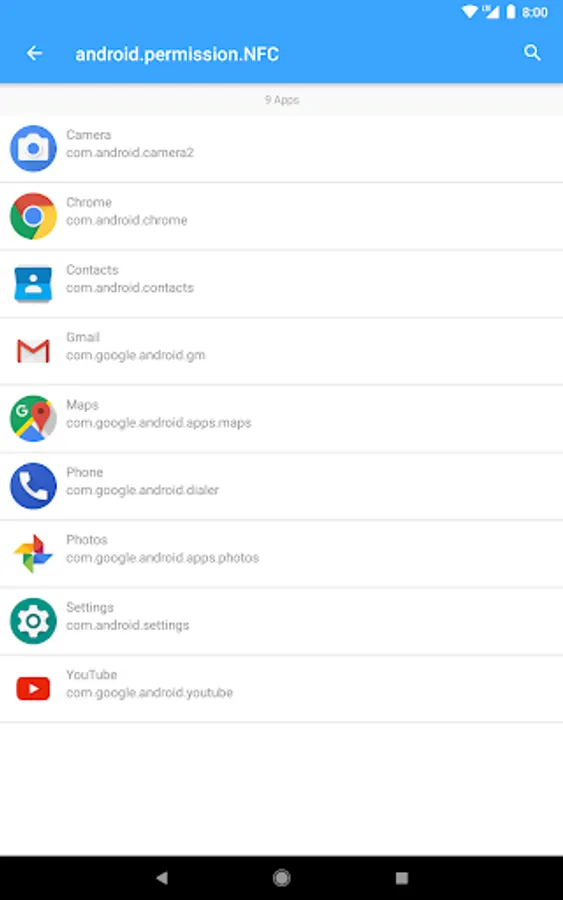
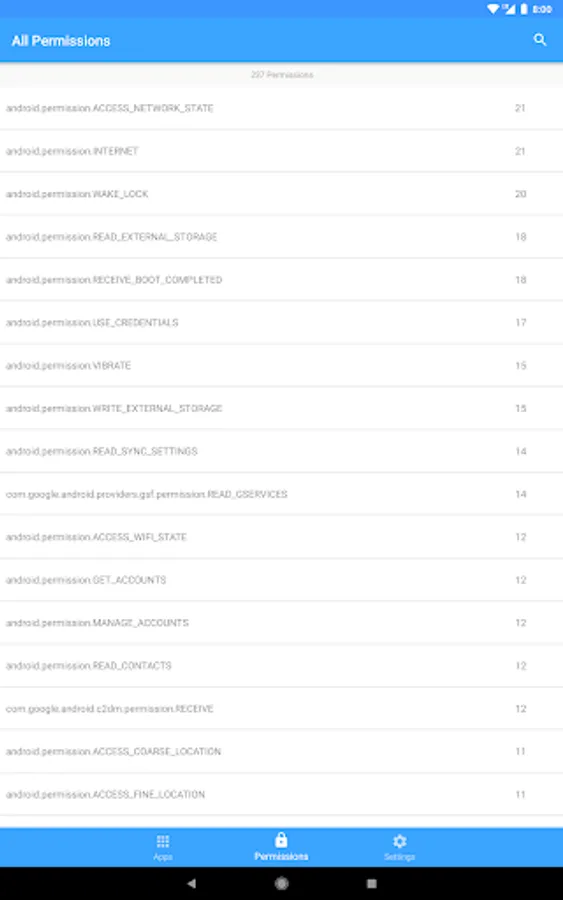
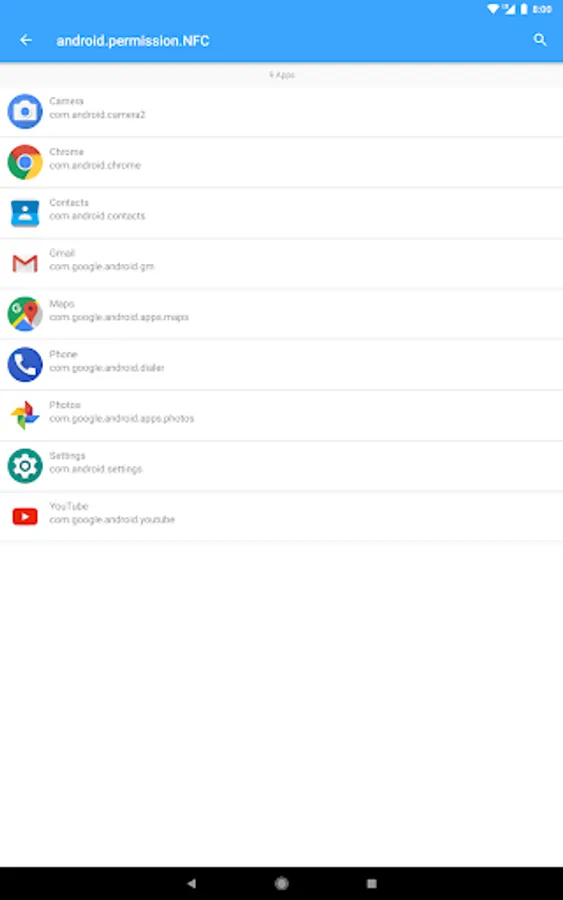
You can also search all permissions that have been requested by apps on your device and find apps based on a certain permission
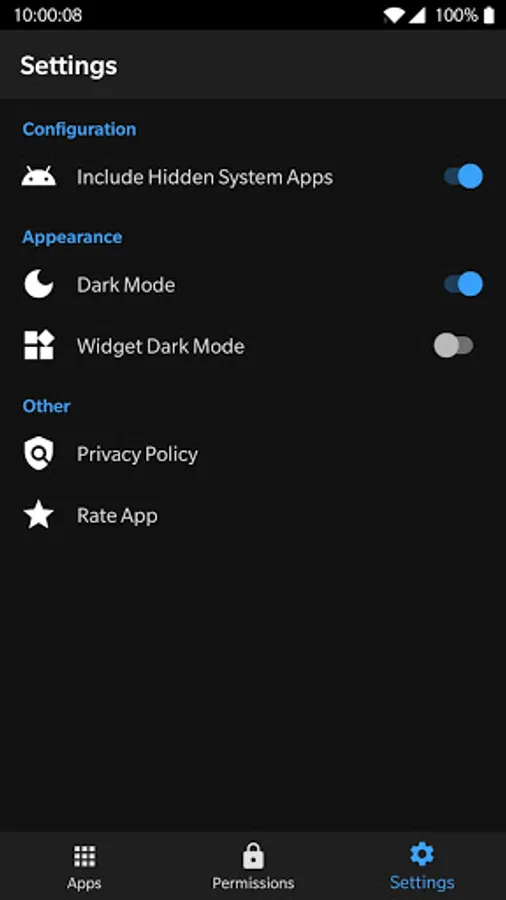
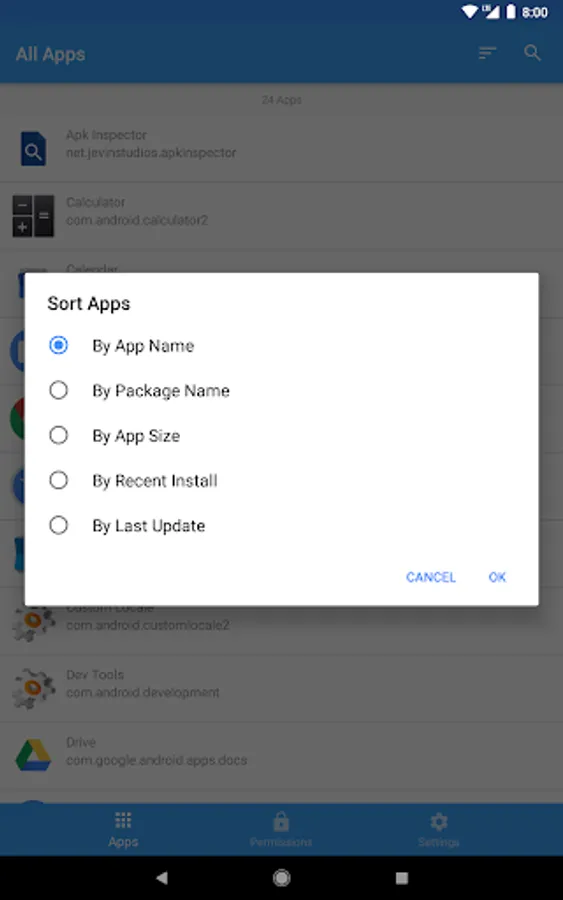
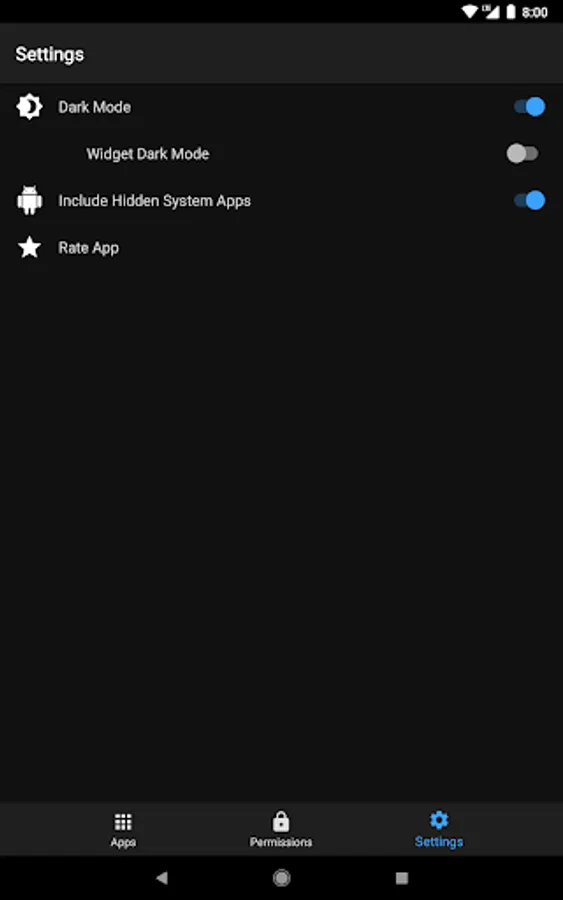
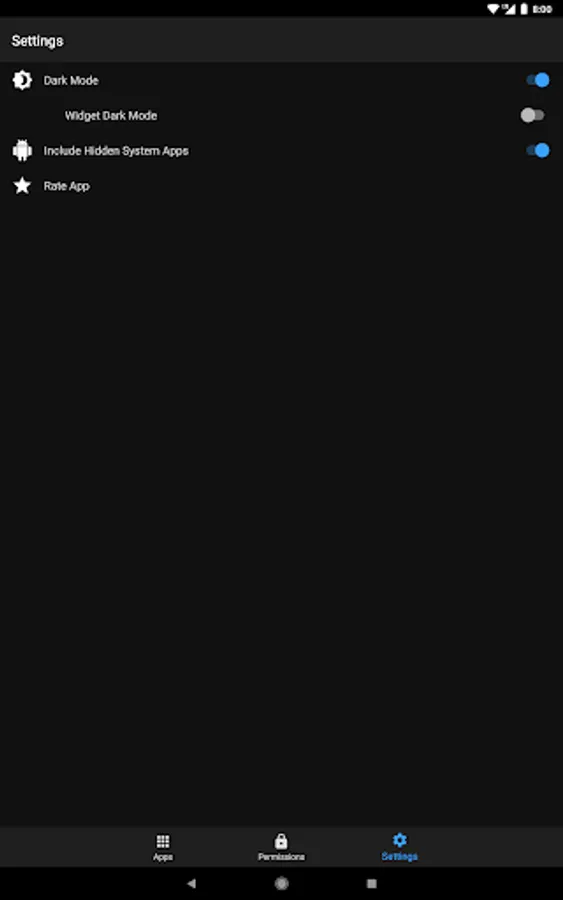
Customise your experience by enabling dark mode in the settings tab and choose whether to include the hidden system apps on your phone.
Every review is greatly appreciated and feel free to send us feedback on what we could improve on (info@jevinstudios.net).
- App Icon
- Version (Version Code, Version Name, Target SDK & Min SDK)
- Storage (App Size, User Data, Cache, Total Storage Used, Source Dir & Data Dir)
- Timings (First Install & Last Update Times)
- Permissions (Permission Name, Description & Granted Status)
- Signature (Status, Sign Algorithm, Valid From Date & Valid Until Dates)
- Activities (Activity Name & Intent-Filters)
- App Usage (Time spent on app every day)
- App Opens (Number of times app is opened every day)
- Network Usage (Wifi + Cellular usage)
Share the .APK file as well as the app icon with your friends from here. Apk Inspector also provides shortcuts to open, uninstall and view your apps in Google Play.
You can also search all permissions that have been requested by apps on your device and find apps based on a certain permission
Customise your experience by enabling dark mode in the settings tab and choose whether to include the hidden system apps on your phone.
Every review is greatly appreciated and feel free to send us feedback on what we could improve on (info@jevinstudios.net).
Apk Inspector Screenshots
Tap to Rate: