Phoenix Weighing Scale
Nitiraj Engineers Ltd.
3.0 ★
store rating
1,000,000+
downloads
Free
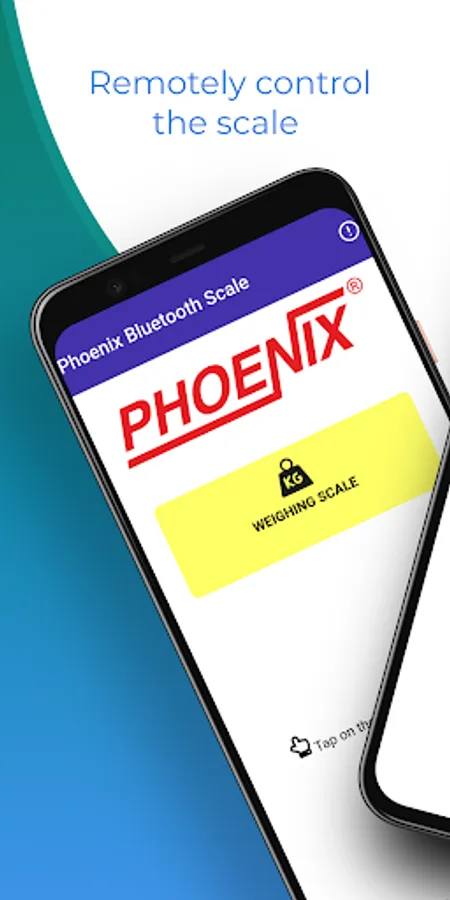
With this weighing scale app, you can remotely control Phoenix scales via Bluetooth and operate key functions. Includes device connection management and troubleshooting support.
AppRecs review analysis
AppRecs rating 2.3. Trustworthiness 80 out of 100. Review manipulation risk 33 out of 100. Based on a review sample analyzed.
★★☆☆☆
2.3
AppRecs Rating
Ratings breakdown
5 star
42%
4 star
6%
3 star
6%
2 star
0%
1 star
45%
What to know
✓
Credible reviews
80% trustworthiness score from analyzed reviews
⚠
Review quality concerns
91% of sampled 5-star reviews are very short
⚠
High negative review ratio
45% of sampled ratings are 1–2 stars
About Phoenix Weighing Scale
Phoenix Weighing Scale App --
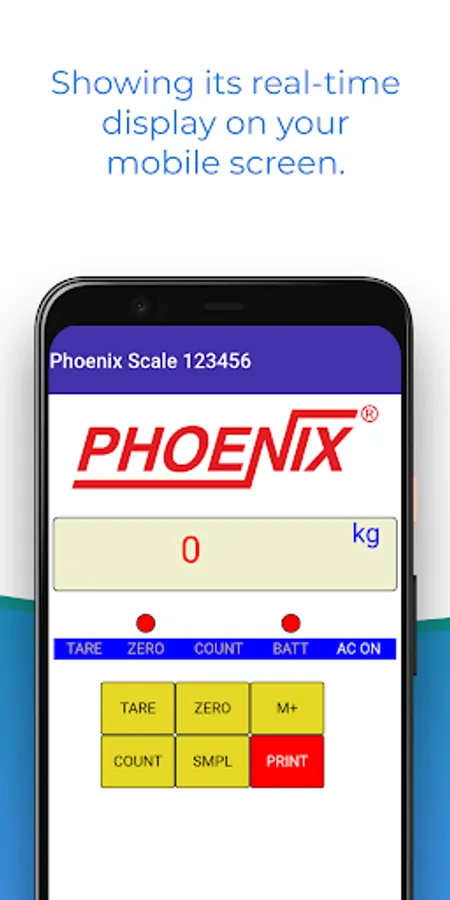
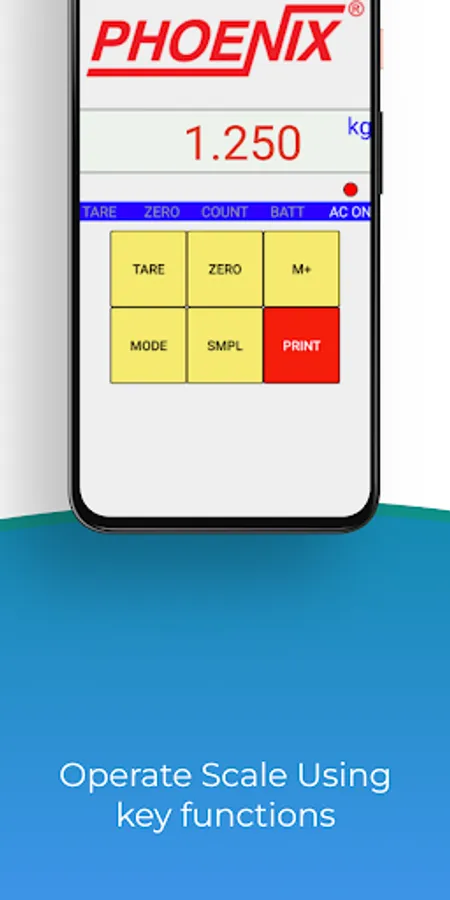
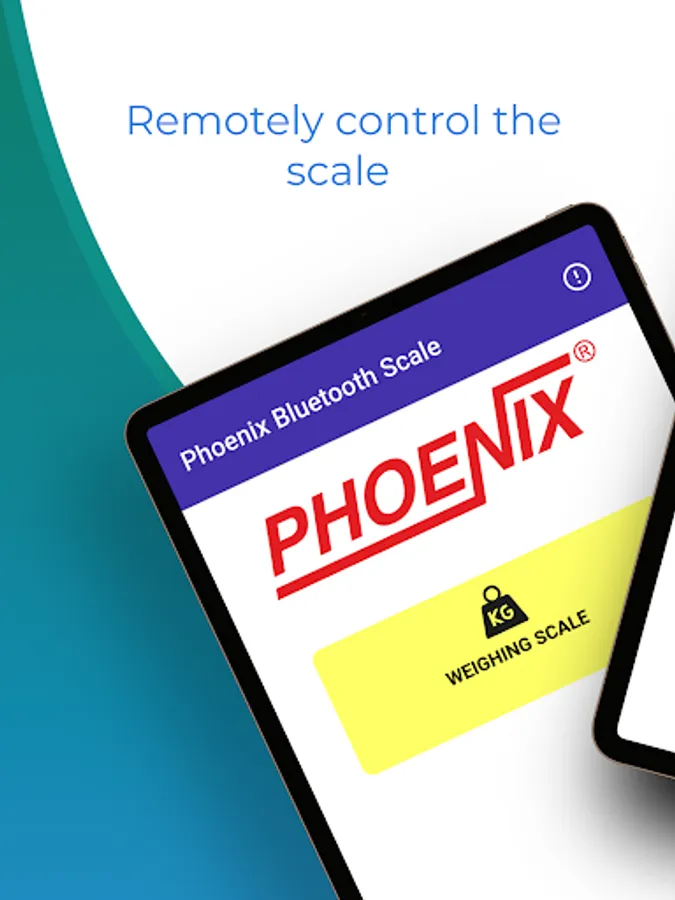
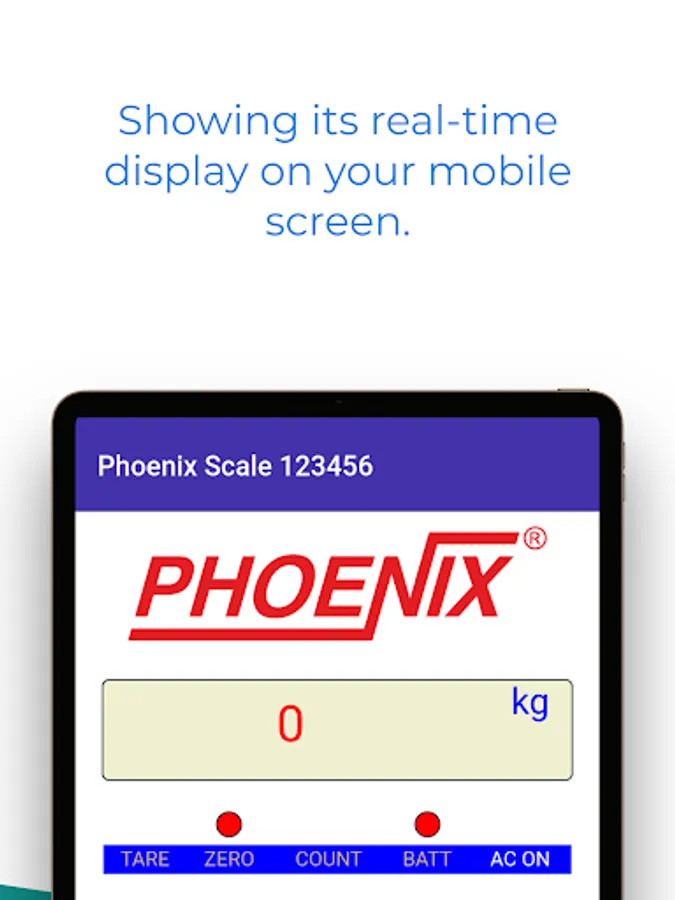
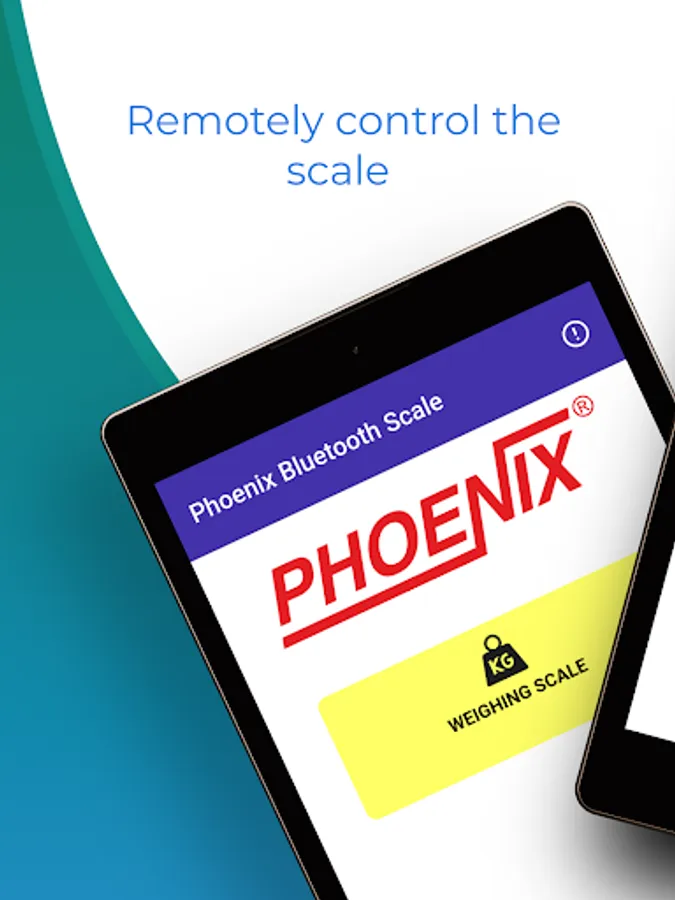
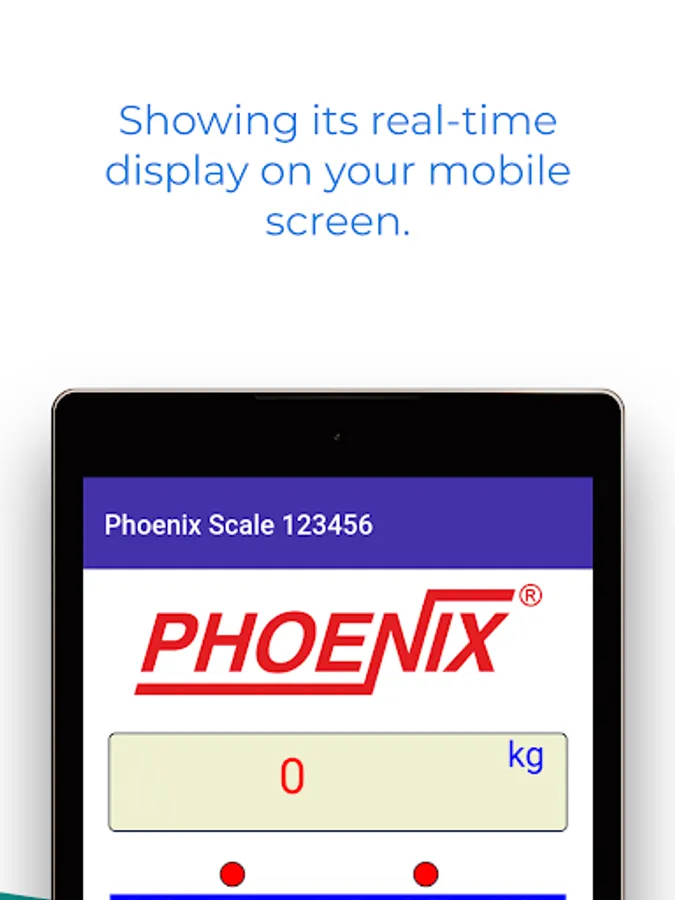
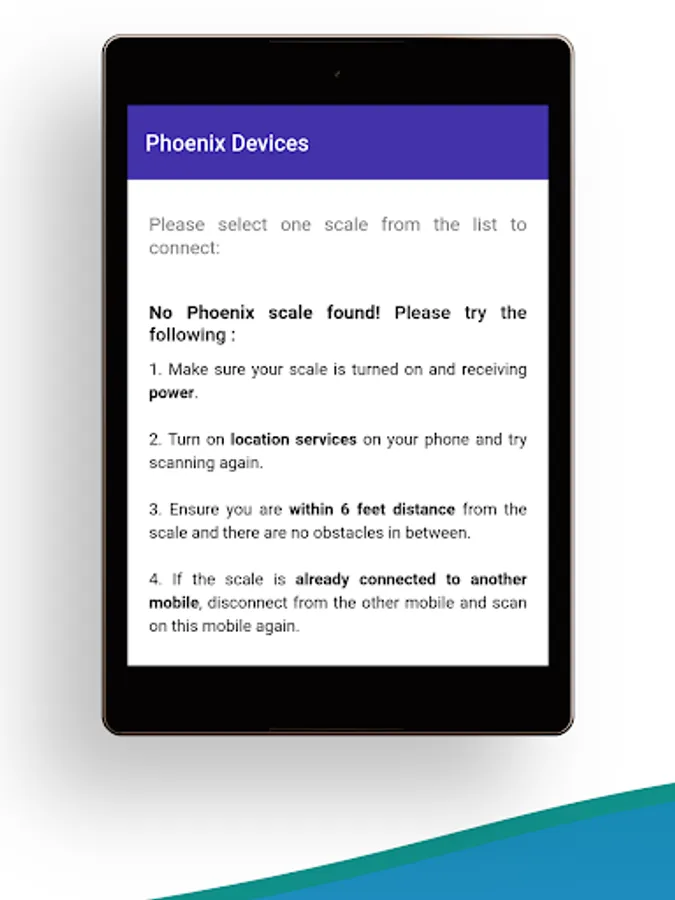
It can connect to any of your Phoenix scales via Bluetooth. It enables you to remotely control the scale showing its real-time display on your mobile screen. You can also operate the scale using key functions through the app.
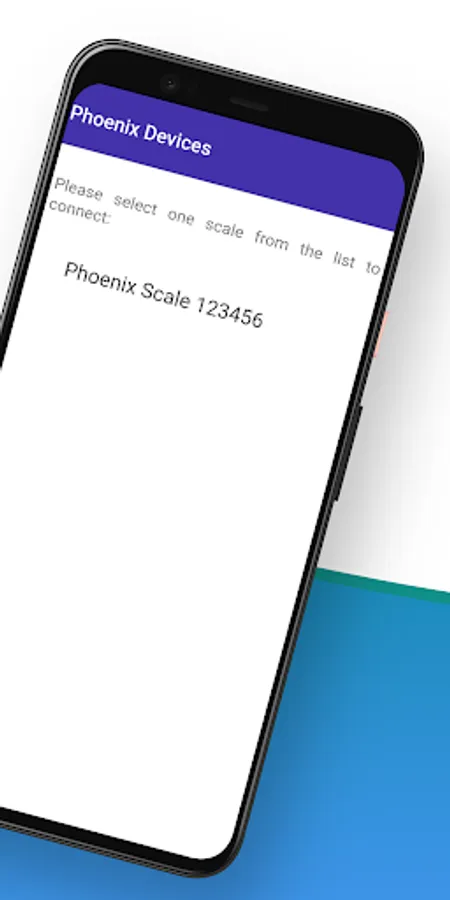
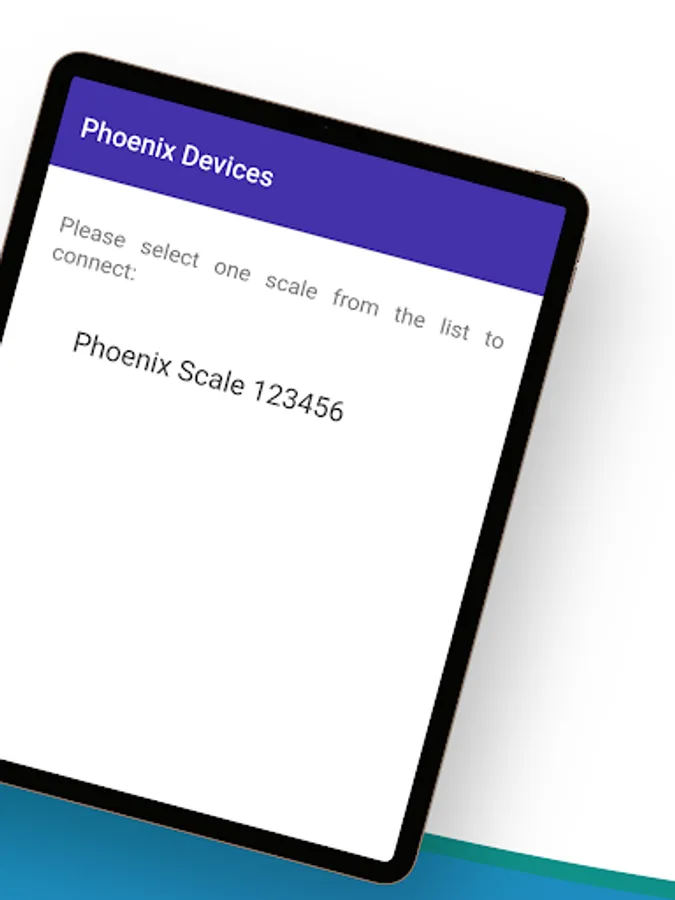
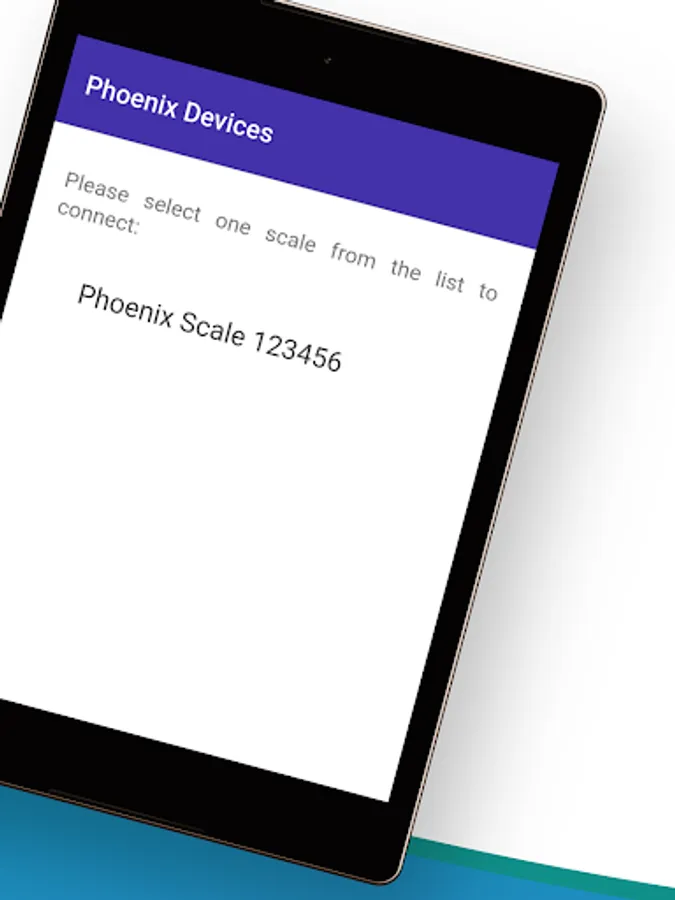
You can also select a particular Phoenix scale to operate from a list of active scales.
This app, with its easy and friendly UI, makes Phoenix scales even smarter!
https://www.nitiraj.net/Product/Phoenix-Bluetooth-App
What's New in the APP -
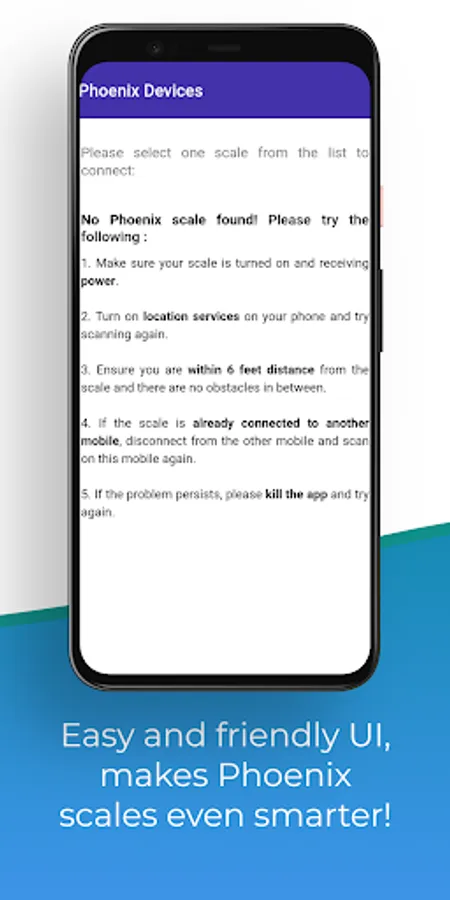
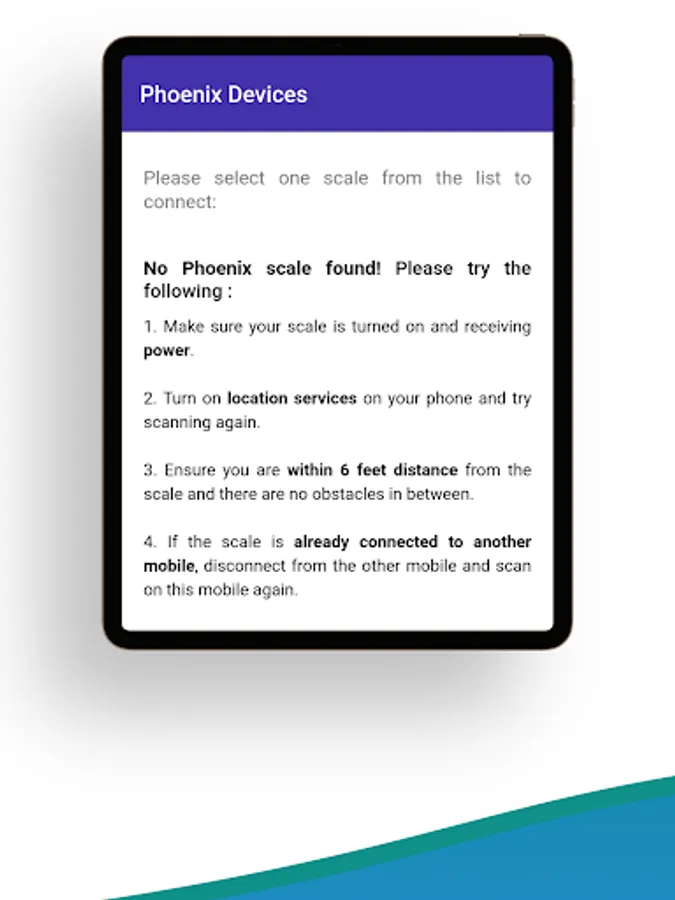
*Added troubleshooting section for what needs to do when no phonix scale is found.
*Improved Performance
*Support for new devices
*Support for Android 9+ was added.
*minor fixes to layout, prevent overlapping issues.
*stability issues were addressed - some undefined identifiers were removed.
TROUBLESHOOTING
Here are some tips to combat some common problems. (However, with so many different devices, there isn't an easily accessible solution to every problem)
❖ Make sure the Bluetooth device is in range
❖ Disable Airplane mode if it is on
❖ Pull down in the main page to refresh the view and search for devices
❖ Try turning on/off Bluetooth again (both the Bluetooth device and the Android device)
❖ Contact us for help!
FEATURES
★ Support for Android 6.0+
★ Automatically connect to any Bluetooth enabled device
★ Simple and intuitive interface
FAQ
✤ Why is Bluetooth Pair asking for location permission?!?
✦ Location Permission is required on Android 6.0+ for Bluetooth device scanning. This is due to the fact that nowadays, Bluetooth Beacons can technically be used to identify a device's whereabouts.
✤ Bluetooth isn't connecting, what should I do?
✦ Try one of the various solutions suggested in the troubleshooting section. If all else fails, search for an answer online or contact us!
✤ This app isn't working, should I leave a bad review?
✦ Stay calm! This app is in continuous development. A negative review doesn't attract attention nor incentivize us to quickly fix the problem. Send us the error report and/or reach out to us through email. Thanks for understanding!
✤ I love this app! How can I support it?
✦ A positive review would mean the world to us! Spread your love for this app through kind words and multiple stars ;) Also, share with your friends! Finally, check out some of the other apps made by us! Thanks!
HELP US IMPROVE
Help us improve by giving us ratings and reviews! If you would like to help translate Bluetooth Pair, email us and we will message you with information!
For questions and comments, send us an email at response@nitiraj.net !
Thank you!
It can connect to any of your Phoenix scales via Bluetooth. It enables you to remotely control the scale showing its real-time display on your mobile screen. You can also operate the scale using key functions through the app.
You can also select a particular Phoenix scale to operate from a list of active scales.
This app, with its easy and friendly UI, makes Phoenix scales even smarter!
https://www.nitiraj.net/Product/Phoenix-Bluetooth-App
What's New in the APP -
*Added troubleshooting section for what needs to do when no phonix scale is found.
*Improved Performance
*Support for new devices
*Support for Android 9+ was added.
*minor fixes to layout, prevent overlapping issues.
*stability issues were addressed - some undefined identifiers were removed.
TROUBLESHOOTING
Here are some tips to combat some common problems. (However, with so many different devices, there isn't an easily accessible solution to every problem)
❖ Make sure the Bluetooth device is in range
❖ Disable Airplane mode if it is on
❖ Pull down in the main page to refresh the view and search for devices
❖ Try turning on/off Bluetooth again (both the Bluetooth device and the Android device)
❖ Contact us for help!
FEATURES
★ Support for Android 6.0+
★ Automatically connect to any Bluetooth enabled device
★ Simple and intuitive interface
FAQ
✤ Why is Bluetooth Pair asking for location permission?!?
✦ Location Permission is required on Android 6.0+ for Bluetooth device scanning. This is due to the fact that nowadays, Bluetooth Beacons can technically be used to identify a device's whereabouts.
✤ Bluetooth isn't connecting, what should I do?
✦ Try one of the various solutions suggested in the troubleshooting section. If all else fails, search for an answer online or contact us!
✤ This app isn't working, should I leave a bad review?
✦ Stay calm! This app is in continuous development. A negative review doesn't attract attention nor incentivize us to quickly fix the problem. Send us the error report and/or reach out to us through email. Thanks for understanding!
✤ I love this app! How can I support it?
✦ A positive review would mean the world to us! Spread your love for this app through kind words and multiple stars ;) Also, share with your friends! Finally, check out some of the other apps made by us! Thanks!
HELP US IMPROVE
Help us improve by giving us ratings and reviews! If you would like to help translate Bluetooth Pair, email us and we will message you with information!
For questions and comments, send us an email at response@nitiraj.net !
Thank you!